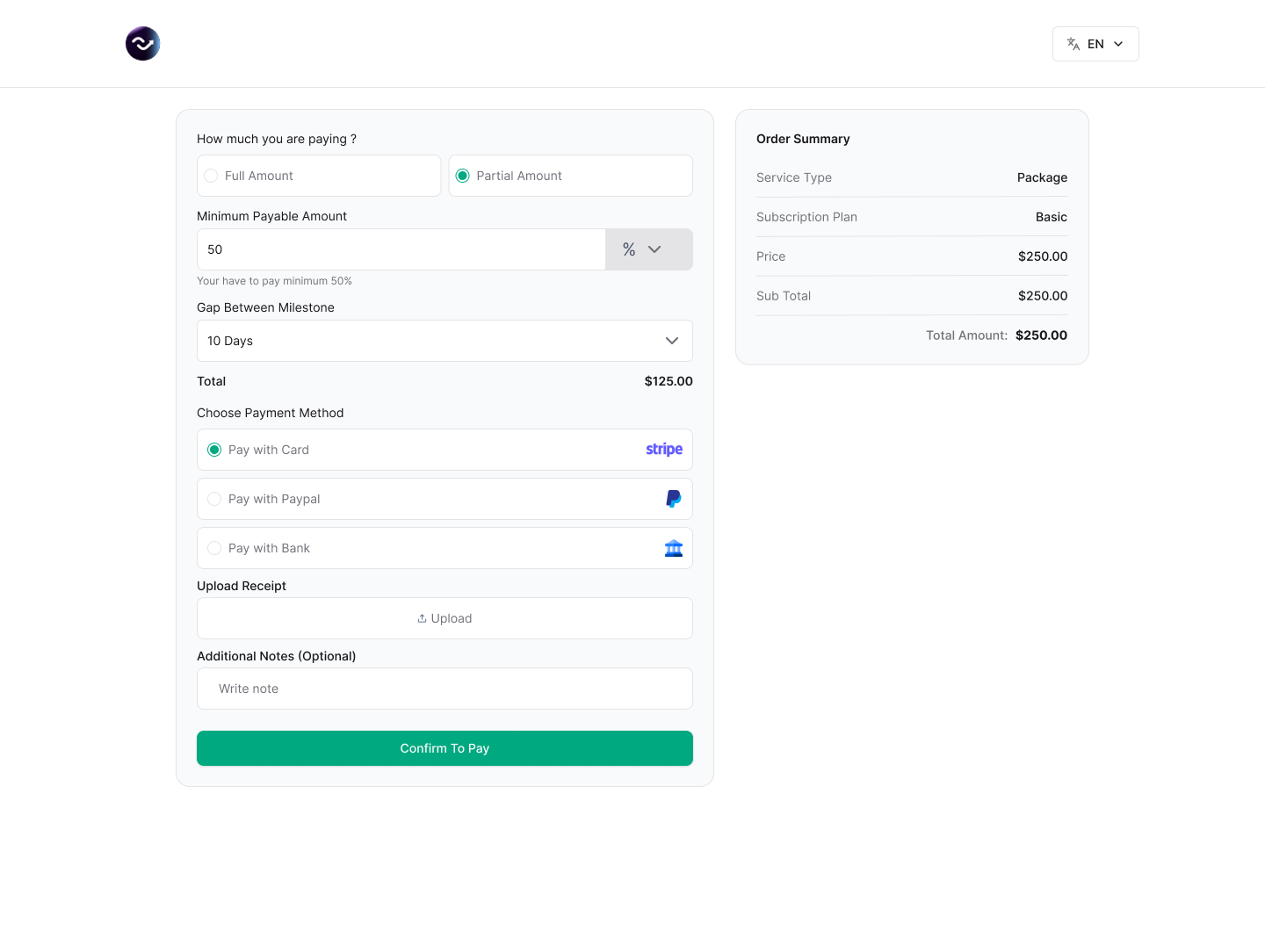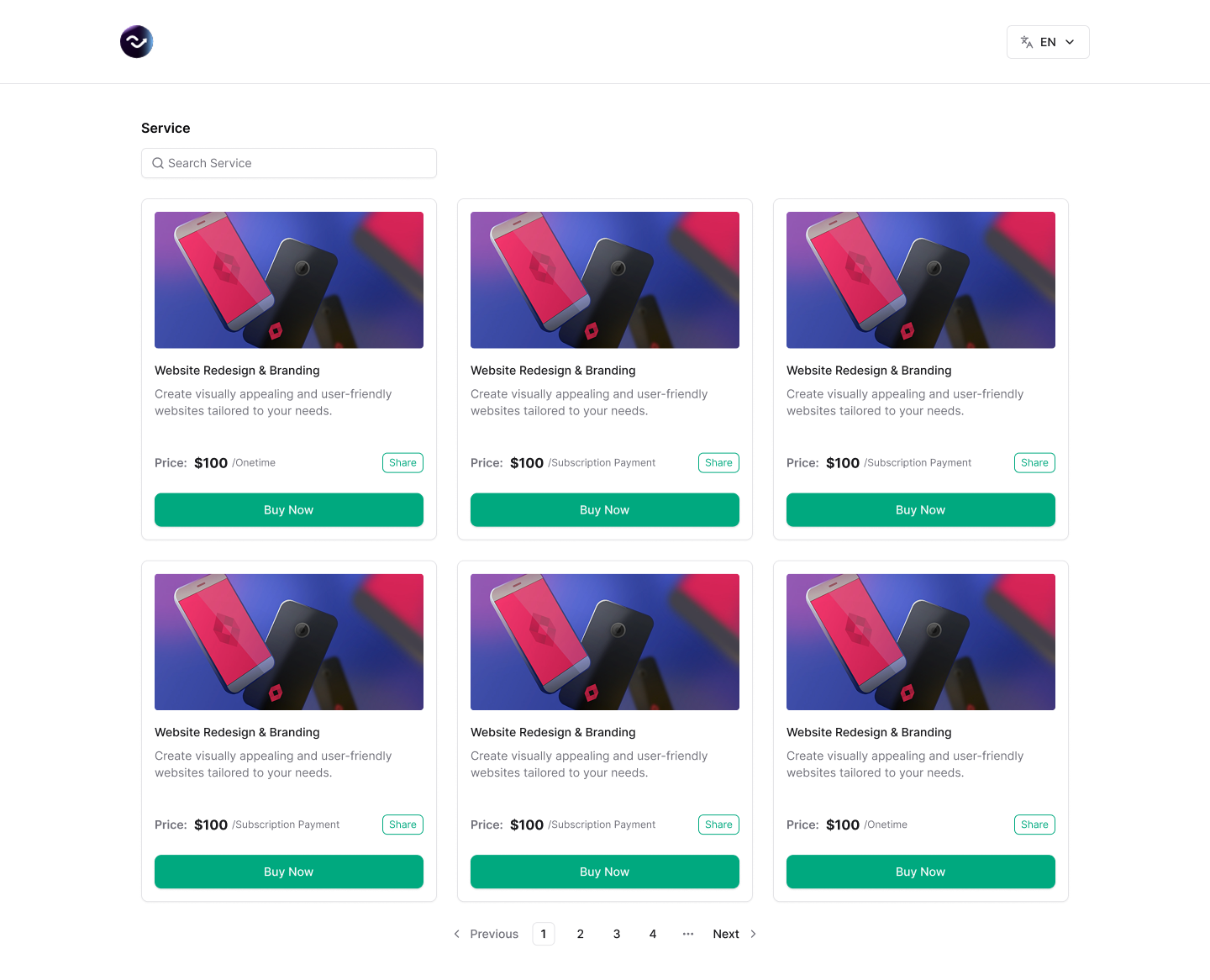







Beautiful Service Display with Grid & List Views
Showcase your services in stunning grid or list layouts. Display service categories, pricing, types, and status at a glance. Make it easy for clients to browse and choose the perfect service for their needs.
Switch between grid and list views instantly
Add eye-catching cover images for each service
Show pricing, service type, and status badges
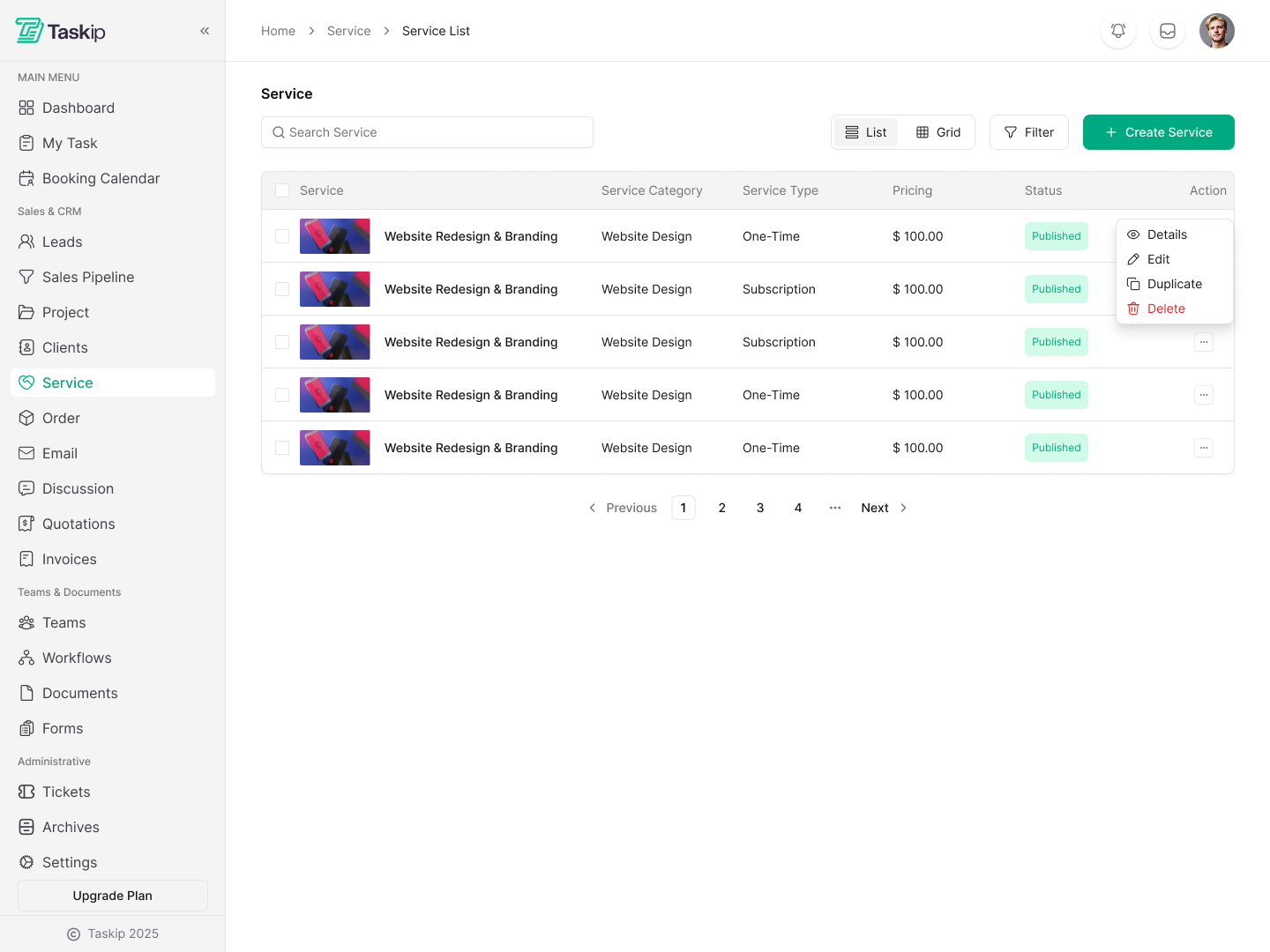
Build Services in Minutes with Easy Setup
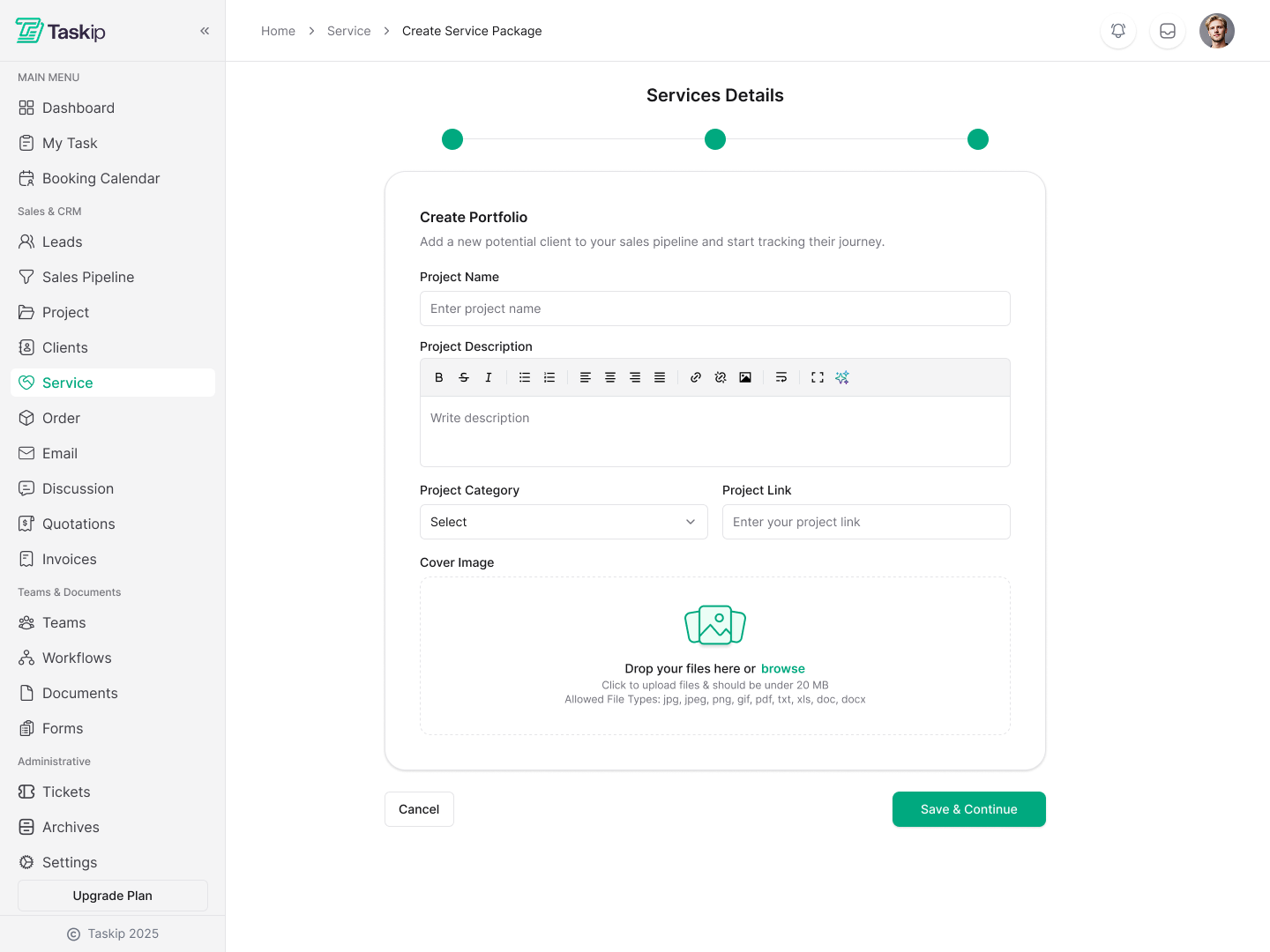
Create professional service pages with rich descriptions, pricing options, and delivery details. Upload stunning cover images and define your service type—whether it's one-time, subscription, or custom pricing.
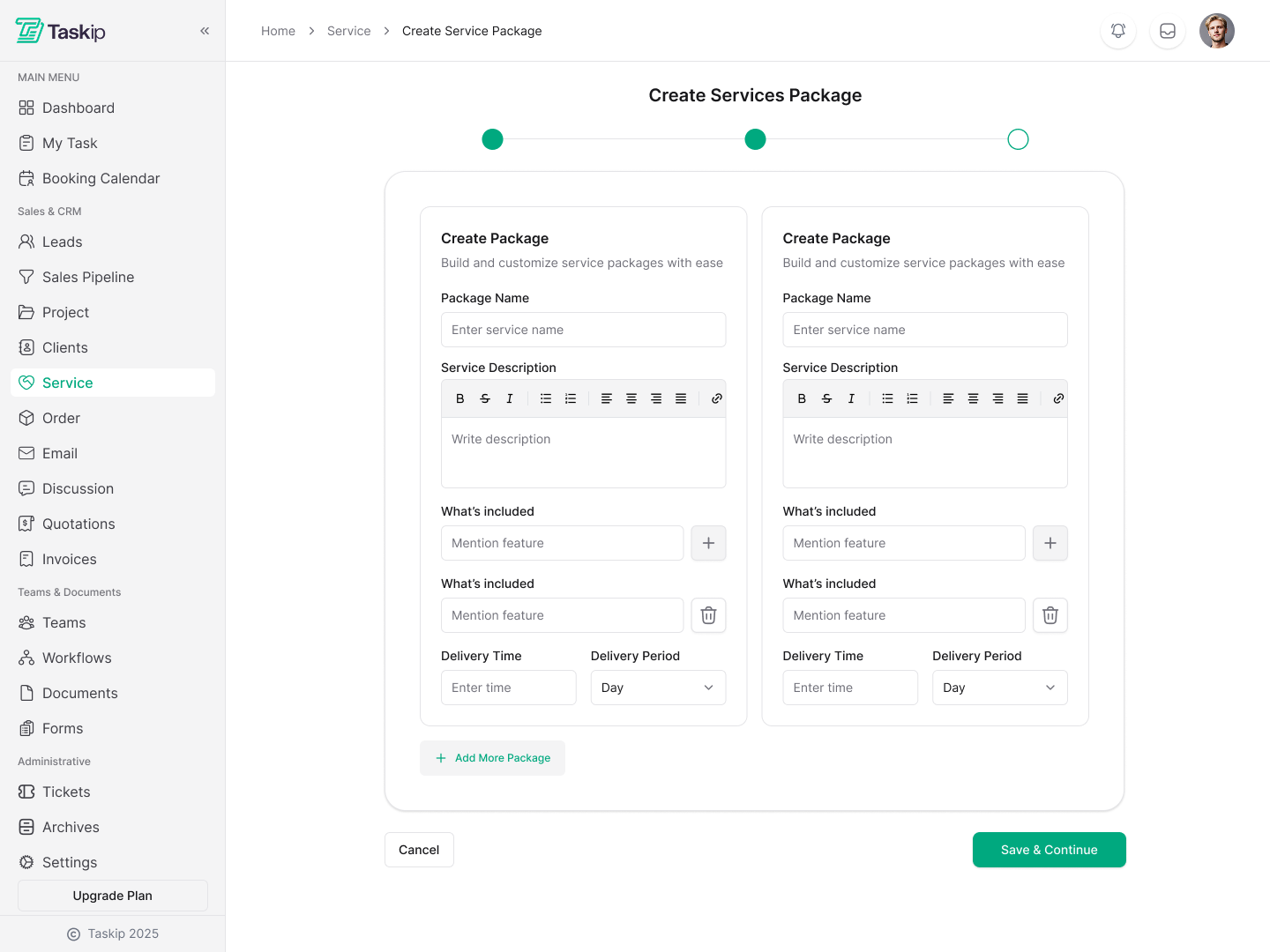
Create Multiple Package Tiers with Feature Comparison
Offer Basic, Standard, and Premium packages with different features, delivery times, and pricing. Show side-by-side comparisons to help clients choose the perfect package. Perfect for upselling and maximizing revenue.
- Create unlimited package tiers with custom features
- Set different delivery times and revision rounds
- Beautiful comparison table for easy decision-making
- Add package-specific features and inclusions
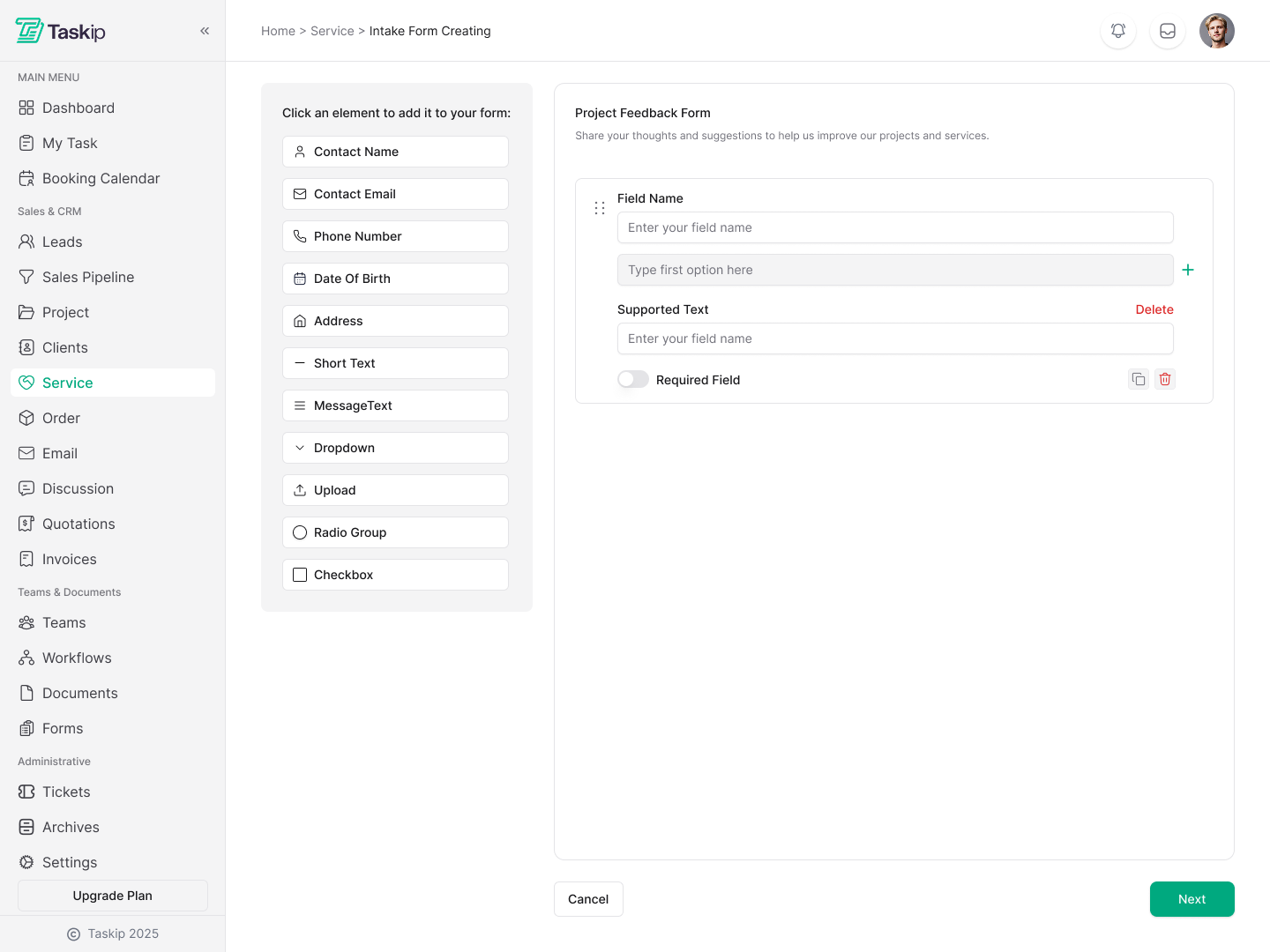
Collect Client Information with Custom Intake Forms
Build custom intake forms for each service with drag-and-drop simplicity. Choose when to show the form—before or after purchase. Collect exactly the information you need with multiple field types including text, email, date, dropdown, file upload, and more.
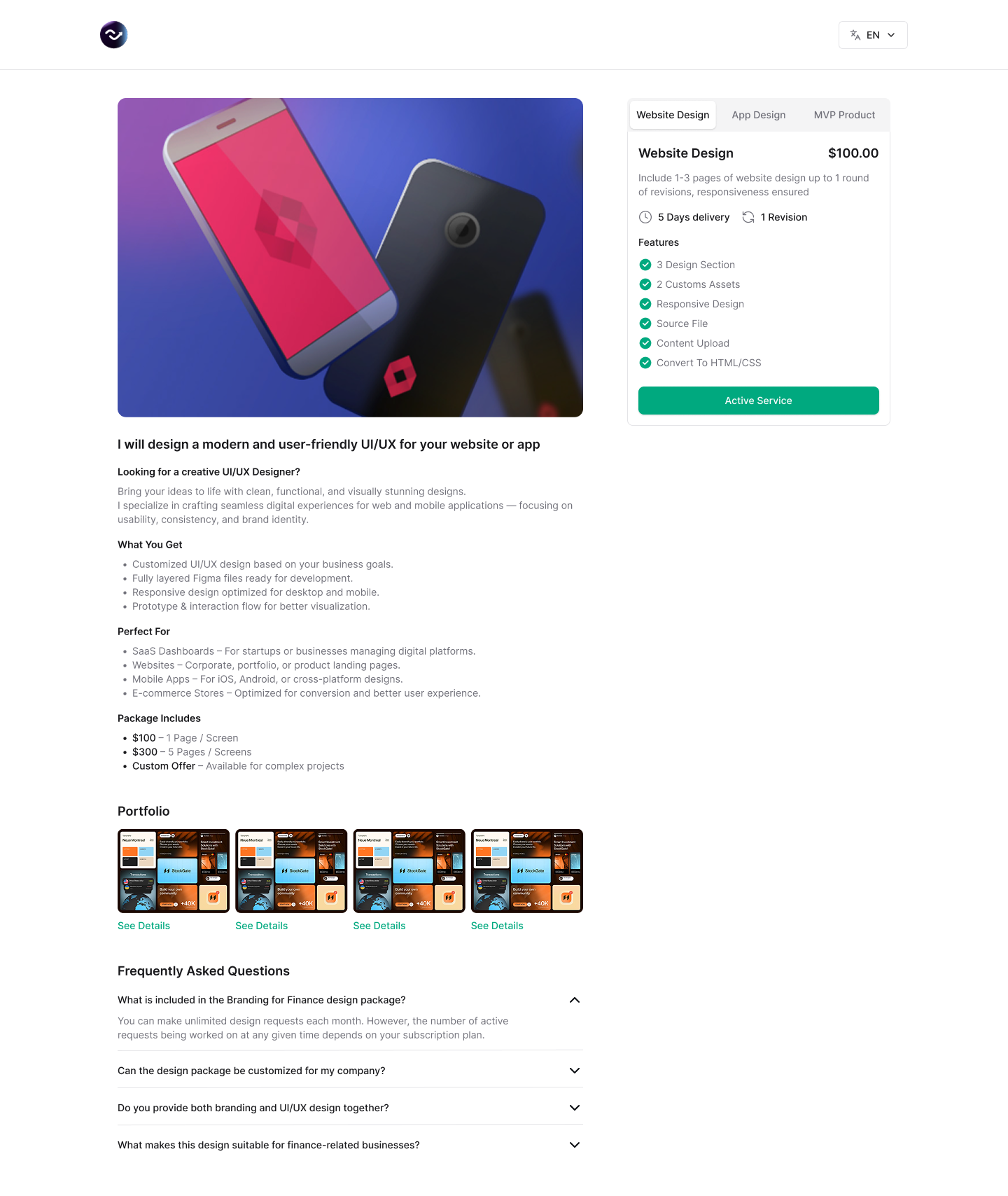
Showcase Your Work with Portfolio & Project Details
Create stunning service detail pages that sell. Display delivery time, revision rounds, included features, portfolio samples, and FAQs. Add tabs for different package tiers and let clients compare options effortlessly.
- Portfolio Integration: Showcase past projects and case studies
- Clear Delivery Info: Show expected delivery time and revision rounds
- FAQ Section: Answer common questions upfront
- Feature Comparison: Help clients choose the right tier
Control Service Visibility & Access
Publish services when ready, keep them as drafts, or unpublish when needed. Set default tasks, link portfolio projects, and add comprehensive FAQs—all from one intuitive interface.