
The best CRM for graphic designers keeps leads, proposals, contracts, invoices and client feedback in one place, so you’re not chasing approvals across email and DMs. For freelancers and design studios that want an all-in-one CRM with a client portal and no per-seat fees, Taskip is our top pick. HoneyBook, Dubsado, Bonsai, Moxie, Plutio and 17hats are strong alternatives, and Notion works if you only need a simple, DIY client tracker.
We checked every price below on each vendor’s official pricing page on November 16, 2026. Prices are in US dollars and can change, so confirm on the vendor’s site before you buy.
This guide is published by Taskip, and Taskip is listed first. We’ve stuck to features and prices the vendors publish themselves so you can compare fairly.
Table of Contents
- Taskip: best all-in-one pick for freelancers and design studios. Free-forever plan; paid plans from $12/month, priced per workspace, not per seat.
- HoneyBook: polished proposals and payments for US-based solo creatives, from $29/month billed annually.
- Dubsado: detailed forms and workflow automation, from $335/year.
- Bonsai: adds time and expense tracking, from $19/user/month billed annually for proposals and invoices.
- Moxie: budget option for solo freelancers, from $10/month billed annually.
- Plutio and 17hats: one-app setups for solo designers; Notion: a free DIY tracker, not a full CRM.
What Should a CRM for Graphic Designers Do?
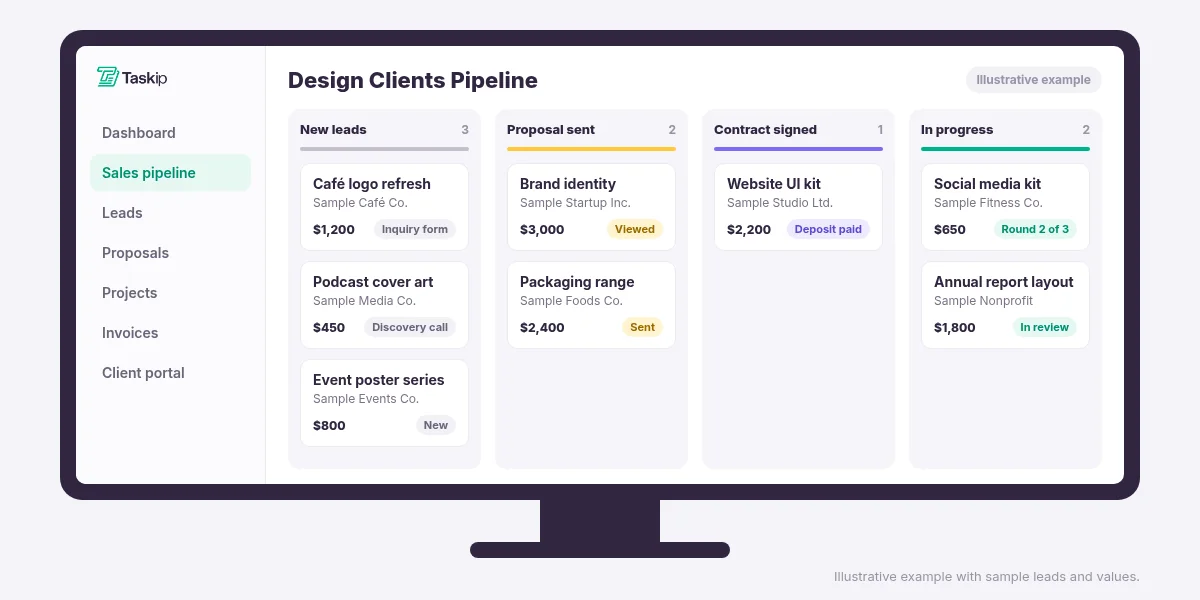
A generic sales CRM tracks deals. A CRM for designers has to handle the whole client journey, from the first inquiry to the final file handover. Before comparing tools, here’s what to look for:
- Lead capture and pipeline: inquiry forms on your site and a pipeline that shows which leads are waiting on a proposal.
- Proposals and quotes: branded documents with package options that clients can accept online.
- Contracts with e-signatures: so scope, revisions and usage rights are signed before you start. A freelance contract template is a good starting point.
- Invoices and deposits: online payments, payment schedules and automatic reminders.
- Client portal: one place where clients see files, approvals, messages and invoices.
- Project and revision tracking: so you know which round you’re on and what’s been approved.
- Branding: your logo, colors and ideally your own domain, because design clients notice.
- Pricing that fits your team: per-seat fees add up quickly once you hire a second designer or a project manager.
Quick Comparison: 8 Best CRMs for Graphic Designers in 2026
| Tool | Best for | Starting paid price (checked Nov 16, 2026) | Free option |
|---|---|---|---|
| Taskip | Freelancers and design studios that want CRM, portal and billing without per-seat fees | $12/month, or $95/year (Freelancer) | Free-forever plan; 7-day trial of paid features |
| HoneyBook | US-based solo creatives who want polished proposals and payments | $29/month billed annually, or $36 monthly (Starter) | Free trial |
| Dubsado | Designers who want detailed forms and workflow automation | $335/year (Starter) | Free trial |
| Bonsai | Solo freelancers who also need time and expense tracking | $19/user/month billed annually, or $25 monthly (Essentials, needed for proposals and invoices) | 7-day trial |
| Moxie | Budget-conscious freelancers | $10/month billed annually, $120/year (Starter) | 14-day trial |
| Plutio | Solo designers who want projects, CRM and billing in one app | $19/month, or $190/year (Core, up to 9 active clients) | 7-day trial |
| 17hats | Solo business owners who want one all-inclusive plan | $60/month, or $600/year | 7-day trial |
| Notion | Designers who want a DIY client tracker, not a full CRM | $10/member/month (Plus) | Free plan |
The 8 Best CRM for Graphic Designers in 2026
Each tool below includes key features, prices from the vendor’s own pricing page (checked November 16, 2026) and the trade-offs to know before you sign up.
1. Taskip: Best All-in-One CRM for Designers and Design Agencies
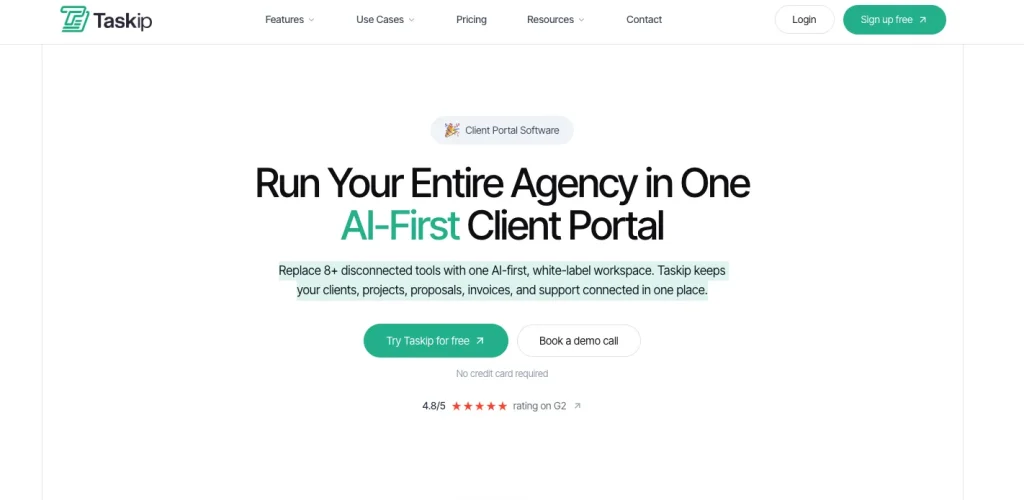
Taskip is a client management platform that combines a CRM, sales pipeline, proposals, quotations, contracts with e-signatures, invoices, project management and a branded client portal. It’s built for agencies and freelancers, and pricing is per workspace rather than per seat, which matters once your studio grows.
For design work, the useful pieces are the proposal-to-invoice flow (an accepted quote becomes an invoice), the client portal where clients see their project, files and invoices in one place, and approval tracking for each design round. Clients can keep commenting in Figma while you record which round they approved in Taskip. You can read more about this setup on the client portal for design agencies page.
Key Features
- CRM with unlimited leads and sales pipelines on every paid plan
- Proposals, quotations, e-signatures, and one-time and recurring invoices
- Payment integrations for Stripe, PayPal and bank transfer, with no transaction fees from Taskip
- Client portal with a branded portal domain, client conversations, file sharing and onboarding screens
- Projects, tasks, time tracking, and Kanban, list, Gantt and calendar views
- Forms with conditional logic, a meeting scheduler and support tickets
- VAT and tax management, 100+ currencies and 15+ languages, useful if you bill UK or EU clients
- iOS and Android apps
Pricing (Checked November 16, 2026)
- Starter: free forever, no credit card required
- Freelancer: $12/month or $95/year. 1 user, 100 GB storage
- Startup Team: $29/month or $229/year. Up to 10 users
- Growing Agency: $59/month or $459/year. Up to 25 users, 3 workspaces, white-label branding
- Agency Pro: $89/month or $695/year. Unlimited users, 5 workspaces, SSO
Every paid plan has a 30-day money-back guarantee. See the full breakdown on Taskip’s pricing page.
Pros and Cons
- Pros: no per-seat fees, CRM plus portal plus billing in one tool, a free plan, multi-currency and VAT support.
- Cons: fewer third-party reviews than older tools (4.6/5 from 9 reviews on G2), and full white-labeling is a paid add-on on the two lower plans.
If you run a studio rather than working solo, see our guides to CRM for creative agencies and CRM for web design agencies.
2. HoneyBook: Best for Polished Proposals and US Payments
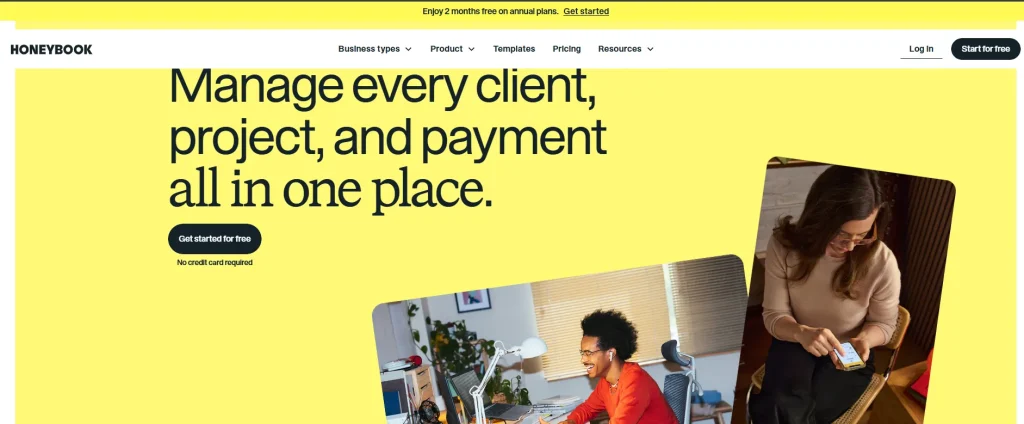
HoneyBook is one of the best-known clientflow platforms for US creatives. It’s strong on interactive proposals that combine services, a contract and an invoice in one file, and on collecting payments.
Key Features
- Invoices and payments, proposals and contracts, and a client portal on every plan
- Scheduler, automations and QuickBooks Online integration from Essentials
- Up to 2 team members on Essentials; unlimited team members on Premium
- HoneyBook AI and a template gallery
Pricing (Checked November 16, 2026)
- Starter: $29/month billed annually, or $36 monthly
- Essentials: $49/month billed annually, or $59 monthly
- Premium: $109/month billed annually, or $129 monthly
- Card processing fees start at 2.7% + 10¢; ACH bank transfers are 1.5%
Watch out for: automations and the scheduler aren’t on Starter, and adding more than two team members means the Premium plan. Comparing options? See our list of HoneyBook alternatives.
3. Dubsado: Best for Detailed Forms and Workflows
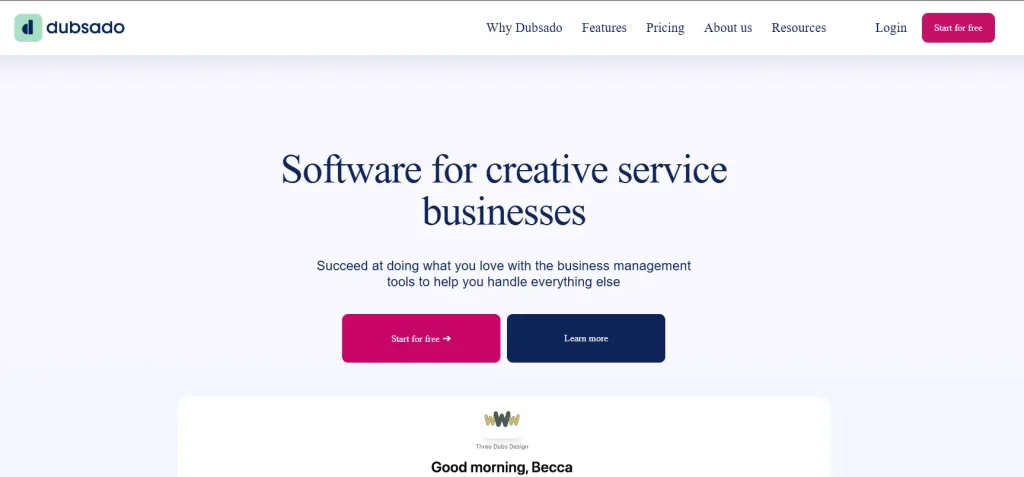
Dubsado is popular with designers who like building detailed intake questionnaires and multi-step workflows. Its client portal, invoicing and payment plans are included on both plans.
Key Features
- Unlimited projects and clients, email integration and client portals
- Invoicing and payment plans, form and email templates
- Scheduling, automated workflows, public proposals, bookkeeping integration and Zapier on Premier
- Extra brands at $10/month each; 3 additional users free, then tiered user pricing
Pricing (Checked November 16, 2026)
- Starter: $335/year
- Premier: $525/year
- Monthly billing: see vendor site. Dubsado’s page says annual billing saves two months’ worth.
- Free trial: 21 days with access to Premier, no credit card required
Watch out for: Starter has only one active lead capture form and no automated workflows or scheduling. Setup takes time. See our Dubsado alternatives if you want something quicker to set up.
4. Bonsai: Best for Freelancers Who Also Track Time and Expenses
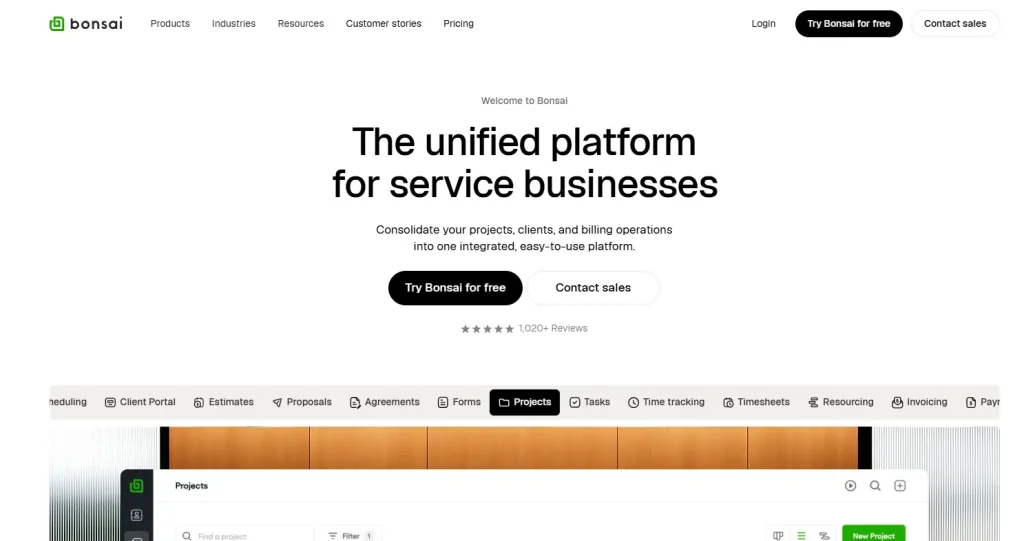
Bonsai started as a freelancer contracts and invoicing tool and now covers projects, time tracking, expenses and a client portal. Its pricing is per user.
Key Features
- Time tracking, task management and CRM on all plans
- Invoices and payments, proposals and contracts, forms, scheduling and client portal from Essentials
- Deals pipeline, client tasks and messaging, removing Bonsai branding and integrations from Premium
Pricing (Checked November 16, 2026)
- Basic: $9/user/month billed annually, or $15 monthly (no proposals, contracts or invoices)
- Essentials: $19/user/month billed annually, or $25 monthly
- Premium: $29/user/month billed annually, or $39 monthly
- Elite: $49/user/month billed annually, or $59 monthly, 3-user minimum
- Free trial: 7 days
Watch out for: designers need at least Essentials for proposals and invoicing, and costs scale with every user you add.
5. Moxie: Best Budget Option for Solo Freelancers
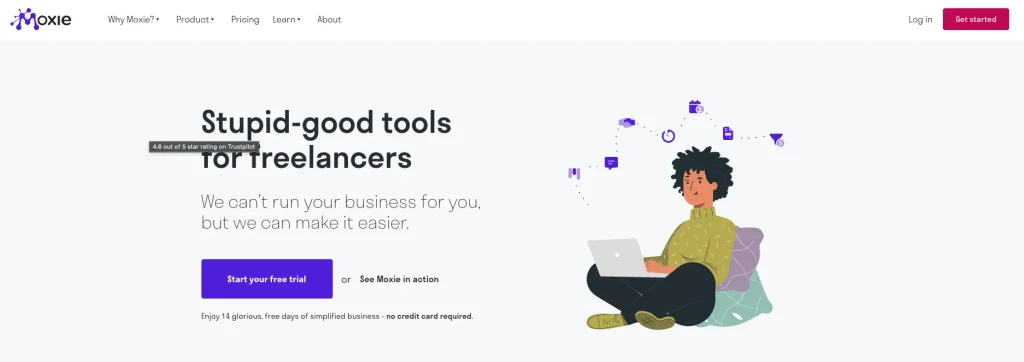
Moxie is built for freelancers and includes a lot on its entry plan, including proposals, contracts, invoicing and a sales pipeline.
Key Features
- Client and project management, invoicing and payments, proposals, quotes and contracts on Starter
- Time tracking, sales pipeline, form builder, meeting schedulers and a universal inbox
- White-label client portal, custom domain, automations and API integrations on Pro
- Up to five team members on Teams
Pricing (Checked November 16, 2026)
- Starter: $10/month, $120 charged annually (monthly price: see vendor site)
- Pro: $20/month, $240 charged annually, or $25 monthly
- Teams: $32/month, $385 charged annually, or $40 monthly
- Free trial: 14 days
Watch out for: the white-label client portal and workflow automation need Pro, and Teams caps you at five team members.
6. Plutio: Best for Solo Designers Who Want One App for Everything
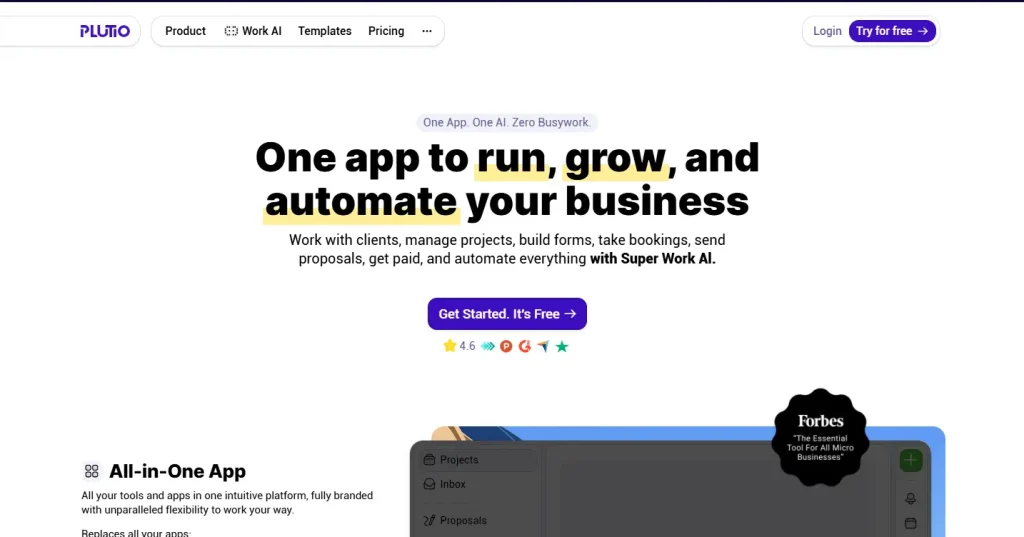
Plutio bundles projects, invoices, proposals, contracts, scheduling, forms, time tracking and a client portal on every plan. Plans differ by limits rather than features.
Key Features
- Unlimited projects, invoices, proposals and contracts with e-signatures on all plans
- Client portal, task boards, Gantt charts and file storage
- White-label as a $9/month add-on on Core and Pro, included on Max
Pricing (Checked November 16, 2026)
- Core: $19/month or $190/year. Solo use, up to 9 active clients
- Pro: $49/month or $490/year. Unlimited active clients, 30 contributors
- Max: $199/month or $1,990/year. Unlimited contributors
- Free trial: 7 days, no card required
Watch out for: the 9-active-client cap on Core, and no team members on that plan.
7. 17hats: Best Single All-Inclusive Plan
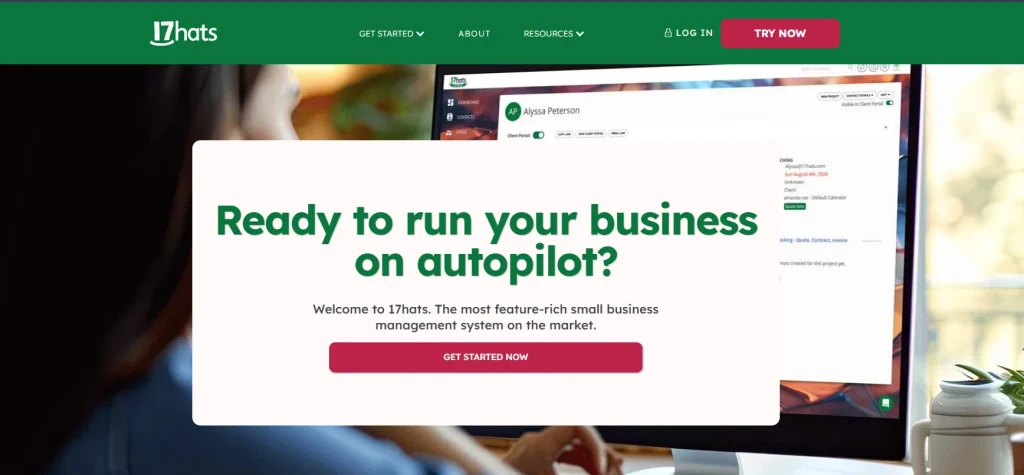
17hats is an all-in-one business tool for solo owners, covering contacts, leads, quotes, contracts, invoices, questionnaires, a client portal and workflows.
Key Features
- Lead capture forms with auto-responders and workflow triggers
- Quotes, contracts, invoices and questionnaires, with payment through Stripe or Square
- Client portal, to-do workflows and a calendar that syncs with Google
- Add-ons for bank connection, extra users and brands
Pricing (Checked November 16, 2026)
- Monthly: $60/month
- Yearly: $600/year
- Bi-yearly: see vendor site
- Free trial: 7 days
Watch out for: some features, such as time tracking and extra users, are paid add-ons.
8. Notion: Best DIY Option, Not a Full CRM
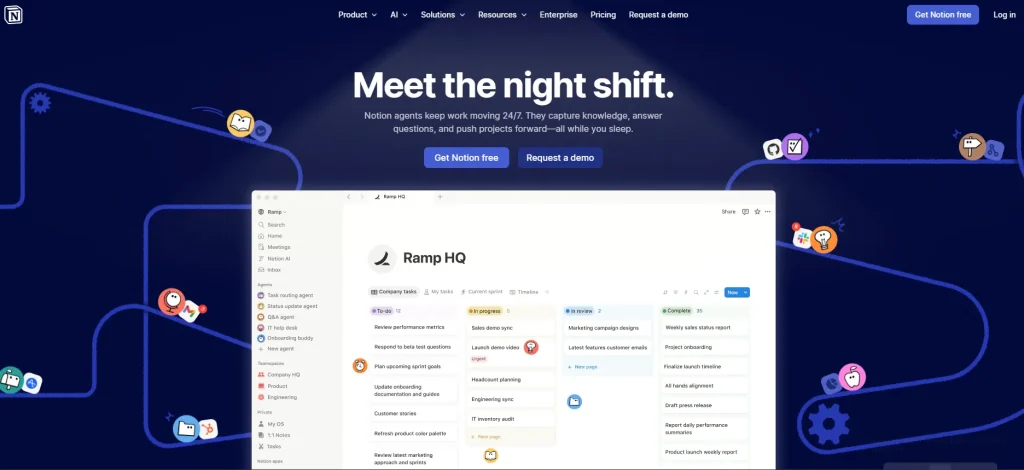
Notion is a flexible workspace, not a dedicated CRM. Many designers use a Notion database as a lightweight client tracker or shared project hub, especially when they’re just starting out.
Key Features
- Databases with custom properties, subtasks and dependencies
- Forms (basic on Free, custom on Plus and above) and published sites
- Guest access to share pages with clients
Pricing (Checked November 16, 2026)
- Free: $0
- Plus: $10 per member/month
- Business: $20 per member/month
- Enterprise: custom pricing
Watch out for: Notion’s pricing page doesn’t list invoicing, payment collection or e-signatures, so you’ll need separate tools for contracts and getting paid, and you build the whole system yourself.
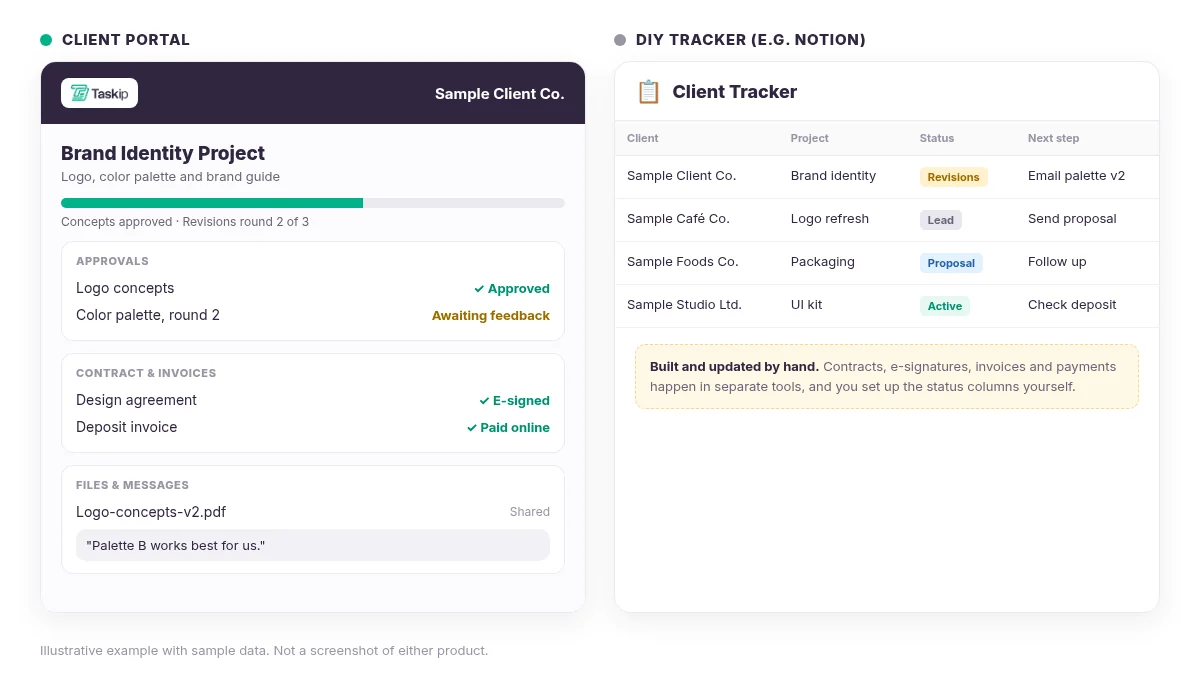
How to Choose the Right CRM for Your Design Business
If You’re a Solo Freelance Designer
Prioritize proposals, contracts, invoicing and a simple client portal at a low price. Compare Taskip’s Freelancer plan, Moxie Starter, Plutio Core and Bonsai Essentials, and check whether the entry plan includes everything you need or whether key features sit one tier up.
If You Run a Design Studio or Agency
Per-seat pricing becomes the biggest cost. Look at what you’ll pay with 3, 5 and 10 people, whether clients can see a branded portal, and whether projects, time tracking and billing live in the same tool. Taskip’s Startup Team plan covers up to 10 users on one price.
If You Bill UK or EU Clients
Check multi-currency invoicing, VAT handling and which payment processors are supported. If you’re in the UK, look for VAT fields on invoices and support for bank transfers alongside cards.
Questions to Ask During a Free Trial
- Can I send a branded proposal, get it signed and take a deposit in one flow?
- Can clients see where their project stands without emailing me?
- Can I track which revision round a client approved?
- What will this cost when I add one more person?
- What fees apply to card and bank payments?
- Can I export my client data if I leave?
Final Verdict: Which CRM Should Graphic Designers Choose?
The right CRM depends on how you work. If you want CRM, proposals, contracts, invoices, projects and a branded client portal in one tool without per-seat fees, Taskip is our pick. HoneyBook suits US-based solo creatives who care most about polished proposals and payments, Dubsado suits designers who want detailed forms and workflows, and Bonsai suits freelancers who also track time and expenses.
On a tight budget, Moxie, Plutio and Notion are worth a look, and 17hats works if you prefer one all-inclusive plan. Whatever you choose, test it with a real client project during the trial and check what it will cost when you add one more person.
Try it with a real client project. Taskip’s free plan lets you set up your pipeline, send a quote and invite a client to the portal before you pay anything. Start free with Taskip or compare plans.
FAQs on CRM for Graphic Designers
Do graphic designers need a CRM?
Once you have more than a handful of active clients, yes. A CRM keeps inquiries, proposals, contracts, invoices and feedback together, so fewer leads slip through and you spend less time chasing approvals and payments.
What is the best free CRM for designers?
Taskip has a free-forever plan, and Notion has a free plan you can use as a basic client tracker. Most other tools on this list offer a free trial rather than a free plan.
What’s the difference between a CRM for designers and a CRM for freelancers?
They overlap heavily. A CRM for freelancers focuses on leads, proposals, contracts and invoices. A CRM for designers also needs a strong client portal for sharing files, tracking revision rounds and recording approvals.
Is HoneyBook or Dubsado better for graphic designers?
HoneyBook is easier to start with and strong on combined proposal, contract and invoice files. Dubsado gives you more control over forms and workflows but takes longer to set up. If neither fits, compare them with an all-in-one tool like Taskip that adds projects and a client portal without per-seat fees.
Can I use Notion as a CRM for my design business?
You can, for tracking leads and projects. But you’ll need separate tools for contracts, e-signatures, invoices and payments, which is why many designers move to a dedicated CRM as they grow.
How much does a CRM for graphic designers cost?
Starting paid prices on this list range from $10 a month (Moxie Starter billed annually, or Notion Plus per member) to $60 a month for 17hats. Taskip starts at $12 a month and also has a free-forever plan. Prices were checked on each vendor’s pricing page on November 16, 2026.