The best CRM for creative agencies in 2026 includes Taskip, HubSpot, Pipedrive, Zoho, NetHunt, Freshworks, Salesforce, monday CRM, FunctionFox, and HoneyBook. Each of these tools is suited to a different way agencies sell and deliver work.
In this blog, I compared 10 of the most widely used CRM platforms for creative agencies, design studios and other creative teams, checked every price against the vendor’s live pricing page on 25 October 2026, and pulled every rating straight from G2. Below you will find features, honest pros and cons, current pricing, our picks for design studios, and what a 10-person team should actually expect to pay per year.
Quick Comparison Table: 10 Best CRM for Creative Agencies
| Tool | Best for | G2 rating | Starting price |
|---|---|---|---|
| Taskip | All-in-one CRM built for agencies | 4.8/5 | Free, paid from $12/mo (flat, not per seat) |
| HubSpot CRM and Sales Hub | Marketing-driven agencies | 4.4/5 | Free (2 users), paid from $7/seat/mo (annual) |
| Pipedrive | Sales focused agencies | 4.3/5 | From $14/seat/mo (annual) |
| Zoho CRM | Budget conscious agencies | 4.1/5 | Free (3 users), paid from $14/user/mo (annual) |
| NetHunt CRM | Gmail based teams | 4.6/5 | From $24/user/mo (annual) |
| Freshworks (Freshsales) | Sales and support in one tool | 4.5/5 | Free (3 users), paid from $9/user/mo (annual) |
| Salesforce Sales Cloud | Enterprise scale agencies | 4.4/5 | Free, paid from $25/user/mo |
| monday CRM | Visual pipeline management | 4.5/5 | From $12/seat/mo (annual), 3-seat minimum |
| FunctionFox | Purpose built creative agency management | 4.3/5 | From $10.50/user/mo (annual), 3-user minimum |
| HoneyBook | Client experience in creative studios | 4.5/5 | From $29/mo (annual) |
Prices and G2 ratings checked on 25 October 2026. FunctionFox and Taskip have smaller review samples than the rest of this list, so treat those two ratings as directional.
Table of Contents
Why Creative Agencies Need a Purpose-Built CRM?
Creative agencies manage more than sales. They juggle client relationships, proposals, projects, feedback, approvals, invoices, and ongoing retainers, often for the same client. But a generic CRM only tracks deals, forcing agencies to rely on separate tools for project delivery. A purpose-built CRM, or project management software with CRM built in, keeps it all in one place.
- Manage the entire client lifecycle from lead capture to project delivery and invoicing.
- Handle multiple engagements like retainers, one-off projects, and new pitches for the same client.
- Keep creative assets and feedback organized with centralized file sharing and client approvals.
- Improve team collaboration by assigning tasks, tracking deadlines, and monitoring project progress.
- Reduce tool switching by combining CRM, project management, billing, and client communication in one platform.
- Automate repetitive work such as follow-ups, reminders, status updates, and invoice generation.
- Maintain complete client history with emails, meetings, files, and project records in a single place.
- Scale operations efficiently without adding more disconnected software as the agency grows.
How We Evaluated These CRMs
We evaluated each CRM on the factors that matter most to creative agencies:
- Managing clients, retainers, and projects
- Supporting creative workflows
- Ease of adoption for teams
- Pricing and scalability
- Client collaboration and portal experience
Prices and G2 ratings checked on 25 October 2026. Every price comes from the vendor’s own pricing page, and every star rating and review count from the tool’s G2 reviews page, linked in each entry.
What to Look for in a Creative Agency CRM?
Here are the features that you must consider while choosing the right CRM for creative agencies:
a. Client Portal: Give clients a single place to access proposals, files, invoices, and project updates instead of relying on long email threads. Dedicated client portal software makes this the default for every account.
b. Flexible Sales Pipeline: Support multiple engagement types, including retainers, one-off projects, and new business opportunities, within the same pipeline.
c. Built-in Proposals and Invoicing: Manage quotes, proposals, invoices, and client records from one platform without switching between apps. Starting each quote from a creative agency scope of work template keeps deliverables and revision rounds clear from day one.
d. Project and Task Visibility: Track tasks, deadlines, and project progress to ensure delivery matches what was promised during the sales process. A clear brief at kickoff helps too; our free creative brief generator builds one in minutes.
e. Predictable Pricing: Choose a CRM with transparent pricing that scales affordably as your agency grows and your team expands.
f. Branded Client Experience: Look for customizable client portals and communications that reflect your agency’s brand rather than the software vendor’s.
The 10 Best CRM for Creative Agencies in 2026
1. Taskip: Best For All-in-One CRM Solution
Taskip is built specifically for agencies that sell both packaged and custom work, combining a sales pipeline with a full client portal, quoting, and invoicing in one workspace. It is the most affordable full-featured option on this list for a small to mid-sized creative team, and it is purpose-built for agency use rather than adapted from a generic sales tool.
Key Features
- Leads and sales pipeline tracking for both retainers and one-off projects
- Branded client portal for every account
- Service catalog for packaged offers alongside custom quoted work
- Built-in project management so delivery and sales live in one system
- Quoting and invoicing in the same record as the client relationship
Pros & Cons
| Pros | Cons |
|---|---|
| – Combines CRM, client portal, and project delivery in one tool – Free plan available to start – One of the most affordable options on this list at agency team sizes – Purpose built for agency and creative workflows | – Smaller G2 review sample than more established competitors – Fewer third-party integrations than HubSpot or Salesforce – Deeper enterprise reporting is thinner than Salesforce or HubSpot Professional |
Pricing
Free Starter plan available. Paid plans:
- Freelancer $12/mo (1 seat)
- Startup Team $29/mo (10 seats)
- Growing Agency $59/mo (25 seats, 3 workspaces)
- Agency Pro $89/mo (unlimited team members, 5 workspaces).
Billed yearly, the paid plans cost $95, $229, $459 and $695 per year (about 35 percent less than monthly). Full breakdown on the pricing page.
Rating & Review
4.8 out of 5 on G2 (6 reviews, checked 25 October 2026).
Taskip has completely transformed the way our team manages projects. The interface is clean and intuitive, task management feels smooth and straightforward, and the collaboration features work flawlessly. The time tracking is accurate and easy to use, which makes it simple to stay on top of what’s being done. Overall, everything feels well thought out, dependable, and genuinely reliable.
2. HubSpot CRM and Sales Hub: Best For Marketing-Driven Agencies
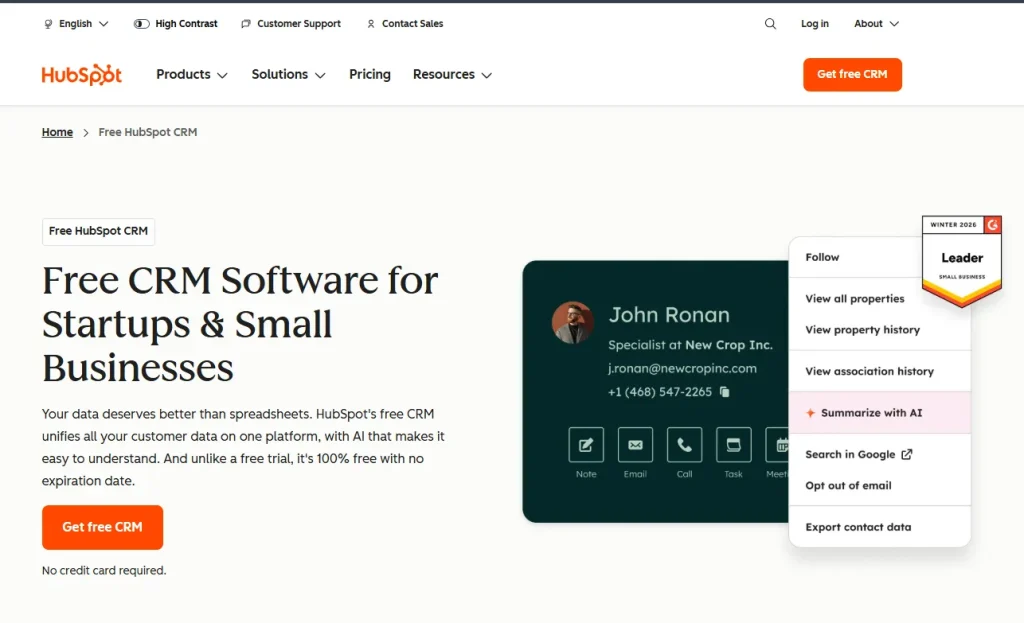
HubSpot pairs a free CRM core with a large marketing and sales ecosystem, which makes it a natural fit for agencies whose new business comes largely through inbound marketing and content.
Key Features
- Free CRM core with contact and deal tracking
- Email sequences and marketing automation on paid tiers
- Deep reporting and custom dashboards on Professional
- Large app marketplace for integrations
- Native marketing hub integration for agencies running their own lead generation
Pros & Cons
| Pros | Cons |
|---|---|
| – Free tier is genuinely usable for a small team starting out – Best-in-class marketing and sales integration – Huge integration ecosystem and community support | – Large price jump from Starter to Professional ($7 to $90/seat/mo billed annually) – Professional and Enterprise add a mandatory onboarding fee ($1,500 to $3,500) – No native creative project delivery, needs a separate project tool |
Pricing
Free plan for up to 2 users. Starter: from $7/seat/mo billed annually, or $20/seat/mo monthly. Professional: $90/seat/mo billed annually or $100 monthly, plus a required one-time $1,500 onboarding fee. Enterprise: $150/seat/mo, plus a required one-time $3,500 onboarding fee.
Rating & Review
4.4 out of 5 on G2 (14,368 reviews, checked 25 October 2026).
What stands out most about HubSpot Sales Hub is its incredibly simple and user friendly interface. Exploring the features is easy and useful. Using it on a weekly basis, the real time tracking and reporting tools have become essential for delivering deep insights into our sales success and consumer behavior.
3. Pipedrive: Best For Sales-Focused Agencies
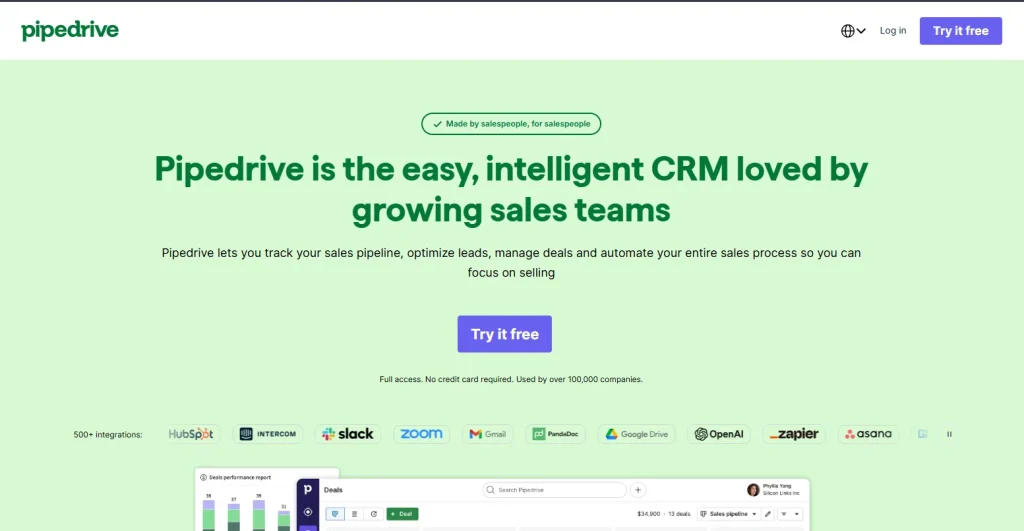
Pipedrive is a visual, deal stage-first CRM built for teams whose main job is moving prospects through a sales pipeline, which suits agencies with a dedicated business development function.
Key Features
- Visual, drag-and-drop deal pipeline
- Activity-based reminders to keep deals moving
- Email tracking and templates
- Reporting on deal velocity and win rate
- Automation for repetitive sales tasks on higher tiers
Pros & Cons
| Pros | Cons |
|---|---|
| – Clean, easy-to-learn pipeline interface – Strong for agencies with a dedicated sales function – Reasonable entry price for a single pipeline use case | – Not built for client delivery or project work, sales only – No native client portal – Higher tiers needed to unlock automation that matters at scale |
Pricing
Entry plan runs approximately $14/seat/mo billed annually, or $24/mo billed monthly. Higher tiers add automation, reporting, and AI features at increasing per-seat cost. Reverify the current tier name and price on Pipedrive’s live pricing page, since plan names have changed in recent years.
Rating & Review
4.3 out of 5 on G2 (5,100 reviews, checked 25 October 2026).
As an experienced sales pro who has used most CRMs on the market, I love the visual ease of the Kanban view of deals. What makes this even better, is that I can customise the cards/view and see all the key data at once, making tracking deals much easier. The easy sequences for leads also stand out as a favourite feature for me. It’s very visual, which helps in tracking hot leads and deals more efficiently than conventional CRM systems, ensuring that you focus your time on the real prospects.
4. Zoho CRM: Best For Budget Conscious Agencies
Zoho CRM offers one of the lowest real entry price points among established CRMs, with a free plan for very small teams and a large surrounding suite of business apps.
Key Features
- Free plan for up to 3 users
- Workflow automation and lead scoring
- Zia AI assistant on higher tiers
- Broad integration with the wider Zoho business suite
- Multi channel communication tracking
Pros & Cons
| Pros | Cons |
|---|---|
| – Low entry price for an established CRM, plus a free plan for up to 3 users – Free plan usable for very small teams – Large ecosystem of adjacent Zoho apps | – Interface feels dated compared to newer tools – No native creative project delivery or client portal – Full AI features locked behind Enterprise and Ultimate tiers |
Pricing
Free for up to 3 users. Standard: $14/user/mo annual (roughly $20/mo monthly). Professional: $23/user/mo. Enterprise: $40/user/mo. Ultimate: $52/user/mo.
Rating & Review
4.1 out of 5 on G2 (2,953 reviews, checked 25 October 2026).
I use Zoho CRM to manage customer info, track leads, update deal statuses, and schedule follow ups. It solves the problem of keeping track of multiple customers and leads at the same time. What I like most is that it keeps everything in one place, and I like how easy it is to stay organized. It also helps me make money faster and easier. The features I use and value the most are the leads and deals modules, and the task and follow up reminders. I also rely on the timeline for all my customers. The initial setup was super easy and fast.
5. NetHunt CRM: Best For Gmail-Based Teams
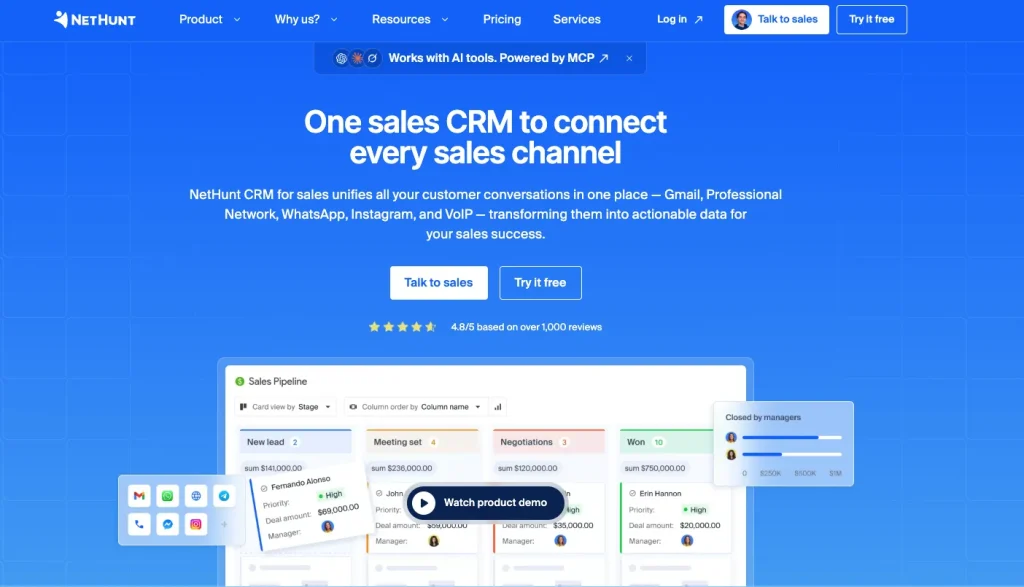
NetHunt lives inside Gmail rather than a separate app, which suits agencies whose team already runs most client communication through email.
Key Features
- Full CRM built directly into the Gmail inbox
- Mass email campaigns on higher tiers
- Sales automation and email sequences
- Custom pipelines and reporting
- Messenger integrations (WhatsApp, LinkedIn) on higher tiers
Pros & Cons
| Pros | Cons |
|---|---|
| – No context switching, works where the team already emails clients – Strong automation on higher tiers – Solid G2 review base relative to its size | – Starting price is higher than most tools on this list – Tied closely to Gmail, less useful outside Google Workspace – Mass email and automation features require upper tiers |
Pricing
Basic: $24/user/mo billed annually or $30 monthly. Basic Plus: $34/user/mo annually or $42 monthly. Business: $60/user/mo. Business Plus: $84/user/mo. Custom: quote-based, for teams of 10+ on annual billing. No free plan, 14-day trial.
Rating & Review
4.6 out of 5 on G2 (281 reviews, checked 25 October 2026).
I mainly use NetHunt CRM for managing leads, tracking customer communication, organizing sales pipelines, and handling follow-ups directly through Gmail. I like its seamless Gmail integration and user-friendly interface, which makes managing emails, leads, and follow-ups convenient without needing to switch between multiple tools. The pipeline tracking and automation features help save a lot of time for the sales team.
6. Freshworks (Freshsales): Best For Sales and Support in One Tool
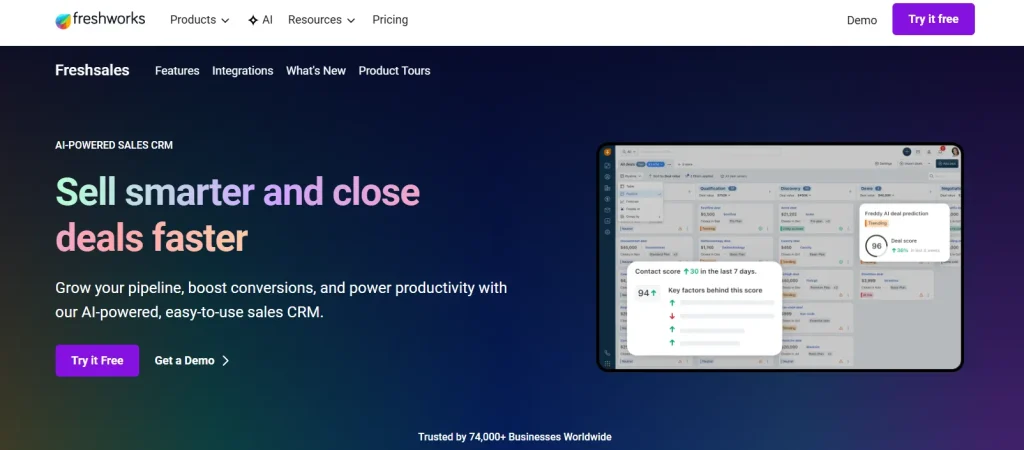
Freshsales, part of the Freshworks suite, combines CRM with a support desk lineage, which helps agencies that handle a meaningful amount of client support alongside sales.
Key Features
- Free plan for up to 3 users
- AI lead scoring on Pro and above
- Multiple pipelines and territory management
- Sandbox environment and audit logs on Enterprise
- Native integration with Freshworks support and helpdesk tools
Pros & Cons
| Pros | Cons |
|---|---|
| – One of the lowest paid entry prices on this list, plus a free plan for up to 3 users – No minimum seat count, unlike some competitors – Strong fit if you already use other Freshworks products | – Free and Growth tiers lack custom reporting and workflows – No native creative project delivery or client portal – Best automation features sit behind Pro and Enterprise |
Pricing
Free for up to 3 users. Growth: $9/user/mo annual or $11/mo monthly. Pro: $39/user/mo annual or $47/mo monthly. Enterprise: $59/user/mo annual or $71/mo monthly.
Rating & Review
4.5 out of 5 on G2 (1,243 reviews, checked 25 October 2026).
Its single source of truth for client contacts and project pipelines eliminated our messy spreadsheet-based tracking. Custom tagging lets me flag records holding personal data to trace DSGVO processing quickly during audits, and permanent activity logs meet BSI IT-Grundschutz retention rules. Split team access also restricts broad developer exposure to sensitive customer PII.
7. Salesforce Sales Cloud: Best For Enterprise Scale Agencies
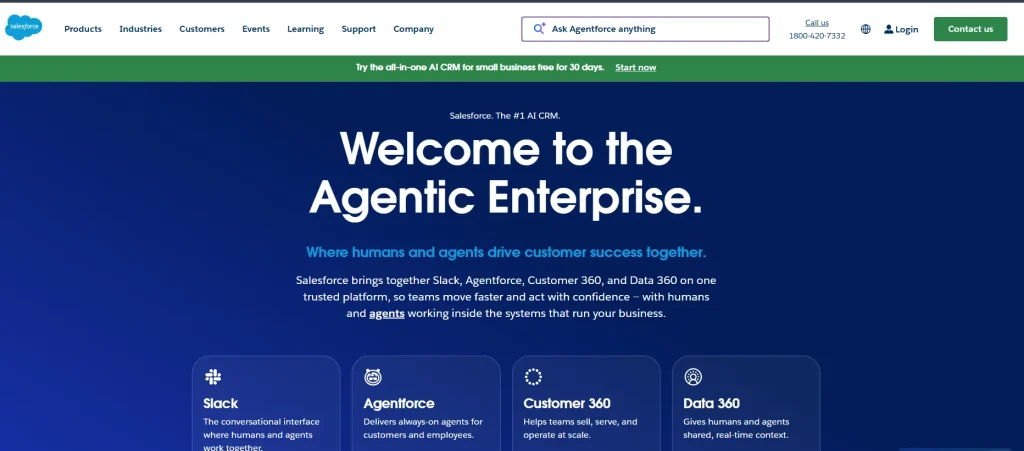
Salesforce remains the deepest, most customizable CRM available, which makes it a fit for larger agencies with dedicated CRM admins and complex reporting needs, and overkill for most smaller creative shops.
Key Features
- Deep customization of objects, fields, and workflows
- Advanced reporting and forecasting
- Massive third-party app ecosystem (AppExchange)
- Enterprise-grade permissions and security controls
- AI features through the Agentforce add-on tiers
Pros & Cons
| Pros | Cons |
|---|---|
| – Most customizable and scalable CRM on this list – Largest third-party integration ecosystem available – Trusted at enterprise scale with a massive review base | – Highest total cost of ownership of any tool here – Requires dedicated admin time to configure and maintain – Steep learning curve for creative staff who are not full time CRM users |
Pricing
Free Suite available. Starter Suite: $25/user/mo. Pro Suite: $100/user/mo. Core: $195/user/mo. Advanced: $395/user/mo. Max (Agentforce 1 Sales): $550/user/mo. Editions above Starter are billed annually.
Rating & Review
4.4 out of 5 on G2 (27,576 reviews, checked 25 October 2026), the largest review base of any tool in this list.
I use Agentforce Sales mainly to manage my leads and create opportunities. The platform helps me automate my operational processes, like submitting quotations and assigning leads, and everything is tracked on just one platform. It’s easy to use. Creating leads and opportunities, generating reports, and using dashboards help me manage my processes and streamline meetings for my day-to-day activities. The setup was pretty easy and straightforward. I’d give it a 10 on 10 for recommendation.
8. monday CRM: Best For Visual Pipeline Management
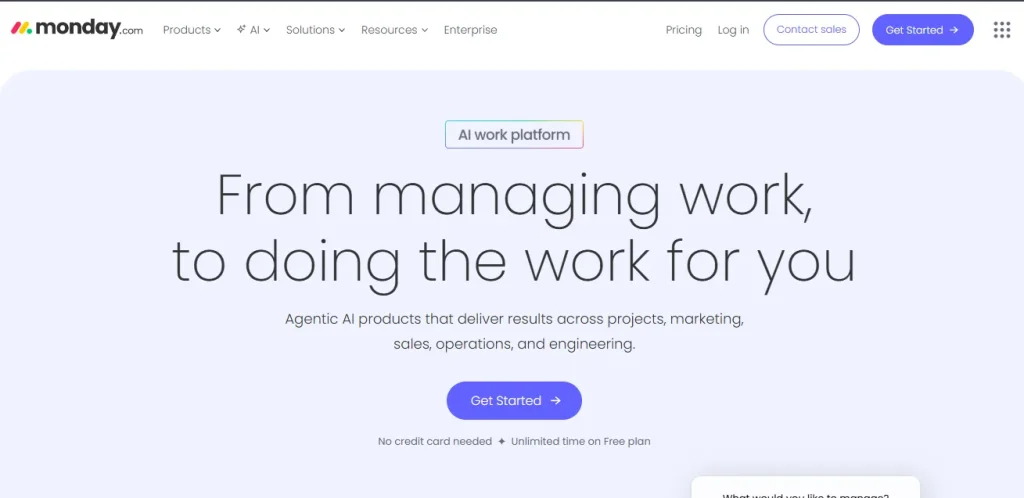
monday CRM applies the visual, board-based interface of the wider monday.com platform to sales, which suits agencies that already think in boards and status columns for project work.
Key Features
- Visual, customizable pipeline boards
- Automations builder with no-code logic
- Integration with the broader monday.com work platform for project tracking
- Custom dashboards and reporting
- Lead capture forms
Pros & Cons
| Pros | Cons |
|---|---|
| – Familiar, visual interface if the team already uses monday.com for projects – Strong no-code automation builder – Large G2 review base and active product development | – Sales CRM and project boards are separate products under one brand; some setup required to connect them – Per-seat pricing climbs quickly on higher tiers – No dedicated client portal out of the box |
Pricing
Basic: $12/seat/mo annual or $18/mo monthly. Standard: $17/seat/mo annual or $25/mo monthly. Pro: $28/seat/mo annual or $41/mo monthly. Ultimate: custom pricing. Plans start from 3 seats; no free plan, 14-day trial.
Rating & Review
4.5 out of 5 on G2 (1,877 reviews, checked 25 October 2026).
The best part about Monday CRM is how user-friendly and customizable it is. It allows for seamless cross-departmental collaboration, organized follow-ups on support tickets (we use a board as a ticketing platform), and tailored boards for our specific workflows. Plus, the ability to create custom integrations is absolutely key for us to keep scaling the platform as we grow.
9. FunctionFox: Best For Purpose Built Creative Agency Management
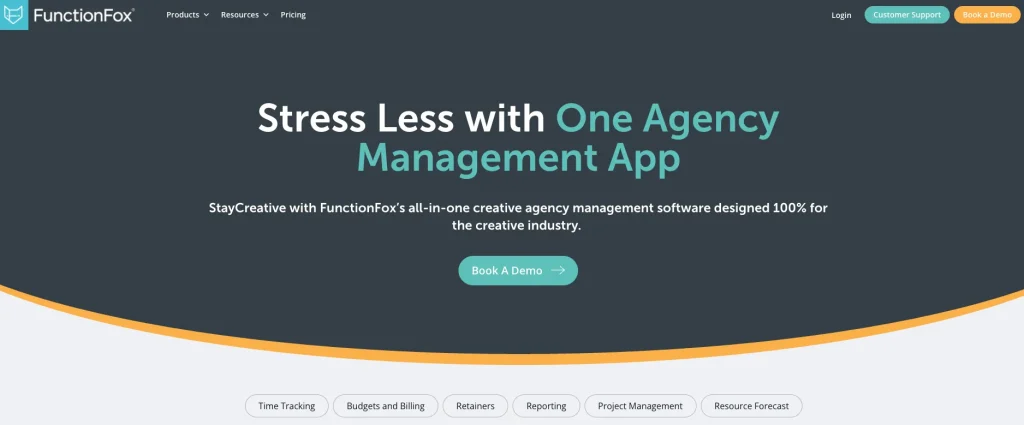
FunctionFox was built specifically for creative and advertising agencies rather than adapted from a general sales tool, with time tracking and project visibility as core strengths.
Key Features
- Time tracking built around creative project work
- Project and task management alongside client records
- Access rights and unlimited clients and projects on the entry tier
- Task delegation and project calendar views on Premier
- Customizable forms and fields on the In-House tier
Pros & Cons
| Pros | Cons |
|---|---|
| – Purpose-built for creative and ad agencies specifically – Strong time tracking, useful for retainer profitability tracking – Affordable entry price | – Smaller review base and brand recognition than the larger CRMs on this list – Less of a traditional sales pipeline than Pipedrive or HubSpot – Interface feels dated compared to newer entrants |
Pricing
Classic: $10.50/user/mo billed annually or $12.75 monthly. Premier: $16/user/mo annually or $19.25 monthly. In-House: $36.75/user/mo annually or $44 monthly. Every plan has a 3-user minimum.
Rating & Review
4.3 out of 5 on G2, based on 48 reviews (checked 25 October 2026), a smaller sample than most tools on this list.
FunctionFox enables you to set up various record and undertakings inside those records to help separate your time into assignments and things based on your very own preference. For an advertising office, this sort of hardware is basic. Capacity Fox offers a quite simple to utilize framework with a few highlights to help make your time following background simpler and progressively precise.
10. HoneyBook: Best For Client Experience in Creative Studios
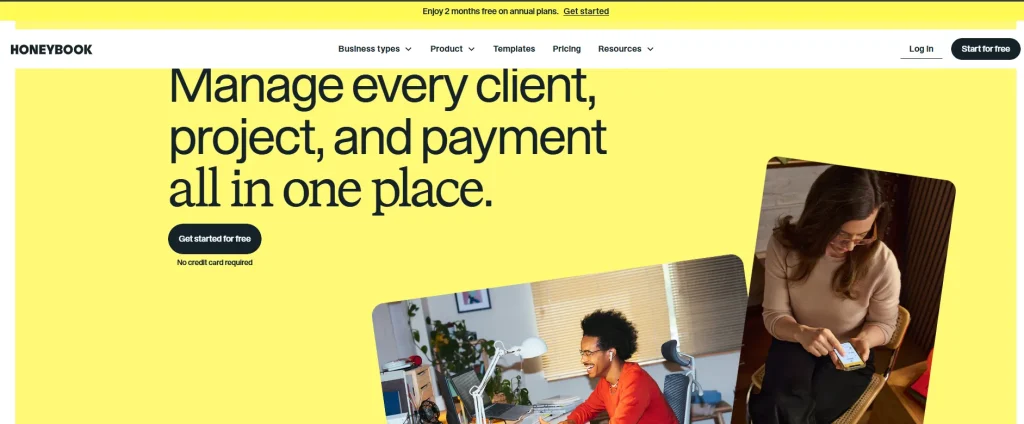
HoneyBook focuses on the client-facing experience first, with polished proposals, contracts, and payments, which makes it popular with photographers, designers, and small creative studios.
See how Taskip compares to HoneyBook
Key Features
- Branded proposals and contracts with e-signature
- Client portal and messaging
- Scheduling and booking tools
- Integrated payment processing
- Automation for common client touchpoints (reminders, follow-ups)
Pros & Cons
| Pros | Cons |
|---|---|
| – Genuinely polished, premium client-facing experience – Strong proposal and contract workflow out of the box – Large G2 review base for a niche-focused tool | – Plans have been repriced in recent years, so check the current tiers before you commit (see our HoneyBook pricing breakdown) – Card payments carry processing fees (starting at 2.7 percent plus 10 cents, or 1.5 percent for bank transfers) on top of the subscription cost – Team member limits mean a growing agency needs the Premium tier sooner than expected |
Pricing
Starter: $29/mo annual or $36/mo monthly. Essentials: $49/mo annual or $59/mo monthly, up to 2 team members. Premium: $109/mo annual or $129/mo monthly, unlimited team members. Check HoneyBook pricing.
Rating & Review
4.5 out of 5 on G2 (250 reviews, checked 25 October 2026).
I love how Honeybook simplifies my business processes, helps me stay organized, and automates client tasks that would normally take a ton of time. It integrates and connects with my other calendar, client photo delivery software, and finances as well. I love the simple interface where I can see everything in one place. and AI suggestions help me the AI automated email responses, and they’re super easy to adapt to fit my business as well.
Best CRM for Design Agencies and Studios
Design agencies and studios have a narrower set of needs than a full-service creative agency: clear proposals, a smooth review and approval loop, and an easy way to get paid. These four tools from the list above fit that workflow best.
- Taskip: best for design agencies with a team. Proposals, projects, file sharing and invoices live in one record, and each client gets a branded client portal to review work and approve it. Flat pricing means adding designers doesn’t raise the bill per seat.
- HoneyBook: best for solo designers and small studios. Polished proposals, contracts and payments make the client side feel premium from the first email.
- FunctionFox: best for studios that bill by the hour. Time tracking is built around creative projects, so you can see which clients and retainers are profitable.
- monday CRM: best for design teams that work in boards. The visual pipeline feels familiar if your studio already tracks design work in monday.com.
Quick pick: a studio of 1–2 people that mainly needs proposals and payments will be happy with HoneyBook. Once you have a team, several active projects and clients who want one place to review work, an all-in-one tool like Taskip saves you from running a CRM, a project tool and a portal side by side.
How to Choose the Right CRM for Your Agency?
If You Manage Long-Term Retainers – Choose a CRM with strong client portals, project tracking, and collaboration features.
If You Generate High-Volume Leads – Prioritize a visual sales pipeline, automation, and deal management.
If Client Experience Is Your Differentiator – Look for polished client-facing portals, branded proposals, and seamless communication.
If You Want Fewer Tools – Choose an all-in-one CRM that combines sales, project management, invoicing, and client collaboration.
Match the CRM to Your Workflow – Pick a platform that supports how your agency sells, delivers, and scales instead of choosing based on team size alone.
Creative Agency CRM vs Marketing Agency CRM: What’s Different?
Both kinds of agency need a pipeline and a clean client record. The difference is what happens after the deal is won. A creative agency sells projects and retainers built around deliverables, so its CRM has to carry the work through briefs, proofs, feedback rounds and approvals. A marketing agency sells ongoing campaigns, so its CRM leans on reporting, recurring retainers and links to ad and analytics tools.
| Criteria | Creative agency CRM | Marketing agency CRM |
|---|---|---|
| What you sell | Projects, retainers, packaged design work | Ongoing campaigns and monthly retainers |
| Key workflow | Brief → proposal → project → proofing → approval → invoice | Proposal → onboarding → campaign → monthly report → renewal |
| Must-have features | Proposals, project tracking, file sharing, client approvals, client portal | Pipeline, recurring billing, reporting, marketing integrations |
| Client touchpoints | Reviews and sign-offs on each deliverable | Regular performance updates |
| Good fits on this list | Taskip, HoneyBook, FunctionFox | Taskip, HubSpot, Zoho CRM |
If your agency runs SEO, paid ads or social campaigns for clients, read our guide to the best CRM for digital marketing agencies, which compares tools on the features marketing teams rely on.
Pricing Comparison: Annual Cost for a 10 Person Team
Figures below assume 10 seats (or the plan tier required to cover 10 team members) on each vendor’s lowest tier that realistically supports an agency, billed annually where that option exists.
| Tool | Plan used | Estimated annual cost (10 people) |
|---|---|---|
| Taskip | Startup Team (10 seats, flat, billed yearly) | $229/year |
| HubSpot | Starter, from $7/seat/mo annual | $840/year |
| Freshworks (Freshsales) | Growth, $9/user/mo annual | $1,080/year |
| FunctionFox | Classic, $10.50/user/mo annual | $1,260/year |
| HoneyBook | Premium (required for 10 members), $109/mo annual | $1,308/year |
| monday CRM | Basic, $12/seat/mo annual | $1,440/year |
| Pipedrive | Lite, $14/seat/mo annual | $1,680/year |
| Zoho CRM | Standard, $14/user/mo annual | $1,680/year |
| NetHunt | Basic, $24/user/mo annual | $2,880/year |
| Salesforce Sales Cloud | Starter Suite, $25/user/mo | $3,000/year |
Taskip’s cost stays lowest because Taskip does not charge per seat the way most of this list does; the Startup Team plan covers 10 seats at a flat price. If your agency needs more than 10 seats or more than one workspace, the Growing Agency plan ($459/year, 25 seats, 3 workspaces) or Agency Pro ($695/year, unlimited team members) still lands well below most of the per-seat tools above at that size. Prices checked on 25 October 2026; annual promotions and tiers change, so confirm on each vendor’s pricing page before you buy.
Conclusion: The Best CRM for Your Creative Agency
There is no single best CRM for every creative agency, only the best fit for how your agency actually sells and delivers work. Sales-driven shops with a dedicated business development team should look at Pipedrive or monday CRM. Marketing-led agencies already invested in inbound should look at HubSpot.
Enterprise-scale agencies with dedicated admin resources should look at Salesforce. Everyone else, especially agencies tired of stitching together a CRM, a project tool, and a client portal separately, will get the most value from an all-in-one platform built for agency work, which is exactly the gap Taskip is built to close.
FAQs: CRM Selection for Creative Agencies
What makes a CRM ideal for creative agencies?
A CRM built for creative agencies needs to track multiple concurrent relationship types (retainer, project, and pitch) at once, offer real project or delivery visibility beyond a simple deal stage, and give clients a portal experience rather than relying on email for files and approvals.
What are the top 10 expert-recommended CRM tools?
Taskip, HubSpot CRM and Sales Hub, Pipedrive, Zoho CRM, NetHunt, Freshworks (Freshsales), Salesforce Sales Cloud, monday CRM, FunctionFox, and HoneyBook, each suited to a different agency model as detailed above.
What are typical pricing plans of CRM for creative agencies?
Entry pricing on this list ranges from free (Taskip, HubSpot, Zoho, Freshworks, and Salesforce all offer usable free tiers) up to $7 to $30 per user per month for most dedicated tools, with top tiers running $100 to $550 per user per month for the largest, most customizable platforms like Salesforce. Taskip uses flat plans instead, from $12 a month.
How to choose the right CRM for creative agencies?
Start from how your agency sells and delivers work, not team size alone. A sales-heavy new business process points toward a visual pipeline tool, a client experience-led studio points toward a polished client portal tool, and an agency juggling several disconnected tools today points toward an all-in-one platform.
What is the real annual cost difference between a generic CRM and an all-in-one platform for a 10-person creative team?
Based on the pricing comparison above, a 10-person team can expect to pay roughly $840 to $3,000 a year for a generic per-seat CRM alone, before adding a separate project management or client portal tool. An all-in-one platform built for agencies, like Taskip, at $229 to $695 a year depending on team size, replaces that separate project and portal spend rather than adding to it.
Do creative agencies need a CRM with a client portal and project management built in, or separate tools for each?
Either approach can work, but running separate tools means client and project data lives in two places that need to be kept in sync manually. An all-in-one platform removes that syncing problem entirely, at the cost of some depth in any single function compared to a specialized best-in-class tool.
Is Taskip built specifically for creative agencies, or is it a general CRM?
Taskip is built for agencies and productized service businesses specifically, combining a sales pipeline, client portal, quoting, invoicing, and project management in one system rather than functioning as a general-purpose sales CRM adapted after the fact.