The best CRM for web design agencies is one that combines client relationship management, project management, team collaboration, invoicing, and client communication in a single platform. While tools like HubSpot, Pipedrive, and Zoho CRM excel at sales management, agency-focused solutions such as Taskip are designed to manage the entire client lifecycle. This includes all steps from capturing leads and sending proposals to delivering projects and providing ongoing support. The right CRM ultimately depends on your agency’s size, workflow, and growth goals.
In this guide, we’ve compared the best CRM software for web design agencies based on the features that matter most to creative teams, including client management, project tracking, automation, collaboration, reporting, integrations, and overall value. Whether you’re a freelancer, a boutique web design studio, or a growing digital agency, this comparison will help you find the platform that best fits your business.
| CRM Platform | Primary Focus | Starting Price (Paid) | Invoicing | Client Portal | Free Plan |
|---|---|---|---|---|---|
| Taskip | Digital & Web Agencies | $12/month | ✅ Native | ✅ Native | ✅ |
| HubSpot CRM | Sales & Marketing | $15/seat/month | ✅ Via Commerce Hub | ⚠️ Via Service Hub Customer Portal | ✅ |
| Pipedrive | Sales Pipelines | $19/user/month | ⚠️ Via integrations | ❌ | ❌ |
| Zoho CRM | Small & Growing Businesses | $20/user/month | ⚠️ Via Zoho Books | ⚠️ Via Zoho ecosystem | ✅ |
| ClickUp | Project & Task Management | $10/user/month | ❌ | ❌ (Guest access only) | ✅ |
| monday CRM | Workflow & Sales Pipelines | $12/seat/month* | ❌ | ❌ | ❌ |
| Teamwork | Client Project Management | $13.99/user/month* | ✅ Native | ✅ Native | ✅ |
| Bonsai | Freelancers & Agencies | $15/user/month* | ✅ Native | ✅ Native | ❌ |
| Copper CRM | Google Workspace CRM | $29/user/month | ❌ | ❌ | ❌ |
| Salesforce | Mid-Market & Enterprise | $25/user/month | ⚠️ Via add-ons | ⚠️ Via Experience Cloud | ❌ |
Table of Contents
Why Do Web Design Agencies Need a Different Kind of CRM?
Traditional CRMs are built for sales teams, not web design agencies. While they excel at managing leads and sales pipelines, agencies need to manage the entire client journey, from proposals and design revisions to development, launch, invoicing, and ongoing support.
A CRM built for web design agencies combines client management, project tracking, team collaboration, file sharing, invoicing, and client communication in one platform. This helps reduce tool switching, improves team productivity, and delivers a better experience for both your team and your clients.
Traditional CRM Vs CRM For Web Design Agencies
A standard CRM checks some boxes but leaves critical gaps:
| Feature | Traditional CRM | Agency Needs | Impact |
| Sales Pipeline | ✓ Basic | ✓ Proposal tracking + project phases | Misses entire delivery workflow |
| Client Portal | ✗ None | ✓ Essential | Clients can’t self-serve updates |
| Project Management | ✗ None | ✓ Tasks, timelines, revisions | Teams duplicate work across systems |
| Invoicing | ✗ None | ✓ Built-in billing | Manual data entry, invoicing errors |
| Document Management | ✗ Limited | ✓ Contracts, proposals, e-signatures | Contracts scattered across email |
| Time Tracking | ✗ None | ✓ Billable hours, project profitability | Can’t measure project profitability |
| Team Collaboration | ✗ Basic | ✓ Comments, feedback, approvals | Teams lose context switching platforms |
The solution? An all-in-one platform designed specifically for agencies, one that understands your workflow and eliminates the integration headaches.
7 Essential Features to Look for in a CRM for Web Design Agencies
Not every CRM is built for agencies. Before choosing one, make sure it includes the features below.
1. Project Management
Your CRM should do more than track leads. It should help your team manage projects with tasks, milestones, deadlines, and revision requests from start to finish.
2. Client Portal
A branded client portal allows clients to view project progress, share files, approve revisions, access invoices, and communicate with your team from one secure location.
3. Proposal & Invoicing
Look for a CRM that lets you create proposals, convert them into projects, generate invoices, and track payments without re-entering the same information multiple times.
4. Team Collaboration
Your designers, developers, project managers, and clients should be able to collaborate in one workspace with comments, file sharing, notifications, and activity history.
5. Workflow Automation
Automation helps eliminate repetitive tasks like follow-up emails, payment reminders, task creation, and project status updates, allowing your team to focus on client work instead of administration.
6. Integrations
Choose a CRM that integrates with the tools you already use, such as Gmail, Google Calendar, Slack, Stripe, PayPal, QuickBooks, Zapier, and design platforms.
7. Flexible & Transparent Pricing
As your agency grows, your CRM should grow with you. Look for transparent pricing, generous limits on clients and projects, and avoid platforms that require expensive add-ons for essential features.
Top 10 Best CRM Software for Web Design Agencies
1. Taskip – Best All-in-One CRM for Web Design Agencies
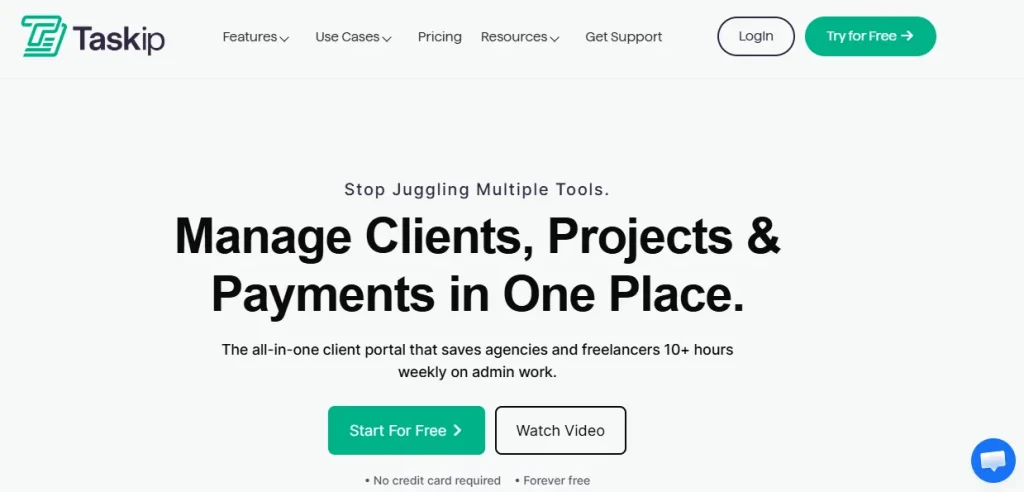
Best for: Agencies that want to manage clients, projects, invoices, and team collaboration from one platform.
Taskip is an all-in-one agency management platform built for digital agencies, web design studios, freelancers, and service businesses. Unlike traditional CRMs that focus mainly on lead management, Taskip combines CRM, project management, client communication, invoicing, documentation, and collaboration in a single workspace.
From capturing leads and sending proposals to managing projects, sharing files, tracking invoices, and collaborating with clients, everything is centralized, helping agencies streamline operations and reduce the need for multiple tools.
Key Features
- Client relationship management (CRM)
- Project and task management
- Branded client portal
- Proposal and quotation management
- Invoicing and payment tracking
- Team collaboration
- Documentation and knowledge base
- File sharing and approvals
- Workflow automation
- Reporting dashboard
Pros
- Built specifically for agencies
- Combines CRM, projects, and invoicing
- Easy-to-use interface
- Affordable pricing
- Free plan available
Cons
- Smaller integration ecosystem than some competitors
- Enterprise sales automation is still evolving
Pricing
| Plan | Price |
|---|---|
| Starter | Free |
| Freelancer | $12/month |
| Startup Team | $29/month |
| Growing Agency | $59/month |
| Agency Pro | $89/month |
Taskip is designed around the complete agency workflow, not just sales. By combining CRM, project management, invoicing, documentation, and client collaboration in one platform, it helps web design agencies stay organized, improve productivity, and deliver a better client experience without juggling multiple software tools.
2. HubSpot CRM – Best Free CRM for Growing Agencies
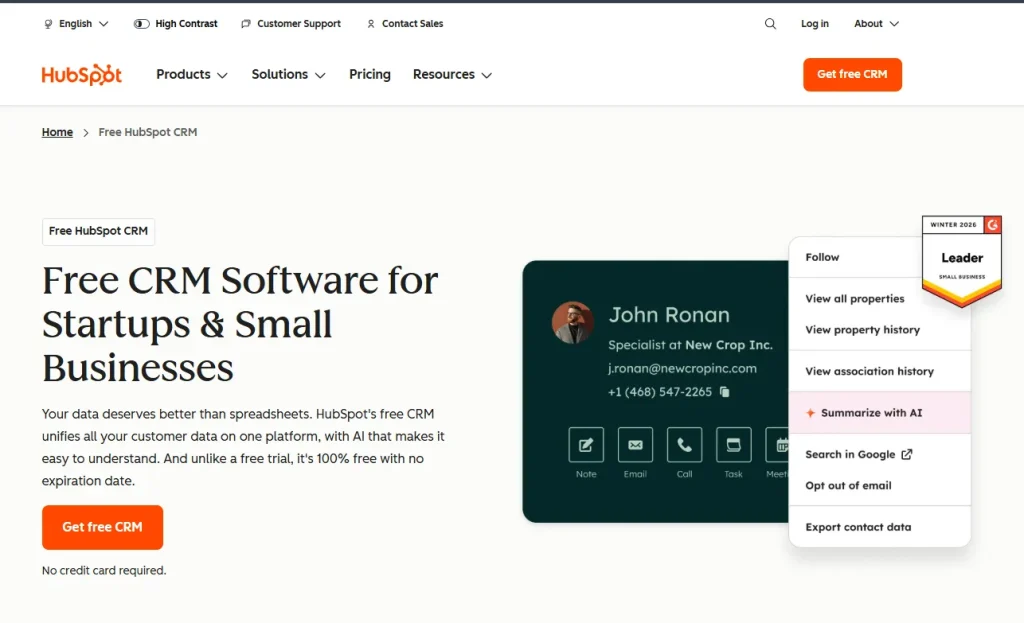
Best for: Agencies focused on lead generation, sales automation, and marketing.
HubSpot CRM is one of the most popular CRM platforms for managing leads, contacts, and sales pipelines. It offers a generous free plan and integrates seamlessly with HubSpot’s marketing, sales, and customer service tools, making it a strong choice for growing agencies.
While HubSpot excels at client acquisition and sales automation, agencies typically need additional software for project management, invoicing, and client collaboration.
Key Features
- Contact and lead management
- Visual sales pipeline
- Email tracking and templates
- Marketing automation
- Meeting scheduler
- Reporting and analytics
- Customer portal (via Service Hub)
- Large integration marketplace
Pros
- Excellent free plan
- Powerful sales automation
- Easy-to-use interface
- Extensive integrations
- Highly scalable
Cons
- Limited project management
- Client collaboration requires additional HubSpot products
Pricing
| Plan | Starting Price |
|---|---|
| Free | Free |
| Starter | $15/seat/month |
| Professional | $100/seat/month |
| Enterprise | Custom Pricing |
HubSpot CRM is an excellent choice for agencies that prioritize lead generation and sales. If your primary goal is attracting and converting new clients, it’s one of the strongest CRM platforms available.
3. Pipedrive – Best CRM for Sales Pipeline Management
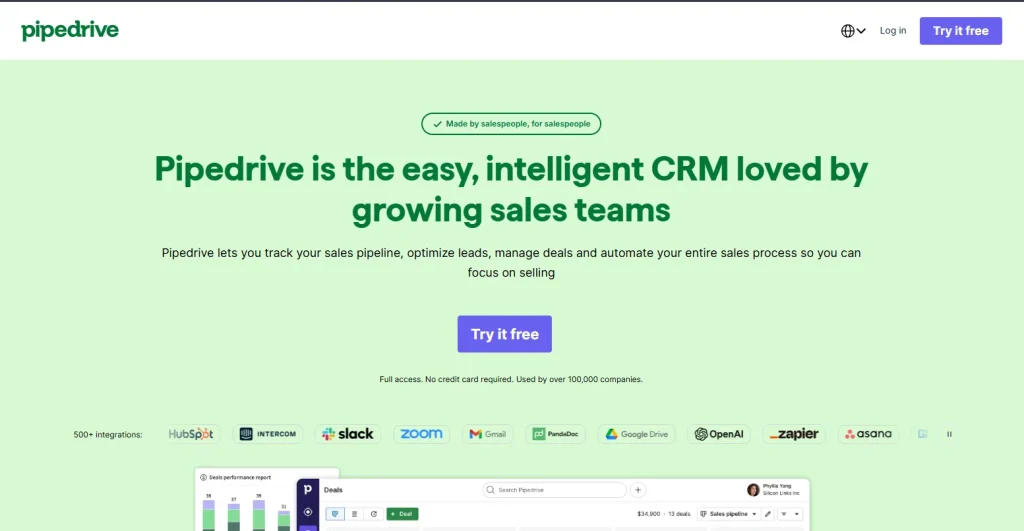
Best for: Agencies focused on business development and closing more deals.
Pipedrive is a sales-first CRM built around visual pipelines and automation. It helps agencies organize leads, track opportunities, and manage deals through every stage of the sales process.
Although it’s excellent for managing sales, agencies will likely need additional tools for project delivery, invoicing, and client collaboration.
Key Features
- Visual sales pipeline
- Lead and contact management
- Workflow automation
- Email integration
- Sales forecasting
- AI Sales Assistant
- Reporting dashboard
Pros
- Easy to learn
- Excellent pipeline visualization
- Powerful automation
- Strong reporting
- Mobile-friendly
Cons
- No built-in project management
- No native client portal
Pricing
| Plan | Starting Price |
|---|---|
| Essential | $19/user/month |
| Advanced | $34/user/month |
| Professional | $64/user/month |
| Power | $74/user/month |
If your agency’s biggest challenge is generating and managing sales opportunities, Pipedrive offers one of the most intuitive and effective pipeline management experiences.
4. Zoho CRM – Best Budget CRM for Small Web Design Agencies
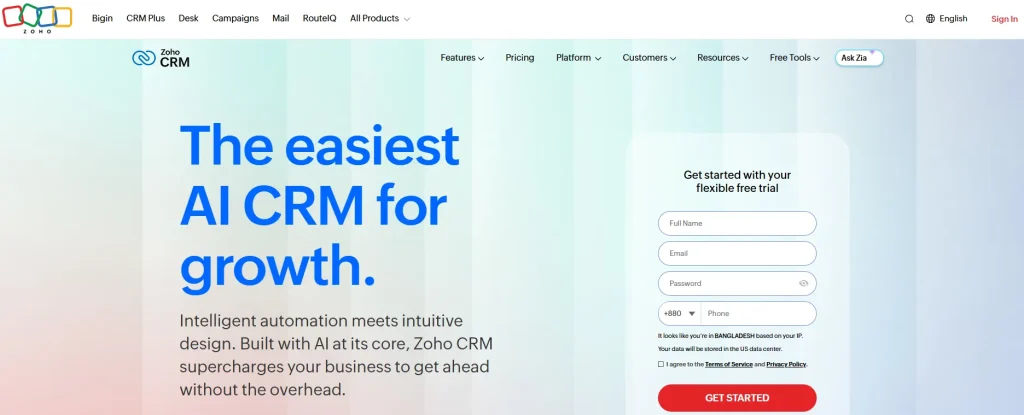
Best for: Small agencies looking for an affordable and scalable CRM.
Zoho CRM provides a comprehensive set of CRM features at a competitive price. Combined with other Zoho applications like Zoho Books and Zoho Projects, it becomes a complete business management ecosystem for growing agencies.
Its flexibility and affordability make it an excellent option for startups and budget-conscious teams.
Key Features
- Lead and contact management
- Sales automation
- Workflow automation
- AI assistant (Zia)
- Analytics and reporting
- Zoho ecosystem integrations
- Mobile applications
Pros
- Affordable pricing
- Highly customizable
- Extensive business app ecosystem
- Strong automation
- Good scalability
Cons
- Interface has a learning curve
- Some agency workflows require additional Zoho products
Pricing
| Plan | Starting Price |
|---|---|
| Free | Free |
| Standard | $20/user/month |
| Professional | $35/user/month |
| Enterprise | $50/user/month |
Zoho CRM is a great option for agencies that want enterprise-level features without the enterprise price tag. It’s especially valuable if you already use other Zoho products.
5. ClickUp – Best CRM for Project-Driven Agencies
Best for: Agencies that prioritize project management and team collaboration.
ClickUp is primarily a project management platform, but many agencies use it as a lightweight CRM thanks to its customizable workflows, dashboards, and collaboration features. It excels at organizing projects, managing tasks, and improving team productivity.
While it includes CRM templates, agencies looking for advanced client management may still require a dedicated CRM.
Key Features
- Project and task management
- Custom workflows
- Dashboards and reporting
- Time tracking
- Documents and knowledge base
- Workflow automation
- Multiple project views
Pros
- Excellent project management
- Highly customizable
- Powerful automation
- Generous free plan
- Strong collaboration features
Cons
- CRM functionality requires customization
- No dedicated client portal
Pricing
| Plan | Starting Price |
|---|---|
| Free | Free |
| Unlimited | $10/user/month |
| Business | $19/user/month |
| Enterprise | Custom Pricing |
ClickUp is ideal for agencies where project execution is the top priority. Its flexibility makes it an excellent project management solution, although it doesn’t replace a full-featured agency CRM.
6. monday CRM – Best CRM for Workflow Automation
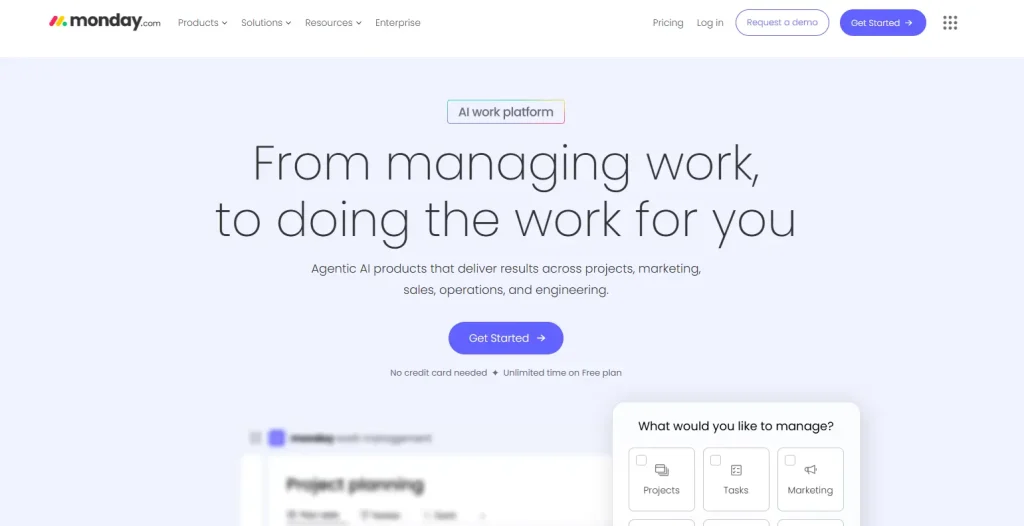
Best for: Agencies that want customizable workflows and automation.
monday CRM helps agencies manage leads, sales pipelines, and client relationships through customizable boards and automation. Built on monday.com’s Work OS, it offers flexible workflows that can adapt to different agency processes.
It’s a great choice for agencies looking to automate repetitive work while keeping teams organized.
Key Features
- Custom sales pipelines
- Workflow automation
- Contact management
- Email integration
- Dashboards
- Team collaboration
- Custom workflows
Pros
- Easy-to-use interface
- Powerful automation
- Highly customizable
- Strong collaboration
- Excellent reporting
Cons
- No native invoicing
- No dedicated client portal
Pricing
| Plan | Starting Price |
|---|---|
| Basic | $12/seat/month |
| Standard | $17/seat/month |
| Pro | $28/seat/month |
| Enterprise | Custom Pricing |
monday CRM is an excellent choice for agencies that want flexible workflows and automation without the complexity of enterprise CRM software.
7. Teamwork – Best CRM for Client Project Management
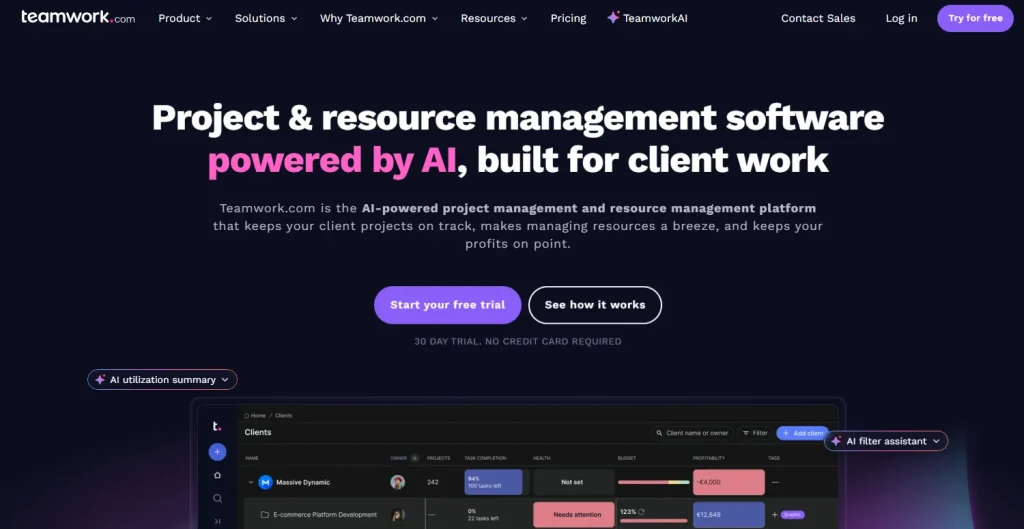
Best for: Agencies that manage multiple client projects and need built-in collaboration tools.
Teamwork is a project management platform designed for client-facing businesses. It combines task management, time tracking, invoicing, and client collaboration, making it a popular choice for creative and digital agencies managing multiple projects.
Although its CRM capabilities are more limited than dedicated CRM platforms, Teamwork excels at project delivery and client communication.
Key Features
- Project and task management
- Client collaboration
- Time tracking
- Team workload management
- Invoicing and budgeting
- Project templates
- Reporting and dashboards
Pros
- Built for client service businesses
- Excellent project management
- Native invoicing
- Client collaboration tools
- Strong reporting
Cons
- CRM features are relatively basic
- Sales pipeline management is limited
Pricing
| Plan | Starting Price |
|---|---|
| Free | Free |
| Deliver | $13.99/user/month |
| Grow | $25.99/user/month |
| Scale | Custom Pricing |
If your agency spends more time delivering projects than managing sales pipelines, Teamwork offers an excellent combination of project management, collaboration, and client communication.
8. Bonsai – Best CRM for Freelancers and Small Agencies
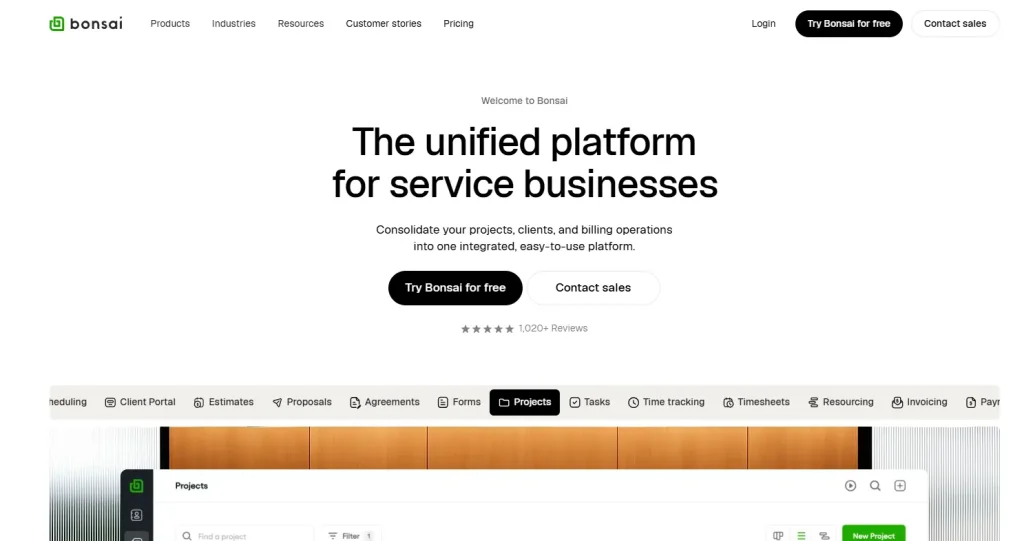
Best for: Freelancers and small agencies that want to manage clients, contracts, and invoices.
Bonsai is built specifically for freelancers, consultants, and creative agencies. It combines CRM, proposals, contracts, invoicing, time tracking, and project management into a single platform, making it easy to manage client work from start to finish.
Its simple interface and business management tools make it particularly attractive for small teams.
Key Features
- Client CRM
- Proposal and contract management
- Invoicing and online payments
- Time tracking
- Project management
- Expense tracking
- Client portal
Pros
- Designed for freelancers and agencies
- Excellent invoicing tools
- Built-in contracts and proposals
- Simple and modern interface
- Easy to set up
Cons
- Limited customization
- Not ideal for larger agencies
Pricing
| Plan | Starting Price |
|---|---|
| Basic | $15/user/month |
| Essentials | $25/user/month |
| Premium | $39/user/month |
| Elite | Custom Pricing |
Bonsai is an excellent option for freelancers and small agencies that want an easy-to-use platform for managing clients, proposals, contracts, invoices, and projects without unnecessary complexity.
9. Copper CRM – Best CRM for Google Workspace Users
Best for: Agencies that rely heavily on Google Workspace.
Copper CRM is designed specifically for businesses using Gmail, Google Calendar, and Google Drive. It integrates seamlessly with Google Workspace, allowing teams to manage contacts, emails, and sales opportunities without leaving their inbox.
While it delivers a great experience for Google users, it lacks many agency-specific features such as project management and client collaboration.
Key Features
- Google Workspace integration
- Contact management
- Sales pipelines
- Workflow automation
- Email tracking
- Activity tracking
- Reporting dashboard
Pros
- Excellent Gmail integration
- Easy to use
- Good automation
- Clean interface
- Strong contact management
Cons
- Limited project management
- No built-in client portal
Pricing
| Plan | Starting Price |
|---|---|
| Basic | $29/user/month |
| Professional | $69/user/month |
| Business | $134/user/month |
If your agency already works primarily inside Google Workspace, Copper CRM provides one of the most seamless CRM experiences available with minimal setup.
10. Salesforce – Best Enterprise CRM for Large Agencies
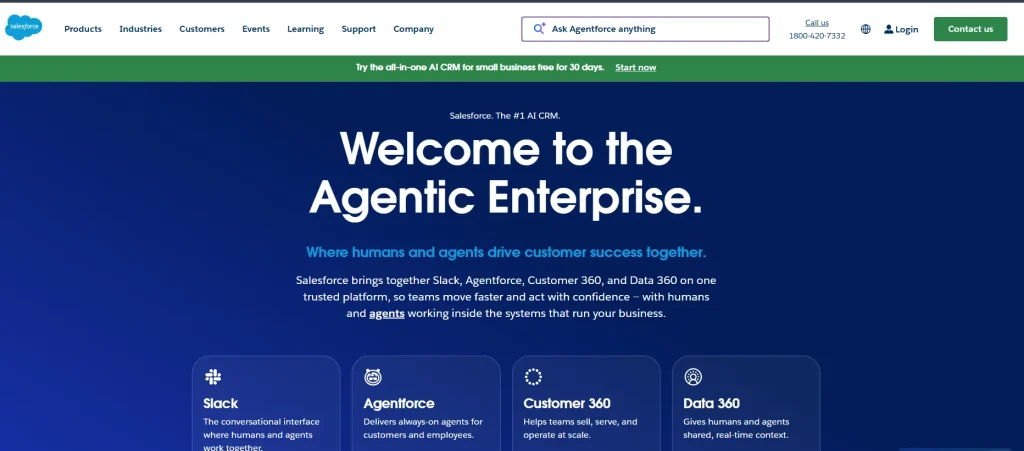
Best for: Large agencies that need enterprise-grade CRM capabilities.
Salesforce is one of the most powerful CRM platforms available, offering advanced automation, reporting, AI-powered insights, and extensive customization. It’s built for organizations with complex sales processes and dedicated CRM teams.
However, its pricing, implementation complexity, and learning curve make it more suitable for large agencies than small web design businesses.
Key Features
- Enterprise CRM
- Sales automation
- AI-powered insights
- Advanced reporting
- Workflow automation
- Extensive integrations
- Custom dashboards
Pros
- Highly customizable
- Enterprise-grade scalability
- Powerful automation
- Extensive app ecosystem
- Advanced analytics
Cons
- Expensive compared to alternatives
- Steep learning curve
- Requires implementation and ongoing administration
Pricing
| Plan | Starting Price |
|---|---|
| Starter Suite | $25/user/month |
| Pro Suite | $100/user/month |
| Enterprise | $165/user/month |
| Unlimited | $330/user/month |
Salesforce is the best choice for large agencies with complex sales processes, dedicated CRM administrators, and enterprise-level requirements. Smaller agencies, however, may find more value in simpler and more affordable alternatives like Taskip, HubSpot CRM, or Zoho CRM.
Feature Comparison of the Top 10 CRM for Web Design Agencies
The table below compares the most important features web design agencies look for when choosing a CRM. While every platform offers contact management, the biggest differences come in project management, client collaboration, invoicing, and agency-specific workflows.
| Feature | Taskip | HubSpot | Pipedrive | Zoho CRM | ClickUp | monday CRM | Teamwork | Bonsai | Copper | Salesforce |
|---|---|---|---|---|---|---|---|---|---|---|
| Contact Management | ✅ | ✅ | ✅ | ✅ | ⚠️ | ✅ | ⚠️ | ✅ | ✅ | ✅ |
| Sales Pipeline | ✅ | ✅ | ✅ | ✅ | ⚠️ | ✅ | ❌ | ⚠️ | ✅ | ✅ |
| Project Management | ✅ | ❌ | ❌ | ⚠️ | ✅ | ⚠️ | ✅ | ✅ | ❌ | ⚠️ |
| Task Management | ✅ | ❌ | ❌ | ⚠️ | ✅ | ✅ | ✅ | ✅ | ❌ | ⚠️ |
| Client Portal | ✅ | ⚠️ | ❌ | ⚠️ | ❌ | ❌ | ✅ | ✅ | ❌ | ⚠️ |
| Team Collaboration | ✅ | ⚠️ | ❌ | ⚠️ | ✅ | ✅ | ✅ | ✅ | ❌ | ⚠️ |
| Invoicing | ✅ | ⚠️ | ❌ | ⚠️ | ❌ | ❌ | ✅ | ✅ | ❌ | ⚠️ |
| Proposal Management | ✅ | ⚠️ | ❌ | ⚠️ | ❌ | ❌ | ❌ | ✅ | ❌ | ⚠️ |
| File Sharing | ✅ | ✅ | ❌ | ⚠️ | ✅ | ✅ | ✅ | ✅ | ❌ | ⚠️ |
| Workflow Automation | ✅ | ✅ | ✅ | ✅ | ✅ | ✅ | ✅ | ⚠️ | ✅ | ✅ |
| Free Plan | ✅ | ✅ | ❌ | ✅ | ✅ | ❌ | ✅ | ❌ | ❌ | ❌ |
NB: ✅ Native feature, ⚠️ Available through add-ons, integrations, or companion products, ❌ Not available
How We Evaluated These CRM Platforms
We evaluated each CRM based on the needs of web design agencies, focusing on client management, project collaboration, workflow automation, invoicing, reporting, ease of use, integrations, scalability, and overall value across the entire client lifecycle.
Which CRM Is Right for Your Web Design Agency?
The best CRM depends on your agency’s size, workflow, and priorities. Here’s a quick guide to help you choose the right platform.
| If You Need… | Recommended CRM | Why It’s a Good Choice |
|---|---|---|
| An all-in-one platform for managing clients, projects, invoices, and collaboration | Taskip | Combines CRM, project management, client portal, invoicing, documentation, and team collaboration in one platform. |
| A free CRM focused on lead generation and sales | HubSpot CRM | Excellent free plan with powerful contact management, marketing, and sales automation. |
| Better sales pipeline management | Pipedrive | Visual sales pipelines and automation make it easy to track deals and close more clients. |
| A budget-friendly CRM with room to grow | Zoho CRM | Affordable, customizable, and integrates well with the Zoho ecosystem. |
| Project management with basic CRM capabilities | ClickUp | Great for agencies that prioritize task management, workflows, and team collaboration. |
| Custom workflows and business automation | monday CRM | Flexible boards and automation help agencies streamline repetitive processes. |
| Managing multiple client projects | Teamwork | Built for client service businesses with strong project management, time tracking, and collaboration tools. |
| Freelancing or running a small creative agency | Bonsai | Combines CRM, proposals, contracts, invoicing, and project management in one simple platform. |
| Working primarily with Google Workspace | Copper CRM | Deep integration with Gmail, Google Calendar, and Google Drive for a seamless workflow. |
| Enterprise-level CRM and advanced customization | Salesforce | Best suited for large agencies that require extensive automation, reporting, and scalability. |
Our Recommendation
If you’re looking for a platform built specifically for web design agencies, Taskip is our top recommendation. It combines CRM, project management, client communication, invoicing, documentation, and collaboration into a single platform, helping agencies reduce tool switching and manage the entire client lifecycle more efficiently.
For agencies with different priorities, HubSpot CRM is ideal for sales and marketing, ClickUp and Teamwork excel at project management, and Salesforce is the best choice for enterprise organizations with complex workflows.
Common CRM Implementation Mistakes to Avoid
Choosing the right CRM is only part of the process. Avoid these common mistakes to get the best return on your investment.
Mistake 1: Choosing Based on Price Alone
The cheapest CRM isn’t always the most affordable in the long run. Consider implementation costs, integrations, add-ons, and productivity when comparing platforms.
Mistake 2: Skipping Team Training
A CRM is only effective if your team actually uses it. Provide proper onboarding and establish clear workflows before rolling it out company-wide.
Mistake 3: Migrating Poor-Quality Data
Before importing contacts, remove duplicates, update outdated information, and standardize your records. Clean data leads to better reporting and automation.
Mistake 4: Ignoring Integrations
Connect your CRM with tools like email, calendars, accounting software, and communication platforms to eliminate repetitive manual work.
Mistake 5: Overcomplicating Your Setup
Start with the core features your agency needs. As your team becomes familiar with the platform, gradually introduce automations and advanced workflows.
Final Verdict on Best CRM For Web Design Agencies
The best CRM for a web design agency depends on your workflow, team size, and business goals. Some platforms focus on sales, while others excel at project management or enterprise customization.
If you want a platform built specifically for agencies, Taskip is our top recommendation. It combines CRM, project management, client communication, invoicing, documentation, and collaboration into one workspace, helping agencies reduce tool switching and manage the entire client lifecycle more efficiently.
If your priority is sales and marketing, HubSpot CRM and Pipedrive are excellent choices. Agencies focused on project delivery should consider ClickUp or Teamwork, while Salesforce remains a strong option for large enterprises with complex requirements.
Whichever CRM you choose, investing in the right platform can improve productivity, strengthen client relationships, and help your agency scale more efficiently.
FAQs
What is the best CRM for web design agencies?
Taskip is our top recommendation because it combines CRM, project management, client portals, invoicing, documentation, and team collaboration in one platform. Other excellent options include HubSpot CRM, Pipedrive, Zoho CRM, and ClickUp.
Why do web design agencies need a CRM?
A CRM helps agencies manage leads, organize client information, track sales opportunities, improve communication, and streamline project delivery. It keeps your team organized and reduces manual work.
Why do web design agencies need a CRM?
A CRM helps agencies manage leads, organize client information, track sales opportunities, improve communication, and streamline project delivery. It keeps your team organized and reduces manual work.
Can a CRM replace project management software?
Not always. Traditional CRMs mainly focus on sales and customer relationships. However, platforms like Taskip and Teamwork combine CRM with project management, allowing agencies to manage both clients and projects in one place.
What features should a CRM for web design agencies include?
Look for features such as contact management, sales pipelines, project management, task tracking, client portals, invoicing, document sharing, workflow automation, reporting, and team collaboration.
Is there a free CRM for web design agencies?
Yes. Taskip, HubSpot CRM, ClickUp, Teamwork, and Zoho CRM all offer free plans, making them great options for freelancers and small agencies.
Which CRM is best for freelancers?
Taskip and Bonsai are excellent choices for freelancers because they combine CRM, proposals, invoicing, project management, and client communication in a single platform.
Which CRM is best for growing agencies?
Taskip is ideal for agencies looking for an all-in-one solution, while HubSpot CRM is a strong choice for agencies focused on sales growth and marketing automation.
How much does CRM software cost?
CRM pricing varies by provider. Many platforms offer free plans, while paid plans typically start between $10 and $30 per user per month. Enterprise solutions can cost significantly more depending on features and business requirements.