Build Organised Teams That Deliver Better Work
Create teams by department, add members, assign tasks, and track who is working on what, all from one central hub. Know exactly what everyone is doing without the chaos.
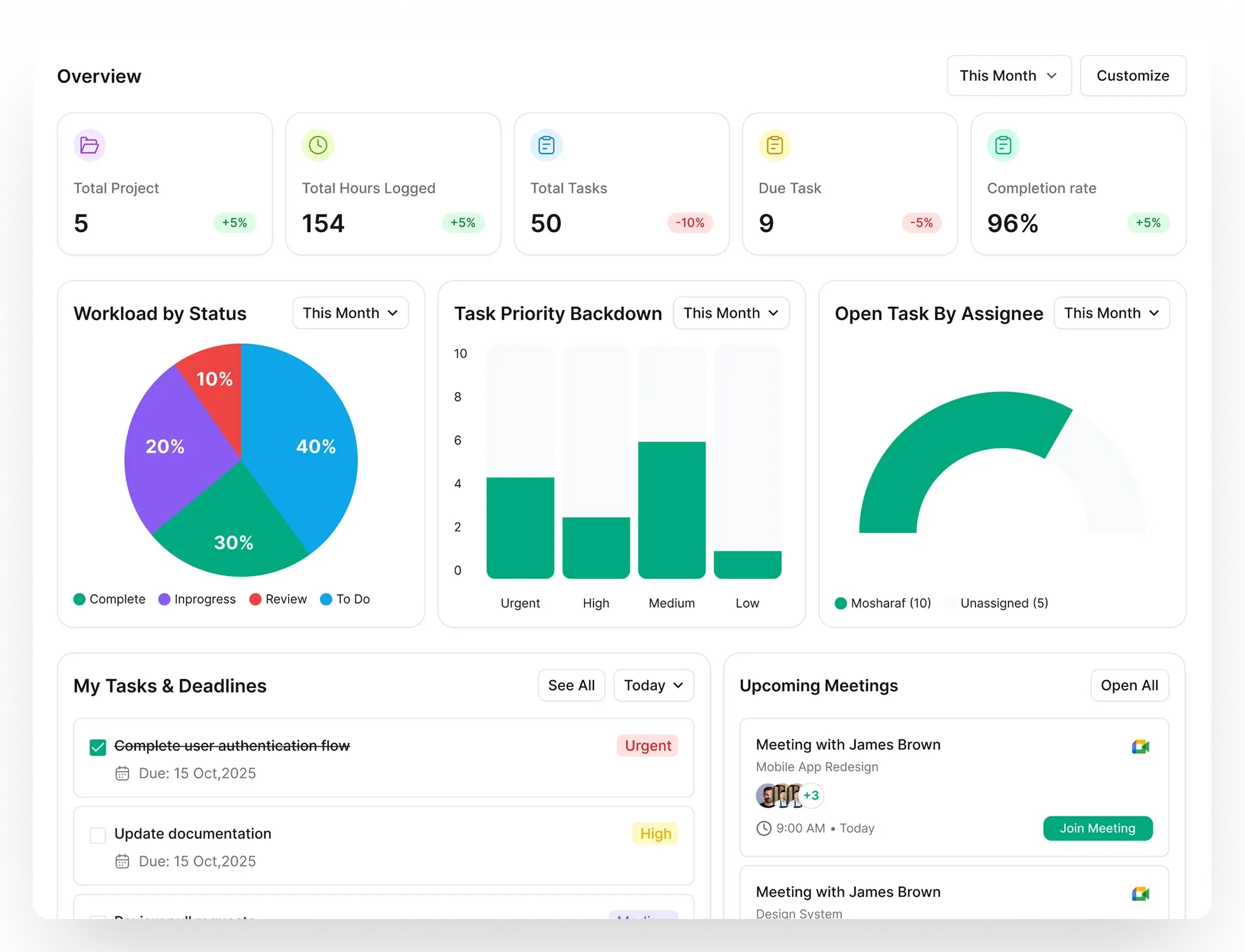


Trusted by 1000+ Agency Owners And Professionals Worldwide





Managing Teams Shouldn’t Feel Like Herding Cats
Without proper team structure, agencies waste hours tracking who’s doing what.
Who’s Working on What?
No visibility into team workloads means some people are overloaded while others sit idle.
Scattered Team Information
Member details, roles, and departments live in spreadsheets, Slack, and your head.
Can’t Track Team Costs
No way to see what each team member costs the business or bill clients accurately.
No Department Organization
Design, development, marketing — everyone’s mixed together with no structure.
Slow Onboarding
Adding new team members takes forever because nothing is centralized.
Zero Performance Visibility
No way to see task completion, workload distribution, or team productivity.
How It Works
From Chaos to Clarity In 4 Simple Steps
Build organized teams and get complete visibility into who’s doing what.
Create Teams
Set up teams by department Design, Development, Marketing, or any structure you need.
Add Members
Invite team members, assign them to teams, and set their roles and permissions.
Assign Work
Assign tasks and projects to team members. See who’s working on what instantly.
Track & Optimize
Monitor workloads, track tasks by member, and invoice team time to clients.
Features
Everything You Need to Manage Teams Effectively
Build organized teams and get full visibility into who’s working on what.
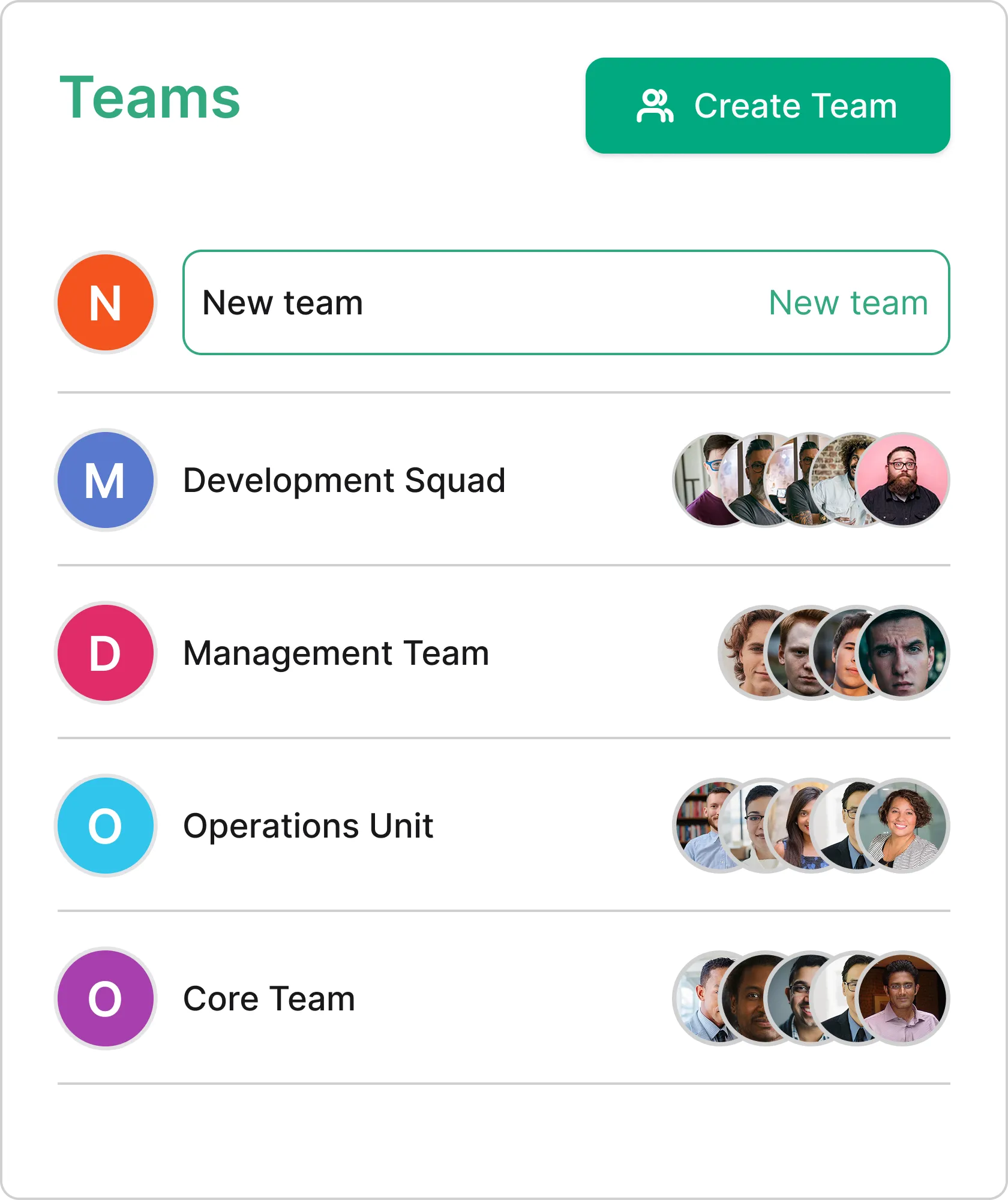
Create Teams by Department in Seconds
Build teams that match your agency structure. Create a Design team, Development team, Marketing team — whatever you need. Add names, departments, and descriptions to keep everything organized.
- Create unlimited teams
- Organize by department
- Add team descriptions
- Edit and delete teams anytime
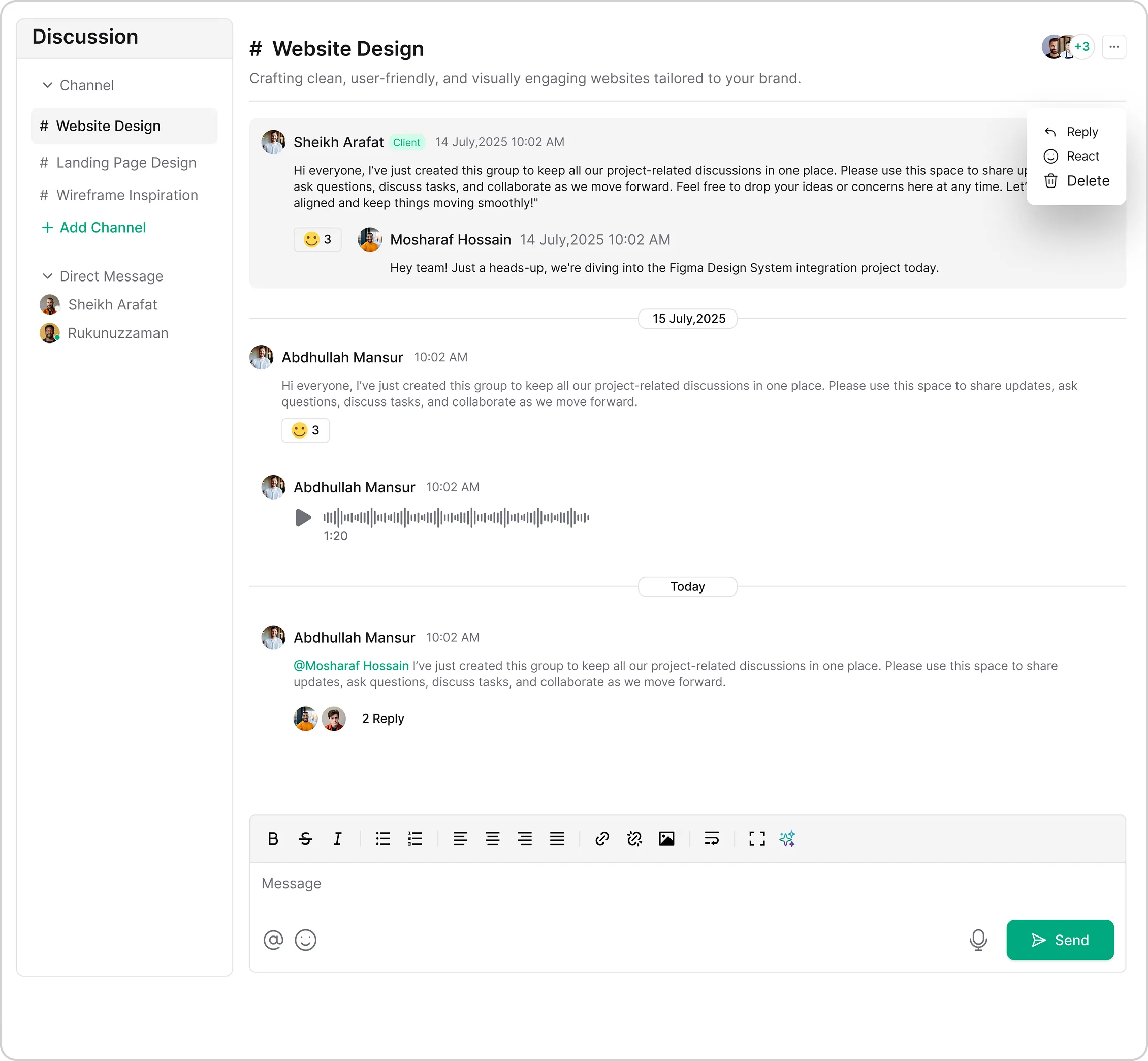
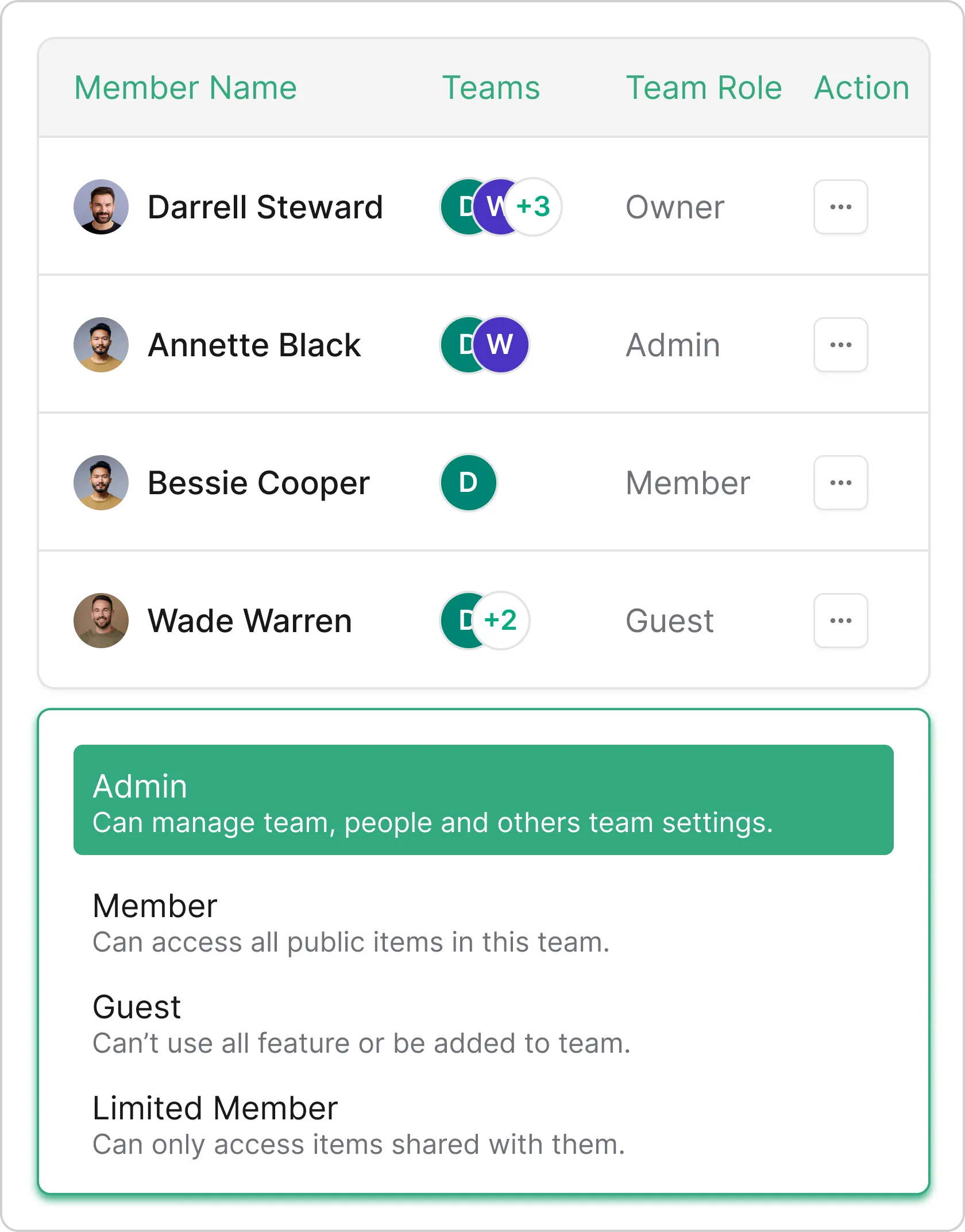
Add Team Members & Manage Permissions
Invite team members via email, assign them to specific teams, and control what they can see and do. Manage your entire team from Settings → Team → Members.
- Invite members via email
- Assign to multiple teams
- Role-based permissions
- Member profiles and details
Dive Deep into Team Details
Click into any team to see complete details — all members, their tasks, department info, and team activity. Everything you need to know about a team in one place.
- Complete team profile
- All members and their roles
- Team task overview
- Quick actions (add member, edit team)
Invoice Team Member Time to Clients
Track time by team member and invoice clients accurately. See exactly what each member worked on and bill clients for the team’s effort with complete transparency.
- Invoice team member time
- Track billable hours by member
- Cost tracking per team
- Detailed billing reports
Organize Your Way
Build Teams That Match Your Agency
Create any team structure you need — by department, skill, project, or client.

Design Team
UI/UX designers, graphic designers, brand specialists — all in one team.

Development Team
Frontend, backend, full-stack developers working together seamlessly.

Marketing Team
Content creators, SEO specialists, social media managers united.
More Features
Powerful Features for Growing Teams
Everything you need to build and manage high-performing teams.
Get Free Trial Now
Unlimited Teams
Create as many teams as you need

Department Tags
Organize teams by department

Role Permissions
Control what each member can access

Grid & List Views
View teams your way

Workload View
See who’s over or under capacity

Billing Tracking
Invoice member time to clients

Email Invites
Add members instantly via email

Activity History
Track team activity over time
Who It’s For
Perfect for Every Type of Business
From freelancers to agencies, our lead management adapts to your workflow.

Digital Marketing Agencies
Strategic guidance and expert advice for your business growth

Advertising Agencies
Full-service marketing solutions to grow your brand

Creative Agencies
Improve your search rankings and organic visibility

Design Agencies
Creative design services for digital and print media

Software & Development Companies
Professional video production and editing services

Professional Services
Engaging content creation for all your marketing needs

Consulting Firms
Custom websites and web applications built to scale

Freelancers
Professional photography for events, products, and portraits
The impact of professional service catalogs
Results From Service Business
Taskip completely changed how we deliver services. Clear packages, instant bookings, and zero back-and-forth emails—our clients love the simplicity.
Since using Taskip, clients understand exactly what they’re getting before they book. It’s cut proposal time to almost zero and boosted our close rate.
The tiered service packages in Taskip make upselling effortless. Clients naturally choose higher-value options without us having to push.
Taskip helped us look more professional overnight. Clear pricing, defined deliverables, and automated booking—everything just works.
Frequently Asked Questions (FAQs)
Go to the Teams section and click “Create Team”. Enter a team name, select a department, add an optional description, and you’re done! You can then add members to your new team immediately.