Development Training & Support Scope of Work Template
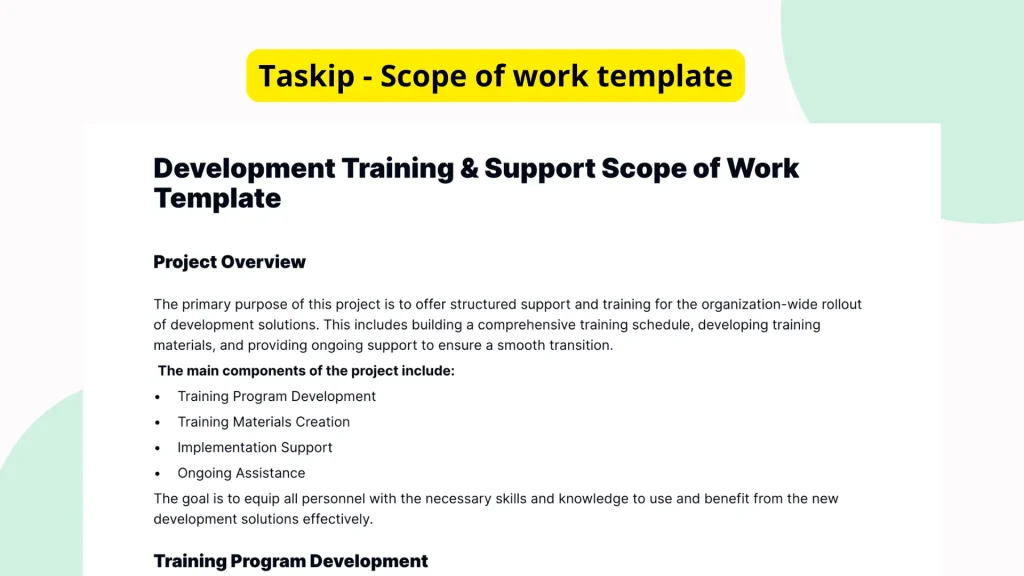
In any development and training initiative, a clear scope of work (SOW) is crucial for setting expectations, responsibilities, and the overall direction of support. The Development Training & Support Scope of Work Template provides a foundational document structure to capture these details in a professional and organized manner. While the initial document may be sparsely filled, its value lies in the clear outline and placeholders it offers to help accelerate the SOW creation process and ensure comprehensive coverage of vital project areas.
What is the Development Training & Support Scope of Work Template?
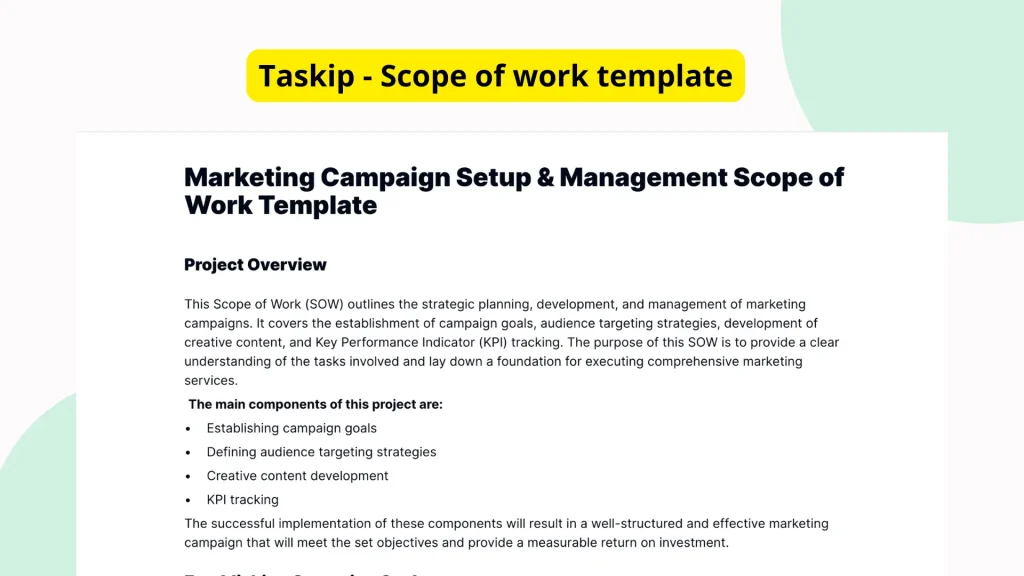
This template is a structured document designed to outline a formal and professional scope of work specifically for development training and support services. It serves as a foundational framework, offering formatted headings, placeholder paragraphs, and list items that prompt users to detail their training goals, support requirements, timelines, deliverables, and more. While the template may not include predefined content, its format acts as a reliable guide for creating customized and effective scope documents.
Why You Should Use This Development Training & Support Scope of Work Template
Creating a detailed scope of work from scratch can be time-consuming and messy. This template simplifies that task by offering a purpose-built outline. Users can save time, eliminate confusion, and improve communication by following the predefined sections. Whether you’re documenting the necessary support levels or establishing training guidelines for a development project, using a structured template ensures nothing important is left out. The format acts as a checklist to develop a thorough and professional agreement that aligns clients and teams from the outset.
Who Should Use This Template
This template is ideal for a variety of professionals and teams involved in development training and support programs. Freelancers providing application or software training can use this to formalize their service offerings. Project managers responsible for onboarding and skill development can use it to outline resource allocation and training milestones. Internal teams organizing support processes or working with vendors will also find this template helpful in documenting clear expectations, responsibilities, and deliverables.
What’s Inside the Template
Although the template itself is not pre-filled with content, it includes several essential structural elements meant to guide users:
- Section Headings: Clearly labeled areas for objectives, scope, timelines, responsibilities, training overview, and support framework.
- Paragraph Blocks: Empty placeholder text areas where users can enter detailed information relevant to their specific project or training session.
- List Items: Unordered or ordered bullet points for easy task breakdowns, responsibilities, schedules or deliverables.
- Logical Flow: The layout intuitively follows the components of a successful SOW, helping guide the reader from problem definition to proposed support strategy.
This well-thought-out skeletal structure reduces the mental effort needed to start documenting processes and improves consistency across different projects.
Real-Life Example of Use Case
Consider a mid-sized technology company planning to provide internal development training on a newly adopted software platform. The IT training lead wants to ensure a consistent support process and alignment with each department’s learning needs. Using this template, they can outline session objectives, define department-specific timelines, list responsibilities between trainers and team leads, and establish a post-training support mechanism. Even with minimal prefilled content, this template’s structure helps them quickly draft a professional scope that is easy to communicate and update.
Benefits of Using This Template with Taskip
Paired with Taskip’s intuitive platform, this template becomes even more powerful. Taskip allows for:
- Fast Editing: Modify the blank paragraphs and list items right in the browser without needing external software.
- Efficient Sharing: Share the completed SOW instantly with team members or clients via secure links.
- Digital Signature Support: Finalize agreements directly within Taskip using built-in signature features.
- Repeatable Templates: Save time in future projects by duplicating or adapting existing SOW files.
Taskip transforms the manual process of SOW drafting into a seamless, repeatable workflow.
Why This Template Stands Out
Starting a scope document from a blank page invites mistakes, omissions, and inefficiencies. This template eliminates the need for guesswork by integrating all foundational elements into a clean, navigable layout. Its purpose-focused structure distinguishes it from generic Word or PDF templates by reinforcing what matters most in a Development Training & Support document clarity, alignment, and professional presentation. Moreover, its flexibility accommodates projects of varying scales and industries.
How to Use This Template
- Go to the Taskip Templates section
- Click on “Use Template”
- Add or edit the template fields as needed
- Customize and send it to your client or team
Start Your Development Training & Support Scope of Work Template Project the Right Way
Tackle your training and support initiatives with confidence by using a structured and editable scope of work template. By starting with a reliable foundation on Taskip, you accelerate execution, reinforce team alignment, and promote professional documentation practices. Skip the blank page blues make project kickoff efficient and results-driven.
FAQ
Is the template fully written, or do I need to fill it in?
The template provides structure but is mostly unfilled. It includes headings, paragraphs, and list placeholders to guide your content creation.
Can I use this template for client-facing documentation?
Yes, the clean and professional formatting is suitable for both internal and external stakeholders, allowing for formal documentation.
Is it customizable for different types of training and support?
Absolutely. The template is flexible and can be tailored for various training types, industries, and support frameworks.
Does this template include example text or just structure?
The current version is structured but does not include predefined or example text. It is intended to be filled based on your project’s needs.
Do I need technical knowledge to use this template in Taskip?
No special knowledge is required. Taskip provides an easy-to-use editor interface where you can fill in, adjust, and manage your scope document effortlessly.