Ultimate CRM Setup Guide for Small Business Owners (2026 Edition) – No Tech Skills Required
If you’re searching for the ultimate CRM setup guide for a small business that’s fast, clear, and beginner-friendly, even for non-tech users, this is it. In just a few simple steps, you’ll transform scattered contact lists into a fully functional CRM system that saves time and accelerates growth. This CRM setup guide for small businesses includes practical advice, 2026 tool recommendations, and a free checklist to keep you organized.
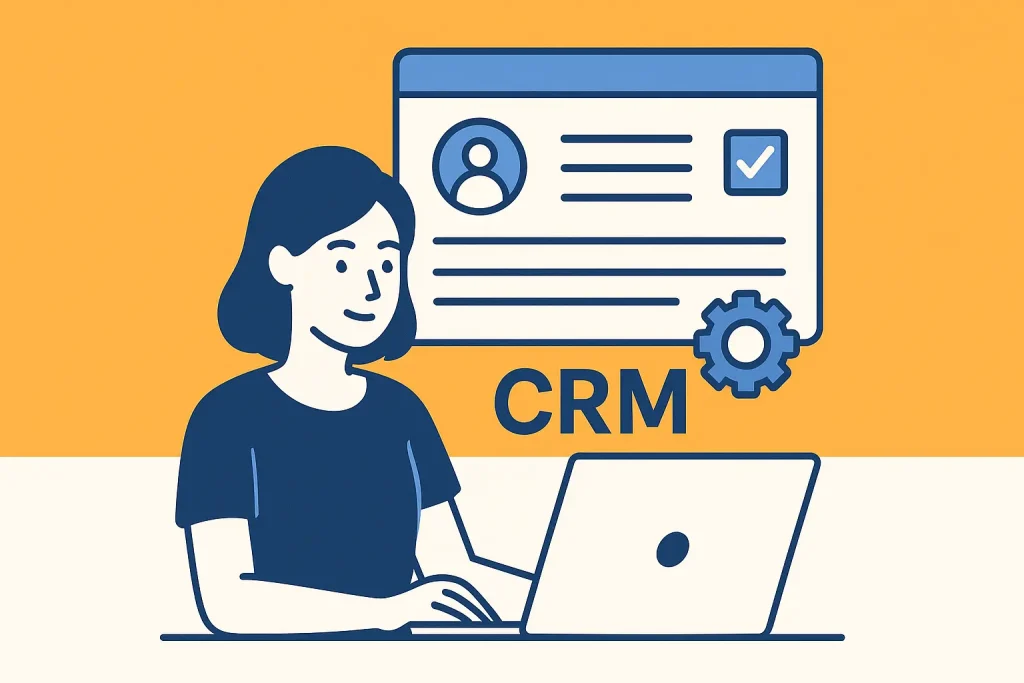
Why Small Businesses Need a CRM Setup (and Why Now in 2026)
The global CRM market is experiencing explosive growth, projected to rise from $101 billion in 2024 to $262 billion by 2032. This surge reflects how essential customer relationship management has become for businesses of all sizes. Industry leaders like HubSpot, Salesforce, and trusted market analyses from TechRadar and Wikipedia all highlight the same trend: adopting a CRM is no longer optional if you want to stay competitive.
Why This Matters for Small Businesses
- Save Time: Automate repetitive tasks like follow-up emails, appointment scheduling, and lead tracking, freeing up hours each week.
- Build Stronger Customer Relationships: Keep every interaction logged, making it easy to personalize service and follow up at the right time.
- Gain Sales Clarity: Visualize your entire sales pipeline, identify bottlenecks, and forecast revenue with greater accuracy.
In short, the window for early adoption is closing. As CRM adoption becomes universal, small businesses that delay risk falling behind in efficiency, customer satisfaction, and growth potential.
Step 1: Planning and Assessment
Define Goals: Set measurable objectives for your CRM setup guide for small businesses, such as boosting lead conversions or improving response times.
Assess Needs: Identify where a CRM can fill gaps, like slow follow-ups or limited reporting.
Choose a CRM: Select a platform aligned with your budget, industry, and feature needs. The right CRM setup guide for a small business ensures you match software to your workflow.
Involve Stakeholders: Secure early buy-in for smoother adoption.
2026 Top Picks:
- HubSpot CRM – Great free tier, robust features.
- Zoho CRM – Affordable and highly customizable.
- Taskip – Affordable and recommended for small businesses and freelancers
- Freshsales – Strong automation at entry-level prices.
- Pipedrive – Visual sales pipelines for clarity.
💡 Explore detailed comparisons in our Top 7 CRM Solutions for Small Businesses to Save Time.
Step 2: Customization and Configuration
- Data Migration Best Practices: Back up your data, clean lists, and use import mapping to align fields.
- Pipeline Configuration: Recreate your sales and service pipelines, assigning probability percentages and automation triggers.
- Custom Fields in CRM: Capture details unique to your business, like region, preferred service type, or referral source.
- User Roles and Permissions: Assign access levels to protect sensitive information.
- Branding: Configure email templates, logos, and other brand assets.
Step 3: Create Your Account & Configure Basics
- Sign Up For CRM: Use your official business email.
- Verify & Log In: Secure access promptly.
- Add Company Profile: Include all relevant business details.
- Set Time Zone & Currency: Ensure accuracy in reporting.
- Configure Branding in CRM: Align visual identity with company guidelines.
Step 4: Import, Clean & Organize Your Data
- Export Existing Data: Gather from spreadsheets, old CRMs, and email clients.
- Data Cleaning: Remove duplicates and standardize formats.
- Map Fields: Match import data with CRM fields.
- Segment Contacts: Categorize for targeted outreach.
- Tag Contacts: Enable quick filtering by category.
Pro Tip:
Pro Tip: Always keep a backup of your raw data.
Invoicing on Autopilot
Never chase payments again. Get paid forever. Automatic reminders, recurring billing, and smart follow-ups.
Day 1Invoice sent automatically to client
Day 7Friendly payment reminder sent
Day 14Overdue notice with late fee warning
Day 15Payment received & auto-reconciled
Step 5: Integration and Automation
- Integrate with Existing Tools: Connect email, marketing automation, accounting, and e-commerce.
- Automate Tasks: Create rules for follow-ups, lead assignments, and campaign launches.
- Lead Scoring: Focus on high-priority prospects.
- Workflow Templates: Standardize common processes.
- Sync in Real Time: Keep data consistent across platforms.
💡 Learn more in Simple & Affordable CRM Software for Small Businesses.
Step 6: Train Your Team & Ensure Adoption
- Live Training: Demonstrate features and workflows.
- Quick-Start Guides: Provide accessible documentation.
- Adoption Incentives: Reward early and consistent use.
- Assign CRM Champions: Internal experts can troubleshoot issues.
Step 7: Ongoing Optimization and Regular Updates
Refine Processes: Continuously improve automation and workflows.
Monitor Performance: Track KPIs to measure ROI.
Gather Feedback: Listen to user experiences.
Regular Updates: Apply software updates for features and security.
Advanced Tips for Maximizing Your CRM
- Leverage AI-driven analytics.
- Build automated drip campaigns.
- Create department-specific dashboards.
- Implement role-based data permissions.
Final Thoughts
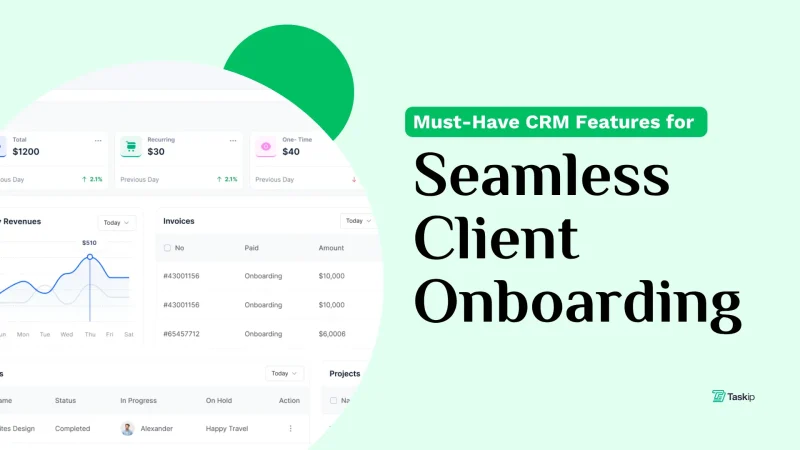
By following this CRM setup guide for small businesses, you can implement a CRM that not only organizes your data but also actively drives sales, retention, and scalability. For more insight, read Must-Have CRM Features for Client Onboarding and Best Freelancer Productivity Tools for 2025.
FAQs
Can I set up a CRM without technical skills?
Yes, modern CRMs are designed for non-technical users.
How long does CRM setup take?
For small teams, 1–3 days is average.
Is CRM software expensive?
Many providers offer free plans or low-cost tiers.
What’s the biggest CRM mistake small businesses make?
Not aligning pipelines with their real-world process.

Get Summary On: