The best CRM with client portal software in 2026 includes Taskip, Assembly, OneSuite, SuiteDash, HubSpot CRM, and Salesforce Sales Cloud. The right choice depends on your team size, budget, and whether you need branded client experiences or enterprise-level features.
A CRM with a built-in client portal keeps client communication, files, invoices, proposals, and project updates in one secure place. Instead of juggling multiple tools and endless email threads, your clients get a professional self-service portal while your team manages everything from a single dashboard.
Here are the 11 best CRM with client portal platforms for 2026, compared by features, pricing, and real user reviews.
Top 11 CRM With Client Portal Tools at a Glance
| Rank | Tool | Best For | Starting Price | Client Portal Highlight |
| 1 | Taskip | All-in-one CRM with client portal | Free / $12/mo | Branded portal with invoicing, e-sign, and project updates in one view |
| 2 | FuseBase | Flexible Client Management | Free / $32/mo | AI-native portals with full white-labeling and client-facing apps |
| 3 | Assembly | AI-driven professional services | $39/mo | Branded client hub with messaging, files, and payments |
| 4 | OneSuite | All-in-one simplicity | $29/mo | Unlimited clients with no per-client fees |
| 5 | SuiteDash | White label customization | $19/mo | Fully white-labeled portal on a custom domain |
| 6 | HubSpot CRM | Marketing automation | Free / $15/seat/mo | Client facing meeting and deal tracking pages |
| 7 | Zoho CRM | Small business affordability | $14/user/mo | Portals add on for client self service access |
| 8 | Salesforce Sales Cloud | Enterprise visibility | $25/user/mo | Experience Cloud portals for large account teams |
| 9 | Bonsai | Freelancers | $15/user/mo | Client hub for proposals, contracts, and invoices |
| 10 | Plutio | Customization flexibility | $19/mo | Custom branded client portal with tasks and forms |
| 11 | Vendasta | White-labeled client experience | $99/mo | Business App as a white label client dashboard |
We compared these 10 CRM platforms based on client portal features, pricing, ease of use, integrations, and verified G2 reviews.
Pricing and feature details below are pulled from each vendor’s own pricing page as of July 2026, and every G2 rating is linked directly to the source so you can check it yourself.
Table of Contents
What Is a CRM With Client Portal?
A CRM with a client portal is customer relationship management software that pairs its usual pipeline, contact, and deal tracking tools with a secure, branded login area where clients can view their own projects, invoices, files, and messages. Instead of managing client relationships internally while sending updates externally through email, the CRM and the portal share the same database, so anything you update on your end (an invoice status, a file, a task) is instantly visible to the client on theirs.
Why Your Business Needs a CRM With Client Portal
A CRM with a client portal improves both your team’s efficiency and your clients’ experience by giving them a secure, self-service space to access everything they need. Instead of relying on long email threads, clients can view project updates, approve proposals, download files, and pay invoices whenever they want.
Key benefits include:
- Fewer status update emails with a self-service portal for project progress.
- A more professional client experience with branded portals instead of scattered emails and shared folders.
- Faster approvals and payments by letting clients review quotes, sign documents, and pay invoices online.
- Centralized communication that keeps messages, files, contracts, and invoices in one place.
- Better transparency and accountability with a complete history of approvals, comments, and document activity.
- Higher team productivity by reducing manual follow-ups and administrative work.
For agencies, consultants, freelancers, and service businesses, a CRM with a client portal creates a smoother workflow while giving clients the transparency and convenience they expect.
Must-Have Features in a CRM With Client Portal
- Custom branding or full white labeling, including your own logo, colors, and (ideally) domain
- Built-in invoicing and online payments, not just a link out to a separate billing tool
- File sharing with e-signature support for contracts and approvals
- Granular permissions so each client only sees their own projects and data
- Integrations with the tools you already use for email, calendar, and payments
- Mobile access so clients can check status and pay invoices from a phone
Top 11 Best CRM With Client Portal Software
1. Taskip – Best All-in-One CRM With Client Portal
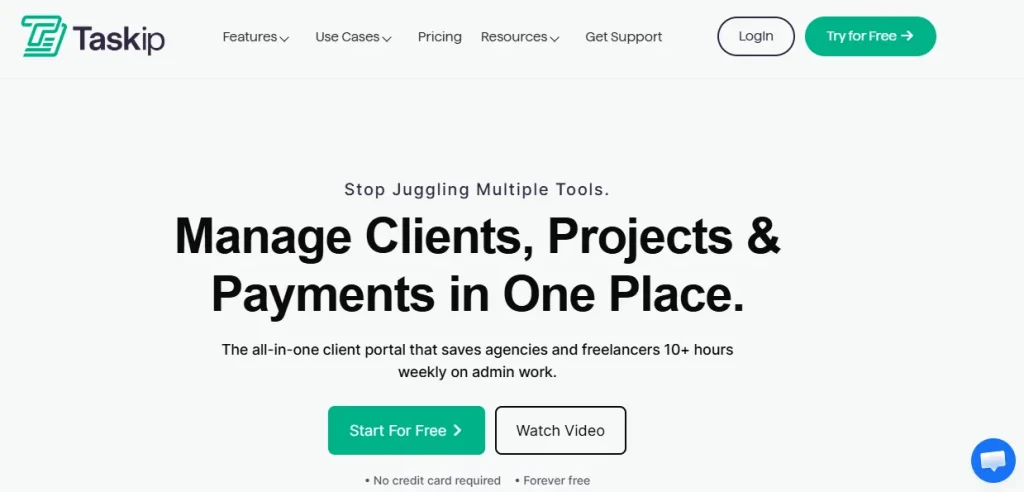
Taskip is an all-in-one CRM with client portal built for agencies, consultants, and freelancers who want one system instead of five. Its product line covers CRM and sales pipeline, invoicing and quotations, project management, client portal access, and support tickets, all under one login for you and one branded login for your client. Unlike point solutions that bolt a portal onto an existing CRM, Taskip was built around the client portal from the start, which shows in how tightly invoicing, files, and project status are tied together on the client side.
Features
- Fully branded client portal with custom domain support
- Built-in CRM with sales pipeline and lead tracking
- Invoices and quotations clients can view and pay from their portal
- Project management, task tracking, and file sharing in the same workspace
- WhatsApp inbox and email integration for client communication
Pros and Cons
| Pros | Cons |
|---|---|
| Genuinely all in one, so you are not stitching together a CRM, invoicing tool, and portal separately | Newer product, so its G2 review volume is still small |
| Client portal is core to the product, not an add-on | Some advanced automation features are still rolling out |
| Transparent, agency-friendly pricing with a free tier | Best suited to agencies and freelancers rather than large enterprise sales teams |
Pricing
Taskip offers a free tier, then paid plans starting at $12/month for the Freelancer plan, $29/month for Startup Team, $59/month for Growing Agency, and $89/month for Agency Pro. Full plan details are on the Taskip pricing page.
G2 Rating & Reviews
Taskip holds a 4.8 out of 5 rating on G2, with users specifically calling out how the client portal keeps project status visible without extra check-in emails.
Taskip has completely transformed the way our team manages projects. The interface is clean and intuitive, task management feels smooth and straightforward, and the collaboration features work flawlessly. The time tracking is accurate and easy to use, which makes it simple to stay on top of what’s being done. Overall, everything feels well thought out, dependable, and genuinely reliable.
2. FuseBase – Best CRM With Client Portal for Flexible Client Management

FuseBase is an AI-native client portal platform with built-in CRM capabilities. It’s built for client-facing businesses such as agencies, consultants, and professional services teams that need flexible client management alongside advanced collaboration. Its product line covers branded client portals, CRM dashboards, internal workspaces, and custom client apps for creating tailored client experiences.
Features
- Branded portals with granular permissions and custom widgets
- eSignatures, custom forms, and secure file-sharing
- Built-in PM tools and CRM dashboards for managing clients, deals, and related workflows
- Workflow automation and AI assistance
- No-code app builder for onboarding, requests, ticketing, and other client workflows
Pros and Cons
| Pros | Cons |
| Extensive customization across portals, pages, and content blocks | Advanced setups require more configuration |
| Separate client-facing and team interfaces | Search works within individual workspaces rather than across the entire account |
| Magic Links for one-link access + password logins and MFA for added security | Invoicing and payments aren’t a core focus |
Pricing
A free plan is available. Paid plans start at $32/month for Solo, $82/month for Essentials, and $266/month for Advanced. The Unlimited plan is available with custom pricing.
G2 Rating & Reviews
FuseBase holds a 4.7 out of 5 rating on G2 from 106 verified reviews.
FuseBase is one of the few software solutions that truly feels like a Swiss Army knife. It serves as both an internal and external knowledge base, a CRM, a communication hub, and a client portal. You can also use it for collecting e-signatures, sharing files, and leveraging AI agents, all of which help you create a comprehensive all-in-one platform.
3. Assembly – Best CRM With Client Portal for AI-Driven Professional Services
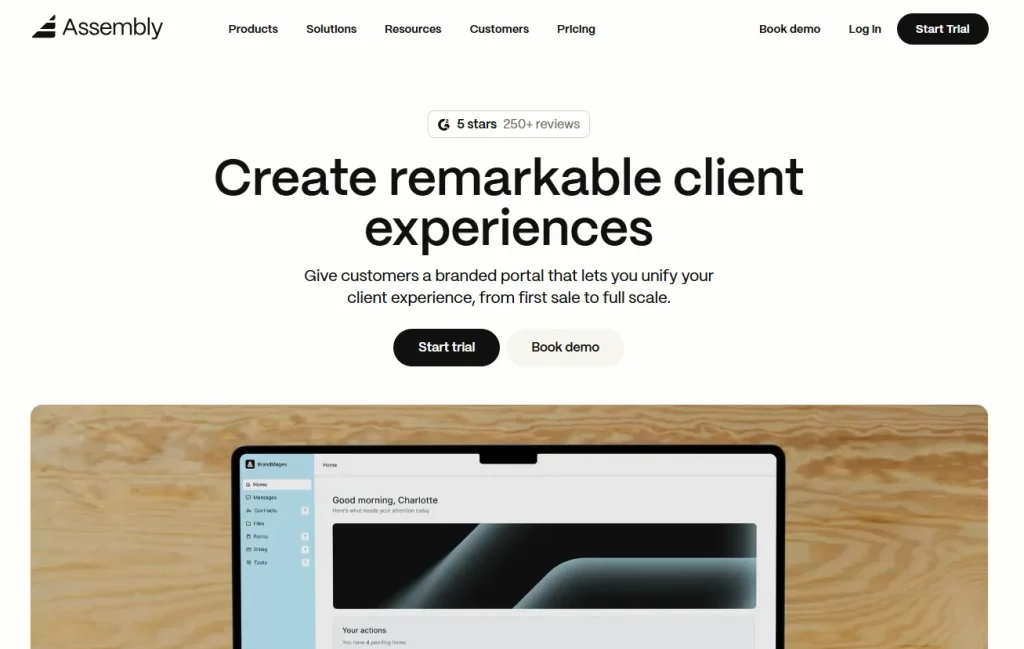
Assembly (formerly Copilot) is a CRM with a client portal built for professional services firms such as bookkeepers, consultants, and agencies that want an AI-assisted, highly polished client experience. Its product line centers on a branded client hub that combines messaging, file requests, invoicing, and forms, with AI features layered on top for drafting client updates and summarizing activity.
Features
- Branded client portal with custom domain and white label options
- Messaging, file sharing, and e-signature inside the same client hub
- AI-assisted client update drafting and activity summaries
- Invoicing and subscription billing built into the portal
- App marketplace for adding client-facing tools
Pros and Cons
| Pros | Cons |
|---|---|
| Best-in-class portal design and client-facing polish | Per-user fees add up quickly for larger teams |
| Strong AI features for drafting updates | Full CRM and pipeline features are lighter than dedicated CRMs like Salesforce or HubSpot |
| Large, active G2 review base | Higher starting price than several competitors on this list |
Pricing
Assembly’s Starter plan starts at $39/month on an annual plan, with Professional at $149/month and Advanced at $399/month, per Assembly’s pricing page.
G2 Rating & Reviews
Assembly holds a 4.8 out of 5 rating on G2 from 279 verified reviews, with reviewers frequently praising the client portal’s branded, professional feel.
I love the “feels like I’m inside the businesses system feel” for clients. I love that I can bill them from the software, and I especially love the custom workflows, I love the forms, I love the ability to add multiple people a company etc.
4. OneSuite – Best CRM With Client Portal for All-in-One Simplicity
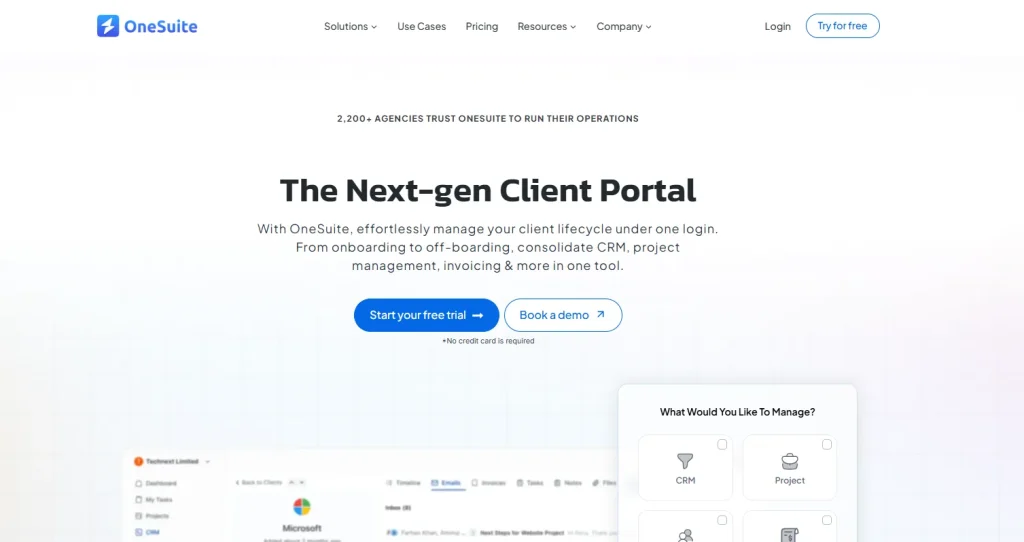
OneSuite is a CRM with a client portal aimed at agencies that want one simple system for clients, invoices, proposals, and projects without a steep setup curve. Its product line is built around unlimited clients and projects on every plan, with the client portal, invoicing, and automation features layered in as you move up tiers.
Features
- Unlimited clients, invoices, and proposals on every plan
- Branded client portal included from the entry tier
- Automation and scheduling on mid-tier plans
- Advanced reporting and priority support on top-tier plans
- Simple, agency-friendly onboarding
Pros and Cons
| Pros | Cons |
|---|---|
| No per-client fees, which helps agencies with many small accounts | Smaller G2 review base than more established competitors |
| Straightforward setup for non-technical teams | Fewer deep CRM automation features than Salesforce or HubSpot |
| Portal included from the first paid tier | Less brand recognition than larger competitors on this list |
Pricing
OneSuite’s Starter plan begins at $29/month, with Essentials around $36.75/month and Premium around $81.75/month, according to OneSuite’s pricing page.
G2 Rating & Reviews
OneSuite carries a 4.7 out of 5 rating on G2 from a smaller pool of verified reviews, with users highlighting cost savings from consolidating tools into one portal.
The functionality that allows us to show our clients the processes we use to do the work, where we are in the process, and what the next steps are. Having client communication with our clients is super important, and One Suite has made that much easier.
5. SuiteDash – Best CRM With Client Portal for White-Label Customization
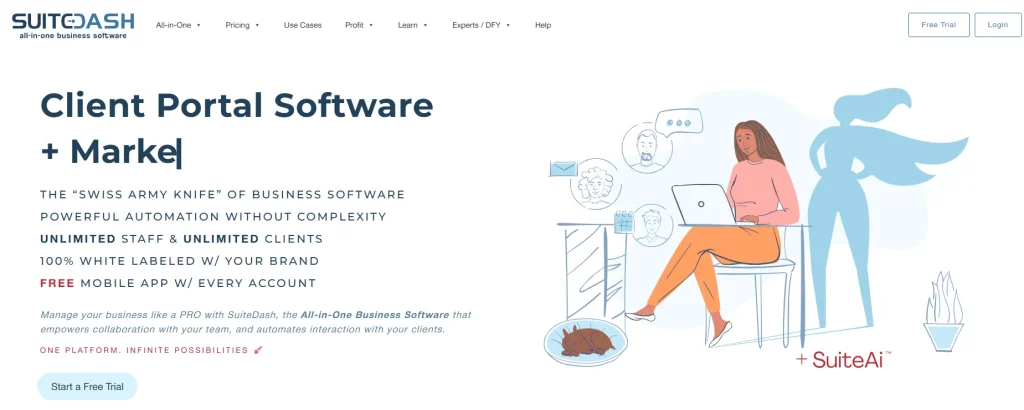
SuiteDash is a CRM with a client portal built specifically for agencies and consultants who want to fully white label the client experience, right down to the domain. Its product line covers CRM, project management, invoicing, proposals, and a client portal that can be rebranded so thoroughly that clients may never see the SuiteDash name at all. For a direct side-by-side, see our Taskip vs SuiteDash comparison.
Features
- Full white label branding on a custom domain
- Client portal with file sharing, messaging, and invoicing
- Built-in CRM and project management modules
- Proposal and contract tools with e-signature
- LMS-style course delivery for client onboarding
Pros and Cons
| Pros | Cons |
|---|---|
| Deepest white label customization on this list | Steep learning curve and dated interface, per reviewers |
| Very large, well-established G2 review base | Setup and ongoing maintenance takes real time investment |
| Unlimited users on every plan | Some features feel bolted on rather than natively integrated |
Pricing
SuiteDash starts at $19/month for the Start plan, $49/month for Thrive, and $99/month for Pinnacle. See our full SuiteDash pricing breakdown and SuiteDash review for more detail.
G2 Rating & Reviews
SuiteDash holds a 4.8 out of 5 rating on G2 from 618 verified reviews, one of the largest review bases on this list.
Suitedash is a fully customizable Client Portal that integrates directly with our website. This allows us to have that client-first approach while also directing our existing clients to our website as this is our main source of advertising. Having our latest messaging in front of our clients on the daily is a game changer for us.
6. HubSpot CRM – Best CRM With Client Portal for Marketing Automation
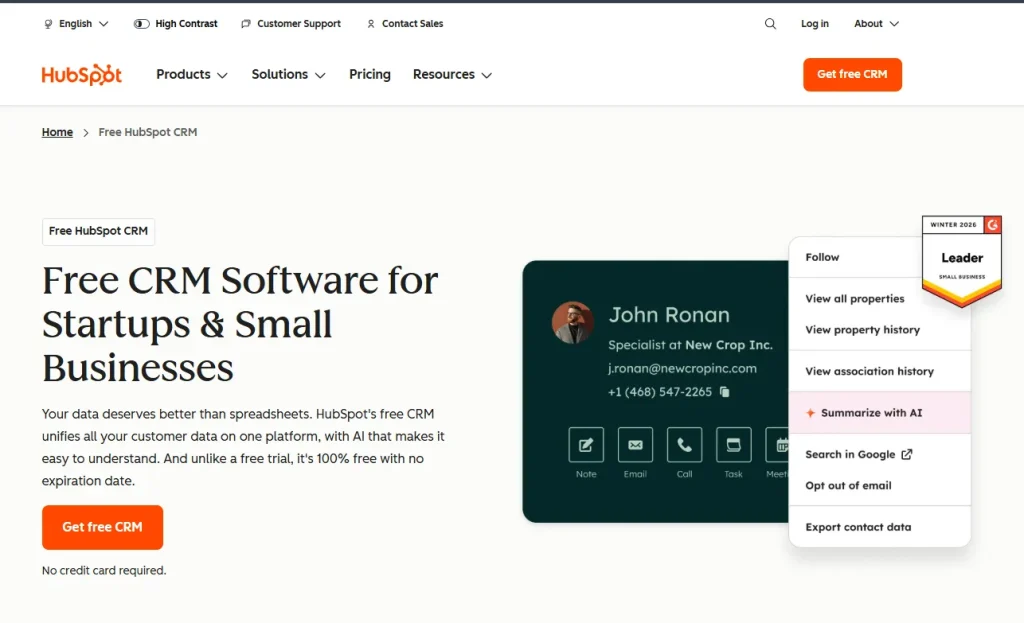
HubSpot CRM is best known as a marketing and sales platform, but its client-facing pages and Service Hub tools let it function as a CRM with client portal for teams that already live inside HubSpot’s marketing automation ecosystem. Its product line spans Marketing Hub, Sales Hub, Service Hub, and a free core CRM, with client-facing scheduling and deal tracking pages acting as a lightweight portal layer.
Features
- Free core CRM with contact and deal tracking
- Client-facing meeting scheduler and deal stage visibility
- Deep marketing automation and email tools
- Large app marketplace and integration ecosystem
- Reporting dashboards across marketing, sales, and service
Pros and Cons
| Pros | Cons |
|---|---|
| Free tier makes it accessible for small teams | Client portal features are lighter than dedicated portal tools like Taskip or SuiteDash |
| Massive integration and app ecosystem | Costs rise quickly once you need multiple Hubs |
| Huge, well-documented G2 review base | Can feel like overkill if you only need a simple client portal |
Pricing
HubSpot’s core CRM is free, with Starter plans beginning around $15 per seat per month on annual billing, per HubSpot’s pricing page.
G2 Rating & Reviews
HubSpot Sales Hub holds a 4.4 out of 5 rating on G2 from more than 13,500 verified reviews.
What stands out most about HubSpot Sales Hub is its incredibly simple and user friendly interface. Exploring the features is easy and useful. Using it on a weekly basis, the real time tracking and reporting tools have become essential for delivering deep insights into our sales success and consumer behavior.
7. Zoho CRM – Best CRM With Client Portal for Small Business Affordability
Zoho CRM is a budget-friendly CRM with client portal capabilities available through Zoho’s broader suite, which includes Zoho Projects and Zoho Invoice for client-facing access. Its product line is one of the widest in this list, spanning CRM, finance, HR, and productivity apps, which makes it appealing for small businesses that want one vendor for everything.
Features
- Affordable per-user pricing with a free tier for up to 3 users
- Client portal access through connected Zoho apps like Projects and Invoice
- Workflow automation and lead scoring
- Wide integration options within the Zoho ecosystem
- Customizable dashboards and reporting
Pros and Cons
| Pros | Cons |
|---|---|
| Lowest entry price among full-featured CRMs on this list | Client portal is spread across multiple Zoho apps rather than one unified hub |
| Huge feature set for the price | Below average customer support scores compared to CRM category averages |
| Free plan available for very small teams | Interface can feel crowded as you add more Zoho apps |
Pricing
Zoho CRM’s Standard plan starts at $14 per user per month billed annually, scaling up through Professional, Enterprise, and Ultimate tiers, per Zoho’s pricing page.
G2 Rating & Reviews
Zoho CRM holds a 4.1 out of 5 rating on G2 from nearly 3,000 verified reviews.
What I like best about Zoho CRM is its balance between functionality and ease of use. It provides a centralized platform for managing leads, contacts, deals, and customer interactions. The workflow automation features help reduce manual work, and the customization options make it easy to adapt the system to different business processes. I also appreciate the wide range of integrations and reporting capabilities that provide valuable business insights.
8. Salesforce Sales Cloud – Best CRM With Client Portal for Enterprise Visibility
Salesforce Sales Cloud is the enterprise standard CRM, and pairs with Experience Cloud to deliver client portal functionality for large account teams. Its product line spans sales, service, marketing, and industry-specific clouds, making it the most extensive (and most complex) platform on this list.
Features
- Experience Cloud portals for client and partner access
- Deep customization through Salesforce’s platform layer
- AI-powered forecasting and pipeline insights
- Extensive third-party integration marketplace (AppExchange)
- Enterprise-grade permissions and security controls
Pros and Cons
| Pros | Cons |
|---|---|
| Most powerful customization and automation on this list | Highest cost and most complex setup of any tool here |
| Best fit for large teams with dedicated admins | Client portal (Experience Cloud) is a separate paid product |
| Massive, mature G2 review base | Steep learning curve for small teams or solo freelancers |
Pricing
Salesforce Sales Cloud’s Starter Suite begins at $25 per user per month, with Pro, Enterprise, and Unlimited tiers rising well beyond that, per Salesforce’s pricing page.
G2 Rating & Reviews
Salesforce Sales Cloud holds a 4.4 out of 5 rating on G2 from more than 25,000 verified reviews.
I use features like flow, custom objects, and integrations very often all these tools make it possible to reduce manual work, estandarize proccesses and give managers real-time visibility into pipeline health and team performance.
i love sles cloud because it allows me to concentrate all the information from my sales pipeline and be able to organize and provide insights base on this.
9. Bonsai – Best CRM With Client Portal for Freelancers
Bonsai (Hello Bonsai) is a CRM with a client portal designed around solo freelancers and small creative or consulting businesses. Its product line includes proposals, contracts, time tracking, invoicing, and a client hub where clients can review and approve work. For context on how it stacks up against an all-in-one alternative, see our Taskip vs Hello Bonsai comparison and Bonsai pricing breakdown.
Features
- Client hub for proposals, contracts, and invoice approval
- Time tracking that flows directly into invoices
- Templates for contracts and proposals across industries
- Tax and expense tracking for freelancers
- E-signature built into contracts
Pros and Cons
| Pros | Cons |
|---|---|
| Purpose-built for solo freelancers and small teams | Per-user pricing scales quickly if you add team members |
| Clean, simple client-facing document flow | Some reviewers report slow payment processing and support delays |
| Strong Capterra rating alongside a solid G2 score | Less depth for agencies managing large client rosters |
Pricing
Bonsai’s Basic plan starts at $15 per user per month, with Essentials, Premium, and Elite tiers rising to $59 per user per month, per Bonsai’s pricing page. If Bonsai does not end up being the right fit, we cover several Hello Bonsai alternatives as well.
G2 Rating & Reviews
Bonsai holds a 4.3 out of 5 rating on G2 from 102 verified reviews.
It’s incredible to send contracts, proposals, invoices, and forms to clients all in the same platform. I love that Bonsai is a one-stop shop for freelancers and small businesses. I use Bonsai almost every day for my business. Their support team is very helpful and quick to respond to any issues I may have encountered.
10. Plutio – Best CRM With Client Portal for Customization Flexibility
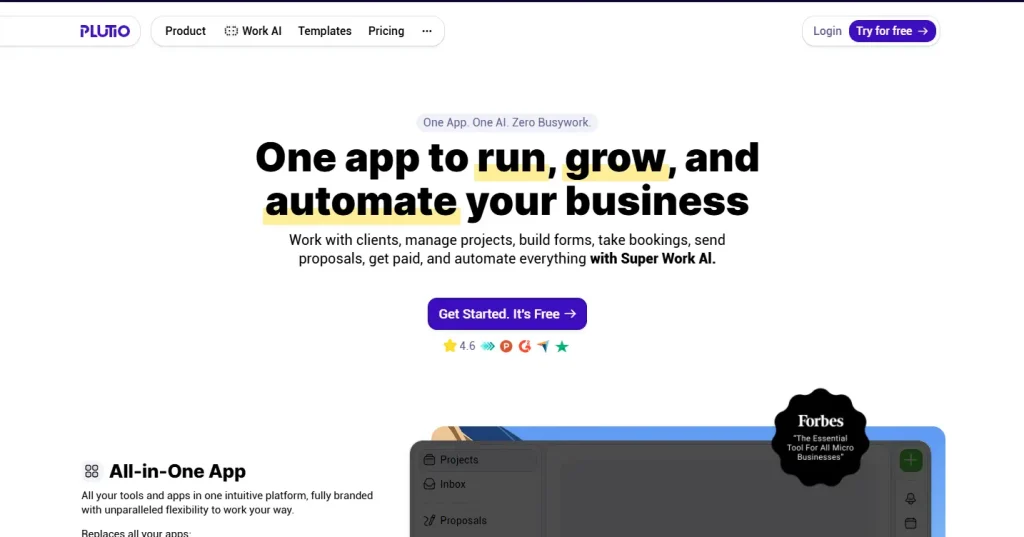
Plutio is a CRM with a client portal that leans heavily into customization, letting you build the exact client experience you want with custom branded forms, tasks, and dashboards. Its product line covers CRM, project management, invoicing, and a fully brandable client portal in one workspace, making it a close, more budget-friendly alternative to Taskip. Read our full Taskip vs Plutio comparison for a detailed feature-by-feature breakdown.
Features
- Fully customizable, brandable client portal
- Built-in CRM, project management, and invoicing
- Custom forms and proposal templates
- Time tracking and task management in one workspace
- Flexible workspace layout you can rearrange per client
Pros and Cons
| Pros | Cons |
|---|---|
| High degree of customization for the price | Onboarding takes longer given how much you can configure |
| All in one workspace similar in spirit to Taskip | Customer support response times are a recurring complaint |
| Affordable entry price for solo users | Task linking and some integrations feel less polished |
Pricing
Plutio’s Solo plan starts at $19/month, with Studio at $39/month and Pro/Agency at $99/month, per Plutio’s pricing page.
G2 Rating & Reviews
Plutio holds a 4.3 out of 5 rating on G2 from 57 verified reviews.
From project management and client communication to invoicing, proposals, scheduling, and time tracking — it really simplifies the chaos of juggling multiple apps. I’ve used the platform for years to manage projects, send proposales and invoices, and manage client subscriptions.
11. Vendasta – Best CRM With Client Portal for a White-Labeled Client Experience
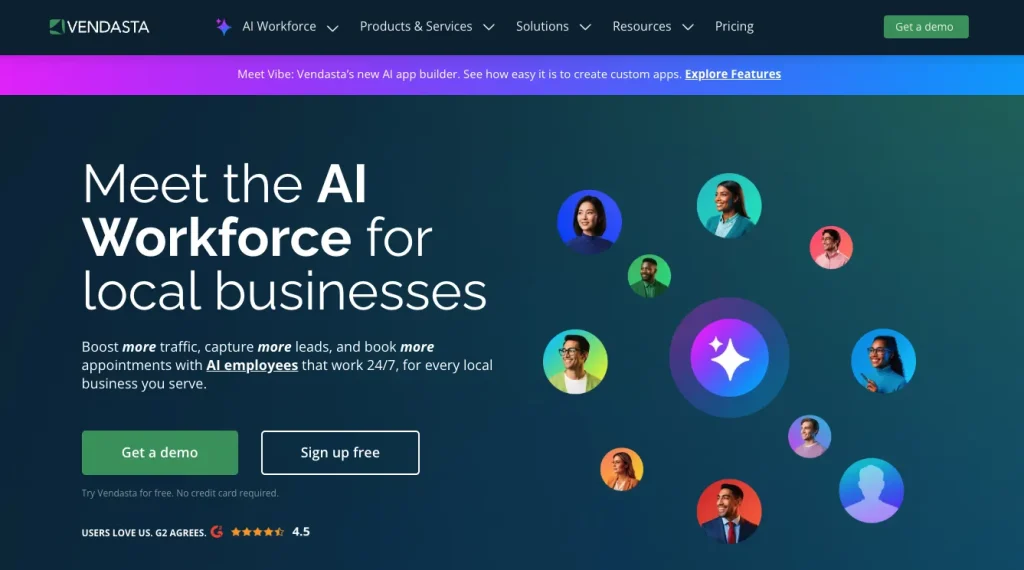
Vendasta is a CRM with a client portal aimed at agencies and resellers who manage marketing services for many small business clients at once. Its product line centers on the Business App, a fully white-labeled client dashboard that sits on top of Vendasta’s CRM, reporting, and marketplace of add-on services, making it a strong fit for agencies reselling multiple products under their own brand.
Features
- Business App as a white-labeled client dashboard
- CRM with automation built for agency and reseller workflows
- Snapshot Reports for client-facing performance summaries
- Marketplace of add-on products agencies can resell
- Conversation intelligence and AI-assisted client insights
Pros and Cons
| Pros | Cons |
|---|---|
| Strong fit for agencies reselling services to many small business clients | Highest entry price on this list |
| Large, mature G2 review base | Steep learning curve for teams new to the reseller model |
| Deep white label options across the whole platform | Feels disconnected from day-to-day project work compared to Taskip or Plutio |
Pricing
Vendasta’s Starter plan begins at $99/month, with Professional at $499/month and Premium at $999/month, per Vendasta’s pricing page.
G2 Rating & Reviews
Vendasta holds a 4.5 out of 5 rating on G2 from 526 verified reviews on its AI Platform product line.
Taskip vs. Assembly: Which CRM With Client Portal Wins?
| Critera | Taskip | Assembly |
|---|---|---|
| Starting price | Free / $12/mo | $39/mo |
| Client portal depth | Native, built around CRM, invoicing, and projects | Native, built around messaging and file requests |
| Best for | Agencies and freelancers wanting one full system | Professional services firms wanting AI-assisted client communication |
| G2 rating | 4.8/5 | 4.8/5 |
Assembly wins on portal polish and AI features, while Taskip wins on being a genuinely all-in-one system (CRM, invoicing, and project management) at a lower starting price. If your priority is a single connected platform instead of a best-in-class portal layered on top of a lighter CRM, Taskip is the stronger fit.
How to Choose the Right CRM With Client Portal
If you are a solo freelancer, prioritize simple pricing and a client portal that handles proposals, contracts, and invoicing without a learning curve, which is where tools like Bonsai or Taskip’s Freelancer plan fit well. Small agencies usually need something in between: an affordable CRM with a client portal that scales with team size, such as Taskip, OneSuite, or Plutio. Compliance-heavy firms (legal, financial, or consulting) should weigh SuiteDash or Salesforce for their permissioning and audit trail depth. Enterprise teams managing large, complex accounts will likely need Salesforce Sales Cloud or HubSpot for the automation and reporting depth that comes with a bigger budget.
Common Mistakes When Choosing a CRM With Client Portal
- Picking based on price alone, then discovering per-seat or per-client fees that make the “cheap” plan more expensive at scale
- Ignoring white label limits, only to find your logo sits next to the vendor’s branding anyway
- Skipping a real test of the client side experience, since the admin view rarely tells you what your client will actually see
- Not checking payment processor fees on invoicing, which can quietly eat into margins on every client payment
Final Verdict: Best CRM With Client Portal Overall
Best overall: Taskip, for combining CRM, invoicing, project management, and a branded client portal in one affordable system. Runner-up: Assembly, for the most polished, AI-assisted client portal experience. Best for customization: Plutio, for teams that want to build their own client workflow from scratch. Best for enterprise: Salesforce Sales Cloud, for large teams that need deep customization and Experience Cloud portals.
If you want the all-in-one option without juggling five separate tools, try Taskip free and test the client portal yourself before choosing a paid plan.
FAQ About CRM With Client Portal Software
What is a client portal in a CRM?
A client portal in a CRM is a secure, branded login area where clients can view their own projects, files, invoices, and messages, using data that lives in the same system your team uses to manage the relationship.
Can I use a free CRM with a client portal?
Yes. Taskip and HubSpot CRM both offer free tiers with client-facing features, though full portal branding and advanced features typically require a paid plan.
CRM vs. client portal software, what’s the difference?
A standalone client portal only handles client-facing file sharing and communication, while a CRM with a client portal built in also manages your internal pipeline, contacts, and deals in the same system, so nothing needs to be synced between two separate tools. For a fuller breakdown, see our guide on CRM vs client portal software.
Which is best for small agencies or freelancers?
Taskip, OneSuite, and Plutio are the strongest fits for small agencies, while Bonsai is built specifically around solo freelancers.
How much does a CRM with client portal typically cost?
Entry pricing on this list ranges from free (Taskip, HubSpot) to around $99/month (Vendasta), with most small agency-friendly tools landing between $12 and $39 per month.
Why Trust This CRM With Client Portal Review
This review was compiled by researching each vendor’s current pricing page directly, cross-checking features against product documentation, and linking every G2 rating to its public source rather than paraphrasing secondhand claims. We disclose our own product, Taskip, in the rankings, and we rank competitors ahead of it wherever their reviews and feature set genuinely support that. Read more about our team on our About Us page.
Ready to Get Started With the Best CRM With Client Portal?
If you manage clients, projects, and invoices across too many disconnected tools, a CRM with a client portal like Taskip can bring it all into one branded system your clients will actually enjoy using.