The best client portal for freelancers is Taskip if you want your portal, invoices and CRM in one place from $12/mo, with your own domain and unlimited clients on every paid plan. If you need one specific job done really well, one of these may suit you better:
- Best overall: Taskip, portal + invoicing + CRM from $12/mo, custom domain included
- Best free option: Taskip Free, free forever with no credit card (or Notion if you’d rather build your own)
- Best for creatives: HoneyBook, polished templates, magic-link login and the best-rated mobile app here
- Best for hourly/retainer billing: Bonsai, time tracking, retainers and recurring invoices in one flow
- Best if you’re growing into an agency: Agency Handy, unlimited clients, team seats and your own domain from the Team Starter plan
Disclosure: Taskip is our product. We ranked it against 12 competitors on the same criteria, explained in how we compared these tools.
Client Portals for Freelancers Compared
Prices are the cheapest plan that includes a client portal, taken from each vendor’s pricing page in October 2026. Where a vendor shows two prices, the lower one is the yearly rate. Tools appear in the same order as the reviews below.
Table of Contents
| Tool | Best for | Cheapest plan with portal | Free plan | Client limit | White-label (logo / domain / email) | Client login | Stripe / PayPal | Mobile app | G2 rating | Skip if |
|---|---|---|---|---|---|---|---|---|---|---|
| 1. Taskip | All-in-one for solo freelancers | Free; Freelancer $12/mo adds your domain | Yes | Unlimited on paid plans | Domain and custom email on all paid plans; full white-label on Growing Agency and up (add-on below) | Invite link, then password | Both (+ Mollie, Xendit, Razorpay, bank) | iOS and Android | 4.8/5 (6) | You want a long public review history first |
| 2. FuseBase | Advanced collaboration | Free (1 portal); Solo $32/mo ($39 monthly) | Yes | 1 on Solo, 100 on Essentials | Advanced plan only | Magic link (password optional) | Stripe via apps; no PayPal | No | 4.7/5 (112) | You want built-in invoicing |
| 3. Bonsai | Hourly and retainer billing | Essentials $19/user/mo ($25 monthly) | No (7-day trial) | Unlimited | Logo and email branding on Premium; no custom domain yet | Email link, no password | Both (+ Bonsai Payments) | iOS and Android | 4.3/5 (101) | You need the portal on your own domain |
| 4. HoneyBook | Creative freelancers | Starter $29/mo (billed yearly) | No (30-day trial) | Unlimited | Branding removal from Essentials; custom URLs | Magic link, password or code | No, in-house processor | iOS (4.8/5) and Android | 4.5/5 (250) | You need Stripe or PayPal |
| 5. Agency Handy | Growing into an agency | Freelancer $29/mo | No (7-day trial) | Unlimited | Branding on all plans; domain and email from Team Starter | Password | Both (+ Wise, bank) | No | 4.9/5 (19) | You want your own domain at $29 |
| 6. Dubsado | Automation and branding | Starter $335/yr ($35 monthly) | No (21-day trial) | Unlimited | No Dubsado logos; custom domain on both plans | Password, or portal link + email | PayPal; Stripe via Dubsado Payments | iOS (4.8/5) and Android | 4.3/5 (76) | You can’t spend time on setup |
| 7. SuperOkay | Best-looking portal UI | Basic free; Solo $9/mo ($12 monthly) | Yes (1 client) | 1 / 3 / 5 / unlimited by plan | Solo+ and Business | Magic link, password or both | No billing | No (mobile web) | 4.6/5 (44) | You want invoices in your portal |
| 8. Moxie | All-in-one with a native app | Pro $20/mo ($25 monthly) | No (14-day trial) | No published cap | White-label portal and domain from Pro | Magic link (password optional) | Both (+ US ACH) | iOS (4.6/5) and Android (4.1/5) | 4.5/5 (4) | You need a flexible meeting scheduler |
| 9. Plutio | Flat-price all-in-one | Core $19/mo ($190/yr) | No (7-day trial) | 9 on Core, unlimited on Pro | $9/mo add-on; included on Max | Private link or password | Both (+ Square) | Team app only; clients use the browser | 4.3/5 (57) | You’ll pass 9 clients but want to stay on $19 |
| 10. SuiteDash | Unlimited clients on a budget | START $19/mo ($180/yr) | No (14-day trial) | Unlimited | Branded on all plans; custom domain on PINNACLE | Password or magic link | Both (PayPal one-time only) | Custom-branded app | 4.8/5 (620) | You want something simple on day one |
| 11. Assembly | Premium client experience | Free (5 contacts); Starter $29/mo ($49 monthly) | Yes | 5 / 50 / 500 / unlimited contacts | Domain and badge removal from Professional | Magic link, Google or password | Built-in payments, Stripe payouts; no PayPal | No | 4.7/5 (346) | You want your domain on a starter budget |
| 12. Clinked | Regulated or enterprise clients | Start Up $11/user/mo | No (14-day trial) | 25 users on Start Up, 100 on Standard | Domain from Standard; email from Premium | Password (2FA on Premium) | No billing | iOS and Android | 4.8/5 (143) | You have many small clients |
| 13. Notion | Free DIY setup | Free; Plus $10/member/mo | Yes | 10 guests free, unlimited on Plus | No | Notion account required | No (needs Zapier/Make) | iOS and Android | 4.6/5 (13,876) | You want payments or contracts built in |
How We Compared These Tools
We looked at each tool the way a solo freelancer shopping for a client portal would. We reviewed vendor pricing pages, feature pages, help centers and public review profiles in October 2026, then compared every tool on the same seven criteria:
- Portal features: is the portal a core feature, or a thin add-on to a CRM?
- Client experience: how easy it is for a client to log in, find files, approve work and pay.
- Price with the portal included: the cheapest plan that actually unlocks the portal, not the headline price.
- Payments: Stripe and PayPal support, or an in-house processor only.
- White-label depth: your logo, your domain, your email sender address.
- Ease of setup: hours or weeks before your first client logs in.
- Reviews: G2 scores with the review count, because sample sizes vary a lot.
A note on ratings: SuiteDash and Notion have hundreds or thousands of reviews behind their scores. Taskip, Agency Handy and Moxie have only a handful. Read small-sample scores as an early signal, not proof.
What a Client Portal for Freelancers Should Do?
A client portal (sometimes called a client management portal) is a private, branded space where your clients log in to see project status, grab files, sign contracts and pay invoices, instead of digging through email threads and shared drives. (If you’re still weighing a CRM, see our guide to the best CRMs with a client portal.)
The payoff is time. If a portal saves you 3 hours a week and you bill $75/hour, that’s roughly $11,700 a year of reclaimed billable time, against a tool that usually costs $0 to $700 a year. Good client portal software for freelancers should cover:
- One login for clients: Every project, file and invoice behind a single door, so nobody asks “where’s that link again?”
- File sharing and approvals: Version history and a clear “approve” button, so clients never download final_v3_ACTUALLYfinal.pdf.
- Invoices and online payments: Clients see what they owe and pay by card or bank in one click.
- Contracts and e-signatures: Proposals turn into signed agreements without printing or scanning.
- Project status: A live progress view answers “just checking in” emails before they’re sent.
- Messaging: Conversations attached to the project, not buried in your inbox.
- Magic-link or passwordless access: Clients click a secure link and they’re in. No forgotten passwords.
- Branding: Your logo, colors and ideally your own domain, so the portal feels like part of your business. Learn more in what a white-label client portal is.
1. Taskip: Best Overall Value for Solo Freelancers
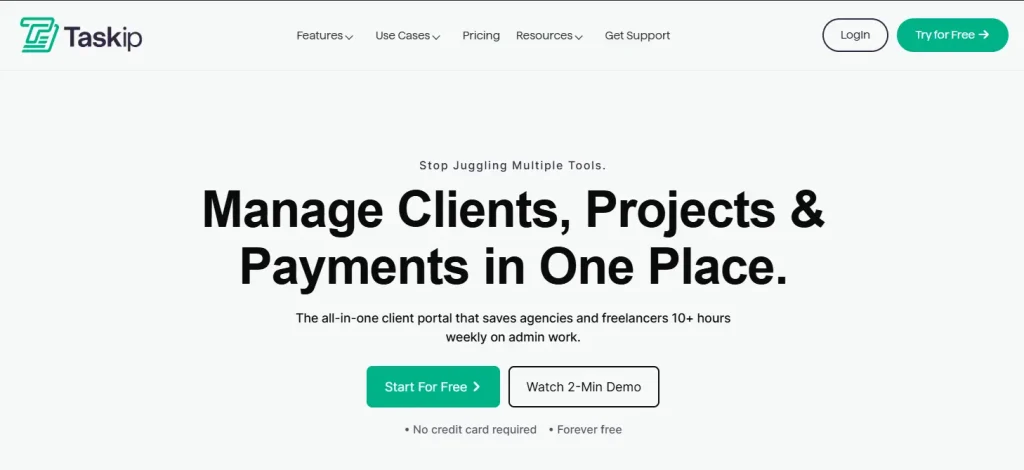
Taskip is a client portal, CRM and invoicing platform built for freelancers and small agencies. Clients get one branded login for project updates, files, invoices and support tickets, and every paid plan runs on your own domain with unlimited client accounts. It’s rated 4.8/5 on G2 (6 reviews) and 5.0/5 on Capterra (5 reviews).
Best for
Solo freelancers who want portal, invoicing and CRM in one tool, on their own domain, at a freelancer price.
Portal included from
Start on the Free plan, free forever with no credit card. Paid plans: Freelancer $12/mo, Startup Team $29/mo, Growing Agency $59/mo and Agency Pro $89/mo, with 35% off on yearly billing. Every paid plan includes your own custom domain, custom email sending and unlimited client accounts. Full white-label (no Taskip branding) is included from Growing Agency and is a paid add-on on Freelancer and Startup Team. See all plans on the Taskip pricing page.
Key features
- Branded client dashboard with projects, files, invoices and support tickets in one view
- Custom domain and emails from your own address (SMTP) on all paid plans
- Quotations that convert to invoices, plus proposals with e-signature
- CRM and lead pipeline built in, with unlimited clients and leads on paid plans
- Workflow automation, automated follow-ups, Zapier and a public API
- Taspi, a built-in AI agent for everyday admin
Pros and cons
Pros
- The widest range of payment gateways on this list, with no transaction fees from Taskip
- Your own domain and unlimited clients from $12/mo
- Free-forever plan to start, no credit card
Cons
- Some features take more clicks to reach than they should, per reviewers
- Gmail integration feels dated, per reviewers
- Small public review base so far
Payments
Stripe, PayPal, Mollie, Xendit, Razorpay and manual bank transfer, with no transaction fees from Taskip.
Mobile app
Clients can use the “Client Portal by Taskip” iOS app, and there’s a Taskip app on Android plus desktop apps. Both mobile apps are new and don’t have store ratings yet.
Skip it if…
You’d rather wait for a long public review history before moving your clients over.
Try Taskip free. Client portal, invoicing and CRM in one place, with your own domain from $12/mo.
2. FuseBase: Best for Advanced Client Collaboration

FuseBase pairs customizable client portals with internal workspaces and AI-powered workflows. It’s rated 4.7/5 on G2 (112 reviews).
Best for
Freelancers who want flexible portals plus a private workspace for the work behind the scenes.
Portal included from
The Free plan includes 1 client portal. Solo is $32/mo billed yearly ($39 monthly) for 1 portal and 1 client. Essentials is $82/mo yearly ($99 monthly) for 5 members, 10 portals and 100 clients. Advanced is $266/mo yearly ($399 monthly) for 50 members, 100 portals and 1,000 clients, and it’s the first plan with white-label and a custom domain. One portal can hold several clients, and extra portals are $20 each. Paid plans have a 14-day trial.
Key features
- Client portals with magic-link access
- Internal workspaces for managing client work privately
- Granular permissions, task management and portal analytics
- Self-serve knowledge bases for onboarding and instructions
- AI agents and no-code client apps
Pros and cons
Pros
- Portals can be tailored per client or service
- Clear delivery steps and status widgets cut follow-up messages
- Magic links expire after 24 hours, with an optional access key
Cons
- White-label and custom domain only arrive on Advanced
- Steeper learning curve for advanced automation
- No native invoicing in the portal
Payments
A Stripe integration for FuseBase apps handles payments, subscriptions, invoices and paid portal access. There’s no PayPal support.
Mobile app
No native app; clients use the portal in a browser.
Skip it if…
You want invoicing that works out of the box, or your own domain on a small budget.
3. Bonsai: Best For Hourly and Retainer Billing
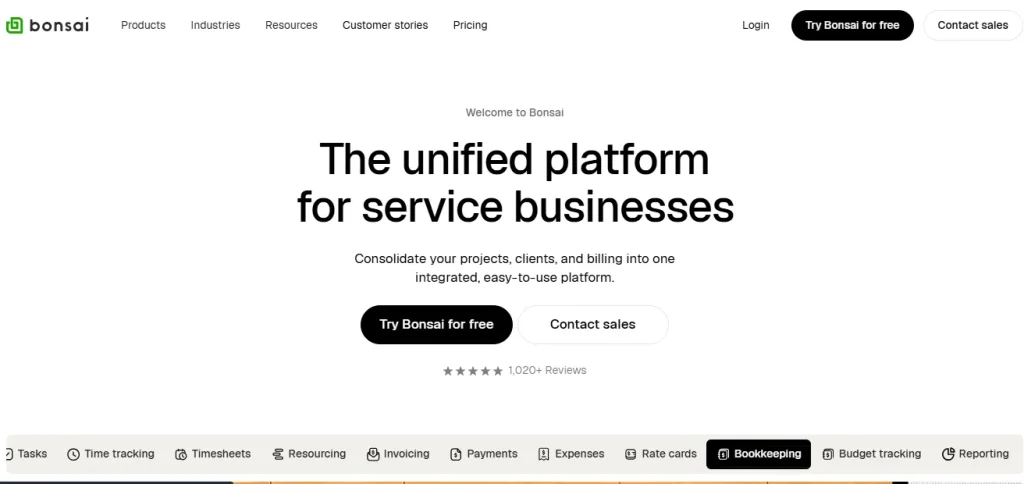
Bonsai, now part of Zoom, bundles proposals, contracts, time tracking, invoicing and tax tools for freelancers. It’s rated 4.3/5 on G2 (101 reviews) and 4.6/5 on Capterra (95 reviews). Not quite right? See our Hello Bonsai alternatives.
Best for
Freelancers who bill by the hour or on retainer and want tracked time to become invoices automatically.
Portal included from
Essentials, $19/user/mo billed yearly ($25 monthly), where the client portal unlocks. Basic ($9 yearly, $15 monthly) doesn’t include it. Premium ($29 yearly, $39 monthly) removes Bonsai branding. Elite ($49 yearly, $59 monthly) has a 3-user minimum. Every plan allows unlimited clients, and there’s a 7-day free trial.
Key features
- Proposals, contracts and invoices in one flow
- Time tracking that converts straight into invoices
- Retainers with budgets, plus recurring and auto-charge invoices
- Forms and scheduling
- Tax and expense tracking
Pros and cons
Pros
- Proposals and invoices look professional out of the box
- Time-to-invoice and retainer billing save real admin time
- Clients open the portal from a secure email link, no password
Cons
- No custom domain yet (Bonsai lists it as coming in 2026)
- Branding removal needs Premium
- Portal isn’t on the cheapest tier
Payments
Bonsai Payments (cards 2.9% + $0.30, ACH 1%), Stripe and PayPal. Where Bonsai Payments is available, using Stripe or PayPal adds a 1% platform fee.
Mobile app
iOS and Android apps on every plan.
Skip it if…
Your clients must reach the portal on your own domain.
4. HoneyBook: Best For Creative Freelancers
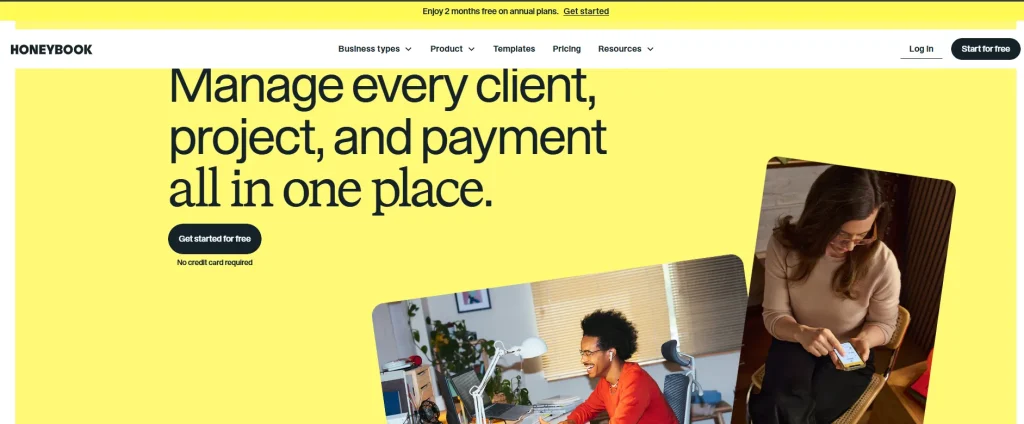
HoneyBook brings proposals, contracts, invoices and payments into one polished, visual interface built around creative businesses. It’s rated 4.5/5 on G2 (250 reviews).
Best for
Designers, photographers and other creatives who want a beautiful, templated client experience.
Portal included from
Starter, $29/mo billed yearly. Essentials is $49/mo and Premium $109/mo, also billed yearly. The client portal is on every plan, and removing “Powered by HoneyBook” starts at Essentials. All plans allow unlimited clients and projects, and there’s a 30-day free trial with no card required. Check our HoneyBook pricing breakdown before you commit.
Key features
- Branded client portal with custom URLs
- Proposal to contract to invoice to payment in one pipeline
- Built-in automations and templates
- AI assistant for drafting client messages
Pros and cons
Pros
- Clients can log in by magic link, password or a 6-digit code
- Templates and automated follow-ups speed up onboarding
- Best-reviewed mobile app on this list
Cons
- No Stripe or PayPal option
- Templates can feel rigid if your process is unusual
- Reporting is fairly basic, per reviewers
Payments
HoneyBook’s own processor only; its help center confirms Stripe, PayPal and Venmo can’t be used. Card fees start at 2.7% + 10¢ and are 2.9% + 25¢ when a client enters a new card; ACH is 1.5%.
Mobile app
iOS and Android; the iOS app is rated 4.8/5 from roughly 16,000 ratings.
Skip it if…
You want to keep getting paid through Stripe or PayPal.
5. Agency Handy: Best for Growing into an Agency
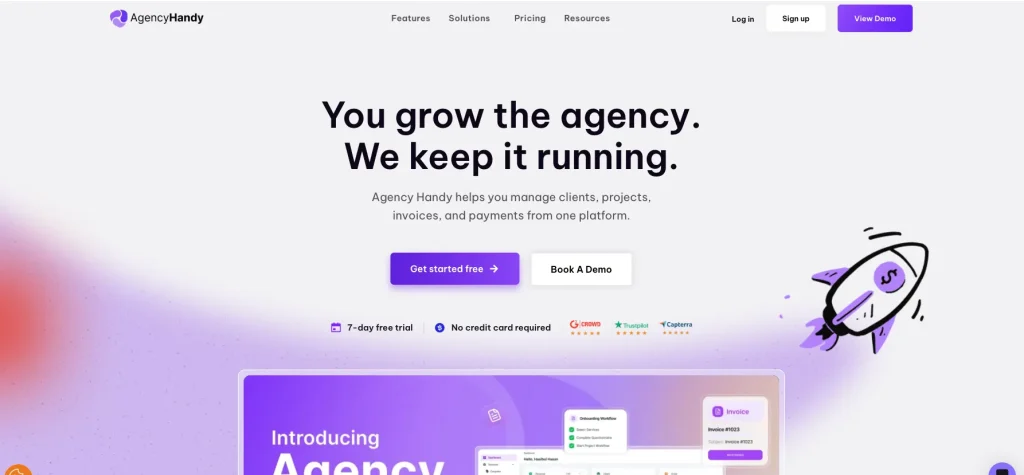
Agency Handy combines a branded client portal with CRM, proposals and billing, priced for freelancers planning to grow into a small team. It’s rated 4.9/5 on G2 (19 reviews). Compare options in Agency Handy alternatives.
Best for
Freelancers who expect to add teammates and sell productized services soon.
Portal included from
Freelancer $29/mo (1 user), Team Starter $99/mo (10 users) and Business Pro $199/mo (30 users). Every plan includes unlimited clients and projects. Custom branding is on all plans, while your own domain and email start on Team Starter. Yearly coupon pricing brings the plans to $109, $359 and $719 a year. There’s a 7-day free trial with no card.
Key features
- Branded client portal
- CRM and proposals
- Branded invoicing with reminders and recurring billing
- File feedback, approvals and custom intake forms
Pros and cons
Pros
- Clean interface, setup in hours rather than weeks
- Unlimited clients on every plan
- Responsive support, per reviewers
Cons
- Custom domain and email need the $99 plan
- Limited deeper portal customization, per reviewers
- Clients log in with a password, no magic link
Payments
Stripe, PayPal, Wise and manual bank transfer.
Mobile app
No native app.
Skip it if…
You want your own domain while staying on a solo budget.
6. Dubsado: Best for Automation and White-labeling
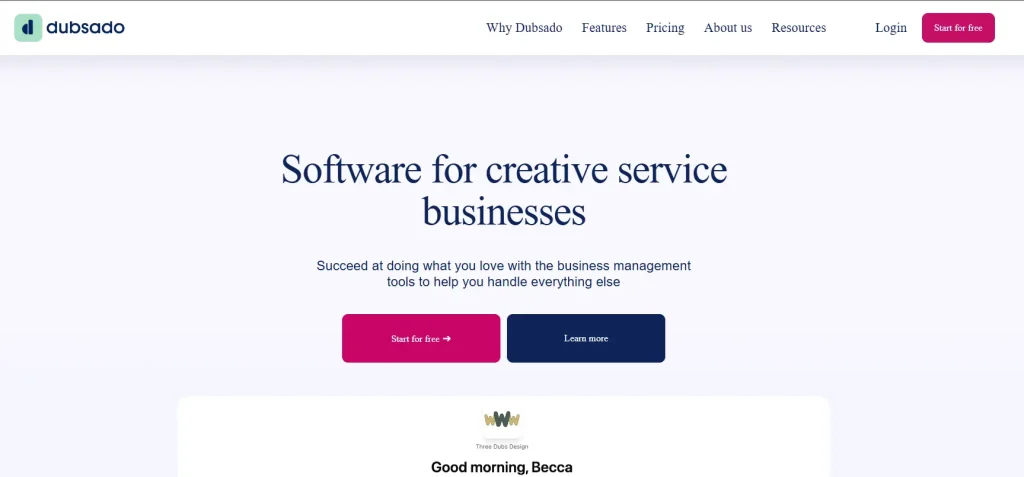
Dubsado offers some of the deepest branding and automation on this list, in exchange for real setup time. It’s rated 4.3/5 on G2 (76 reviews). See also Dubsado alternatives.
Best for
Freelancers with a repeatable process who want it to run on autopilot.
Portal included from
Starter, $335/yr or $35/mo. Premier is $525/yr or $55/mo and adds automation, advanced scheduling and unlimited lead-capture forms. Both plans include the client portal, unlimited clients, 3 users and a 21-day free trial with no card.
Key features
- No Dubsado logos on forms, invoices or schedulers
- Custom domain for your portal and links
- Visual workflow automation on Premier
- Invoicing with payment plans
Pros and cons
Pros
- Automation runs itself once it’s built
- Branding can look fully custom
- ACH capped at $5 per payment for US accounts
Cons
- Setup takes real time before it pays off
- Automation is Premier-only
- Few built-in templates
Payments
Dubsado Payments (built on Stripe) or Square, plus PayPal alongside either one. You can’t connect your own Stripe account directly. ACH through Dubsado Payments is 0.8% capped at $5 (US only), and card fees are typically 2% to 4%.
Mobile app
iOS and Android on both plans; the iOS app is rated 4.8/5 from 565 ratings.
Skip it if…
You need a working portal this week, not next month.
7. SuperOkay: Best-looking Portal UI
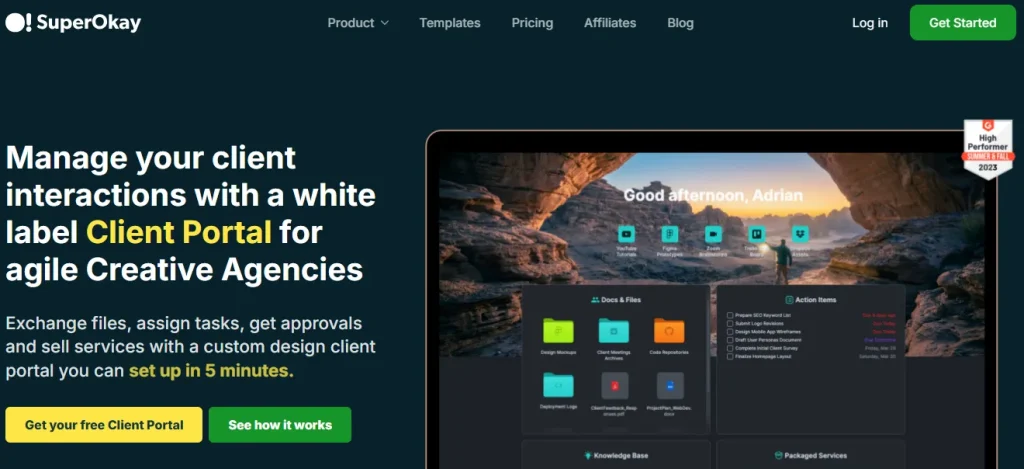
SuperOkay is a portal-only tool with no billing, built for freelancers who want the most polished client-facing experience and already invoice elsewhere. It’s rated 4.6/5 on G2 (44 reviews).
Best for
Designers who care most about how the portal looks and feels.
Portal included from
Basic is free for 1 client. Solo is $9/mo yearly ($12 monthly) for 3 clients. Solo+ is $29/mo yearly ($38 monthly) for 5 clients and unlocks full white-label and your own domain. Business is $112/mo yearly ($146 monthly) for unlimited clients.
Key features
- Logo, colors, custom domain and branded login (Solo+)
- Branded invite emails from your own domain
- Central document and file hub
- Shared task boards
Pros and cons
Pros
- One of the best-looking portal interfaces available
- Magic link, password or both for client login
- Very fast client onboarding, per reviewers
Cons
- No invoicing or payment processing
- Low client caps on Solo and Solo+
- Jump to unlimited clients means the Business plan
Payments
None; you’ll need separate freelance invoicing software.
Mobile app
No native app; the portal is designed to work in a mobile browser.
Skip it if…
You want clients to see and pay invoices in the same place as their files.
8. Moxie: Best All-in-one With a Native Mobile App
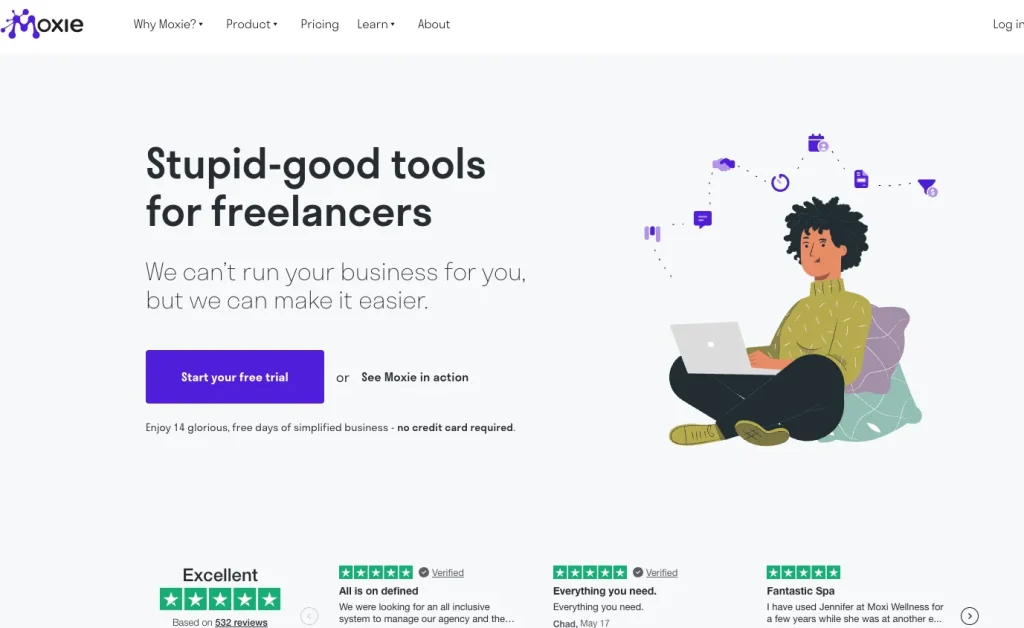
Moxie (formerly Hectic) bundles CRM, invoicing, time tracking and a white-label portal, plus a working native app. Its current G2 listing shows 4.5/5 (4 reviews). See our Taskip vs. Moxie breakdown.
Best for
Freelancers who run client work from their phone as much as their laptop.
Portal included from
Pro, $20/mo yearly ($25 monthly), adds the white-labeled client portal, custom domain and automation. Starter ($10 yearly, $12 monthly) covers client management, invoicing and payments but no portal. Teams is $32/mo yearly ($40 monthly). There’s a 14-day free trial.
Key features
- White-label portal with invoice approval
- Contract and proposal templates with e-signature
- Workflow automation (Pro and up)
- Time tracking that flows into invoices
Pros and cons
Pros
- Magic-link login, sent from your own email address
- Support team that ships requested features, per reviewers
- Working native mobile apps
Cons
- Portal isn’t on the $12 Starter plan
- Meeting scheduler is inflexible, per reviewers
- Reviews split across the old Hectic name
Payments
Stripe (cards, Apple Pay, Google Pay), PayPal and US ACH through Stripe.
Mobile app
iOS (4.6/5, 22 ratings) and Android (4.1/5, 27 reviews).
Skip it if…
Client self-booking with flexible meeting lengths is central to your work.
9. Plutio: Best Flat-Price All-in-one
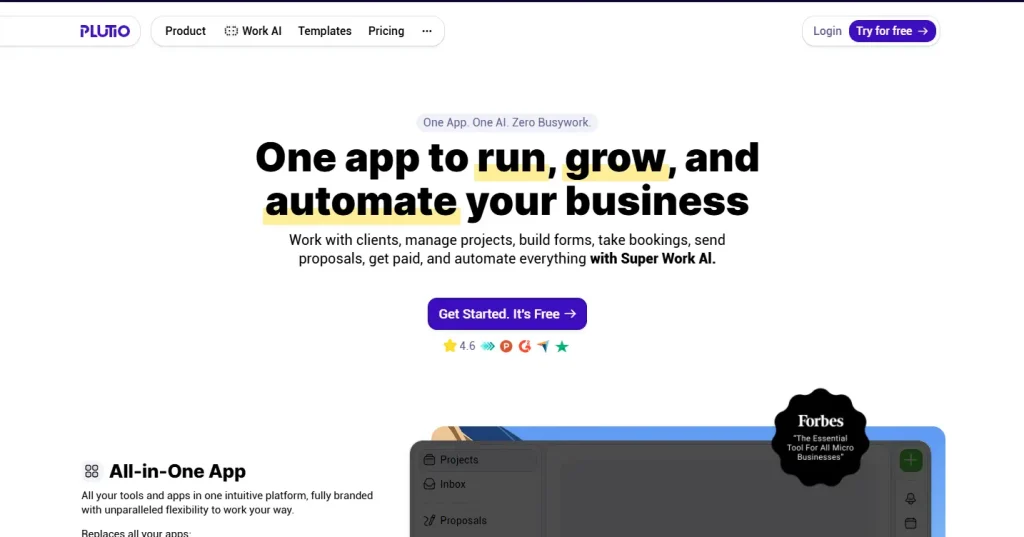
Plutio keeps its full feature set, portal included, on every tier; only client limits and white-labeling change. It’s rated 4.3/5 on G2 (57 reviews). See Taskip vs. Plutio and Plutio alternatives.
Best for
Freelancers who want every feature from day one at a flat price.
Portal included from
Core, $19/mo or $190/yr, for 9 active clients. Pro is $49/mo or $490/yr with unlimited clients. Max is $199/mo or $1,990/yr with white-label and SSO included. On Core and Pro, white-label (custom domain, custom email and no Plutio badge) is a $9/mo add-on. There’s a 7-day trial with no card.
Key features
- Client portals with unlimited invoicing on every tier
- Proposals with e-signature and contracts
- Time tracking and forms
- White-label with custom domain and email
Pros and cons
Pros
- Full feature parity across tiers
- Simple flat pricing, no per-client fees
- Stripe, PayPal and Square on every tier
Cons
- 9-client cap on Core fills up fast
- White-label costs extra below Max
- Smaller G2 review base
Payments
Stripe, PayPal, Square and bank transfer.
Mobile app
iPhone, iPad and Android apps for you and your team; clients use the portal in a browser.
Skip it if…
You’ll soon pass 9 active clients and don’t want to jump to $49/mo.
10. SuiteDash: Best for Unlimited Clients on a Budget
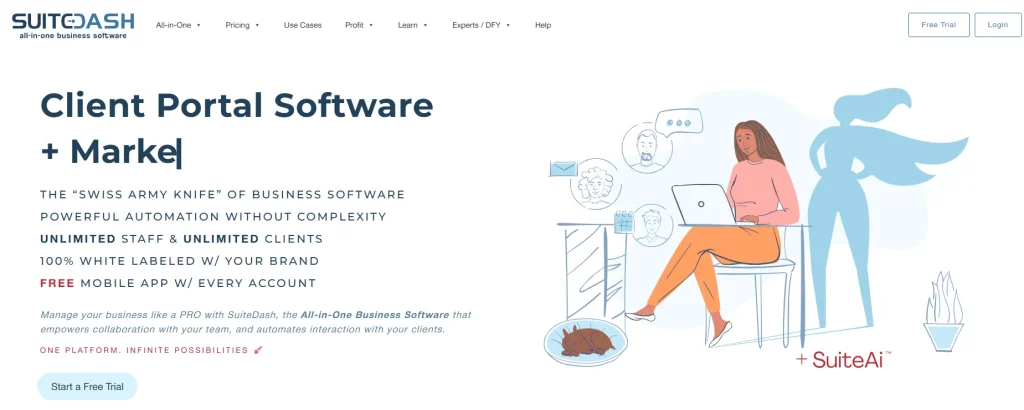
SuiteDash has the strongest mix of rating and review volume here, at 4.8/5 on G2 (620 reviews). More in our SuiteDash review and SuiteDash alternatives.
Best for
Freelancers with lots of clients who want unlimited seats and don’t mind a learning curve.
Portal included from
START, $19/mo or $180/yr. THRIVE is $49/mo or $480/yr, and PINNACLE $99/mo or $960/yr. Every plan includes unlimited clients and staff. There’s a 14-day trial with no card.
Key features
- Branded portal, login screen and emails
- Custom domain (PINNACLE)
- Custom-branded mobile app
- Invoicing, email marketing and automation on higher tiers
Pros and cons
Pros
- 620 G2 reviews behind a 4.8 score
- Unlimited clients and staff even on START
- Password or magic-link login, with adjustable link expiry
Cons
- Real learning curve to configure, per reviewers
- Marketing and automation tools on higher tiers
- Dense interface for a solo freelancer
Payments
Stripe (one-time and recurring, plus US ACH), Authorize.Net, Braintree and PayPal (one-time payments).
Mobile app
A custom-branded mobile app is listed from START.
Skip it if…
You want a simple portal you can learn in an afternoon.
11. Assembly (formerly Copilot): Best Premium Portal
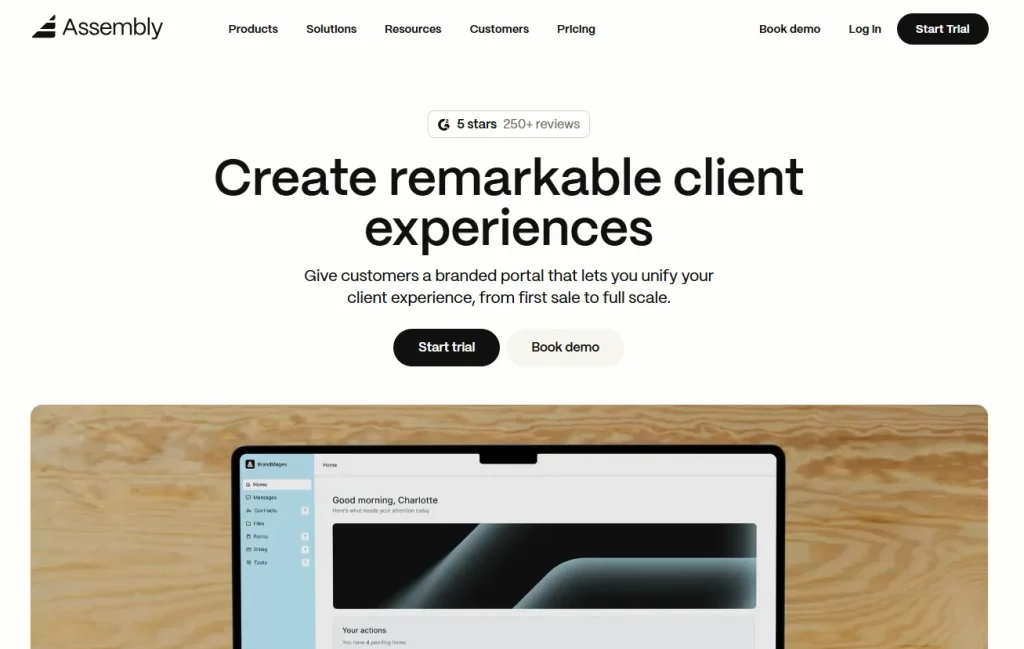
Assembly, the rebrand of Copilot, is an AI-assisted client portal for higher-ticket service relationships. It’s rated 4.7/5 on G2 (346 reviews).
Best for
Consultants and high-ticket freelancers who want a premium client experience.
Portal included from
A free-forever plan covers 5 active contacts and 1 internal user. Starter is $29/mo billed yearly ($49 monthly) for 50 contacts. Professional (500 contacts, 3 users) adds your custom domain and removes the Assembly badge, and Advanced offers unlimited contacts.
Key features
- Central client messaging and file sharing
- Contracts and forms
- AI-assisted workflows
- Built-in billing and payments
Pros and cons
Pros
- Strong G2 review volume
- Magic links, Google sign-in or password for clients
- Free plan to try it with real clients
Cons
- Custom domain starts on Professional
- No native mobile app
- Older reviews sit under the Copilot name
Payments
Built-in payments (cards 2.9% + $0.30, ACH 1% up to $10), paid out through a Stripe Express account, plus plan-based billing fees. No PayPal.
Mobile app
No native app; Assembly says its web portal is built to be mobile friendly.
Skip it if…
You want your own domain while staying on a starter budget.
12. Clinked: Best for Regulated or Enterprise Clients
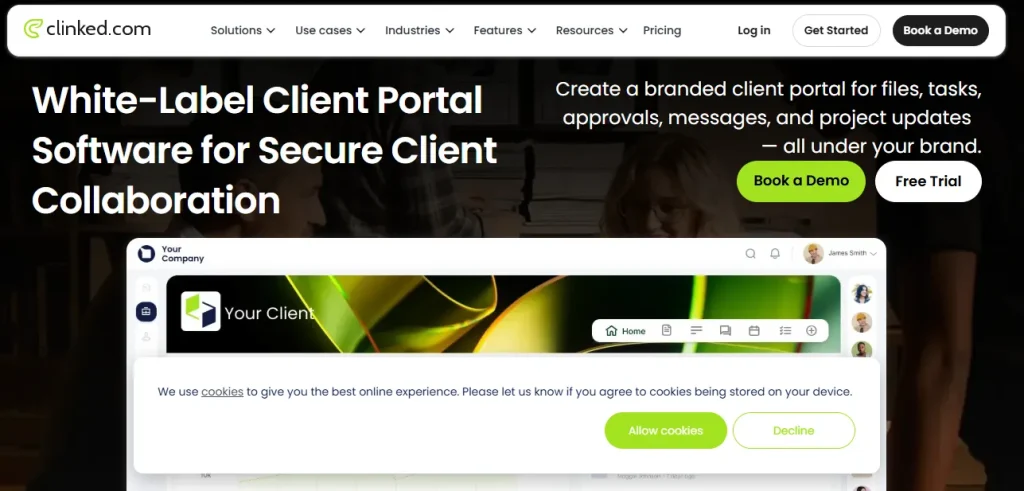
Clinked is a secure, white-labeled file-collaboration portal for consultants working with compliance-heavy clients. It’s rated 4.8/5 on G2 (143 reviews).
Best for
Freelance consultants serving finance, legal or enterprise clients with strict security needs.
Portal included from
Start Up is $11 per user per month for 1 to 25 users. Standard is $239/mo for 100 members and adds your own domain. Premium (250 members) adds white-label email notifications and enforced 2FA. Yearly billing saves 20%, and there’s a 14-day trial.
Key features
- White-label branding, custom domain (Standard) and email domain (Premium)
- Client dashboards with tasks and a shared calendar
- Document approval, version control and file locking
- White-label mobile app on Enterprise or as an add-on
Pros and cons
Pros
- Fast setup, per reviewers
- Responsive support, per reviewers
- Enforced 2FA and SSO options on higher plans
Cons
- Costs climb as your member count grows
- Mobile app is a recurring weak point in reviews
- No built-in billing
Payments
None built in.
Mobile app
Free Clinked app on iOS and Android on every plan.
Skip it if…
You serve many small clients and need low per-client costs.
13. Notion: Best Free DIY Option
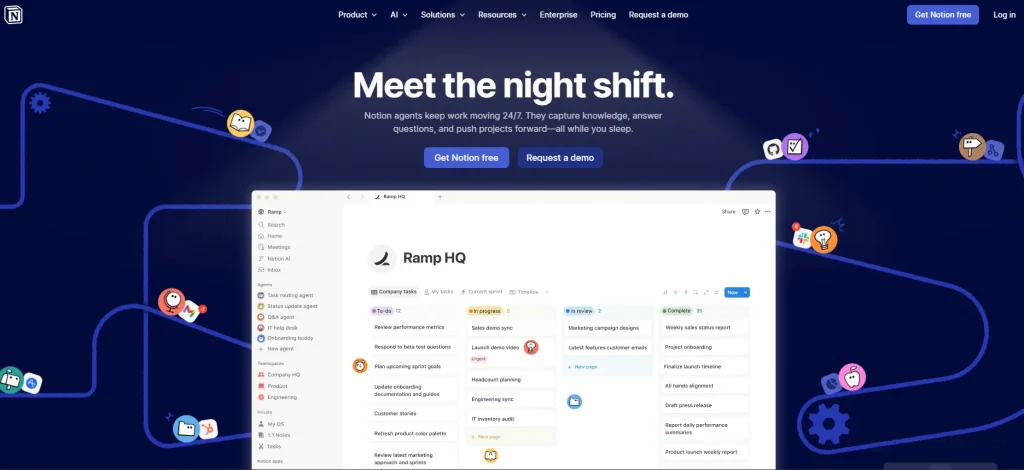
Notion isn’t a purpose-built portal, but its free tier and flexibility make it the strongest DIY option. It’s rated 4.6/5 on G2 (13,876 reviews).
Best for
Freelancers on a $0 budget who enjoy building their own systems.
Portal included from
Free, with up to 10 external guests. Plus ($10/member/mo billed yearly) and Business ($20/member/mo) allow unlimited guests. Guests don’t take up paid seats, but each client needs a free Notion account.
Key features
- Shareable pages and databases with permissions
- Guest access for clients
- Custom dashboards you design yourself
- Many ready-made client portal templates
Pros and cons
Pros
- Free tier is genuinely usable
- Shape it to your exact workflow
- Huge template ecosystem
Cons
- No invoicing, contracts, e-signing or payments
- Clients must create a Notion account
- Learning curve around databases
Payments
None natively; use Zapier or Make to pull Stripe data into a database.
Mobile app
iOS and Android apps.
Skip it if…
You want contracts and payments in the portal without building anything.
Also Worth a Look: New Freelancer-first Portals
Portlo: A lightweight CRM where each client gets one private portal link for files, invoices, contracts and updates, with no client login needed. The Free plan covers 3 active portals and 5 invoices a month. Pro is $9/mo for unlimited portals, custom branding and e-signatures, and Agency is $19/mo with white-label. Invoices are paid through Stripe with no Portlo platform fee.
ClientDesk: A minimalist branded portal for sharing deliverables, tracking project phases and messaging clients. Clients sign in with magic links, with optional password protection. It’s free for 1 client, Pro is $12/mo for 10 clients with white-label, and Business is $29/mo for unlimited clients and a custom domain. It focuses on files and progress rather than billing.
Agiled: An all-in-one platform with CRM, projects, contracts, invoicing and a branded client portal with approvals, tickets and chat. Billed yearly, plans run from Starter at $24/mo to Scale at $199/mo. The branded portal is included from Business ($99/mo) or added for $15/mo on lower plans. It takes Stripe, PayPal and Mollie and is rated 4.7/5 on G2 (387 reviews).
What Your Client Actually Aees
Most reviews focus on your side of the tool. But a freelance client portal only works if your client actually likes using it. Here’s what a typical client experience looks like:
- Login: The client gets a welcome email and clicks a link. With a magic link (HoneyBook, Moxie, SuiteDash, FuseBase) they’re straight in; with a password (Agency Handy, Clinked) they create one first. If you’ve connected your own domain, the address shows your brand, not the vendor’s.
- Dashboard: They land on an overview of their projects: what’s in progress, what’s waiting on them and what’s done.
- Files: Deliverables sit in one place with the latest version on top, so they never hunt through email attachments.
- Invoices: Open and paid invoices are listed together, with a “Pay now” button for card or bank payment.
- Approvals: Proposals, contracts and design proofs have a clear approve or sign action, which leaves a record for both of you.
Before you choose, open a test client account and walk through it yourself on your phone.
What a Client Portal Really Costs as You Grow?
When you price a client portal for freelancers, the headline number rarely tells the whole story. Client caps and features locked behind higher plans change your bill as you add clients. These are monthly prices on monthly billing for one user, unless the vendor only sells yearly.
| Tool | 3 clients | 10 clients | 25 clients | Watch out for |
|---|---|---|---|---|
| Taskip | $12 | $12 | $12 | Unlimited clients and your domain on all paid plans; full white-label is an add-on below Growing Agency |
| FuseBase | $99 | $99 | $99 | Solo covers 1 client; white-label and domain need Advanced ($399) |
| Bonsai | $25 | $25 | $25 | Branding removal needs Premium ($39); no custom domain |
| HoneyBook | $29* | $29* | $29* | Branding removal needs Essentials ($49*) |
| Agency Handy | $29 | $29 | $29 | Domain and custom email need Team Starter ($99) |
| Dubsado | $35 | $35 | $35 | Automation needs Premier ($55) |
| SuperOkay | $12 | $146 | $146 | Solo caps at 3 clients, Solo+ at 5 |
| Moxie | $25 | $25 | $25 | Starter ($12) has no portal |
| Plutio | $19 | $49 | $49 | Core caps at 9 active clients; white-label +$9 |
| SuiteDash | $19 | $19 | $19 | Custom domain on PINNACLE ($99) |
| Assembly | $0 | $49 | $49 | Free caps at 5 contacts; custom domain needs Professional |
| Clinked | $11/user | $11/user | $11/user | Start Up caps at 25 users; domain needs Standard ($239) |
| Notion | $0 | $0 | $10* | Free allows 10 guests; no billing |
*Billed yearly; the vendor’s pricing page doesn’t show a monthly rate.
The pattern: flat, unlimited-client pricing (Taskip, SuiteDash, Bonsai, HoneyBook, Agency Handy, Dubsado) stays predictable, while capped or per-user pricing (SuperOkay, Plutio, Clinked, FuseBase) grows with your client list.
Magic Link vs Password Login: Which is Better for Clients?
A magic link lets a client log in by clicking a secure, one-time link sent to their email. No password to create, remember or reset.
Why magic links usually win for freelancers: most clients log in a few times a month at most. A password they set once and forgot becomes a “can you resend my login?” email. Magic links remove that friction, which is exactly what gets clients to actually use the portal.
When a password is better: if your clients log in daily, share a computer, or have strict IT rules about email-based access, a password (ideally with two-factor authentication) gives them a faster, more familiar routine.
The practical answer: pick a tool that offers both, such as HoneyBook, SuperOkay, SuiteDash or Assembly. Default to magic links for small-business and individual clients, and switch to passwords for enterprise or compliance-heavy clients. Whatever you choose, brand the login page so the email and the page look trustworthy.
Best Client Portal By Freelancer Type
Before you pick, check five things: a branded login (ideally on your domain), the payment processors you already use, file versioning, a live project status view and a usable mobile experience. Then start from your type of work:
Designers and Web Designers
If you build websites, a client portal for web designers needs file approvals, feedback rounds and a place to collect logins and assets. HoneyBook handles the proposal side, and Taskip adds support tickets for post-launch requests.
HoneyBook: Polished templates, visual proposals, magic-link login and a strong mobile app suit design work. If you already invoice elsewhere and want the prettiest portal, SuperOkay is the alternative.
Developers
Taskip: Straightforward project visibility, support tickets, a public API and Zapier, without creative-industry extras. Clients see status, files and invoices in one place on your domain.
Writers
Bonsai: Contracts, time tracking, retainers and recurring invoices cover how most writers bill, whether per project or by the hour.
Photographers
Dubsado: Deep branding and automated workflows handle the inquiry, contract, deposit and delivery flow that repeats with every shoot.
Consultants
Assembly: A premium, polished experience fits high-ticket advisory clients, and the free plan lets you try it first. If budget matters more, Taskip covers the same basics from $12/mo.
Freelancers growing into an agency
When you start hiring, you’ll want an agency client portal with team seats, roles, and your own domain. Agency Handy and Taskip’s Startup Team plan both cover that.
Agency Handy: Unlimited clients on every plan and 10 team seats on Team Starter let you add people without switching tools. See our guide to the best client management software for freelancers for more options.
For the rest of your setup, our freelancer tech stack guide covers the tools around your portal.
Free Client Portal for Freelancers: Best Free and DIY Options
You don’t need to pay to start. If you just want a free client management app with a portal attached, these options cost $0:
| Option | Best for | What you get | Limitations |
|---|---|---|---|
| Taskip Free | An all-in-one start | Client management, portal and invoicing, free forever | Custom domain and unlimited clients need a paid plan |
| Notion | DIY builders | Custom pages, databases and up to 10 guests | No invoicing, contracts or payments; clients need a Notion account |
| WordPress client portal plugin | Existing WordPress sites | Self-hosted, on your domain | Extra plugins for invoicing, payments and e-signatures; you handle security and updates |
| Assembly Free | Trying a premium portal | 5 active contacts, built-in payments | No custom domain |
| SuperOkay Basic | One client | A polished portal for 1 client, 0.5GB | No white-label, no billing |
| FuseBase Free | Trying collaboration features | 1 client portal, 1 workspace | Limited AI and automation runs |
| Portlo / ClientDesk Free | Very small client lists | 3 portals (Portlo) or 1 client (ClientDesk) | Branding and higher limits on paid plans |
If your clients already live in shared folders, read client portal vs Google Drive to see what a free drive setup misses.
How to Get Clients to Actually Use Your Portal?
The tool you pick matters less than whether your clients use it. Here’s a simple rollout:
- Send a short welcome email: Explain in two lines why you’re using a portal (“everything for your project, in one place”) and include the login link.
- Walk them through the first file: Share the first deliverable in the portal and point to where it is. One guided win beats a long tutorial.
- Put invoices only in the portal: When payments live there, clients log in. This is the single biggest adoption driver.
- Use magic links for most clients: Removing passwords removes the most common excuse.
- Answer in the portal: When a client emails a question, reply with a link to the answer inside the portal.
- Move clients in small batches: Start with your most tech-comfortable clients, fix rough edges, then move the rest.
- Check in after two weeks: Ask what’s confusing and adjust.
For a full walkthrough, see our client portal onboarding guide and how to automate client onboarding.
Do You Even Need a Client Portal?
Not always. A portal earns its cost once client volume itself becomes the coordination problem, not before.
Skip a client portal if:
- You only work with one or two long-term clients.
- You manage fewer than 4 or 5 client engagements a year.
- Your clients strongly prefer email and are unlikely to log in.
- Switching tools would disrupt active projects more than it helps.
A client portal is worth it if:
- You manage four or more clients at the same time.
- Files, invoices and approvals are scattered across email and apps.
- Deadlines or payments slip because information is hard to find.
- You want a more professional experience to win bigger contracts.
Conclusion: Our Verdict On Best Client Portal For Freelancers
After comparing all 13 tools, our top pick is Taskip: portal, invoicing and CRM in one place from $12/mo, with your own domain and unlimited clients on every paid plan.
- Best overall: Taskip
- Best free option: Taskip Free (or Notion if you’d rather build your own)
- Best for creatives: HoneyBook
- Best for hourly/retainer billing: Bonsai
- Best if you’re growing into an agency: Agency Handy
Start on a free plan or trial, invite one friendly client, and upgrade only when your client list needs it.
Start free with Taskip and add your own domain from $12/mo when you’re ready.
FAQs on Client Portal For Freelancers
What is the best client portal for freelancers?
Taskip is our top pick: it combines a client portal, invoicing and CRM from $12/mo, with your own domain and unlimited clients on every paid plan. HoneyBook is best for creatives, Bonsai for hourly or retainer billing, and Agency Handy if you’re growing into an agency.
Is there a free client portal for freelancers?
Yes. Taskip has a free-forever plan. Assembly’s free plan covers 5 contacts, SuperOkay’s Basic plan covers 1 client, and Notion is free if you build the portal yourself.
Can clients log in without a password?
Yes. HoneyBook, Moxie, FuseBase, SuperOkay, SuiteDash and Assembly support magic links, and Bonsai clients open the portal from a secure email link. The client clicks the link and they’re in, with no password to remember.
Client portal vs Google Drive: what’s the difference?
Google Drive stores and shares files. A client portal gives each client one branded place for files plus project status, approvals, messages and invoices. See our full client portal vs Google Drive comparison.
What’s the difference between a CRM and a client portal?
A CRM manages your sales pipeline and prospects. A client portal is built for the post-sale experience, giving signed clients a place to see files, project status and invoices. More in CRM vs client portal.
Which client portals accept Stripe and PayPal?
Taskip, Bonsai, Agency Handy, Moxie, Plutio and SuiteDash support both. Dubsado supports PayPal plus its Stripe-based Dubsado Payments. Assembly has built-in payments paid out through Stripe, but no PayPal. HoneyBook uses its own processor only, and SuperOkay, Clinked and Notion have no built-in payments.
Can I use my own domain for a client portal?
Yes. Taskip includes a custom domain on every paid plan from $12/mo. Dubsado, HoneyBook, SuperOkay (Solo+), Moxie (Pro), Plutio (white-label add-on), Agency Handy (Team Starter), Assembly (Professional), Clinked (Standard), SuiteDash (PINNACLE) and FuseBase (Advanced) also offer it. Our guide on setting up a white-label client portal walks through the steps.
How much does a client portal cost for a freelancer?
From $0 to about $50/mo for most solo freelancers. Free plans exist (Taskip, Assembly, SuperOkay, Notion), paid portals typically start between $12 and $35/mo, and costs rise with client caps, per-user pricing or white-label add-ons.