The best project management software with CRM in 2026 is Taskip, which brings sales pipelines, projects, invoicing and a client portal into one platform, with a free plan and flat paid plans from $12 a month. Scoro suits firms that need financial forecasting, Flowlu fits tight budgets, and Bonsai works for solo freelancers.
Most agencies close the deal in one tool, deliver the work in another, then retype the same client details into a third to raise the invoice. A combined platform keeps one record of the client from first contact through final payment, so the sales team sees delivery status and finance sees both.
This guide compares all ten platforms on CRM depth, project features, pricing, and free plans. Every price below was verified in October 2026.
Table of Contents
Best Project Management Software with CRM at a Glance
| Platform | Starting price | Free plan | CRM | Best for |
|---|---|---|---|---|
| Taskip | $12 per month, flat (not per user) | Yes, Starter Free | Built in | Agencies and freelancers wanting one platform |
| Flowlu | $9 per user per month | Yes | Built in | Teams on a tight budget |
| Zoho Projects | $4.70 per user per month | Yes, 5 users and 3 projects | Separate product | Businesses already inside Zoho |
| Bonsai | $9 per user per month | No, trial only | Built in | Solo freelancers and tiny studios |
| Productive | $9 per user per month | No | Separate subscription | Billable hours and utilisation tracking |
| monday.com | $9 per seat per month | Yes, limited | Sold separately from $12 | Visual, flexible workflows |
| Scoro | $19.90 per user per month | No | Built in | Firms needing financial forecasting |
| HubSpot | Free CRM, paid tiers for projects | Yes, CRM only | Core product | Marketing and sales led teams |
| Accelo | Custom, demo required | No | Built in | Quote to cash automation |
| Salesforce | $165 per user per month | No | Core product | Enterprises with admin resources |
Prices are annual billing where the vendor publishes one, verified October 2026.
Seat minimums: Scoro bills a minimum of five seats on every plan, so a three-person firm pays for five. monday.com bills in seat buckets with a three-seat minimum on paid plans. A two-person studio on either one pays for people it does not have.
Split products: monday.com, Zoho and Productive all sell project management and CRM separately. A $9 headline becomes $21 or more once you add the CRM half. Taskip, Flowlu, Scoro, Accelo and Bonsai include both in one price.
Annual versus monthly: Most of these quote the annual rate. Paying monthly typically adds 15 to 20 percent.
All-in-One CRM, Project Management and Invoicing: Which Tools Do All Three?
Only four of the ten platforms include a CRM, project management, quotes, invoicing and a client portal in their own product without an add-on: Taskip, Accelo, Flowlu and Bonsai. Scoro does all five if you pay extra for its customer portal. The rest need a second product, an add-on or a third-party app for at least one piece.
| Platform | CRM | Projects | Quotes | Invoicing | Client portal |
|---|---|---|---|---|---|
| Taskip | Yes | Yes | Yes | Yes | Yes, white-label, included |
| Accelo | Yes | Yes | Yes | Yes | Yes |
| Flowlu | Yes | Yes | Yes | Yes | Yes, Advanced plan and up |
| Bonsai | Yes, Premium and up | Yes | Yes, Essentials and up | Yes, Essentials and up | Yes, Essentials and up |
| Scoro | Yes, top plan | Yes | Yes | Yes | Paid add-on |
| Productive | Yes | Yes | Yes | Yes | Limited: client logins, no invoice view |
| Zoho | Zoho CRM (separate) | Zoho Projects (separate) | Yes, in Zoho CRM | Zoho CRM or Zoho Invoice (separate) | Limited: client users in Projects |
| monday.com | monday CRM (separate) | Yes | Yes, in monday CRM | Limited: PDF and payment link in monday CRM | No: guest access to boards only |
| HubSpot | Yes | Limited: Projects object | Yes, Revenue Hub | Yes, Revenue Hub | Limited: support tickets only |
| Salesforce | Yes | No: AppExchange apps | Yes | Add-on: Revenue Cloud Billing | Add-on: Experience Cloud |
Checked on 22 October 2026 on each vendor’s own product, pricing and help pages.
Which platforms combine project management, CRM and billing? Taskip, Accelo, Flowlu, Bonsai and Scoro do it in one product. Of those, Taskip and Flowlu have free plans, and Taskip is the only one with flat pricing instead of per-user fees and the client portal included on every plan.
The 10 Best Project Management Software with CRM
1. Taskip: Best All in One Platform for Agencies and Freelancers
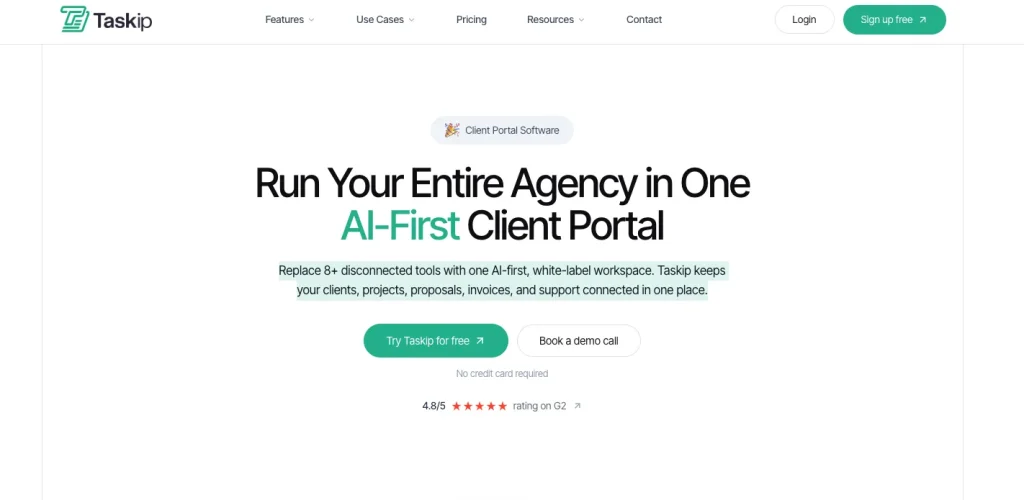
Taskip is the best project management software with CRM for agencies and freelancers who want sales, delivery and billing in one place, with a free plan and flat paid plans from $12 a month.
Most platforms on this list started as one thing and added the other later. Taskip was built as a single system, so a contact, a deal, a project, an invoice and a support ticket all reference the same client record. Nothing gets retyped between stages.
The workflow it is designed around is the one most service businesses actually run: find a lead, move it through the pipeline, win the deal, deliver the project, invoice, then keep the relationship warm for the next one.
Who it fits: Digital and marketing agencies running 10 to 100 client projects at once, freelancers who need invoicing and contracts rather than just task lists, and consultancies currently paying for four tools that half overlap.
Key features:
- Unlimited sales pipelines with stages you define, deals linked to clients and companies
- Automatic activity logging across calls, emails, SMS, WhatsApp and LinkedIn, all against the contact record
- Email sequences triggered by deal creation, stage change, close, or a date you set
- Kanban project boards with custom statuses, drag and drop tasks and multiple assignees including clients
- Automated reminders on due dates, by email and push notification
- Invoicing generated from project work, one off or recurring, with public pay links clients use without logging in
- Expense and budget tracking against each project, so margin stays visible
- Free client portal for progress, approvals, documents, support tickets and invoices
- Workflow automation, e-signatures, quotations and a meeting scheduler covering the rest of the quote to cash cycle
Pricing:
| Plan | Price | Fits |
|---|---|---|
| Starter Free | $0 | Trying Taskip with your first clients |
| Freelancer | $12/month, 1 user | Solo freelancers |
| Startup Team | $29/month, up to 10 users | Small agencies |
| Growing Agency | $59/month, up to 25 users | Growing agencies |
| Agency Pro | $89/month, unlimited users | Larger agencies |
Free plan available, plus a 7-day free trial of paid plans with no credit card. Yearly billing saves up to 35%. See current pricing.
Pros and cons
| Pros | Cons |
| One platform for CRM, projects, invoicing and support | Fewer native integrations than monday or Zoho, Zapier covers most gaps |
| Unlimited pipelines with no tier gate | Depth takes a week or two to learn fully |
| Client portal included free | |
| Multi-channel logging across email, SMS, and WhatsApp | |
| No seat minimum | |
| Flat monthly price, not per user |
2. Scoro: Best for Financial Forecasting
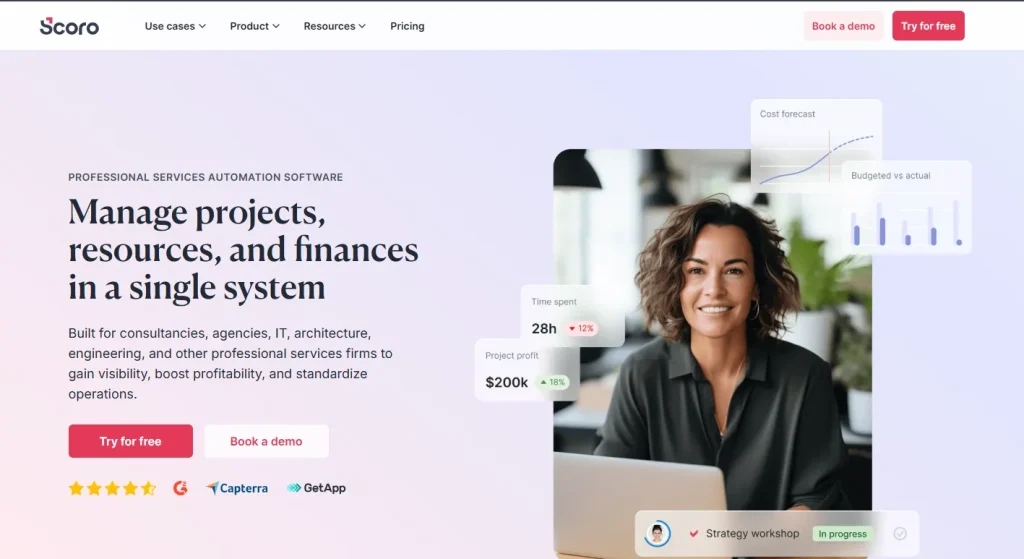
Scoro is the strongest option for professional services firms that need project profitability and revenue forecasting alongside delivery, from $19.90 per user per month on annual billing.
It is a full professional services automation platform. Quoting, projects, resource planning, time, billing and financial reporting all sit in one place, with more than 50 prebuilt reports.
Who it fits: Agencies, consultancies and design studios of roughly 10 people and up, where utilisation and margin drive decisions as much as delivery does.
Key features:
- Sales funnel with revenue forecasting
- Matrix quoting for accurate project scoping
- Resource utilisation heatmaps showing team allocation
- Real time cost tracking against budget
- Multi entity and multi currency support
- Automated project templates and milestone tracking
- 50 plus prebuilt reports and custom dashboards
Pricing: Core $19.90, Growth $32.90 and Performance $49.90 per user per month on annual billing, plus custom Enterprise. Every plan carries a five seat minimum, so the real floor is around $100 per month.
| Pros | Cons |
|---|---|
| Best financial reporting on this list | Five seat minimum rules out small teams |
| Strong resource management | Higher price point |
| Clean deal to project handoff | Depth means a longer ramp |
| 60 plus integrations | Gantt view is a paid add-on on the entry tier |
3. Accelo: Best for Quote to Cash Automation
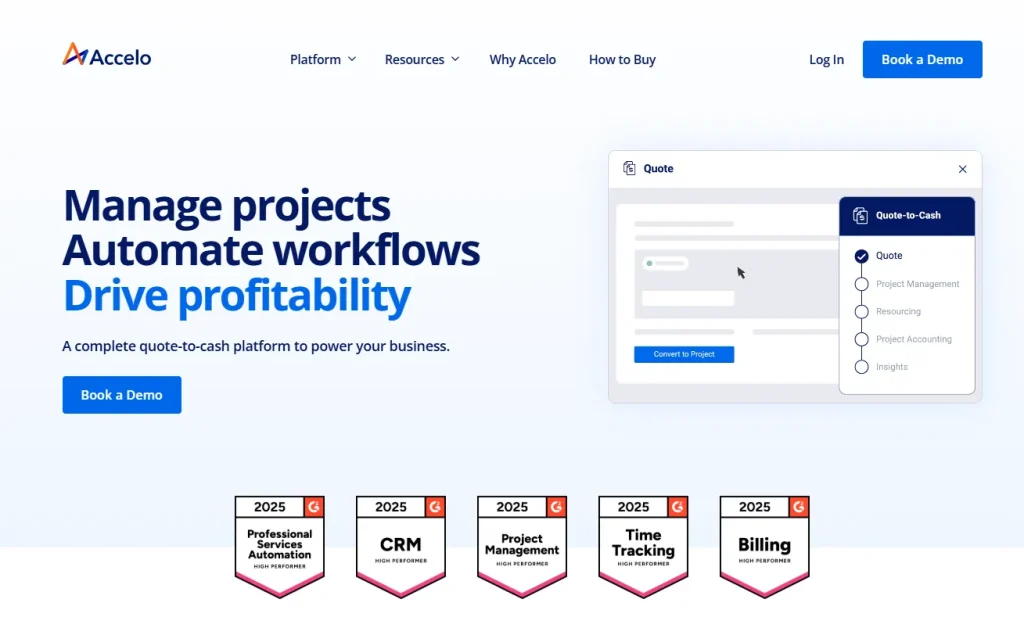
Accelo is built for firms whose main bottleneck is the handoff between sales and delivery, with pricing available only by demo.
Who it fits: Service businesses where quotes become projects frequently, and client profitability needs tracking at project level.
Key features:
- One click quote to project conversion
- Automatic time capture with no manual entry
- Support tickets linked directly to projects
- Resource scheduling with utilisation tracking
- Central activity stream synced with Gmail and Outlook
- Client profitability tracking per project
Pricing: Custom, across three tiers. A demo is required and there is no free trial.
| Pros | Cons |
|---|---|
| Excellent invoice and billing automation | No free trial, demo required |
| Strong resource scheduling | Custom pricing makes comparison hard |
| Automatic time capture | CRM integrations limited to HubSpot and Salesforce |
4. Productive: Best for Billable Hours and Utilisation
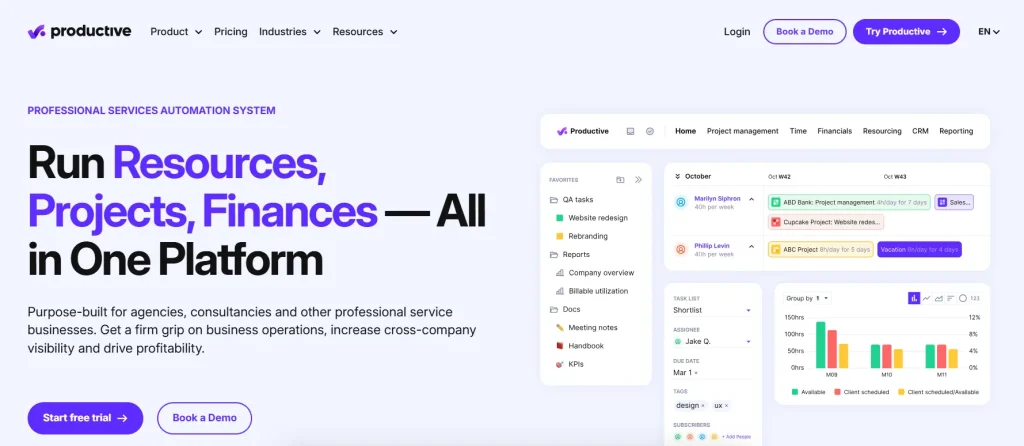
Productive suits agencies whose profitability depends on how well team capacity is booked, from around $9 per user per month.
Who it fits: Agencies and consultancies running retainers and billable hour models across several clients at once.
Key features:
- Deal pipelines with proposal building
- Project views including Kanban, Gantt, calendar and workload
- Resource bookings with availability management
- Real time budgets with overrun alerts
- Billable and non billable time separated
- 50 plus report templates plus a custom report builder
- Integrations with Slack, Google Calendar, Xero and QuickBooks
Pricing: Roughly $9 to $40 per user per month depending on tier. The CRM is a separate subscription.
| Pros | Cons |
|---|---|
| Best in class resource planning view | CRM is a separate subscription |
| Strong budget forecasting | Advanced analytics on higher tiers only |
| Clean modern interface | Smaller community than the big names |
5. Flowlu: Best Budget All in One
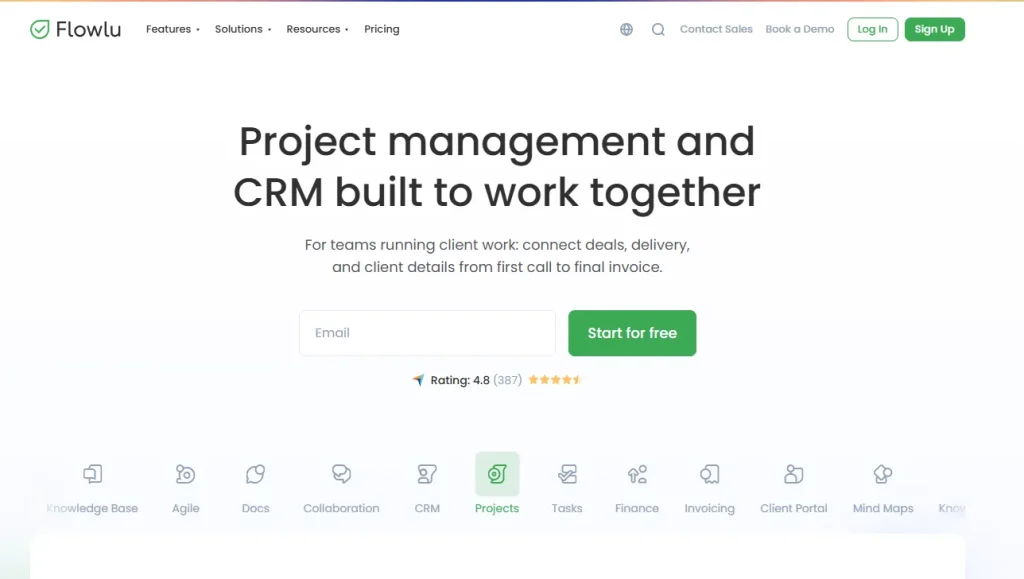
Flowlu gives you CRM, projects, invoicing and a knowledge base on one affordable platform, with a usable free plan and paid tiers from around $9 per user per month.
Who it fits: Small and medium businesses, marketing agencies, IT teams and consultants where cost is the deciding factor.
Key features:
- Projects with Gantt charts and reusable templates
- CRM with opportunity tracking
- Document builder for proposals and contracts
- Invoicing and expense tracking
- Mind mapping for scoping and brainstorming
- Client portal for project visibility
- 50 plus integrations including Slack and Stripe
Pricing: Free plan available, paid tiers from around $9 to $17 per user per month.
| Pros | Cons |
|---|---|
| Strongest price to feature ratio here | Interface is less polished than enterprise tools |
| Genuinely usable free plan | Smaller team, so releases arrive less often |
| True all in one, not modules | Fewer external CRM integrations |
6. monday.com: Best for Visual, Flexible Workflows
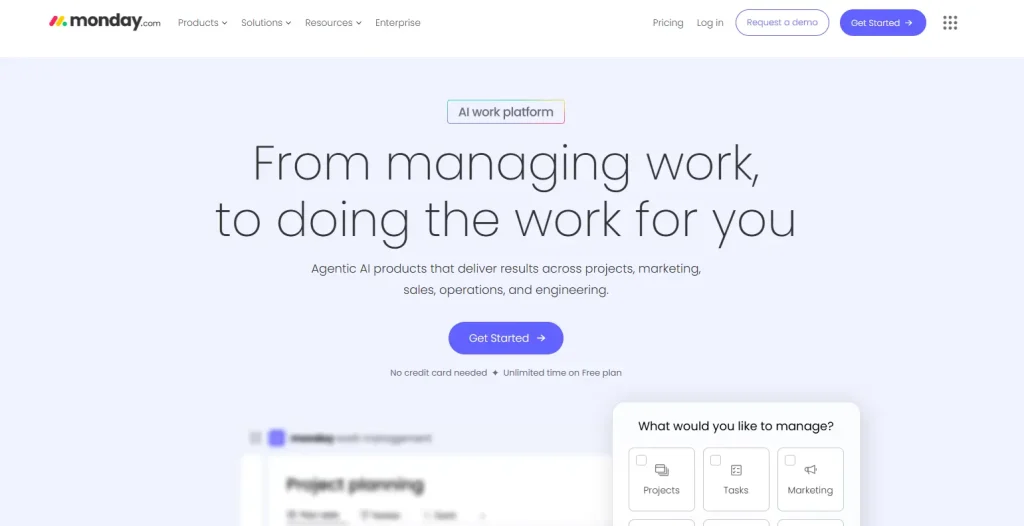
monday.com is the pick for teams who want highly visual, configurable boards, with Work Management from $9 per seat and CRM sold separately from $12 per seat on annual billing.
Who it fits: Teams with varied project types who value adaptability and will happily configure their own workflows.
Key features:
- Drag and drop CRM boards with a highly visual layout
- Kanban, Gantt, calendar and timeline project views
- Visual capacity and resource tracking
- AI tools that flag project risk
- Custom dashboards and real time reporting
- 200 plus native integrations
Pricing: Work Management from $9 per seat, CRM sold separately from $12 per seat, both on annual billing. Paid plans have a three seat minimum and bill in seat buckets, so a four person team often pays for five. CRM Basic caps you at 1,000 contacts and deals with no automations.
| Pros | Cons |
|---|---|
| Lowest learning curve on this list | CRM is a separate product and a separate bill |
| Huge no code customisation | Seat buckets inflate the effective per user cost |
| Large integration ecosystem | Entry CRM tier is heavily capped |
7. Bonsai: Best for Solo Freelancers
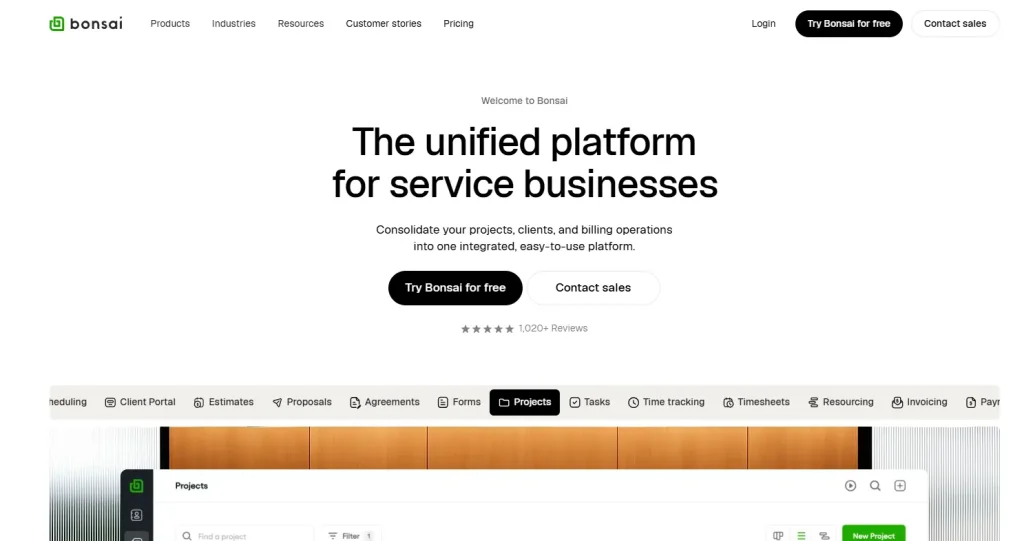
Bonsai is the best fit for independent freelancers who mainly need proposals, contracts and invoices around light project tracking, from $9 per user per month.
Who it fits: Freelancers, contractors and studios of two to five people doing design, writing or consulting work.
Key features:
- CRM for client records and communication history
- Proposals and contracts with built in e-signature
- Time tracking with integrated timers
- Invoicing and payment processing
- Service library for selling fixed packages
- Scheduling and client booking
- Kanban board and task management
Pricing: $9 Basic, $19 Essentials, $29 Premium and $49 Elite per user per month. Invoicing, proposals and contracts start at the Essentials tier.
| Pros | Cons |
|---|---|
| Excellent contract and proposal tooling | Per user pricing climbs quickly with a team |
| Built in e-signature | CRM is lighter than the dedicated options |
| Clean interface, fast to start | Limited advanced automation |
If you are weighing this one specifically, see our Taskip vs Bonsai comparison and our list of Hello Bonsai alternatives.
8. HubSpot: Best for Marketing Led Teams
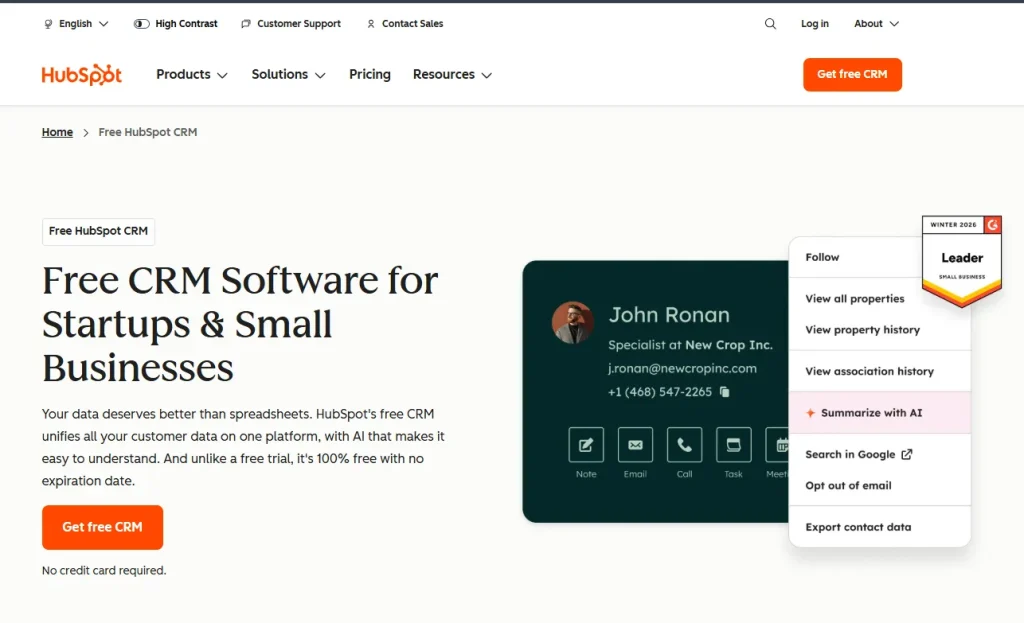
HubSpot is a CRM first platform with light project tracking added on, best when your team already lives in HubSpot for marketing and sales.
Who it fits: Marketing and sales teams already running campaigns in HubSpot who need basic task tracking alongside, rather than full delivery management.
Key features:
- Sales, marketing and service hubs on one CRM
- Projects object with Gantt chart views
- Task creation and assignment with priorities
- Workflow automation across the whole ecosystem
- Very large native integration library
Pricing: Free CRM tier. Project features sit behind paid plans starting around $50 per month, and cost rises quickly as you add hubs.
| Pros | Cons |
|---|---|
| Free CRM tier is genuinely capable | Project management is lightweight |
| Excellent marketing and sales workflows | Most teams still need a separate PM tool |
| Very large integration ecosystem | Cost escalates quickly as you add hubs |
9. Salesforce: Best for Enterprise Scale
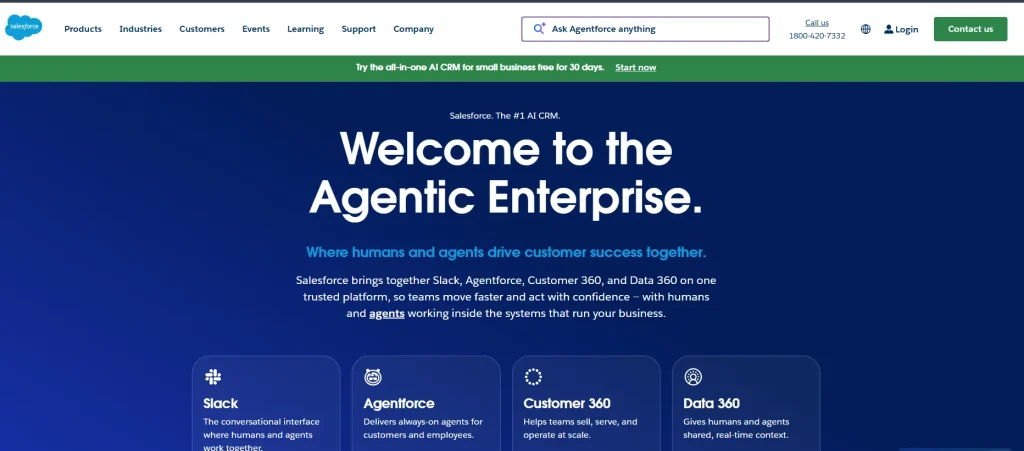
Salesforce is the right choice only for enterprises with dedicated admin resources, typically from $165 per user per month, with project management added through AppExchange apps.
Who it fits: Large organisations with complex CRM requirements, a customisation budget, and someone whose job is to run the system.
Key features:
- Sales, service and marketing clouds
- Project management via AppExchange apps such as Mission Control and Inspire Planner
- Deep customisation through Apex code and configuration
- Einstein AI for forecasting and insights
- Industry specific editions
Pricing: Custom enterprise pricing, typically from $165 per user per month before implementation costs.
| Pros | Cons |
|---|---|
| Effectively unlimited customisation | Steep learning curve |
| Largest integration ecosystem anywhere | High implementation cost on top of licences |
| Strong security and compliance posture | Project management needs third party apps |
10. Zoho Projects and Zoho CRM: Best Value Inside an Ecosystem
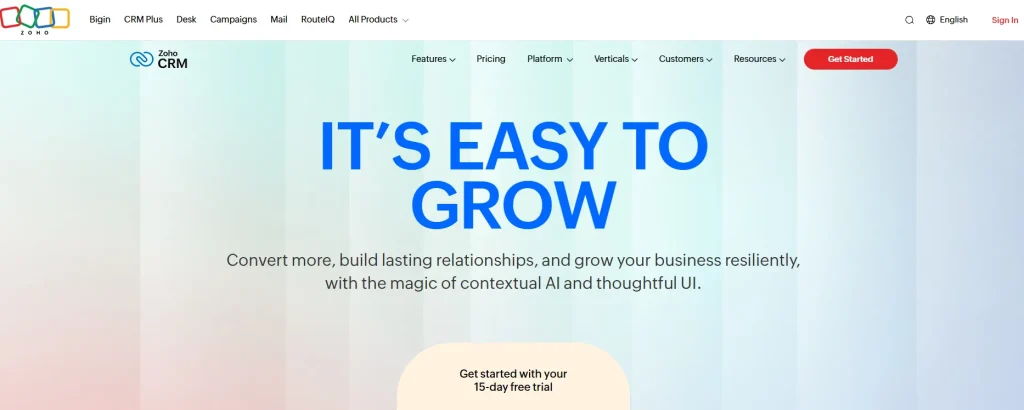
Zoho is the cheapest route to both capabilities if you accept that Projects and CRM are two products, with Projects from $4.70 per user per month and CRM free for up to three users.
Who it fits: Small and medium businesses already using Zoho apps, or anyone whose main constraint is budget and who does not mind some setup.
Key features:
- Zoho Projects covers tasks, Gantt charts, time tracking and collaboration
- Zoho CRM covers pipelines, email campaigns and sales forecasting
- Native integration between the two products
- Zia AI assistant for insights and automation
- Canvas design studio for custom record layouts
- Over 1,000 integrations through Zoho Marketplace
Pricing: Zoho Projects is free for a small team, then roughly $4.70 to $15 per user per month. Zoho CRM is free for up to 3 users, with paid tiers from around $14 per user per month.
| Pros | Cons |
|---|---|
| Lowest entry cost on this list | Two products means two setups and two bills |
| Free tiers on both products | The wider suite can feel sprawling |
| Deep integration across 45 plus Zoho apps | Automation needs configuring |
Free Project Management Software with CRM
Five of the ten platforms here offer a free plan, though free means something different on each one. Some cap users, some cap projects, and some give the CRM away while charging for project management.
| Platform | Free plan | What it caps |
|---|---|---|
| Zoho CRM | Yes, forever | 3 users, no AI or advanced automation |
| Zoho Projects | Yes, forever | 5 users, 3 projects, 5 GB storage |
| Flowlu | Yes, forever | Small user cap, reduced storage, limited automation |
| monday.com Work Management | Yes | 2 seats, limited boards, no CRM |
| HubSpot | Yes, CRM only | Project features sit behind paid tiers |
| Taskip | Yes, Starter Free | Limited free plan; 7-day trial of paid plans, no card |
| Bonsai, Scoro, Accelo, Productive, Salesforce | No | Trial or demo only |
The pattern across all of them is the same. Free plans give you task tracking and basic contact records. What they withhold is automation, the client portal and invoicing, which are the three things that actually save an agency time.
That makes a free plan a good way to test a tool and a poor way to run a business. A two-person studio can live on Zoho or Flowlu free for a while. The moment a third person joins, most free tiers run out, and the upgrade lands between $9 and $20 per user per month anyway.
If you want to see a full workflow before paying, a no credit card trial on an all in one platform tells you more than a permanently free plan with half the features switched off.
Is There a Free Project Tracking System That Includes CRM?
Yes. Zoho Projects, Flowlu and monday.com all offer a free project tracking system, and HubSpot gives you a free CRM you can pair with light task tracking. None of them give you both at full strength on the free tier, which is the trade-off worth understanding before you commit.
A free project tracking system reliably covers:
- Task lists with owners and due dates
- A board or calendar view of what is in progress
- Comments and file attachments on individual tasks
- Basic progress reporting across a few projects
What free tracking rarely covers:
- Linking a project back to the deal that created it
- Logging client calls, emails and WhatsApp messages against a contact
- Turning tracked hours into an invoice
- Giving the client their own view of progress
That last point is where most agencies outgrow free tools. You can track work perfectly well for nothing, but you still email status updates by hand, rebuild the same information in a spreadsheet, and write invoices from scratch at the end of the month.
So a free project tracking system works well when you are managing your own work. When you are managing work for clients, tracking is one third of the job, and the free tier stops exactly where the client relationship begins.
If you want to see what the paid side looks like without committing, Taskip’s free invoice generator and free quotation generator are open to anyone, no account needed.
How Much Does Project Management Software with CRM Cost in 2026?
Project management software with CRM costs between $9 and $20 per user per month at the entry level. Mid-tier platforms built for professional services run $20 to $50, and enterprise CRM platforms start around $165 per user per month.
The headline rate is rarely what you pay. These four structures change the real number more than the advertised price does.
| Cost structure | Who it applies to | What it does to the bill |
|---|---|---|
| Seat minimum | Scoro (5 seats), monday.com (3 seats) | A 3-person firm on Scoro pays for 5 seats regardless |
| Split CRM and PM products | monday.com, Zoho, Productive | Roughly doubles the per user cost once both are added |
| Monthly instead of annual billing | Most vendors | Adds 15 to 20 percent |
| Implementation and training | Salesforce, Scoro, Accelo | Thousands up front, before the first month of value |
The stacked subscription problem
The comparison most agencies should run is not platform A against platform B. It is one platform against the stack they currently pay for.
A typical fragmented setup runs a CRM at around $50 per user, a project tool at $30, an invoicing app at $25 and a time tracker at $20. That is $125 per user per month before anyone has done any work.
An all in one platform covering the same ground at $9 to $39 per user, or a flat $29 to $59 a month for a ten-person team on Taskip, changes the arithmetic considerably. For a ten person agency the gap is several hundred dollars every month, and that is before counting the hours spent keeping four systems in sync.
What you should budget for
- A small team of 1 to 3 people. $9 to $30 per month total. Avoid anything with a seat minimum.
- A growing agency of 4 to 10 people. $90 to $300 per month. This is where all in one platforms are at their strongest, because the alternative stack is now costing real money.
- An established firm of 10 to 50 people. $400 to $2,500 per month, and resource planning and financial forecasting start to justify the higher tiers.
- Enterprise. Budget for the platform and roughly the same again for implementation in year one.
Best Project Management Software with CRM for Small Business
For a small business, the best project management software with CRM is the one a three-person team can be running on by Friday. Feature depth matters less than how fast people adopt it and whether it bills clients without extra tools.
Four that fit, and why:
Taskip works best when you want everything in one place from day one. Clients, deals, projects, invoices and the client portal share one record, so nobody maintains the same information twice. There is no seat minimum, which matters more than it sounds at this size.
Flowlu is the pick when budget decides. The free plan is genuinely usable and paid tiers stay affordable as you add people. The interface is less polished than enterprise tools, which most small teams find is a fair trade.
Zoho suits businesses already inside the Zoho ecosystem. Projects and CRM are separate products with some setup involved, but combined cost is hard to beat and the suite extends into accounting and HR as you grow.
Bonsai fits solo freelancers and studios of two or three. Contracts, proposals and e-signatures are its strength. Per user pricing climbs quickly, so it works best before you start hiring.
Seat minimums: Scoro’s five seat floor and monday.com’s three seat buckets both mean paying for people you do not have. On a small team that is 40 to 60 percent waste.
Split products: If project management and CRM are sold separately, the small business price advantage disappears at exactly the point you need both.
For a deeper look at tools built for this size of business, see our guides to client management systems for freelancers and the best client portal for agencies.
How to Choose the Right Project Management CRM Tool
Pick on four questions, in this order.
1. Does the deal become the project automatically?
This is the whole reason to combine the two. When a deal closes, the platform should create the project with the client, scope, value and contacts already attached. If you still retype anything, the integration is cosmetic. Taskip, Accelo and Scoro handle this natively.
2. Can it invoice from the work?
A CRM that tracks deals and a PM tool that tracks tasks still leave you writing invoices by hand. Check whether tracked time and completed milestones turn into an invoice without an export. Taskip, Scoro, Accelo, Bonsai and Flowlu can. monday.com and Salesforce need a third tool. If invoicing is your main concern, see our comparison of CRM with invoicing software.
3. What does the client see?
If clients have to email you for a status update, you have bought an internal tool, not a client platform. A portal that shows progress, documents and invoices removes most of the back and forth. Taskip includes one free. Most others charge for it or offer a thinner version. Our guide to client portal software compares the dedicated options.
4. What is the real monthly cost at your team size?
Multiply the per user rate by your actual headcount, then add the seat minimum, the CRM module if it is sold separately, the monthly billing premium if you are not paying annually, and implementation. Compare that number against what you currently pay across your existing stack.
Features that matter, ranked
Everything below is worth having. The order is what it costs you to go without.
| Feature | Why it matters | Strongest here |
|---|---|---|
| Deal to project automation | Removes the single biggest source of lost data | Taskip, Accelo, Scoro |
| Integrated invoicing | Turns delivered work into revenue without an export | Taskip, Scoro, Bonsai |
| Client portal | Ends the status update email loop | Taskip, Scoro, Flowlu |
| Multi-channel logging | Keeps WhatsApp and SMS conversations on the record | Taskip, Accelo, HubSpot |
| Flexible pipelines | Different service lines need different stages | Taskip, Zoho, Scoro |
| Time and expense tracking | Makes project margin visible before it is too late | Taskip, Bonsai, Productive |
| Resource planning | Prevents both burnout and idle capacity | Scoro, Productive, Accelo |
| Workflow automation | Removes repeated manual steps | Taskip, monday.com |
| Financial forecasting | Answers whether this project will be profitable | Scoro, Productive, Accelo |
Five Implementation Mistakes That Waste the First Six Months
Buying for features you will never use: Most teams use a fraction of what they pay for. Pick against your top 10 to 15 must-haves and ignore the rest of the feature matrix.
Underestimating adoption: Software rarely fails on bugs. It fails because people quietly keep working the old way. Plan four to six weeks of change management, have leadership use the system daily, and make the first wins visible.
Migrating dirty data: Duplicates, inconsistent formats and dead records follow you into the new system and stay there. Clean before you import, not after.
Leaving integrations until later: Teams move to an all in one platform, then keep accounting, email and time tracking disconnected, and rebuild the silos they just escaped. Map the integrations before go-live.
Nobody owning it: Implementations succeed when one person runs selection, configuration, adoption and escalation. Give that person real time, not a line in their job description.
Conclusion: Which One Should You Choose?
For most agencies and freelancers, Taskip is the best project management software with CRM in 2026 because it covers sales, delivery, invoicing and the client portal in one platform, with a free plan, flat paid plans from $12 to $89 a month, no seat minimum and no separate CRM bill.
The short version for everyone else:
| Choose | If |
|---|---|
| Taskip | You want one affordable platform covering lead to invoice, built for agencies and freelancers |
| Scoro | You need financial forecasting and resource planning, and you have at least five seats |
| Accelo | Your bottleneck is the sales to delivery handoff and you want it automated |
| Flowlu | Budget decides, and you are comfortable with a smaller vendor |
| Productive | Resource utilisation and billable hours drive your margin |
| monday.com | Your team values visual, configurable boards and will manage CRM separately |
| Bonsai | You are a solo freelancer who mainly needs contracts and invoices |
| Zoho | You already run on Zoho and want the lowest possible cost |
| HubSpot | Marketing and sales lead the business and project tracking is secondary |
| Salesforce | You are an enterprise with admin resources and a customisation budget |
The direction of travel is clear enough. Separate CRM and project tools made sense when neither did the other job well. Now that several platforms do both properly, the main argument for keeping them apart is that migrating is work.
If you want to see what consolidation actually looks like for your workflow, start on Taskip’s free plan or a free trial of a paid plan. No credit card, and you can import your existing clients on day one. Our free agency client onboarding template helps you set up the first client properly.
FAQs For Project Management Software with CRM
What is the best project management software with CRM?
Taskip is the best all in one option for agencies and freelancers, combining CRM, projects, invoicing and a client portal, with a free plan and flat paid plans from $12 a month. Scoro suits larger professional services firms that need financial forecasting, and Salesforce fits enterprises with dedicated admin resources.
Is there a free project management software with CRM?
Yes. Taskip has a free Starter plan, Zoho CRM is free for up to 3 users, Zoho Projects is free for up to 5 users and 3 projects, Flowlu offers a free tier, and HubSpot provides a free CRM. Free plans almost always exclude automation, invoicing and client portal access.
How much does project management software with CRM cost?
Entry plans cost $9 to $20 per user per month. Mid-tier professional services platforms run $20 to $50, and enterprise CRM platforms such as Salesforce start around $165 per user per month.
What is the difference between a CRM and project management software?
A CRM manages the relationship before the sale, tracking leads, deals and conversations. Project management software manages the work after the sale, tracking tasks, deadlines and delivery. Combined platforms connect the two so a closed deal becomes a project without re-entering anything.
Can I use one tool for both CRM and project management?
Yes. Taskip, Scoro, Accelo, Flowlu and Bonsai all include both natively. monday.com, Zoho and Productive sell them as separate products that integrate, which works but costs more and requires two setups.
Which project management CRM tool is best for a small agency?
Taskip and Flowlu are the strongest fits for agencies under 10 people, because neither imposes a seat minimum and both include invoicing and a client portal in the base price.
How long does implementation take?
Self-serve platforms such as Taskip, Flowlu and Bonsai take two to four weeks from decision to full use. Scoro, Accelo and Productive take four to eight weeks. Salesforce typically takes three to six months and usually requires a consultant.
Do I need a consultant to set this up?
No, for Taskip, Flowlu, Bonsai, monday.com and Zoho, which most teams implement themselves. Possibly, for Scoro, Accelo and Productive, depending on complexity. Almost certainly, for Salesforce.
Can I migrate my data from my current tools?
Yes. Most platforms import from Salesforce, HubSpot, Asana, monday.com and similar via CSV export and import, with field mapping for custom data. Every platform in this guide supports data export, so check that before you commit to any vendor.
What happens to my data if I switch again?
All ten platforms here allow full data export. Treat any vendor that does not as a risk, regardless of how good the product looks.