The best client portal for law firms in 2026 includes Taskip, Clio, MyCase, PracticePanther, Smokeball, Filevine, CASEpeer, Case Status, Lawcus, and Assembly (formerly Copilot).
Taskip is our top pick overall for solo attorneys and small firms because it bundles secure messaging, e-signatures, invoicing, and full white-label branding into one flat-fee plan starting at $12/month, with no per-user pricing to worry about as you grow. Firms that want a client portal built directly into a full legal case management system will want to look at Clio, MyCase, or Case Status instead.
Below, we compare all 10 options on pricing, features, and real user reviews from G2, so you can pick the right client portal for law firms of any size.
Table of Contents
Quick Comparison Chart: Top 10 Client Portals for Law Firms
| # | Tool | Best For | Starting Price | G2 Rating |
|---|---|---|---|---|
| 1 | Taskip | Solo attorneys and small firms wanting one flat-fee portal | $12/mo (free plan available) | 4.8/5 |
| 2 | Clio | Full legal practice management with a portal built in | $49/user/mo | 4.6/5 |
| 3 | MyCase | Simple billing and e-signature bundled with the portal | $39/user/mo | 4.4/5 |
| 4 | PracticePanther | Automated intake plus client portal together | $49/user/mo | 4.3/5 |
| 5 | Smokeball | AI document automation alongside client updates | Custom pricing | 4.7/5 |
| 6 | Filevine | High-volume litigation and personal injury firms | Custom, quote-based | 4.7/5 |
| 7 | CASEpeer | Personal injury firms, intake through settlement | $79/user/mo | 4.7/5 |
| 8 | Case Status | Mobile-first, AI-powered client engagement | Custom, quote-based | 4.6/5 |
| 9 | Lawcus | CRM plus no-code workflow automation with the portal | $39/attorney/mo (annual) | 4.5/5 |
| 10 | Assembly (formerly Copilot) | Deep white-label branding, agency-style polish | $39/mo | 4.7/5 |
We compared each tool based on verified pricing, client portal features, G2 user reviews, and its suitability for different law firm sizes. Pricing was confirmed from each vendor’s official website, while ratings and reviews come directly from G2. All information is current as of mid-2026.
What Is a Client Portal for Law Firms?
A client portal for law firms is a secure, client-facing platform where attorneys and clients can message each other, share documents, sign agreements, and manage invoices and payments. It offers them an all-in-one place instead of scattered across email, phone calls, and paper files.
However, a legal case management system and a client portal serve different purposes.
- Case management software helps your firm manage internal operations such as matter tracking, calendaring, billing, and compliance.
- A client portal, by contrast, is the client-facing workspace for secure messaging, document sharing, invoices, and case updates.
Many platforms combine both. Clio, MyCase, Filevine, and CASEpeer include a client portal alongside their case management features. Others, such as Taskip, Assembly, and Lawcus, focus primarily on the client portal experience, offering a simpler setup and lower cost. The right choice depends on your firm: larger practices often need a full case management suite, while solo attorneys and small firms may get more value from a dedicated client portal.
Key Features to Look for in a Legal Client Portal
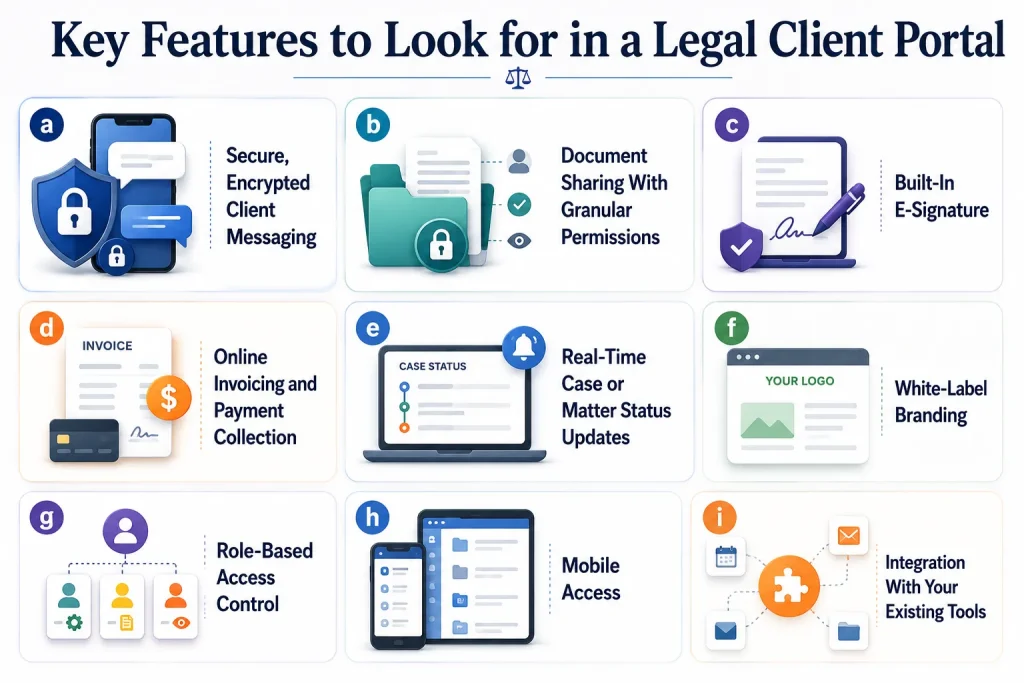
a. Secure, Encrypted Client Messaging
Email isn’t built for case-sensitive communication. A good portal replaces that back-and-forth with an encrypted, logged conversation thread tied directly to the matter.
b. Document Sharing With Granular Permissions
Clients should be able to see and download files related to their case, and nothing else. Look for matter-level permissions rather than one shared folder for everything.
c. Built-In E-Signature
Engagement letters, releases, and settlement documents shouldn’t require a separate tool. A portal with e-signature built in saves a step for both the firm and the client.
d. Online Invoicing and Payment Collection
Clients should be able to view invoices, see payment history, and pay online without calling the office.
e. Real-Time Case or Matter Status Updates
One of the biggest drivers of phone calls to a law firm is a client not knowing what’s happening with their case. A portal that pushes status updates automatically cuts that volume significantly.
f. White-Label Branding
A custom domain (like portal.yourfirm.com), your logo, and your brand colors make the portal feel like part of your firm, not a third-party tool your clients have to trust separately.
g. Role-Based Access Control
Staff, clients, and any co-counsel need different levels of visibility. Make sure the portal supports this out of the box rather than as an add-on.
h. Mobile Access
A portal only helps if clients actually use it. Native mobile apps consistently drive higher adoption than browser-only portals.
i. Integration With Your Existing Tools
Calendar, accounting, and case management integrations matter more the larger your firm gets. Solo attorneys can usually get away with a standalone tool.
Top 10 Client Portals for Law Firms: Detailed Breakdown
1. Taskip: Best for Solo Attorneys and Small Firms Wanting One Flat-Fee Portal
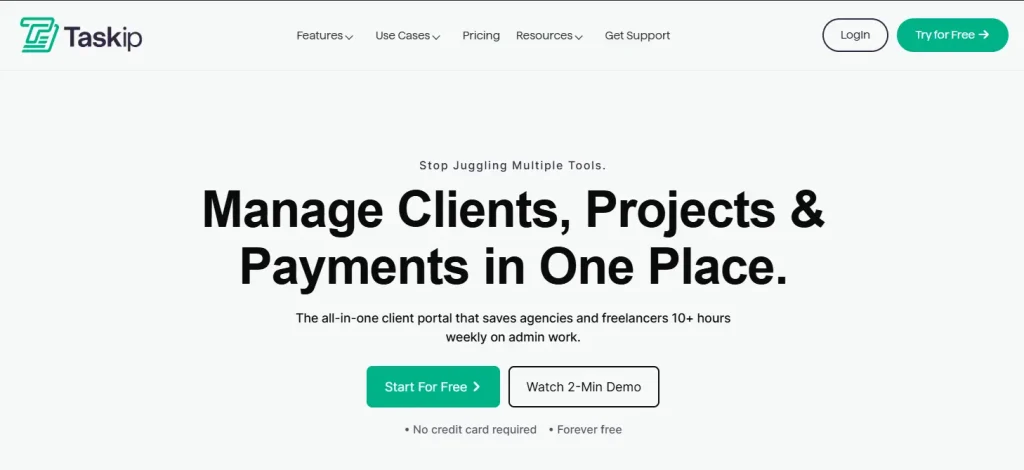
Taskip is a client portal built for agencies and service businesses, including solo attorneys and small law firms, that want messaging, files, invoicing, and e-signatures bundled into one flat monthly fee instead of paying per-user legal-suite pricing. It’s the same value case Taskip makes in its best client portal for agencies comparison, and it holds up just as well for a small legal practice.
Key Features
- Real-time project and matter status tracking with custom status labels
- Real-time chat with email-reply sync and full searchable history
- Organized file storage with Google Drive integration and version history
- Online invoice viewing, payment processing, and PDF downloads
- One-click approval workflows for documents and deliverables
- Full white-label branding: custom domain, logo, brand colors, custom email domain and favicon
- Role-based permissions and client activity tracking
- Digital document signing and meeting scheduling built in
Pricing
Starts at $12/month, with a free-forever plan available and no credit card required. There’s also a 30-day free trial on paid plans, and no per-user pricing model to plan around as your firm grows. Full breakdown on the pricing page.
Real User Review and Rating
Taskip rating 4.8/5 on G2
The interface is clean and intuitive, task management feels smooth and straightforward, and the collaboration features work flawlessly.”
2. Clio: Best for Full Legal Practice Management With a Portal Built In
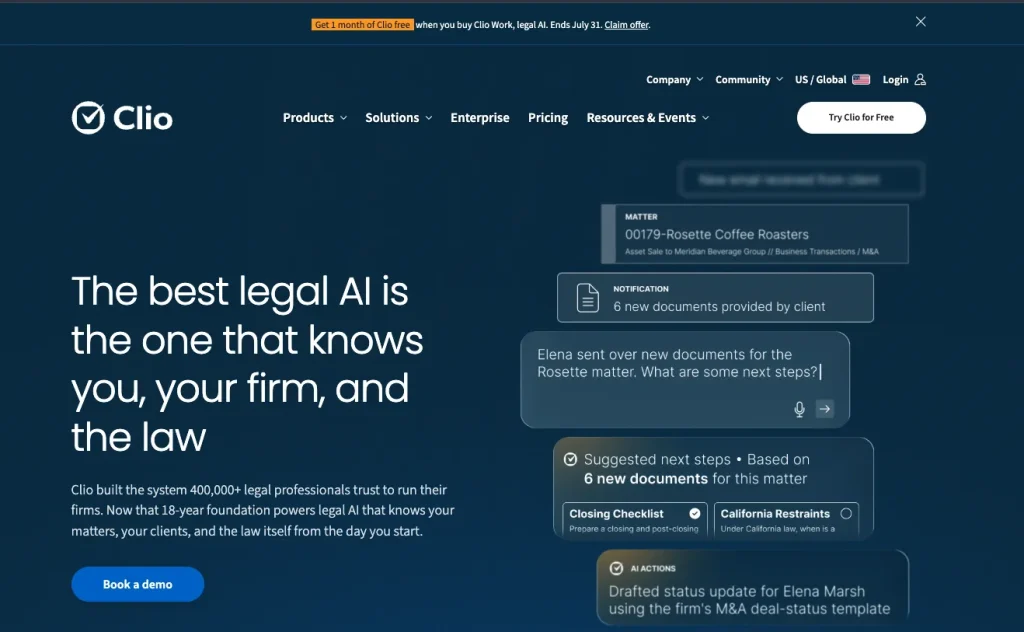
Clio is the industry-standard legal practice management platform, and its client portal (Clio for Clients) is built directly into that ecosystem rather than sold as a standalone product.
Key Features
- Secure client messaging tied to each matter
- Document sharing and e-signature
- Trust accounting and billing built in
- Calendaring and deadline tracking
- Deep integrations across the broader legal software market
Pricing
Starts at $49/user/month.
Real User Review and Rating
Clio rating is 4.6/5 on G2
Clio makes it really easy for me to bill my clients and get paid. I also really like how simple it is to docket, which used to be a huge pain point for me. The client portal is especially helpful, since I absolutely hate email.
3. MyCase: Best for Simple Billing and E-Signature Bundled With the Portal
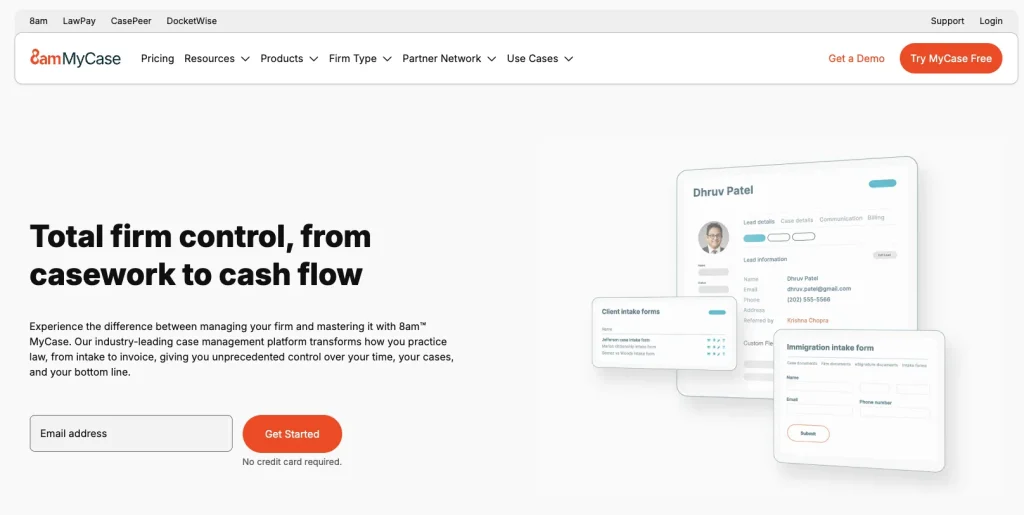
MyCase leans into affordability and simplicity, with a client portal that ties directly into its billing and e-signature tools.
Key Features
- Client portal for messaging and document exchange
- Built-in e-signature
- LawPay-integrated billing and online payments
- Case timeline visible to clients
Pricing
Starts at $39/user/month.
Real User Review and Rating
MyCase rating is 4.4/5 on G2
I like being able to manage my time with 8am MyCase and see over a week how much time I’m spending on billing. It’s also handy for sending documents to clients for e-signatures.
4. PracticePanther: Best for Automated Intake Plus Client Portal Together
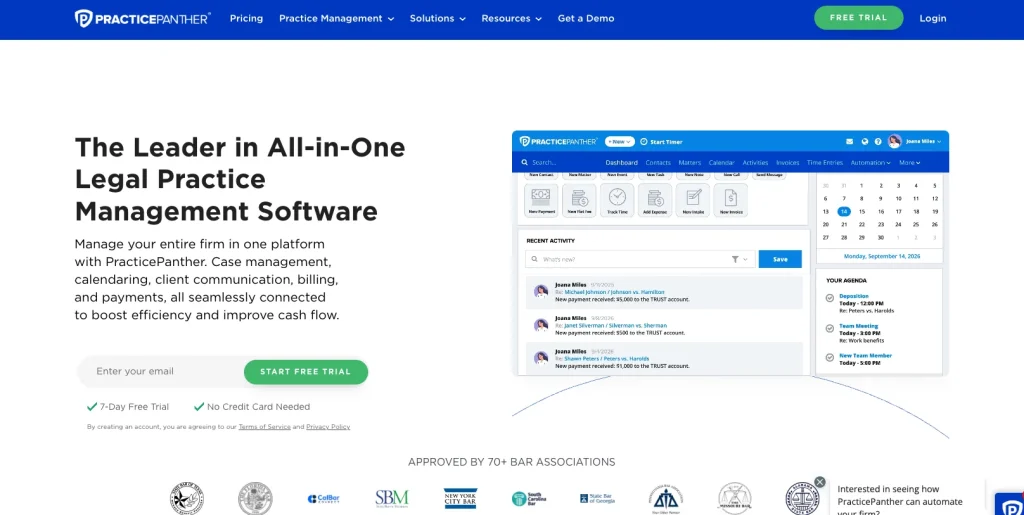
PracticePanther is known for its custom intake forms and workflow automation, with a client portal layered on top.
Key Features
- Custom intake forms and automated workflows
- Secure client portal for messaging and files
- Time tracking and billing
- Ease-of-use focus, particularly for smaller firms
Pricing
Starts at $49/user/month.
Real User Review and Rating
Practice Panther rating is 4.3/5 on G2
An efficient case management option that includes features other CM services charge extra for. The invoice management tools and case-flow features are especially convenient for day-to-day practice management.The integrations are plentiful, or at least meet that which is offered through other case management services that I have utilized in the past. Overall, PracticePanther is a good option for running a law practice.
5. Smokeball: Best for AI Document Automation Alongside Client Updates
Smokeball focuses on automated document assembly and time tracking, with its Archie AI assistant as a standout feature, plus a client portal for communication.
Key Features
- Automated document assembly
- Archie AI drafting assistant across notes, documents, and emails
- Time tracking tied to matters
- Client portal for updates and file sharing
Pricing
Custom pricing.
Real User Review and Rating
Smokeball rating in 4.7/5 on G2
It’s robust enough to handle modern case management, without piling on so many bells and whistles that it becomes oversized and requires a full-time administrator with special training, like Filevine does.
6. Filevine: Best for High-Volume Litigation and Personal Injury Firms
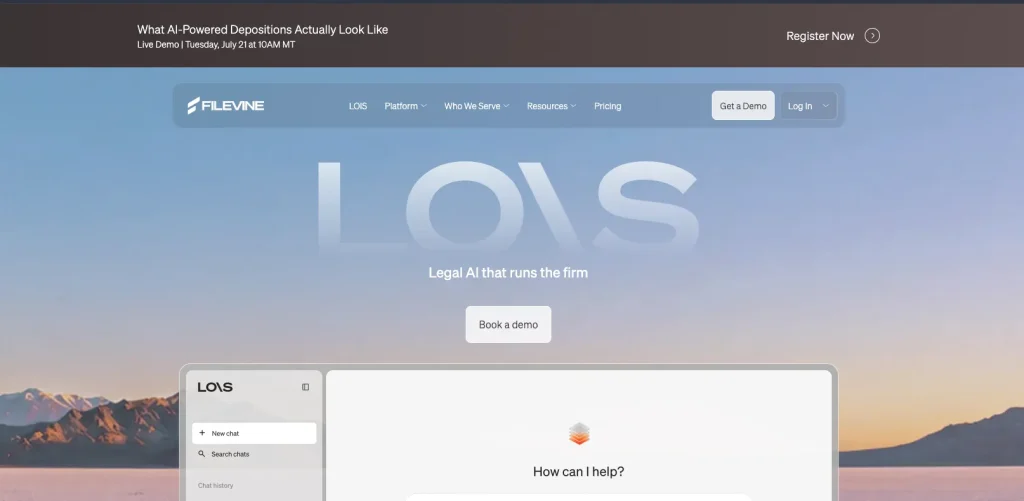
Filevine is built for firms handling a high volume of documents and cases, particularly in litigation and personal injury work.
Key Features
- High-volume case and document management
- Workflow automation across large caseloads
- Deep integrations with other legal tools
- Client portal for status updates and document sharing
Pricing
Custom, quote-based. Filevine doesn’t publish standard tiers; pricing is built per firm after a demo or trial.
Real User Review and Rating
4.7/5 on G2, based on 286 reviews, with 82% of reviewers giving it 5 stars.
I really like how easy Filevine is to use, making it straightforward to manage my tasks. The implementation process was smooth and intuitive, requiring minimal training for our team to get up and running. I also appreciate the frequent updates they provide, which help keep everything running smoothly. Additionally, the organization of information is really well done, which makes my legal work much easier and improves the management of customer service and support.
7. CASEpeer: Best for Personal Injury Firms, Intake Through Settlement
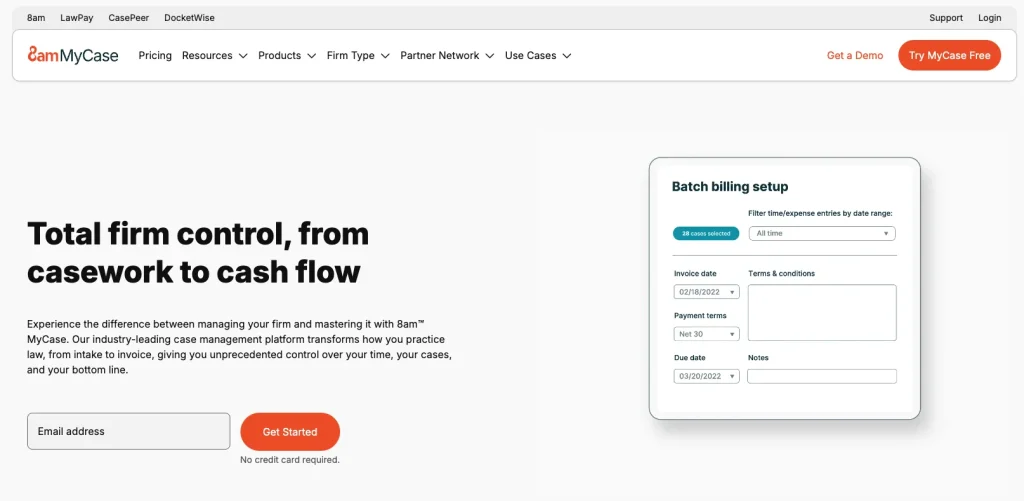
CASEpeer is built specifically for personal injury practices, covering the full lifecycle from intake to settlement.
Key Features
- Personal injury-specific workflows
- Intake portal for new clients
- Case grading and multi-office reporting
- Client communication tracking
Pricing
Starts at $79/user/month (Basic tier); Pro is $119/user/month, Advanced is $149/user/month.
Real User Review and Rating
CASEpeer rating is 4.7/5 on Capterra
Overall, my experience with CasePeer was very positive. The platform made case management and collaboration much more efficient, helping me stay organized and on top of tasks. While there were minor learning curves and occasional small delays, the intuitive design and helpful features outweighed these, making it a valuable tool in my daily workflow.
8. Case Status: Best for Mobile-First, AI-Powered Client Engagement
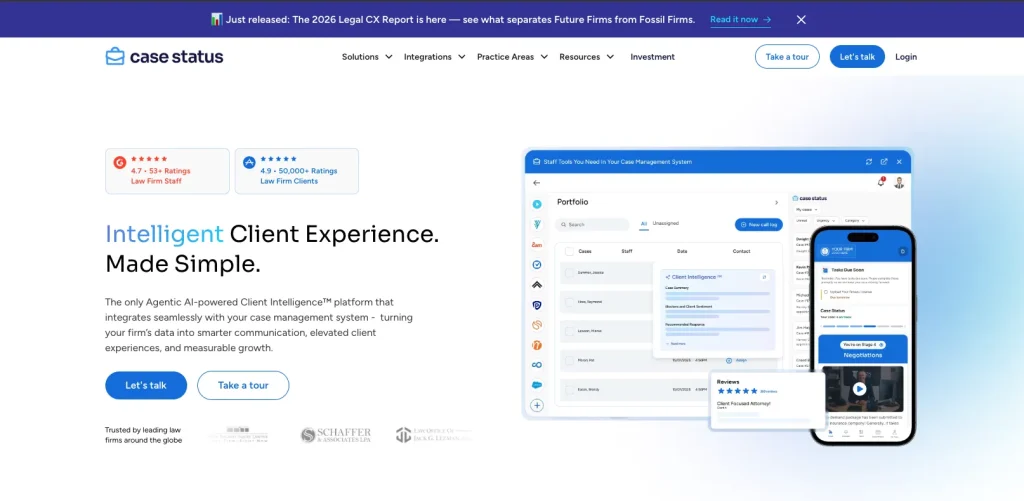
Case Status takes a mobile-first approach, aiming to cut down on phone calls with automated, AI-assisted status updates.
Key Features
- Native mobile app with high claimed client adoption
- AI-drafted status updates and message responses
- Multilingual support
- NPS and client satisfaction tracking
Pricing
Custom, quote-based.
Real User Review and Rating
Case Status rating is 4.6/5 on G2
I really like how easy it is to integrate Case Status with our API. The customer service is always responsive, making technical support readily available whenever I have issues onboarding a client. People love it because it feels like social media for clients with legal cases, which is quite engaging.
9. Lawcus: Best for CRM Plus No-Code Workflow Automation With the Portal
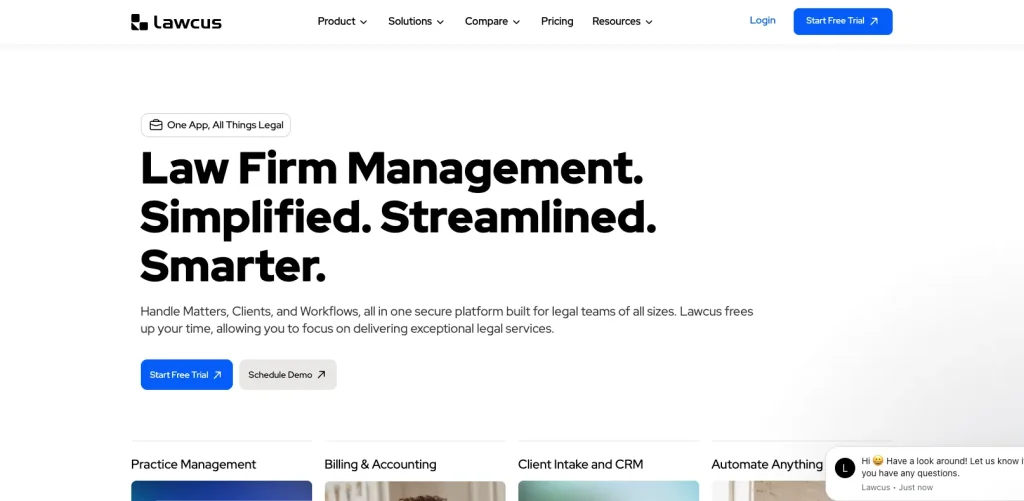
Lawcus combines legal practice management with a built-in CRM and a no-code automation builder.
Key Features
- Built-in CRM for lead and client tracking
- No-code automation builder for workflows
- Client portal for messaging and documents
Pricing
Starts at $39/attorney/month on annual billing (Essential tier); monthly billing starts at $49/attorney/month.
Real User Review and Rating
Lawcus rating is 4.5/5 on G2
Lawcus is a good fit at organizing my client matters. Every document, email, and note is tied to a particular case which is very convenient because I do not have to waste time searching for specific info.
10. Assembly (Formerly Copilot): Best for Deep White-Label Branding
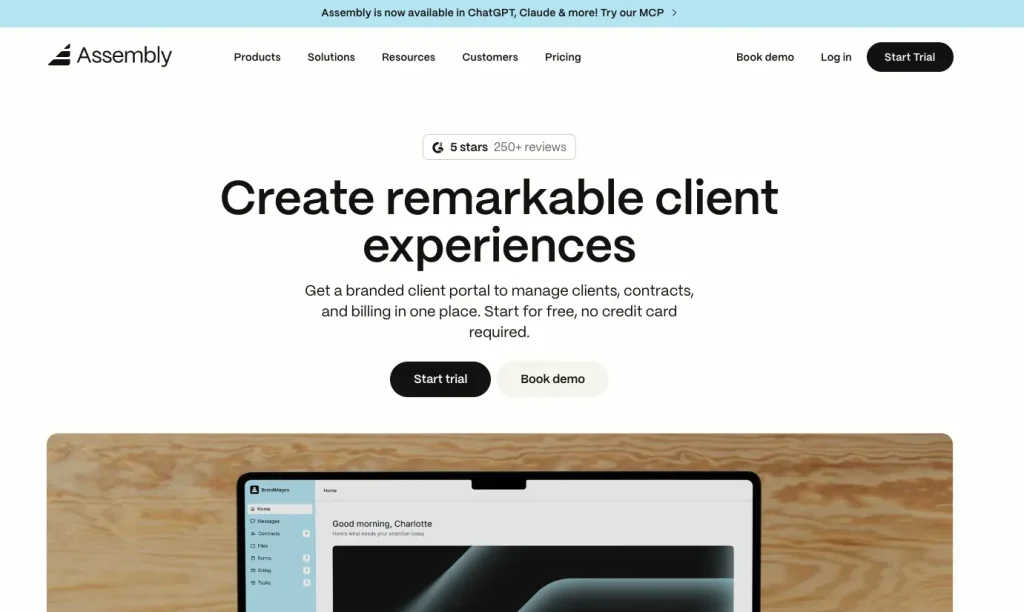
Assembly, previously known as Copilot, is built around giving every client their own fully branded portal experience, which makes it a strong fit for firms that want their client-facing tools to feel entirely custom.
Key Features
- Fully branded portal per client
- Automation tasks and workflow triggers
- Payment collection built in
Pricing
Starts at $39/month (Starter tier: 1 internal user, 50 clients).
Real User Review and Rating
Assembly rating is 4.7/5 on G2
The onboarding experience for my clients is quick and seamless. I can set rules that save me time. Billing and invoicing is also made easy and I like that I can use it as my primary platform to communicate with clients and keep track of outstanding tasks.
Common Mistakes Law Firms Make When Choosing a Client Portal
Mistake 1: Choosing Based on Price Alone
The lowest-priced option isn’t always the best value. If clients find the portal difficult to use, they’ll return to emails and phone calls, reducing its overall benefit.
Mistake 2: Overlooking the Client Experience
A client portal only works if clients actually use it. Look for a simple interface with easy access to messages, documents, invoices, and case updates.
Mistake 3: Skipping a Security Review
Don’t rely on security claims alone. Verify features such as encryption, role-based permissions, two-factor authentication, and audit logs before adopting a platform.
Mistake 4: Forgetting to Check Branding Options
If your firm values a consistent brand experience, confirm support for custom logos, colors, and domains before committing to a long-term contract.
Mistake 5: Ignoring Integrations
Choose a portal that connects with your existing calendar, billing, accounting, or case management software. Poor integrations often create more manual work instead of reducing it.
Mistake 6: Not Using the Free Trial
Most platforms offer a free trial or free plan. Test the portal with your team before signing an annual contract to ensure it fits your workflow.
How to Choose the Right Client Portal for Your Law Firm
1. Consider Your Firm Size and Budget
Choose a platform that matches your team size and budget. Solo attorneys and small firms often benefit from flat-fee pricing, while larger firms may find per-user plans worthwhile for advanced features.
2. Define Your Needs
Decide whether you need a complete legal case management system or only a client portal. If you already have case management software, a portal that integrates with your existing tools may be the better choice.
3. Prioritize Client Experience
A client portal is only valuable if clients use it. Look for a clean, mobile-friendly interface that makes messaging, document sharing, and payments easy.
4. Calculate the Total Cost
Compare costs based on your actual team size, including attorneys, paralegals, and support staff. Per-user pricing can become expensive as your firm grows, while flat-fee plans often offer better long-term value.
Client Portal Security and Compliance Considerations For Law Firms
Before choosing a client portal, verify the security features it actually provides rather than relying on marketing claims.
Security requirements vary by platform, but agencies handling sensitive client information should look for GDPR compliance, encryption, role-based access controls, independent security certifications, and secure payment processing.
| Security Feature | Why It Matters | Tools That Publicly State It | What to Verify |
|---|---|---|---|
| 1. GDPR Compliance | Helps agencies meet EU privacy requirements and handle personal data responsibly. | Clio, Taskip | Check where client data is hosted, how data is processed, and whether clients can request data access, export, or deletion. |
| 2. Encryption | Protects client messages, documents, credentials, and payment-related information from unauthorized access. | Smokeball, MyCase, PracticePanther | Verify encryption standards for data in transit and at rest, such as TLS and AES-256 where applicable. |
| 3. Role-Based Access Controls | Limits employees and clients to the information and features they are authorized to access. | All tools in this comparison | Test staff permissions, client access, workspace restrictions, and administrative controls during the trial. |
| 4. SOC 2 Certification | Indicates that an organization has undergone an independent assessment of specified security controls. | Clio, Filevine, Assembly | Ask for the latest SOC 2 report or trust-center documentation and check its scope and reporting period. |
| 5. ISO 27001 Certification | Shows that an organization operates an independently audited information security management system. | Smokeball | Confirm whether the certification covers the software vendor, a specific business unit, or only an infrastructure provider. |
| 6. PCI DSS-Compliant Payments | Helps protect payment-card information when clients pay invoices through a portal. | MyCase (LawPay), PracticePanther (PantherPayments) | Check which payment processor handles card transactions and confirm its PCI DSS compliance. |
Note: For a citation-ready article, I recommend linking each security claim to the vendor’s official security, compliance, or trust-center page as well. The links above can remain as authoritative references explaining GDPR, SOC 2, ISO 27001, and PCI DSS.
Why Taskip Is a Strong Client Portal Choice for Law Firms
- Flat-fee pricing from $12/month, with no per-user costs.
- Free Forever plan available for testing.
- Fully white-labeled client portal with custom branding.
- Secure messaging, document sharing, invoicing, online payments, and e-signatures.
- Quick setup with no complex legal software configuration.
- Integrates well with existing practice management workflows.
- Ideal for solo attorneys and small law firms.
Limitations: Taskip is not a legal case management system. It doesn’t include conflict checks, trust accounting, or e-filing, so firms that need those features should use it alongside a legal practice management platform, such as Clio, Filevine, or CASEpeer.
Final Verdict
If you’re a solo attorney or small firm that wants a simple, flat-fee client portal without per-user pricing, Taskip is the strongest pick on this list. If you want a client portal built directly into full legal practice management, Clio or MyCase are solid choices. High-volume litigation and personal injury firms are better served by Filevine, CASEpeer, or Case Status, which are built around those specific workflows.
Whichever direction you go, take advantage of the free trials and free plans available across this list before committing to an annual contract.
Frequently Asked Questions
Why Do Law Firms Need a Client Portal?
A client portal cuts down on phone calls and email back-and-forth by giving clients a secure place to check case status, share documents, sign forms, and pay invoices on their own. Firms that adopt one well typically see fewer status-check calls and higher client satisfaction, since clients aren’t left wondering what’s happening with their case.
What Is the Cheapest Client Portal for a Solo Attorney or Small Law Firm?
Taskip, starting at $12/month with a free plan available, is the cheapest option on this list. Per-user legal suites like Clio, MyCase, and PracticePanther start at $39 to $49 per user per month, which adds up quickly once you add staff.
Is a Client Portal the Same as Legal Case Management Software?
No. A client portal is the client-facing layer for messaging, documents, invoicing, and status updates. Legal case management software handles the firm’s internal workflow, including matter tracking, conflict checks, and trust accounting. Some tools combine both; others focus on just the portal.
What Security Features Should a Law Firm Client Portal Have?
At minimum, encryption in transit and at rest, role-based permissions so clients only see their own matter, and an audit trail of who accessed what. Confirm any compliance claims directly with the vendor rather than assuming they apply across the board.
Can a Client Portal Replace Phone Calls and Email for Client Updates?
Largely, yes. Firms using a well-adopted portal report significant reductions in phone call volume, since clients can check status and documents themselves instead of calling the office.
What’s the Best Client Portal for a Law Firm on a Budget?
Taskip if you just need a portal without full case management, or MyCase (starting at $39/user/month) if you want billing and e-signature bundled with case management features.
Does Taskip Work for Law Firms, or Is It Only for Agencies?
Taskip was originally built for agencies and service businesses, and it works well for solo attorneys and small firms that want a lighter, flat-fee portal for messaging, files, invoicing, and e-signatures. Firms that need conflict checks, trust accounting, or e-filing should pair it with, or choose instead, a dedicated legal case management tool.