
11 Best HoneyBook Alternatives for Freelancers and Agencies in 2026
If you’re reading this, you’re probably frustrated. Maybe it’s the 89% price increase HoneyBook rolled out in February 2025. Or perhaps you’ve outgrown what HoneyBook offers and need something more powerful for your growing agency. Either way, finding the right HoneyBook alternative has become a priority.
You’re not alone. Thousands of freelancers and agency owners are searching for HoneyBook alternatives that offer better features, more affordable pricing, and workflows designed specifically for how modern agencies operate.
HoneyBook served its purpose as a solid client management tool for solopreneurs and creative professionals. But when your monthly cost rises $19 to $36 or your annual cost jumps from $190 to $350 without receiving proportional value, it is time to explore alternatives to HoneyBook that suit your needs better.
In this guide, we’ve tested and reviewed the 11 best HoneyBook alternatives available in 2026. Whether you’re a freelancer looking for an affordable HoneyBook alternative with invoicing tools or a digital agency needing comprehensive project management with a white-label client portal, there’s a perfect alternative to HoneyBook waiting for you.
Why Are People Looking for HoneyBook Alternatives?
The February 2025 Price Increase
HoneyBook made a significant pricing change in February 2025. The Starter plan jumped from $19/month to $36/month, an 89% increase. The Essentials plan went from around $39 to $59/month, and Premium plans now cost $129/month.
For many small business owners, this increase wasn’t justified by new features. As one Reddit user put it: “No way will I pay the new $80+/mo price for something I’ve been paying $10/mo for the last 4 years.”
Common Pain Points Users Report
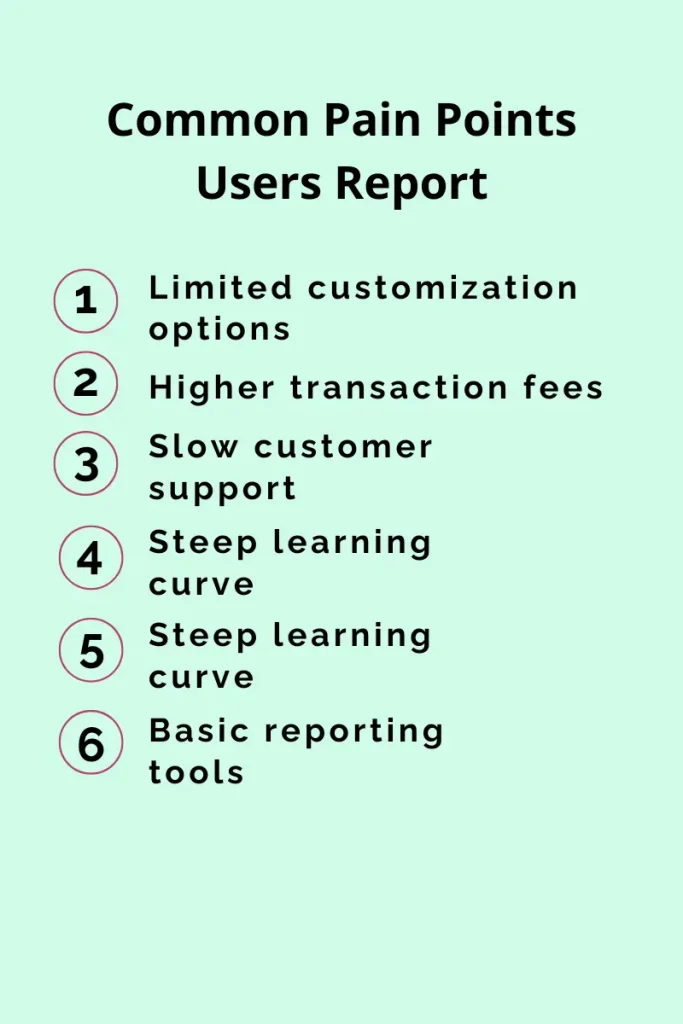
Limited customization options -The platform offers only basic customization for invoices and workflows, which can limit branding flexibility. Many HoneyBook alternatives offer more robust customization that allows users to create fully personalized processes matching their business needs.
Higher transaction fees – The fee structure of 2.9% plus 30 cents per card payment, users may find the transaction costs higher compared to other alternatives, especially for businesses handling a large volume of payments.
Slow customer support – Customer support response times are slower than expected, which can delay issue resolution and create frustration for users who need quick assistance to keep projects moving.
Steep learning curve – New users often experience a steep learning curve as the interface and features require time to understand, making onboarding and initial setup a bit challenging without prior experience.
Mobile app limitations – The mobile app lacks several key features available on the web version, making it difficult for users to manage tasks efficiently while on the go and reducing overall productivity.
Basic reporting tools – The reporting features are quite basic and don’t offer deep, actionable insights, limiting users’ ability to analyze performance, uncover trends, and make data-driven decisions.
What to Look for in a HoneyBook Alternative?
Essential Features
When evaluating any alternative to HoneyBook, ensure it includes these core capabilities:
- Client Relationship Management (CRM): Track leads, manage contacts, and maintain detailed client histories
- Invoicing and Payment Processing: Create professional invoices and accept multiple payment methods
- Project Management: Organize tasks, track deadlines, and manage deliverables
- Contract and Proposal Tools: Generate legally-binding contracts quickly using templates
- Communication Tools: Centralize client communication through an integrated inbox
Advanced Features for Agencies
The best HoneyBook alternatives for growing agencies should also offer:
- White-Label Client Portal: Provide clients with a branded experience
- Workflow Automation: Eliminate repetitive tasks with trigger-based rules
- Team Collaboration: Assign tasks, manage permissions, collaborate seamlessly
- Time Tracking: Monitor billable hours for transparent billing
- Reporting and Analytics: Gain insights into performance and profitability
11 Top HoneyBook Alternatives: Quick Comparison Table
Here’s a quick overview of the best HoneyBook alternatives we reviewed:
| Platform | Best For | Client Portal | White-Label | Starting Price |
| Taskip | Digital agencies | ✓ | ✓ | Free |
| Bonsai | Freelancers | ✓ | Partial | $9/mo |
| Dubsado | Custom workflows | ✓ | ✓ | $20/mo |
| Productive | Financial mgmt | ✓ | ✗ | $9/user/mo |
| ManyRequests | Design agencies | ✓ | ✓ | $99/mo |
| Monday.com | Flexible workflows | Partial | ✗ | $10/seat/mo |
| ClickUp | Work management | ✗ | ✗ | Free |
| Plutio | Small teams | ✓ | ✓ | $19/mo |
| FreshBooks | Accounting | ✓ | ✗ | $10.50/mo |
| 17hats | Simplicity | ✓ | ✓ | $15/mo |
| Zoho CRM | Sales teams | ✗ | ✗ | $14/user/mo |
1. Taskip — Best All-in-One Agency Management Platform
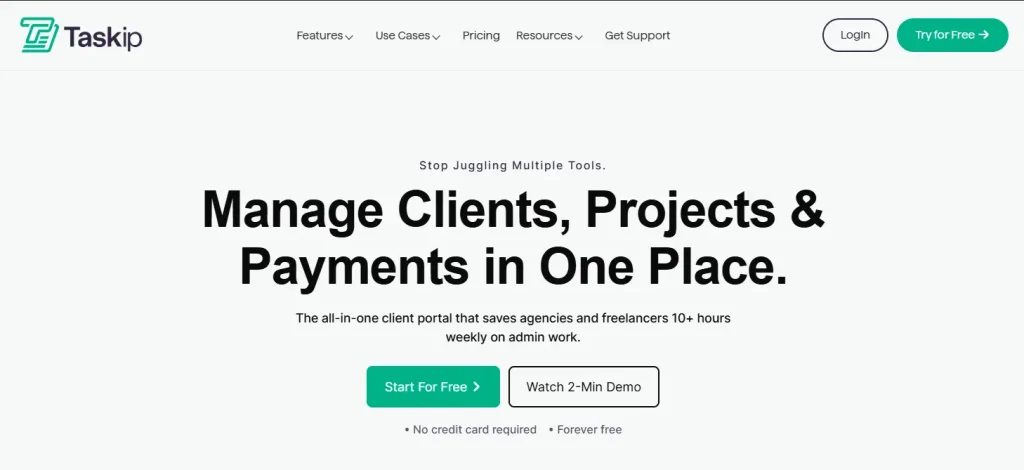
Taskip is an all-in-one agency management and client portal platform designed specifically for freelancers and digital agencies. As a HoneyBook alternative, Taskip stands out because every feature is purpose-built for how agencies actually work—from managing sales pipelines and project deliverables to sending invoices and handling client support.
What sets this alternative apart is its ability to replace multiple disconnected tools with a single, unified workspace. Instead of juggling separate subscriptions for CRM, project management, invoicing, communication, and automation, you get everything working together seamlessly.
Key Features
• Service Catalog: Define and showcase your service offerings with clear pricing
• CRM and Sales Pipeline: Manage leads with visual Kanban pipelines and activity tracking
• Proposal Builder: Create professional proposals that convert prospects into clients
• Project Management: Kanban boards, task priorities, custom statuses, progress tracking
• Workflow Automation: Trigger-based rules to eliminate repetitive tasks
• White-Label Client Portal: Branded portal for file sharing, approvals, and payments
• Invoicing and Billing: Create branded invoices and track payments
• Time Tracking: Monitor billable hours and generate timesheets
• Unified Inbox: Aggregate all client emails with smart filters
• Support Ticketing: Track client issues with priorities and SLAs
• Taskip AI: Built-in AI to generate content and optimize workflows
Why Taskip Stands Out?
Unlike HoneyBook, which is primarily designed for solopreneurs and creative freelancers, Taskip is built to scale with your agency. The white-label client portal is included in Professional plans—not locked behind expensive upgrades. The platform offers a public roadmap and changelog, showing transparency that builds trust.
Pros
- Truly all-in-one solution replacing 5-10 separate tools
- White-label client portal included (not an expensive add-on)
- Purpose-built for agencies, not adapted from generic CRM
- Transparent, affordable pricing that scales with your business
- AI-powered features for modern productivity
Cons
- Newer platform, so community resources are still growing
- May have more features than needed for solo freelancers
Pricing
- Free Starter plan available (no credit card required)
- Team plan with 30-day free trial
- Affordable paid tiers that scale without high upfront costs
Best For: Digital agencies, marketing agencies, web development shops, design studios, and freelancers who want to consolidate operations into one powerful platform.
2. Bonsai — Best HoneyBook Alternative for Freelancers and Solopreneurs
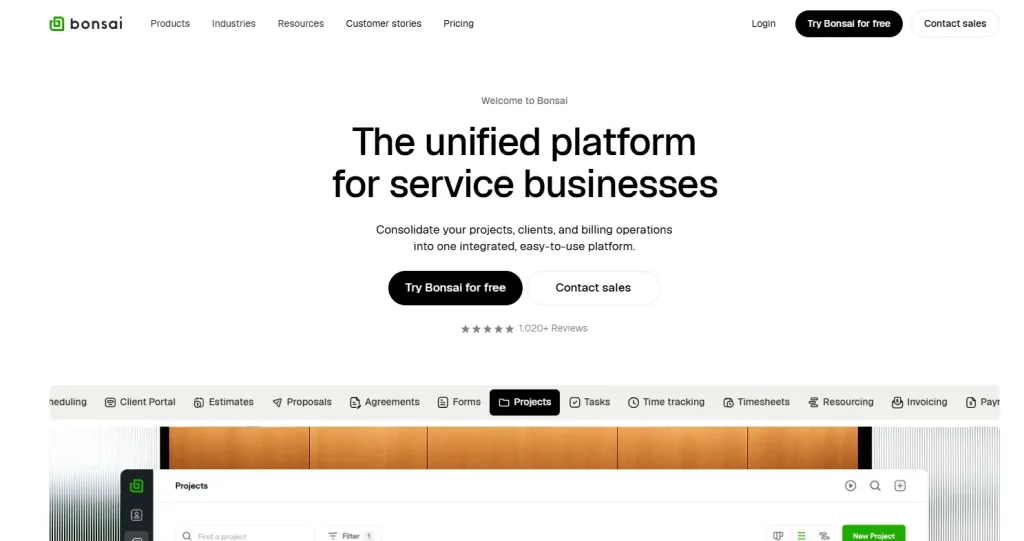
Bonsai is a comprehensive business management suite designed primarily for freelancers. It offers contracts, proposals, invoicing, time tracking, and even tax management in one platform. With 500+ customizable templates and availability in 180 countries, it’s ideal for international freelancers who need to manage clients across borders.
The platform shines in its document creation capabilities, offering legally vetted templates for contracts, proposals, and invoices that you can customize and send within a few minutes. The built-in tax management feature is particularly valuable for self-employed professionals who struggle with quarterly tax estimates.
Key Features
- 500+ Customizable Templates: Professionally designed templates for contracts, proposals, and invoices
- Time Tracking: Track billable hours and automatically add them to invoices
- Tax Management: Calculate quarterly taxes, track deductions, maximize write-offs
- Client CRM: Manage relationships with centralized profiles and project history
- Expense Tracking: Automatically categorize business expenses for tax purposes
- Online Signatures: Get contracts signed digitally with built-in e-signature
- Accounting Integration: Connect with bank accounts for automated bookkeeping
- Client Portal: Dedicated space for clients to view documents and make payments
Pros
- Excellent template library with 500+ options
- Tax management built in (rare among competitors)
- Intuitive mobile application for on-the-go management
- Simple, straightforward pricing structure
- Available in 180+ countries for international freelancers
Cons
- Limited scalability for growing teams
- Project management features are basic
- Not ideal for agencies with multiple team members
- Client portal lacks depth compared to dedicated solutions
Pricing
- Basic: $9/user/month
- Essentials: $19/user/month
- Premium: $29/user/month
- Elite: $49/user/month
Best For: Solo freelancers, consultants, and independent contractors who need comprehensive contract management, invoicing, and tax tracking in one affordable package.
Bonsai excels at contracts, invoicing, and financial management for freelancers. For a complete breakdown of similar tools, see our Bonsai alternatives comparison guide.
3. Dubsado — Best HoneyBook Alternative for Custom Workflows
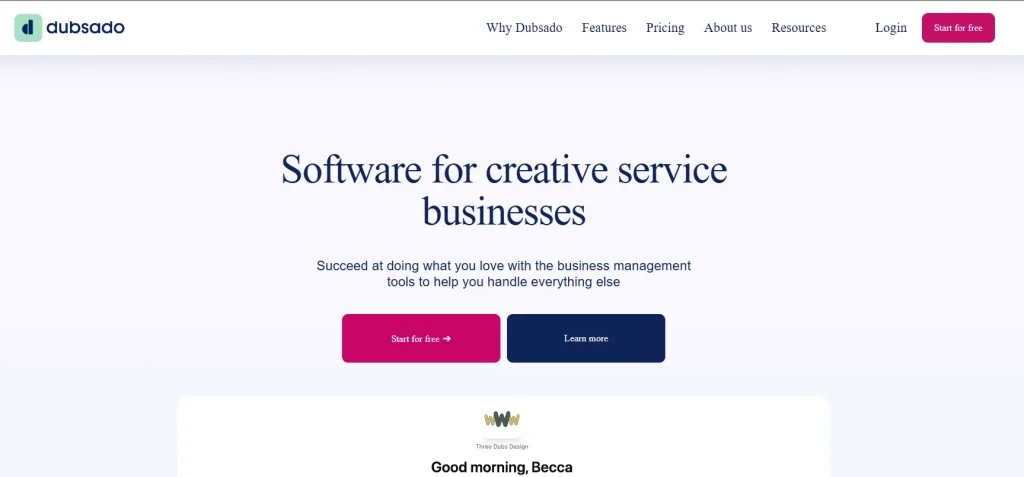
Dubsado is a robust client management platform known for its extensive customization options and powerful automation features. As a HoneyBook alternative, Dubsado allows you to build highly personalized workflows that match exactly how your business operates—down to the smallest detail.
The platform excels at creating branded client experiences through customizable forms, proposals, and client portals. Its automation capabilities let you set up complex sequences that trigger based on client actions, saving hours of manual administrative work each week.
Key Features
- Custom Forms: Deeply customizable intake forms, questionnaires, and surveys with conditional logic
- Interactive Client Portal: Branded portal to view contracts, invoices, and project updates
- Advanced Workflow Automation: Multi-step sequences triggered by client actions or time-based rules
- Scheduler Integration: Embed booking calendars with customizable availability
- Invoice Management: Payment plans, recurring billing, and automatic reminders
- Contract Templates: Legally-binding contracts with custom fields and e-signature
- Lead Capture Forms: Embed forms on your website to automatically create leads
- Visual Pipeline Tracking: Monitor leads and projects through customizable stages
- Canned Emails: Pre-written email templates for common communications
- Payment Processing: Accept credit cards and bank transfers
Pros
- Highly customizable workflows that adapt to any business model
- Powerful automation capabilities rivaling enterprise tools
- Excellent for creating personalized client journeys
- Comprehensive form builder with conditional logic
- Strong branding options for client-facing materials
- One-time payment option available for lifetime access
Cons
- Steep learning curve—requires significant time investment to set up
- Can be overwhelming for users who want simplicity
- Mobile experience is limited compared to desktop
- Setup requires technical patience to configure properly
- Customer support response times can be slow
Pricing
- Starter: $20/month (limited features)
- Premier: $40/month (full feature access)
- Annual plans offer additional savings
Best For: Service-based businesses like photographers, coaches, consultants, and wedding professionals who want complete control over their client experience and have time to invest in proper setup.
If Dubsado catches your interest, our dedicated Dubsado alternatives guide compares 15 similar platforms in detail.
4. Productive — Best Alternative to HoneyBook for Financial Management
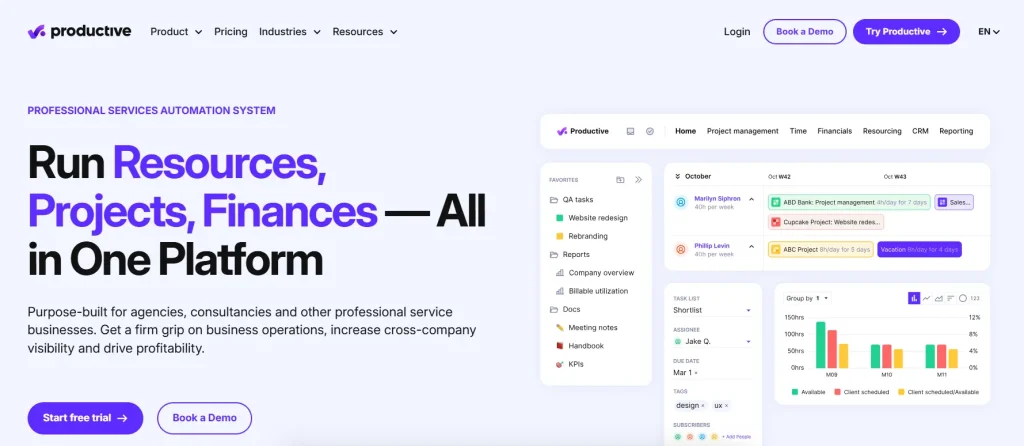
Productive is a comprehensive agency management platform designed specifically for professional services companies. As an alternative to HoneyBook, Productive goes deep on financial management—offering budgeting, profitability tracking, and resource forecasting that growing agencies desperately need.
The platform provides real-time visibility into project margins, team utilization, and revenue forecasting. If you’ve ever wondered which clients are actually profitable or which projects are eating into your margins, Productive gives you those answers with sophisticated reporting.
Key Features
- Project Budgeting: Fixed-price, hourly, retainer, or hybrid budgets with real-time burn tracking
- Resource Planning: Schedule team members based on availability, skills, and capacity
- Utilization Tracking: Monitor billable vs. non-billable hours across your entire team
- Revenue Forecasting: Predict future revenue based on scheduled work and pipeline
- Time Tracking: Multiple tracking methods, including timers, manual entry, and automatic
- Billing & Invoicing: Generate invoices with QuickBooks and Xero integration
- Client Portal: Invite clients to collaborate on tasks and view progress
- Custom Reporting: Build detailed reports with custom fields and visualizations
- Sales CRM: Track deals through customizable pipeline stages
- Gantt Charts: Visualize project timelines with dependencies and milestones
- Workload Management: Balance team capacity and prevent burnout
Pros
- Exceptional financial management and profitability tracking
- Resource planning features optimize team utilization
- Revenue forecasting helps with business planning
- Built specifically for professional services companies
- Strong integration with accounting tools (QuickBooks, Xero)
- Comprehensive reporting with custom dashboards
Cons
- Too robust for freelancers or very small teams
- Higher learning curve than simpler alternatives
- No white-label client portal
- More expensive than basic client management tools
- Overkill if you don’t need detailed financial tracking
Pricing
- Essential: $9/user/month (basic features)
- Professional: $24/user/month (advanced budgeting and reporting)
- Ultimate: $32/user/month (forecasting and overhead calculations)
- 14-day free trial available
Best For: Mid-sized agencies (10-100 employees) that need detailed financial insights, resource management, and profitability tracking to scale effectively.
5. ManyRequests — Best HoneyBook Alternative for Productized Services
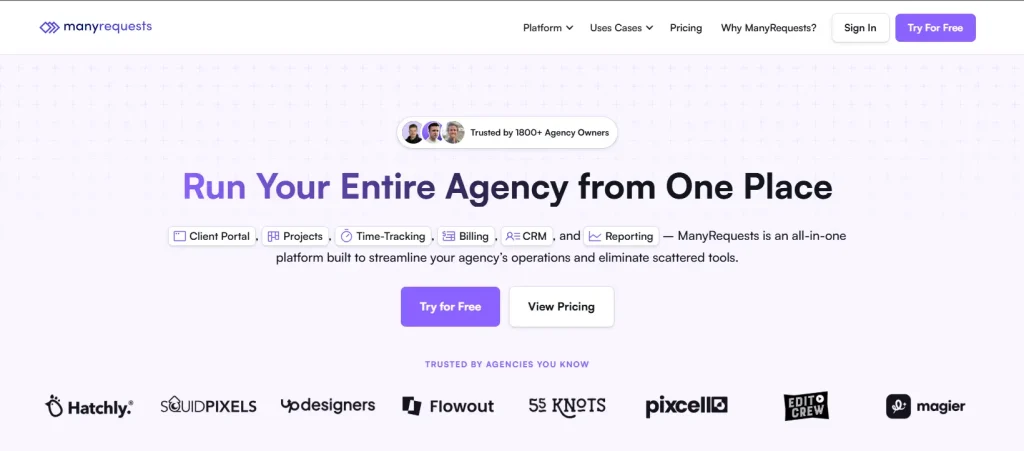
ManyRequests is purpose-built for creative agencies that have productized their services—turning deliverables into subscription packages that clients can purchase and manage through a self-service portal. If you run a design subscription, content retainer, or any productized service model, ManyRequests understands your workflow intimately.
The platform excels at handling different billing types (hourly, per-project, retainer) and provides a white-label client portal that feels like a natural extension of your website. Clients can submit requests, track progress, and provide feedback all within your branded environment.
Key Features
- Productized Service Storefront: Create service packages with clear pricing for clients
- White-Label Client Portal: Fully brandable portal with custom domain support
- Request Management: Clients submit requests through structured intake forms
- Kanban Project Boards: Visualize work with drag-and-drop task management
- Design Annotation: Clients leave feedback directly on design files with pinned comments
- Time Tracking: Track time and link to billing for retainer clients
- Automated Invoicing: Trigger invoices automatically when projects complete
- Client CRM: Detailed profiles with project history and communication logs
- Team Assignment: Route requests to team members based on skills
- Private Notes: Internal team communication hidden from client view
- Feedback Collection: Automated review requests after project delivery
- Advanced Analytics: Track team performance, client satisfaction, revenue metrics
Pros
- Perfect for productized service models and design subscriptions
- Excellent white-label capabilities with custom domains
- Design-specific feedback and annotation tools
- Streamlined client onboarding experience
- Built-in billing for various pricing models
- Clean, intuitive interface for clients and teams
Cons
- Focused primarily on creative agencies—may lack depth for other industries
- Higher starting price than general-purpose tools
- Limited CRM features compared to dedicated CRM platforms
- Smaller user community and fewer integrations
Pricing
- Starter: $99/month (up to 2 team members)
- Core: $149/month (up to 5 team members)
- Pro: $399/month (unlimited team members, priority support)
- 14-day free trial available
Best For: Design subscription services, creative agencies offering retainer packages, and teams that want a client portal specifically designed for managing ongoing creative deliverables.
6. Monday.com — Best HoneyBook Alternative for Flexible Workflows
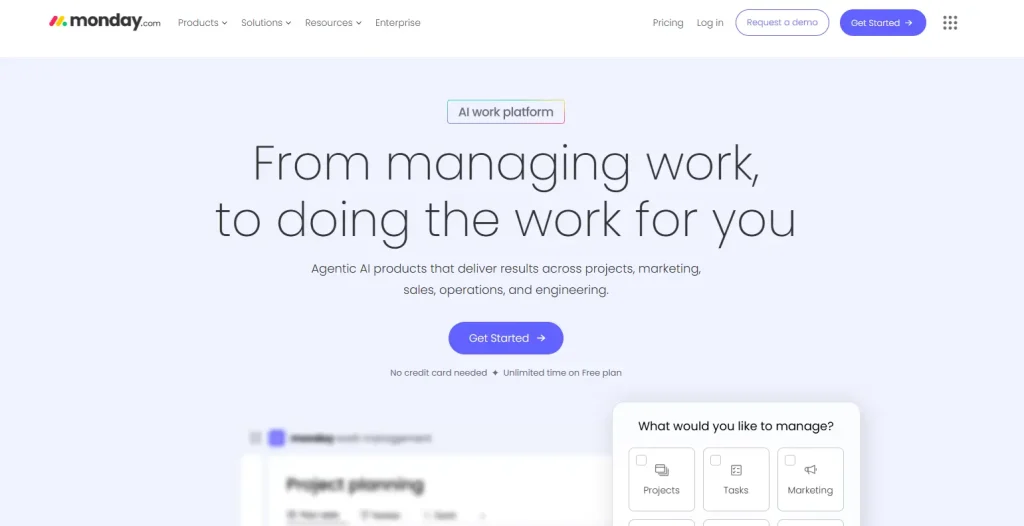
Monday.com (also known as Monday Work OS) is a versatile work management platform that can be configured for nearly any workflow. While not specifically built as a HoneyBook alternative, its flexibility makes it adaptable to client management, project tracking, sales pipelines, and team collaboration—all within a visually intuitive interface.
The platform’s strength lies in its building-block approach. You start with boards, add columns for any data type, and connect everything with automations. This means Monday.com can become whatever you need it to be, though it requires more setup than purpose-built agency tools.
Key Features
- Multiple Board Views: Switch between Kanban, Gantt, Timeline, Calendar, and Table views
- CRM Functionality: Track leads, deals, and client relationships through customizable pipelines
- No-Code Automation: Create automated workflows with if-then logic
- Custom Dashboards: Build visual dashboards combining data from multiple boards
- Time Tracking: Built-in timer and manual time entry linked to tasks
- Workload View: Visualize team capacity and balance assignments
- Forms: Create intake forms that automatically populate boards
- Integrations: 200+ integrations, including Slack, Gmail, Google Drive, Zoom
- Docs: Collaborative documents connected to your work items
- Guest Access: Invite clients to specific boards without full platform access
- Mobile Apps: Full-featured iOS and Android applications
- API Access: Build custom integrations and automations
Pros
- Extremely flexible—can be configured for almost any workflow
- Powerful automation capabilities with visual builder
- Multiple visualization options for different work styles
- Extensive integration ecosystem
- Strong mobile applications
- Active user community and marketplace for templates
Cons
- No built-in invoicing or payment processing
- Requires significant setup time to configure properly
- Can become expensive with add-ons and higher user counts
- Minimum 3 users for paid plans
- No native client portal (guests see boards, not a polished portal)
- Learning curve to master advanced features
Pricing
- Individual: Free (up to 2 users, limited features)
- Basic: $10/seat/month (minimum 3 seats)
- Standard: $12/seat/month (automations, integrations)
- Pro: $20/seat/month (time tracking, chart views)
- Enterprise: Custom pricing
Best For: Teams that need customizable project management and don’t mind configuring workflows from scratch. Best paired with separate invoicing tools for complete agency management.
7. ClickUp — Best Alternative to HoneyBook for All-in-One Work Management
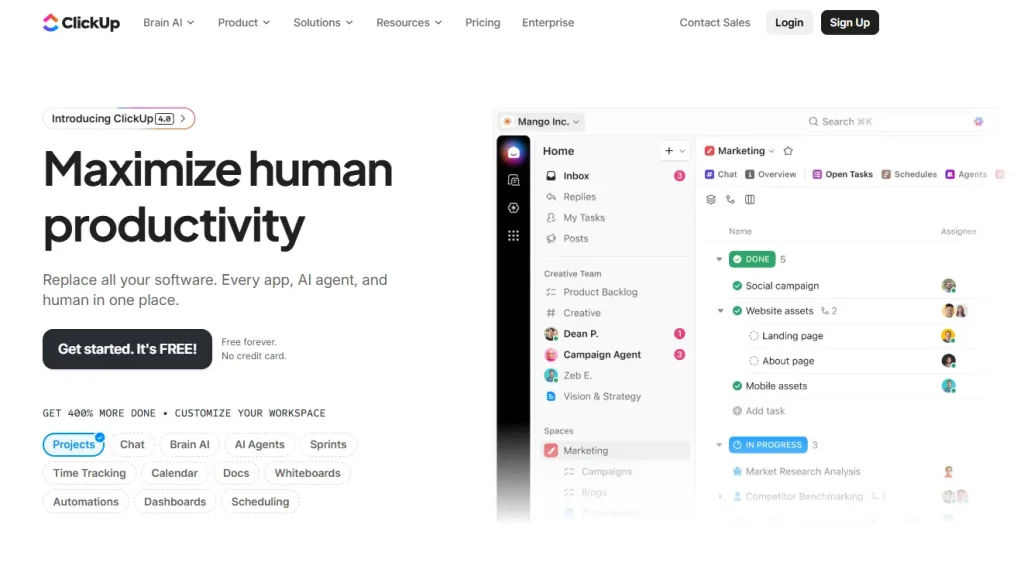
ClickUp positions itself as “one app to replace them all” and delivers on that promise with an extensive feature set covering projects, documents, goals, whiteboards, and more. It’s one of the most feature-rich productivity platforms available, offering capabilities that typically require multiple subscriptions.
The platform’s generosity with features—even on free plans—makes it attractive for budget-conscious teams. However, this abundance can feel overwhelming. ClickUp requires patience to learn and configure, but rewards users with powerful capabilities once mastered.
Key Features
- 15+ Project Views: List, Board, Calendar, Gantt, Timeline, Workload, Table, and more
- Docs & Wikis: Create and collaborate on documents directly within the platform
- Whiteboards: Visual collaboration for brainstorming and planning
- Goals & OKRs: Set targets and track progress toward objectives
- Time Tracking: Built-in timer with reporting and billable hour tracking
- Sprints: Agile project management with velocity tracking
- Custom Fields: Create unlimited custom fields for any data type
- Automations: 100+ automation templates plus custom workflow builder
- Mind Maps: Visual brainstorming connected to tasks
- Email Integration: Manage emails within ClickUp
- AI Features: ClickUp Brain for writing, summarizing, and workflow suggestions
- Forms: Create intake forms that generate tasks automatically
- Dashboards: Custom reporting dashboards with 50+ widget types
Pros
- Incredibly feature-rich platform
- Generous free tier with substantial capabilities
- Strong document and wiki functionality
- Versatile for different team types and industries
- Competitive pricing for paid plans
- Active development with frequent new features
Cons
- Can feel overwhelming due to feature density
- Performance issues reported with large workspaces
- No native client portal for external collaboration
- Steeper learning curve than simpler tools
- Mobile apps are less refined than the desktop experience
- No built-in invoicing or payment processing
Pricing
- Free Forever: $0 (100MB storage, unlimited tasks)
- Unlimited: $7/member/month (unlimited storage, integrations)
- Business: $12/member/month (advanced features, automations)
- Enterprise: Custom pricing
Best For: Teams that want comprehensive work management capabilities and are willing to invest time in learning the platform. Not ideal if you need client-facing portals or invoicing.
8. Plutio — Best HoneyBook Alternative for Centralized Operations
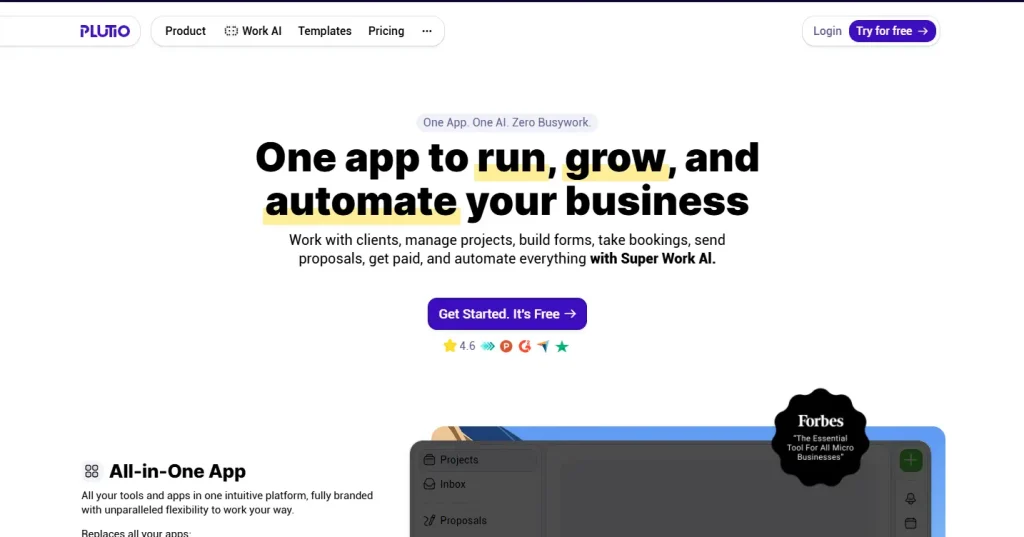
Plutio combines project management, CRM, invoicing, and client collaboration in a clean, intuitive interface. As a HoneyBook alternative, it’s designed for freelancers and small teams who want simplicity without sacrificing essential functionality. Unlike complex platforms that require extensive setup, Plutio gets you running quickly with sensible defaults.
The platform emphasizes user experience, providing a modern interface that doesn’t overwhelm. While it may lack some advanced features of enterprise tools, it covers the core needs of service-based businesses elegantly.
Key Features
- Project & Task Management: Organize work with lists, boards, and timelines
- Client Portal: Branded portal where clients view progress and access documents
- Proposals & Contracts: Create professional proposals with e-signature support
- Invoicing: Generate invoices with Stripe and PayPal integration
- Time Tracking: Track time on tasks and link to billing
- Knowledge Base: Create help docs and resources for clients
- Custom Branding: White-label the platform with your logo and colors
- Forms: Build intake forms and questionnaires
- Calendar: Schedule appointments with client booking links
- File Sharing: Upload and organize project files with version control
- Team Collaboration: Assign tasks, leave comments, collaborate in real-time
- Multi-Language Support: Interface available in multiple languages
Pros
- Clean, intuitive interface that’s easy to learn
- Good balance of features without overwhelming complexity
- Solid client portal with branding options
- Affordable pricing for small teams
- Multi-language support for international teams
- Active development with regular updates
Cons
- Limited third-party integrations compared to larger platforms
- Reporting capabilities are basic
- May not scale well for larger agencies
- Smaller user community means fewer resources
- Automation features are less powerful than competitors ‘
Pricing
- Solo: $19/month (1 user)
- Studio: $39/month (up to 3 users)
- Agency: $99/month (unlimited users)
- Annual plans offer 2 months free
Best For: Small agencies and freelancers who value simplicity and a clean user experience over advanced features. Ideal for teams of 1-10 who want everything in one place without the complexity.
9. FreshBooks — Best for Accounting-Focused Users
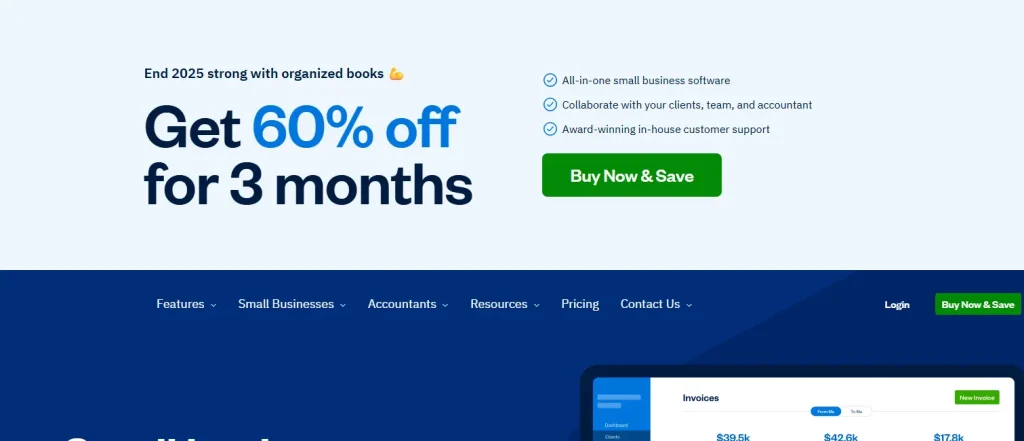
FreshBooks started as invoicing software and has evolved into a comprehensive accounting platform. As a HoneyBook alternative, it’s exceptional for financial management—invoicing, expense tracking, time tracking, and reporting—but offers limited project management compared to dedicated agency tools. If your primary pain point is financial tracking, FreshBooks delivers.
The platform is designed for non-accountants, making complex financial tasks approachable. Double-entry accounting happens behind the scenes while you work with a friendly interface that focuses on getting paid and managing expenses.
Key Features
- Professional Invoicing: Polished invoices with customizable templates and automatic reminders
- Recurring Invoices: Set up automatic billing for retainer clients
- Expense Tracking: Capture receipts, categorize expenses, track deductibles
- Time Tracking: Timer and manual entry with automatic invoice population
- Project Profitability: Track costs vs. revenue on a per-project basis
- Estimates & Proposals: Send professional quotes that convert to invoices
- Bank Connections: Automatically import transactions from bank accounts
- Financial Reporting: Profit & loss, expense reports, tax summaries
- Client Portal: Clients can view invoices and make payments online
- Payment Processing: Accept credit cards, bank transfers, and ACH payments
- Mileage Tracking: GPS-based mileage tracking for business travel
- Multi-Currency: Invoice in different currencies for international clients
- Accountant Access: Grant your accountant read-only access for tax time
Pros
- Excellent invoicing and financial management
- Easy to use for non-accountants
- Strong mobile app for expense capture
- Automated bank reconciliation
- Comprehensive tax-time reports
- Reliable customer support
Cons
- Limited project management capabilities
- Not designed for team collaboration
- Client management is basic
- Pricing based on billable clients (can get expensive)
- No workflow automation features
- Limited integrations compared to larger platforms
Pricing
- Lite: $10.50/month (5 billable clients)
- Plus: $18.50/month (50 billable clients)
- Premium: $33/month (500 billable clients)
- Select: Custom pricing (unlimited clients)
- 30-day free trial available
Best For: Freelancers and small businesses whose primary need is invoicing, expense tracking, and financial management. Pair with a project management tool if you need robust task tracking.
10. 17hats — Best for Simplicity

17hats (named after the many hats entrepreneurs wear) combines calendars, contacts, and invoices in one simple platform. As a HoneyBook alternative, it’s designed for simplicity above all else—you won’t find complex automation builders or extensive customization options, but you will find a tool that helps you get organized quickly.
The platform focuses on the essentials: capturing leads, sending contracts, creating invoices, and managing your schedule. If you’re overwhelmed by complex software and just want something that works, 17hats delivers without the learning curve.
Key Features
- Lead Capture: Forms and landing pages to capture new inquiries
- Quote & Proposal Creation: Build professional quotes with customizable templates
- Online Contracts: Send contracts for electronic signature
- Invoicing & Payments: Create invoices and accept online payments
- Bookkeeping Basics: Track income and expenses in one place
- Calendar & Scheduling: Manage appointments with client booking links
- Email Templates: Pre-written email sequences to save time
- Questionnaires: Gather client information with custom forms
- Workflow Templates: Pre-built workflows for common business processes
- Time Tracking: Basic timer for tracking billable work
- Project Management: Simple task lists and due dates
- Client Portal: Clients access documents and make payments
Pros
- Very straightforward to use—minimal learning curve
- Designed specifically for solo entrepreneurs
- Affordable pricing with good value
- Clean, uncluttered interface
- Quick setup—get running in hours, not days
- All essential features in one place
Cons
- Limited advanced features and customization
- Not suitable for teams (single-user focused)
- Basic reporting capabilities
- Fewer integrations than larger platforms
- Automation is limited to pre-built workflows
- May outgrow it as the business scales
Pricing
- Essentials: $15/month (core features)
- Standard: $30/month (additional workflows and templates)
- Premier: $60/month (priority support, advanced features)
- Annual plans offer significant savings
Best For: Solo business owners who want simplicity over advanced features. Ideal for photographers, consultants, and service providers who work independently and need basic client management.
11. Zoho CRM — Best for Sales-Focused Teams
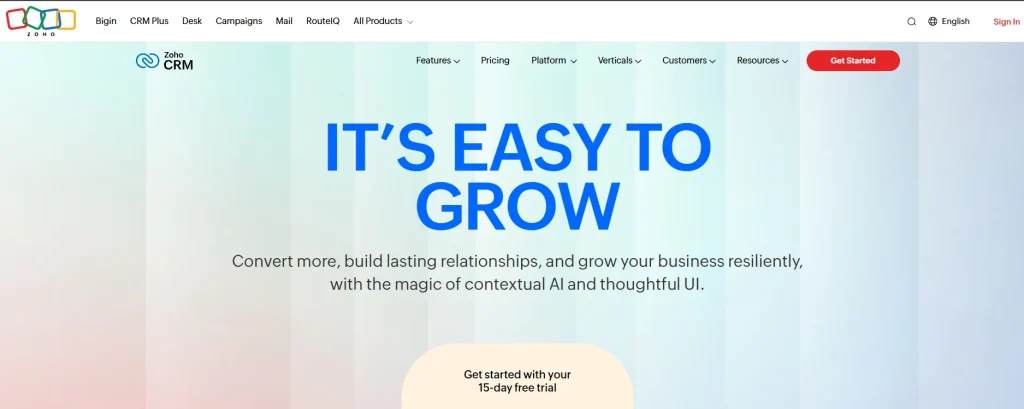
Zoho CRM is part of the larger Zoho ecosystem and offers robust customer relationship management focused on sales processes. Unlike alternatives designed for project delivery, Zoho CRM excels at tracking leads, managing deals, and optimizing sales performance. It’s more sales-focused than service-delivery focused.
As an alternative to HoneyBook, this platform integrates seamlessly with other Zoho products (Projects, Books, and Invoice), creating a comprehensive business suite. However, you’ll need multiple Zoho apps to replicate what all-in-one agency tools provide natively.
Key Features
- Lead Management: Capture, score, and nurture leads through the sales funnel
- Deal Pipeline: Visual Kanban-style pipeline for tracking opportunities
- Sales Automation: Automate follow-ups, assignments, and notifications
- Email Integration: Two-way sync with Gmail and Outlook
- AI Assistant (Zia): AI-powered predictions, suggestions, and anomaly detection
- Multichannel Communication: Manage email, phone, social, and live chat from CRM
- Territory Management: Organize sales teams by geography or segment
- Workflow Rules: Trigger actions based on record changes or schedules
- Analytics & Reporting: Pre-built and custom reports with dashboards
- Mobile CRM: Full-featured iOS and Android apps
- Customization: Custom fields, modules, and layouts
- Integrations: Connect with 500+ business apps plus Zoho suite
Pros
- Powerful CRM capabilities for sales teams
- AI-driven insights and automation (Zia)
- Integrates with the entire Zoho ecosystem
- Highly customizable for different industries
- Scalable from small teams to enterprises
- Competitive pricing compared to Salesforce
Cons
- Steep learning curve for advanced features
- Requires Zoho Projects for proper project management
- Can be complex to configure properly
- Interface feels dated compared to modern tools
- Support quality varies by plan level
- Not designed for client project delivery
Pricing
- Standard: $14/user/month (core CRM features)
- Professional: $23/user/month (process management)
- Enterprise: $40/user/month (AI, advanced customization)
- Ultimate: $52/user/month (enhanced BI)
- Free tier available for up to 3 users
Best For: Sales-focused teams that need advanced CRM capabilities and can integrate with other Zoho products or third-party tools for project management and invoicing.
How to Choose the Right HoneyBook Alternative?
For Solo Freelancers and Freelancers
If you’re working alone and primarily need invoicing, contracts, and basic client management, consider Bonsai or Taskip as your HoneyBook alternative. Both offer straightforward solutions without overwhelming features. Bonsai adds tax management that self-employed professionals appreciate.
For Growing Agencies
If you’re scaling from freelancer to agency owner with team members, Taskip offers the best combination of features, affordability, and scalability. The white-label client portal and comprehensive tool suite make it ideal for professional agencies seeking alternatives to HoneyBook.
For Creative and Design Agencies
Design subscription services and creative agencies should look at Taskip or ManyRequests. Both offer features specifically designed for creative workflows, including service catalogs, visual project management, and design feedback tools.
For Financial-Focused Businesses
If profitability tracking and resource planning are your priorities, Productive delivers excellent financial insights. It’s more expensive but provides detailed budget and revenue forecasting that growing agencies need to scale intelligently.
For Maximum Customization
If you need highly personalized workflows and have time to invest in setup, Dubsado offers the deepest customization options among HoneyBook alternatives. Be prepared for a learning curve, but the payoff is complete control over your client experience.
Conclusion
HoneyBook served many freelancers and small businesses well, but its recent price increases and feature limitations have pushed many users to explore HoneyBook alternatives. The good news is that there are excellent alternatives to HoneyBook available in 2026.
For agencies seeking a complete operating system, Taskip stands out as the best HoneyBook alternative. It combines CRM, project management, invoicing, client portal, and automation in one affordable platform—everything you need to run and grow your agency without tool sprawl.
The best alternative to HoneyBook depends on your specific needs, team size, and budget. Take advantage of free trials to test each HoneyBook alternative before committing. Your business deserves a platform that grows with you, not one that holds you back.
Ready to streamline your agency operations? Start your free Taskip trial today!
Frequently Asked Questions (FAQs)
What is the best free alternative to HoneyBook?
Taskip offers a free Starter plan that includes essential features for managing clients and projects, making it an excellent free HoneyBook alternative. ClickUp also has a generous free tier, though it lacks client portal and invoicing features.
Is Taskip Better Than HoneyBook?
Taskip is an all-in-one alternative to HoneyBook, combining CRM, project management, invoicing, and client management in a single platform. It offers simpler setup, affordable pricing, and seamless collaboration, making it ideal for freelancers and agencies who want to manage their business efficiently without juggling multiple tools.
Why did HoneyBook increase prices in 2025?
HoneyBook increased prices in February 2025 to fund the development of new features, including AI-powered workflows, enhanced integrations, and automation tools. The Starter plan increased by 89%, from $19 to $36/month, driving many users to seek HoneyBook alternatives.
What is the cheapest HoneyBook alternative?
17hats starts at $15/month, and Bonsai starts at $9/user/month. Taskip offers a free Starter plan with essential features, making it the most affordable alternative to HoneyBook for agencies just getting started.
Does Taskip have a client portal like HoneyBook?
Yes, Taskip includes a comprehensive white-label client portal where clients can view projects, share files, approve work, and make payments. The portal is fully brandable with your own domain, logo, and colors.
Which HoneyBook alternative has the best automation features?
Taskip and Dubsado both offer powerful workflow automation. Taskip’s trigger-based automation is simpler to set up, while Dubsado offers deeper customization for complex workflows.
What’s the best HoneyBook alternative for agencies with teams?
Taskip is specifically designed for digital agencies with team collaboration features, role-based access controls, and scalable pricing. Productive is also excellent for larger agencies focused on financial management and resource planning.




Get Summary On: