The best invoicing software for freelancers must contain branded invoice templates, online payment collection, automatic payment reminders, recurring billing for retainer clients, and a real way to see which invoices are paid, pending, or overdue. Bonus points if it is built for freelancers specifically rather than adapted from generic small business accounting software.
We compared 12 tools built around freelance work, not repurposed enterprise accounting suites, and ranked them based on how well their invoicing actually works day to day. Taskip comes out on top for freelancers and agencies who want invoicing built directly into client and project management instead of living in a separate app. Other strong picks include Bonsai, HoneyBook, FreshBooks, Indy, and Dubsado, each suited to a slightly different kind of freelance business.
| Tool | Best For | Starting Price | Free Plan |
|---|---|---|---|
| Taskip | All-in-one freelancer and agency client management | From $12/month per user | Yes, forever free |
| Bonsai | All-in-one freelance business management | From $15/user/month | No |
| HoneyBook | Creative freelancers wanting a full client experience | From $29/month | No |
| FreshBooks | Automated billing and payment reminders | From $21/month | No |
| Indy | Free all-in-one freelance toolkit | Free, Pro from $12.50/month | Yes |
| Dubsado | Deep workflow automation for creative freelancers | Free up to 3 clients, then $35/month | Yes, limited |
| Plutio | Freelancers and small agencies managing projects plus invoicing | From $19/month | No |
| Refrens | International and multi-currency invoicing | Free, paid modules from $130/year | Yes |
| Bloom.io | Portfolio and CRM bundled with invoicing | Free, Standard from $29/month | Yes |
| Harlow | Polished proposals paired with invoicing | Free plan available, paid from $29/month | Yes |
| 17hats | Solopreneurs like photographers and consultants | $60/month | No |
| Nickel | Low-cost, fast payment collection | Free, 2.9% card processing fee | Yes |
Table of Contents
What Is Invoicing Software?
Invoicing software is a tool that creates, sends, and tracks invoices for you. It calculates totals and taxes and collects online payments, removing your hassles. Moreover, invoice software sends reminders when a payment is late, so you don’t have to build invoices manually in Word or Excel.
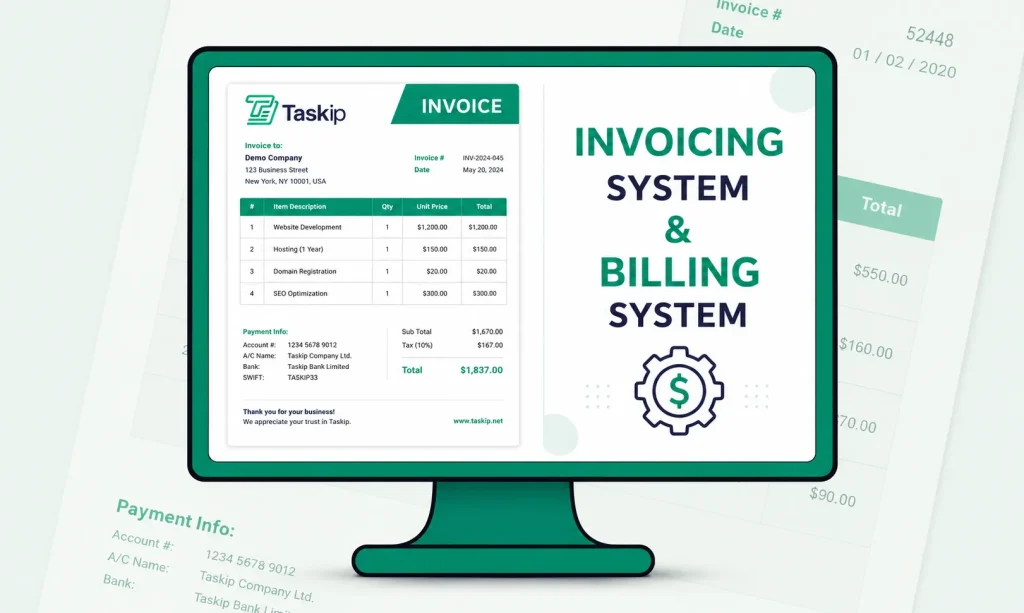
Why Freelancers Need Invoicing Software?
Manually building invoices in Word or Excel works for exactly one or two clients, and even then it falls apart fast. You lose track of which invoices got sent, which got paid, and which need a follow-up email you keep meaning to write. Clients notice when an invoice looks thrown together, and a sloppy invoice can genuinely slow down when you get paid.
- Dedicated invoicing software fixes all of that at once.
- Creates professional, branded invoices in minutes.
- Automatically calculates totals, taxes, and discounts.
- Tracks invoice status (draft, sent, viewed, paid, overdue).
- Accepts online payments for faster transactions.
- Sends automatic payment reminders to reduce late payments.
- Eliminates manual errors from Word or Excel invoices.
- Keeps all invoices organized in one place.
- Saves time with reusable templates and recurring invoices.
- Improves cash flow by helping you get paid faster.
- Often combines invoicing with client and project management for a more efficient workflow.
For freelancers juggling several clients and projects at once, that visibility alone is worth the switch. It is also why productivity tools built for freelancers increasingly bundle invoicing with client and project management rather than treating it as a standalone task.
Top 12 Invoicing Software for Freelancers: Detailed Breakdown
1. Taskip: Best For All-in-One Freelancer and Agency Client Management
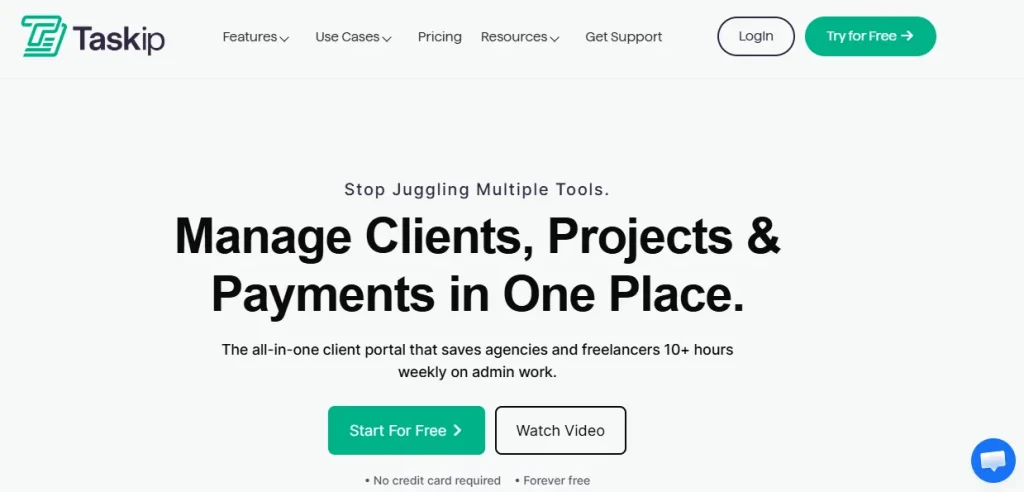
Taskip builds invoicing directly into a broader client and project management platform, so a quote you send a client can become an invoice with one click instead of starting from scratch. It is used by more than 1,100 agencies and freelancers who want one tool for the whole client relationship, not just the billing part.
Key Features
- Branded invoice builder with logo upload, theme colors, and digital signatures
- One-click conversion from quotes to invoices
- Automatic calculation of line items, quantities, rates, taxes, and discounts
- Online payments by credit card, debit card, or bank transfer with instant confirmation
- Real-time dashboard showing paid, pending, and overdue invoices with filtering
- Multiple delivery options: email, shareable payment link, PDF download, or print
- Built-in client portal and project tracking, so invoicing sits alongside the rest of the client relationship
Pros & Cons
| Pros | Cons |
| – All-in-one platform – Free forever plan available – Affordable pricing – One-click quote-to-invoice conversion – Real-time payment status dashboard | – Newer platform, fewer public reviews |
Price: Free forever plan available. Paid plans start from $12/month per user, with a 30-day free trial on the Team plan. Full details on the invoicing features page and the dedicated freelancer use case.
2. Bonsai: Best For All-in-One Freelance Business Management
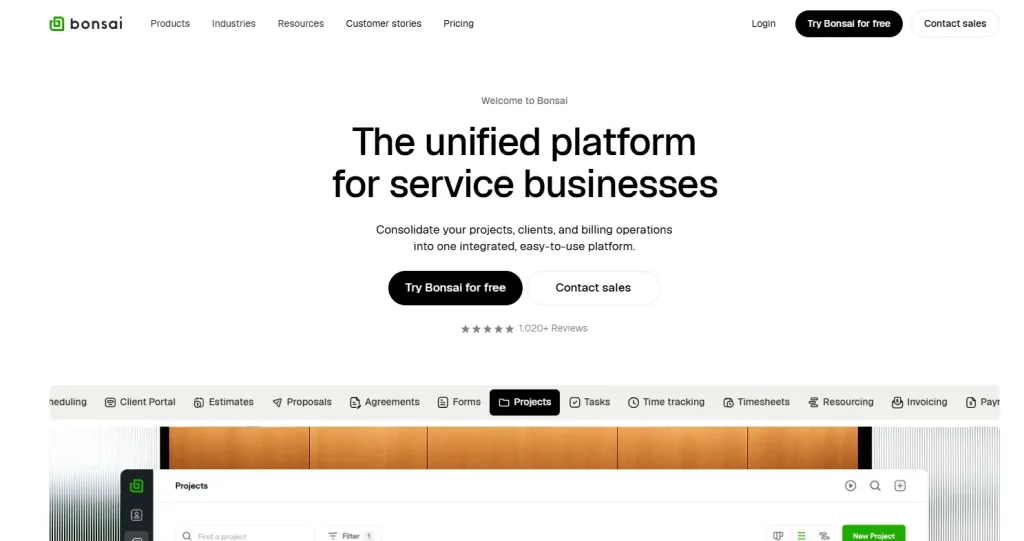
Bonsai markets itself as complete freelance management software, and invoicing is one piece of a larger toolkit that includes contracts, proposals, and time tracking.
Key Features
- Custom invoice templates with full branding
- Auto-invoicing generated from tracked time or project milestones
- Late payment fees and automated reminder sequences
- Partial payments and recurring billing
- Multiple payment gateways, including Stripe, PayPal, and ACH
- Contracts and proposals that convert directly into invoices
- Tax season bookkeeping and expense tracking built in
Pros & Cons
| Pros | Cons |
|---|---|
| – Deep feature set: contracts, proposals, time tracking, and invoicing together – Automated late payment reminders and fees – Multiple payment gateways (Stripe, PayPal, ACH) – Built-in tax season bookkeeping and expense tracking – Annual billing offers real savings | – No permanent free plan – Per-user pricing climbs quickly with team size – Can feel like more software than a solo freelancer needs |
Price: From $15/user/month billed monthly, or $9/user/month billed annually, up to $59/user/month on the Elite plan. The 7-day trial requires a card upfront. See our full Bonsai pricing breakdown or browse Bonsai alternatives if the per-user cost is a concern.
3. HoneyBook: Best For Creative Freelancers Wanting a Full Client Experience

HoneyBook is built for photographers, designers, and other creative freelancers who sell packages and experiences, not just hours. Invoicing sits inside a client journey that starts with a lead form and ends with payment.
Key Features
- Branded invoices tied to proposals and contracts
- Automated payment reminders and scheduled payment plans
- Online payments by card or bank transfer
- Recurring invoices for retainer clients
- Client portal showing real-time project and payment status
- Mobile app for invoicing on the go
- Built-in scheduling and lead capture forms
Pros & Cons
| Pros | Cons |
|---|---|
| – Polished, professional client-facing experience – Strong proposal-to-invoice-to-payment automation – Recurring invoices for retainer clients – Mobile app for invoicing on the go – Built-in scheduling and lead capture | – No free plan – Sharp price increase in 2025 – Card and ACH transaction fees stack on top of the subscription |
Price: Starter from $29/month billed annually (or $36/month billed monthly), up to $109 to $129/month on Premium. A 7-day free trial is available without a card. Read our HoneyBook pricing analysis, or see how it stacks up directly against Bonsai in our Bonsai vs HoneyBook comparison.
4. FreshBooks: Best For Automated Billing and Payment Reminders
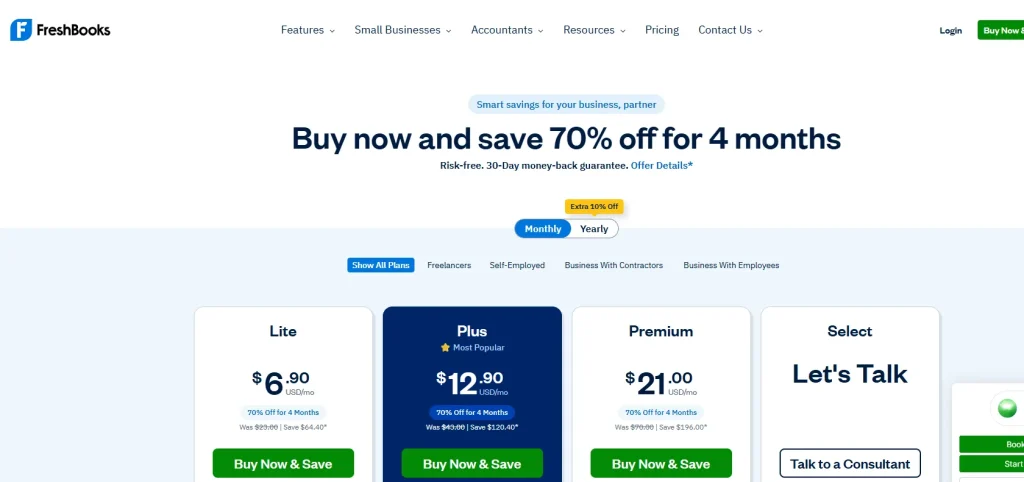
FreshBooks has one of the longest track records in this category, and it remains a solid pick for freelancers who want invoicing paired with real accounting.
Key Features
- Professional, auto-saving invoice templates
- Automatic late payment reminders and late fees
- Recurring billing and subscription invoicing
- Online payment collection through credit card, ACH, or Apple Pay
- Time tracking that converts straight into billable invoice line items
- Multi-currency invoicing for international clients
- Client-facing dashboard to view and pay invoices directly
Pros & Cons
| Pros | Cons |
|---|---|
| – Long-established, trusted brand in the category – Strong double-entry accounting features – Automatic late payment reminders and fees – Multi-currency invoicing for international clients – Time tracking converts directly to billable line items | – No permanent free plan – Entry-level tier limits the number of billable clients – Higher tiers needed to unlock full accounting features |
Price: Roughly $21 to $65/month across four plans, with a 30-day free trial.
5. Indy: Best For a Free All-in-One Freelance Toolkit
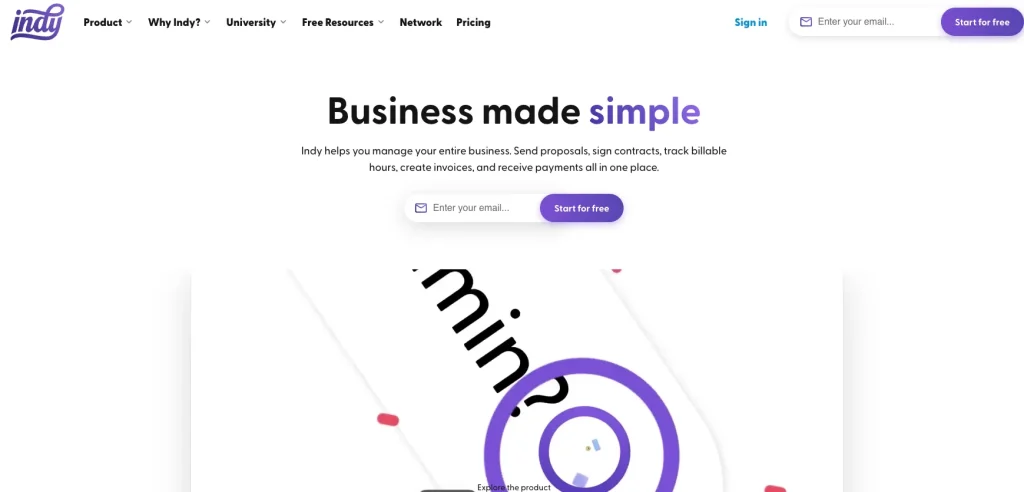
Indy is aimed squarely at freelancers who want a working free plan, not just a free trial that expires.
Key Features
- Invoice generator with custom branding
- Recurring invoices on the Pro plan
- Online payment collection
- Proposals and contracts that convert into invoices
- Time tracker synced to billable hours on invoices
- A simple CRM to keep every client and payment organized
- Branded client portal on the Pro plan
Pros & Cons
| Pros | Cons |
|---|---|
| – Genuinely usable free plan, not just a trial – Inexpensive Pro tier relative to the category – Proposals and contracts convert directly into invoices – Time tracker syncs to billable hours – Branded client portal on the Pro plan | – Free plan capped at 3 clients per month – Best Pro pricing requires a 2-year commitment – Fewer advanced features than Bonsai or Dubsado |
Price: Free plan available. Pro Bundle from $12.50/month, billed every two years, with a 7-day free trial.
6. Dubsado: Best For Deep Workflow Automation
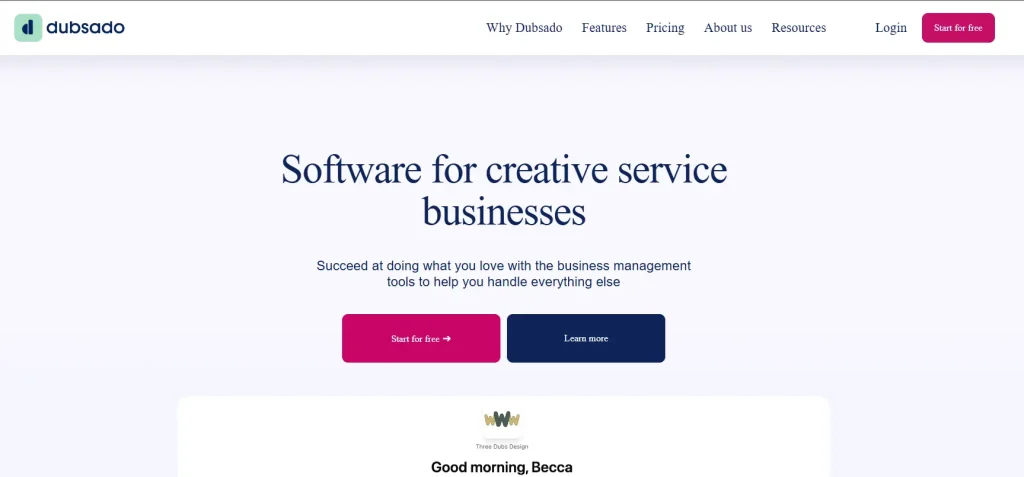
Dubsado suits creative freelancers who want to automate the entire client journey, with invoicing as one trigger inside a larger workflow.
Key Features
- Fully customizable, branded invoice templates
- Payment plans and scheduled recurring payments
- Automated workflows that generate invoices at project milestones
- Online payments through Stripe, PayPal, Square, or Authorize.net
- Proposals, contracts, and invoices bundled into one client packet
- Client portal showing invoice and project status together
- Optional time tracking add-on for hourly billing
Pros & Cons
| Pros | Cons |
|---|---|
| – Extremely customizable, branded invoice templates – Automated workflows trigger invoices at project milestones – Multiple payment gateways supported – Proposal, contract, and invoice bundled into one client packet – Free plan for up to 3 clients | – Steep learning curve to set up automations – Extra fees for additional users beyond 3 – Extra fees for additional brands or workspaces |
Price: Free for up to three clients. Starter from $35/month, Premier from $55/month. See the full breakdown in our Dubsado pricing guide or compare it against other options in Dubsado alternatives.
7. Plutio: Best For Freelancers and Small Agencies Managing Projects Plus Invoicing
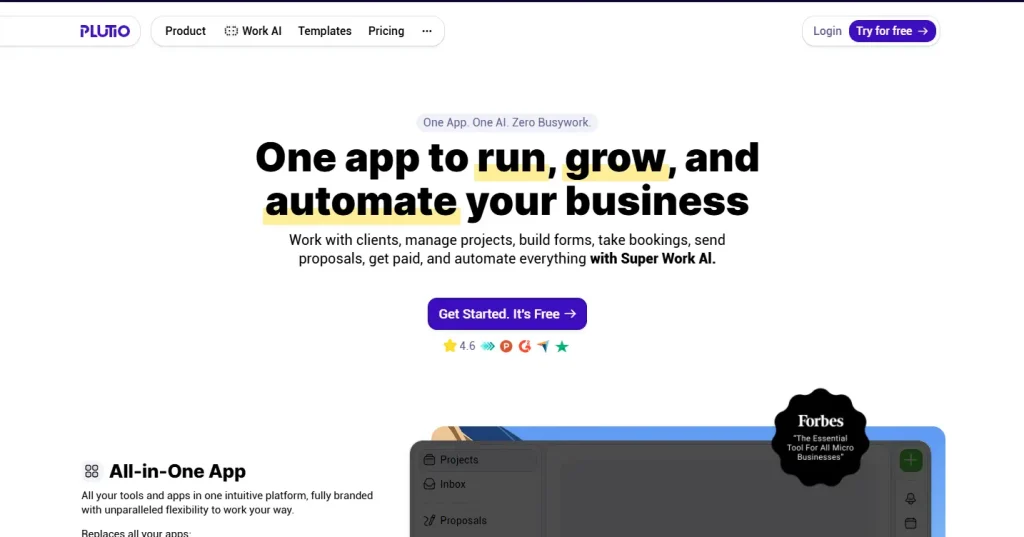
Plutio combines project management and invoicing in one workspace, with an AI assistant layered on top.
Key Features
- Branded, customizable invoice templates
- Recurring invoices and subscription billing
- Online payments through Stripe, PayPal, and other gateways
- Proposals and contracts linked directly to invoicing
- Time tracking tied to billable invoice line items
- Client portal for approvals and payments
- Built-in AI assistant that can help draft invoice and proposal copy
Pros & Cons
| Pros | Cons |
|---|---|
| – Unified workspace for projects, proposals, and invoicing – AI assistant included even on the entry-level plan – Recurring invoices and subscription billing – Client portal for approvals and payments – Two months free on annual billing | – No free plan – Core plan caps active clients at 9 – Pricing jumps significantly between Core and Pro tiers |
Price: Core from $19/month, Pro from $49/month, Max from $199/month, with two months free on annual billing. If nine active clients feels tight, our Plutio alternatives roundup is worth a look.
8. Refrens: Best For International and Multi-Currency Invoicing
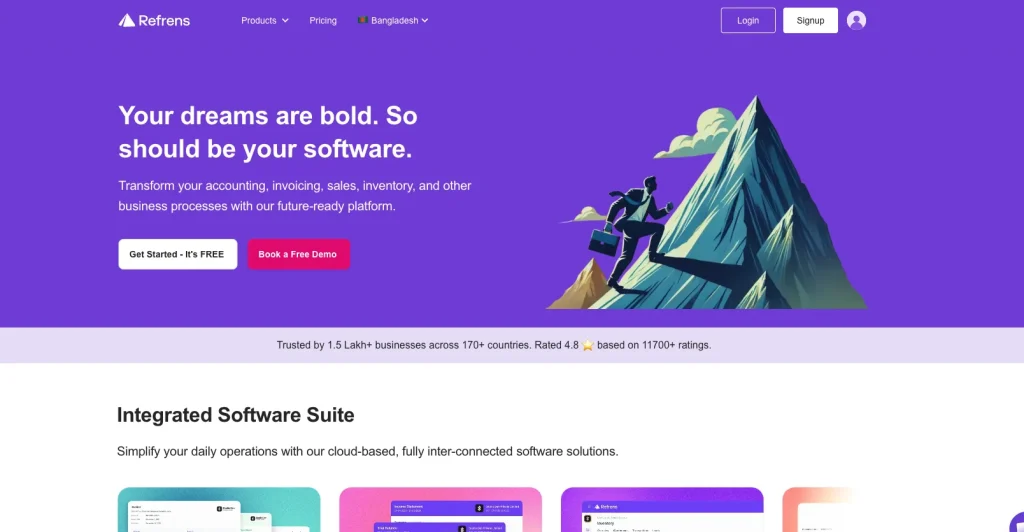
Refrens started as a freelancer and agency tool and still shows it, particularly for anyone billing clients across borders.
Key Features
- Multi-currency invoicing with automatic conversion
- Tax-compliant invoice templates, including GST support
- Recurring invoices and automated payment reminders
- Online payment links through multiple gateways
- Client and vendor management
- Expense tracking tied to invoices
- Invoice delivery through WhatsApp as well as email
Pros & Cons
| Pros | Cons |
|---|---|
| – Genuinely usable free plan (50 documents/year) – Multi-currency invoicing with automatic conversion – Tax-compliant templates, including GST support – Affordable paid add-ons starting around $130/year – Invoice delivery via WhatsApp as well as email | – Pricing split across separate modules (accounting, CRM, inventory) – Free plan limited to 2 users – Less well known outside international, freelance-heavy markets |
Price: Free plan for up to 50 documents/year and 2 users. Paid modules start from $130/year.
9. Bloom.io: Best For a Portfolio and CRM Bundled With Invoicing
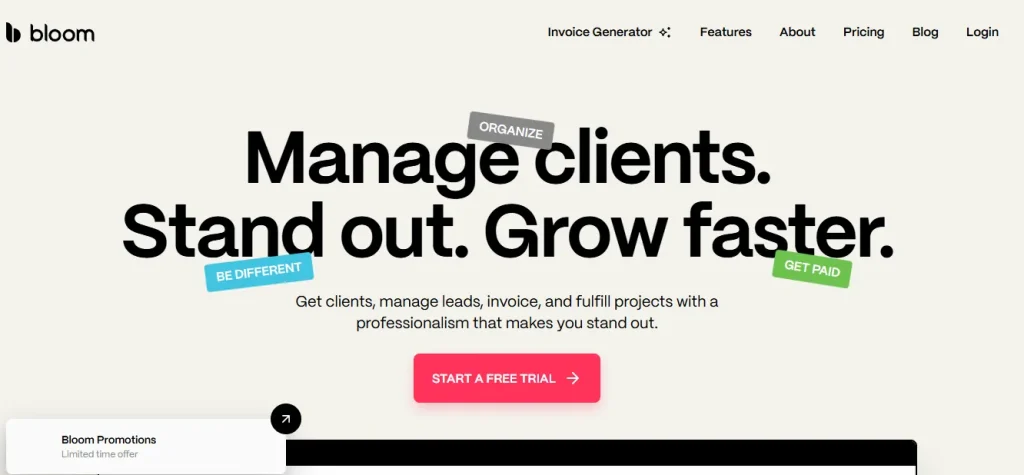
Bloom.io leans into the marketing side of freelancing, pairing a portfolio and personal website with billing tools, which suits photographers and designers especially well.
Key Features
- Branded invoice templates built for creative freelancers
- Online payment collection
- Recurring invoicing for retainer clients
- Contracts and proposals linked to invoices
- Built-in client CRM and lead capture
- Portfolio and personal website builder
- Mobile-friendly client experience
Pros & Cons
| Pros | Cons |
|---|---|
| – Useful free Starter plan – Combines portfolio and personal website with invoicing – Built-in client CRM and lead capture – Recurring invoicing for retainer clients – Mobile-friendly client experience | – Standard plan features are thinner than Bonsai or HoneyBook – Smaller company with a shorter track record – Fewer integrations than category leaders |
Price: Free Starter plan available. Standard plan from $29/month billed annually.
10. Harlow: Best For Polished Proposals Paired With Invoicing
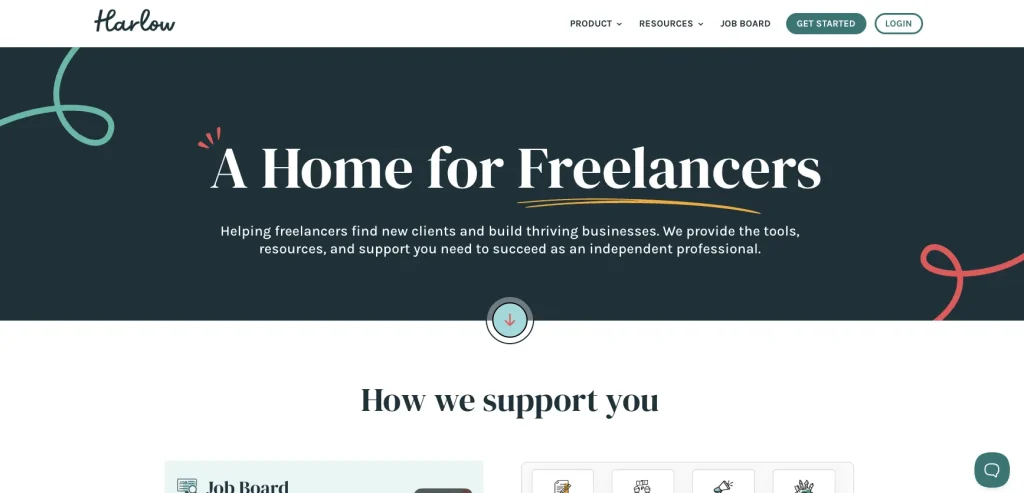
Harlow is a newer entrant built specifically for solo freelancers who want a clean interface and a straightforward path from proposal to paid invoice.
Key Features
- Custom invoice templates tied to proposals
- Online payment collection
- Recurring and milestone-based invoicing
- Client portal showing proposal and invoice status
- Time tracking synced to billing
- Contract e-signatures
- A simple dashboard designed for solo use, not team overhead
Pros & Cons
| Pros | Cons |
|---|---|
| – Clean, modern interface built for solo freelancers – Free plan option available before committing – Custom invoice templates tied to proposals – Milestone-based and recurring invoicing – Contract e-signatures built in | – Shorter track record than FreshBooks or Bonsai – Smaller list of integrations – Less publicly documented pricing detail |
Price: Free plan and trial available. Paid plans start around $29/month.
11. 17hats: Best For Solopreneurs Like Photographers and Consultants
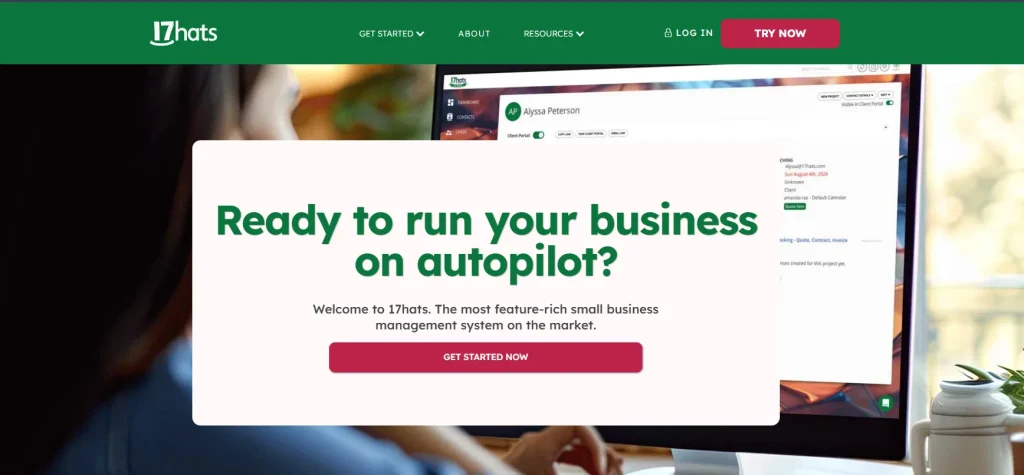
17hats has been around long enough to have a loyal following among photographers, event planners, and consultants who want CRM, contracts, and invoicing bundled together.
Key Features
- Branded invoice templates
- Online payment collection through Stripe
- Automated payment reminders
- Recurring invoicing for retainer or subscription clients
- Contracts and client questionnaires bundled with invoicing
- Lead capture and a CRM pipeline
- Bookkeeping reports for tax season
Pros & Cons
| Pros | Cons |
|---|---|
| – Long-standing tool built specifically for solopreneurs – Bundles CRM, contracts, and questionnaires with invoicing – Automated payment reminders – Bookkeeping reports for tax season – Lead capture and CRM pipeline included | – No free plan – Add-ons for time tracking and bank connections cost extra – Additional users and brands increase the bill |
Price: $60/month, or $600/year, or $800 for two years, with a 7-day free trial. Before committing, check our detailed 17hats pricing breakdown, since add-on costs can add up.
12. Nickel: Best For Low-Cost, Fast Payment Collection
Nickel strips invoicing down to the essentials and focuses on getting freelancers paid without a monthly subscription eating into the margin.
Key Features
- Simple invoice creation and sending
- Free ACH bank transfers with no processing fee
- Card payment collection at a flat 2.9%
- Recurring billing for retainer clients
- QuickBooks integration for bookkeeping
- No monthly subscription fee
- Transparent pricing with no chargeback penalties
Pros & Cons
| Pros | Cons |
|---|---|
| – No monthly subscription fee at all – ACH bank transfers are completely free – Transparent pricing with no chargeback penalties – QuickBooks integration for bookkeeping – Simple, fast invoice creation and sending | – Lighter on features like proposals or contracts – No client portal – Card processing still costs 2.9% |
Price: Free to use. Card payments cost 2.9%, ACH transfers are free.
Features to Consider to Pick the Best Invoicing Software
Client Volume and Recurring Billing
If you juggle a handful of long-term retainer clients, recurring and milestone-based invoicing matters more than raw client capacity. If you take on many short-term projects, look for a plan that does not cap active clients the way Plutio’s Core tier or Dubsado’s free plan do.
Branding and Customization
Your invoice is often the last thing a client sees before paying you, so templates that support your logo, colors, and a digital signature help you look established rather than improvised.
Payment Methods and Processing Fees
Card processing typically runs 2.9% plus a small flat fee, while ACH or bank transfers are often cheaper or free, as with Nickel. Check whether the tool’s processing fees sit on top of a monthly subscription, since that combination adds up fast on larger invoices.
Multi-Currency and International Support
If you bill clients outside your home country, confirm the tool actually supports automatic currency conversion and locally compliant tax fields, which is where Refrens and Zoho-style tools tend to pull ahead of US-centric platforms.
Mobile Access
Being able to send an invoice or check payment status from your phone matters more than it sounds like it should, especially for freelancers who work on-site with clients.
Bundled Client and Project Management vs. Standalone Invoicing
This is the biggest fork in the road. A standalone invoicing tool like Nickel is fast and cheap but leaves proposals, contracts, and client communication in separate apps. A bundled platform like Taskip, Bonsai, or Dubsado keeps the whole client relationship, invoicing included, in one place, which is generally the better long-term choice once you are managing more than a couple of clients at a time. Our guide to client management systems for freelancers and this roundup of client portal software both dig into that trade-off in more depth.
Invoicing Software vs. Invoice Generator vs. Accounting Software: What’s the Difference?
These three terms get used interchangeably, but they are not the same thing. Here are the differences:
| Aspect | Invoice Generator | Invoicing Software | Accounting Software |
|---|---|---|---|
| What it does | Creates a single, one-off invoice | Creates, sends, and tracks invoices on an ongoing basis | Manages full business finances, invoicing included |
| Client and payment history | None, no memory between invoices | Saves clients, invoice history, and payment status | Saves clients, invoices, transactions, and full financial history |
| Recurring billing | Not supported | Supported (retainers, subscriptions) | Supported |
| Online payment collection | Rarely, usually just a PDF or print | Yes, built-in payment links and gateways | Yes, usually built-in |
| Automatic reminders | No | Yes | Yes |
| Bookkeeping and reporting | None | Basic (paid/pending/overdue status) | Full double-entry bookkeeping, tax reports, financial statements |
| Client portal | No | Often, yes | Sometimes |
| Best for | A freelancer sending one invoice with no ongoing need | Freelancers and agencies managing multiple clients and payments | Businesses that need full accounting, payroll, or work closely with an accountant |
| Example tools | Canva Invoice Generator, free PDF templates | Taskip, Bonsai, HoneyBook, FreshBooks | QuickBooks, Xero |
How to Get Paid Faster as a Freelancer: 7 Tips
- Ask for a deposit, typically 25 to 50 percent, before starting work.
- Set a clear due date on every invoice instead of leaving it open-ended.
- Turn on automatic payment reminders so you are not the one sending awkward follow-up emails.
- Offer more than one payment method, since some clients pay faster by ACH and others prefer a card.
- Add a late fee to your invoice terms and mention it upfront in your contract.
- Send the invoice the same day you finish the work, not a week later.
- Use recurring invoices for retainer clients so payment happens automatically every billing cycle.
Common Invoicing Mistakes Freelancers Should Avoid
- Sending an invoice without a signed agreement behind it, which leaves you with no leverage if a client disputes the amount (a free freelance agreement generator closes this gap fast)
- Leaving the due date vague instead of setting a clear deadline
- Not clearly listing what was delivered on the invoice
- Missing tax or business registration details
- Inconsistent branding across invoices
- Forgetting to follow up on anything overdue
Tax and Compliance Resources for Freelance Invoicing
Tax requirements for freelance invoices vary by country and even by state or province, so treat this section as a starting point rather than tax advice. In general, your invoices should include:
- Legal business name
- Tax identification number (if you have one)
- The applicable sales tax or VAT rate (where required)
- A clear description of the service provided
Most of the tools on this list, including Taskip, FreshBooks, and Refrens, generate reports that make handing records to an accountant at tax time considerably less painful. If you are unsure what your invoices legally need to include, a quick conversation with a local accountant is worth more than any generic checklist.
The Bottom Line
For most freelancers and agencies, Taskip is the strongest overall pick because it treats invoicing as part of the client relationship rather than a bolted-on feature, and its free forever plan makes it easy to try without committing upfront. If your business leans more toward proposals and contracts, Bonsai or Dubsado are worth a look. If you bill mostly in hours and want deep accounting on the back end, FreshBooks still holds up. And if you just want to send an invoice and get paid without any subscription at all, Nickel covers that narrow but real need.
To get an all-in-one solution, from lead-to-cash, sign up for Taskip and enjoy all premium features for 7 days with no credit card requirement.
FAQs
What’s the best free invoicing software for freelancers?
Taskip, Indy, Dubsado, Refrens, Bloom.io, Harlow, and Nickel all offer genuinely usable free plans, though most cap either the number of clients or documents you can send per month.
Do freelancers need separate invoicing and accounting software?
Not usually at first. Dedicated invoicing software covers what most freelancers need day to day. Full accounting software becomes worth adding once your books get complex enough that you are working closely with an accountant or filing business taxes with payroll involved.
What should a freelance invoice include?
At minimum: your business name and contact details, the client’s details, an invoice number, a clear description of the work delivered, the amount due, the due date, and your accepted payment methods. Include tax details if they apply in your location.
How can freelancers get paid faster?
Ask for a deposit upfront, set a clear due date, automate payment reminders, offer more than one payment method, and send the invoice the same day the work is finished rather than days later.