SaaS Training & Support Scope of Work Template
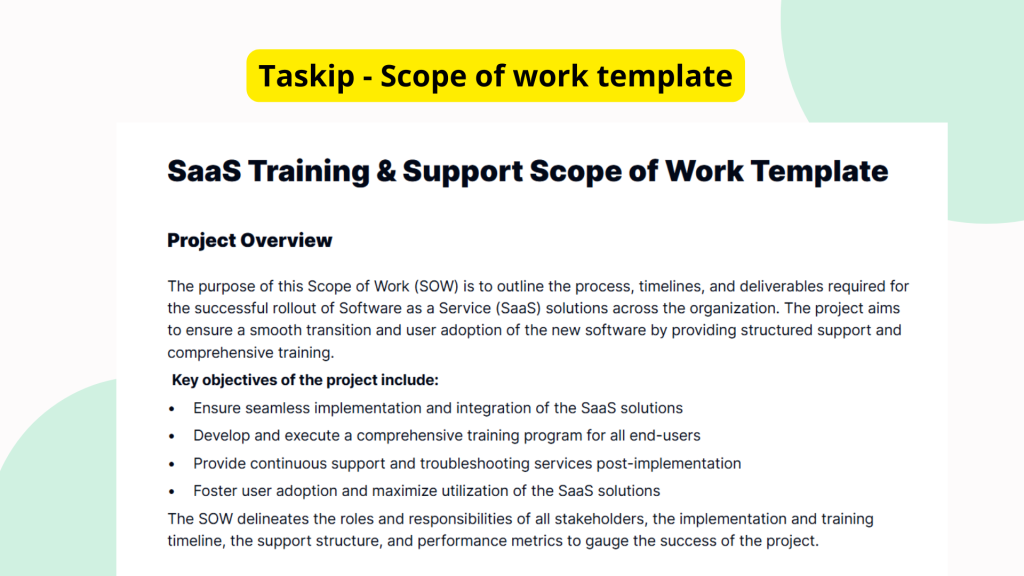
A clear and concise scope of work is critical when implementing training and support for SaaS tools. It sets the expectations for all parties involved and ensures smooth delivery of services. The SaaS Training & Support Scope of Work Template is designed to simplify this process by providing a structured format to articulate deliverables, timelines, roles, and responsibilities related to SaaS onboarding and support efforts.
What is the SaaS Training & Support Scope of Work Template?
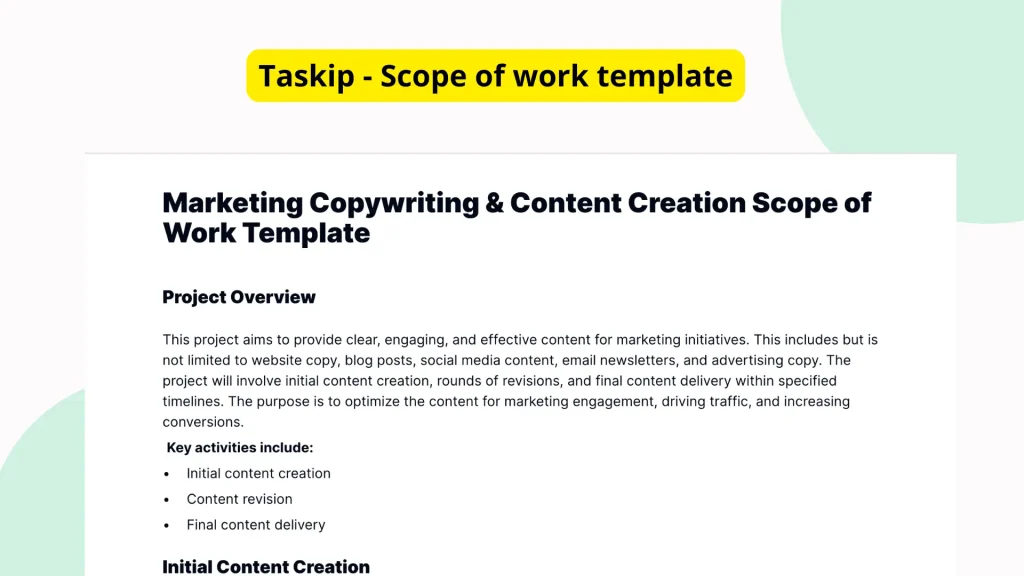
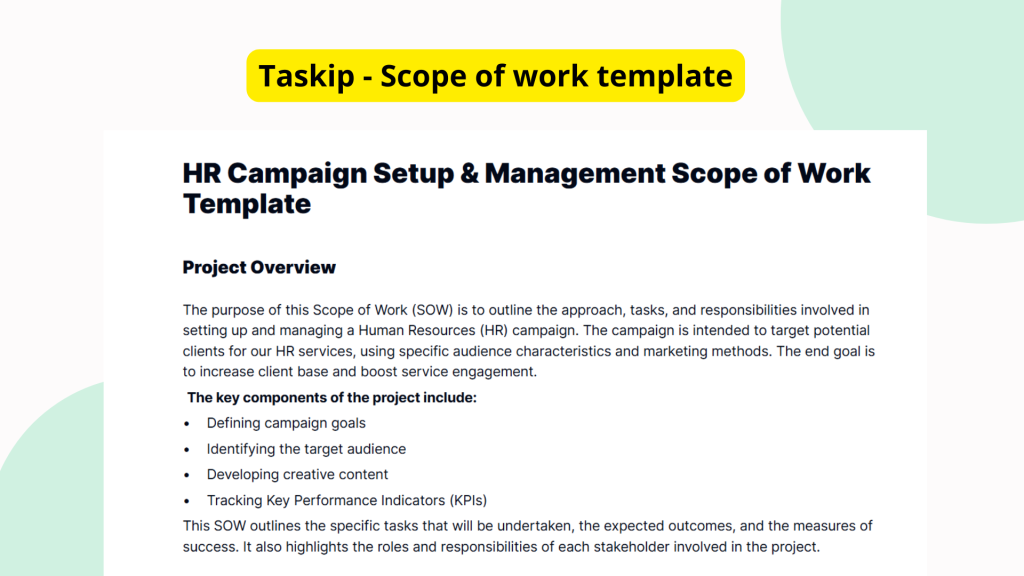
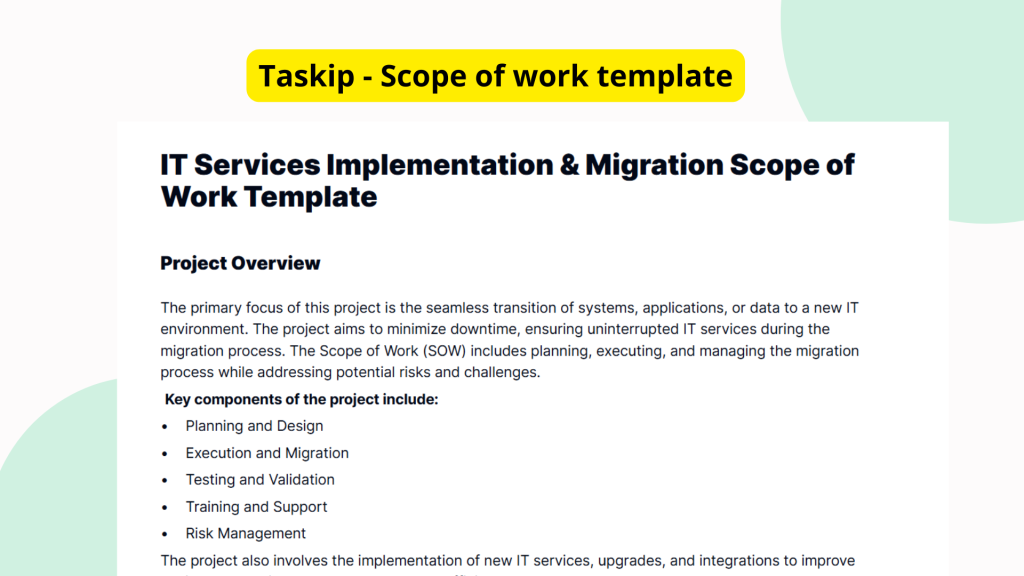
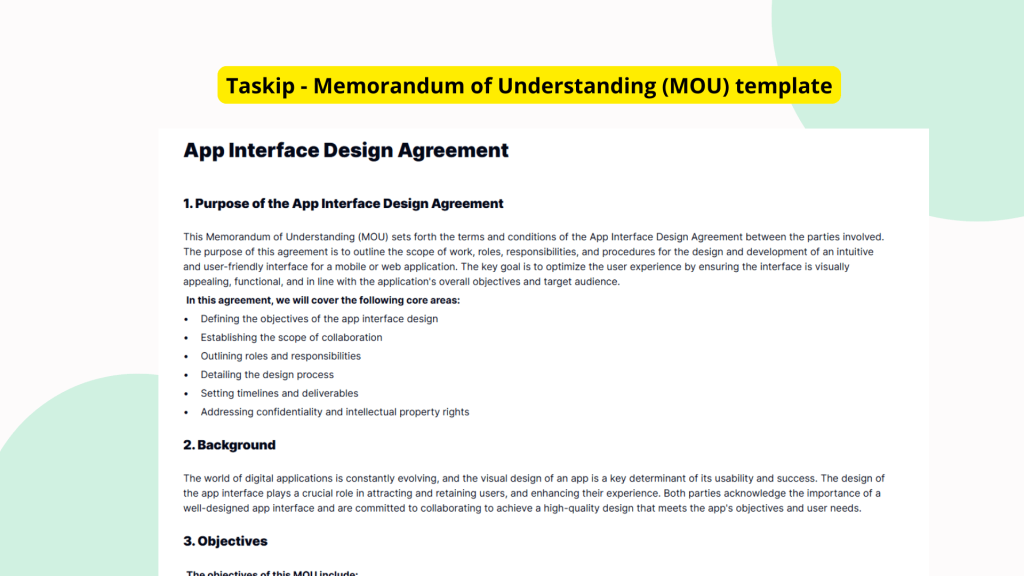
The SaaS Training & Support Scope of Work Template is a structured document intended to define the parameters of training and customer support related to SaaS implementations. Though the current template version features several headings and sections without detailed content, it likely includes placeholders for describing objectives, key deliverables, support tiers, training schedules, role expectations, and timelines. The template acts as a foundational document to be customized by SaaS providers or internal project teams when planning and executing SaaS training initiatives.
Why You Should Use This SaaS Training & Support Scope of Work Template
Using this template eliminates ambiguity and ensures that everyone involved in a SaaS training or support project understands their responsibilities. It helps streamline communication, document expectations clearly, and reduce the risk of project delays. By starting with a structured template, users save time on creating new documents from scratch and can focus on tailoring the content to their specific project needs. In fast-paced environments, having predefined formats speeds up execution and improves service quality across the board.
Who Should Use This Template
This template is especially useful for SaaS providers and vendors who need to onboard clients efficiently. Project managers overseeing implementation projects, support leads, training coordinators, and even internal teams managing cross-departmental software rollouts will find it valuable. Freelancers or consultants offering training and support services for third-party SaaS platforms can also benefit from this template by presenting a professional, organized scope of work to their clients.
What’s Inside the Template
Although the current version of the SaaS Training & Support Scope of Work Template is mostly filled with placeholder content, its underlying structure hints at the essential sections it aims to cover. These may include:
- Project Overview: A general summary of the training and support objectives
- Deliverables: A list of specific outputs such as training sessions, documentation, or support materials
- Timelines: Expected dates for deliverables and project milestones
- Roles & Responsibilities: Clarifies who is responsible for what tasks
- Support Scope: Defines types of support offered (e.g., live chat, help desk)
Each heading in the template invites the user to input detailed text, providing flexibility to accommodate various training and support scenarios.
Real-Life Example of Use Case
Let’s say a mid-size HR SaaS company is onboarding a new enterprise client. The client wants a custom training program and dedicated post-deployment support for their human resource team. By using the SaaS Training & Support Scope of Work Template, the onboarding manager at the SaaS company can outline the types of training sessions available, set weekly delivery timelines, assign responsibilities to internal trainers, and define SLA response times for post-go-live queries. This document becomes the single source of truth during the execution phase, helping both the client and vendor remain aligned.
Benefits of Using This Template with Taskip
On Taskip’s platform, this template comes to life with features that make scope of work documentation more efficient. Users can quickly access the template in the dedicated Templates section, use it as a base to edit and populate necessary details, and track changes. Taskip allows real-time editing and team collaboration, ensuring everyone stays on the same page. You can also share the completed SOW with stakeholders instantly and even collect digital signatures, all from within the platform. Plus, once you’ve customized your template, you can save it for future reuse, creating consistency across projects.
Why This Template Stands Out
Unlike building a scope of work document from scratch or using generic formats, this template is pre-structured for SaaS training and support projects specifically. Even with minimal content in its current form, the intuitive headings provide a logical outline to build upon. It removes the chances of missing critical elements such as deliverables or timelines. Whether you’re a seasoned project manager or creating an SOW for the first time, this template reduces friction and ensures clarity.
How to Use This Template
- Go to the Taskip Templates section
- Click on “Use Template”
- Add or edit the template fields as needed
- Customize and send it to your client or team
Start Your SaaS Training & Support Scope of Work Template Project the Right Way
Kick off your next SaaS training or support deployment with clarity and confidence. With Taskip’s SaaS Training & Support Scope of Work Template, you’ll be able to align stakeholders, define responsibilities, and execute training plans without confusion or wasted time. Use this template to bring order to complexity and focus on delivering value from day one.
FAQ
What is the purpose of this SaaS Training & Support Scope of Work Template?
It helps define the expectations, responsibilities, and deliverables involved in a SaaS training and support project.
Is the template ready to use immediately?
The template includes predefined headings, but it requires users to input specific project details under each section.
Can I collaborate with my team on this template?
Yes. Taskip allows multi-user collaboration so teams can work on the template together in real time.
Can this template be reused across multiple projects?
Absolutely. Once customized, you can save it for future reuse, maintaining consistency and saving time.
Does this template include support SLAs?
While it doesn’t come with predefined SLAs, it has designated sections where SLA details can be added as needed.