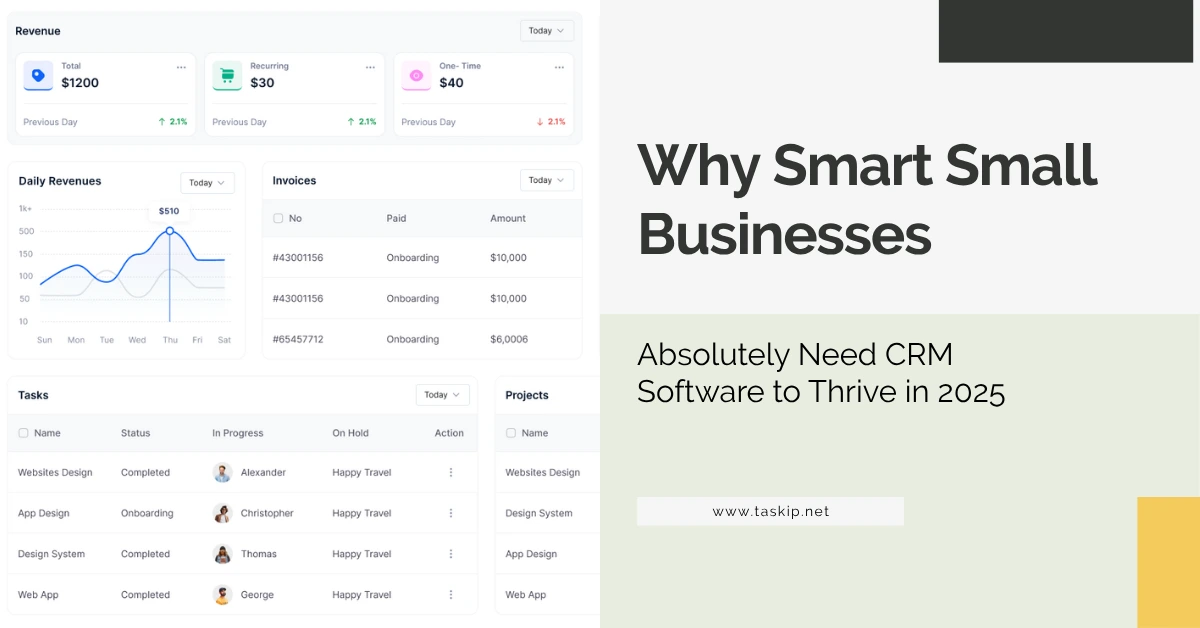
Why Smart Small Businesses Absolutely Need CRM Software to Thrive in 2026
You’ve got leads. You’ve got customers. But do you have a system to manage them all, without dropping the ball?
If you’re still juggling spreadsheets, sticky notes, and forgotten follow-ups, you’re missing out on sales and wasting hours every week. In 2026, why small businesses need CRM is more than a question. It’s a strategic necessity.

In this comprehensive guide, we’ll explore exactly why small businesses need CRM software, how it works, and the extraordinary ways it can supercharge your client relationships, skyrocket team productivity, and fuel your business growth. Dive into the full breakdown in our CRM Setup Guide for Small Business.
What Is a CRM?
CRM stands for Customer Relationship Management. It’s a tool (usually software) that helps businesses:
- Store and manage client data
- Track sales interactions
- Set follow-up reminders
- Automate communication
- Visualize deals and stages
Think of a CRM as your digital assistant, organizing contacts, notes, emails, proposals, and tasks in one place.
Why Small Businesses Need CRM: 8 Proven Reasons
For small businesses aiming to grow sustainably and serve customers better, CRM software is no longer optional. It’s the foundation for organized operations, personalized outreach, and streamlined team collaboration. With increasing client expectations and tighter competition in 2026, understanding why small businesses need CRM is essential for achieving consistent success.
1. Organize All Contacts in One Place
No more digging through emails or searching for phone numbers. A CRM centralizes all customer info:
- Name, email, phone
- Purchase history
- Notes and tags
- Last interaction
Stat: A Salesforce study found that 74% of CRM users improved access to customer data across teams.
2. Improve Customer Retention with Better Follow-Ups
With CRM reminders, you never forget to follow up, send a proposal, or check in after a project ends.
Use case: A client hasn’t responded in 5 days? CRM sends you a reminder. A deal is idle in your pipeline? You get an alert to follow up.

3. Close More Sales, Faster
CRM pipelines help you visually track where each lead is — from inquiry to conversion. With better clarity:
- You know which deals are about to close
- You can prioritize hot leads
- You don’t forget anyone
CRM delivers results: Nucleus Research found an average ROI of $8.71 per $1 spent — a compelling reason why small businesses need CRM today.
4. Save Time with Automation
AuAutomate repetitive tasks like:
- Sending a welcome email to new leads
- Creating a task after a deal moves to a new stage
- Notifying a team member of a new inquiry
This frees up your time to focus on what matters — delivering value.
To streamline onboarding, check out the must-have CRM features for client onboarding.
5. Boost Team Productivity and Collaboration
Even if you’re a team of 2–5, everyone needs to stay on the same page. A CRM:
- Prevents overlapping communication
- Logs every client interaction
- Assigns tasks and responsibilities
- Offers shared views of sales, support, and service interactions
Check out our top productivity tools for freelancers for more ways to boost output.
6. Make Better Decisions with Reporting
CRM analytics show:
- Where your leads are coming from
- How fast they convert
- Which deals are getting stuck
- How many deals you win vs lose
This insight helps you develop smarter, data-driven business strategies — a major benefit of CRM for small business owners.
7. Access CRM from Anywhere with Mobile Apps
Modern CRMs offer mobile apps that:
- Let your team update pipelines on-the-go
- Access client details during field visits
- Get real-time notifications
In a hybrid world, remote access is not a luxury — it’s essential.
8. Align Departments Beyond Sales
CRM benefits go far beyond sales. It also helps:
- Marketing teams track campaign responses
- Customer support manage post-sale inquiries
- Finance follow up on payments and invoicing
CRM Database Setup: What Goes Into It?
Setting up a CRM doesn’t have to be complicated. Your CRM database should include:
- Basic contact info (name, email, phone)
- Company or project info
- Tags for segmentation (location, deal stage, interest)
- History of interactions
- Assigned team members
You can get started by importing your existing contact list using a CSV file. Begin with your most recent leads and segment them by category, deal stage, or campaign source. Taskip even offers pre-made pipeline templates for service businesses, freelancers, and agencies.
Many tools like Taskip let you import this data via spreadsheets.
Real-World Example: Local Cleaning Business Case Study
A 3-person cleaning team was losing leads from Facebook ads. They had no way to track inquiries and often forgot to respond.
They started using Taskip CRM:
- Set up a “New Inquiry” → “Quoted” → “Scheduled” pipeline
- Added automatic follow-ups for quotes not approved in 48 hours
- Tagged clients by location and job type
Result: 37% increase in booking conversions and zero missed leads after 2 months.
Ready-to-Use CRM Use Cases for Small Businesses
| Business Type | CRM Use Case Example |
|---|---|
| Freelance Designer | Manage buyers/sellers, open houses, and document tasks |
| Local Gym | Tag leads by goal (weight loss, strength) |
| Digital Agency | Assign leads to team, track proposals & revenue |
| Real Estate Agent | Manage buyers/sellers, open houses, document tasks |
| SaaS Startup | Track trial signups, send onboarding emails |
| Coaching Business | Automate follow-ups, track session history |
| Construction Contractor | Schedule project milestones, share updates |
Choosing the Right CRM: Feature Checklist
Here are must-have features in a small business CRM:
- Contact & lead management
- Pipeline visualization
- Task and reminder automation
- Email templates and sequences
- Mobile access
- Reports and dashboards
- Integration with email/calendar/apps
Compare top CRM tools with this checklist in hand. You can also explore our full best CRM software for small businesses guide for more options.
Micro vs Enterprise CRM: What’s the Difference?
Unlike enterprise tools that take weeks to set up, small business CRMs like Taskip focus on:
- Easy setup (under 30 minutes)
- Affordable pricing
- User-friendly dashboards
- Essential features without the clutter
Common Misconceptions About CRM for Small Business
❌ “CRMs are for big companies.”
Reality: Small businesses gain the most from CRMs — it keeps you organized without needing extra staff.
❌ “It’s too complicated.”
Reality: Tools like Taskip, Zoho, and HubSpot are built for simplicity — no technical skills required.
❌ “We don’t have time to set it up.”
Reality: You can set up a simple CRM pipeline in under 30 minutes. And it’ll save you hours each week.
Best CRM Options for Small Business (2026)
| CRM | Best For | Starting Price |
| Taskip | Freelancers, small service teams | $9/month |
| Zoho | Small teams, scalable use | $14/month |
| HubSpot | Beginners, simple needs | Free |
| Pipedrive | Sales-focused businesses | $14.90/month |
| Freshsales | Phone/email sales teams | $15/month |
Also see our breakdown of the best small business CRMs for tailored recommendations.
Final Thoughts
CRM software in 2026 is no longer optional; it’s essential for survival and scale. If you want to stay competitive, deliver amazing client experiences, and automate your way to growth, you absolutely need CRM.
From freelancers to agencies, CRM for small businesses offers unmatched efficiency, clarity, and profitability.
👉 Try Taskip CRM – Built for Small Business Owners Like You
Frequently Asked Questions (FAQ)
Why is CRM important for small businesses?
CRM helps small businesses manage contacts, automate tasks, improve sales follow-up, and deliver better customer experiences, all from one dashboard.
Is CRM really necessary if I only have a few clients?
Yes. Even with a few clients, a CRM keeps things organized, ensures timely communication, and saves you time from manual tracking.
What’s the best CRM for small business beginners?
Taskip CRM is a top pick for beginners due to its clean interface, affordable pricing, and built-in features like invoicing and pipeline tracking.
For more freelancer-focused systems, explore best client management systems for freelancers.
Can CRM help me automate client onboarding?
Absolutely. CRMs like Taskip allow you to send automatic welcome emails, assign tasks, and set up onboarding workflows as soon as a deal is won.
How hard is it to set up a CRM?
Most CRMs can be set up in under an hour. Taskip, for example, offers pre-built pipelines and intuitive workflows ideal for non-tech users.


Get Summary On: