Design Funnel Creation & Automation Scope of Work Template
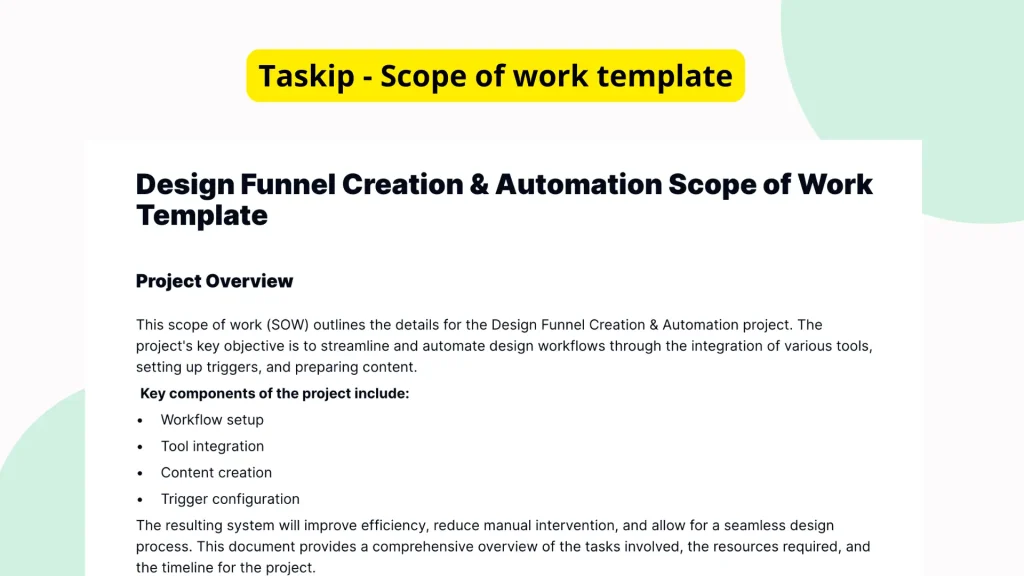
The Design Funnel Creation & Automation Scope of Work Template is designed to help teams and professionals outline and manage the requirements involved in setting up automated design funnels. Although the content of this specific template is currently sparse, its structured layout offers a solid foundation for defining roles, deliverables, and timelines involved in building and automating a comprehensive design funnel process.
What is the Design Funnel Creation & Automation Scope of Work Template?
This template serves as a foundational document intended to outline detailed information involved in the creation and automation of design funnels. A design funnel typically maps out the stages through which design projects are initiated, ideated, executed, reviewed, and finalized. Automating this funnel not only streamlines the process but also helps in task delegation and time management. The template provides a structure to capture project objectives, define deliverables, assign responsibilities, and establish deadlines without building a document from scratch.
Why You Should Use This Design Funnel Creation & Automation Scope of Work Template Template
Using this template simplifies the process of drafting a professional scope of work for any automated design funnel project. Instead of creating the document from a blank page, users benefit from a structured outline that ensures all important elements are addressed. This minimizes oversights, reinforcing clear communication between parties involved in the project. Whether the goal is to onboard clients, align internal teams, or document automation steps, this template acts as a reliable blueprint for consistent project documentation.
Who Should Use This Template
This template is ideal for a wide range of professionals and teams engaged in design workflows that involve automation. Specifically, the following users can derive the most value from this template:
- Freelancers: To clarify deliverables and timelines with clients clearly.
- Agencies: To streamline client onboarding and internal execution processes.
- Project Managers: For managing scope, timelines, and resource allocation efficiently.
- Design Leads: To ensure consistency across automated workflows.
- Operations Teams: To integrate and scale design automation processes.
What’s Inside the Template
Although the content of this particular template appears to be largely empty, its intended layout is structured to support multiple key components that typically belong in a Scope of Work (SOW) document focused on design funnel automation. These structural elements may include:
- Project Overview: A high-level description of the funnel automation goals.
- Objectives: Detailed purpose and desired outcomes of the project.
- Scope of Services: Specific activities to be performed including design stages and automation tasks.
- Deliverables: Tangible outputs such as automated workflows or reports.
- Project Timeline: Deadlines and milestones for different phases.
- Roles and Responsibilities: Who is responsible for each component of the project.
- Assumptions and Constraints: Any project-specific limitations or conditional factors.
This format allows users to fill in pertinent details based on their unique project requirements.
Real-Life Example of Use Case
A digital agency is onboarding a new client for a brand redesign project. The client requires automated handoffs between the design, approval, and implementation teams using design tools and task management platforms. The project manager uses this template to define the project scope, list automation steps (e.g., moving assets between design stages automatically), assign team responsibilities, and establish a project timeline. Sharing this completed Scope of Work document ensures the client and internal teams are aligned, prevents scope creep, and keeps the entire design automation process streamlined from concept to deployment.
Benefits of Using This Template with Taskip
Integrating this template into Taskip adds substantial value by enabling users to edit, share, and manage the scope of work online easily. With Taskip, you can:
- Edit the Template Quickly: Use an intuitive interface to customize the template rapidly.
- Collaborate in Real-Time: Invite stakeholders to view or contribute to the document.
- Digitally Sign the Scope: Finalize agreements with built-in digital signature support.
- Reuse and Repurpose: Duplicate templates for future projects without starting over.
- Centralize Documents: Manage all scope of work documents in one secure platform.
By using Taskip alongside the design funnel automation template, users gain efficiency and reduce administrative overhead significantly.
Why This Template Stands Out
Many professionals rely on generic templates that lack the specificity required for success in design automation projects. This template, while currently sparse in content, is uniquely structured for adaptability and relevance in the design funnel niche. It stands out by offering a flexible yet focused layout tailored to tasks involving optimization and automation in design workflows. It encourages consistent documentation practices and promotes better cross-functional communication compared to improvised or unrelated template formats.
How to Use This Template
- Go to the Taskip Templates section
- Click on “Use Template”
- Add or edit the template fields as needed
- Customize and send it to your client or team
Taskip ensures that customizing and deploy the template is hassle-free, even for those unfamiliar with formal documentation.
Start Your Design Funnel Creation & Automation Scope of Work Template Project the Right Way
Don’t waste time drafting scope documents from scratch or dealing with vague outlines. Use the Design Funnel Creation & Automation Scope of Work Template in Taskip to ensure your automation project launches on solid ground. From setting clear expectations to streamlining execution, starting right means finishing strong.
FAQ
Is this template already filled in with content?
No, the current version of the template lacks descriptive content and is primarily a structured outline.
Can I customize the template for my specific design funnel?
Yes, the structure is designed to be adaptable so you can input project-specific details easily.
What kind of automation processes can be documented with this template?
Any automation related to design workflows, such as auto-routing tasks or integrating tools, can be documented.
Does this template include space for timelines and deliverables?
Yes, the structure includes typical scope of work elements like timelines, deliverables, and roles.
How do I send the completed scope to my clients or team?
Using Taskip, you can easily share, collaborate, and even digitally sign the completed document.