
Best Client Management Systems for Freelancers in 2026
Freelancers juggling multiple clients need more than talent to succeed. The Best Client Management Systems for Freelancers in 2026 are not about bells and whistles; they’re about simplifying your workflow so you can focus on doing great work. Understanding why small businesses need CRM can help freelancers see how the right tools improve organization, client retention, and business growth.

Freelancing sounds like freedom… until you’re knee-deep in emails, missed deadlines, and “just checking in” messages from five different clients. If that sounds familiar, you might also enjoy our guide on freelancer productivity tools. That’s where the best client management systems come in. These tools aren’t just helpful, they’re essential. But not all platforms are freelancer-friendly.
This guide dives into what makes a client management system truly useful for solo professionals and compares the top options in 2026.
What to Look for in a Client Management System
Ease of Use
You need something intuitive. If you can’t get started in 15 minutes, skip it.
Automation That Actually Saves You Time
Look for auto-invoicing, reminders, and task triggers that keep your brain focused on work—not admin.
A Client Portal That Makes You Look Polished
Tools with client portals reduce back-and-forth and centralize communication.
Flexibility That Fits Your Workflow
Boards or lists? Hourly or milestones? Choose a system that adjusts to your style.
Scalability That Grows With You
Need to bring on a VA or partner? Your tool should scale with your business.
Pricing That Makes Sense
Freelancer-friendly pricing is non-negotiable. Avoid bloated enterprise fees.
Best Client Management Systems for Freelancers in 2026: Quick Overview
Below are the top tools freelancers are using in 2026 to simplify workflows and enhance client communication.
1. Taskip – Simple, Seamless, Built for Freelancers

Taskip offers project tracking, client communication, file sharing with version history, time logs, automated invoicing, and branded client portals all in one intuitive space.
Pros:
- Zero learning curve
- All-in-one dashboard (tasks, chats, invoices)
- Built-in client portal with branding
- Automated reminders and payment follow-ups
- Affordable pricing tiers for solo workers
Cons:
- Limited features for large enterprise teams
- Fewer third-party integrations than bigger platforms
Pricing:
- Free tier available with essential features
- Paid plans start affordably, with access to full CRM and invoicing tools
Best For:
- Freelancers and solopreneurs looking for a simple, no-fuss tool that keeps everything in one place without sacrificing professionalism or features
Related: Simple & Affordable CRM Software for Small Business
2. Bonsai – Legal, Financial, and Workflow Powerhouse
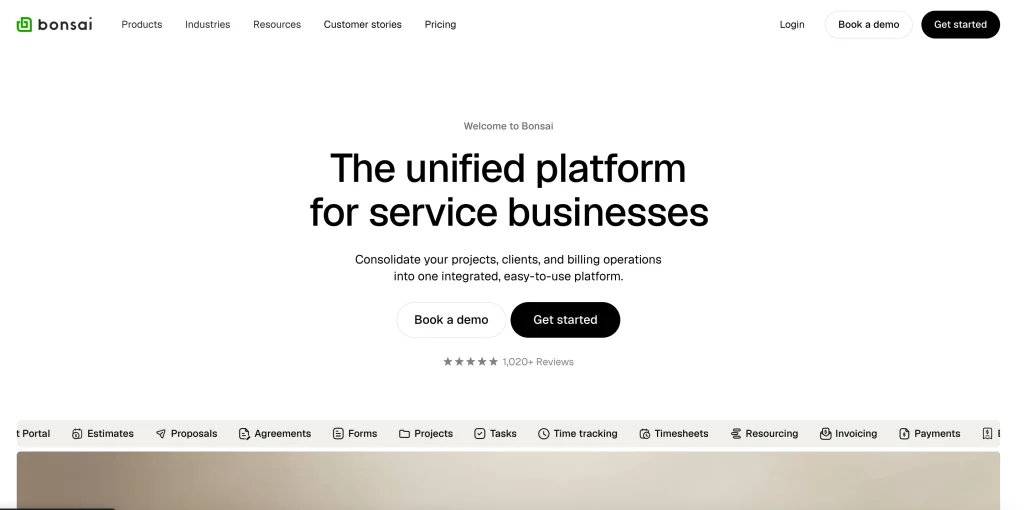
Bonsai is an all-in-one business management platform built specifically for freelancers. It streamlines contracts, invoicing, task tracking, time management, and tax preparation—all under one roof. It’s especially strong in legal and financial areas where freelancers often lack support.
Pros:
- Pre-made contracts and proposals with e-signatures
- Built-in time tracking and invoicing
- Smart tax and expense tracking for freelancers
- Recurring payments and retainer setup
- Professional templates with automation
Cons:
- Project/task views are less customizable
- Limited design flexibility for client portals
Pricing:
- No free plan, but offers a free trial
- Paid plans start at mid-tier pricing with access to legal templates and financial tools
Best For:
- Freelancers who want a structured, legally sound system with integrated billing, contracts, and taxes handled efficiently
3. HoneyBook – Clean, Polished, and Client-Focused
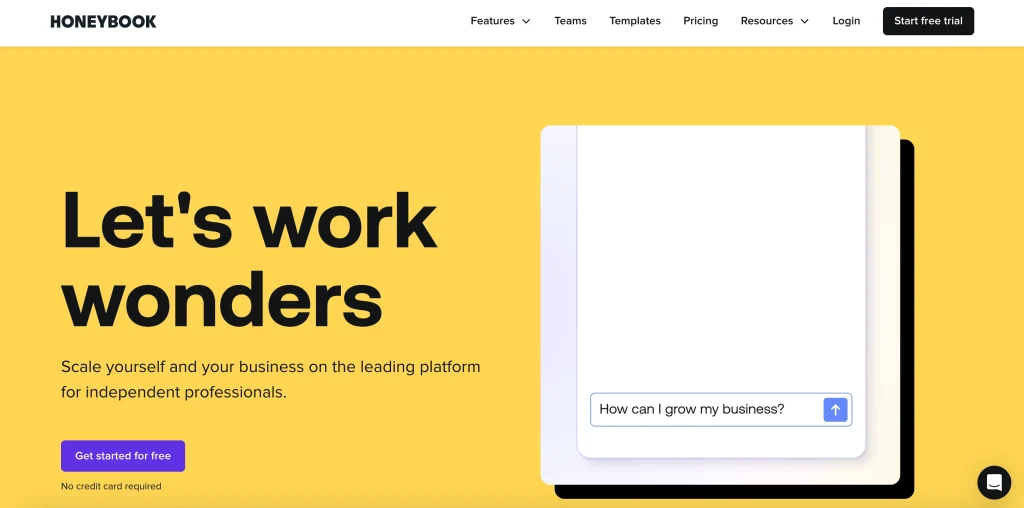
HoneyBook is a clientflow platform designed with creative professionals in mind. It streamlines everything from inquiry to invoicing with beautiful, branded experiences that impress clients at every step. Ideal for freelancers who prioritize presentation and communication.
Pros:
- Visually stunning proposals and invoices
- Branded client portals and messaging
- Automated workflows and payment reminders
- Easy-to-use interface for both freelancer and client
- Excellent for onboarding and communication
Cons:
- Limited flexibility for non-creative use cases
- Fewer custom layout options for project tracking
Pricing:
- No free plan, but includes a 7-day free trial
- Pricing starts in the mid-range, offering full feature access
Best For:
- Creative freelancers such as designers, photographers, and coaches who want polished, professional client interactions
4. Notion (+ Add-ons) – Build Your Own System
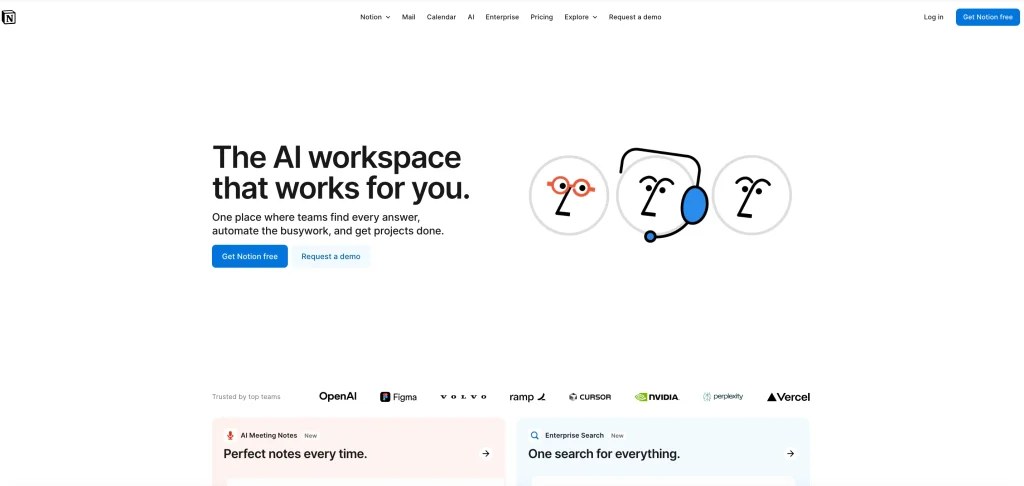
Notion isn’t a client management system by default, but that’s the appeal. It’s a modular workspace where freelancers can build their own CRM, content planner, task tracker, invoice database, and more. With integrations through tools like Zapier, you can automate and customize your workflow exactly how you want it.
Pros:
- Fully customizable structure
- Combines knowledge base, CRM, and project tracker
- Minimal, clean interface
- Easily shareable with clients or collaborators
- Powerful when integrated with tools like Tally, Stripe, and Slack
Cons:
- No built-in payment or messaging tools
- Requires time to set up and maintain
Pricing:
- Free plan available with unlimited pages
- Paid plans unlock advanced permissions, admin tools, and version history
Best For:
Freelancers who want total control over their system and enjoy building tailored workflows from scratch
5. Trello – Visual Task Management
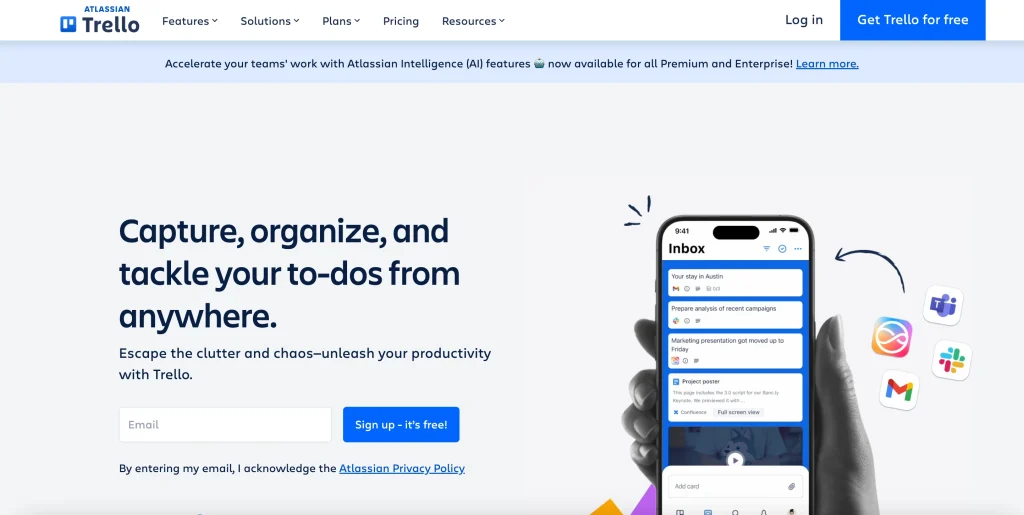
Trello is a kanban-style task management tool that lets freelancers visualize their workflow with simple drag-and-drop boards. While not a full client management system, it’s highly effective when paired with integrations like Slack, Google Drive, or Zapier to build a lightweight CRM setup.
Pros:
- Intuitive and easy to learn
- Visual board-style task tracking
- Customizable lists, checklists, and labels
- Strong free plan for solo use
- Wide range of integrations via Power-Ups
Cons:
- No built-in invoicing or client portal
- Requires manual setup or external tools for full CRM functionality
Pricing:
- Free plan supports multiple boards and integrations
- Paid plans add advanced automation, admin features, and views
Best For:
- Freelancers who want a visual, no-frills task management tool and don’t mind integrating third-party apps for client handling
Related: Top 5 Productivity Tools for a Freelancer (2026 Edition)
6. ClickUp – Powerful, Scalable, Feature-Heavy
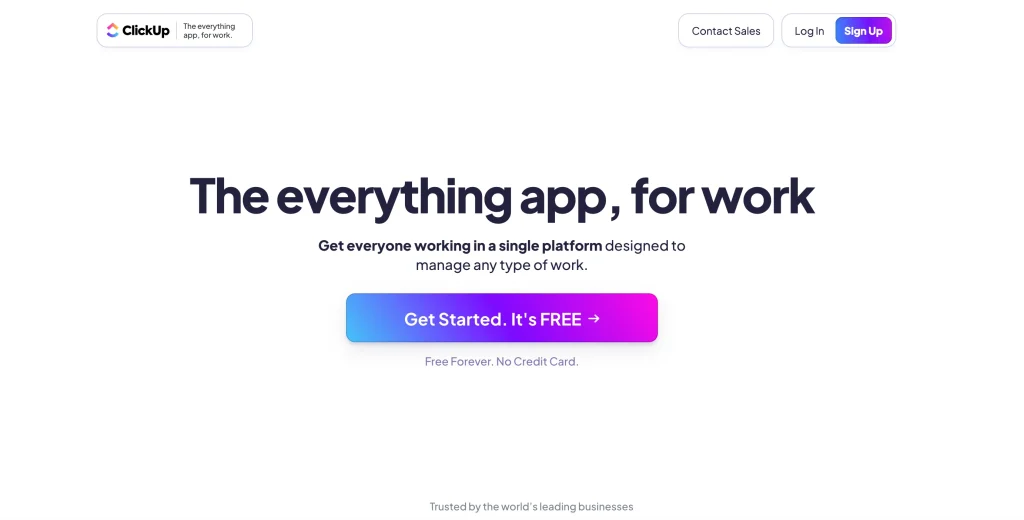
ClickUp is a productivity powerhouse that combines tasks, docs, calendars, time tracking, goals, and more all in one highly customizable workspace. It’s great for freelancers with complex projects or those planning to scale into small teams or agencies.
Pros:
- Multiple task views (list, board, calendar, Gantt)
- Time tracking, goals, reminders, docs in one platform
- Robust automation and custom fields
- Excellent for long-term project planning
- Suitable for team collaboration as you grow
Cons:
- Steep learning curve for new users
- May feel bloated for minimal freelance needs
Pricing:
- Free plan with generous features
- Paid tiers offer advanced automation, integrations, and permissions
Best For:
Freelancers managing detailed workflows or aiming to scale into agency-level operations
7. Dubsado – Automation & Branding Focused

Dubsado is a client management platform built with service-based freelancers in mind. It shines in automation and client-facing experience, allowing users to create branded workflows for onboarding, proposals, scheduling, invoicing, and more. It’s ideal for freelancers who package their services and want to deliver a high-touch experience.
Pros:
- Deep customization for proposals, contracts, and workflows
- Branded client portals with form builders
- Automation for onboarding, reminders, and follow-ups
- Integrated invoicing, scheduling, and payment collection
- Impressive for service-based freelancers
Cons:
- Steep learning curve and setup time
- Interface can feel dated compared to newer tools
Pricing:
- No free plan, but offers a trial
- Paid plans start in mid-range with all core features included
Best For:
Freelancers offering recurring service packages who want to automate workflows and provide a polished client experience
8. Copilot – Modern, Polished, Startup-Style CMS
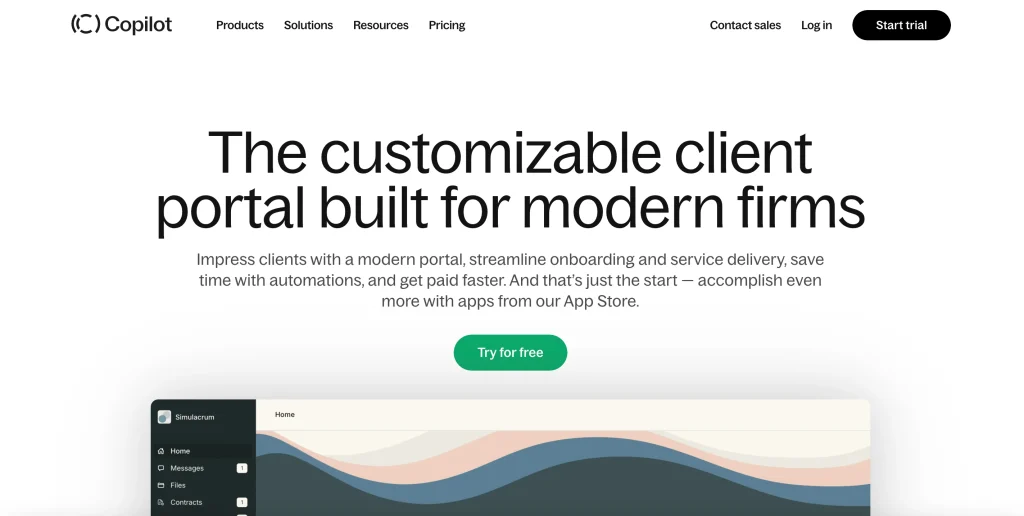
Copilot is a sleek, all-in-one client portal solution designed for modern freelancers and service providers. It offers branded portals where clients can message, access files, view invoices, and even manage subscriptions. With growing automation features and integrations, Copilot blends simplicity with a polished user experience.
Pros:
- Visually elegant, modern interface
- Built-in messaging, invoicing, and file sharing
- Branded client portals with custom domains
- Stripe-powered subscription billing and payments
- Continually evolving feature set
Cons:
- Still building out deeper automation and integrations
- Some advanced features are in higher-tier plans
Pricing:
- Free plan with core features
- Paid plans offer custom branding, automation, and advanced client controls
Best For:
- Freelancers and small firms that want a professional, centralized portal experience without overwhelming setup
9. Capsule CRM – Lightweight & Affordable
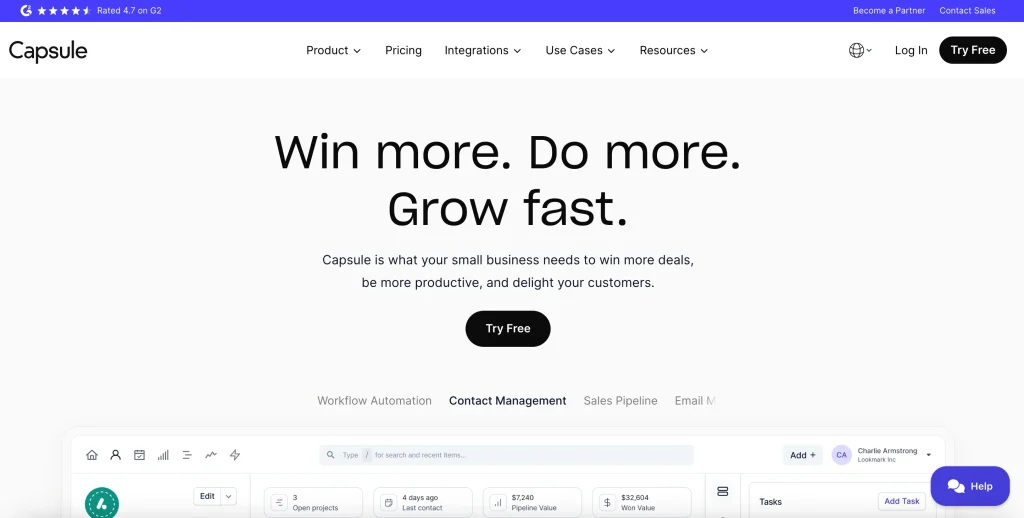
Capsule CRM is a straightforward and affordable solution for freelancers who want to organize client details, track deals, and manage communications without the complexity of larger platforms. It’s a no-frills tool that’s easy to set up and ideal for simple CRM needs.
Pros:
- Contact management with notes, tasks, and history
- Deal tracking with sales pipelines
- Email tracking and Gmail/Outlook integrations
- Simple interface with fast learning curve
- Integrates with tools like Zapier, Xero, Mailchimp
Cons:
- Limited automation features
- No built-in invoicing or client portal
Pricing:
- Free plan available with up to 250 contacts
- Paid plans start affordably and unlock more customization and integrations
Best For:
Freelancers who need a basic CRM to track clients and projects without advanced features or a steep price tag
10. SmartSuite – Flexible Work Management
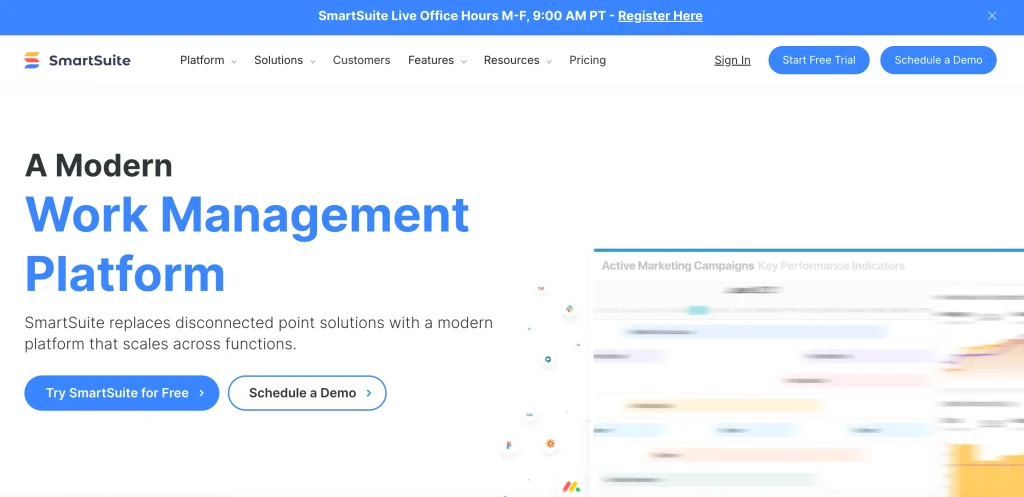
SmartSuite is a powerful and highly customizable work management platform that brings together CRM, project tracking, databases, and collaboration into one visually clean interface. Freelancers can adapt SmartSuite to a variety of needs—from content planning to client onboarding—with drag-and-drop simplicity.
Pros:
- Combines CRM, task boards, workflows, and databases
- Clean visual interface with multiple view options
- Easy to build custom apps for client management
- Templates for various freelance use cases
- Great for managing multiple projects and clients
Cons:
- Less brand recognition than major platforms
- Takes time to explore all customization options
Pricing:
- No free plan, but offers a free trial
- Paid tiers provide extensive customization and automation tools
Best For:
- Freelancers handling several projects or clients who want a visually intuitive, all-in-one platform with flexible customization
Related: Top 7 CRM Solutions for Small Businesses to Save Time and Grow Faster
Feature Comparison Table
| Tool | Automation | Client Portal | Free Tier | Customizable | Pricing |
|---|---|---|---|---|---|
| Taskip | Yes | Yes | Yes | Moderate | $ |
| Bonsai | Yes | Yes | No | Low | $$ |
| HoneyBook | Yes | Yes | No | Medium | $$ |
| Notion | Limited | No | Yes | High | $ |
| Trello | No | No | Yes | Medium | $ |
| ClickUp | Yes | Yes | Yes | High | $-$$ |
| Dubsado | Yes | Yes | No | High | $$ |
| Copilot | Yes | Yes | Yes | Medium | $$ |
| Capsule | No | No | Yes | Low | $ |
| SmartSuite | Yes | Yes | No | High | $$ |
Final Thoughts
The best client management systems for freelancers in 2026 make your life easier, not harder. Instead of working around your tool, your tool should work with your flow.
If you’re also exploring broader CRM options, check out our guides on The Best CRM Software for Small Businesses and Best Small Business CRM Tools for more insights.
Whether you’re a creative, consultant, or coder, Taskip offers a solution that fits how freelancers actually operate. Discover why a client management system is a must-have for freelancers to streamline your workflow, enhance communication, and stay organized.
FAQs
What is the best client management system for freelancers?
Are client management tools worth it for solo freelancers?
Absolutely. They save time, streamline communication, and reduce admin overhead.
Can I get started with a client management system for free?
Which system is best for creative freelancers?
HoneyBook and Dubsado offer visually polished interfaces perfect for creatives, while Taskip balances polish with simplicity.
What features should I prioritize in a freelancer CMS?
Look for automation, client portals, scalability, and ease of use.
How does Taskip compare to Bonsai or ClickUp?
Taskip offers seamless all-in-one functionality without over-complication, while Bonsai leans legal/financial and ClickUp is ideal for detailed planners.



Get Summary On: