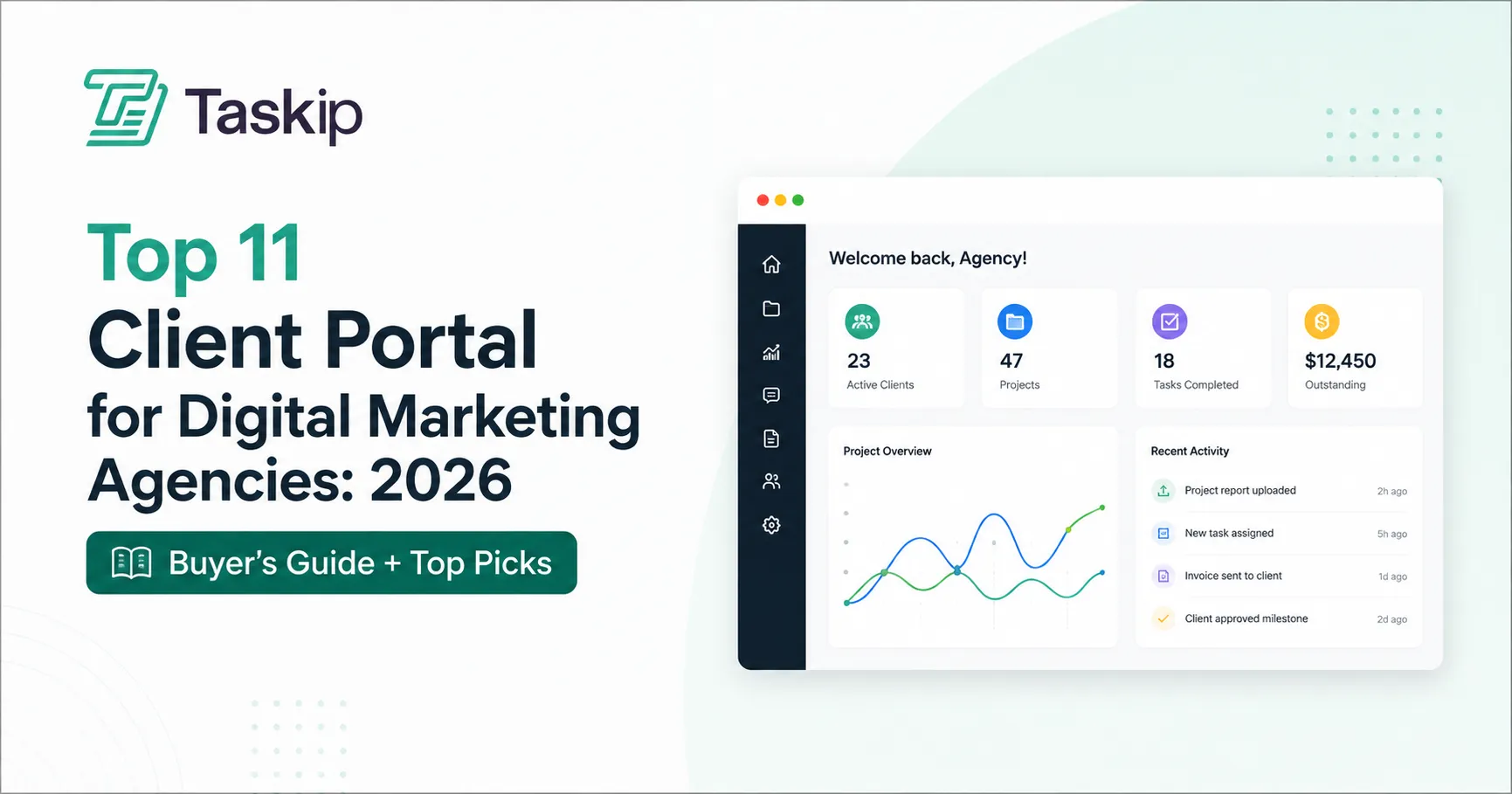
This guide is different from Taskip’s broader client portal comparison for all agency types and its agency management software roundup. This one focuses only on what digital marketing agencies specifically need: campaign approvals, live reporting, ad account handoffs, and white-labeled client access, not generic file sharing.
Table of Contents
What Is a Client Portal for Digital Marketing Agencies?
A client portal for digital marketing agencies is a branded, login-protected workspace where clients approve campaigns, view live performance data, sign contracts, and communicate with their agency, all in one place instead of scattered across email, Slack, and shared drives. The best ones combine project visibility with marketing-specific features like creative approval chains and ad account access management.
Comparison Table: Best Client Portal for Digital Marketing Agencies at a Glance
| Tool | Starting Price | Approval Workflow | Live Reporting | Ad Account Handling | White-Label | Best For |
|---|---|---|---|---|---|---|
| Taskip | $12/mo | Task and file based | Project visibility | Google Ads and Meta integration | Yes | Agencies wanting one flat-fee platform |
| LaunchBay | $19/mo per seat | Timestamped creative annotation | Project health dashboards | Not built-in | Yes | Agencies chasing fewer approval emails |
| AgencyAnalytics | $25/mo per client | Basic comments | Live SEO/PPC/social dashboards | Via integrations | Yes | Reporting-first agencies |
| Copilot (Assembly) | Free, then $29/mo | Task based | Embedded dashboards | Not built-in | Yes (paid tiers) | Professional services with a portal-first need |
| SuiteDash | $19/mo flat, unlimited users | Task and proposal based | Basic dashboards | Not built-in | Yes | Agencies wanting flat pricing regardless of team size |
| Moxo | $200/mo | Structured multi-step approval chains | Project dashboards | Not built-in | Yes | Larger agencies needing formal sign-off chains |
| Agency Handy | $19/mo | Task and package based | Basic dashboards | Not built-in | Yes | Productized-service agencies with fixed-price packages |
| Clinked | $77 to $119/mo | Task and file based | Basic dashboards | Not built-in | Yes, including branded mobile apps | Larger agencies wanting deep white-labeling |
| monday.com | $9/mo (4 seats) | Board comments | Custom dashboards via boards | Not built-in | Limited | Agencies already using monday.com for projects |
| ClickUp | $7/user/mo | Task comments | Custom dashboards | Not built-in | Enterprise tier only | Agencies already using ClickUp for projects |
| OneSuite | $29/mo | Task and file based | Basic dashboards | Not built-in | Yes | Agencies wanting an all-in-one bundle at a smaller scale |
Why Marketing Agencies Need a Different Kind of Client Portal?
Most client portal software is built for law firms, consultancies, or generic professional services, where the main job is sharing documents and collecting e-signatures. Marketing agencies deal with a different kind of chaos. Campaign approvals get buried three replies deep in an email thread. Ad account access is scattered across a dozen client logins, half of which nobody remembers to revoke when a contract ends. Reports get dropped into a Google Drive link that expires before the client even opens it.
A generic client portal treats all of this as a footnote. A portal built for marketing agencies treats live campaign data, recurring reporting, and structured creative approvals as the main event, not an afterthought bolted onto a file-sharing tool.
How We Evaluated These Tools
Each tool below was scored against five criteria that actually matter for a digital marketing agency: campaign and creative approval workflow, reporting and dashboard depth, ad account access and handoff management, white-label and resale options, and pricing transparency as client count grows. Pricing and ratings reflect G2’s and Capterra’s published listings and each vendor’s own pricing page at the time of writing; verify current numbers before publishing, since SaaS pricing changes often.
Best 11 Client Portal Software for Digital Marketing Agencies
1. Taskip: Best Overall for a Flat-Fee Platform
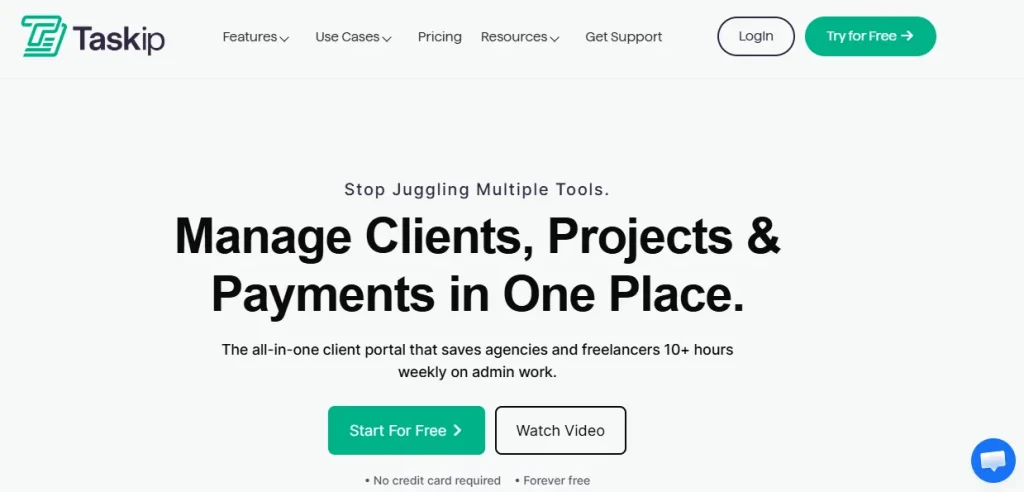
What it’s best for: Agencies that want a client portal, CRM, project management, invoicing, proposals, forms, and support tickets bundled into one flat-fee subscription instead of paying for five to eight separate tools.
Pricing: Starts at $12/month, with a 30-day free trial on the Team plan and no credit card required. Annual billing unlocks a discount.
White-label options: Yes. Agencies can present the client portal under their own branding, logo, and colors.
What Taskip bundles that most of these don’t: CRM, proposals, invoicing, form builders, and support ticketing are all native, not add-ons. That’s the core pitch: fewer subscriptions, one login for the agency team.
Approval workflow: Clients can comment on tasks, review file attachments, and see status changes inside their portal. It’s real, but it’s not a dedicated creative-annotation tool. There’s no click-to-pin feedback directly on an image or video the way LaunchBay or Moxo offer.
Reporting depth: Clients get project and task visibility, plus connected Google Ads and Meta campaign data through Taskip’s native integrations. It’s not as deep as a dedicated reporting platform like AgencyAnalytics, which pulls from 85-plus integrations, but it covers the two ad platforms most digital marketing agencies actually run campaigns on.
Ad account handling: Taskip integrates directly with Google Ads and Meta Ads, so campaign data connects to the client’s portal without a separate reporting tool bolted on.
Pros and cons:
| Pros | Cons |
|---|---|
| One flat-fee platform replaces several point tools, with native Google Ads and Meta integration | No dedicated creative-annotation tool for pinning feedback directly on an image or video |
| 30-day free trial, no credit card required | Live dashboards are lighter than a reporting-first tool like AgencyAnalytics |
2. LaunchBay (formerly Motion.io)
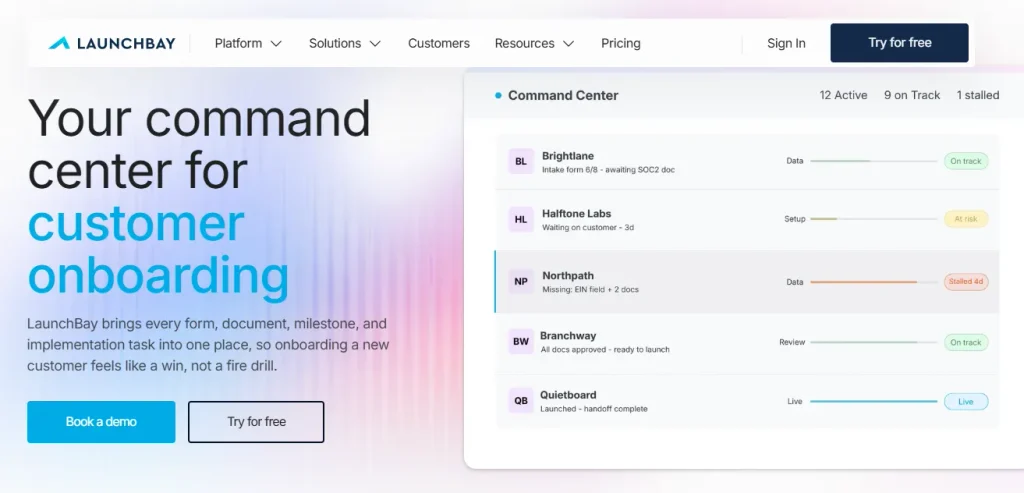
What it’s best for: Agencies whose biggest pain point is chasing clients for sign-offs and payments.
Pricing: Essentials starts at $19 per team member per month billed annually, or $29/month billed monthly. All plans include unlimited clients and projects, with a 14-day free trial and no credit card required.
G2 rating: 4.6 out of 5 from 59 reviews.
Approval workflow: This is LaunchBay’s strongest feature. Clients get timestamped, annotated feedback directly on creative assets, loginless access through magic links, and embedded e-signatures for contracts.
Reporting depth: Project health dashboards with automatic risk-flagging for stalled work, not live ad or SEO performance data.
Ad account handling: Not built-in, similar to most tools on this list.
White-label options: Full white-labeling with custom domains, logos, and colors.
Honest limitation: It’s a project and approval hub first, not a CRM or invoicing replacement, though basic invoicing is included.
Pros and cons:
| Pros | Cons |
|---|---|
| Strongest creative-approval workflow on this list, with timestamped annotation | No native ad account reporting integrations |
| Loginless client access via magic links | Pricing scales per seat, which adds up for larger internal teams |
3. AgencyAnalytics
What it’s best for: SEO, PPC, and social agencies whose clients care most about seeing live performance data, not just project status.
Pricing: Core plan starts at $25/month per client, with a 20% discount on annual billing. Enterprise pricing is custom for agencies managing 25 or more clients.
G2 rating: 4.7 out of 5 from 459 reviews, the highest review volume of any tool in this list.
Reporting depth: This is where AgencyAnalytics wins outright. Live dashboards pull from more than 85 integrations, including Google Ads, Meta, Google Analytics 4, and Google Search Console, with pre-built templates and drag-and-drop customization.
Approval workflow: Lighter than LaunchBay or Moxo. Built-in messaging and task management exist, but formal creative-approval chains aren’t the core feature.
Ad account handling: Access is managed through the underlying ad platform integrations rather than a dedicated handoff workflow inside AgencyAnalytics itself.
White-label options: Yes, including custom domains and branded dashboards.
Honest limitation: It’s a reporting-and-dashboard platform first, not a full CRM, invoicing, or project-management replacement. Agencies that want both often pair it with a separate operations tool.
Pros and cons:
| Pros | Cons |
|---|---|
| Deepest live reporting on this list, with 85-plus integrations | Per-client pricing gets expensive past 20 to 30 clients |
| Highest G2 review volume, a strong trust signal | Not a CRM, invoicing, or project-management replacement |
4. Copilot (Assembly)
What it’s best for: Professional services firms and agencies that want a dedicated, well-known client portal brand with CRM and billing built in.
Pricing: Free plan for one internal user, Starter at $29/month, Professional at $99/month, and Advanced at $499/month for scaling businesses.
G2 rating: 4.7 out of 5 from 332 reviews.
Approval workflow: Task-based, similar to Taskip, without dedicated creative-annotation tools.
Reporting depth: Embedded dashboards for sharing files, forms, and status updates with clients, not live ad/SEO analytics.
Ad account handling: Not a built-in feature.
White-label options: Available on paid tiers, with a generous free tier for agencies just getting started with a portal.
Honest limitation: Its free tier is genuinely useful for very small client counts, but branding removal and deeper customization require upgrading.
Pros and cons:
| Pros | Cons |
|---|---|
| Genuinely usable free tier to start with | White-labeling locked behind paid tiers |
| Well-known, established client portal brand | No native ad account reporting integrations |
5. SuiteDash
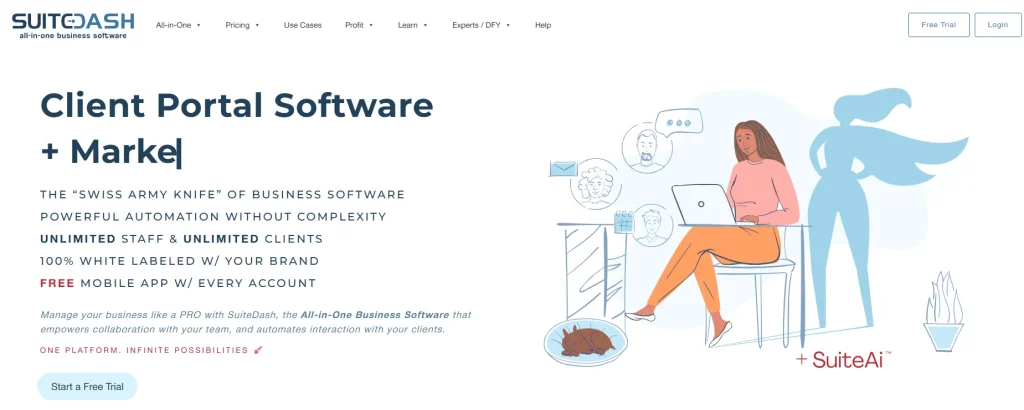
What it’s best for: Agencies that want one flat monthly price regardless of how many team members or clients they add.
Pricing: Start plan at $19/month, Thrive at $49/month, Pinnacle at $99/month, all with unlimited users and a 14-day free trial. This is also the closest head-to-head rival to Taskip; see the full SuiteDash alternatives comparison for a deeper breakdown.
G2 rating: 4.8 out of 5 from 619 reviews, the highest rating of any tool in this list.
Approval workflow: Task and proposal-based approvals, plus dynamic proposals on higher tiers.
Reporting depth: Basic dashboards, not live ad or SEO reporting.
Ad account handling: Not built-in.
White-label options: Full white-labeling, including a branded mobile app on higher tiers.
Honest limitation: Users frequently note a steeper learning curve than simpler tools, given how many modules are packed into the platform.
Pros and cons:
| Pros | Cons |
|---|---|
| Flat pricing with unlimited users on every tier | Steeper learning curve than simpler, more focused tools |
| Highest G2 rating of any tool in this list | No native ad account reporting integrations |
6. Moxo
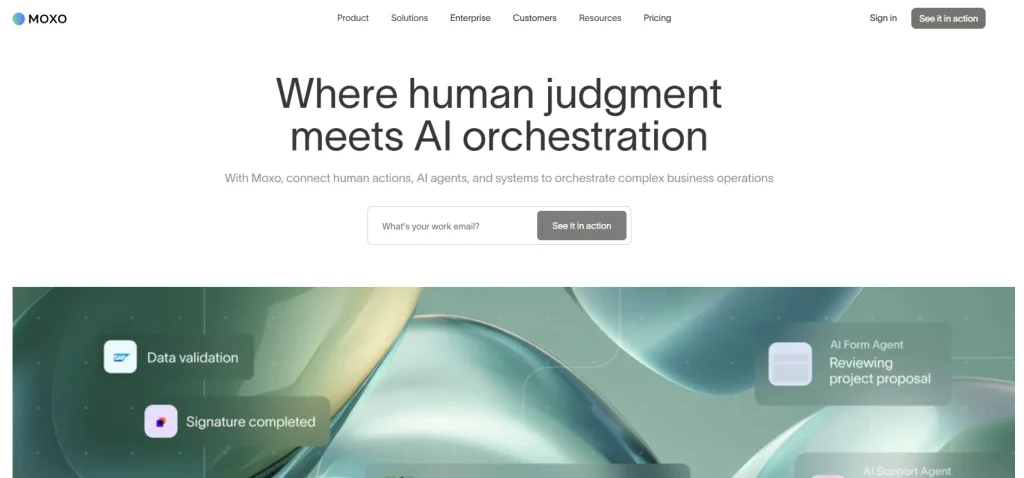
What it’s best for: Larger agencies or those working with enterprise clients who need formal, multi-step sign-off chains with audit trails.
Pricing: Business plan starts at $200/month, notably higher than everything else on this list, with Enterprise pricing custom.
G2 rating: 4.5 out of 5 from 194 reviews.
Approval workflow: The strongest structured approval engine here, with multi-step chains and full audit trails.
Reporting depth: Project dashboards, not live campaign analytics.
Ad account handling: Not built-in.
White-label options: Deep white-labeling, including custom-branded workflows.
Honest limitation: The $200/month entry price puts it out of reach for many small agencies compared to the $12 to $29 range most of this list starts at.
Pros and cons:
| Pros | Cons |
|---|---|
| Strongest, most formal multi-step approval chains with full audit trails | Highest entry price on this list, at $200/month |
| Deep white-labeling, including custom-branded workflows | No native ad account reporting integrations |
7. Agency Handy
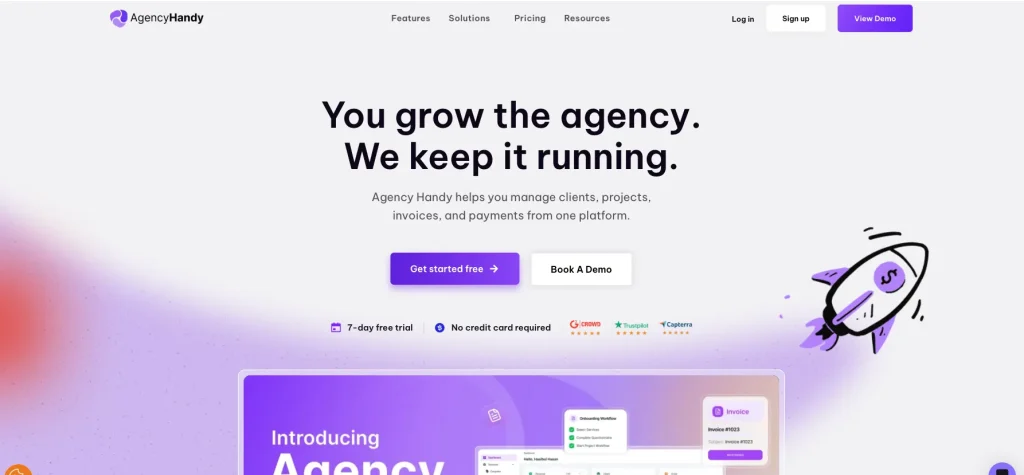
What it’s best for: Productized-service agencies that sell fixed-price packages rather than open-ended retainers.
Pricing: Starts at $19/month for a white-label client portal, service catalog, invoicing, proposals, and basic workflow automation. A free trial is available with no credit card required.
G2 rating: 4.9 out of 5 from 19 reviews, the highest star rating on this list, though the review count is smaller than more established tools.
Approval workflow: Task and package-based, built around approving predefined service packages rather than open-ended creative reviews.
Reporting depth: Basic client-facing dashboards, not live ad or SEO performance data.
Ad account handling: Not built-in.
White-label options: Yes, with additional branded workspaces on higher tiers.
Honest limitation: Full pricing details aren’t published on G2, so you’ll need to confirm current tier pricing directly with Agency Handy before committing.
Pros and cons:
| Pros | Cons |
|---|---|
| Highest G2 star rating on this list (4.9/5) | Small review sample size compared to larger competitors |
| Purpose-built for productized-service delivery | Not ideal for agencies running open-ended retainers instead of fixed packages |
8. Clinked
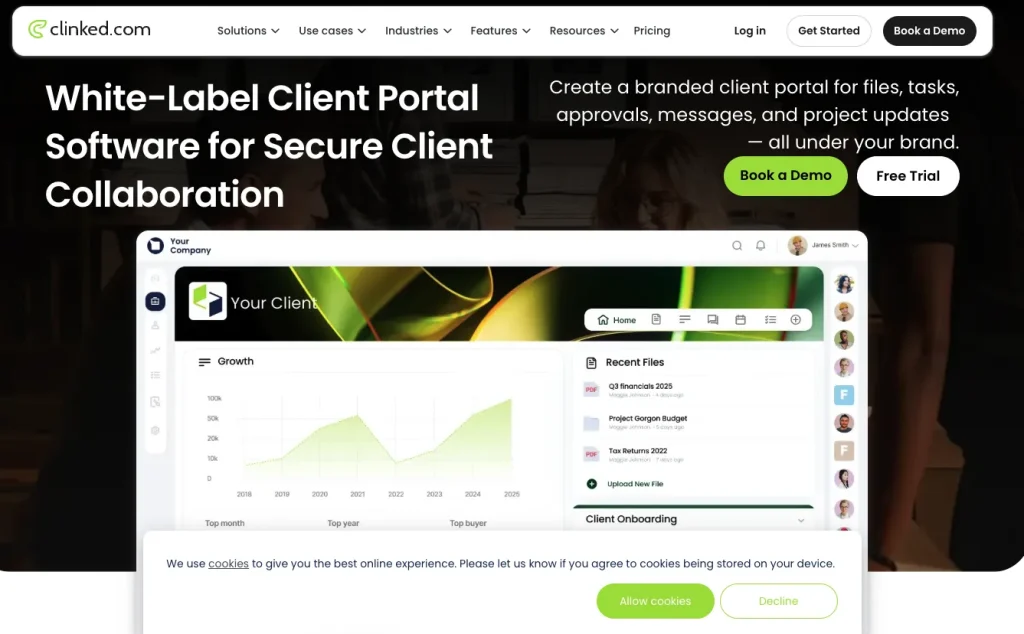
What it’s best for: Larger agencies and enterprise clients that want the deepest white-labeling on this list, including a custom-branded mobile app.
Pricing: Starts around $77 to $119/month depending on configuration, notably higher than most tools on this list, with 20% off annual billing and 35% off two-year commitments.
G2 rating: 4.8 out of 5 from 145 reviews.
Approval workflow: Task and file based, without a dedicated creative-annotation tool.
Reporting depth: Basic dashboards, not live ad or SEO performance data.
Ad account handling: Not built-in.
White-label options: The deepest on this list, including custom-branded mobile apps alongside the standard web portal.
Honest limitation: The price point puts it out of reach for small agencies; it’s built for larger teams with 100-plus staff and unlimited guest accounts baked into the pricing model.
Pros and cons:
| Pros | Cons |
|---|---|
| Deepest white-labeling on this list, including a branded mobile app | Highest starting price of any tool here except Moxo |
| Strong G2 rating from a solid review base | Overkill for small agencies with only a handful of clients |
9. monday.com
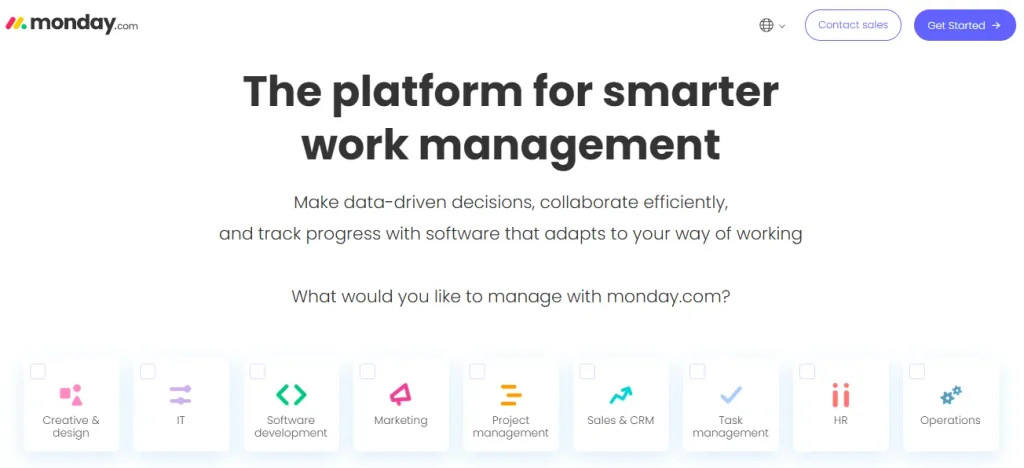
What it’s best for: Agencies already running their internal projects on monday.com who want to add client visibility without buying a separate dedicated portal tool.
Pricing: Free tier available; Basic starts at $9/month for 4 seats, scaling up through Standard, Pro, and custom Enterprise pricing.
G2 rating: 4.7 out of 5 from over 17,000 reviews, the largest review base of any tool in this guide.
Approval workflow: Comments and status changes on shared boards, not a dedicated approval chain built for creative review.
Reporting depth: Custom dashboards built from existing project boards, not purpose-built ad or SEO reporting.
Ad account handling: Not built-in.
White-label options: Limited. Clients typically see a monday.com-branded guest view rather than a fully white-labeled portal.
Honest limitation: It’s a project management tool with guest access bolted on, not a purpose-built client portal, so the client experience feels more like your internal tool than a branded product.
Pros and cons:
| Pros | Cons |
|---|---|
| Massive install base and review volume, low switching risk | Limited white-labeling compared to dedicated portal tools |
| Free tier available to test guest access | Not built around approval workflows or client-specific reporting |
10. ClickUp
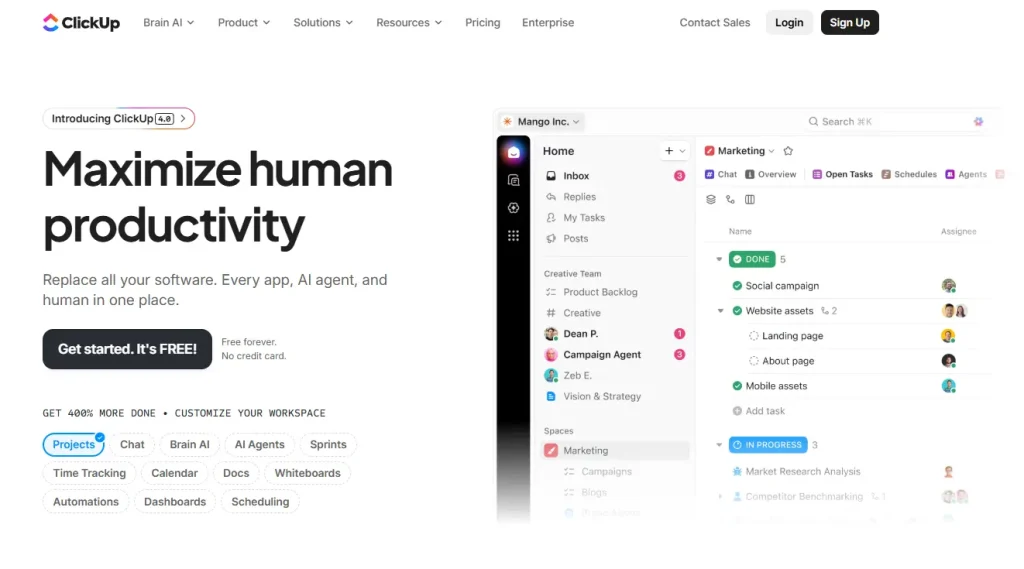
What it’s best for: Agencies already using ClickUp for internal project management who want to extend guest access to clients rather than adopt a separate portal.
Pricing: Free tier available; Unlimited starts at $7/user/month, Business at $12/user/month, with custom Enterprise pricing.
G2 rating: 4.6 out of 5 from over 13,700 reviews.
Approval workflow: Task comments and status changes, not a dedicated creative-approval chain.
Reporting depth: Custom dashboards built from existing project data, not purpose-built ad or SEO reporting.
Ad account handling: Not built-in.
White-label options: Reserved for the Enterprise tier, unlike most other tools on this list that offer it lower down.
Honest limitation: Same tradeoff as monday.com: strong for internal project management, weaker as a purpose-built, branded client experience.
Pros and cons:
| Pros | Cons |
|---|---|
| Very low starting price per user, strong value for internal teams | White-labeling only available on the Enterprise tier |
| Huge review base and active product development | Client experience feels like guest access, not a dedicated portal |
11. OneSuite
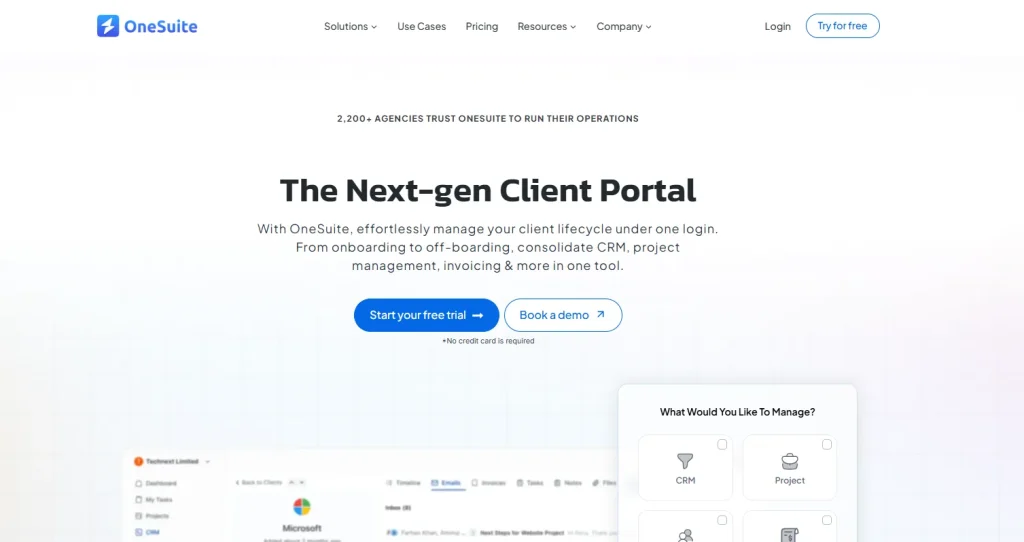
What it’s best for: Agencies wanting an all-in-one bundle similar to Taskip’s positioning, at a smaller scale.
Pricing: Freelancer plan starts at $29/month for 5 members, scaling to Growing Team at $59/month and Agency at $149/month, with a 14-day free trial and 30-day money-back guarantee.
G2 rating: Not independently listed on G2 at the time of writing; verify current third-party ratings before publishing.
Approval workflow: Task and file based.
Reporting depth: Basic dashboards, not live ad or SEO performance data.
Ad account handling: Not built-in.
White-label options: Yes.
Honest limitation: Starting price is more than double Taskip’s, and the lack of an independently verified G2 rating makes it harder to benchmark trust against the rest of this list.
Pros and cons:
| Pros | Cons |
|---|---|
| All-in-one bundle similar in spirit to Taskip’s positioning | Starts at more than double Taskip’s entry price |
| 30-day money-back guarantee | No independently verified G2 rating to benchmark against competitors |
What to Look for in a Client Portal for Digital Marketing Agencies
1. Campaign and Creative Approval Workflows
Look for a real chain: draft, client review, revision, sign-off, with version history and comments attached directly to the asset, not buried in a separate email.
2. Live Reporting and Dashboards, Not Just File Drops
There’s a real difference between uploading a static PDF report once a month and giving clients a login where they see current campaign performance whenever they want it. If your clients ask “how are we doing this week,” a live dashboard answers that without you lifting a finger.
3. Ad Account Access and Offboarding
Decide upfront who owns the Google Ads or Meta Business Manager account, and confirm the portal (or your internal process) makes it easy to revoke access cleanly when a client leaves. This is the single most overlooked criterion in most buying guides.
4. White-Labeling as a Revenue Lever
Custom domains and branded logins aren’t just cosmetic. Several agencies charge clients a “portal access” line item as part of their retainer once the experience feels like a proprietary product rather than a generic tool.
A reporting and analytics dashboard can also help agencies monitor project performance and give clients better visibility into ongoing work.
5. Pricing That Scales With Client Count, Not Against You
Per-client pricing (like AgencyAnalytics) can get expensive fast as you add accounts. Flat-rate, unlimited-user pricing (like Taskip or SuiteDash) can be cheaper at scale but may lack the reporting depth some clients expect. Model your actual client count against each pricing structure before committing.
Also Worth a Look
FuseBase: A solid AI-native portal builder, but general-purpose rather than marketing-agency-specific.
Semrush: Its client portal is a feature bolted onto a full SEO suite, not something bought standalone.
Basecamp: Flat-fee simplicity with no marketing-specific approval or reporting features.
Accelo: A broader professional-services-automation suite, not built around marketing agencies specifically.
Zendo: Chat-centric portal, a better fit for very small agencies.
Dubsado: Freelancer-first CRM and invoicing tool with a portal bundled in.
Plutio: Similar to Dubsado, aimed at solo operators more than multi-client agency teams.
Agiled: An all-in-one competitor to Taskip that also publishes its own marketing-agency portal content.
How to Choose the Right Client Portal for Digital Marketing Agencies
Decision Framework by Agency Size
A solo freelancer usually needs something closer to Dubsado or Plutio: contracts, invoicing, and a light portal. A 2 to 10 person agency is the sweet spot for Taskip, SuiteDash, or Copilot, where the value of one flat-fee bundle outweighs the appeal of a single best-in-class reporting tool. A 10 to 50 person agency, especially one built around SEO or PPC retainers, should weigh AgencyAnalytics or Moxo more heavily, since reporting depth and formal approval chains matter more at that scale.
Red Flags to Watch For During a Trial
Watch for hidden per-client fees that only show up once you exceed a low included limit, white-labeling locked behind the most expensive tier, and approval workflows that turn out to be a generic comment box rather than a real review-and-sign-off chain.
Migrating Your Clients to a New Portal Without Losing Them
Start with active campaigns, not your full archive. Move the accounts you’re actively billing for first, confirm nothing broke in their view, then migrate historical projects and files once the new system is proven out.
Tell clients before you flip the switch, not after. A short email works: explain what’s changing, why it benefits them (faster approvals, one login instead of five), and give them a specific date their new access goes live. Set a two-week overlap window where both the old and new systems stay reachable, so nothing falls through the cracks mid-transition.
Bottom Line: Which Client Portal Should Your Marketing Agency Choose
If you want one flat-fee platform that replaces your CRM, project management, invoicing, and client portal in a single subscription, Taskip is the strongest fit on this list. If chasing approvals is your biggest daily headache, LaunchBay’s annotated creative-approval flow is worth a look. If your clients care most about seeing live campaign performance, AgencyAnalytics is the strongest reporting-first option on this list. And if you need formal, audited, multi-step sign-off chains for larger clients, Moxo covers that at a higher price point than everything else here.
If you’re ready to stop managing clients across five different tools, Taskip gives you a branded client portal, CRM, project management, invoicing, and proposals in one flat-fee platform, starting at $12/month. Start your 30-day free trial today, no credit card required.
FAQs
What is a client portal for a digital marketing agency?
It’s a branded, login-protected workspace where a client and their agency exchange files, approve campaigns, view project status, and communicate, replacing scattered email threads and shared drive links with one central hub built around the agency’s own branding.
How do client portals benefit marketing agencies?
They cut down on repetitive status-update emails, centralize approvals so nothing gets lost in a thread, and make the agency look more organized and professional to clients, which several agencies report saves multiple hours per client each month.
What’s the difference between a client portal and a project management tool with guest access?
A dedicated client portal is built around what a client needs to see and do, like approving a campaign or paying an invoice, with branding and permissions designed for outside users. A project management tool with guest access, like monday.com or ClickUp, retrofits internal team software for external viewing, which usually means clients see more internal clutter than a purpose-built portal would show them.
Do clients have to pay or create an account to use a marketing agency’s client portal?
Clients typically don’t pay for portal access themselves. Most platforms charge the agency per internal user, per client, or a flat monthly fee, and most require some form of login, though tools like LaunchBay offer loginless access through magic links instead of a traditional account.
Are client portals secure?
Reputable client portal software uses encryption in transit and at rest, login authentication, and granular permission controls so each client only sees their own data. Before choosing one, check whether it offers two-factor authentication and role-based access, since not every tool on this list handles permissions the same way.
Can I white-label a client portal under my own agency’s domain?
Yes, on most of the tools in this guide, though the tier required varies. Taskip, LaunchBay, SuiteDash, AgencyAnalytics, and Moxo all offer white-labeling, but Copilot (Assembly) reserves full branding removal for paid tiers above the free plan.
How do I manage ad account access when a client offboards?
Most tools in this comparison don’t handle ad account handoffs natively, though Taskip integrates directly with Google Ads and Meta Ads. Regardless of which portal you use, the safest practice is deciding upfront who owns the Google Ads Manager Account or Meta Business Manager account, documenting access levels at onboarding, and building a standard offboarding checklist that revokes access the same day a contract ends.
What’s a fair price per client for portal software as my agency scales?
It depends on your pricing model. Per-client tools like AgencyAnalytics start around $25 per client per month, which adds up fast past 20 to 30 clients. Flat-rate, unlimited-user tools like Taskip ($12/month) or SuiteDash ($19/month) can end up far cheaper at scale, since the price doesn’t grow with your client count.
Is a free client portal, like Google Drive plus Sheets, good enough for a small agency?
For a single client or two, maybe. Past that, the lack of branding, approval workflows, and access controls tends to cost more in time and lost professionalism than a $12 to $29 per month tool would.
Do client portals integrate with Google Ads, Meta Ads, and GA4 reporting?
AgencyAnalytics is the deepest option here, with live dashboards across more than 85 integrations including Google Ads, Meta, GA4, and Search Console. Taskip integrates natively with Google Ads and Meta Ads as well. Most other tools in this list focus on project and approval workflows rather than live ad-platform reporting.