The best Kitchen.co alternatives in 2026 are Taskip, Copilot, Moxie, Dubsado, and SuiteDash. Kitchen.co is a solid client portal but it has no CRM, no proposals, no time tracking, and no Gantt charts. These alternatives fill those gaps, with Taskip being the only free all-in-one that covers the full client lifecycle from lead capture to invoice payment in a single dashboard.
If you’re a freelancer, consultant, or agency owner who has outgrown Kitchen.co, or you’re evaluating it for the first time and wondering whether it’s enough. This guide is for you.
We compared 14 true alternatives across six criteria: client portal quality, CRM depth, invoicing, proposals, project management, and pricing. Every tool on this list has a proper client-facing portal. No generic project managers padded in for word count.
Short on time? Here’s the full picture in one table.
| Tool | Client Portal | CRM | Invoicing | Proposals | Time Tracking | Free Plan | Price From |
| Kitchen.co | ✅ Branded | ❌ | ✅ | ❌ | ❌ | ✅ | Free |
| Taskip | ✅ Branded | ✅ Full | ✅ | ✅ | ✅ | ✅ | Free |
| Copilot | ✅ Branded | ⚠️ Limited | ✅ | ❌ | ❌ | ❌ | $39/mo |
| Moxie | ✅ | ✅ | ✅ | ✅ | ✅ | ❌ | $10/mo |
| Dubsado | ✅ | ✅ | ✅ | ✅ | ❌ | ❌ | $35/mo |
| SuiteDash | ✅ White-label | ✅ | ✅ | ✅ | ✅ | ❌ | $19/mo |
| Plutio | ✅ | ✅ | ✅ | ✅ | ✅ | ❌ | $19/mo |
| HoneyBook | ✅ | ✅ | ✅ | ✅ | ❌ | ❌ | $24/mo |
| AgencyHandy | ✅ Branded | ✅ | ✅ | ✅ | ❌ | ❌ | $19/mo |
| Flowlu | ✅ | ✅ | ✅ | ❌ | ✅ | ✅ | Free |
| Zendo | ✅ | ⚠️ Basic | ✅ | ✅ | ❌ | ✅ | Free |
| ManyRequests | ✅ Branded | ⚠️ Basic | ✅ | ✅ | ❌ | ❌ | $99/mo |
| Bonsai | ✅ | ✅ | ✅ | ✅ | ✅ | ❌ | $17/mo |
| 17hats | ✅ | ✅ | ✅ | ✅ | ❌ | ❌ | $19/mo |
| Teamwork | ⚠️ Limited | ❌ | Add-on | ❌ | ✅ | ✅ | Free |
Kitchen.co included as a reference row so you can see exactly what you’re upgrading from.
Table of Contents
What Is Kitchen.co?
Kitchen.co is a client portal platform built for freelancers, consultants, and small agencies who want to manage client communication, tasks, files, and invoicing in one shared workspace. Instead of bouncing between email threads, shared drives, and separate billing tools, Kitchen.co gives each client a dedicated login where they can see project updates, leave feedback on files, and pay invoices.
It’s a focused tool. That focus is both its strength and its ceiling.
Core features:
- Branded client portal (each client gets their own workspace)
- Basic Kanban task management (To-Do / Doing / Done)
- Visual file feedback: clients can comment directly on images, PDFs, and videos
- Invoicing with five payment gateways: Stripe, Square, PayPal, Razorpay, and 2checkout
- Client onboarding intake forms
Pricing at a glance:
- Free: 2 internal users, unlimited clients, 2GB total storage (500MB per file)
- White-label: $29/user/month, including custom domain, your logo, and unbranded email notifications
- Lifetime deal: $299 for 5 users / $599 for unlimited users, all future features included
Kitchen.co is popular with solo freelancers and small studios (2–5 people) who want a clean, professional client-facing setup without a steep learning curve. The lifetime deal pricing in particular makes it attractive for budget-conscious teams.
Kitchen.co Limitations: Why Look for an Alternative
Kitchen.co does the client portal well. But as agencies grow and take on more clients, most teams hit the same walls. Here’s what’s missing.
No CRM or Sales Pipeline
Kitchen.co has no contact database, no deal stages, and no lead scoring. There’s no way to manage inbound leads or track prospects inside the platform. Agencies that handle both new business and delivery need a separate CRM tool entirely, adding cost, another login, and disconnected data.
If you’re managing leads and sales pipeline alongside client delivery, Kitchen.co leaves a significant gap.
No Proposals or E-Signatures
Kitchen.co handles invoicing but nothing that comes before it. There’s no proposal builder, no contract template, and no e-signature collection. Closing a new client requires PandaDoc, Proposify, or another separate tool, adding $19–$49/month on top. Check out our list of PandaDoc alternatives if you’re currently paying for one of those.
No Time Tracking
Agencies billing by the hour have no way to log time inside Kitchen.co. Tracked hours can’t flow into invoices automatically. You need Toggl, Harvest, or Clockify alongside it, which means manually copying numbers between tools.
Project Management Is Too Basic
Kitchen.co gives you Kanban boards with basic columns. There are no Gantt charts, no task dependencies, no milestones, no timeline views, and no way to view workload across multiple projects. For agencies managing multi-phase projects with deadlines and dependencies, this isn’t enough. See how proper project management tools handle this differently.
White-Label Pricing Adds Up Quickly
Kitchen.co’s white-label plan costs $29/user/month. For a five-person team, that’s $145/month just for your logo and custom domain, before paying for any of the missing features above. Most all-in-one alternatives offer white-labeling included in plans that cost less than that for everything combined.
Storage Cap on the Free Plan
The free plan caps total storage at 2GB with a 500MB limit per file. For design agencies sharing PSD files, video drafts, or large presentation decks, this ceiling hits fast.
“If even one of these gaps is costing you time or money, one of the 14 alternatives below was built to fill it.”
Top 14 Kitchen.co Alternatives in 2026
Every tool below has a proper client portal. No generic project managers that don’t actually replace Kitchen.co.
1. Taskip: Best All-in-One Kitchen.co Alternative
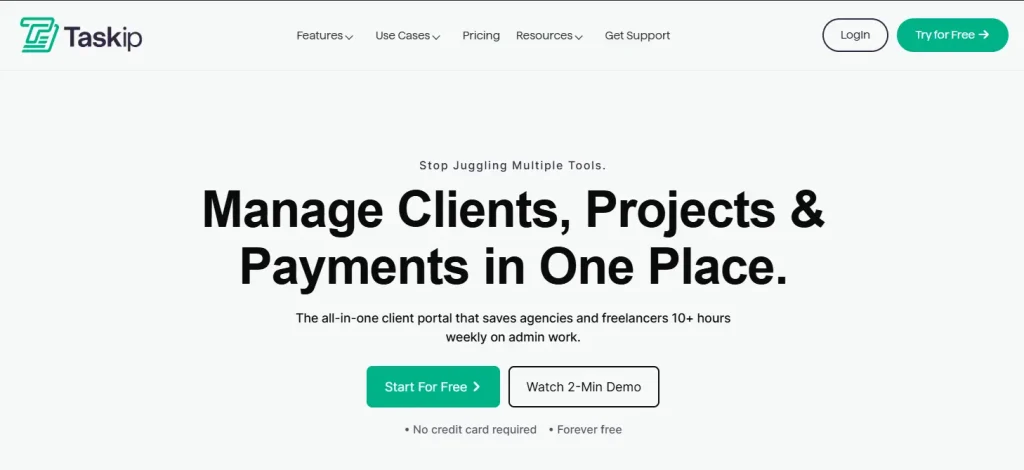
Taskip is an all-in-one client and project management platform built for freelancers, agencies, and consultants. While Kitchen.co gives you a client portal and invoicing, Taskip gives you that same branded client portal plus a full CRM, project management with Kanban and milestone tracking, proposals with e-signatures, time tracking, workflow automation, and invoicing, all connected in one dashboard.
The key difference is architectural. In Kitchen.co, your portal, your billing, and your project work are separate features that don’t talk to each other. In Taskip, everything flows: a lead enters your CRM, becomes a proposal, converts to a project on signing, tracks time against tasks, and generates an invoice, all without leaving the platform or re-entering data.
Before Taskip (Kitchen.co + side tools)
Lead → HubSpot → Proposal in PandaDoc → Project in Asana → Time in Toggl → Invoice in Kitchen.co = 5 tools · 5 logins · ~$299/month
After Taskip
Lead → CRM → Proposal with e-sign → Project auto-created → Time tracked → Invoice through branded portal = 1 tool · 1 login · $39/month
Cost Comparison (5-person team)
| 5-Person Team Cost | Current Tool Stack | Taskip |
|---|---|---|
| Kitchen.co (White Label) | $145 | Included |
| Pipedrive CRM | $50 | Included |
| PandaDoc (Proposals) | $49 | Included |
| Harvest (Time Tracking) | $55 | Included |
| Total Monthly Cost | $299/mo | $39/mo |
| Monthly Savings | — | $260/mo (87% less) |
Key Features
- Branded client portal: clients see your logo, your domain, never “Taskip”
- Full CRM with leads, pipeline stages, and deal tracking
- Project management with tasks, milestones, and priorities
- Proposals and quotations with e-signature support
- Time tracking linked directly to invoicing
- Invoice generation: one-time, recurring, and retainer billing
- Workflow automation: auto-assign tasks, trigger reminders, move projects forward
- WhatsApp inbox, email, and discussion threads built in
- Forms for client onboarding and intake
- Meeting scheduler with calendar sync
- Support ticket management
Pricing
| Plan | Price | Users | Key Inclusions |
| Starter | Free | 1 | Portal, invoicing, proposals, forms |
| Professional | $19/mo | 5 | Automation, branding, support tickets |
| Team | $39/mo | 25 | Shared inbox, unlimited contacts, collaboration |
| Powerhouse | $59/mo | Unlimited | White-label, unlimited workflows, premium support |
Pros
- Free plan includes client portal + proposals + invoicing, which is more than Kitchen.co’s free tier
- Covers the full client lifecycle without needing any other tool
- Automation-first design saves hours per week
- Affordable compared to stacking multiple tools
Cons
- Integration library still growing compared to established enterprise tools
- Mobile app adding features progressively
What G2 Users Say
Best For
Agencies and freelancers who want to stop paying for 4–5 separate tools and manage everything from one place: CRM, projects, billing, and client portal.
Try Taskip Free – No Credit Card Required | See Pricing
2. Copilot: Best Modern Client Portal Experience
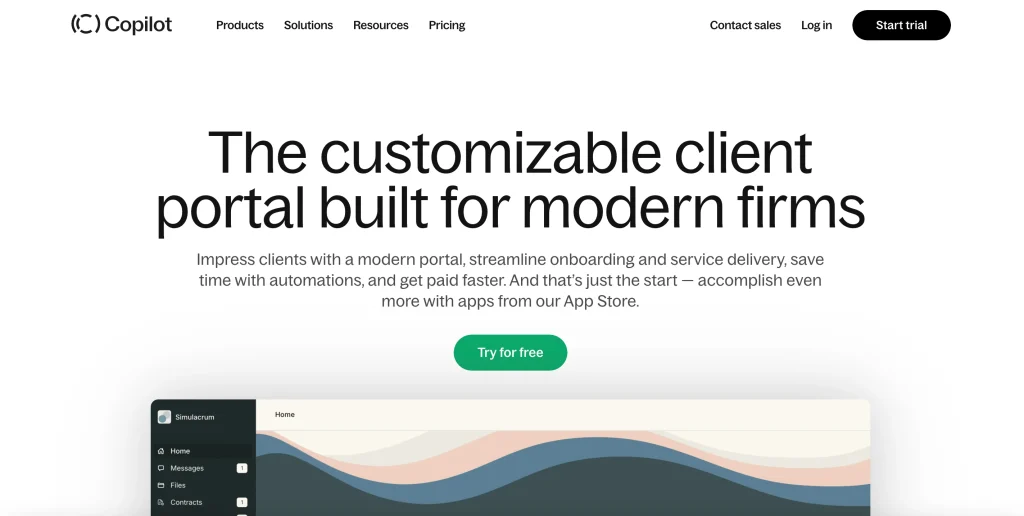
Copilot is the closest direct competitor to Kitchen.co in terms of what it does: a polished, modern client portal where clients access messages, files, invoices, contracts, and forms in one branded space. Where Copilot pulls ahead is UX: the interface is genuinely beautiful, and clients enjoy using it, which matters when portal adoption is your goal.
Copilot’s app marketplace lets you extend functionality with integrations, and the built-in helpdesk and knowledge base make self-service client support possible. What it doesn’t have is project management, CRM, time tracking, or proposals, so it’s a portal tool, not a business OS.
Key Features
- Premium branded client portal with custom domains and white-label
- Built-in messaging, billing, file sharing, contracts, and forms
- App marketplace for third-party extensions
- Client onboarding flows with intake forms and welcome sequences
- Helpdesk and knowledge base for client self-service
- Clean, fast interface clients find easy to use from day one
Pricing
| Plan | Price | Users | Key Inclusions |
| Starter | $39/mo | 1 | Core portal, messaging, billing |
| Professional | $89/mo | 3 | Extended limits, additional users at $39/user |
| Advanced | $149/mo | 5 | Higher limits, additional users at $59/user |
Pros
- Best-in-class client portal UX, clients love it
- App marketplace gives it flexibility
- Fast to set up and onboard clients
Cons
- No project management or CRM, separate tools needed for both
- Expensive at scale with per-user pricing
- Supports Stripe only for payments (Kitchen.co supports 5 gateways)
What G2 Users Say
Best For
Agencies where client experience and portal aesthetics are the top priority and project management is handled in a separate tool.
3. Moxie: Best for Freelancers Who Need CRM + Portal
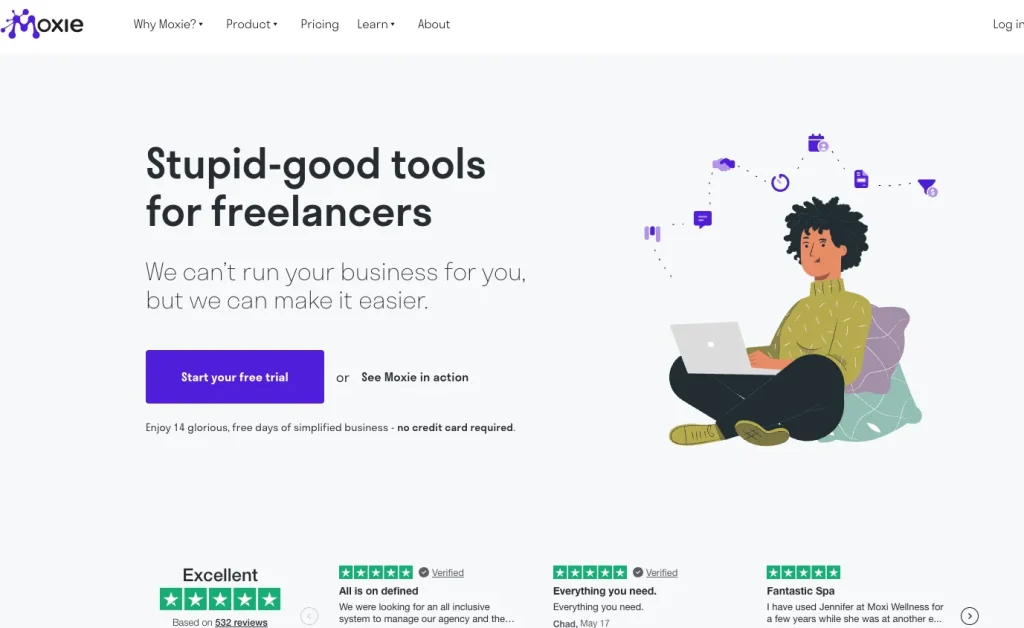
Moxie (formerly Hectic) is designed specifically for freelancers who want CRM, proposals, invoicing, project management, time tracking, and a client portal in one tool without enterprise complexity. It’s the most affordable true all-in-one on this list at $10/month. If you’re a solo freelancer who needs more than a portal but doesn’t need a full agency OS, Moxie is the sweet spot.
We compared Moxie and Taskip in detail. See our Taskip vs Moxie comparison if you want a side-by-side breakdown. Also check Moxie pricing breakdown and Moxie alternatives if you’re evaluating options.
Key Features
- CRM with pipeline management and lead tracking
- Proposals and contracts with e-signatures
- Project management with Kanban boards and milestones
- Time tracking with billable rates and project budgets
- Invoicing with online payments and automated reminders
- Client portal for document access and project visibility
Pricing
| Plan | Price | Key Inclusions |
| Starter | $10/mo (annual) | Core CRM, proposals, invoicing, portal |
| Pro | $20/mo (annual) | Advanced automation, priority support |
| Teams | $32/mo (annual, 3 seats) | Team collaboration features |
Pros
- Most affordable true all-in-one for freelancers
- Connected workflow: lead → proposal → project → invoice
- Clean, unintimidating UI for solo operators
Cons
- Designed for freelancers, not built for agencies with 5+ team members
- Reporting and analytics are basic compared to full agency platforms
- Teams plan gets expensive relative to Taskip as you grow
What G2 Users Say
Best For
Solo freelancers who outgrew Kitchen.co and need CRM + proposals without paying for an agency-level platform.
4. Dubsado: Best for Automated Client Onboarding
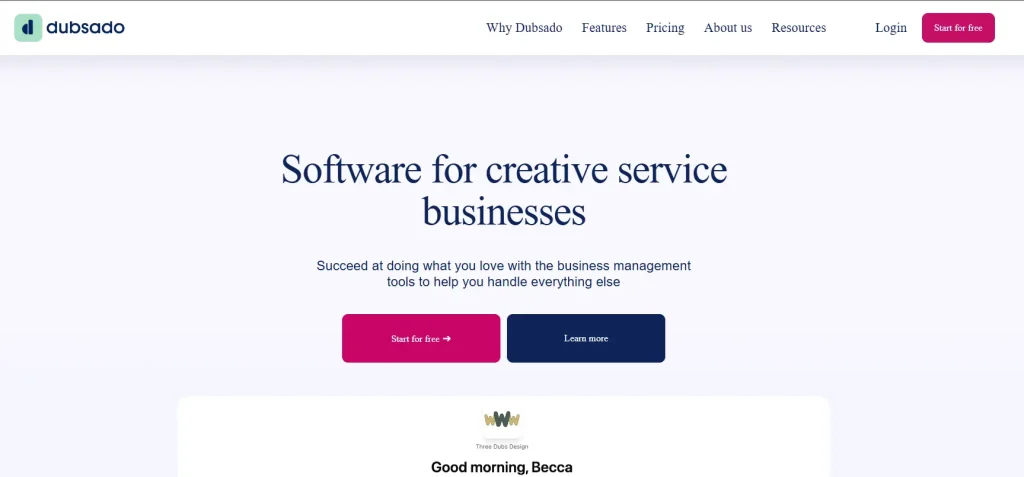
Dubsado is a client management platform that excels at automating the pre-project workflow. Its workflow automation engine supports branching logic, so you can build sequences like: send proposal → wait for signature → create invoice → schedule kickoff call → send welcome packet, all triggered automatically without human input.
Where Kitchen.co has zero automation, Dubsado builds it into its core. The tradeoff is that once a client is onboarded and the contract is signed, you need a separate tool for ongoing project management and delivery. Dubsado doesn’t have task management depth.
Key Features
- Customizable proposals, contracts, and forms with full brand matching
- Workflow automation with branching logic and conditional triggers
- Client portals for document access, payment, and scheduling
- Invoicing with payment plans and automated follow-up reminders
- Scheduler with availability settings and calendar sync
- Lead capture forms that trigger full automated sequences
Pricing
| Plan | Price | Key Inclusions |
| Starter | $35/mo | All core features, 3 active projects |
| Premier | $55/mo | Unlimited projects, full automation |
Pros
- Best automation engine for client onboarding in this category
- Workflow branching logic handles complex multi-step sequences
- Polished branded documents that look premium to clients
Cons
- No real project management; you still need a separate PM tool post-onboarding
- Learning curve to build complex workflows upfront
- No time tracking
What G2 Users Say
Best For
Service businesses with repetitive client onboarding sequences they want to fully automate: photographers, coaches, consultants, event planners.
5. SuiteDash: Best for Deep White-Label Customization
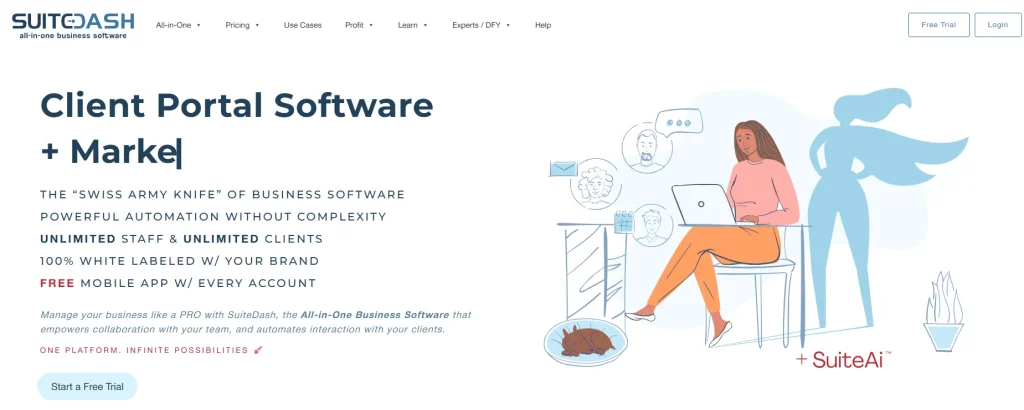
SuiteDash goes further than any other platform on brand customization. You can brand the entire experience: custom domain, custom login page, custom mobile app, custom email templates. Clients never see SuiteDash anywhere. This level of white-labeling, where clients genuinely think they’re inside your own software, is what sets SuiteDash apart.
It also includes CRM, invoicing, project management, file sharing, and client portals with unlimited contacts and staff on every plan, removing the per-seat cost pressure that Kitchen.co’s white-label plan creates at scale. See how it stacks up in our white-label tools for agencies roundup.
Key Features
- Full white-label: custom domains, branded login pages, custom mobile app, unbranded emails
- CRM with unlimited contacts, deal pipelines, and marketing automation
- Project management with tasks, milestones, and client collaboration
- Invoicing with online payments, subscriptions, and payment plans
- Client portal with file sharing, knowledge base, and help desk
- Drip campaign automation for client onboarding sequences
Pricing
| Plan | Price | Key Inclusions |
| Start | $19/mo | Core features, 1 staff |
| Thrive | $49/mo | More staff, advanced features |
| Pinnacle | $99/mo | Unlimited everything, branded mobile app |
Pros
- Deepest white-label in this category with a truly branded experience
- Unlimited contacts and staff on all plans, no per-seat pricing shock
- Covers CRM, projects, invoicing, and portal in one place
Cons
- Complex setup; multiple users report configuration taking weeks
- Interface feels dated compared to modern SaaS platforms
- Recurring bug reports and slow page loads in larger workspaces
What G2 Users Say
Best For
Agencies where complete brand immersion is non-negotiable and clients should never know what software you’re using.
6. Plutio: Best for Solopreneurs
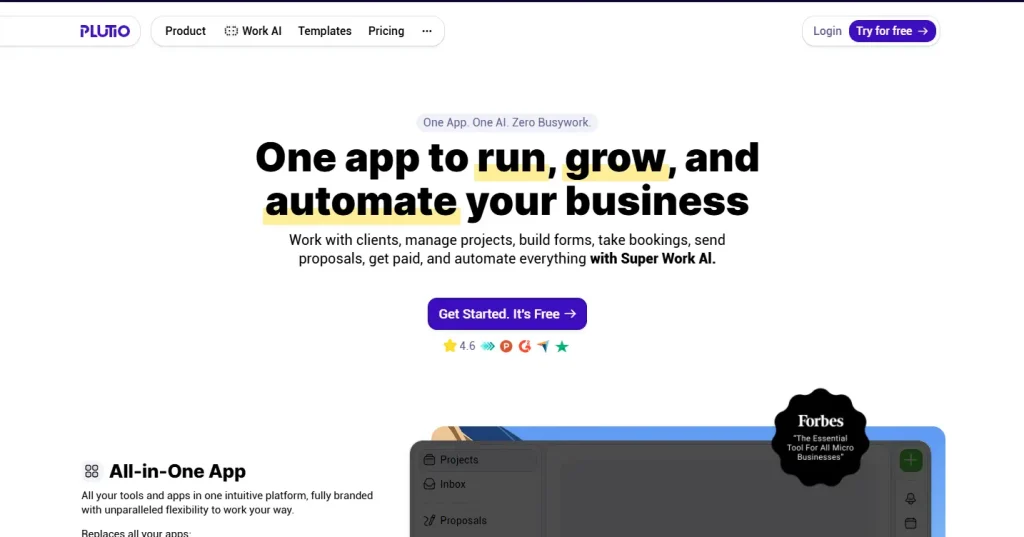
Plutio is built for solopreneurs and small studios who want proposals, contracts, project management, invoicing, and a client portal without enterprise complexity. Its standout feature is document-to-project automation: when a client signs a proposal or contract, Plutio can automatically create a project with tasks, cutting out the manual setup entirely.
We did a detailed Taskip vs Plutio comparison if you’re evaluating both. The short version: Plutio wins for solopreneurs who want a tight proposal-to-project flow; Taskip wins for teams who need CRM depth and automation on top of that.
Key Features
- Proposals and contracts that auto-convert to projects on client signature
- Time tracking with billable rates and project budget tracking
- Client portal with project progress views and file sharing
- Task management with boards, lists, and calendar views
- Invoicing with online payments and automated payment reminders
- Custom fields and reusable workflow templates
Pricing
| Plan | Price | Key Inclusions |
| Solo | $19/mo | All core features, 1 user |
| Studio | $39/mo | Team collaboration, up to 3 users |
| Agency | $99/mo | Unlimited users, priority support |
Pros
- Proposal → contract → project automation is seamless
- Clean, easy UI, not overwhelming for solo operators
- Time tracking linked to invoicing out of the box
Cons
- Team features limited on Solo plan
- Smaller integration ecosystem than established competitors
- Less brand customization than Kitchen.co or SuiteDash
What G2 Users Say
Best For
Freelancers and solo consultants who close clients with proposals and want the project to start automatically the moment a contract is signed.
7. HoneyBook: Best for Creative Freelancers

HoneyBook is a client management platform popular with photographers, designers, event planners, and creative freelancers. Its signature feature is the smart file builder, which combines proposals, contracts, and invoices into a single interactive document where clients review the proposal, sign the contract, and make a deposit in one flow. No back-and-forth, no multiple documents to track.
If client booking experience is your primary differentiator, HoneyBook makes that process feel premium. Compare it directly with Bonsai in our Bonsai vs HoneyBook breakdown to see which fits your workflow.
Key Features
- Smart file builder: proposal + contract + invoice in one interactive document
- Online payment processing with automatic payment schedule management
- Automated workflow templates for client onboarding and follow-ups
- Meeting scheduler with calendar sync and availability settings
- Pipeline view for tracking leads, bookings, and active projects
- AI-assisted composition tools for client communications
Pricing
| Plan | Price | Key Inclusions |
| Starter | $24/mo (annual) | Core features, unlimited clients |
| Essentials | $49/mo (annual) | Advanced automations, priority support |
| Premium | $109/mo (annual) | Unlimited team members, all features |
Pros
- Smart files combine proposal, contract, and invoice in one document
- Loved by creative freelancers for its polished booking experience
- Strong pipeline view for tracking client status
Cons
- No project management; a separate tool is needed once the client books
- Designed for solopreneurs, not growing agency teams
- Pricing has increased significantly; Premium is now $109/month
What G2 Users Say
Best For
Creative freelancers (photographers, designers, event planners) who prioritize a seamless client booking experience over project management depth.
8. AgencyHandy: Best Budget White-Label Portal
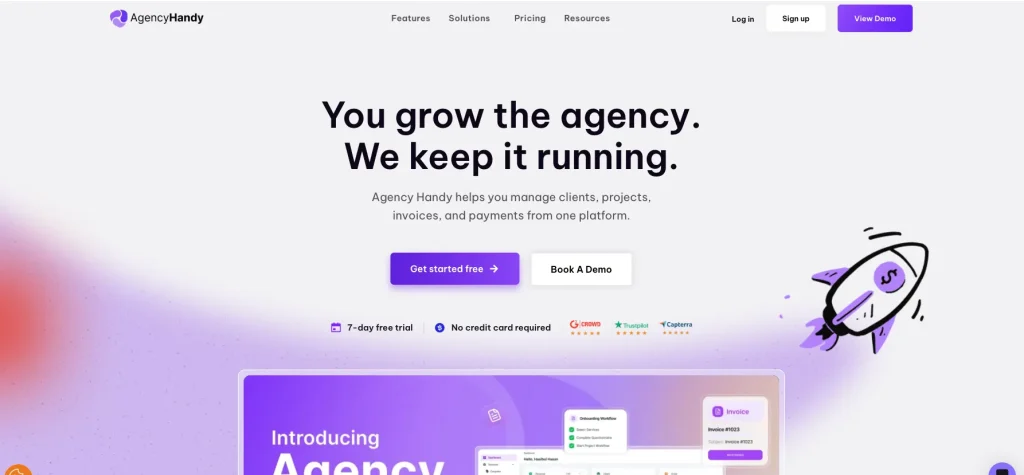
AgencyHandy is a newer platform targeting agencies that want a white-labeled client portal with invoicing, subscriptions, CRM, proposals, and task management at a lower price point than Kitchen.co’s per-user white-label plan. It covers the basics Kitchen.co offers and adds proposals and CRM, making it a more complete replacement.
We also cover it in our Agency Handy alternatives article if you want to compare it against other budget options. The caveat: AgencyHandy is still maturing and users report bugs and limited customization compared to more established platforms.
Key Features
- White-labeled client portal with custom domains and branding
- Invoicing with subscriptions and recurring billing
- CRM with contact management and basic deal tracking
- Proposal creation with annotations and file feedback
- Task management with boards and lists
- Order and service catalog management
Pricing
| Plan | Price | Key Inclusions |
| Freelancer | $19/mo | Core portal, invoicing, basic CRM |
| Team Starter | $69/mo | Team features, more clients |
| Business Pro | $139/mo | Full white-label, unlimited clients |
Pros
- More affordable than Kitchen.co white-label for growing teams
- Includes proposals and basic CRM Kitchen.co lacks
- White-label available from the lowest paid plan
Cons
- Still maturing, with bug reports and performance issues from users
- Weaker automation than established competitors
- Smaller community and fewer integrations
What G2 Users Say
Best For
Budget-conscious agencies who need white-label branding and basic proposals without paying $29/user/month on Kitchen.co.
9. Flowlu: Best Free All-in-One Alternative
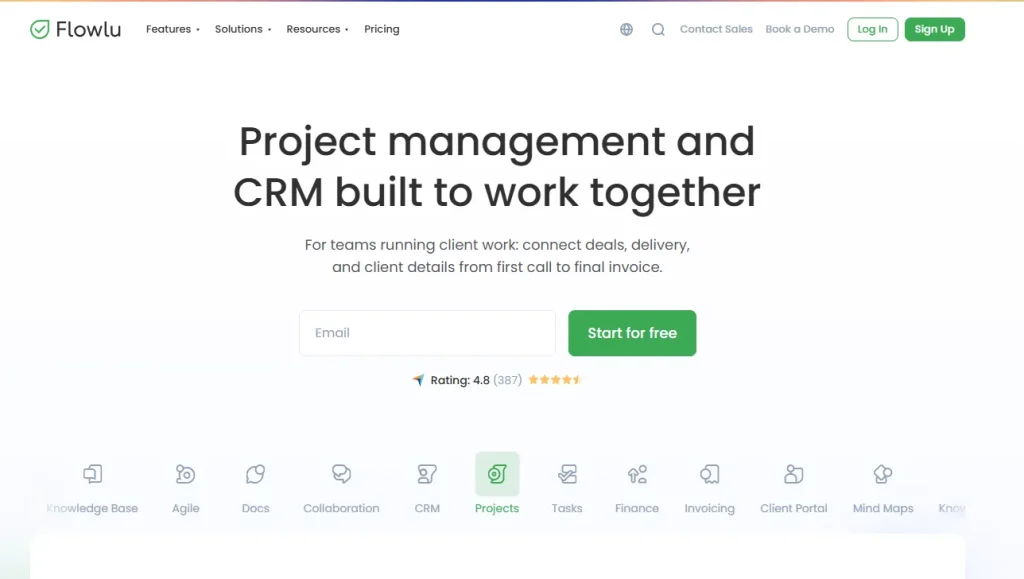
Flowlu is an all-in-one business management platform that packs CRM, project management, invoicing, a knowledge base, mind maps, and a client portal into plans starting free for 2 users. Its team-based pricing, rather than per-user billing, makes it unusually cost-effective for growing agencies. Eight users on the Team plan cost $29/month total, not $29 per person.
Flowlu’s free plan is broader than Kitchen.co’s: it includes CRM and project management alongside the portal, areas where Kitchen.co’s free tier has nothing. The tradeoff is a less polished client-facing experience.
Key Features
- CRM with deal pipelines, contact management, and sales automation
- Project management with Kanban boards and Gantt chart views
- Invoicing with estimates, online payments, and recurring billing
- Client portal for project visibility, document sharing, and payments
- Knowledge base and mind maps for internal documentation
- Financial reporting with revenue and expense tracking
Pricing
| Plan | Price | Users | Key Inclusions |
| Free | $0 | 2 | CRM, projects, invoicing, portal |
| Team | $29/mo | 8 | Unlimited storage, advanced features |
| Business | $59/mo | 16 | Full automation, reporting |
| Professional | $119/mo | 25 | Advanced analytics, priority support |
Pros
- Free plan includes CRM, Gantt, and invoicing, far more than Kitchen.co free tier
- Team-based pricing makes it cost-effective at scale
- Mind maps and knowledge base are unique additions
Cons
- Client portal is less polished than Kitchen.co or Copilot
- Integrations are limited compared to major platforms
- UI functional but not as modern as newer competitors
What G2 Users Say
Best For
Small agencies and freelancers who need a free CRM + portal + invoicing combination with room to grow without per-seat pricing pressure.
10. Zendo: Best for Simple Service Delivery + Portal
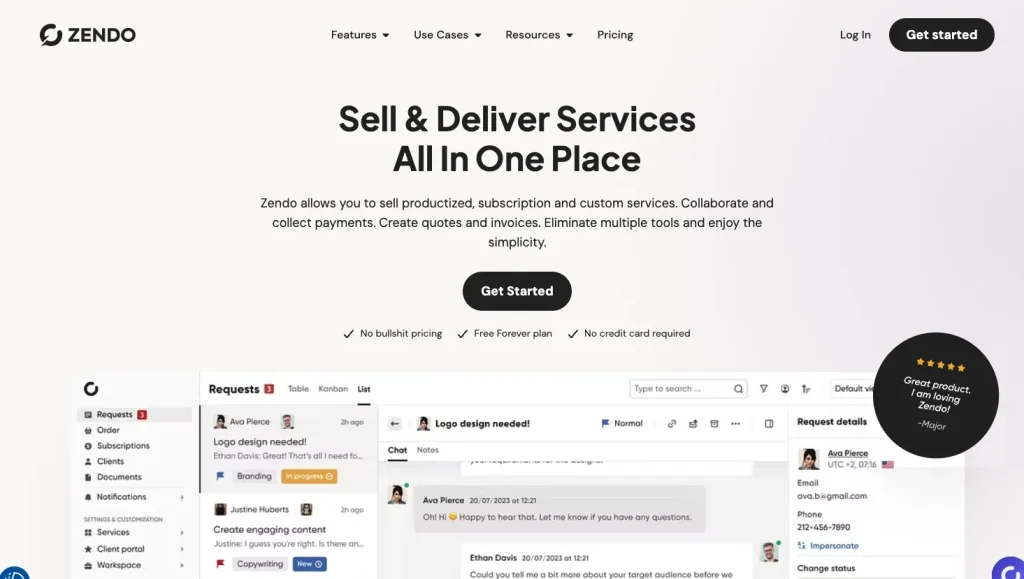
Zendo is a lightweight client management tool built specifically for service businesses that sell subscriptions or one-off services through a branded portal. Clients submit service requests, track progress, and pay through one shared workspace, similar to Kitchen.co’s core concept, but with built-in service catalog and subscription billing.
You can compare it directly with Taskip in our Taskip vs Zendo comparison.
Key Features
- Branded client portal with custom domain
- Service catalog: list your services, clients place orders directly
- Subscription and one-time billing with Stripe integration
- Internal chat and client messaging in one thread
- Request-based workflow: clients submit, you deliver, repeat
- File sharing and deliverable review
Pricing
| Plan | Price | Key Inclusions |
| Free | $0 | 1 user, unlimited clients, basic portal |
| Growth | $19/mo | Custom domain, more users |
| Business | $49/mo | Full white-label, automation |
Pros
- Free plan with unlimited clients, comparable to Kitchen.co free tier
- Service catalog makes selling productized services frictionless
- Simple, focused interface with a low learning curve
Cons
- Very limited CRM with no real pipeline management
- No proposals or contracts
- Not suited for complex multi-phase project delivery
What G2 Users Say
Best For
Agencies selling productized services or subscriptions who want a clean client ordering and delivery portal without operational complexity.
11. ManyRequests: Best for Agency Subscription Services
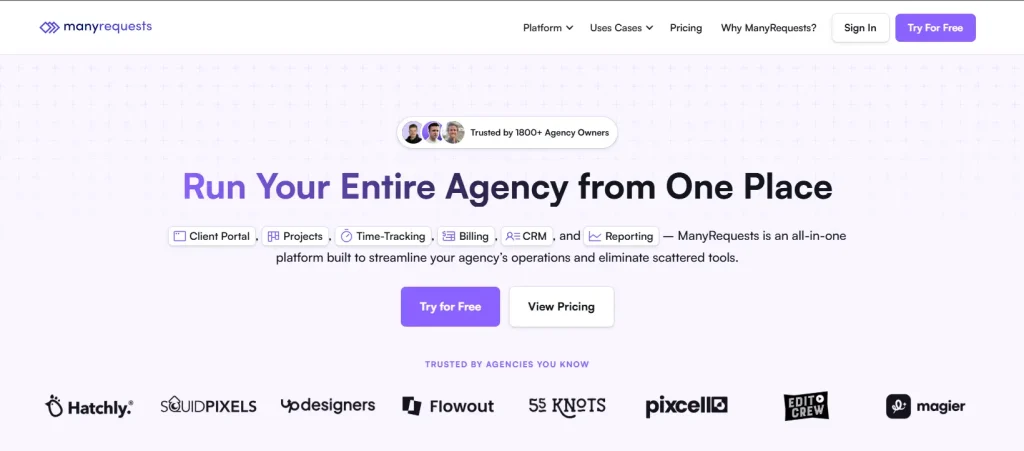
ManyRequests is purpose-built for agencies that sell subscription-based services like design subscriptions, content writing retainers, dev on-demand. Clients submit requests through a branded portal, the team works through a queue, and billing happens automatically each month. It’s a niche tool, but for the right agency model it’s extremely well-suited.
See how it compares to Taskip in our Taskip vs ManyRequests comparison.
Key Features
- White-labeled client portal with custom domain
- Subscription-first billing: clients pay monthly for a set request volume
- Request queue management: intake, prioritize, deliver, repeat
- Proposals and service packages
- Basic CRM with client history and communication
- Design annotation for visual feedback on deliverables
Pricing
| Plan | Price | Key Inclusions |
| Starter | $99/mo | Up to 10 active clients |
| Standard | $149/mo | Up to 20 active clients |
| Pro | $249/mo | Unlimited clients |
Pros
- Built exactly for subscription agency models with no workarounds needed
- Polished white-label portal clients find professional
- Request queue system keeps delivery organized
Cons
- Expensive compared to more full-featured alternatives
- Not suitable for project-based (non-subscription) agencies
- Limited CRM and no Gantt-level project management
What G2 Users Say
Best For
Design, content, or development agencies running a subscription service model where clients buy a monthly request allowance.
12. Bonsai: Best for Freelance Contracts and Invoicing
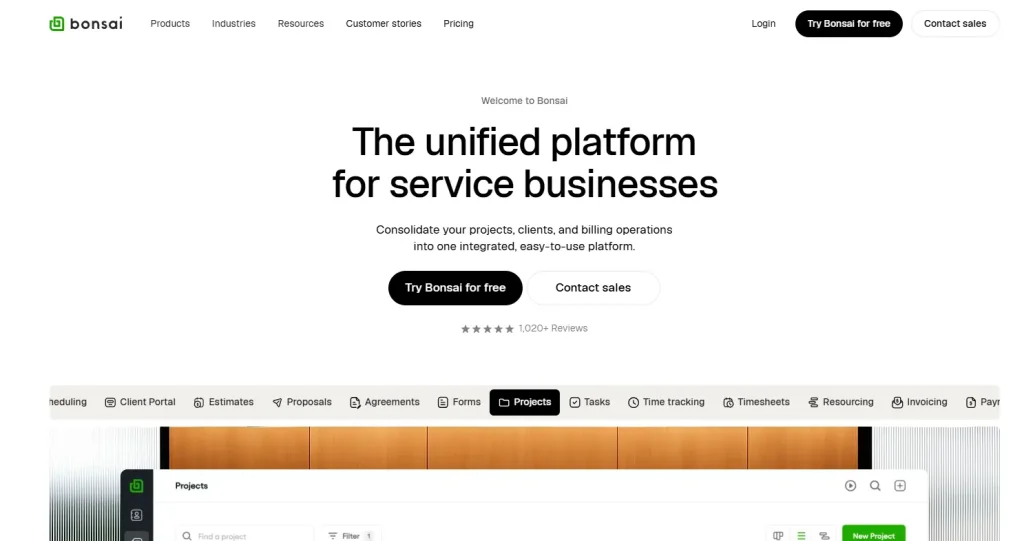
Bonsai (formerly Hello Bonsai) is a freelancer-focused platform covering contracts, proposals, invoicing, time tracking, and a basic client portal. It’s well-regarded among freelancers for its contract templates and legally-reviewed document library, useful if you work in industries where contract quality matters (design, development, consulting).
Compare it with its main competitor in our Bonsai vs HoneyBook article, and see how it stacks up against Taskip in our Taskip vs Hello Bonsai comparison.
Key Features
- Contract templates with e-signature collection
- Proposal builder with pricing tables and service options
- Time tracking with billable rates and project budgets
- Invoicing with automatic payment schedules and reminders
- Client portal for document access and project visibility
- Expense tracking and basic financial reporting
Pricing
| Plan | Price | Key Inclusions |
| Starter | $17/mo (annual) | Contracts, invoicing, proposals, basic time tracking |
| Professional | $32/mo (annual) | Subcontractors, advanced automation |
| Business | $52/mo (annual) | Multiple team members, advanced reports |
Pros
- Contract templates are legally sound and comprehensive
- Affordable starting price for freelancers
- Clean UX that new users pick up quickly
Cons
- Client portal is basic compared to Kitchen.co or Copilot
- Project management is minimal with no Gantt or milestone tracking
- Not designed for agency-level team collaboration
What G2 Users Say
Best For
Freelancers who want professional contracts and invoicing first, with a client portal as a secondary feature.
13. 17hats: Best for Solo Small Business Owners

17hats is a client management platform for small business owners and solo operators across a wide range of service industries such as photography, house cleaning, tutors, coaches, consultants. It combines CRM, proposals, contracts, invoicing, scheduling, and a basic client portal into one affordable package.
See how it compares in our 17hats alternatives article if you’re evaluating other options in this space.
Key Features
- CRM with lead capture forms and pipeline management
- Proposal and contract builder with e-signature
- Invoice and payment collection with Stripe and Square
- Questionnaires and intake forms for client onboarding
- Appointment booking and scheduling
- Basic client portal for document access
Pricing
| Plan | Price | Key Inclusions |
| Essentials | $19/mo | Core CRM, proposals, invoicing |
| Standard | $32/mo | Automation, templates, booking |
| Premier | $50/mo | All features, priority support |
Pros
- Very broad feature set for the price
- Designed for non-technical solo business owners and easy to learn
- Scheduling integration makes it useful for service businesses with appointments
Cons
- Interface feels less modern compared to Copilot or Taskip
- Not built for agency teams, better suited to solo operators
- Client portal is functional but basic
What G2 Users Say
Best For
Solo service business owners who need CRM + proposals + scheduling + invoicing in one affordable package, without needing team collaboration features.
14. Teamwork: Best for Agency Project Management Depth
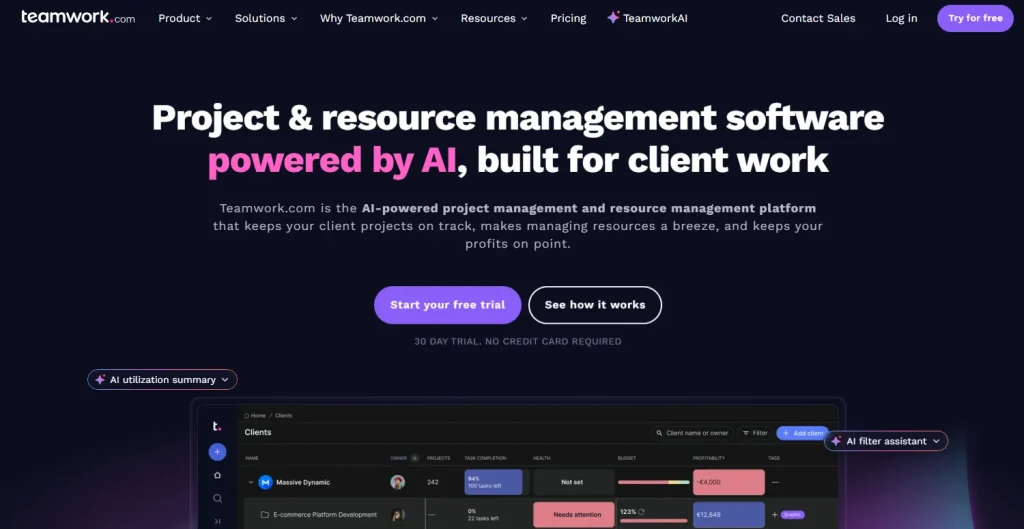
Teamwork is a project management platform built specifically for agencies and client-services teams. Where Kitchen.co offers basic Kanban boards, Teamwork provides full project management: Gantt charts, task dependencies, milestones, workload management, budget tracking, and time logging. Client permissions let you give clients visibility into specific projects without exposing internal operations.
If the biggest thing missing from Kitchen.co for you is proper project management (not CRM or proposals), Teamwork fills that gap better than anything else on this list.
Key Features
- Gantt charts with task dependencies, milestones, and critical path tracking
- Time tracking with billable and non-billable hours
- Budget tracking and profitability reporting per project and client
- Client permissions for controlled project visibility
- Resource workload management and team utilization views
- Templates for repeatable project workflows
Pricing
| Plan | Price | Users | Key Inclusions |
| Free | $0 | Up to 5 | Basic PM features |
| Deliver | $13.99/user/mo | Unlimited | Gantt, time tracking, client access |
| Grow | $25.99/user/mo | Unlimited | Budgets, profitability, workload |
Pros
- Best-in-class project management depth for agencies
- Free plan available for small teams
- Client-facing features included without a separate portal tool
Cons
- No proposals, contracts, or e-signatures
- No CRM; sales pipeline requires a separate tool
- Invoicing only available as an add-on, not a core feature
What G2 Users Say
Best For
Agencies managing complex, multi-phase projects with multiple deliverables, deadlines, and dependencies, where Gantt visibility and resource planning are the priority.
How We Evaluated These Tools
We didn’t just list everything with “client portal” in the description. Every tool here was assessed against six criteria, the same six things Kitchen.co users most commonly cite when looking for an alternative.
| Criteria | What We Looked At |
| Client Portal Quality | Branded experience, custom domain support, ease of client adoption |
| CRM & Lead Management | Contact database, pipeline views, deal tracking, lead capture |
| Invoicing & Billing | One-time, recurring, payment gateway options, automation |
| Project Management | Views available (Kanban, Gantt, calendar), dependencies, milestones |
| Proposals & Contracts | E-signature support, template builder, conversion flow |
| Pricing & Value | Free plan generosity, per-seat vs flat pricing, total cost of ownership |
We cross-referenced feature pages, verified G2 and Capterra reviews, and confirmed pricing directly from each tool’s pricing page as of July 2026. Tools that appeared on review aggregators as “Kitchen.co alternatives” but had no client portal or billing capabilities (ClickUp, Monday.com, Asana, Notion) were excluded. They are not true alternatives to a client portal tool.
Not Sure Which Kitchen.co Alternative to Pick? Use This
Match your biggest gap with the right tool. No need to read all 14 reviews.
| If your main need is… | Best pick | Price from |
| Everything in one: portal + CRM + invoices + proposals | Taskip | Free |
| The cleanest portal UI your clients will love | Copilot | $39/mo |
| CRM + invoicing as a freelancer, most affordable | Moxie | $10/mo |
| Fully automated client onboarding sequences | Dubsado | $35/mo |
| Maximum white-label (custom domain + branded app) | SuiteDash | $19/mo |
| Proposal signs → project auto-created instantly | Plutio | $19/mo |
| Proposal + contract + invoice in one smart document | HoneyBook | $24/mo |
| White-label portal on a tight budget | AgencyHandy | $19/mo |
| Free CRM + invoicing + portal | Flowlu | Free |
| Productized/subscription service delivery | ManyRequests | $99/mo |
| Deep agency project management with Gantt | Teamwork | Free |
Why Taskip Is the #1 Kitchen.co Alternative
It Replaces Kitchen.co and Every Tool You Stack on Top
Kitchen.co is a portal. To run a real freelance or agency business on it, you need CRM software for lead management, proposal software for closing deals, time tracking for billing hours, and project management for delivery. Taskip replaces all four. That is not a feature comparison. It is a different category of software.
The Full Client Lifecycle: Lead to Payment in One Place
Here’s what the workflow looks like in Taskip:
- Lead comes in → captured in the CRM with pipeline tracking
- Deal progresses → proposal sent with e-signature via branded document
- Client signs → project created automatically with pre-set tasks
- Team works → time tracked per task, progress visible in client portal
- Project nears completion → invoice generated from tracked hours
- Client pays → through the branded portal they already use for updates
- Workflow automation handles reminders, follow-ups, and status changes throughout
No re-entering data. No switching apps. No reconciling information across five different tools.
Built for the Same People Who Use Kitchen.co
Taskip isn’t enterprise software retrofitted for agencies. It was built specifically for freelancers, consultants, and digital agencies, the exact audience Kitchen.co serves. The client portal is client-first: simple enough that clients use it without training, professional enough to reflect well on your business. Clients never see “Taskip”. They see your brand.
It also supports teams as you grow, with shared email inboxes, WhatsApp integration, team collaboration, and support ticket management built in.
Pricing That Makes the Switch a No-Brainer
| What you currently pay (5-person team) | Monthly |
| Kitchen.co white-label | $145 |
| + Pipedrive CRM | $50 |
| + PandaDoc proposals | $49 |
| + Harvest time tracking | $55 |
| Total | $299/mo |
| Taskip Team plan | $39/mo |
The free plan includes a branded client portal, invoicing, proposals, and forms, which is more than Kitchen.co offers at the same price. No credit card required, no time limit.
Start Taskip Free → | View All Plans | Book a Demo
When Kitchen.co Is Still the Right Choice
Not every team needs to switch. Kitchen.co remains a solid choice in specific situations:
- You only need a portal and invoicing. Nothing more needed. If your operations run on other tools and you just need a clean client-facing window, Kitchen.co does that well.
- You want to eliminate recurring costs. Kitchen.co’s lifetime deal at $299 for 5 users is genuinely rare in SaaS. No competitor offers a comparable one-time deal. If portal-only functionality is enough, this is a defensible long-term choice.
- Your team is 1–2 people with fewer than 10 clients. The free plan covers this completely.
- Visual file feedback is your primary collaboration need. Annotated comments directly on images, PDFs, and videos are handled cleanly by Kitchen.co.
“The moment you need CRM, proposals, or time tracking alongside your portal, Kitchen.co won’t scale with you, and the cost of the tools you stack on top will quickly exceed what an all-in-one costs.”
Conclusion on Kitchen.co Alternatives
Kitchen.co is a good starting point: clean, affordable, and easy for clients to use. But most agencies and freelancers eventually need the CRM, proposals, and time tracking it doesn’t offer. The 14 tools above are all true alternatives: every one has a proper client portal, and most cover the gaps Kitchen.co leaves.
If you want the most complete replacement that handles the full client lifecycle from lead to payment without stacking four extra tools: Taskip is the answer. It covers everything Kitchen.co does and everything it doesn’t, at a fraction of the cost of a tool stack. And it’s free to start.
Try Taskip Free – No Credit Card Required →
Frequently Asked Questions
What is the best free Kitchen.co alternative?
Taskip and Flowlu both offer free plans with significantly more features than Kitchen.co’s free tier. Taskip’s free plan includes a branded client portal, invoicing, proposals, and forms, with no credit card or time limit. Flowlu’s free plan adds CRM and Gantt-style project management for up to 2 users. Both are stronger starting points than Kitchen.co’s free plan.
Does Kitchen.co have a CRM?
No. Kitchen.co has no CRM, contact database, deal pipeline, or lead tracking. It is a client portal tool, not a business management platform. If you need a branded portal plus a full CRM in one place, Taskip is the top pick, including contact management, deal tracking, and pipeline views alongside the client portal.
What is the best Kitchen.co alternative for freelancers?
Moxie ($10/mo) is the most affordable option with CRM, proposals, time tracking, and a client portal in one tool. Plutio ($19/mo) is ideal if you want proposals to automatically convert into projects when a client signs. Taskip covers both use cases and adds workflow automation and team features on top, useful as your client base grows.
Can I white-label a Kitchen.co alternative?
Yes. Taskip, SuiteDash, Copilot, and AgencyHandy all support white-label client portals with custom domains. SuiteDash has the deepest customization, including a branded mobile app and custom login pages. Taskip offers white-labeling from its Professional plan ($19/month), removing Taskip branding and allowing your custom domain. See our full white-label tools for agencies guide for more options.
Is Kitchen.co good for agencies?
Kitchen.co works well for small agencies that only need a client portal with invoicing and file feedback. It breaks down for agencies that also manage leads, send proposals, track time, or run multi-phase projects, because it has none of those features built in. Agencies that outgrow those limits typically switch to Taskip or SuiteDash to avoid managing 4–5 disconnected tools.
How much does Kitchen.co cost?
Kitchen.co offers a free plan (2 internal users, unlimited clients, 2GB storage). White-label costs $29/user/month, adding a custom domain, your logo, and unbranded email notifications. Lifetime deals are available at $299 for 5 users and $599 for unlimited users , both including all current and future features with no recurring payment required.