Development Funnel Creation & Automation Scope of Work Template
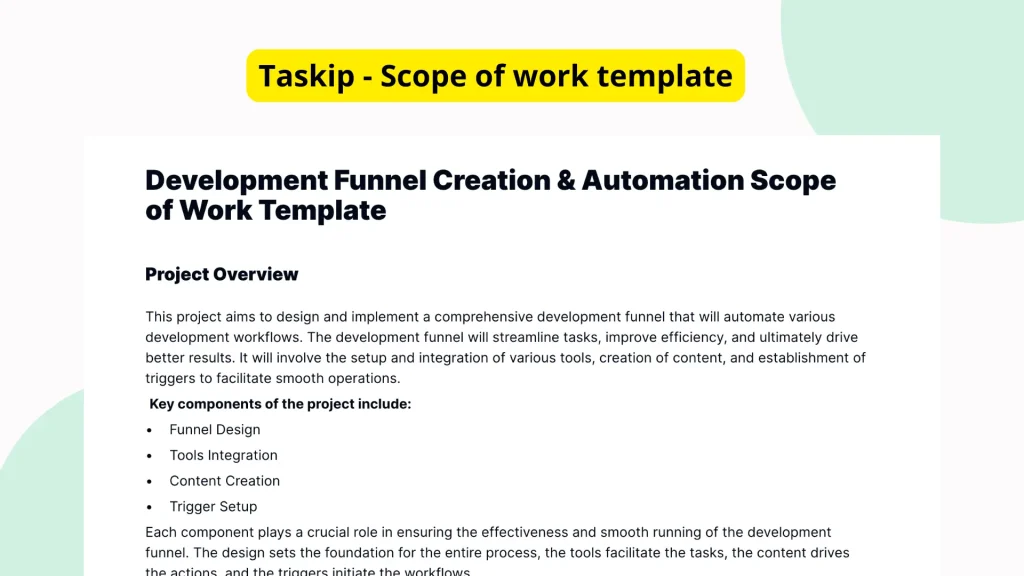
Creating and automating a development funnel requires a structured approach to align teams, timelines, and goals. A well-prepared scope of work document is crucial to communicate expectations clearly. The Development Funnel Creation & Automation Scope of Work Template from Taskip offers a ready-to-use framework to help teams outline, plan, and automate development funnels efficiently. While the template currently includes only section headers and bullets without detailed content, its organized structure makes it easy to customize and expand for practical use.
What is the Development Funnel Creation & Automation Scope of Work Template?
The Development Funnel Creation & Automation Scope of Work Template is a pre-structured document designed to help individuals and teams frame the technical, strategic, and operational requirements involved in managing a development funnel. Fitted with headings and bullet points, the template acts as an outline for defining project goals, timelines, automation steps, and team roles. While it lacks pre-filled content, its skeleton provides a valuable foundation to build your custom scope of work.
Why You Should Use This Development Funnel Creation & Automation Scope of Work Template
This template offers a head start when documenting the scope of complex development and automation projects. Instead of starting from scratch or spending hours on formatting, users can immediately focus on content. More importantly, the template’s structural clarity helps ensure that no crucial steps are missed. With distinct sections already in place, it becomes easier to align teams and stakeholders on deliverables, timelines, and expectations for workflow automation processes.
Who Should Use This Template
The Development Funnel Creation & Automation Scope of Work Template is ideal for:
- Freelance developers working with clients on backend or automation projects.
- Project managers overseeing software development pipelines and process automation initiatives.
- Internal product teams planning development workflows and integrations across tools.
- Consultants who build and scale SaaS infrastructures for clients.
Anyone involved in managing development work that requires detailed planning and process automation will significantly benefit.
What’s Inside the Template
Though the template is not yet populated with specific text, its format includes organized headings and bullet points that guide the creation of a complete scope of work document. Here’s what the layout typically includes:
- Project Overview: A section to introduce the development funnel and its goals.
- Objectives: Space to outline the key outcomes and performance targets.
- Timeline & Milestones: Headers for planning each development phase.
- Automation Steps: Bullet points to detail each automation element within the funnel.
- Team Roles & Responsibilities: Areas to assign specific duties to individuals or departments.
- Technical Requirements: Placeholder headers for necessary tools, platforms, and APIs.
- Review & Approval Process: Built-in placeholders for sign-offs and final checks.
This framework gives users a structured shell they can quickly tailor based on their specific development project.
Real-Life Example of Use Case
Imagine a SaaS startup preparing to scale their platform by integrating a customer onboarding automation system. The CTO needs a clear, structured plan to communicate with their development team and stakeholders. Using this template, the CTO can quickly define the scope of the automation pipeline, break down each phase chronologically, assign roles to devs and QA specialists, and plan integration timelines. Instead of starting from a blank document, the team builds out their workflow within a professionally formatted scope of work template saving hours and increasing alignment.
Benefits of Using This Template with Taskip
Taskip’s platform transforms this basic outline into a powerful productivity asset:
- Quick Editing: Users can instantly update sections inside Taskip’s intuitive editor.
- Easy Sharing: Generate sharable links or export documents to collaborate with clients or teams.
- Digital Signatures: Get approvals faster with built-in eSignature functionality.
- Template Reuse: Save and reuse this document for repeat projects with minimal editing effort.
- Centralized Access: Keep all your development workflows and scopes in one accessible dashboard.
By using the template on Taskip, execution becomes faster, communication becomes clearer, and your automation project progresses with fewer misalignments.
Why This Template Stands Out
Common scope of work documents often lack clarity, leading to miscommunication and project delays. This template eliminates ambiguity with its clean structure. Even though it starts blank, its organized format gives users a comprehensive outline to build from without needing to waste valuable time formatting or researching scope structures. It’s ideal for technical teams who know what they need to outline but don’t want to build documentation from scratch. Plus, Taskip’s digital capabilities make managing and updating the SOW effortless.
How to Use This Template
- Go to the Taskip Templates section
- Click on “Use Template”
- Add or edit the template fields as needed
- Customize and send it to your client or team
Start Your Development Funnel Creation & Automation Scope of Work Template Project the Right Way
Avoid disorganized projects and unclear expectations. With the Development Funnel Creation & Automation Scope of Work Template, you put structure at the core of your workflow. Use Taskip to edit, collaborate, and send professionally formatted SOWs that accelerate project execution, promote alignment, and improve communication across every phase of development.
FAQ
Is the template already filled with example text?
No. The template contains structure and headings, but text fields are intentionally left blank for users to add their own project specifics.
Can I customize every section?
Yes. All headings and bullet points can be edited, expanded, or removed entirely within Taskip’s interface to suit your project scope.
Is the template suitable for non-technical users?
Yes, especially for managers and consultants who need to document automation workflows in a clear, concise format without writing it from scratch.
What happens after I fill it out?
You can share, download, or request approval using Taskip’s built-in tools, making collaboration seamless.
Can I save and reuse the template for future projects?
Absolutely. Once customized, it can be saved as your own template and reused across similar development scopes in the future.