The best digital marketing agency tools fall into eight categories: an all-in-one platform, client and contact management, communication, billing, SEO, paid ads, reporting, and email marketing. Most new agencies start with four to six separate apps across these categories, then either keep adding tools as they grow or consolidate onto a single platform.
This guide compares 21 widely used tools by price, features, and fit, including current pricing pulled directly from each vendor’s site as of July 2026, plus a look at what running them all separately actually costs compared to using one platform.
Table of Contents
Quick Comparison of the Best Digital Marketing Agency Tools
| Tool | Category | Starting Price | Best For | Free Plan? |
| Taskip | All-in-One Platform | Free, then $39/mo | Agencies replacing multiple tools with one system | Yes |
| HoneyBook | $36/mo | Freelancers and very small teams | No | |
| ContactOut | Client and Contact Management | Free, then $99/mo | Prospecting new client contacts | Yes |
| HubSpot CRM | Free, then $20/mo/seat | Agencies wanting a generalist CRM | Yes | |
| Zoho CRM | Free, then about $14/user/mo | Agencies already using other Zoho apps | Yes | |
| Slack | Communication & Collaboration | Free, then $8.75/mo/user | Internal team messaging | Yes |
| Notion | Free, then $10/mo/member | Internal docs and knowledge base | Yes | |
| iLoveNote | Online Notepad & AI Writing | Free, then $12.99/mo | Writing, notes, AI content assistance, and document editing | Yes |
| PrePostSEO | Free, premium from $4.17/mo | Agencies needing plagiarism checks, paraphrasing, SEO analysis, and content tools | Yes | |
| PandaDoc | Proposals, Quotes, Invoicing & Billing | Free, then $19/mo/seat | Standalone proposals and e-signatures | Yes |
| QuickBooks Online | $38/mo | Full bookkeeping and accounting | No | |
| Semrush | SEO & Content Marketing | About $139/mo | Full-service SEO across multiple clients | No |
| Surfer SEO | $49/mo | Content teams optimizing drafts | No | |
| Ahrefs | $29/mo | Backlink-heavy SEO work | No | |
| Google Ads | Paid Ads & PPC Management | No software fee | Running client search and display campaigns | Yes (pay ad spend only) |
| Meta Ads Manager | No software fee | Running client social ad campaigns | Yes (pay ad spend only) | |
| Data Studio | Reporting & Social Media Scheduling | Free | White-labeled client reporting dashboards | Yes |
| PostEverywhere | $8/mo | Agencies scaling client accounts with AI content tools built in | 7-day free trial | |
| Buffer | Free, then $6/mo/channel | Small agencies scheduling client social posts | Yes | |
| Mailchimp | Email Marketing & Automation | Free, then $13/mo | Straightforward client email newsletters | Yes |
| ActiveCampaign | About $15/mo | Multi-step client nurture automation | No |
We chose the categories around the core workflows a digital marketing agency runs day-to-day: managing the agency itself, managing clients, and running client campaigns. Pricing was pulled from each vendor’s official pricing page as of July 2026 rather than carried over from older articles, since SaaS pricing changes often. Taskip publishes this guide and is included as one option among several in its category, not the only one, so you can weigh it against the alternatives on its own merits.
Why Do You Need Digital Marketing Agency Tools?
Digital marketing agency tools are the software agencies use to manage clients, run campaigns, and report results, covering CRM, billing, communication, SEO, paid ads, and email marketing in place of spreadsheets and manual work.
The right tools get you:
- Fewer dropped leads. 44 percent of sales leads never get followed up on without a CRM tracking them
- A more professional client experience, real proposals and invoices instead of Word docs
- Hours saved on manual reporting every month
- Campaigns that scale past what one person can run by hand
- A team that stays coordinated as headcount grows
- Clear, provable ROI for every client
You don’t need all 18 tools in this guide on day one. You need the handful that cover your actual bottlenecks, which is what the rest of this guide helps you find.
Top 21 Digital Marketing Agency Tools
Here’s the full breakdown, organized into the eight categories above. Each tool follows the same structure: what it is, its key features, current pricing, and who it’s actually best for.
All-in-One Platform for Your Digital Marketing Agency
1. Taskip
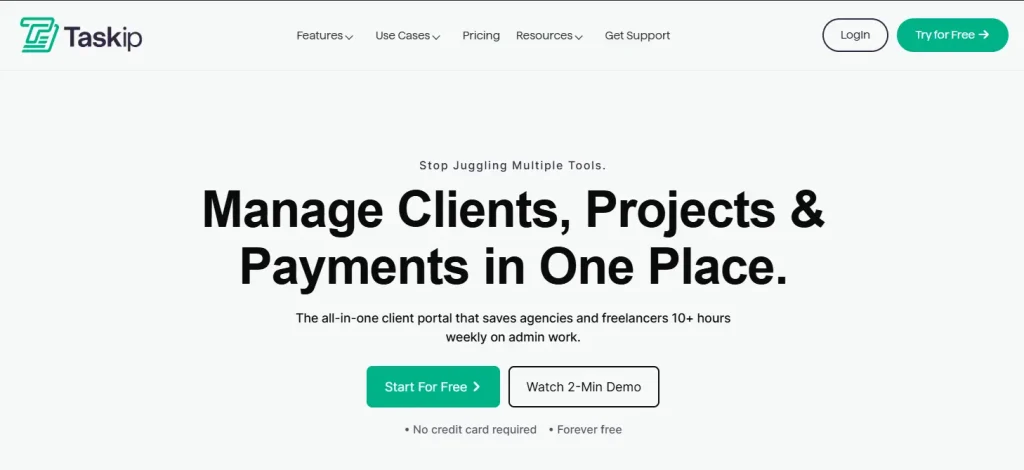
Taskip is an all-in-one client management platform built for digital marketing agencies, combining a sales pipeline, proposals, invoicing, and a client portal in one system instead of several disconnected apps.
Key Features:
- Sales pipeline and lead tracking
- Proposal builder and quotations
- Client portal for real-time project updates
- Workflow automation across the whole client lifecycle
Pricing: Starter Free is $0/month, Freelancer is $12/month ($95/year billed annually), Startup Team is $29/month ($229/year), Growing Agency is $59/month ($459/year), and Agency Pro is $89/month ($695/year). See the full breakdown on Taskip’s pricing page.
Best For: Agencies that want to replace five or more separate tools with one system. For a wider comparison of how Taskip stacks up against other agency CRMs, see Best CRM for Digital Marketing Agencies.
2. HoneyBook
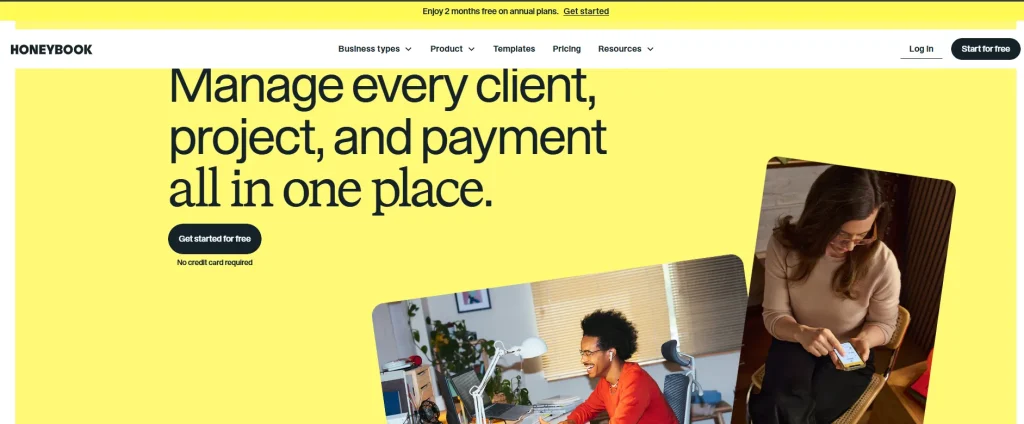
HoneyBook is an all-in-one client management platform for freelancers and small service businesses, covering contracts, invoicing, and scheduling.
Key Features:
- Contracts and e-signatures
- Online payments
- Client questionnaires and scheduling
- Automated client workflows
Pricing: Starter is $36/month ($29/month billed annually), Essentials is $59/month ($49/month billed annually), and Premium is $129/month ($109/month billed annually).
Best For: Freelancers and very small teams. Note that HoneyBook raised prices significantly in 2025, with some plans up by more than 50 percent, so it’s worth comparing against alternatives before committing. See HoneyBook’s 2026 pricing breakdown for the full history.
Client and Contact Management
3. ContactOut
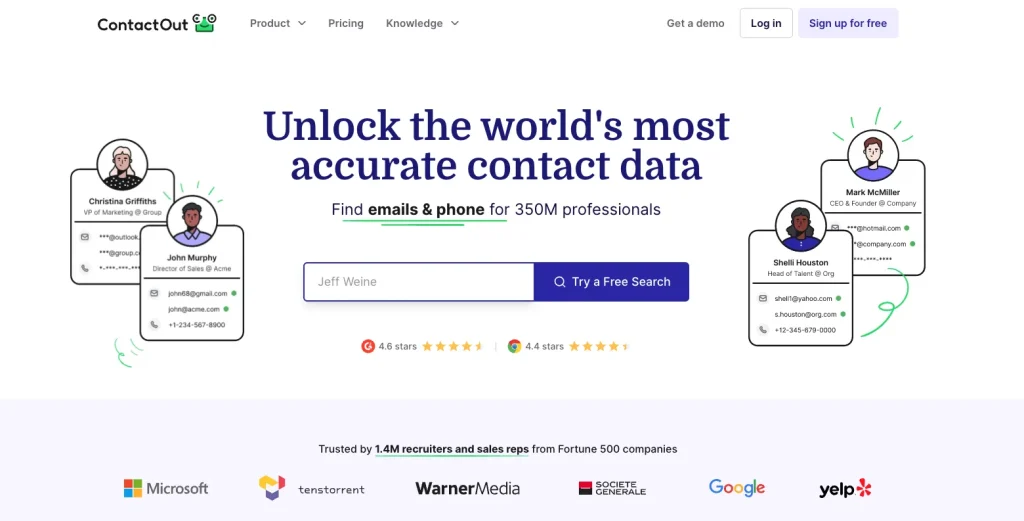
ContactOut is a contact and email finding tool that pulls verified emails and phone numbers from LinkedIn and other sources. It’s built for prospecting new contacts, not for managing relationships with existing clients.
Key Features:
- Powerful Chrome extension for extracting emails and phone numbers directly from LinkedIn.
- Bulk enrichment features to scale cold outreach lists quickly.
- A comprehensive search portal to find decision-makers by industry, role, or company size.
- Direct data integration with major CRMs like HubSpot and Salesforce.
Before you can manage a client in your CRM, you have to find them. For new digital marketing agencies relying on outbound sales, account-based marketing (ABM), or influencer outreach, ContactOut is an essential tool for skipping the guesswork.
Instead of spending hours hunting for valid email addresses or getting stuck at corporate switchboards, your team can pull verified direct lines and personal email addresses with a single click. This ensures your sales pipeline remains consistently fueled with high-quality, actionable leads that can be fed directly into your central operating stack.
Pricing: Free plan available with limited monthly credits; premium plans scale based on data needs.
Best For: B2B lead generation and sourcing verified contact information.
4. HubSpot CRM
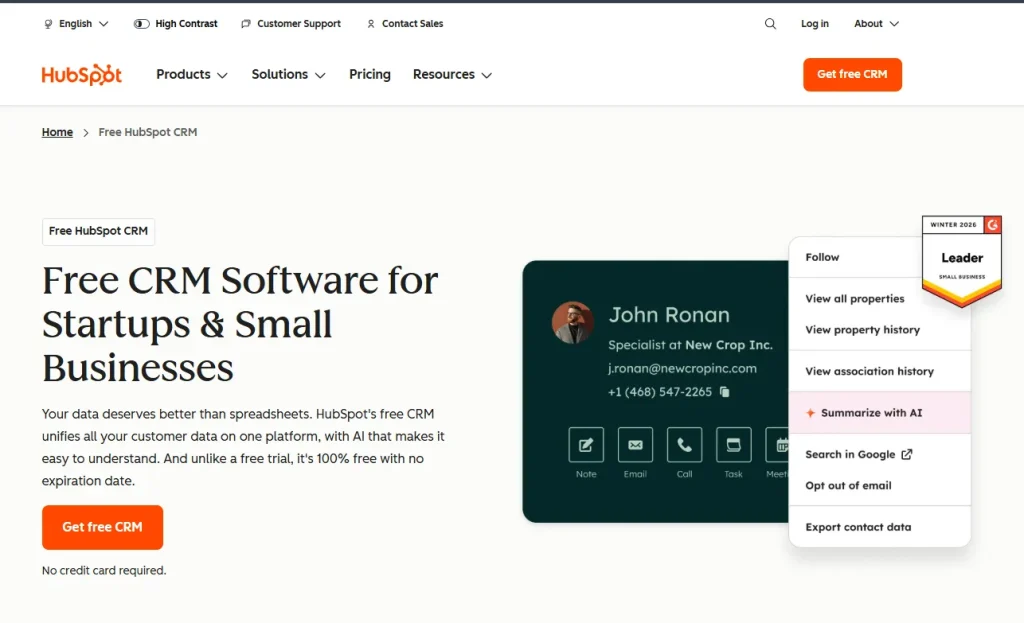
HubSpot CRM is a widely used sales and contact management platform with a free tier and paid marketing and sales add-ons.
Key Features:
- Contact and deal tracking
- Email tracking and templates
- Marketing and sales hub integrations
- Reporting dashboards
Pricing: A free CRM is available. The Starter plan begins at $20/month per seat billed monthly, or $7/month per seat billed annually.
Best For: Agencies that want a well-known, generalist CRM and don’t need agency-specific features like built-in proposals or retainer billing.
5. Zoho CRM
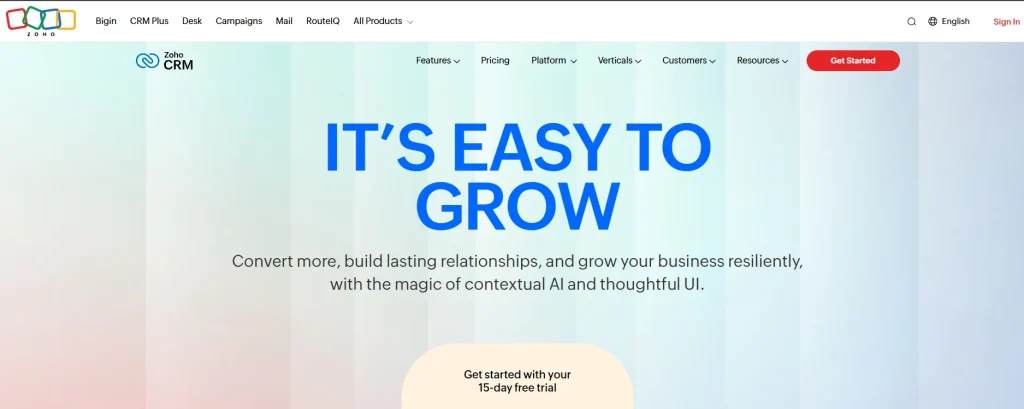
Zoho CRM is a sales pipeline and contact management tool, part of the wider Zoho software suite. It’s worth being precise here: Zoho CRM handles sales and pipeline management, not invoicing or bookkeeping. Those live in the separate Zoho Books and Zoho Invoice products.
Key Features:
- Lead and deal management
- Sales automation
- AI-powered insights on higher tiers
- Multi-channel communication tracking
Pricing: Free for up to 3 users. Paid plans typically range from around $14 to $40 per user per month depending on tier and region.
Best For: Agencies already using other Zoho products who want their CRM in the same ecosystem.
Communication & Client Collaboration
6. Slack
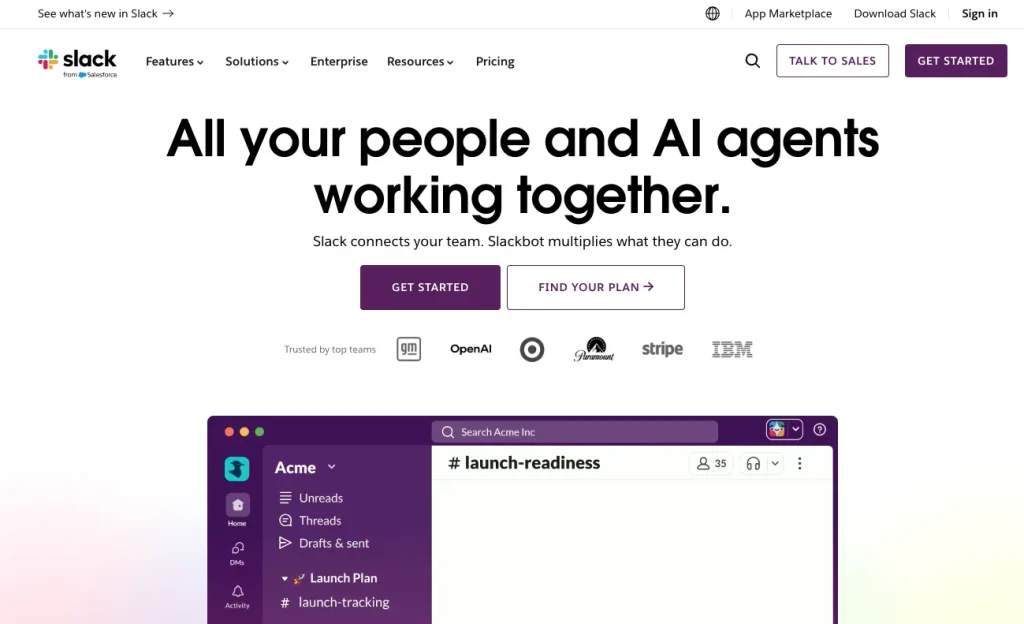
Slack is a channel-based messaging tool most agencies use for internal team communication, and some also use for client collaboration.
Key Features:
- Channels and direct messages
- Huddles for quick voice or video calls
- App integrations
- Searchable message history
Pricing: Free plan available. Pro starts at $8.75/month per user billed monthly ($7.25/month per user billed annually). Business+ starts at $18/month per user billed monthly ($15/month per user billed annually).
Best For: Teams that want a dedicated internal chat tool separate from client communication, which can instead run through a client-facing tool like Taskip’s discussion feature.
8. Notion
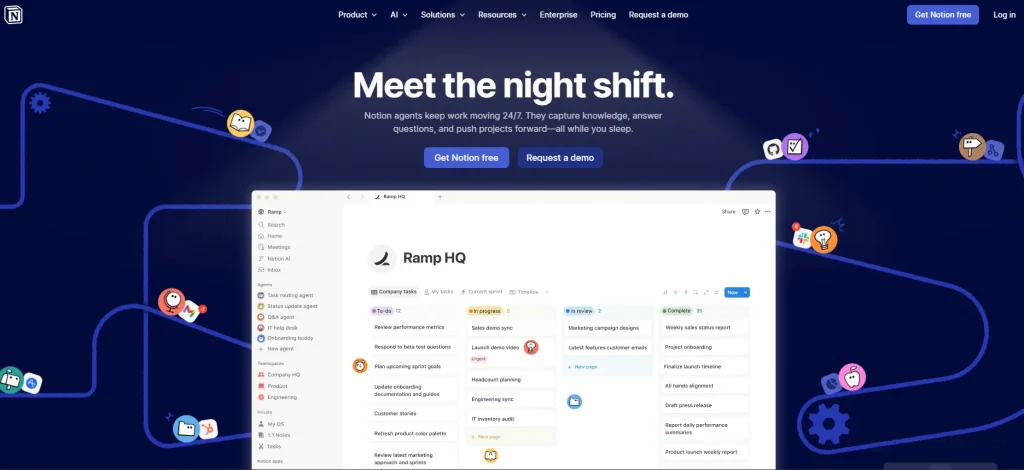
Notion is a flexible workspace for notes, documents, and light project tracking.
Key Features:
- Custom databases and wikis
- Templates for SOPs and client onboarding
- Team collaboration
- AI writing assistant on paid plans
Pricing: Free for individuals. The Plus plan starts at $10/month per member.
Best For: Agencies that want an internal knowledge base, while keeping client-facing documentation in a dedicated space like Taskip’s documents feature.
Online Notepad & AI Writing
9. iLoveNote

iLoveNote offers a range of dedicated tools to help digital marketing agencies create marketing content such as campaign messages, emails, etc., and refine its quality for better SEO.
Key features:
- Generates a variety of content tailored to the given prompt
- Optimizes marketing content through rephrasing, rewriting, summarizing, and grammar perfection
- Supports working in multiple languages
- Generous free usage with no sign-up requirement
Pricing: The basic all-in-one weekly plan costs $5.99. The monthly plan is available at $12.99, and the annual plan can be purchased at $125.
Best for: Digital marketing agencies and teams who want to automate and simplify the content creation and refinement process for enhanced SEO performance.
10. Prepostseo
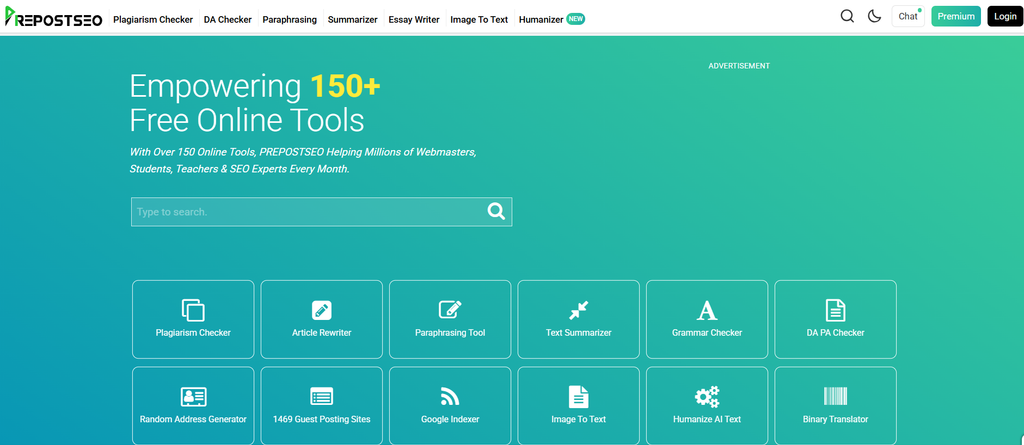
Prepostseo is a platform offering a range of SEO and writing tools for effective content marketing. For agencies that deal with link building, it helps them evaluate the authority of linking websites. It also allows them to write paragraphs, emails, etc., and improve content quality through paraphrasing and grammar correction.
Key Features:
- Simple and free to use
- Helps evaluate website authority for smarter link building
- Write and refine marketing content easily
- Available in multiple languages
Pricing: The All-in-one basic plan costs $10/month, the standard plan is $20/month, and the company plan is available at $45/month. When it comes to the all-in-one annual plan, the price for the basic plan is $50/year, the standard is $150/year, and the company plan is $350/year.
Best for: Agencies and marketers who are looking for a platform that offers a bunch of SEO, writing, and proofreading tools within a single platform to save time and effort.
Proposals, Quotes, Invoicing & Billing
11. PandaDoc
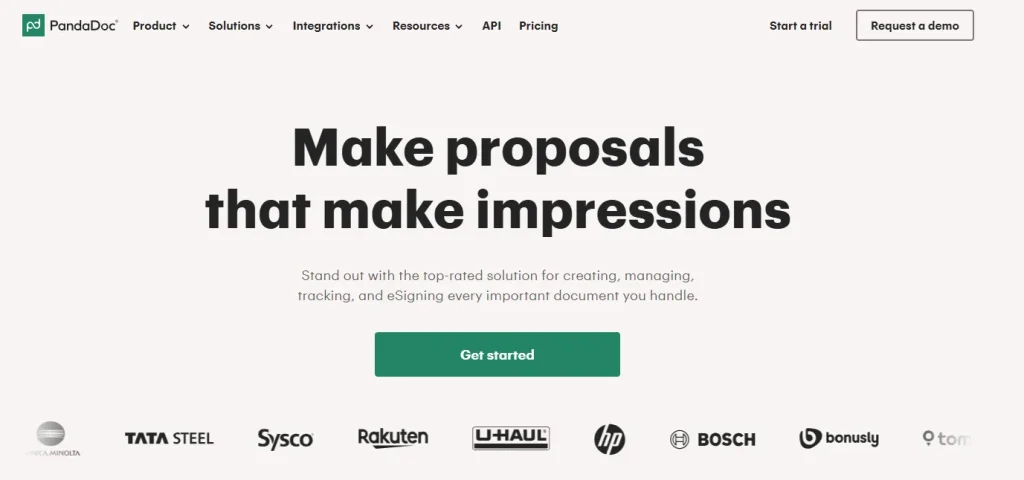
PandaDoc is a document tool for creating and e-signing proposals and contracts.
Key Features:
- Proposal and contract templates
- Legally binding e-signatures
- Payment collection
- Document analytics
Pricing: Free e-sign plan available. Starter begins at $19/month per seat, Business at $49/month per seat.
Best For: Agencies that need standalone e-signature and proposal software without a broader client management system attached. Taskip’s built-in proposal builder covers similar ground while also connecting proposals directly to invoicing and the client portal.
Check PandaDoc alternatives if you need more proposal-focused digital marketing agency tools.
12. QuickBooks Online
QuickBooks Online is accounting software used for bookkeeping, invoicing, and expense tracking.
Key Features:
- Invoicing and payment tracking
- Expense and mileage tracking
- Financial reporting
- Optional payroll add-on
Pricing: Simple Start is $38/month, Essentials is $75/month, Plus is $115/month, and Advanced is $275/month (introductory discounts are often available for the first few months).
Best For: Agencies that need full accounting and bookkeeping, not just client invoicing. If you only need to send clients quotes and invoices without a full accounting suite, Taskip’s invoicing feature covers that on its own.
SEO & Content Marketing Tools
13. Semrush
Semrush is an SEO and content marketing platform covering keyword research, site audits, and competitor analysis.
Key Features:
- Keyword research and rank tracking
- Site audit tool
- Competitor analysis
- Content optimization templates
Pricing: The SEO plan starts at about $117/month billed annually (around $139/month billed monthly). The Starter (SEO + AI Search) plan starts around $165/month, and Pro+ starts around $248/month.
Best For: Agencies managing SEO for multiple clients who need one platform covering research, tracking, and audits together.
14. Surfer SEO
Surfer SEO is a content optimization tool that scores drafts against top-ranking pages for a target keyword.
Key Features:
- Content editor with NLP-based scoring
- SERP analyzer
- AI outline and writing assistance
- Site audit tool
Pricing: Discovery starts at $49/month, Standard at $99/month, and Pro at $182/month (annual billing).
Best For: Content teams writing a high volume of blog posts who want real-time optimization scoring while they write.
15. Ahrefs
Ahrefs is an SEO toolset best known for its backlink index, alongside keyword and site audit tools.
Key Features:
- Backlink checker
- Keyword explorer
- Site audit
- Rank tracker
Pricing: Starter begins at $29/month, Lite at $129/month, and Standard at $249/month.
Best For: Agencies whose SEO work leans heavily on backlink analysis and competitor research.
Paid Ads & PPC Management
16. Google Ads
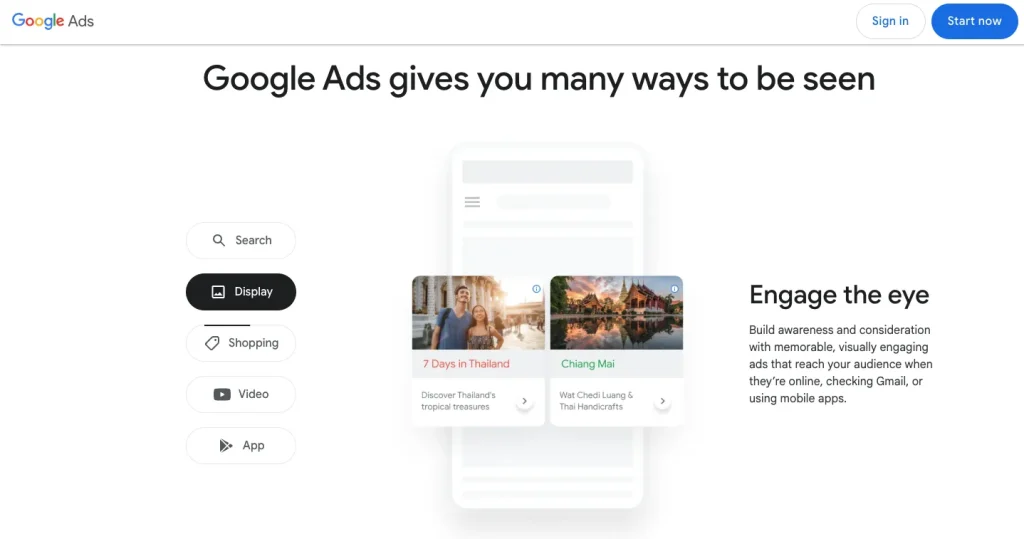
Google Ads is Google’s self-serve advertising platform for search, display, and video campaigns.
Key Features:
- Search and display campaign types
- Keyword and audience targeting
- Conversion tracking
- Performance Max campaigns
Pricing: No software fee. Agencies pay only their chosen ad spend, plus any management fees they charge clients.
Best For: Any agency running paid search for clients, since it’s the primary platform for that channel.
17. Meta Ads Manager
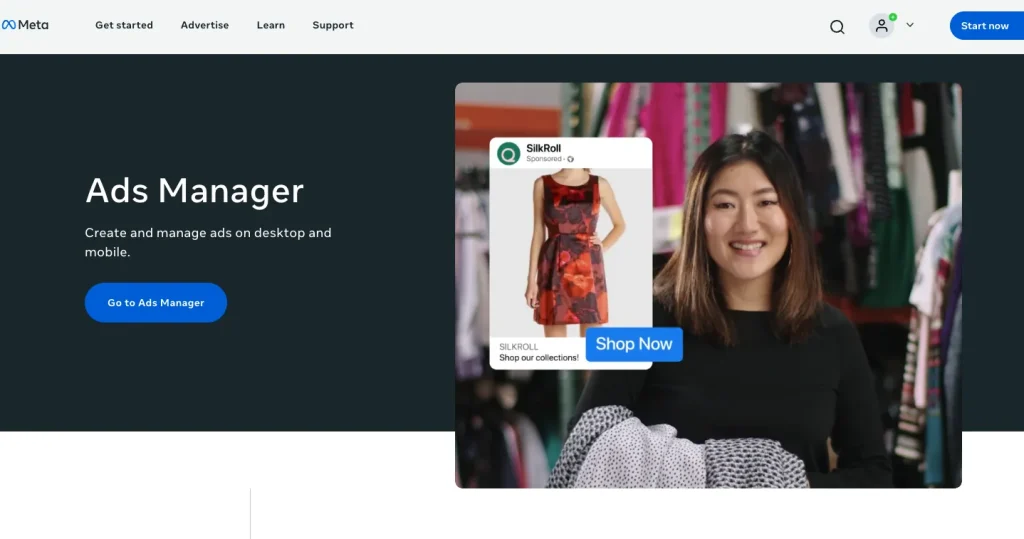
Meta Ads Manager is Meta’s advertising platform for Facebook and Instagram campaigns.
Key Features:
- Audience targeting and lookalike audiences
- Campaign budget optimization
- Creative testing tools
- Conversion and pixel tracking
Pricing: Free to use. Agencies pay only ad spend.
Best For: Agencies running social ad campaigns alongside, or instead of, search ads.
Reporting & Social Media Scheduling
18. Data Studio
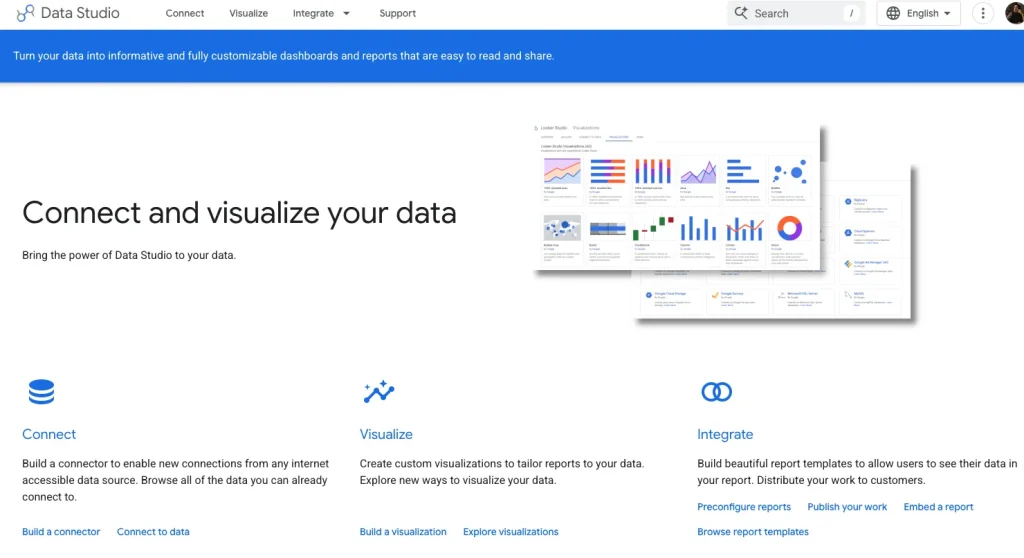
Data Studio by Google, formerly known as Looker Studio, is Google’s free reporting and dashboard tool, connecting to Google Analytics, Google Ads, and other data sources.
Key Features:
- Customizable dashboards
- Connectors to major marketing platforms
- Shareable, client-facing reports
- Completely free to use
Pricing: Free.
Best For: Agencies that want automated, white-labeled client reports without paying for a dedicated reporting platform.
19. PostEverywhere
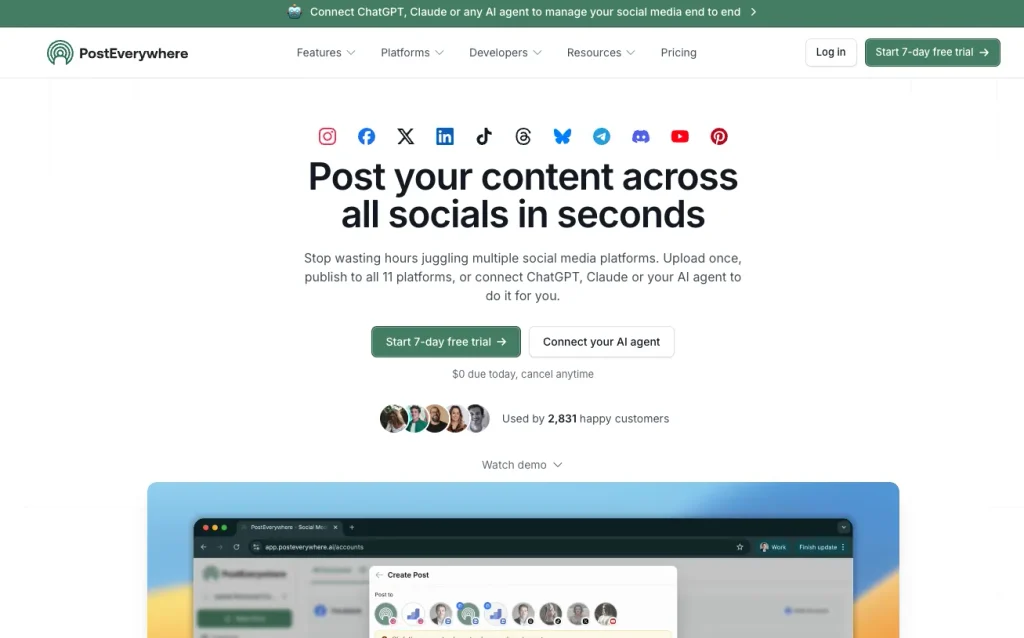
PostEverywhere is a social media scheduling tool built for agencies and creators who need to publish across multiple platforms without repeating the same work for each one.
Key Features:
- Cross-posting that automatically reformats a single upload for every connected platform
- Bulk scheduling through CSV upload
- Team workspaces for managing multiple client accounts with separate roles and approvals
- Built-in AI Studio for generating captions, images, and video
Pricing: Lite starts at $8/month (2 accounts). Growth is $23/month (10 accounts, most popular). Scale is $31/month (20 accounts, 5 team members).
Best For: Agencies managing multiple client accounts who want scheduling, AI content generation, and team approvals in one tool rather than stitching several apps together
20. Buffer
Buffer is a social media scheduling tool for planning and publishing posts across platforms.
Key Features:
- Post scheduling and a content calendar
- Basic analytics
- Team collaboration
- Browser extension for saving content ideas
Pricing: Free plan available. Essentials starts at $5/month per channel, and Team starts at $10/month per channel.
Best For: Small agencies managing a handful of client social accounts who want a simple, affordable scheduler.
Email Marketing & Automation
20. Mailchimp
Mailchimp is an email marketing platform with automation, audience segmentation, and basic landing pages.
Key Features:
- Email campaign builder
- Automation workflows
- Audience segmentation
- Basic landing pages and forms
Pricing: Free for up to 250 contacts. Essentials starts at $13/month, Standard at $20/month, and Premium at $350/month (based on a 500-contact list; price scales with list size).
Best For: Agencies running straightforward email newsletters and campaigns for clients without complex automation needs.
21. ActiveCampaign
ActiveCampaign is an email marketing and automation platform built around more advanced customer journey automation than Mailchimp.
Key Features:
- Visual automation builder
- CRM and sales automation add-ons
- Site and event tracking
- Predictive sending
Pricing: Starter begins at $19/month (1,000 contacts), Plus at $59/month, and Pro at $89/month, all scaling up with list size.
Best For: Agencies building multi-step nurture sequences for clients rather than one-off newsletters.
The Real Cost of Running 21 Separate Tools (vs. One Platform)
HubSpot CRM, Slack, and PandaDoc all have genuinely usable free plans, so a straight dollar comparison against their paid tiers isn’t the honest starting point. The real question is how long free actually lasts once you’re running real client work, and what happens when it runs out. Taskip’s own Starter Free plan has real limits too, so this cuts both ways rather than being a one-sided pitch.
When Free Stops Being Enough
| Tool | Free Plan Limit |
| HubSpot CRM | 2 users, 1,000 contacts |
| Slack | 90-day message history |
| PandaDoc | 60 document sends/year, no payments |
Cost After Upgrading
| Tool | Price |
|---|---|
| HubSpot CRM Starter | $20/user |
| PandaDoc Business | $49/user |
| Slack Pro | $8.75/user |
| Total | $77.75/user/month |
Taskip uses flat pricing instead of per-seat pricing:
| Team Size | HubSpot + PandaDoc + Slack | Taskip | Total Savings |
|---|---|---|---|
| 1 | $77.75 | $12 | $65.75 |
| 5 | $388.75 | $29 | $359.75 |
| 10 | $777.50 | $29 | $748.50 |
| 25 | $1,943.75 | $59 | $1,884.75 |
As your team grows, per-seat pricing scales with every employee. Taskip’s pricing stays flat until you reach the next team tier, making costs far more predictable.
– This comparison only covers CRM, proposals, and team communication. You’ll still need separate tools for SEO, ads, and social media.
– HubSpot, PandaDoc, and Slack offer deeper specialized features. Taskip focuses on bringing those core workflows into a single platform.
How to Choose the Right Stack for Your Agency’s Size
Solo/Freelancer
At this stage, cost and simplicity matter more than depth of features. A free-tier CRM, a free scheduler like Buffer, and an all-in-one tool for proposals and invoicing usually cover everything. See our guide on how to start a digital marketing agency for a fuller breakdown of what to prioritize first.
Small Team
Once you’re managing a handful of clients with a small team, communication and client portals start to matter more than they did solo. This is usually the point where agencies either add Slack and a separate proposal tool, or consolidate onto one platform. Our guide on building a digital marketing team covers how tooling needs shift as headcount grows.
Scaling Agency
At scale, per-seat pricing on multiple tools adds up quickly, and workflow automation becomes more valuable than any single feature. This is where the cost comparison above tends to favor consolidation most clearly. If you’re formalizing this decision, it’s worth reading through a digital marketing agency business plan framework to map tooling costs against projected revenue per client.
Conclusion
The right tool stack for a digital marketing agency depends less on any single “best” tool and more on how many of these eight categories you actually need covered, and whether you’d rather manage that through several specialized apps or consolidate the client-facing side onto one platform. If you’re ready to see what running your CRM, proposals, invoicing, and client communication through one system looks like, you can try Taskip free.
FAQs
What tools does a new digital marketing agency actually need first?
Most new agencies start with a CRM for tracking leads, a way to send proposals and invoices, and a place for internal team communication. Everything else- SEO tools, ad platforms, and email marketing software- tends to get added once you land clients who need those specific services.
How much should a small agency budget for its tool stack per month?
For a solo operator or very small team, a lean stack of free and entry-tier tools can run well under $100/month. As you add SEO, paid ads management, and email marketing tools on top of a CRM and billing tool, that figure realistically climbs toward $200 to $400/month, depending on how many premium tools you need.
Can you run an agency on free tools alone?
For a short time, yes. Free tiers of HubSpot CRM, Buffer, Data Studio, Mailchimp, and Taskip can cover the basics. Most agencies outgrow at least one free tier’s limits (contact caps, seat limits, or feature gating) within the first few months of taking on paying clients.
Is ContactOut worth it compared to using LinkedIn Sales Navigator alone?
ContactOut and LinkedIn Sales Navigator solve different problems. Sales Navigator is better for searching and filtering prospects on LinkedIn itself, while ContactOut is built specifically for pulling verified emails and phone numbers once you’ve found the right person. Many agencies use both together rather than choosing one.
Does an all-in-one platform replace the need for a dedicated CRM?
An all-in-one platform like Taskip includes CRM functionality (a sales pipeline and contact tracking) built in, so it can replace a standalone CRM for most agencies. Whether it’s a good fit depends on whether you need CRM-specific depth (like HubSpot’s marketing automation ecosystem) or whether the built-in pipeline covers what your agency actually uses day to day.