
Download Taskip for every device
Run your clients, projects and invoices from your Mac, iPhone, iPad or Android phone. One account, the same workspace everywhere.

Mac
The full workspace in its own window, with desktop notifications and automatic updates.
Version 0.1.2 · October 2026 · Apple Silicon
Windows
A native Windows app is on the way. Use Taskip in your browser until then.
Coming soon
iOS
Check projects, reply to clients and approve work from your iPhone or iPad.
iPhone and iPad

Android
Stay on top of your agency from anywhere with the Android app.
Phones and tablets
Taskip for Mac
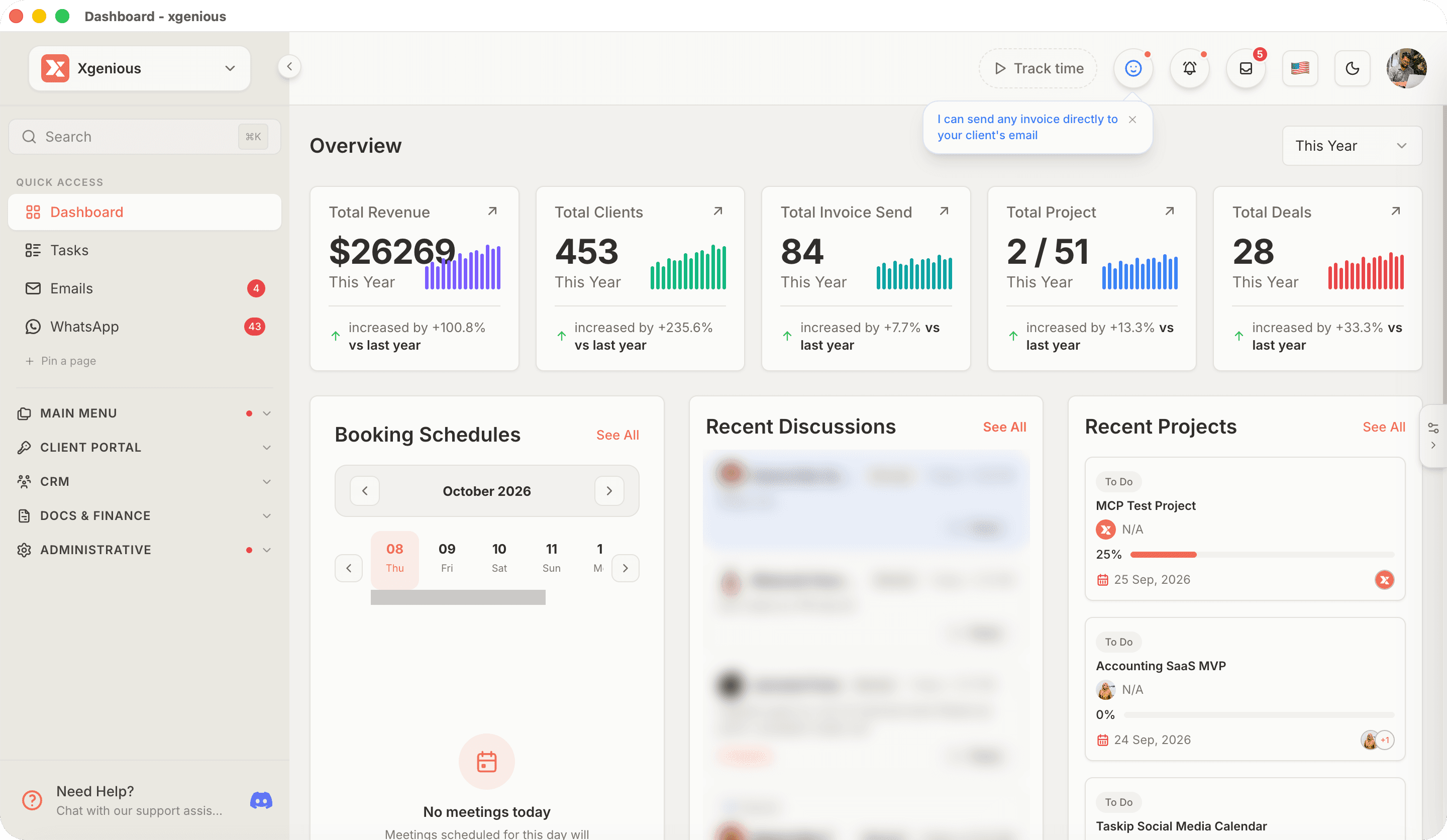
Your workspace, as a real desktop app
Its own window
Taskip lives in your Dock, away from the browser tab pile.
Desktop notifications
Messages, mentions and client replies reach you right away.
Updates itself
New versions download in the background. Nothing to reinstall.
The same workspace
Everything you use on the web, on your desktop.
Version 0.1.2 · October 2026 · Apple Silicon
Questions about the apps
How do I install Taskip on my Mac?+
Download the file, open it, and drag Taskip into your Applications folder. Open it from there and sign in with your Taskip account.
Does the desktop app update itself?+
Yes. Taskip checks for new versions in the background and offers a restart when an update is ready, so you never need to download it again.
Which Macs are supported?+
The Mac app is built for Apple Silicon Macs (M1 and later). Intel Macs can use Taskip in the browser.
Is there a Windows app?+
A Windows app is on the way. Until then, Taskip works in any browser on Windows.
Do I need a separate account for the apps?+
No. Every app signs in to the same Taskip workspace, so your data is the same on the web, desktop and mobile.