If you want to know how to onboard clients without email chaos, move every step into one shared place. Send the contract for e-signature, collect details with one intake form, take the first payment, share tasks and files in a client portal, then hold a kickoff call. Clients get one link, not twenty threads.
This guide shows how to onboard clients in 7 steps. You’ll also get a client onboarding checklist, an email vs portal comparison and the mistakes that slow most teams down.
Table of Contents
- Email is fine for alerts but bad for running onboarding. Files get buried, status is unclear and steps happen out of order.
- The fix for how to onboard clients without chaos: one checklist, one intake form and one client portal.
- Follow 7 steps: checklist → e-signed contract → intake form → first payment → portal invite → kickoff call → day 7 and day 30 check-ins.
- 66% of people have switched companies over poor communication (Project.co, 2026).
- Most onboarding takes 1 to 2 weeks. A portal and a single intake form are the fastest way to shorten it.
Want to skip the setup? Try Taskip free and send your first client a branded portal link today. No credit card needed.
What Does Client Onboarding Actually Mean?
Client onboarding is everything that happens between “yes” and the first piece of real work. It covers the signed agreement, the first invoice, the details you need from the client, access to their tools and a clear plan for who does what.
When you know how to onboard clients well, the first two weeks feel calm. The client knows what to send, when to send it and where it goes. Your team starts with complete information instead of chasing missing pieces.
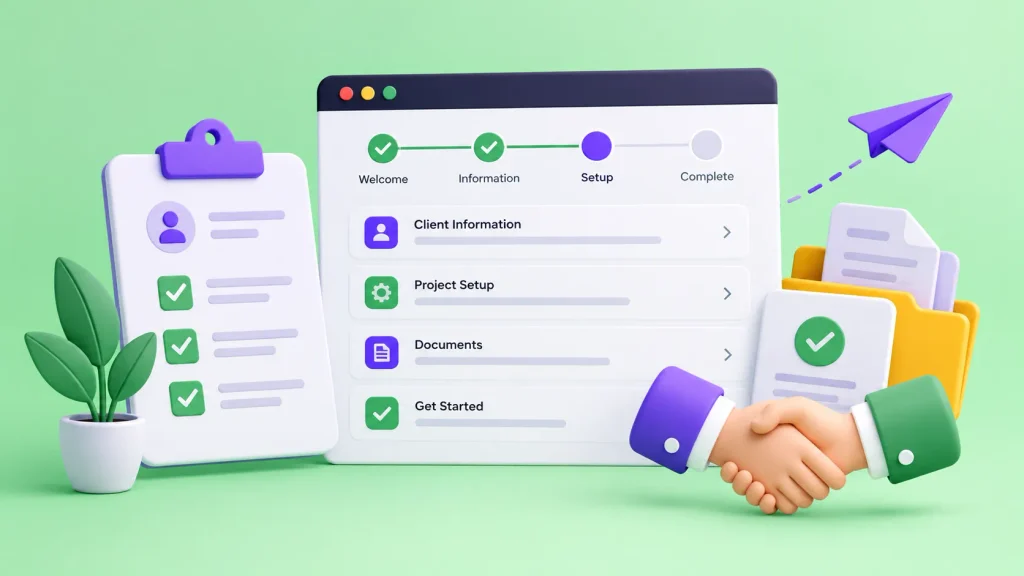
Most guides on how to onboard clients agree on five parts:
- Agreement: proposal, scope and signed contract
- Payment: deposit or first invoice
- Information: brand assets, logins, goals and contacts
- Setup: project, tasks, milestones and shared files
- Kickoff: a call that confirms the plan
Most service businesses finish this in one to two weeks. Bigger projects can take three to four. The speed depends mostly on how fast the client can find and send what you need. That’s exactly where email slows things down.
Why Does Email Make Client Onboarding So Messy?
Email works fine for a quick question. It falls apart when you use it to onboard new clients, because onboarding is a process with many moving parts, and an inbox can’t tell you which part is done.
Here’s what usually goes wrong:
- Files get buried. The logo is in one thread, the brand guide in another, and the updated version sits in a reply-all from last Tuesday.
- Nobody knows the status. The client can’t tell if you got their answers. You can’t tell if they signed the contract or just opened it.
- Steps happen out of order. Work starts before the deposit clears, or the kickoff call happens before you have access to their accounts.
- History lives in one inbox. If that person is out sick or leaves, the context goes with them.
Clients notice. In Project.co’s 2026 communication survey of 350 people, 96% said it’s important to know where their project stands. And 66% said they had moved to a competitor because of poor business communication. The same report found email is still the most used tool for client communication.
So email isn’t going away. The real fix is to stop using it as your filing cabinet. Knowing how to onboard clients well mostly means giving each step a proper home, then using email only to tell people something is ready.
Email vs Client Portal: Which Is Better for Onboarding?
When it comes to how to onboard clients, a client portal wins on almost every task. Email still has one job: telling the client that something is waiting for them.
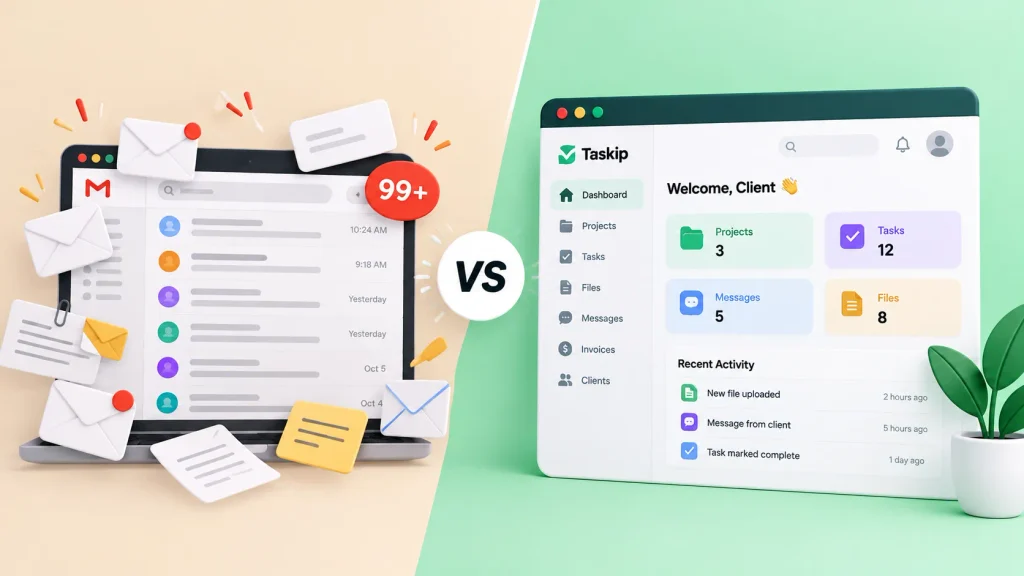
| Onboarding task | With email | With a client portal |
|---|---|---|
| Signing the contract | PDF attached, printed, signed, scanned, sent back | E-signature in one click, signed copy saved |
| Collecting client details | Long list of questions, answers spread across replies | One intake form, answers saved to the client record |
| Sharing files | Size limits and version confusion | Files grouped by project, latest version always there |
| First payment | Invoice PDF plus a separate payment link | Invoice and online payment in the same place |
| Project status | “Any update?” emails | Live tasks, milestones and progress |
| Team handover | Forwarded threads | Full history in one shared record |
That table is really the whole answer to how to onboard clients without chaos. Keep the work in the portal and let email do the nudging. For a deeper look at portal setup, read our pillar guide on client portal onboarding.
How to Onboard Clients in 7 Steps (Without the Email Chaos)
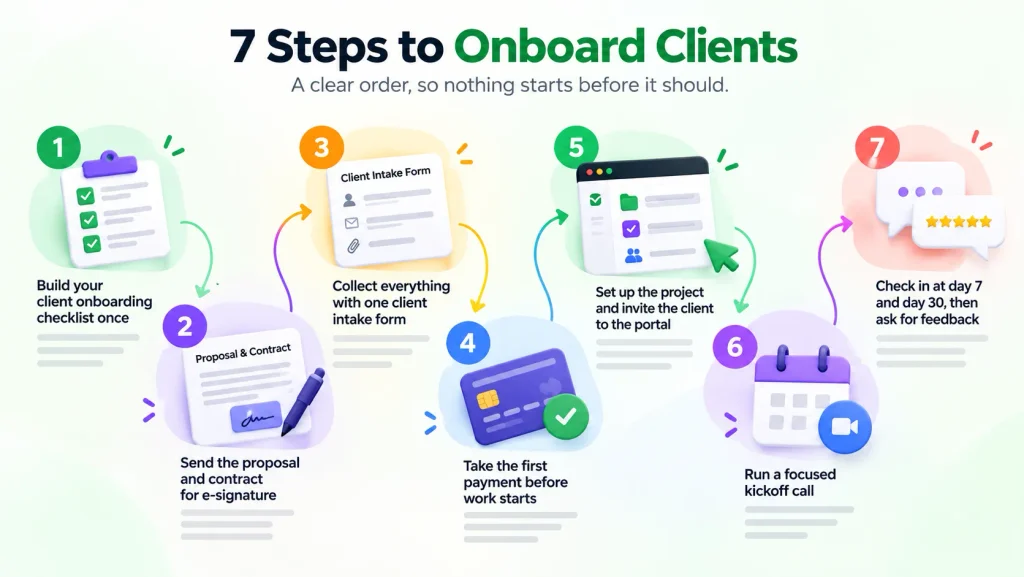
Here’s how to onboard clients in a clear order, so nothing starts before it should.
- Build your client onboarding checklist once
- Send the proposal and contract for e-signature
- Collect everything with one client intake form
- Take the first payment before work starts
- Set up the project and invite the client to the portal
- Run a focused kickoff call
- Check in at day 7 and day 30, then ask for feedback
Step 1: Build Your Client Onboarding Checklist Once
Most onboarding chaos comes from doing it from memory. Every new client gets a slightly different version, and something always slips.
Write the steps down once. List every document, question, access request and deadline. Then reuse that list for every client and improve it each time.
Not sure where to start? Our free client onboarding checklist generator builds one for your service type in a couple of minutes. Once you have it, learning how to onboard clients becomes a repeatable routine instead of a scramble.
Step 2: Send the Proposal and Contract for E-Signature
The contract is the first thing that gets lost in email. People open the PDF, mean to print it, and forget.
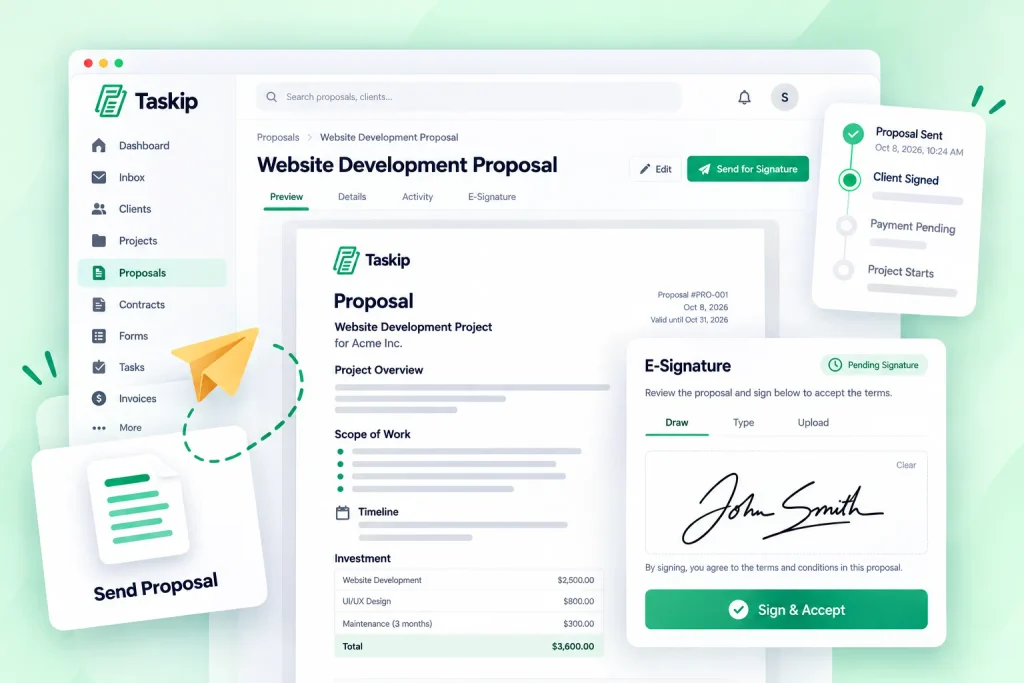
Send the proposal and contract as one link the client can read and sign online. Taskip’s e-signatures let clients sign from any device, and you can see the moment it’s done. In the US, electronic signatures carry the same legal weight as paper ones under the ESIGN Act, and many other countries have similar laws.
Tip for anyone learning how to onboard clients: put the scope, timeline and payment terms in the same document. That way the client approves everything in a single step.
Step 3: Collect Everything With One Client Intake Form
This is the step where teams still working out how to onboard clients lose a week. You send ten questions by email, get six answers, and then chase the other four.
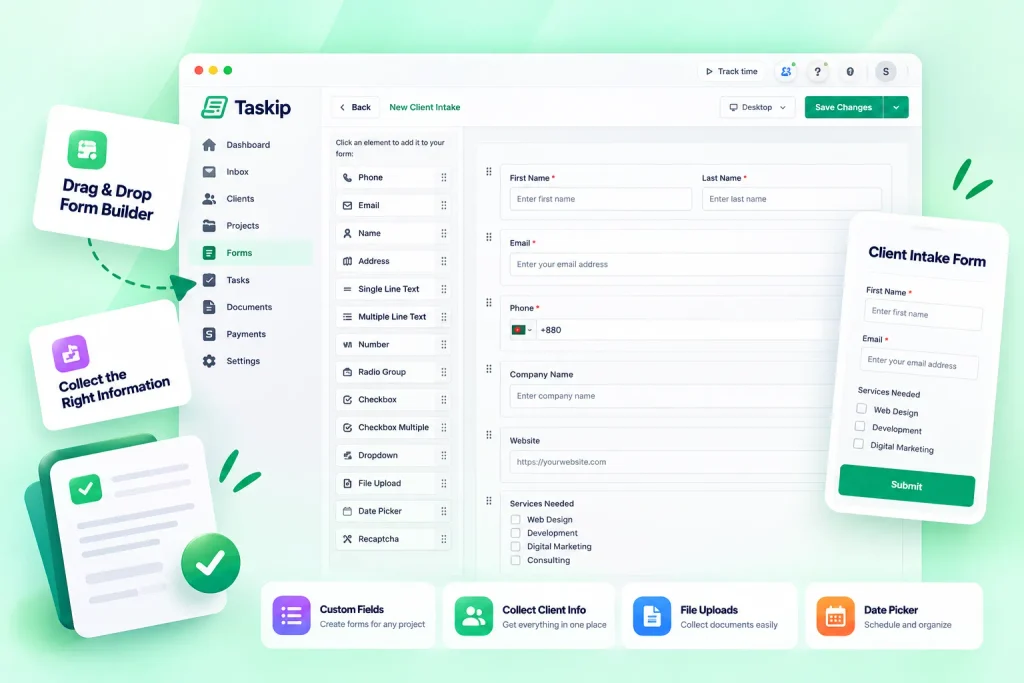
A client intake form fixes that. Ask for everything at once, with required fields so nothing gets skipped. A good form covers:
- Main contact and billing contact
- Business goals and what success looks like
- Brand assets (logo, fonts, colors) as file uploads
- Tool access the client needs to grant
- Deadlines, launch dates and blackout dates
You can build one with Taskip’s form builder and send it with the welcome message. Answers go straight to the client record, not a random thread.
Step 4: Take the First Payment Before Work Starts
If you’re figuring out how to onboard clients without awkward money talks, settle payment early. Starting work before the deposit lands is how projects drift.
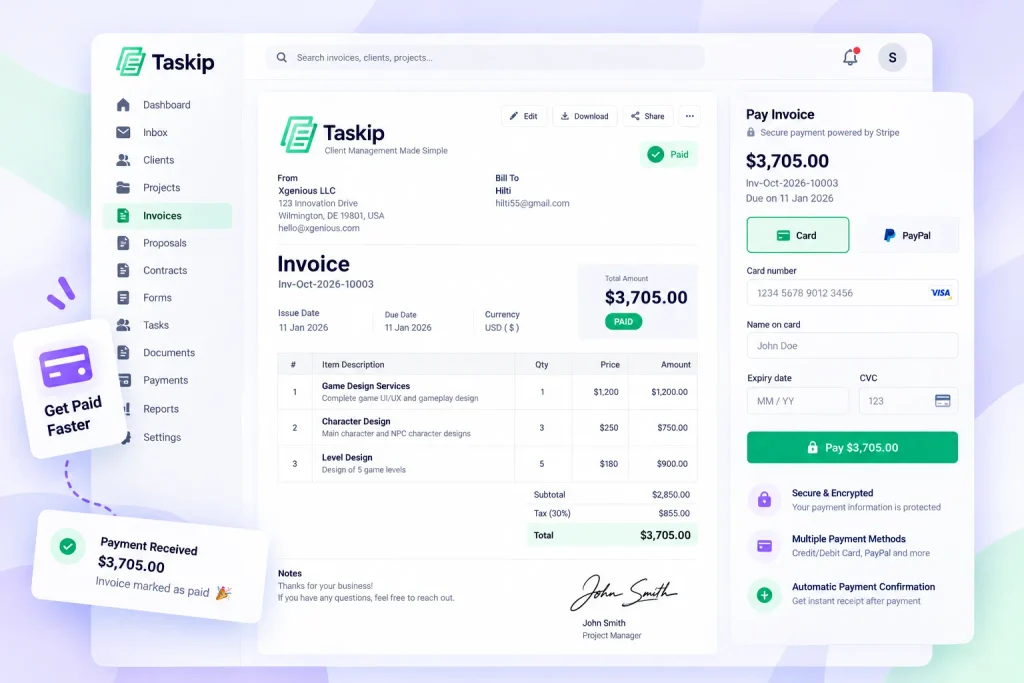
Send the first invoice right after the contract is signed. Let the client pay online by card or bank transfer from the same place. Taskip’s invoicing shows paid, due and overdue at a glance, so nobody has to ask.
Step 5: Set Up the Project and Invite the Client to the Portal
Now build the workspace. Create the project, add milestones and tasks, upload the files you already have and assign your team.
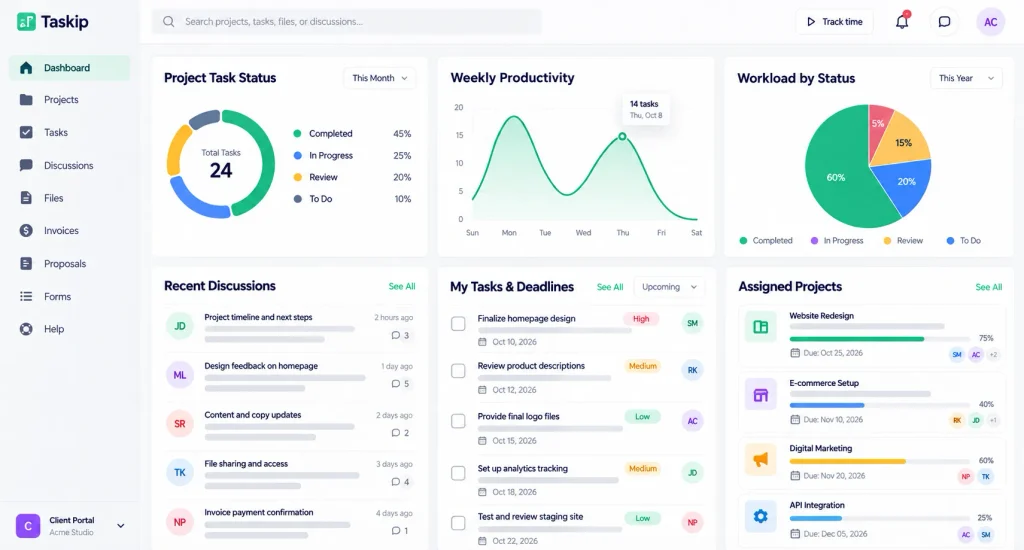
Then invite the client. In the Taskip client portal, they see their project, files, invoices and messages under your logo and colors. Replies they send by email sync back into the portal, so even clients who love their inbox stay in the loop.
This single step is the heart of how to onboard clients without email chaos. Everything the client needs lives behind one link.
Ready to try it? Start free with Taskip and set up your first client portal in under an hour.
Step 6: Run a Focused Kickoff Call
When you know how to onboard clients in this order, the kickoff call can focus on the plan instead of paperwork. You already have the contract, payment and intake answers. Keep it to 30 to 45 minutes and cover:
- Introductions and who owns what on both sides
- Goals and how you’ll measure success
- Timeline and the first milestone
- How you’ll communicate (portal for work, email for alerts)
- Open questions
Post a short summary in the portal the same day. That way the client has a written record they can find without searching their inbox.
Step 7: Check In at Day 7 and Day 30, Then Ask for Feedback
The first month decides how the client feels about working with you. Schedule two check-ins: one after the first week and one after the first month.
At day 30, send a short survey. Ask what was easy, what was confusing and what they’d change. Use the answers to update your checklist. Each round teaches you a little more about how to onboard clients your way.
Want to take this further? Our guide on how to automate client onboarding shows how to trigger these steps automatically once a deal closes.
What Tools Do You Need to Onboard Clients?
You need one place that handles contracts, forms, payments, files and messages. If you know how to onboard clients but still juggle five apps, the chaos just moves from your inbox to your browser tabs.
When you compare client onboarding software, check for these features:
- E-signatures for proposals and contracts
- Intake forms with file uploads and required fields
- Invoicing and online payments
- File sharing grouped by project
- Tasks and milestones the client can see
- Messaging that syncs with email, so replies don’t get lost
- White label branding if you want the portal to look like your business
Here’s an honest look at popular client portal software for service businesses:
| Tool | Best for | Watch out for |
|---|---|---|
| Taskip | Agencies and service teams that want CRM, portal, invoicing, forms and e-signatures in one app. Portal included on every plan from $12/month. | Full white label (custom domain, no Taskip branding) needs the Growing Agency plan or higher. Lots of features, so plan an hour for setup. |
| HoneyBook | Creative freelancers who mostly need proposals, contracts and payments | Built mainly for the US and Canada |
| Assembly | Firms that want a polished, branded portal at the center of their service | Check which apps are included in your plan before you commit |
| SuiteDash | Teams that want a very broad feature set with white label | Many settings, so expect a learning curve |
| Bonsai | Solo freelancers handling contracts and invoices | Growing teams may outgrow its project features |
The right pick depends on your team size and how much of the client onboarding process you want in one place. Whichever you choose, test it with one real client before moving everyone over, since that’s the quickest way to see how to onboard clients with it day to day. If you want to compare portals with CRMs first, our client portal onboarding guide breaks down the options.
How Taskip Brings Client Onboarding Into One Place
Taskip gives you the client portal and everything around it in one app. A full CRM tracks every lead, deal and client from first contact to signed contract. Email integration pulls client emails into Taskip, so replies land next to the project instead of in someone’s personal inbox. WhatsApp integration with CRM does the same for clients who prefer to message. And a dedicated discussion inbox keeps every conversation with each client in one thread your whole team can see. Add proposals, e-signatures, intake forms, invoices and projects, and you can run the full onboarding flow without switching tools.
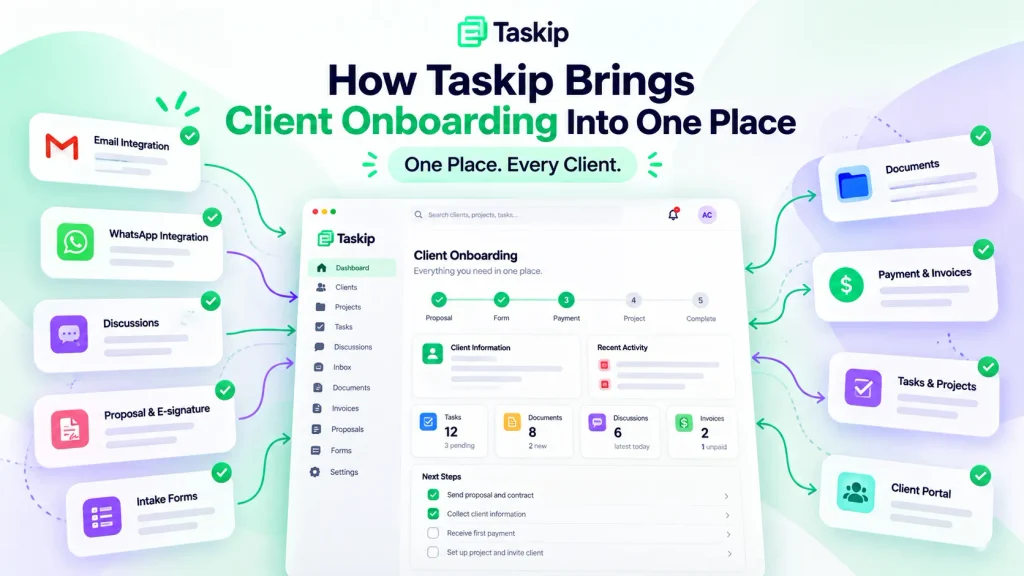
Onboard your next client in one link. Start your free Taskip trial and get your CRM, client portal, email, WhatsApp and team discussions in one workspace. No credit card needed.
What Mistakes Should You Avoid When You Onboard New Clients?
Even teams that know how to onboard clients fall into these traps:
- Starting work before the paperwork is done. No signed contract and no deposit means no work. Being firm here protects both sides.
- Asking for information in pieces. Every extra email adds a day. Put every question in one intake form.
- Giving the client too many places to look. A shared drive, a chat app, email and a project tool is four places. Pick one home.
- Skipping the kickoff summary. If it isn’t written down, it didn’t happen. Post the summary where the client can find it.
- Never updating the checklist. Clients tell you what’s confusing. If you don’t fix it, the next client hits the same wall.
Fix these five and you’ll notice the difference within your next two clients. That’s the practical side of how to onboard clients well: fewer surprises, fewer “just checking in” emails.
Final Thoughts on How to Onboard Clients
Email isn’t the enemy. It’s just the wrong tool for running a process.
Once you know how to onboard clients with a checklist, a single intake form and one shared portal, the first two weeks stop feeling like a scavenger hunt. Clients know where to go. Your team knows what’s done. And you stop sending “just following up” emails.
Start small. Pick your next new client and run them through the 7 steps above. Then refine the checklist and repeat. That’s how to onboard clients in a way that scales as you grow.
Onboard your next client in one link. Try Taskip free and get contracts, forms, invoices, files and messages in one branded client portal.
Frequently Asked Questions
How do you onboard clients without using email?
The simplest answer to how to onboard clients without email: move the actual work into a client portal and use email only for notifications. Contracts, intake forms, invoices, files and tasks all live behind one link. The client gets an email when something needs their attention, then acts on it in the portal.
What is the first step in how to onboard clients?
Get the contract signed. Before any work, both sides should agree on scope, timeline and payment terms. Sending it for e-signature usually gets it done the same day.
How long should client onboarding take?
Most service businesses finish onboarding in one to two weeks. Larger or more technical projects can take three to four weeks. Collecting information with one intake form is the fastest way to shorten it.
What should a client intake form include?
Include contacts, business goals, brand assets, tool access, deadlines and how the client prefers to communicate. Make key fields required so you never chase missing answers.
What is the best way to onboard clients as a small business?
Keep it simple: one checklist, one intake form and one portal. Small teams don’t have time to chase files, so learning how to onboard clients with a single tool saves more hours for them than for anyone.
What is a client onboarding email?
It’s the welcome message you send after the contract is signed. It thanks the client, explains the next steps and links to the portal and intake form. Keep it short, since the details live in the portal.
What is the difference between client onboarding and customer onboarding?
Client onboarding sets up a service relationship with contracts, intake and a kickoff. Customer onboarding helps someone start using a product on their own through tutorials and in-app guides. This guide on how to onboard clients covers the first one.