Best Kitchen.co Alternatives in 2026
Running a freelance business or agency means keeping many moving parts in sync — from client messages and project updates to invoices and approvals. Tools like Kitchen.co make this easier by giving teams a single place to collaborate and stay organized.
However, every business works differently, and sometimes you need a platform that’s tailored to your specific workflow. That’s why many freelancers and agencies in 2026 are exploring Kitchen.co alternatives that offer fresh features, flexible pricing, and ways to grow smoothly with clients.
In this guide, we’ll look at the best alternatives available, highlight the key features to consider, and introduce Taskip, an all-in-one client management and project platform built to simplify daily work while keeping communication, tasks, and billing connected in one space.
Key Takeaways
Kitchen.co Overview
Kitchen.co is a client management and collaboration tool designed to simplify how freelancers and agencies work with clients. It brings together messaging, task tracking, feedback, and billing in one shared space.
- Popular among freelancers, consultants, and small service teams.
- Known for its clean interface and focus on client portals and transparency.
Why Look for Alternatives
Even with its strengths, some teams explore alternatives to Kitchen.co when they want:
- More advanced automation to save time on repetitive tasks.
- Wider integrations with tools they already use.
- Deeper project management and reporting features.
- Flexible pricing options that grow with larger teams.
Top Kitchen.co Alternatives in 2026
- Taskip – All-in-one client management platform with CRM, task/project tools, invoicing, proposals, automation, and branded client portals.
- Asana – Strong for workflow visualization, collaboration, and custom task management.
- Trello – Simple Kanban boards, perfect for small teams managing straightforward projects.
- ClickUp – Combines tasks, docs, goals, time tracking, and automation in one workspace.
- Monday.com – Highly customizable with robust automations and reporting tools.
- Notion – Flexible for documentation, databases, and light project management.
- Wrike – Enterprise-level reporting, analytics, and resource management.
- Smartsheet – Spreadsheet-style project tracking with powerful integrations.
- Basecamp – Easy-to-use hub for tasks, files, and team communication.
- Airtable – Database + project management hybrid for custom workflows.
- Teamwork – Great for agencies with built-in invoicing, time tracking, and client collaboration.
- Hive – Productivity-focused platform with approvals, automations, and multiple views.
- ProofHub – Simple project management with approval and collaboration workflows.
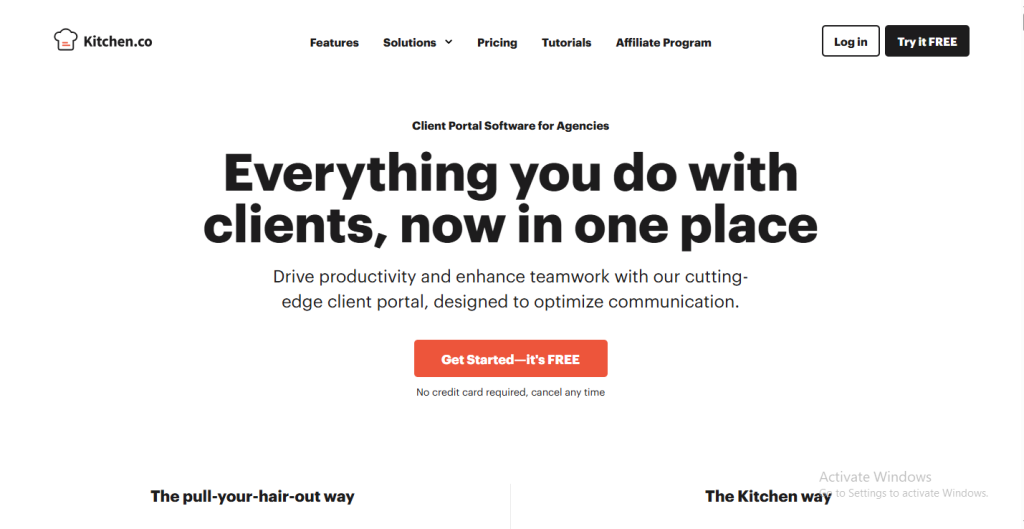
What is Kitchen.co?
Kitchen.co is a client management and collaboration platform designed for freelancers, consultants, and agencies who want a simpler way to keep work and communication in one place. Instead of bouncing between email, task boards, file-sharing apps, and invoicing tools, Kitchen.co combines these functions into a single workspace. The goal is to give both teams and clients a shared hub where everything related to a project can live—messages, updates, files, approvals, and payments.
This makes Kitchen.co especially attractive for smaller teams or service businesses that want to look professional and keep their processes organized without investing in multiple tools.
Key Features of the Kitchen.co
- Client Portals
- Every client has access to a personalized space.
- They can check progress, upload files, view invoices, and send feedback without digging through long email threads.
- This transparency reduces confusion and builds trust.
- Every client has access to a personalized space.
- Task & Project Management
- Allows teams to create and assign tasks, set deadlines, and organize projects in a structured way.
- Visual tools like boards and lists help track progress at a glance.
- While lighter than enterprise project management software, it’s designed to be simple enough for clients to follow, too.
- Allows teams to create and assign tasks, set deadlines, and organize projects in a structured way.
- Onboarding Tools
- New clients can complete intake forms, share project details, and start collaborating faster.
- This helps reduce the back-and-forth usually needed when setting up a new project.
- New clients can complete intake forms, share project details, and start collaborating faster.
- Feedback & Approvals
- Instead of scattered notes across emails or chat apps, clients leave feedback directly on tasks or files.
- Approvals can also be given within the platform, making it easier to finalize deliverables.
- Instead of scattered notes across emails or chat apps, clients leave feedback directly on tasks or files.
- Invoicing & Payments
- Kitchen.co includes built-in invoicing features.
- Businesses can send invoices, set up recurring billing for retainer clients, and track payments without switching to another app.
- Kitchen.co includes built-in invoicing features.
- Integrations
- Connects with third-party tools for extended workflows (such as file storage or task syncing).
- Integrations allow teams to keep using their favorite apps while still working from a central hub.
- Connects with third-party tools for extended workflows (such as file storage or task syncing).
Who Uses Kitchen.co?
Kitchen.co has found its niche among:
- Freelancers who need a simple but professional system for working with multiple clients.
- Small agencies that manage ongoing retainer clients and want a structured way to handle communication, tasks, and billing.
- Service providers (designers, developers, marketers, consultants) who want to present a polished client-facing experience without investing in heavy enterprise software.
For these types of businesses, Kitchen.co offers enough structure to improve daily workflows while still being approachable for clients who may not be comfortable with complex software.
The Value of the Kitchen.co
What makes Kitchen.co stand out is the way it brings client communication and project management together. Clients no longer have to search through emails or ask for updates—they log in and see everything in one place. For teams, it cuts down on missed feedback, reduces admin work, and helps projects move forward more smoothly.
By combining communication, tasks, approvals, and billing, Kitchen.co creates a professional environment that makes agencies and freelancers appear more organized to their clients. It’s not just about managing projects; it’s about managing the client relationship from start to finish in a way that feels seamless.
Grow your business without extra clutter.
From proposals to payments, Taskip handles the details so you don’t have to
Why Consider Kitchen.co Alternatives?
Every business has its own way of working. While some teams find Kitchen.co a great fit for their daily operations, others may look for different features, pricing models, or integrations to better match their growth stage.
Exploring Kitchen.co alternatives isn’t about replacing a tool that doesn’t work—it’s about finding the platform that fits your business perfectly as it evolves.
Here are some of the main reasons freelancers, agencies, and service providers explore other options:
Growing Business Needs
When you first start freelancing or running a small agency, you may only need a simple way to share updates, send invoices, and manage a handful of projects. Kitchen.co does this well. But as your client base expands, you may find yourself needing:
- More automation to handle repetitive tasks and reminders.
- Advanced project management for bigger teams and complex projects.
- Detailed reporting and analytics to track performance and make data-driven decisions.
Alternatives that focus on scalability can give you the flexibility to grow without having to constantly change your workflow.
Flexibility and Customization
Every team runs projects differently. Some agencies offer retainers, others work on fixed-fee projects, and many freelancers combine both. The right tool should adapt to these workflows rather than force everyone into the same system. Businesses often consider the Kitchen.co competitors when they want:
- Customizable dashboards for tracking what matters most.
- Different project views, like Kanban boards, Gantt charts, or timelines.
- Tailored approval workflows that match how clients prefer to collaborate.
Integration with Other Tools
No single platform can do everything. Many agencies rely on tools like Google Workspace, Slack, Zoom, or accounting software. While Kitchen.co does connect with third-party apps, some businesses look for alternatives that offer:
- Native integrations with their favorite tools.
- Automation through platforms like Zapier or Make.
- Deeper two-way sync for smoother collaboration across systems.
Pricing and Value
Budget is always an important consideration, especially for freelancers and small agencies. Some prefer a flat monthly rate, while others look for free starter plans that scale affordably as they grow. Exploring Kitchen.co alternatives helps teams find:
- Plans that match their budget.
- Transparent pricing with fewer limits.
- Options that give more features at similar or lower costs.
Exploring New Features
Sometimes, the reason for considering alternatives is simple curiosity. Tools evolve quickly, and many platforms are now blending CRM for freelancers, project management software, and billing tools into a single package. By exploring different options, teams often discover features they didn’t know they needed, such as:
- Proposal builders with e-signature support.
- Time tracking is linked directly to invoices.
- Client-facing portals with branding and custom domains.
- Workflow automation that saves hours each week.
Matching Client Expectations
Clients today are used to polished, user-friendly platforms. A smooth client experience can set you apart from competitors and make your agency or freelance business look more professional. Sometimes, businesses explore Kitchen.co competitors because they want:
- Simpler portals that clients can use with little training.
- Mobile-friendly access so clients can check progress on the go.
- Branded environments that reflect their agency’s identity.
The decision to look for Kitchen.co alternatives is rarely about one feature—it’s about finding a better fit for your business, your clients, and your growth goals. Now that we’ve looked at why exploring options makes sense, let’s dive into the key features to look for in a client management tool so you can evaluate the best alternatives with confidence.
Features to Look for in a Kitchen.co Alternatives
Choosing the right platform isn’t just about replacing Kitchen.co — it’s about finding a tool that actually makes your day-to-day work easier. Whether you’re a freelancer managing a handful of clients or an agency running multiple projects at once, the best Kitchen.Co alternatives should cover the essentials while also giving you room to grow. Here are the features worth paying close attention to:
Client Portals and Communication
Clients don’t just want updates; they want clarity. A strong alternative should include dedicated client portals where messages, files, and progress updates live in one place.
- Keeps conversations organized.
- Reduces endless email threads.
- Builds trust by making work transparent.
Task and Project Management
At its core, client work is project work. Look for tools that balance simplicity with structure. The right platform should let you:
- Create tasks and assign deadlines.
- Visualize projects with boards, lists, calendars, or timelines.
- Track deliverables without needing a separate project management app.
This ensures you and your team can stay on top of client work without things slipping through the cracks.
Proposals, Contracts, and Onboarding
Onboarding can set the tone for the entire client relationship. Some Kitchen.co competitors include proposal builders, e-signatures, and intake forms that make starting projects smoother. These features:
- Help you close deals faster.
- Save time by standardizing onboarding.
- Give clients a polished, professional first impression.
Billing, Invoicing, and Payments
Switching between a project tool and invoicing software adds unnecessary friction. Many businesses now look for alternatives that include built-in billing features such as:
- One-time and recurring invoices.
- Retainer or subscription billing.
- Integration with payment gateways like Stripe or PayPal.
Having finances linked directly to projects helps keep cash flow predictable.
Feedback and Approval Loops
Revisions are part of client work — but scattered feedback slows everything down. The best platforms let clients comment directly on files or tasks and approve deliverables within the portal. This reduces confusion, keeps revisions clear, and shortens project timelines.
Automation and Workflow Efficiency
As you take on more clients, repeating the same manual steps becomes overwhelming. Look for tools that provide automation features like:
- Automatically assigning tasks when a project starts.
- Sending reminders before deadlines.
- Moving items forward when approvals are given.
Automation saves hours each week and ensures nothing gets missed.
Flexibility and Customization
No two agencies or freelancers work the same way. That’s why customization matters. Strong Kitchen.co alternatives should let you:
- Adjust dashboards to focus on what matters most.
- Choose between different project views.
- Tailor workflows for different service types (retainers, one-off projects, productized services).
This flexibility makes the tool fit your business — not the other way around.
Reporting and Analytics
Understanding where time and money go is key to growing a business. Look for alternatives that include reporting dashboards with insights on:
- Team productivity.
- Project progress.
- Budget tracking and profitability.
Even simple reports can help you make better decisions and show clients the value you deliver.
Mobile Access
Clients and teams don’t always work from a desk. Mobile-friendly apps make it easier to:
- Share updates on the go.
- Check deadlines quickly.
- Respond to client feedback anytime.
In 2026, mobile access is no longer optional — it’s expected.
Pricing and Value
Finally, consider pricing models. The best Kitchen.co alternatives should:
- Offer a free or affordable entry plan for freelancers.
- Scale fairly as you add clients or team members.
- Be transparent about costs, without hidden add-ons.
The right balance of features and price ensures you get value at every stage of growth.
12 best Kitchen.co Alternatives in 2026
By keeping these features in mind, you’ll be able to identify which Kitchen.co alternative actually fits your workflow and client needs. Now let’s dive into the 12 best alternatives available in 2026, starting with Taskip — the all-in-one platform designed specifically for freelancers, agencies, and consultants.
1. Taskip – The Best Kitchen.co Alternative
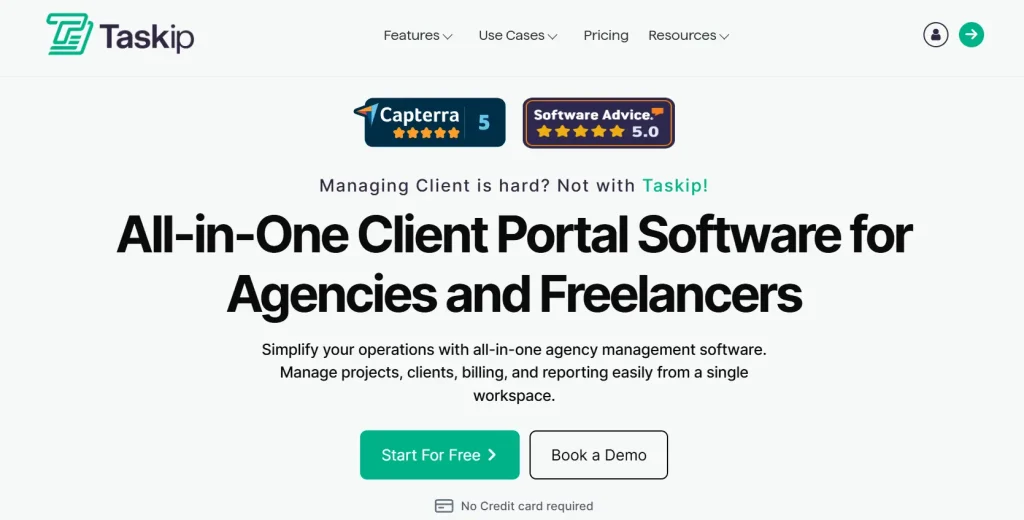
Taskip is an all-in-one client and project management platform built specifically for freelancers, consultants, and agencies. Instead of juggling multiple tools for tasks, CRM, invoicing, and client collaboration, Taskip brings everything into one clean, easy-to-use dashboard. From onboarding new clients to sending proposals, tracking projects, and getting paid, Taskip covers the full client lifecycle in a single workspace.
It’s designed for service providers who want to look professional, stay organized, and save time by automating repetitive admin. Unlike many tools that are built mainly for internal team use, Taskip is client-first—making collaboration smoother for both you and your clients.
Key Features
- Client CRM: Manage leads, prospects, and active clients in one place. Track deals, notes, and interactions without needing a separate CRM tool.
- Project & Task Management: Create tasks, set priorities, and monitor progress with deadlines and milestones. Perfect for keeping projects on track without heavy complexity.
- Proposals & Contracts: Send branded proposals, get e-signatures, and convert them into active projects instantly.
- Time Tracking & Invoicing: Log time directly into tasks and generate invoices automatically. Supports one-time payments, retainers, or subscriptions.
- Branded Client Portals: Give clients their own login space where they can check progress, upload files, approve work, and view invoices.
- Workflow Automation: Automate reminders, task assignments, and approval processes to cut down repetitive admin.
- Collaboration Tools: Share files, exchange messages, and keep feedback in context so communication stays clear.
Pricing
Taskip keeps its pricing simple and transparent:
- Starter (Free): For up to 1 user. Includes invoicing, proposals, forms, and client portal.
- Professional ($19/month): For up to 5 users. Adds workflow automation, proposal builder, support tickets, and branding.
- Team ($39/month): For up to 25 users. Includes collaboration tools, unlimited contacts, and shared inbox.
- Powerhouse ($59/month): For unlimited users. Includes unlimited proposals and workflows, plus premium support and white labeling.
Pros & Cons
Pros
- Free starter plan includes essential client tools.
- Affordable compared to many Kitchen.co competitors.
- Covers CRM, projects, billing, and proposals in one platform.
- Automation-first design saves time as you grow.
- Branded client portals create a polished client experience.
Cons
- The integrations list is growing, but not yet as wide as enterprise tools.
- Mobile app is still rolling out new features.
Best For
- Freelancers who want to streamline everything from proposals to payments.
- Agencies that need a central hub for multiple clients and retainers.
- Consultants who want automation and professional client-facing tools without complexity.
If you’re tired of switching between spreadsheets, invoicing apps, and project tools, Taskip gives you everything in one place. Start free today and see how much smoother client work can be.
Try Taskip Free – Manage Clients, Projects & Payments in One Dashboard]
2. Asana – Flexible Project Management for Growing Teams
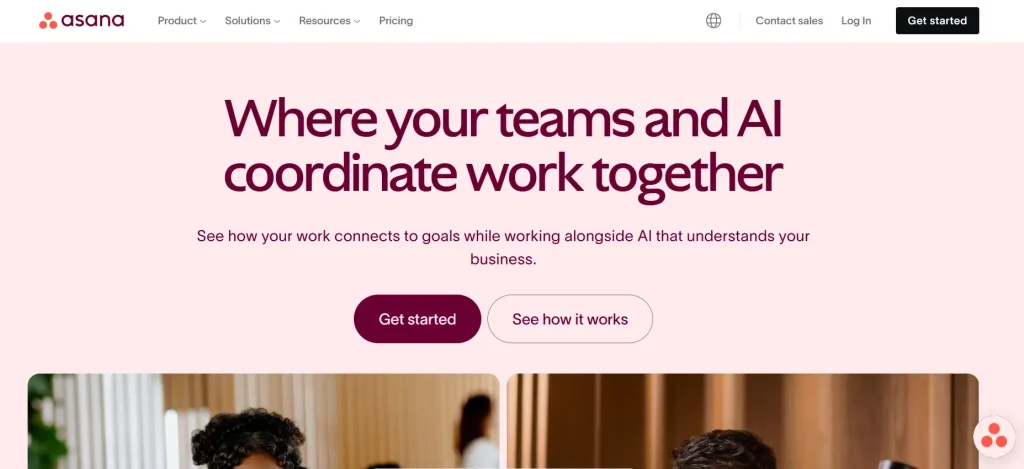
Asana is one of the most recognized names in project management software. Known for its flexibility and user-friendly design, Asana helps teams of all sizes organize tasks, manage projects, and stay aligned on goals. It’s especially popular with growing teams who want a balance between structure and adaptability.
With multiple project views, automation options, and a wide range of integrations, Asana works well for businesses that need more than just a task list. While it’s not a dedicated client management platform like Taskip, it’s an excellent choice for project and task management when internal collaboration is the top priority.
Key Features
- Multiple Views: Switch between lists, Kanban boards, timelines (Gantt), and calendars to match your preferred style of working.
- Task Dependencies: Set relationships between tasks so teams know what needs to happen first.
- Automation Rules: Automate repetitive actions such as task assignments, status changes, or notifications.
- Reporting Dashboards: Visualize project progress with custom dashboards and key performance metrics.
- Integrations: Connect with 200+ popular apps, including Slack, Google Workspace, Zoom, and Salesforce.
- Goal Tracking: Align teams around objectives and key results (OKRs) to keep everyone on the same page.
Pricing
- Individual (Free): For individuals or small teams (up to 2 users). Includes unlimited tasks, up to 3 boards, and activity logs.
- Basic ($9/user/month – billed annually): For small teams. Adds unlimited items and boards, unlimited free viewers, and 5GB of storage.
- Standard ($12/user/month – billed annually): Adds Timeline and Gantt views, guest access, and limited automations/integrations.
- Pro ($19/user/month – billed annually): For larger teams. Includes private boards, time tracking, advanced automations, and a chart view.
- Enterprise: Custom pricing with enhanced security (SSO), advanced reporting, and a dedicated success manager.
Pros & Cons
Pros
- Very flexible with multiple project views.
- Strong reporting and automation options.
- Wide range of integrations with popular tools.
- Reliable for both small teams and larger organizations.
Cons
- Costs rise quickly as team size grows.
- Some features (like workload and advanced reporting) are locked behind higher tiers.
- It may feel complex for freelancers who just need lightweight client management.
Best For
- Startups and growing teams that need scalable project management.
- Agencies with multiple projects where visibility and reporting are key.
- Organizations are looking for flexible workflows that adapt to different departments.
Asana is a strong choice for teams that want flexible project management with detailed reporting and automation. If client collaboration and billing are your top priorities, Taskip may be a better fit — but for workflow organization, Asana remains a trusted name.
3. Trello – Simple Kanban Boards for Visual Project Management
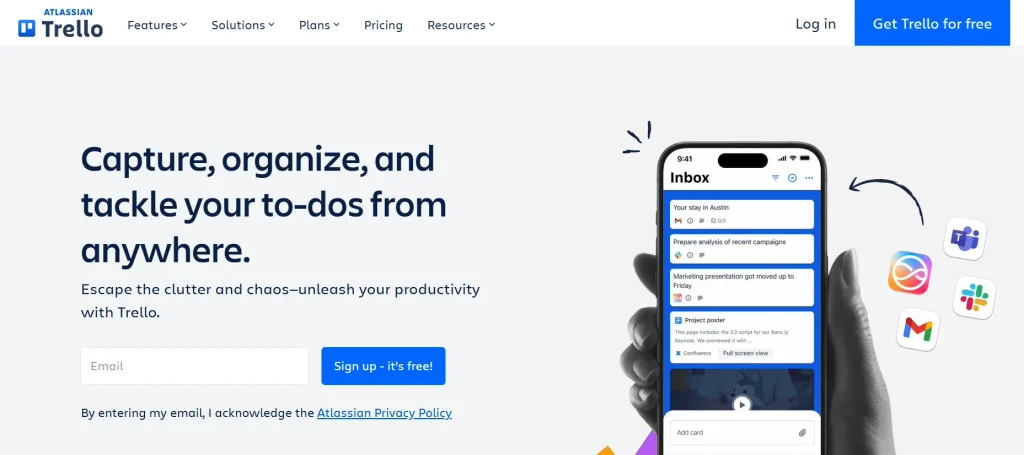
Trello is one of the most popular project management tools thanks to its simplicity and visual style. Built around Kanban boards, Trello uses “cards” to represent tasks that can be moved between different stages of a workflow. It’s especially appealing to freelancers, startups, and small teams who need a straightforward way to track projects without a steep learning curve.
Unlike more complex tools, Trello doesn’t overwhelm users with too many features. Instead, it focuses on being easy to set up and use right away. With Power-Ups (integrations) and its automation engine, it can also scale to handle more advanced needs.
Key Features
- Kanban Boards: Drag-and-drop cards for a clear visual view of tasks and progress.
- Customizable Cards: Add checklists, attachments, labels, and due dates to each task.
- Power-Ups (Integrations): Connect Trello with apps like Slack, Google Drive, Jira, and more.
- Butler Automation: Automate recurring actions like moving cards, sending reminders, or assigning tasks.
- Multiple Views (Premium): Timeline, Table, Dashboard, Calendar, and Map views for different workflows.
- Templates: Pre-built board templates for different industries and use cases.
Pricing
- Free: Unlimited cards, members, and storage (10MB/file), with up to 10 boards per workspace. Includes unlimited Power-Ups per board and basic automation.
- Standard ($5/user/month billed annually): All Free features plus unlimited boards, advanced checklists, custom fields, and increased storage (250MB/file).
- Premium ($10/user/month billed annually): Adds multiple project views (Timeline, Calendar, Dashboard, Map), unlimited automations, and enhanced admin controls.
- Enterprise (starting from $17.50/user/month billed annually): Includes all Premium features plus enhanced security (SSO), organization-wide permissions, and multi-board guests, designed for large companies.
Pros & Cons
Pros
- Very user-friendly with no steep learning curve.
- Flexible boards that can be adapted to almost any workflow.
- Affordable pricing, with a strong free plan.
- Large template library to get started quickly.
Cons
- Limited reporting and analytics compared to advanced project management tools.
- Requires Premium or Enterprise for advanced features like dashboard view.
- It may feel too basic for agencies with complex client workflows.
Best For
- Freelancers who want a lightweight, visual way to organize client projects.
- Small teams and startups manage simple tasks and workflows.
- Agencies that prefer visual task tracking without the complexity of enterprise software.
Trello is a great fit for small teams and freelancers who value simplicity and visual workflows. If you need more advanced client collaboration, invoicing, and automation, tools like Taskip might serve you better — but for straightforward Kanban-style project tracking, Trello remains a fan favorite.
Look organized, stay stress-free.
Taskip’s client portals make you the pro clients always hoped for.
4. ClickUp – An All-in-One Workspace for Tasks, Docs, and Automation
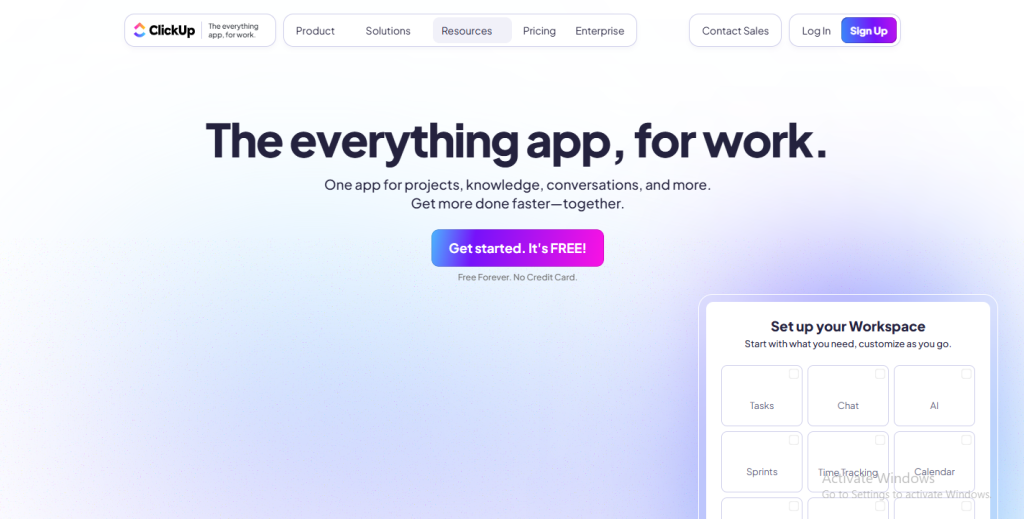
ClickUp positions itself as a true “all-in-one” productivity platform. It combines project management, documentation, goal tracking, time logging, and automation into one system. The platform is highly customizable, making it appealing to teams that want to tailor their workspace for different projects, departments, or industries.
Unlike lightweight tools such as Trello, ClickUp is designed to replace multiple apps — letting you manage tasks, store knowledge, and collaborate in one place. While it comes with a learning curve, many growing teams and agencies appreciate its flexibility and depth.
Key Features
- Multiple Views: Choose from lists, Kanban boards, Gantt charts, calendars, mind maps, whiteboards, and more.
- Docs and Wikis: Create collaborative documents directly inside ClickUp, replacing external tools like Google Docs.
- Goals and OKRs: Set objectives, link them to tasks, and track progress across teams.
- Advanced Automations: Build if/then rules to streamline workflows (e.g., move a task when status changes).
- Custom Dashboards: Add widgets to track performance, deadlines, and resource usage.
- Time Tracking: Log hours, track billable/non-billable time, and generate reports.
- Integrations: 1,000+ integrations with tools like Slack, Zoom, GitHub, Google Workspace, and more.
Pricing
- Free Forever: Best for personal use. Includes unlimited tasks and members, 100 MB of storage, and collaborative docs.
- Unlimited ($7/user/month billed annually): For small teams. Adds unlimited storage, integrations, dashboards, and custom fields.
- Business ($12/user/month billed annually): For mid-sized teams. Includes advanced automations, workload management, and detailed reporting.
- Business Plus ($19/user/month billed annually): Includes everything in Business, plus priority support, advanced permissions, and subtasks in multiple lists.
- Enterprise (Custom Pricing): For large companies. Offers enhanced security (SSO, HIPAA), audit logs, white labeling, and a dedicated success manager.
Pros & Cons
Pros
- Extremely feature-rich for the price.
- Can replace multiple tools (tasks, docs, goals, chat).
- Highly customizable for different industries and workflows.
- Affordable compared to some enterprise alternatives.
Cons
- Steeper learning curve for new users.
- It can feel overwhelming due to the sheer number of features.
- Performance may slow down with very large workspaces.
Best For
- Agencies and startups that want one platform for everything: tasks, documents, and collaboration.
- Medium-sized teams that need automation and reporting without the cost of enterprise tools.
- Project-heavy businesses that want to centralize operations under one dashboard.
ClickUp is a powerful choice for teams that want flexibility and depth in their project management. If you prefer something simpler and client-focused, Taskip may be a better match — but for all-in-one customization, ClickUp is hard to beat.
5. Monday.com – Customizable Work OS for Teams of All Sizes
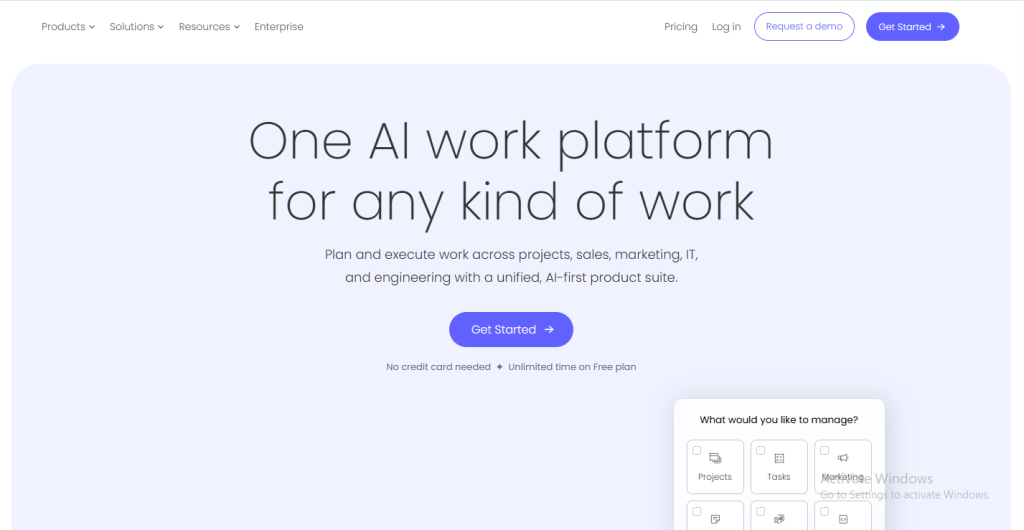
Monday.com describes itself as a “Work OS” (operating system for work) because it goes beyond traditional project management. It offers customizable boards, visual dashboards, and powerful automation that can adapt to almost any workflow — from marketing and sales to operations, HR, or IT. Its colorful, spreadsheet-like interface is easy to use and makes collaboration clear, even for teams with diverse responsibilities.
For freelancers and agencies, Monday.com can serve as a project hub, but it really shines for teams that want a flexible platform to run multiple parts of their business under one roof.
Key Features
- Multiple Views: Kanban, Gantt, Timeline, Calendar, and Workload views for tracking projects in different styles.
- Workflow Automation: Use “recipes” like “When status changes to done, notify the client” to cut down repetitive tasks.
- Dashboards: Pull data from multiple boards into one central view for reporting.
- Integrations: Connects with Slack, Microsoft Teams, Google Workspace, Zoom, Jira, Salesforce, and more.
- Templates: Hundreds of templates for different industries and workflows.
- Collaboration Tools: File sharing, mentions, and updates directly on tasks.
- Time Tracking: Built-in tracking for teams that bill hourly or need utilization insights.
Pricing
- Individual (Free): Up to 2 seats, unlimited docs, and up to 3 boards.
- Basic ($9/seat/month – billed annually): Unlimited items, unlimited boards, and 5 GB of storage.
- Standard ($12/seat/month – billed annually): Adds Timeline & Gantt views, guest access, automations, and integrations.
- Pro ($19/seat/month – billed annually): Includes private boards, chart views, time tracking, and advanced automations.
- Enterprise: Custom pricing with enterprise-grade security, compliance, and advanced reporting.
Pros & Cons
Pros
- Highly customizable for different industries and workflows.
- Easy-to-use, colorful, and modern interface.
- Strong automations and integration ecosystem.
- Scales well from small teams to large organizations.
Cons
- It can become expensive as team size grows.
- Some features (like time tracking and workload view) require higher-tier plans.
- It might feel overwhelming for freelancers who need a simpler tool.
Best For
- Agencies and small businesses that want to customize workflows for client projects.
- Mid-sized and enterprise teams managing operations across multiple departments.
- Teams need automation and reporting in a visual, easy-to-use platform.
Monday.com is a great option for businesses that need flexibility and advanced automation. If your focus is on client collaboration, billing, and proposals, Taskip may be a better all-in-one solution — but for customizable project tracking, Monday.com delivers.
6. Notion – All-in-One Workspace for Docs, Databases, and Projects
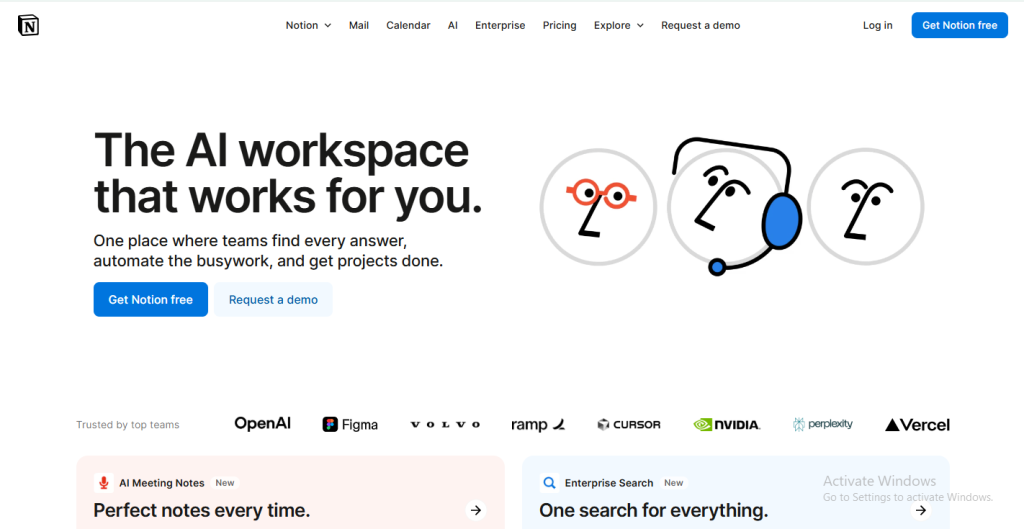
Notion is a flexible platform that blends documentation, databases, and project management in one workspace. Unlike traditional project management tools, Notion is modular — you can build custom dashboards, wikis, and workflows to suit your business. This makes it especially appealing to freelancers, creative professionals, and agencies that want both a knowledge hub and a light project management tool in the same space.
Its adaptability is one of its strongest points. While it may not be as feature-rich in project management as Asana or ClickUp, Notion is ideal for teams that need documentation, collaboration, and organization all in one place.
Key Features
- Databases: Organize work with tables, Kanban boards, calendars, timelines, and gallery views.
- Docs & Wikis: Create collaborative pages for meeting notes, client briefs, SOPs, or content libraries.
- Templates: A large template library for project tracking, content planning, and knowledge management.
- Collaboration: Real-time editing, comments, and mentions.
- Permissions: Control access with teamspaces and guest invites.
- Integrations: Connect with Slack, GitHub, Google Drive, and more (growing ecosystem).
- AI Tools: Notion AI helps with summarizing, brainstorming, and drafting content.
Pricing
- Free: Unlimited pages and blocks for individuals. Includes limited guest access (up to 10 guests) and a 7-day page history.
- Plus ($10/user/month billed annually): For small teams. Adds unlimited blocks, unlimited file uploads, and a 30-day version history.
- Business ($20/user/month billed annually): For growing teams. Includes everything in Plus, along with private teamspaces, advanced admin tools, and 90-day version history.
- Enterprise (Custom Pricing): For large organizations. Includes unlimited version history, audit logs, advanced security (SAML SSO), and dedicated support.
Pros & Cons
Pros
- Extremely flexible — can be shaped into wikis, CRMs, project trackers, or content hubs.
- Combines documentation and project management in one tool.
- Affordable for individuals and small teams.
- Large community and template library for inspiration.
Cons
- Lacks advanced project management features like workload tracking or dependencies.
- It can feel overwhelming without a clear structure.
- Performance slows with very large databases.
Best For
- Freelancers and consultants who need both notes and task tracking in one place.
- Agencies and startups are building knowledge bases alongside projects.
- Creative teams that value flexibility over rigid workflows.
Notion is a strong choice for teams that want a single space for notes, docs, and lightweight project management. For freelancers and agencies who also need client portals, invoicing, and proposals, Taskip may be a better fit — but Notion remains a go-to tool for knowledge and workflow flexibility.
7. Wrike – Enterprise-Grade Project Management & Resource Planning
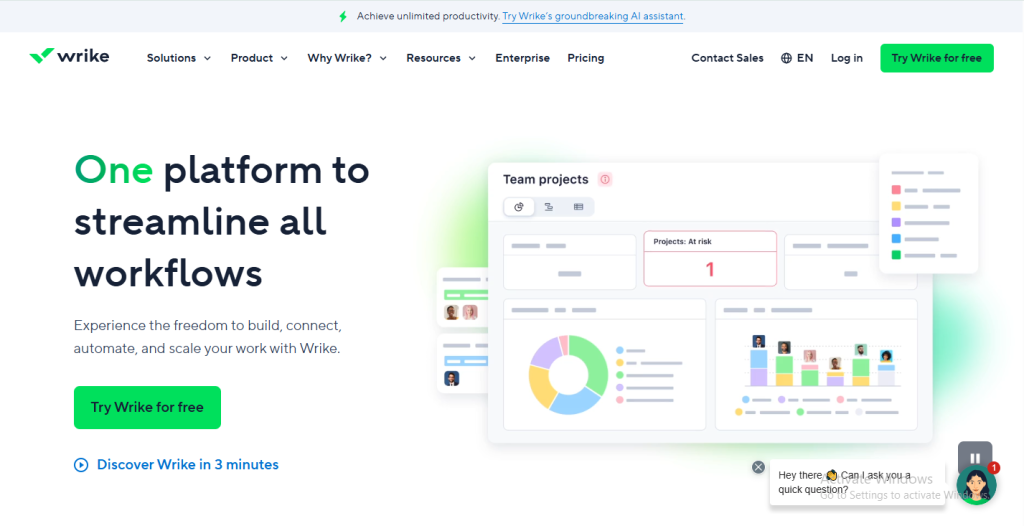
Wrike is a robust project management tool designed for mid-to-large organizations that need advanced visibility, resource planning, and reporting. Unlike lightweight platforms such as Trello or Kitchen.co, Wrike focuses on scalability and precision. It’s widely used in industries like marketing, IT, and professional services where cross-department collaboration and detailed oversight are critical.
While Wrike may be more than most freelancers need, agencies or larger teams managing complex client projects can benefit from its strong analytics and enterprise-grade features.
Key Features
- Multiple Project Views: List, Kanban board, Gantt chart, and calendar.
- Resource Management: Track team capacity, allocate resources, and forecast workloads.
- Advanced Reporting Dashboards: Custom analytics to monitor performance and KPIs.
- Time Tracking: Log billable and non-billable hours within the platform.
- Proofing & Approvals: Built-in tools for reviewing creative work and gathering client sign-offs.
- Automation Engine: Reduce manual admin tasks with automated workflows.
- Enterprise Security: SSO, role-based permissions, and compliance for large organizations.
- Integrations: 400+ apps, including Salesforce, Microsoft Teams, Slack, Google Workspace, and Adobe Creative Cloud.
Pricing
- Free: For teams of up to 5 users with basic task management.
- Team ($9.80/user/month – billed annually): Interactive Gantt charts, custom workflows, dashboards.
- Business ($24.80/user/month – billed annually): Adds advanced reporting, time tracking, approvals, and resource management.
- Enterprise: Custom pricing with enhanced security and admin controls.
- Pinnacle: Tailored for very large enterprises with financial management and forecasting features.
Pros & Cons
Pros
- Excellent for enterprise-level reporting and analytics.
- Strong workload and resource management tools.
- Suitable for large, cross-functional teams.
- Scales effectively for organizations with global operations.
Cons
- More expensive than mid-market tools.
- Steep learning curve for new users.
- Too complex for freelancers or small agencies.
Best For
- Large agencies handling multiple departments or big client accounts.
- Enterprises need advanced reporting, forecasting, and security.
- Project-heavy industries like IT, marketing, and operations.
Wrike is ideal for organizations that need deep analytics and enterprise-grade project management. For freelancers or small teams, it may feel heavy, but for enterprises, it delivers powerful control and visibility.
8. Smartsheet – Spreadsheet-Style Project Management with Enterprise Power
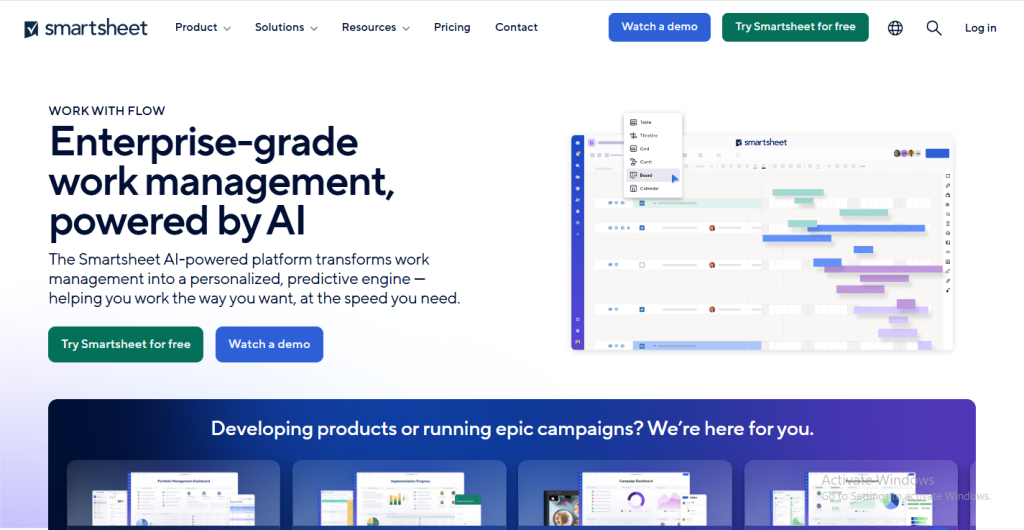
Smartsheet is a work management platform that combines the familiar look of spreadsheets with the functionality of project management software. It’s particularly popular among teams that already rely heavily on Excel or Google Sheets but want more collaboration, automation, and reporting.
For agencies, enterprises, or project-heavy organizations, Smartsheet provides a structured yet flexible way to track projects, budgets, and timelines. It bridges the gap between traditional spreadsheets and modern project management tools, making it a strong option for teams that are data-driven.
Key Features
- Spreadsheet-Like Interface: Manage projects in a grid format with formulas, filters, and sorting.
- Multiple Views: Switch between grid, Gantt, card (Kanban), and calendar views.
- Automation Workflows: Alerts, reminders, and conditional updates to streamline processes.
- Dashboards & Reports: Create executive-level dashboards to monitor progress and performance.
- Portfolio & Resource Management: Track resource allocation, budgets, and timelines across projects.
- Proofing & Approvals: Review creative work, leave comments, and approve deliverables.
- Enterprise Security & Compliance: SOC 2, HIPAA, GDPR compliance for sensitive industries.
- Integrations: Works with Microsoft Office, Google Workspace, Salesforce, Slack, Tableau, Jira, and more.
Pricing
- Free: Limited to 1 user and 2 editors. Includes a limited number of sheets (2) and basic dashboards, best for individuals to try the platform.
- Pro ($9/user/month billed annually): For up to 10 users. Includes unlimited sheets, dashboards, and reports, plus more automations and storage.
- Business ($19/user/month billed annually): For unlimited users (with a minimum of 3). Includes unlimited automations, 1 TB of storage, and advanced features like proofing and user management.
- Enterprise (Custom Pricing): For large organizations. Offers enhanced security (SSO, audit logs), dedicated support, and advanced integrations and governance.
Pros & Cons
Pros
- Easy adoption for teams familiar with spreadsheets.
- Strong automation and reporting capabilities.
- Scales well for cross-department collaboration.
- Enterprise-ready with compliance and advanced security.
Cons
- Less intuitive for creative or non-technical users.
- Can feel rigid compared to more visual tools like Trello or Monday.com.
- Pricing climbs quickly for larger teams.
Best For
- Enterprises that rely heavily on spreadsheets but want better collaboration.
- Agencies managing complex projects with multiple deliverables, budgets, and deadlines.
- Project-heavy industries like construction, IT, or finance, where data accuracy is key.
Smartsheet is best for teams that love spreadsheets but need enterprise-level project management and automation. If you want something more client-friendly and simple, platforms like Taskip may be a better choice.
9. Basecamp – Simple Project Management & Team Communication Hub
Basecamp is one of the original project management tools, known for its focus on simplicity and team communication. Instead of trying to be everything at once, Basecamp brings together the essentials: to-do lists, file sharing, chat, and scheduling. It’s designed to reduce “tool fatigue” by replacing multiple apps (chat, task manager, file storage) with one hub.
For freelancers, consultants, and small agencies, Basecamp is attractive because it’s easy to learn and doesn’t overwhelm clients with complex features. It’s not built for enterprise-level reporting or advanced automations, but it shines as a straightforward collaboration space.
Key Features
- To-Do Lists: Track tasks, assign owners, and set deadlines.
- Message Boards: Keep project discussions in one place, instead of scattered emails.
- Campfire Chat: A simple chat feature for quick team conversations.
- Docs & Files: Upload, share, and organize project documents.
- Schedules: Calendar integration for milestones and due dates.
- Hill Charts: A unique feature that visualizes project progress in stages.
- Flat Pricing Option: Unlimited users and projects for one monthly fee.
Pricing
- Free: For individuals and small teams. Includes 1 project, 500 MB of storage, and limited features.
- Basecamp ($15/user/month): For small to mid-sized teams. Includes all core features, unlimited projects, and 500 GB of storage. You only pay for your team members; guests are free.
- Basecamp Pro Unlimited ($299/month flat, billed annually): A flat-rate plan for unlimited users. Includes all features from the regular plan, 5 TB of storage, advanced admin tools, and priority support.
Pros & Cons
Pros
- Extremely easy to use, no steep learning curve.
- Combines communication and tasks in one platform.
- Flat pricing is cost-effective for large teams.
- Reduces reliance on multiple separate tools.
Cons
- Lacks advanced features like Gantt charts, resource management, or automations.
- Limited reporting and analytics.
- Not ideal for large enterprises with complex needs.
Best For
- Freelancers and consultants who want a simple tool for managing projects and client communication.
- Small agencies that need a hub for messages, files, and tasks.
- Teams looking to reduce tool overload with one straightforward platform.
Basecamp is perfect for small teams who value simplicity over complexity. For freelancers or agencies who need CRM, invoicing, proposals, and automation alongside project management, Taskip may be the better all-in-one choice.
10. Airtable – Flexible Database + Project Management Hybrid
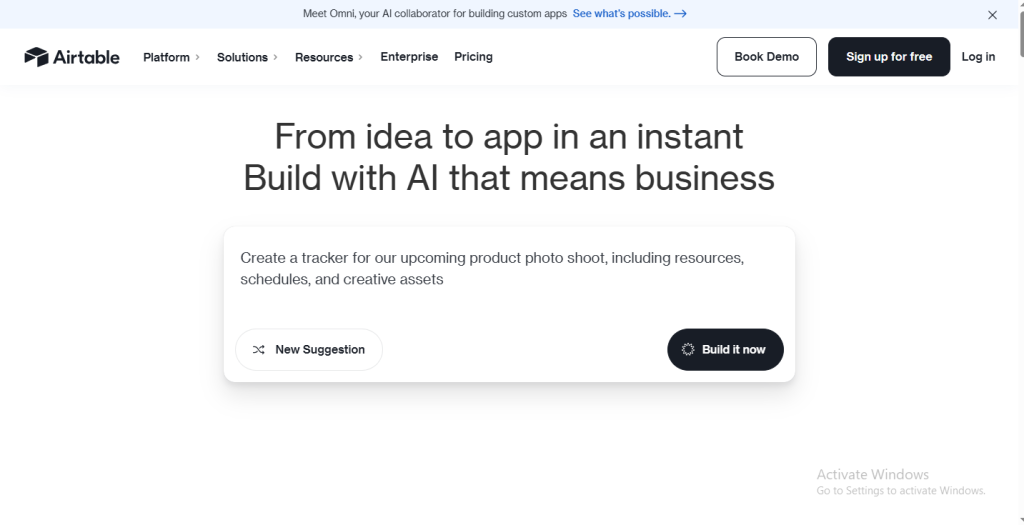
Airtable is a unique blend of spreadsheet and database functionality combined with project management features. It allows teams to design their own workflows — from simple task boards to complex content calendars, CRMs, and inventory systems. Because of this flexibility, Airtable is widely used across industries like marketing, design, product development, and operations.
For agencies and freelancers, Airtable is especially useful if you manage lots of client data, campaigns, or content projects. It gives you the freedom to structure your projects in ways traditional project management software can’t.
Key Features
- Database + Spreadsheet Hybrid: Create tables with formulas, filters, and linked records for flexible project tracking.
- Multiple Views: Switch between grid, Kanban, calendar, Gantt, gallery, and timeline views.
- Automations: Build custom workflows with triggers and actions, such as sending notifications or updating records automatically.
- Interface Designer: Customize dashboards for different users or roles.
- Templates: Pre-built setups for content calendars, CRMs, and project plans.
- Integrations: Connects with over 1,000 tools via Zapier, plus direct integrations with Slack, Google Workspace, Salesforce, and more.
- Collaboration Tools: Commenting, file attachments, and sharing views with clients.
Pricing
- Free: For individuals and small teams. Includes unlimited bases, up to 5 editors per workspace, 1,200 records per base, and 1 GB of attachments per base.
- Team ($20/user/month billed annually): For small to mid-sized teams. Adds unlimited records (up to 50,000 per base), 20 GB of storage, and advanced features like Gantt and Timeline views.
- Business ($45/user/month billed annually): For growing teams. Includes all Team features, plus an admin panel, enhanced security, two-way sync, and increased limits (up to 125,000 records per base and 100 GB of attachments).
- Enterprise (Custom Pricing): For large organizations. Includes unlimited workspaces, advanced security (SSO, audit logs), a dedicated success manager, and custom-tailored features for large-scale operations.
Pros & Cons
Pros
- Extremely flexible and customizable.
- Great for data-heavy workflows and content planning.
- Strong automation and integration capabilities.
- Scales well from solo freelancers to large enterprises.
Cons
- Can feel overwhelming for non-technical users.
- Advanced features require higher-tier plans.
- May require training or setup time to build complex workflows.
Best For
- Creative agencies managing content calendars, campaigns, or design workflows.
- Freelancers with data-heavy projects who want flexibility.
- Businesses need a mix of CRM and project management in one customizable platform.
Airtable is perfect for teams that need customizable workflows and want more control than traditional project management software allows. If you’d prefer an easier, client-ready solution with invoicing and portals built in, Taskip may be the better option.
11. Teamwork – Client-Focused Project Management with Time Tracking & Billing
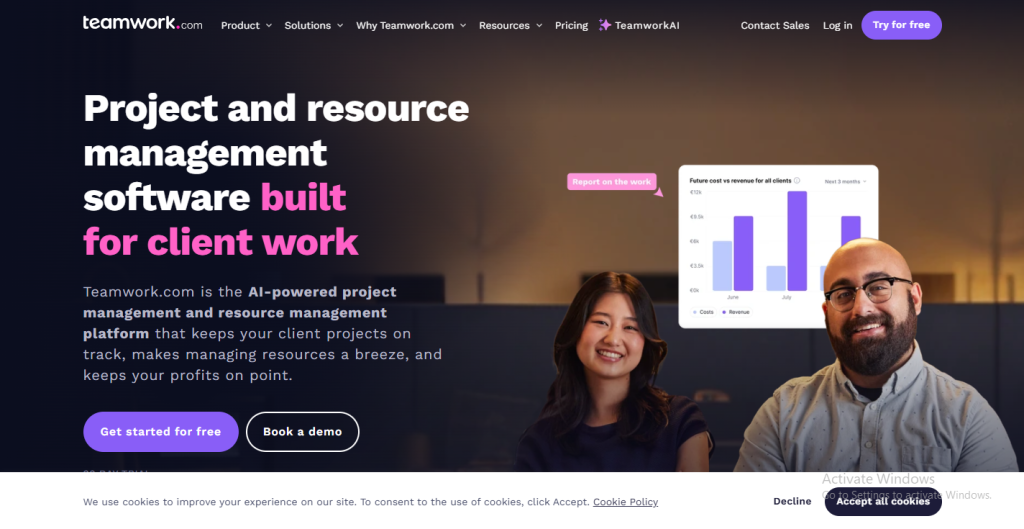
Teamwork is built with agencies and client-service businesses in mind. Unlike general project management tools, it combines task management with time tracking, invoicing, and client collaboration features. This makes it especially useful for agencies that bill by the hour, work on retainers, or need to manage profitability across multiple projects.
For freelancers and consultants, Teamwork can feel like a step up from basic tools because it not only tracks work but also connects it directly to revenue.
Key Features
- Project & Task Management: Organize projects with lists, boards, or Gantt charts.
- Time Tracking: Log billable and non-billable hours right inside the platform.
- Billing & Invoicing: Generate invoices directly from tracked time.
- Workload Management: Monitor team availability and allocate resources effectively.
- Client Collaboration: Secure portals for clients to view progress and share feedback.
- Portfolio View: Manage multiple projects at once for a high-level overview.
- Integrations: Connects with Slack, HubSpot, Zapier, Google Drive, Microsoft Teams, and more.
Pricing
- Free: Unlimited bases, up to 5 editors, 1,200 records per base, and 1 GB of attachments. Best for individuals and small teams starting out.
- Team ($20/user/month billed annually): For small to mid-sized teams. Includes up to 50,000 records per base, 20 GB of storage, and advanced features like Gantt and timeline views.
- Business ($45/user/month billed annually): For growing teams that need more control. Adds up to 125,000 records per base, 100 GB of storage, SSO, and advanced admin controls.
- Enterprise (Custom Pricing): For large organizations. Offers enhanced security (audit logs), advanced governance, and a dedicated success manager.
Pros & Cons
Pros
- Designed specifically for agencies and client-service teams.
- Built-in time tracking and invoicing save the need for extra apps.
- Affordable mid-tier pricing for growing agencies.
- Client portals simplify collaboration and communication.
Cons
- Interface can feel less modern compared to tools like Monday.com or ClickUp.
- Advanced features (like resource scheduling) are only in higher plans.
- Not as customizable as platforms like Airtable or Notion.
Best For
- Agencies that bill hourly or manage multiple client retainers.
- Consultants who want time tracking directly linked to invoicing.
- Service providers looking for a project management tool built around client needs.
Teamwork is a great choice if your agency needs to connect project management with billing and profitability. If you want all of that plus CRM, proposals, and branded client portals, Taskip offers an even more complete solution.
12. Hive – Productivity-Focused Project Management with Built-In Collaboration
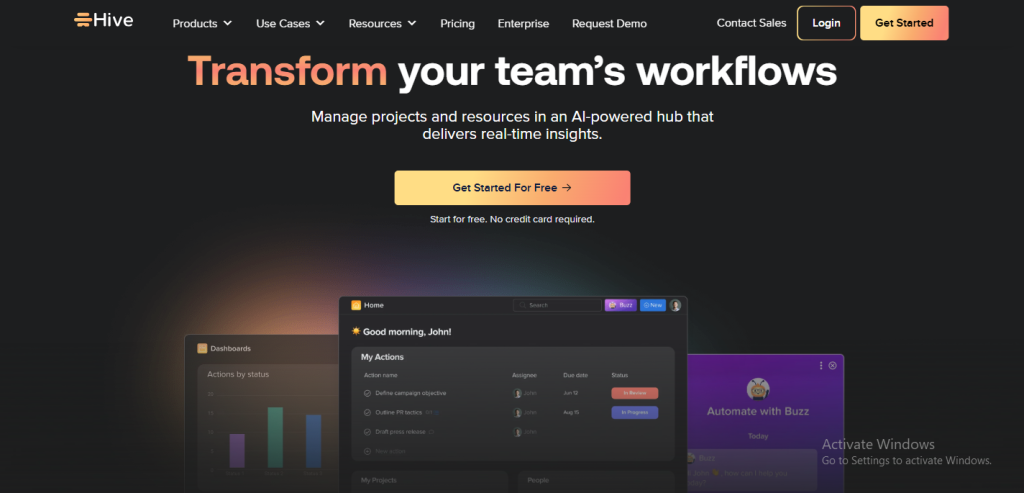
Hive is a modern project management tool designed for teams that value speed, flexibility, and in-app collaboration. It combines task tracking with messaging, proofing, and approvals, making it especially appealing to marketing teams, creative agencies, and startups. Hive’s strength lies in its ability to keep everything — from tasks to conversations — inside one platform, reducing the need for constant app-switching.
Key Features
- Multiple Views: Manage projects through list, Kanban, Gantt chart, calendar, and table views.
- In-App Messaging: Chat with teammates directly within the platform, replacing the need for a separate chat app.
- Proofing & Approvals: Review creative assets, leave feedback, and approve files in one place.
- Workflow Automation: Create triggers and rules to automate repetitive steps.
- Time Tracking: Monitor time spent on tasks and generate timesheets.
- Analytics Dashboards: Track performance, deadlines, and team productivity.
- Integrations: Connects with 1,000+ tools, including Slack, Zoom, Salesforce, Google Drive, and Jira.
Pricing
- Free: Up to 10 users, with basic project management and limited storage.
- Starter ($5/user/month – billed annually): Unlimited storage, Gantt and calendar views, and integrations (up to 10 projects).
- Teams ($12/user/month – billed annually): Adds advanced automations, analytics, resource management, and unlimited projects.
- Enterprise: Custom pricing with enhanced security, onboarding, and dedicated support.
Pros & Cons
Pros
- Combines project management with built-in chat and collaboration.
- Strong proofing and approval features for creative teams.
- Affordable compared to many competitors.
- Flexible views that adapt to different team preferences.
Cons
- Smaller ecosystem compared to Asana or Monday.com.
- Advanced automations are limited in lower-tier plans.
- Reporting isn’t as deep as Wrike or Smartsheet.
Best For
- Creative agencies managing design, content, or marketing campaigns.
- Startups that need fast, flexible collaboration without heavy complexity.
- Teams looking for built-in messaging and proofing in the same workspace.
Hive is a strong option for creative and fast-moving teams that want tasks, chat, and approvals all in one place. For freelancers and agencies who also need CRM, invoicing, and branded client portals, Taskip is still the more complete all-in-one solution.
How Taskip Stands Out as the #1 Kitchen.co Alternative
When exploring Kitchen.co alternatives, you’ll notice that most tools specialize in one area: project management, communication, or client billing. Few platforms combine all of these into a single, easy-to-use system. This is where Taskip truly shines. It’s designed for freelancers, consultants, and agencies who need more than just task tracking — they need a complete solution that manages the entire client lifecycle.
All-in-One Client Management
Taskip brings together the tools most professionals usually have to juggle separately:
- CRM for client details and relationships
- Task & project management with deadlines and priorities
- Proposals & contracts with e-signature support
- Time tracking linked directly to invoicing
- Branded client portals for transparency and collaboration
Instead of switching between multiple platforms, Taskip makes it easy to run your client business from one clean dashboard.
Automation-First Approach
One of Taskip’s biggest advantages is its focus on automation. Common workflows like:
- Assigning tasks when a new client signs on
- Sending reminders for overdue invoices
- Moving projects forward after approval
…can all happen automatically. This reduces manual admin work and gives teams more time to focus on delivering results.
Why Taskip is the Top Kitchen.co Alternative
- Combines CRM, project management, and billing in one.
- Affordable, transparent pricing — even for freelancers.
- Automation-first design for smarter workflows.
- Client-facing features (portals, proposals, feedback loops) baked in.
- Scales from solo consultants to agencies with 100+ clients.
If you’re looking for a Kitchen.co alternative that’s simple enough for freelancers but powerful enough for agencies, Taskip is the clear choice. With all your client tools under one roof, you can spend less time managing software and more time growing your business.
Conclusion
Choosing the right platform comes down to what helps you work more smoothly with clients and manage projects without extra effort. Kitchen.co has been a helpful option for many, but exploring alternatives can open up tools that better fit your workflow, budget, or team size. From simple boards in Trello to flexible workspaces in Notion and Airtable, each tool offers something unique. For freelancers and agencies that want project management, invoicing, and client portals in one place, Taskip brings those essentials together in a practical, client-focused way.


Get Summary On: