
12 Best Queue Alternatives
If you’ve ever tried to scale a freelance business or manage multiple clients as an agency, you know the struggle: tools that promise simplicity often add new layers of complexity. Queue is one of those platforms built to organize client communication and tasks, and for many, it’s been a helpful step forward. Yet as businesses mature, the cracks start to show—limited flexibility, higher costs, and workflows that don’t always adapt to real client needs.
That’s why professionals are looking beyond Queue. They want tools that feel lighter, smarter, and built for growth. This blog explores the best alternatives available—and why Taskip is quickly becoming the choice for teams that value clarity and control.
Key Takeaways
Queue Overview
Queue is a project and task management tool designed to streamline workflows and help teams stay organized. It emphasizes simplicity, structured task handling, and team collaboration.
Popular among small businesses, startups, and remote teams who want a clean, straightforward solution.
Why Look for Alternatives
- Lacks advanced automation and scalability features for larger enterprises.
- Limited integrations compared to robust business management platforms.
- Reporting and analytics are not as detailed as other project management solutions.
- Customization options can feel restrictive for teams with complex workflows.
Top Queue Alternatives
- Taskip – All-in-one, client-focused platform with project/task management, CRM, proposals, invoicing, client portals, and automation designed for freelancers, agencies, and consultants.
- Asana – Excellent for project visualization, team collaboration, and workflow customization.
- Trello – Easy-to-use Kanban boards, ideal for smaller teams managing simple projects.
- ClickUp – All-in-one platform with docs, tasks, goals, time tracking, and automation.
- Monday.com – Highly customizable workflows with strong automation and reporting tools.
- Notion – Combines project management, documentation, and collaboration in one workspace.
- Wrike – Strong enterprise-ready features with advanced reporting and resource management.
- Smartsheet – Spreadsheet-style project tracking with extensive integrations.
- Basecamp – Simple communication and task management hub for small to medium teams.
- Airtable – Flexible database + project management hybrid for custom workflows.
- Teamwork – Great for client-service teams with invoicing, time tracking, and project billing.
- Hive – Productivity-focused tool with flexible views, automation, and integrations.
- ProofHub – Straightforward project management with collaboration and approval workflows.
What Is Queue?
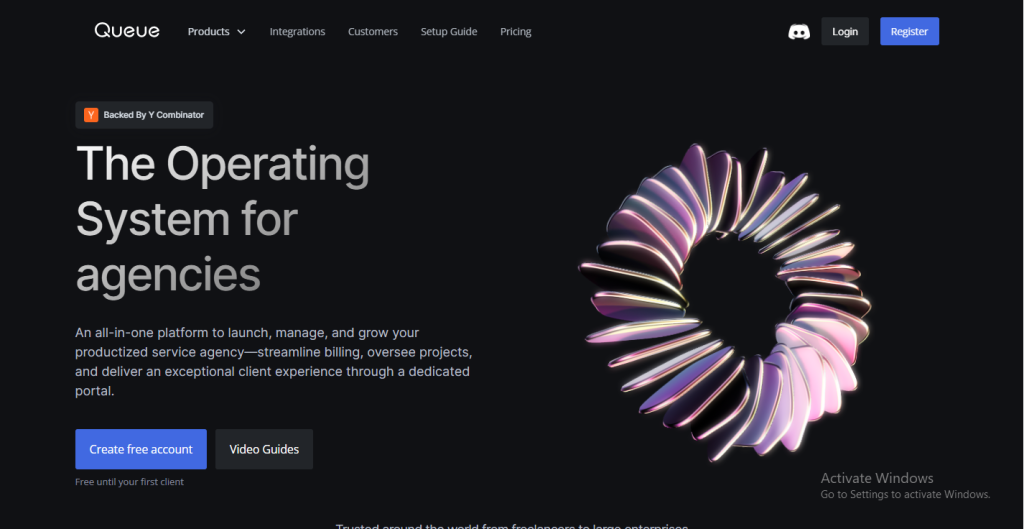
At its core, Queue is a client management platform designed to help freelancers, agencies, and service providers centralize their work. Instead of juggling email threads, spreadsheets, payment apps, and messaging platforms, Queue aims to bring everything together in one organized system.
The tool was built with creative professionals in mind—people who run service-based businesses and need a streamlined way to manage both their internal workflow and client-facing experience. With Queue, the idea is simple: one platform where your clients can log in, see progress, pay invoices, leave feedback, and stay updated without constant back-and-forth emails.
Key Features of Queue
- Client Portals – Every client gets a dedicated portal where they can view tasks, share files, and check updates. This makes the process more transparent and reduces confusion about what’s happening behind the scenes.
- Task & Project Management – Queue lets businesses create task forms, assign work, and track deadlines. It’s not a full-scale project management suite like Asana or Monday.com, but it provides enough structure for small teams to stay on top of deliverables.
- Onboarding Tools – For freelancers and agencies, onboarding can be messy. Queue helps by offering intake forms and structured workflows so new clients can get set up quickly without the typical email ping-pong.
- Feedback & Approvals – Creative businesses often struggle with endless revisions. Queue includes a built-in feedback system that allows clients to leave comments and approvals directly in the portal—reducing scattered feedback across Slack, email, and calls.
- Billing & Subscriptions – Another standout feature is its ability to handle recurring payments and subscription-style services. For agencies that bill monthly or offer packaged services, this can save time compared to manually generating invoices.
- Referral Programs – Uniquely, Queue also includes referral tools that let businesses reward clients for bringing in new work. It’s a marketing feature you don’t often see in client management platforms.
- Integrations – To fit into existing workflows, Queue integrates with tools like Zapier, Trello, and other third-party apps. This helps extend its capabilities without forcing users to abandon all their existing systems.
Who Uses Queue?
Queue is positioned primarily for:
- Freelancers running multiple client projects.
- Small agencies managing retainer clients.
- Service providers who want a more polished, professional way to interact with clients.
It’s especially appealing to people who want to look “bigger” than they are—offering branded portals and structured workflows without needing an enterprise-level system.
The Strengths of Queue
- All-in-One Appeal: By bundling communication, task management, payments, and feedback into one tool, Queue reduces the need for multiple subscriptions.
- Professional Client Experience: The portals look polished, which helps businesses present themselves as organized and trustworthy.
- Recurring Revenue Support: Subscription billing features are a major plus for agencies or freelancers with ongoing service packages.
- User-Friendly: Unlike heavy-duty platforms, Queue focuses on simplicity over complexity.
The Limitations of Queue
Still, no platform is perfect, and Queue isn’t without drawbacks:
- Pricing Barrier: With plans starting around $49/month, it’s a significant investment for freelancers or smaller teams compared to leaner alternatives.
- Feature Depth: While it covers many areas, Queue doesn’t go as deep as specialized tools. For example, its project management features are lighter compared to dedicated PM software.
- Learning Curve for Clients: Not all clients are comfortable logging into portals. Some prefer email or simpler collaboration tools.
- Limited Automation: Beyond task forms and workflows, it lacks advanced automation that modern teams increasingly expect.
Why This Matters
Understanding what Queue offers—and where it stops short—is crucial for businesses choosing the right platform. Many users adopt Queue, only to realize they need more flexibility, smarter automation, or a pricing model that doesn’t feel restrictive as they grow.
This is exactly why alternatives like Taskip are becoming more attractive. They promise the same centralized experience but with added simplicity, automation, and affordability.
Common Needs in Client Management Tools
When businesses search for a client management platform, they’re rarely chasing a long feature list. What they’re really after is peace of mind: the ability to keep projects on track, clients informed, and revenue flowing without constant firefighting. Whether you’re a freelancer managing five clients or an agency handling fifty, the core needs tend to look the same.
Clear Communication
The biggest pain point in client work is miscommunication. Emails get lost, feedback arrives too late, or clients feel left out of the process. A good client management tool must provide a centralized communication hub where messages, updates, and files live together, reducing the back-and-forth.
Smooth Onboarding
First impressions matter. Clients expect a frictionless onboarding process where contracts, intake forms, and initial tasks are set up quickly. Tools that automate onboarding save hours and immediately establish professionalism.
Organized Task & Project Management
Service providers need a way to create tasks, assign deadlines, and monitor progress without relying on complex enterprise software. A strong client management platform should strike the right balance: simple enough for clients to follow, structured enough for teams to rely on.
Built-in Billing & Payments
Switching between a project tool and invoicing software creates unnecessary friction. Many businesses now expect integrated billing—whether that’s one-time invoices, recurring subscriptions, or retainers—so that work and payments stay connected.
Feedback & Approval Loops
Revisions are inevitable, but endless email threads make them painful. Modern platforms integrate commenting and approval workflows directly into projects so clients can review, request changes, and sign off faster.
Automation & Workflow Efficiency
As businesses scale, repeating the same manual steps (sending reminders, assigning tasks, routing requests) becomes unmanageable. Automation isn’t a “nice-to-have” anymore—it’s a requirement for saving time and ensuring consistency.
Flexibility & Scalability
No two businesses run exactly alike. Some offer subscriptions, others one-off projects, and many offer a mix of both. A valuable client management tool adapts to these models and grows with the business instead of forcing them into rigid workflows.
Affordable, Transparent Pricing
Finally, cost plays a huge role. Solo freelancers and small agencies don’t have enterprise budgets. They want affordable, transparent pricing that scales fairly as they add clients or team members. Tools that gate essential features behind high monthly fees often drive users to look for alternatives.
12 Queue Alternatives in 2025
1. Taskip
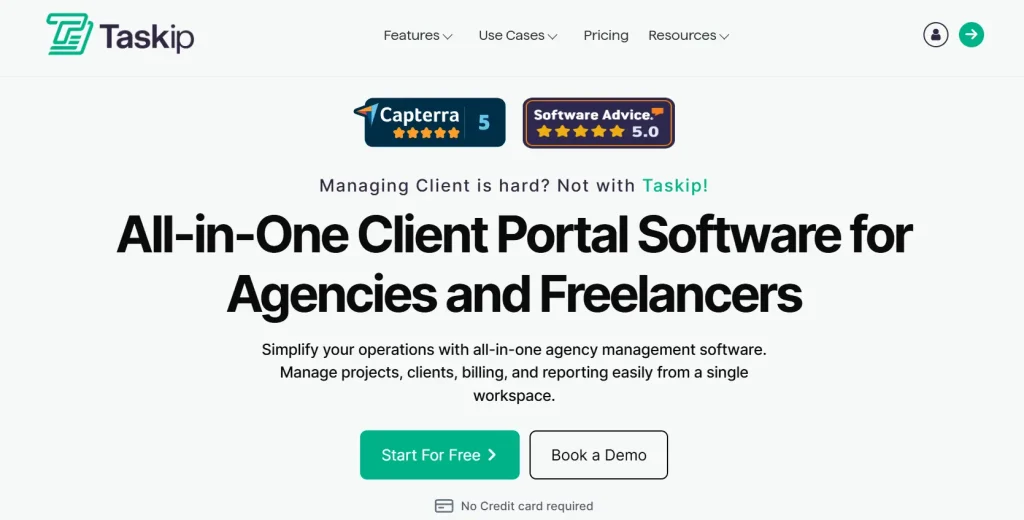
Taskip is a modern all-in-one client management tool built for freelancers, consultants, and growing service teams. Whether you’re onboarding a new client, managing multiple projects, or sending out invoices, Taskip brings everything under one intuitive dashboard.
From proposals and contracts to time tracking and task management, Taskip helps you stay organized, get paid faster, and deliver a better client experience—all without juggling multiple tools.
Learn More: Taskip vs Queue – Which One Fits Your Business in 2025?
One Powerful Platform to Manage Clients, Projects & Payments
Key Features
- Client CRM to manage leads, clients, and deals in one place
- Task and project management with deadlines, priorities, and progress tracking
- Proposal and contract builder with e-signature support
- Time tracking integrated with smart invoicing
- Branded client portal for seamless collaboration and transparency
- Workflow automation to eliminate repetitive tasks
Pros & Cons
Pros
- Free Starter plan with essential client tools
- Affordable, flat pricing compared to Queue
- Covers CRM, tasks, billing, and proposals in one
- Automation-first design for faster workflows
Cons
- Some integrations are still being expanded
- Mobile app still in beta phase
- Maybe more than needed for one-off project users
Price
- Starter (Free): For up to 5 users. Includes invoicing, quotes, forms, documents, basic task/project tools, and client portal.
- Professional ($19/month): Up to 5 users. Adds workflow automation, proposal builder, support tickets, and custom branding.
- Team ($39/month): Up to 20 users. Includes all Professional features plus unlimited contacts, meetings, collaboration tools, and business inbox.
- Powerhouse ($59/month): For up to 100 users. Offers full automation, unlimited proposals/workflows, and priority support
CTA:
Ready to Ditch Tool-Hopping?
Try Taskip free and manage your entire client workflow—from proposals to payments—in one clean, powerful dashboard.
2. Asana

Asana is one of the most recognized project management platforms, trusted by teams of all sizes to organize tasks, projects, and goals. Its flexibility allows businesses to manage everything from daily task lists to complex multi-team workflows.
With customizable boards, timelines, and dashboards, Asana gives managers visibility while keeping teams aligned. It also integrates with 200+ tools, making it adaptable to different workflows and industries.
Key Features
- Multiple project views: List, Kanban board, Timeline (Gantt), and Calendar
- Task dependencies, milestones, and workload balancing
- Automation builder with custom triggers and rules
- Reporting dashboards with KPIs and progress tracking
- 200+ integrations with Slack, Google Workspace, Zoom, Salesforce, and more
- Goal setting and OKR tracking for alignment
Pros & Cons
Pros
- Highly flexible for simple and complex projects
- Strong reporting and workload management features
- Extensive integrations with popular business apps
- Reliable for large teams and enterprises
Cons
- Becomes costly as team size grows
- Overwhelming for freelancers or very small businesses
- Advanced features are locked behind higher tiers
Flexible Project Management for Growing Teams
Price
- Basic (Free): For individuals or small teams (up to 10 users). Includes unlimited tasks, projects, messages, and activity log.
- Starter ($10.99/user/month – annual): Adds timeline and calendar views, workflow builder, automation rules, unlimited dashboards, and reporting.
- Advanced ($24.99/user/month – annual): Includes portfolios, workload management, approvals, proofing, advanced integrations, and goals tracking.
- Enterprise & Enterprise+: Custom pricing with enhanced security, SSO, data management, and dedicated customer success.
Best For: Mid-to-large teams looking for scalable project management with customizable workflows and advanced reporting.
3. Trello
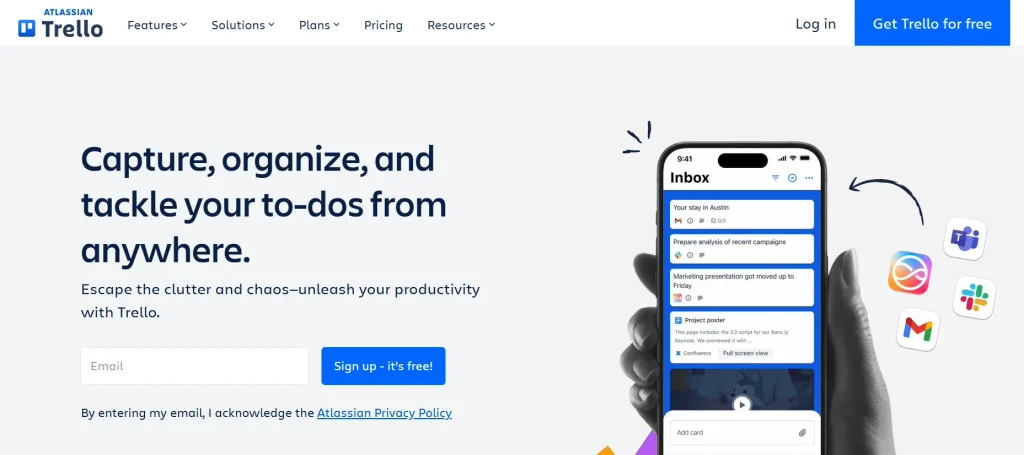
Trello is one of the most popular project management tools thanks to its simplicity and visual approach. Built on Kanban-style boards, Trello helps individuals and teams manage tasks with ease. Cards represent tasks, which can be moved between lists to track progress.
Its ease of use and quick setup make Trello especially appealing to startups, freelancers, and small teams who don’t want a steep learning curve. With Power-Ups (integrations), Trello can also expand to support more advanced workflows.
Key Features
- Visual Kanban boards for intuitive task management
- Customizable cards with checklists, attachments, and due dates
- Power-Ups (integrations) for Slack, Google Drive, Jira, and more
- Butler automation engine for repetitive tasks
- Multiple views (Premium only): Timeline, Table, Calendar, Dashboard
- Mobile-friendly with strong cross-platform syncing
Pros & Cons
Pros
- Extremely user-friendly with no steep learning curve
- Flexible boards that can be tailored to almost any workflow
- Affordable pricing, with a strong free plan
- Large template library for different industries
Cons
- Limited reporting and analytics
- Advanced features only available on Premium/Enterprise plans
- Can feel too basic for complex project management
Simple Kanban Boards for Visual Task Management
Price
- Free: Unlimited cards and members, up to 10 boards per workspace, basic automation, and 1 Power-Up per board.
- Standard ($5/user/month – annual): Unlimited boards, advanced checklists, custom fields, and unlimited storage (up to 250MB/file).
- Premium ($10/user/month – annual): Adds multiple views (Timeline, Table, Dashboard, Calendar, Map), advanced admin controls, priority support, and unlimited automations.
- Enterprise (from $17.50/user/month – annual): Enhanced security, advanced controls, and organization-wide automation for larger teams.
Best For: Freelancers, startups, and small teams who want lightweight, visual project tracking without heavy complexity.
4. ClickUp
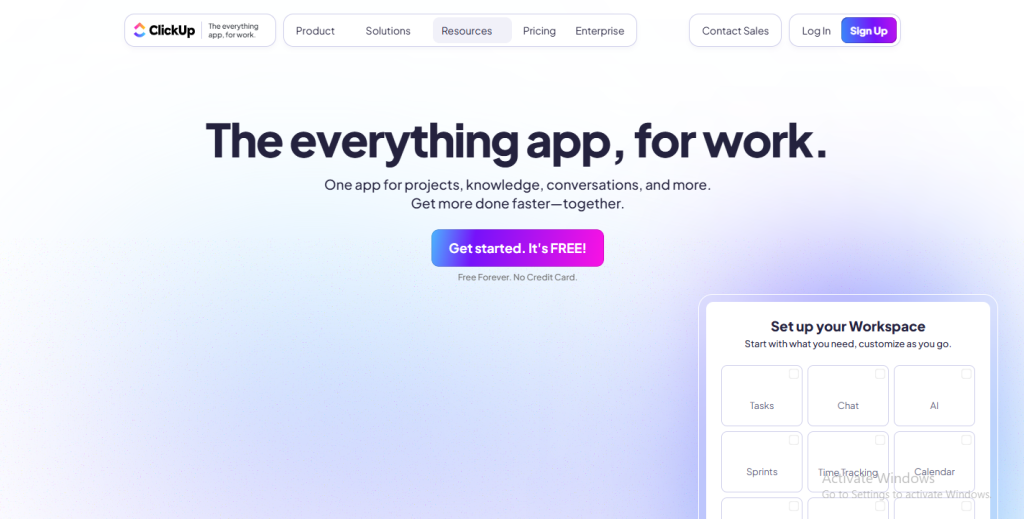
ClickUp markets itself as a true “all-in-one” productivity platform. It blends task and project management with documents, wikis, time tracking, goals, and automation. Designed to replace multiple apps, ClickUp lets teams collaborate, document, and execute workflows from a single dashboard.
It’s highly customizable, making it flexible for different industries—but also a bit overwhelming at first. From startups to enterprises, ClickUp appeals to teams that want one platform for everything.
Key Features
- Multiple views: List, Kanban, Gantt, Calendar, Box, Mind Map, Whiteboards
- Custom dashboards with reporting widgets
- Built-in docs and wikis with collaborative editing
- Goals, OKRs, and workload tracking
- Advanced workflow automation (if/then rules)
- Time tracking and billable hours
- 1,000+ integrations with apps like Slack, Zoom, Google Workspace, GitHub
Pros & Cons
Pros
- Extremely feature-rich for the price
- Consolidates multiple tools into one (tasks, docs, goals, chat)
- Highly customizable for different teams
- Affordable compared to many competitors
Cons
- Can feel bloated or complex for new users
- Learning curve for non-technical teams
- Performance may lag with very large workspaces
An All-in-One Workspace for Tasks, Docs, and Automation
Price
- Free Forever: Best for personal use. Includes unlimited tasks, collaborative docs, real-time chat, and whiteboards. This plan has a 100 MB storage limit and limited feature usage (e.g., 60 uses of custom fields, 100 automation executions).
- Unlimited ($7/user/month – annual): Best for small teams. Includes unlimited storage, unlimited integrations, dashboards, Gantt charts, custom fields, and native time tracking.
- Business ($12/user/month – annual): Best for mid-sized teams. Includes advanced automations, advanced dashboards, workload management, goals, and unlimited uses of features like whiteboards and mind maps.
- Business Plus ($19/user/month – annual): Best for multiple teams. Includes priority support, custom role creation, subtasks in multiple lists, custom permissions, and increased API limits.
- Enterprise: Custom pricing. Offers enhanced security (SSO, HIPAA, audit logs), dedicated support, and white-labeling.
Best For: Teams that want a single, customizable workspace for project management, documentation, and productivity.
Your Clients Don’t Care What Tool You Use…
…But they’ll notice when you stop losing their files and invoices.
Upgrade your workflow with Taskip — the tool that makes you look like you have it all together.
5. Monday.com
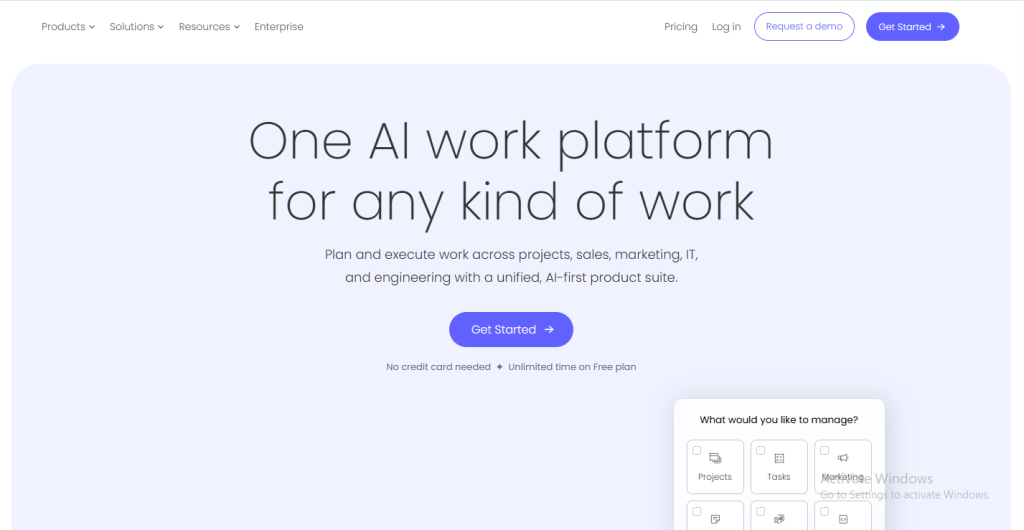
Monday.com brands itself as a “Work OS” because it goes beyond project management. It provides customizable workflows, automations, and integrations that can adapt to nearly any business function—marketing, sales, operations, HR, or IT.
Its colorful, spreadsheet-like interface is highly visual, and its drag-and-drop boards make it simple to customize. With hundreds of templates and integrations, teams can design workflows tailored to their unique processes.
Key Features
- Multiple project views: Kanban, Gantt, Calendar, Timeline, and Workload
- Workflow automation recipes (e.g., “When task status changes, notify manager”)
- Robust integrations (Slack, Microsoft Teams, Zoom, Google Workspace, Jira, Salesforce)
- Dashboards that pull data from multiple boards
- Time tracking and dependency management (Pro plan+)
- Strong reporting and resource management
- Marketplace of apps and templates to extend functionality
Pros & Cons
Pros
- Extremely customizable for different industries and use cases
- Strong automations and an integration ecosystem
- Easy to use with a modern, colorful UI
- Scales well from startups to enterprises
Cons
- Can become expensive as user count grows
- Some key features (time tracking, workload view) require higher-tier plans
- Might feel overwhelming for small teams just starting out
Best For: Businesses that need customizable workflows and advanced automation, from small teams to large enterprises.
Customizable Work OS for Teams of All Sizes
Price
- Individual (Free): For up to 2 seats (users). Includes unlimited docs, over 200 templates, and up to 3 boards. This plan is designed for personal use and simple task management.
- Basic ($9/seat/month – annual): Includes unlimited items, unlimited boards, unlimited free viewers, and 5 GB of file storage. This plan is great for small teams that need a simple way to manage all their work in one place.
- Standard ($12/seat/month – annual): This is monday.com’s most popular plan. It includes all Basic features plus Timeline and Gantt views, a calendar view, guest access, automations, and integrations.
- Pro ($19/seat/month – annual): Includes all Standard features plus private boards, a formula column, time tracking, chart views, and a higher limit on automations and integrations.
- Enterprise: Custom pricing. Offers enhanced security (SSO, HIPAA), advanced reporting, enterprise-scale automations and integrations, and a dedicated customer success manager.
6. Notion
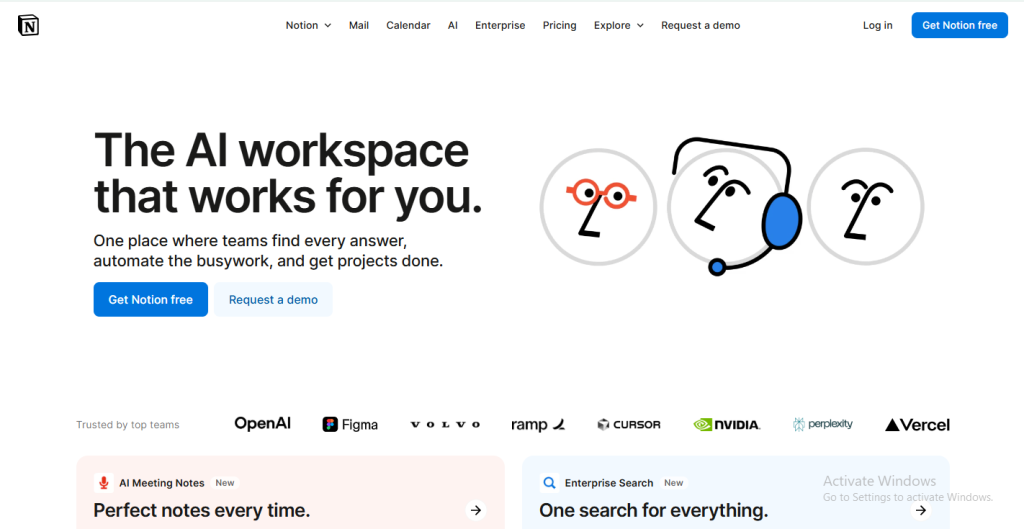
Notion is a flexible, modular tool that blends documentation, databases, and project management in a single platform. Unlike traditional PM software, Notion allows teams to build custom workflows tailored to their needs.
You can create wikis, manage tasks in Kanban boards, design databases, and document processes—all inside one workspace. Its adaptability has made it popular among startups, remote teams, and creative professionals who want more control over their setup.
Key Features
- Databases with multiple views: Table, Kanban, Calendar, Gallery, Timeline
- Collaborative documents and wikis
- Powerful template library for projects, notes, knowledge bases, and workflows
- Real-time collaboration with comments and mentions
- Advanced permissions for teamspaces (Business+)
- Growing integration ecosystem (Slack, GitHub, Google Drive, etc.)
- AI-powered tools for summarization, brainstorming, and writing assistance
Pros & Cons
Pros
- Highly flexible and customizable
- Combines project management + documentation in one tool
- Excellent for building team knowledge bases
- Affordable for small teams and individuals
Cons
- Can feel unstructured or overwhelming without a system in place
- Advanced PM features (dependencies, workload tracking) are limited compared to Asana or Monday
- Performance slows down with very large databases
All-in-One Workspace for Docs, Databases, and Projects
Price
- Free: For individuals. Includes unlimited pages and blocks for a single user, basic sharing, and limited guest access. For teams, it has a 1,000-block limit.
- Plus ($10/user/month – annual): For small teams. Includes unlimited blocks for the entire workspace, unlimited file uploads, 30-day version history, and up to 100 guests.
- Business ($20/user/month – annual): For growing teams. Includes Notion AI, private teamspaces, SSO (single sign-on), advanced admin controls, and 90-day version history.
- Enterprise: Custom pricing. Includes everything in Business plus enhanced security, audit logs, unlimited version history, and a dedicated customer success manager.
Best For: Teams and individuals who want a single workspace for documentation and light project management with maximum flexibility.
7. Wrike
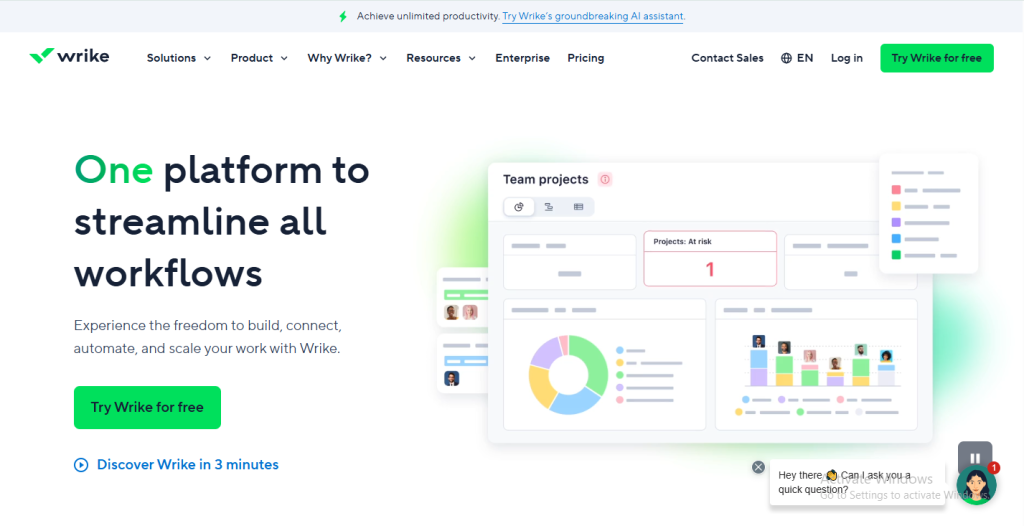
Wrike is a robust project management solution built for mid-to-large enterprises that need advanced planning, reporting, and resource management. Unlike lightweight tools such as Trello, Wrike focuses on scalability, offering detailed visibility across departments and complex projects.
With customizable dashboards, advanced reporting, and enterprise-level security, Wrike is ideal for organizations that want precision in project execution and team accountability.
Key Features
- Multiple views: List, Board, Gantt chart, and Calendar
- Workload and resource management (capacity planning, effort tracking)
- Advanced reporting dashboards with analytics and insights
- Built-in time tracking for billable and non-billable work
- Proofing and approval workflows for creative teams
- Automation engine to reduce manual admin tasks
- Enterprise-grade security (SSO, user permissions, role-based access)
- 400+ integrations including Microsoft Teams, Slack, Salesforce, Google Workspace, and Adobe Creative Cloud
Pros & Cons
Pros
- Powerful reporting and analytics for enterprise needs
- Strong resource management and time tracking
- Suitable for cross-department collaboration
- Scales effectively for large, global teams
Cons
- Expensive compared to mid-market tools
- Steep learning curve for new users
- Can feel heavy for small teams or freelancers
Enterprise-Grade Project Management & Resource Planning
Price
- Free: For a team of up to 5 users. Includes basic task and subtask management, board and spreadsheet views, AI-based task suggestions, and 2 GB storage per account.
- Team ($9.80/user/month – annual): For 2-15 users. Includes interactive Gantt charts, custom workflows, dashboards, shared calendars, and 2 GB storage per user.
- Business ($24.80/user/month – annual): For 5-200 users. Adds advanced reporting, resource management, time tracking, project approvals, custom fields, and 5 GB storage per user.
- Enterprise: Custom pricing. Includes advanced admin permissions, SSO/SAML, password policies, and 10 GB storage per user.
- Pinnacle: Custom pricing for large enterprises. Offers advanced resource planning, financial management, forecasting, and 15 GB storage per user.
Best For: Medium-to-large enterprises that need advanced resource management, security, and cross-department project planning.
CTA:
Tired of Tool-Hopping Like It’s 2015?
Spreadsheets for clients, Trello for tasks, PayPal for billing — yeah, that’s messy.
Get Taskip. One dashboard, zero excuses.
8. Smartsheet
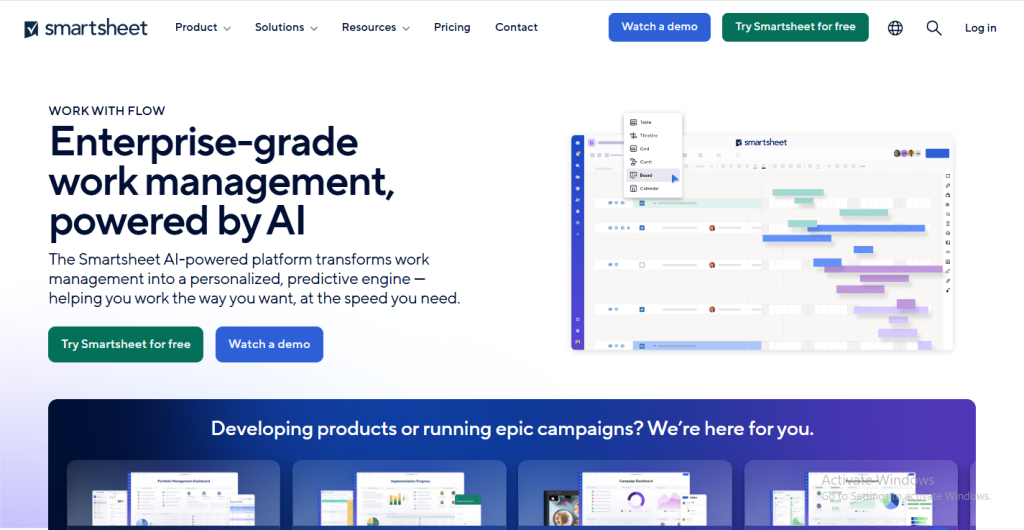
Smartsheet takes the familiar spreadsheet layout and transforms it into a powerful project and work management platform. It appeals to teams who love Excel/Google Sheets but need automation, collaboration, and scalability.
It’s especially strong in enterprise environments that need a balance of structured data management and flexible project tracking. Smartsheet is often used for large programs, cross-department reporting, and industries like construction, IT, finance, and marketing.
Key Features
- Spreadsheet-style interface with formulas, filters, and sorting
- Multiple views: Grid, Gantt, Card (Kanban), Calendar
- Advanced automation workflows (alerts, reminders, conditional updates)
- Proofing and content approval features
- Portfolio and resource management tools
- Dashboards and reporting for executives
- Enterprise security and compliance (HIPAA, GDPR, SOC 2, etc.)
- Integrations with Microsoft, Google, Salesforce, Jira, Tableau, Slack, and more
Pros & Cons
Pros
- Easy adoption for teams used to spreadsheets
- Very strong automation and integration capabilities
- Enterprise-ready with advanced compliance and governance
- Suitable for cross-functional teams and complex reporting
Cons
- Less intuitive for creative or non-technical users
- Can feel rigid compared to visual tools like Trello or Notion
- Pricing can climb quickly for larger teams
Spreadsheet-Style Project Management with Enterprise Power
Price
- Free: This is a very limited plan for 1 user and up to 2 editors. It includes 2 sheets and has limits on storage and automations. It’s best for a simple demo or a single user’s basic task list.
- Pro ($9/user/month – annual): For up to 10 users. Includes unlimited sheets, dashboards, and reports, 20 GB of storage, and 250 automations per month.
- Business ($24/user/month – annual): For teams of 3 or more users. Includes unlimited users, unlimited automations, 1 TB storage, activity logs, proofing, and advanced integrations. It also adds key features like Baselines and a Document Builder.
- Enterprise: Custom pricing. Adds enterprise-grade security (SSO, SCIM), advanced user management, audit logs, and compliance tools (HIPAA, SOC 2).
- Enterprise Advanced: Tailored for global organizations needing premium support, advanced governance, and complex integrations. It also includes access to premium add-ons like Control Center and Data Shuttle.
Best For: Organizations that rely on spreadsheets but need enterprise-grade automation, collaboration, and compliance.
9. Basecamp
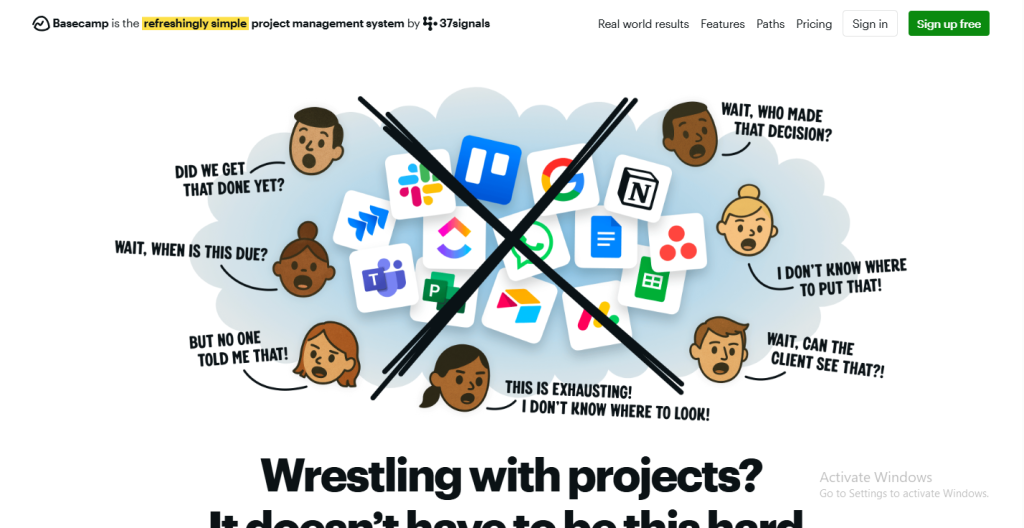
Basecamp is one of the pioneers of modern project management software. Instead of focusing on complex workflows, Basecamp emphasizes simplicity and communication. It brings together tasks, messages, chat, schedules, and files into one hub, reducing the need for multiple apps.
It’s popular among small to mid-sized teams that prefer straightforward collaboration without getting bogged down by advanced project management features like dependencies, workload tracking, or heavy automation.
Key Features
- To-Do Lists for tracking tasks and assignments
- Message Boards for project-wide communication
- Campfire Chat for instant messaging
- Schedules with calendar integration for deadlines and milestones
- Docs & Files sharing for project-related resources
- Hill Charts for visual progress tracking unique to Basecamp
- Flat pricing option for cost predictability across larger teams
Pros & Cons
Pros
- Extremely simple and easy to learn
- Combines communication + tasks in one platform
- Flat monthly fee option is cost-effective for large teams
- Reduces “tool fatigue” since it replaces chat, task lists, and file sharing
Cons
- Lacks advanced project management features (dependencies, Gantt, automation)
- Not ideal for enterprises needing advanced reporting or integrations
- Hill Charts are helpful but limited compared to true project analytics
Simple Project Management & Team Communication Hub
Price
- Basecamp (formerly “Basecamp Per User”): A month-to-month plan at $15/user/month. This includes all core features, unlimited projects, and 500 GB of storage. It’s a pay-per-user model ideal for smaller, more predictable team sizes.
- Basecamp Pro Unlimited: This is their flat-fee plan. It costs $349/month when billed monthly, or $299/month when billed annually. It includes unlimited users, unlimited projects, 5 TB of storage, advanced admin tools, and priority support.
Best For: Small to medium teams that want a no-frills communication and task management hub with predictable pricing.
10. Airtable
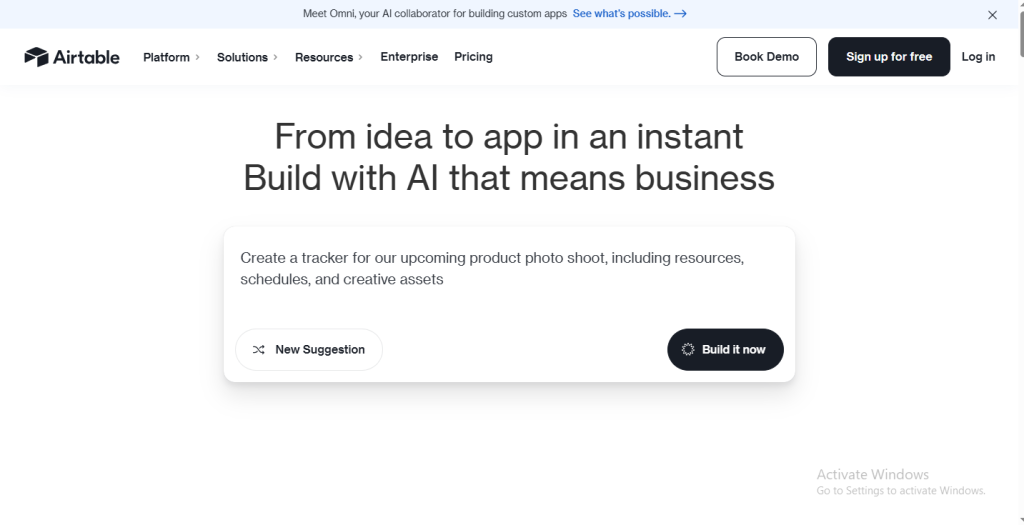
Airtable combines the familiarity of a spreadsheet with the power of a relational database, making it one of the most flexible project management and workflow tools available. Teams can design custom workflows ranging from simple task boards to complex databases for CRM, inventory, or content planning.
Its adaptability means it’s used across industries like marketing, product development, operations, and even event planning.
Key Features
- Spreadsheet-database hybrid with formulas, filters, and linked records
- Multiple views: Grid, Kanban, Gallery, Gantt, Timeline, and Calendar
- Automations with custom triggers and actions (emails, updates, Slack notifications)
- Interface Designer to create tailored dashboards for different team roles
- Pre-built templates for content calendars, product roadmaps, and CRMs
- Robust API and developer tools for advanced customization
- 1,000+ integrations with Zapier, Slack, Google Workspace, Salesforce, Jira, and more
Pros & Cons
Pros
- Extremely flexible and customizable
- Ideal for data-heavy workflows and non-standard processes
- Powerful automation and integration capabilities
- Scales from freelancers to large enterprises
Cons
- Can be overwhelming for non-technical users
- Complex setups often require training or consultants
- Advanced features locked behind Pro/Enterprise tiers
Flexible Database + Project Management Hybrid
Price
- Free: Unlimited bases, up to 5 creators/editors, unlimited commenters, 1,200 records per base, 1 GB attachment storage per base, and basic integrations.
- Plus ($10/user/month – annual): 5,000 records per base, 5 GB storage per base, custom branded forms, automatic table syncing every 24 hours, and advanced collaboration permissions.
- Pro ($20/user/month – annual): 50,000 records per base, 20 GB storage per base, Gantt & Timeline views, advanced calendar, custom automations (up to 50,000 runs), and priority support.
- Enterprise: Custom pricing. Includes unlimited workspaces, advanced security (SSO, SCIM), enterprise-scale admin features, 1,000+ automations/month, and premium support.
Best For: Teams who want customizable project management and data workflows that go beyond what traditional PM tools offer.
11. Teamwork
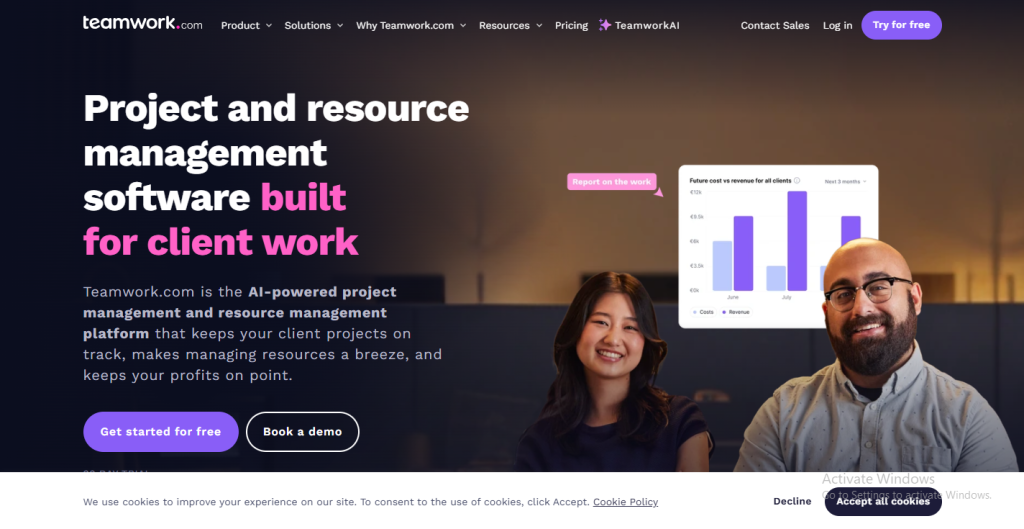
Teamwork is designed specifically for client-service businesses such as agencies, consultancies, and professional services firms. It combines project management with time tracking, invoicing, and billing, giving teams everything they need to deliver projects and manage clients in one platform.
Unlike general-purpose tools like Trello or Asana, Teamwork focuses on client collaboration, profitability tracking, and billable hours — making it ideal for businesses that operate on contracts, retainers, or hourly work.
Key Features
- Full project and task management (lists, Kanban boards, Gantt charts)
- Built-in time tracking for billable/non-billable hours
- Billing & invoicing are linked directly to tracked time
- Workload and resource management tools
- Portfolio view for managers to see multiple projects at once
- Client access with secure portals
- Pre-built templates for faster project setup
- Integrations with Slack, HubSpot, Zapier, Google Drive, Microsoft Teams, and more
Pros & Cons
Pros
- Purpose-built for agencies and client-service businesses
- Native time tracking + invoicing (no need for external billing tools)
- Affordable pricing with strong mid-tier features
- Easy client collaboration with dedicated portals
Cons
- UI can feel dated compared to modern platforms
- Advanced features (resource scheduling, portfolio) locked to higher tiers
- Not as customizable as tools like ClickUp or Airtable
Client-Focused Project Management with Time Tracking & Billing
Price
- Free Forever: For individuals or very small teams. Includes up to 5 users, up to 2 projects, and key features like time tracking, task management, and basic integrations. The storage is 100MB.
- Deliver ($10.99/user/month – annual): Includes all Free features plus unlimited projects, more integrations (e.g., QuickBooks), and 100 GB storage. This plan is for teams of 3 or more users.
- Grow ($19.99/user/month – annual): Adds advanced project management capabilities including resource scheduling, workload management, advanced budgeting, and 250 GB storage.
- Scale ($54.99/user/month – annual): This is a new, publicly priced tier. It includes everything in the Grow plan plus profitability reports, unlimited budgets, and more advanced features for larger businesses.
- Enterprise: Custom pricing with enhanced security (SSO), advanced admin controls, dedicated support, and additional storage.
Best For: Agencies, consultants, and service providers who need project management tightly integrated with time tracking and client billing.
12. Hive
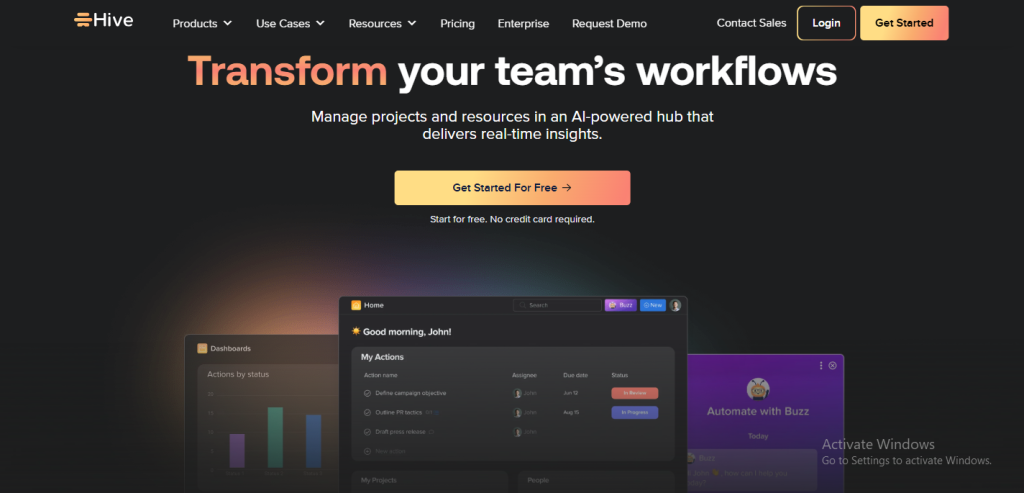
Hive is a project management and collaboration tool that emphasizes productivity and speed. It combines tasks, projects, messaging, and proofing features into one platform, making it especially appealing to marketing teams, creative agencies, and fast-paced companies.
With flexible views and built-in communication, Hive reduces the need for multiple tools. Its proofing and approval workflows stand out, giving creative teams a smooth way to handle feedback and revisions.
Key Features
- Multiple task views: List, Kanban, Gantt chart, Calendar, and Table
- In-app chat and messaging for teams
- Proofing and approvals for creative assets and documents
- Time tracking and timesheets for resource planning
- Workflow automation with custom triggers and rules
- Analytics dashboards to track team performance
- Integrations with over 1,000 tools (Slack, Zoom, Google Drive, Salesforce, Jira, etc.)
Pros & Cons
Pros
- Combines project management + messaging in one place
- Proofing and approvals are excellent for creative workflows
- Affordable compared to enterprise-level tools
- Flexible and easy to adopt for growing teams
Cons
- Smaller ecosystem compared to Asana or Monday.com
- Automations are limited in lower-tier plans
- Reporting isn’t as advanced as Wrike or Smartsheet
Productivity-Focused Project Management with Built-In Collaboration
Price
- Free: This plan is for a team of up to 10 users. It includes basic task and project management, unlimited tasks, Kanban boards, and messaging. It has a limit of 10 projects and 200 MB of storage.
- Starter ($5/user/month – annual): This plan is for up to 10 users and is meant for small teams. It includes everything in the Free plan plus unlimited storage, Gantt and Calendar views, and integrations. It has a limit of 10 projects.
- Teams ($12/user/month – annual): This is the most popular plan and is for an unlimited number of users. It includes everything in the Starter plan plus advanced automations, goal tracking, analytics, and resource management. Some features like Proofing & Approvals and Time Tracking, are available as paid add-ons.
- Enterprise: Custom pricing. This plan includes everything in the Teams plan plus enhanced security (SSO), dedicated onboarding, and a dedicated customer success manager.
Best For: Marketing teams, creative agencies, and startups that want fast, flexible project management with built-in collaboration and approvals.
Final Thoughts
Choosing the right client and project management tool is more than a software decision — it’s about shaping how you collaborate, deliver work, and grow your business. Queue has carved out a place in this market with its polished client portals and subscription billing, but for many freelancers, consultants, and agencies, the limitations in automation, flexibility, and cost create a need for alternatives.
From lightweight tools like Trello and Basecamp, to customizable platforms like Airtable, Notion, and ClickUp, to enterprise solutions like Wrike and Smartsheet, there’s no shortage of options. Yet, for businesses that want an affordable, automation-first, and all-in-one solution, Taskip stands out.
With Taskip, you don’t just get task management — you get proposals, contracts, billing, client portals, and workflow automation under one roof, making it a true Queue replacement for 2025 and beyond.
FAQs on Queue Alternatives
1. What is the best overall alternative to Queue?
Taskip is the best all-in-one alternative for freelancers and agencies. It combines CRM, task management, invoicing, proposals, and automation at a more affordable price point than Queue.
2. Which alternative is best for large enterprises?
Wrike and Smartsheet are top choices for large organizations thanks to their advanced reporting, resource management, and enterprise-grade security.
3. What’s the most budget-friendly Queue alternative?
Trello (free and $5 plans) and Basecamp Pro Unlimited ($299/month flat for unlimited users) are cost-effective for smaller teams. Taskip’s free plan is also a great entry point.
4. Which tool is best for creative agencies?
Hive (for proofing and approvals), Teamwork (for time tracking + invoicing), and Taskip (for client portals + billing) are excellent for creative and service-focused agencies.
5. How do I choose the right alternative to Queue?
Consider your team size, workflow needs, and budget. If you need automation and all-in-one simplicity, go for Taskip. If you prefer visual project tracking, choose Trello. For enterprises, look at Wrike or Smartsheet. For flexibility and documentation, Notion or Airtable are great options.



Get Summary On: