
12 Best Accelo Alternatives In 2026: Cheaper, Simpler & Built For Agencies
The best Accelo alternatives are Taskip, Productive.io, ClickUp, Flowlu, SuiteDash, Teamwork, Avaza, Toggl Track, Monday.com, HoneyBook, Scoro, and BigTime. Each one offers something Accelo does not: a built-in service catalog, transparent pricing, a white-labeled client portal, or a simpler interface that does not take weeks to learn.
If you have ever opened Accelo’s pricing page and found a “contact us” form instead of a number, you already know why people leave. Agencies switch for three main reasons: no transparent pricing, no built-in service catalog, and an interface that takes weeks to figure out.
This article covers 12 alternatives in detail (features, real G2 quotes, pros/cons tables, and pricing) so you can pick the right fit without sitting through a demo you didn’t ask for. Every tool on this list was evaluated against Accelo’s documented weaknesses.
TL;DR — Best Accelo Alternatives At A Glance
| Tool | Best For | Service Catalog | Time Tracking | Client Portal | Free Plan | Starting Price | G2 Rating |
| Taskip | All-in-one agency management | ✅ | ✅ | ✅ | ✅ | $12/month | 4.8/5 |
| Productive.io | Resource planning & profitability | ❌ | ✅ | ⚠️ | ❌ | $9/user/month | 4.7/5 |
| ClickUp | AI-powered project management | ⚠️ | ✅ | ⚠️ | ✅ | $7/user/month | 4.6/5 |
| Flowlu | Small business all-in-one | ⚠️ | ✅ | ⚠️ | ✅ | $39/month | 4.8/5 |
| SuiteDash | White-labeled client portals | ⚠️ | ✅ | ✅ | ❌ | $19/month | 4.8/5 |
| Teamwork | Agency client work management | ❌ | ✅ | ✅ | ✅ | $9.99/user/month | 4.4/5 |
| Avaza | Time tracking + invoicing together | ❌ | ✅ | ⚠️ | ✅ | $11.95/month | 4.5/5 |
| Toggl Track | Simple flexible time tracking | ❌ | ✅ | ❌ | ✅ | $9/user/month | 4.7/5 |
| Monday.com | Visual workflows & automation | ⚠️ | ✅ | ⚠️ | ✅ | $9/user/month | 4.7/5 |
| HoneyBook | Freelancers & solo professionals | ⚠️ | ❌ | ✅ | ❌ | $36/month | 4.4/5 |
| Scoro | End-to-end PSA for service firms | ❌ | ✅ | ⚠️ | ❌ | $19.90/user/month | 4.5/5 |
| BigTime | Billing-heavy engineering & accounting | ❌ | ✅ | ✅ | ❌ | $20/user/month | 4.5/5 |
✅ = Built-in ⚠️ = Possible via workaround/setup ❌ = Not available
Quick picks:
- Best overall → Taskip
- Best for resource planning → Productive.io
- Best free option → ClickUp
- Best for client portals → SuiteDash
- Best for freelancers → HoneyBook
Table of Contents
What Is Accelo?
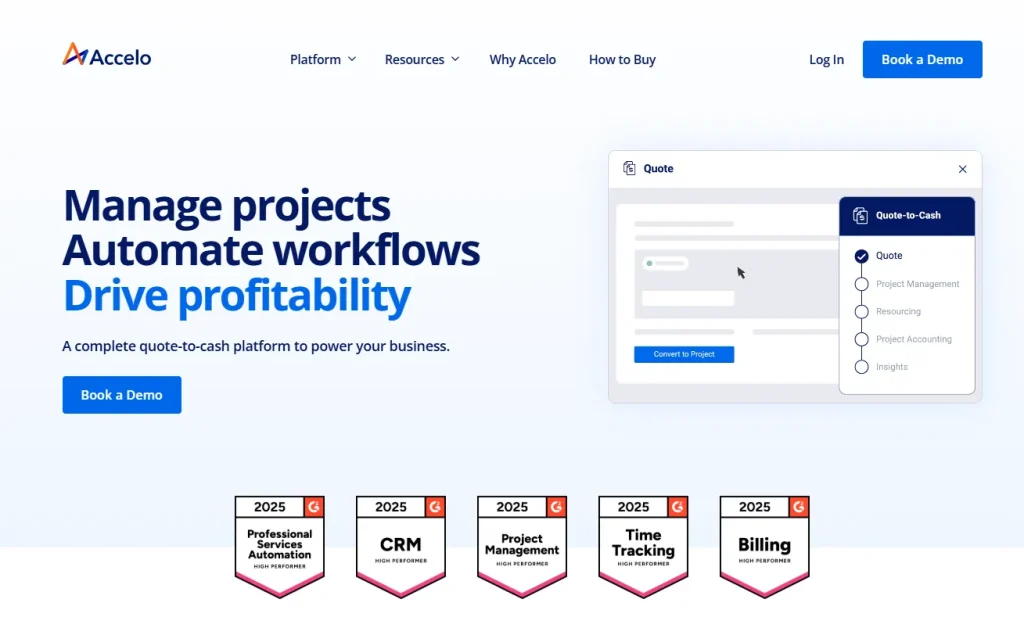
Accelo is a Professional Services Automation (PSA) platform designed for agencies, consultants, and service firms. It combines project tracking, CRM, time tracking, invoicing, and retainer management in a single cloud-based system, giving client-facing teams visibility across the full client lifecycle. It is a capable tool for the right team at the right scale.
So why are thousands of users actively searching for alternatives?
Why Look For An Accelo Alternative?
No Built-In Service Catalog
Accelo has no native service catalog. You cannot publish a list of services with individual pricing for clients to browse and order directly. Agencies that sell packaged services (SEO audits, monthly retainers, website builds) have to handle this through external tools or manual quoting.
Steep Learning Curve
Accelo’s interface layers multiple modules on top of each other. New users consistently report feeling lost in the first few weeks. The navigation can feel unintuitive, and there is no quick path to “just get something done” without understanding the full system first.
No Transparent Pricing
Accelo does not publish pricing on its website. You have to fill out a form and wait for a sales rep. For agencies comparing tools under budget pressure, this adds friction and signals that pricing is not competitive.
Limited Mobile App
The Accelo mobile app supports basic time logging and project viewing, but it does not replicate the full web experience. Resource planning and most reporting features require a desktop browser, which limits flexibility for teams that work across locations.
Rigid Analytics And Reporting
Accelo offers reporting, but users frequently describe it as inflexible. Custom dashboards are limited, and the standard reports often do not cover the specific metrics agencies care about, like per-client profitability or service-line performance.
Feature Loss During Version Migration
Several Accelo users have documented that features from older versions did not carry over to the current platform. Teams planning to upgrade sometimes had to delay the move and run parallel systems to avoid losing functionality.
How We Evaluated These Tools
Every tool in this list was assessed against the same criteria. We looked at whether it solves Accelo’s actual documented weaknesses, not just whether it has a long feature list. The six factors we weighted:
Service catalog availability: Does it let agencies publish and sell services directly?
Pricing transparency: Is pricing listed publicly, and does it represent real value for agencies?
Ease of setup: Can a team be up and running in days, not weeks?
Client-facing features: Does it have a client portal, branded interface, or intake forms?
Time tracking and billing: Is time tracking connected to invoicing without manual data entry?
G2 rating and review volume: We used G2 as our benchmark for real-world user satisfaction, weighted by number of reviews.
12 Best Accelo Alternatives: Full Reviews
1. Taskip — Best All-In-One Agency Management Platform
G2: 4.8/5 · Free Plan: Yes · Starting From: $12/month
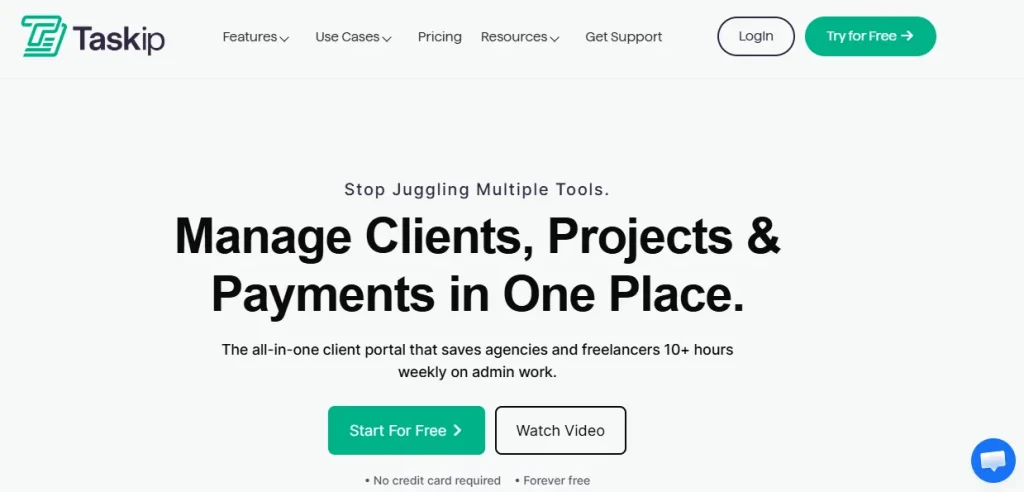
Taskip is built specifically for agencies, freelancers, and service businesses that want one platform to handle projects, clients, invoicing, and service selling without stitching together five separate tools. It is the only tool on this list with a native service catalog. Clients can browse, select, and order services directly, without a sales call.
Key Features
- Publish a full-service catalog with intake forms so clients can order one-time services, subscriptions, or packages 24/7 without going through a sales call
- White-labeled client portal with custom domain, logo, and color scheme so clients log in under your brand, not Taskip’s
- Lead tracking across Google, Facebook, LinkedIn, Instagram, and referrals with channel-level conversion data
- Workflow automation for converting emails into contacts, assigning support tickets, sending invoices, and moving projects through stages without manual steps
- Project management with List, Kanban, Gantt, and Calendar views that teams can switch between without losing data
- Built-in CRM with sales pipeline, quotations, and proposals, all connected to projects and client records
- Support ticket system, internal team chat, meeting scheduler, and document e-signatures are included in every plan
- Android and iOS mobile apps available, plus 100+ integrations including Stripe, PayPal, Zapier, Google Drive, and Zoom
Pros And Cons
| Pros | Cons |
| Only tool on this list with a built-in service catalog | Lower G2 review volume than established competitors |
| White-labeled client portal available on all paid plans | |
| Transparent pricing with a free plan and no transaction fees |
Pricing
Check Taskip pricing:
| Plan | Price | Users |
| Starter Free | $0/month | 1 user (limited features) |
| Freelancer | $12/month | 1 user |
| Startup Team | $29/month | 10 users |
| Growing Agency | $59/month | 25 users |
| Agency Pro | $89/month | Unlimited users |
Rating And Review
G2: 4.8/5
“
“As a freelance web developer, my day used to be a constant juggle between deep coding sessions and urgent client updates. Taskip has been a game-changer, streamlining my entire workflow. Now, monitoring project progress is effortless, allowing me to focus on what I do best without missing a beat. It truly feels like I’ve gained an extra set of hands to manage the administrative side of my business!”
2. Productive.io — Best For Resource Planning And Profitability
G2: 4.7/5 · Free Plan: No · Starting From: $9/user/month
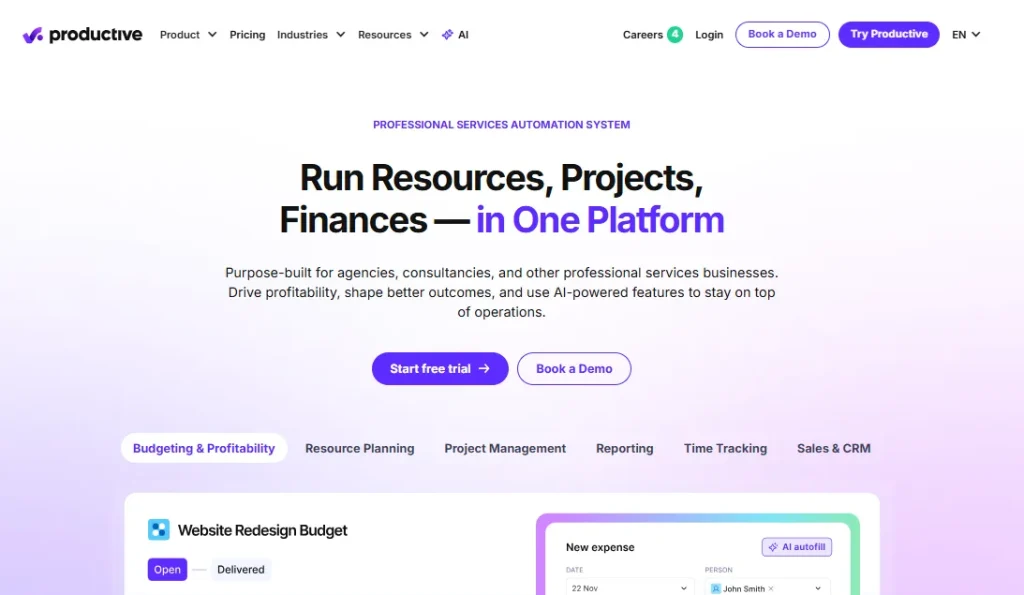
Productive.io was designed for agencies that need to see, in real time, whether their projects are making money. It connects time tracking, resource allocation, budgeting, and invoicing so that finance and project managers share the same live view without exporting to a spreadsheet.
Key Features
- Real-time profitability tracking showing cost vs. revenue live at the project, client, and service level without waiting for month-end reports
- Resource planning module that shows who is allocated to what, how much capacity each person has, and where bottlenecks are forming by day, week, or month
- Project budgets are linked directly to time entries, so the budget updates automatically when hours are logged and over-budget alerts fire early
- Built-in time tracking against tasks, projects, or clients, with data flowing directly into invoicing
- List, board, Gantt, and timeline project views with fast switching between them
- Budget vs. actuals reporting that compares estimated and real costs so managers can catch overservicing before it hurts margins
- Invoicing and billing are built in with multi-currency support and invoice automation
- Integrations with Xero, QuickBooks, HubSpot, Salesforce, Slack, and Jira
If you are looking for a better Productive.io alternative, check this: Top 15 Productive.io Alternatives
Pros And Cons
| Pros | Cons |
| Best real-time profitability tracking on this list | No free plan |
| Excellent resource planning and capacity tools | No native service catalog |
| Tight connection between time tracking and billing | Takes time to configure properly for smaller teams |
Pricing
| Plan | Price |
| Essential | $9/user/month (annual) · $12/user/month (monthly) |
| Professional | $25/user/month (annual) · $29/user/month (monthly) |
| Ultimate | Custom |
| Enterprise | Custom |
Rating And Review
G2: 4.7/5
“
I really like the budgeting system. It lets me organise my projects in a simple, easy-to-navigate way.
The resourcing capabilities are another big benefit, because they make it easy to track projects and quickly see who’s working on what.
Overall, the tool feels smooth and straightforward to use. It’s also very easy to learn, pick up, and share with others.
3. ClickUp — Best For AI-Powered Project Management
G2: 4.6/5 · Free Plan: Yes · Starting From: $7/user/month
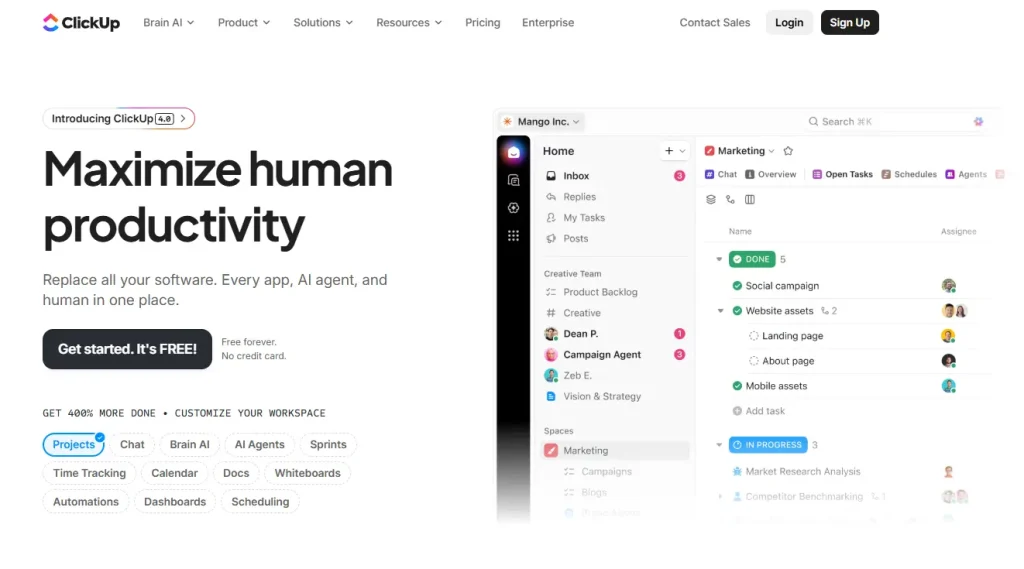
ClickUp markets itself as “the everything app for work,” and the label is hard to argue with. It covers task management, docs, goals, time tracking, whiteboards, dashboards, and in-app AI, all in one platform. It stands out from Accelo primarily through its AI layer (ClickUp Brain) and the sheer depth of customization available at a low price point.
Key Features
- ClickUp Brain AI assistant that summarizes tasks, drafts project updates, fills in task details from conversations, and writes status reports automatically
- AI Notetaker that connects to meetings, captures notes automatically, and links them to the relevant tasks and projects in your workspace
- Over 15 project view types including List, Board, Calendar, Gantt, Workload, and Timeline with no configuration conflicts between them
- 100+ automation triggers and conditions with no coding required, spanning multiple spaces and teams
- Native time tracking built into all paid tiers, with hours linked directly to tasks for straightforward time reporting
- 85+ native integrations, including Slack, GitHub, Google Drive, Zoom, HubSpot, and Salesforce, plus 1,000+ via Zapier
- Built-in Docs and whiteboards for collaborative content creation alongside tasks
- Customizable dashboards with 50+ widget types for project-level and team-level reporting
Pros And Cons
| Pros | Cons |
| Strongest AI feature set of any tool on this list | Steep initial learning curve |
| Generous free plan with unlimited tasks | Mobile app has fewer features than desktop |
| Over 85 native integrations | AI features are an add-on cost ($9/user/month extra for ClickUp Brain) |
Pricing
| Plan | Price |
| Free | $0 |
| Unlimited | $7/user/month (annual) · $10/user/month (monthly) |
| Business | $12/user/month (annual) · $19/user/month (monthly) |
| Enterprise | Custom |
Rating And Review
G2: 4.6/5
“
“ClickUp is extremely helpful for managing tasks and keeping everything organized in one place. The platform is very intuitive, offers a high level of customization, and makes it easy to prioritize activities and meet deadlines.”
4. Flowlu — Best All-In-One Platform For Small Businesses
G2: 4.8/5 · Free Plan: Yes · Starting From: $9/user/month
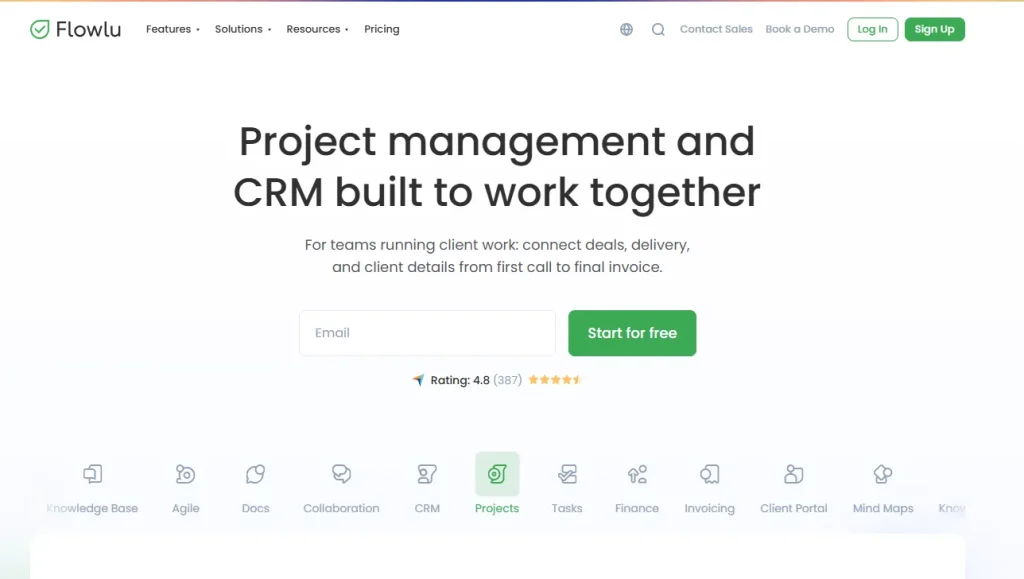
Flowlu covers CRM, project management, invoicing, financial management, and team communication in a single platform. It is not as deep as Accelo in PSA-specific functionality, but it is considerably easier to set up and use, which matters for small and mid-sized agencies. Flowlu moved to seat-based pricing in September 2025, making it more flexible than the old flat-bundle model.
Key Features
- Financial management dashboard tracking income, expenses, and project budgets in one place with real-time cash flow visibility
- Built-in CRM with lead tracking, sales pipeline, and deal management connected to projects so a new client flows from deal to project without re-entering data
- Automated workflows for task assignments, status notifications, and project updates built with a visual trigger-and-action editor, no coding needed
- Kanban and Gantt project views for teams that prefer visual planning
- Built-in team messaging and discussion threads linked to the relevant project or task
- Invoicing with expense tracking, recurring billing, and multi-currency support
- Client portal where clients can view projects and share files
- Integrations with Slack, Google Calendar, QuickBooks, Xero, Dropbox, and Mailchimp
Pros And Cons
| Pros | Cons |
| Highest G2 rating on this list (4.8/5) | Reporting module lacks deep customization |
| Free plan available with unlimited users | Email integration has occasional sync bugs |
| All-in-one: finance, CRM, invoicing, and projects | Less specialized than PSA tools for billing-heavy firms |
Pricing
| Plan | Price |
| Free | $0 (unlimited users, limited features) |
| Paid plans | From $9/user/month (billed annually) |
Rating And Review
G2: 4.8/5
“
After trying different platforms, we can confidently say that Flowlu has become the ideal tool for our company. Its all-in-one approach has allowed us to work more efficiently by centralizing project management, tasks, clients, and finances in a single place.
5. SuiteDash — Best For White-Labeled Client Portals
G2: 4.8/5 · Free Plan: No · Starting From: $19/month
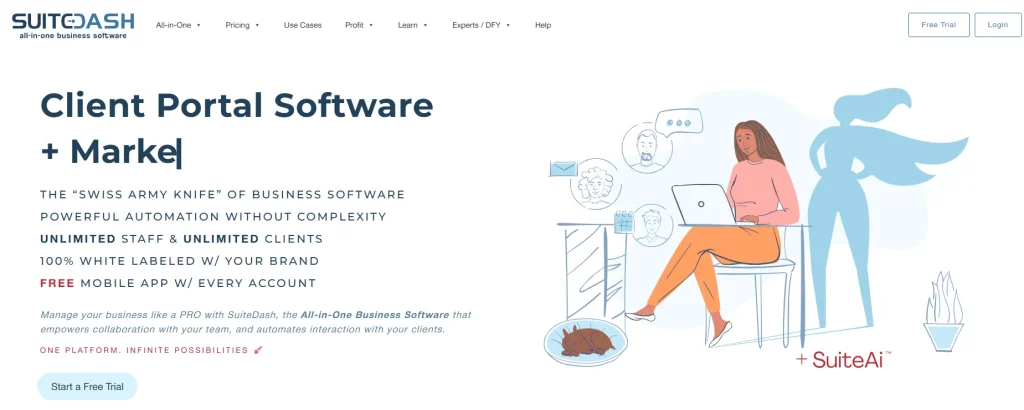
SuiteDash replaces 15+ tools with a single platform that handles CRM, client onboarding, project management, invoicing, file sharing, e-signatures, and scheduling. Its standout feature is a fully white-labeled client portal. Clients log in through your branded URL and never see SuiteDash’s name. All plans include unlimited users, so your cost stays flat as your team grows.
Key Features
- Fully white-labeled client portal with custom domain, logo, color scheme, and login page so clients interact entirely with your brand
- Automated onboarding sequences that trigger when a new client is created, sending welcome emails, requesting documents, and creating a project without manual steps
- E-signature built in for contracts and proposals, removing the need for a separate DocuSign subscription
- Built-in scheduling tools that let clients book meetings directly from the portal with calendar sync to prevent double-booking
- Recurring billing, one-time invoices, and subscription management with direct payment through the portal
- Drip marketing and autoresponder campaigns built into the CRM for client nurturing
- File sharing with secure client access and custom folder generators
- Unlimited users on all pricing tiers, so costs do not scale with team size
Pros And Cons
| Pros | Cons |
| Most complete white-label client portal on this list | No free plan (14-day trial only) |
| Unlimited users on all price tiers | White-label setup requires time to configure |
| Replaces multiple separate tool subscriptions | Advanced project management is less robust than dedicated PM tools |
If you are currently using SuiteDash and are bothered by its drawbacks, check Best SuiteDash Alternatives.
Pricing
Check SuiteDash pricing in detail:
| Plan | Price |
| Start | $19/month |
| Thrive | $49/month |
| Pinnacle | $99/month |
Rating And Review
G2: 4.8/5
“
“I love this software. I have wasted money on countless white-label or so-called CRM systems over the last two years and unfortunately it took all of that to finally find one that has everything that I need plus more things I can use that I don’t know of even yet. I use it every day. I run a business with it daily so it has to function well.”
6. Teamwork — Best For Managing Agency Client Work
G2: 4.4/5 · Free Plan: Yes · Starting From: $10.99/user/month
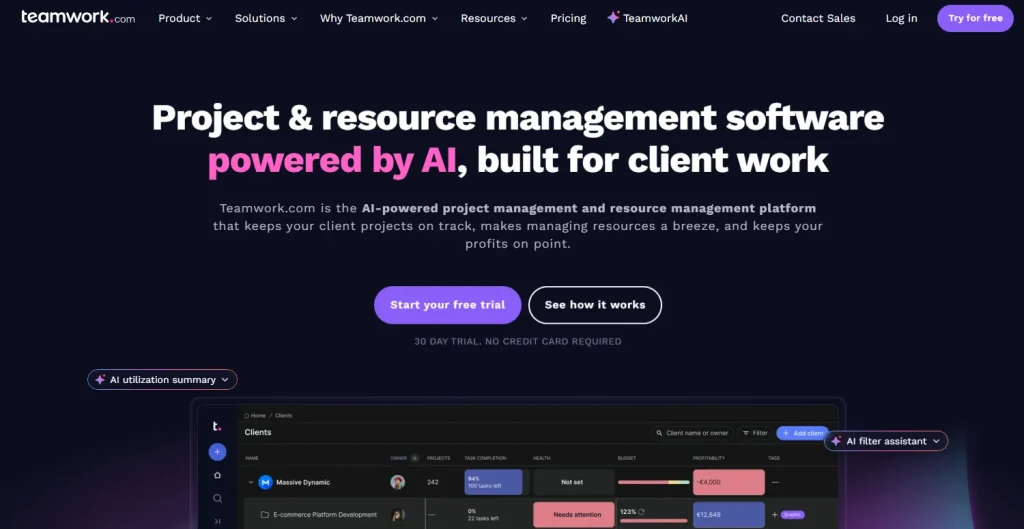
Teamwork is built around one specific use case: managing client work at agencies. It connects project management, time tracking, resource scheduling, budgeting, and client portals in one platform. Over 16,000 firms use it, and it consistently ranks among the top Accelo alternatives on G2.
Key Features
- Client portal where clients view project progress, approve work, submit support tickets, and communicate with your team without needing a full Teamwork account
- Resource scheduling view showing every team member’s workload and capacity so managers can spot overallocation and redistribute work
- Integrated time tracking where hours logged against tasks flow directly into project budgets and invoices, eliminating manual export steps
- Customizable intake forms that capture client requirements during onboarding and automatically create projects and tasks on submission
- Project health traffic-light indicators (“Good,” “At Risk,” “Needs Attention”) for at-a-glance status without reviewing every task
- List, board, and Gantt chart project views with project-level budget vs. actual reporting
- Retainer management for agencies running recurring monthly client work
- Integrations with Slack, Xero, HubSpot, Stripe, Zapier, and Microsoft Office
Pros And Cons
| Pros | Cons |
| Purpose-built for agency client work | Less suitable for non-client-service teams |
| Client portal included in paid plans | Can get expensive at higher tiers with add-ons |
| Strong time tracking and budget integration | Reporting could be more customizable |
Pricing
| Plan | Price |
| Free | $0 (up to 5 users) |
| Starter | $10.99/user/month (annual) · $13.99/user/month (monthly) |
| Deliver | $19.99/user/month (annual) · $25.99/user/month (monthly) |
| Scale | $69.99/user/month |
| Enterprise | Contact sales |
Rating And Review
G2: 4.4/5
“
We run our entire digital marketing agency (25+ team members) with Teamwork after switching from Asana nearly two years ago and haven’t looked back. Our monthly retainer clients are entered as projects with monthly budgets that are directly connected to estimated times for tasks and actual logged and billable time entered by our team. This time is directly exported each pay period from Teamwork and used to process payroll via Quickbooks, Wise, and Paypal. It’s a great platform.
7. Avaza — Best For Time Tracking And Invoicing Together
G2: 4.5/5 · Free Plan: Yes · Starting From: $11.95/month
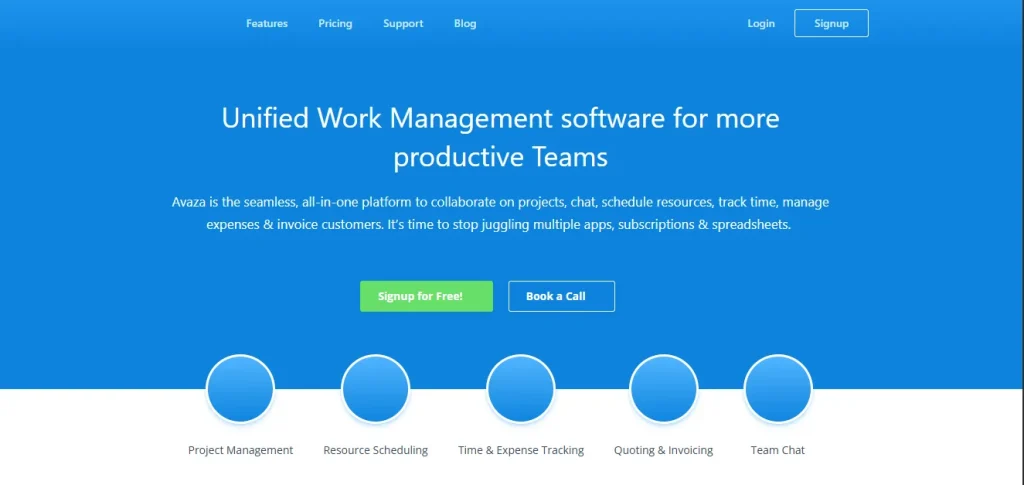
Avaza is a clean, no-frills platform that does one thing particularly well: it connects time tracking and invoicing so tightly that billing becomes nearly automatic. For agencies that lose billable hours in the gap between logging time and sending an invoice, Avaza solves that specific problem efficiently.
Key Features
- Time entries that flow directly into invoices so you can generate a client invoice from a project’s logged hours in a few clicks with no manual data re-entry
- Expense management where team members submit expenses with receipt photos that attach to projects and appear automatically on client invoices
- Resource scheduling view showing team availability and current allocations to help managers assign work without creating bottlenecks
- Task management with Kanban boards and Gantt charts showing project progress against the budget in real time
- Role-based pricing model where you only pay for admin, scheduling, and timesheet users at the level they need, keeping costs low for larger teams
- Free plan including 1 active project and up to 10 customers, enough to test the platform before committing
- Multi-currency invoicing and expense tracking
- Integrations with Xero, QuickBooks, Slack, Google Drive, Dropbox, Zapier, and Salesforce
Pros And Cons
| Pros | Cons |
| Tightest time tracking to invoice workflow on this list | Automation options are more limited than competitors |
| Built-in expense tracking with receipt uploads | Not ideal for large teams with complex PSA needs |
| Free plan available, competitive per-user pricing | Fewer integrations than ClickUp or Monday.com |
Pricing
| Plan | Price |
| Free | $0 (1 active project) |
| Startup | $11.95/month (2 admin users) |
| Basic | $23.95/month (5 admin users) |
| Business | $47.95/month (unlimited admins) |
Rating And Review
G2: 4.5/5
“
I like how easy it is to create tasks and keep all related screenshots, attachments and notes all in one place. It is also great to be able to track time spent on tasks for billing and estimating.
8. Toggl Track — Best For Simple And Flexible Time Tracking
G2: 4.7/5 · Free Plan: Yes · Starting From: $9/user/month
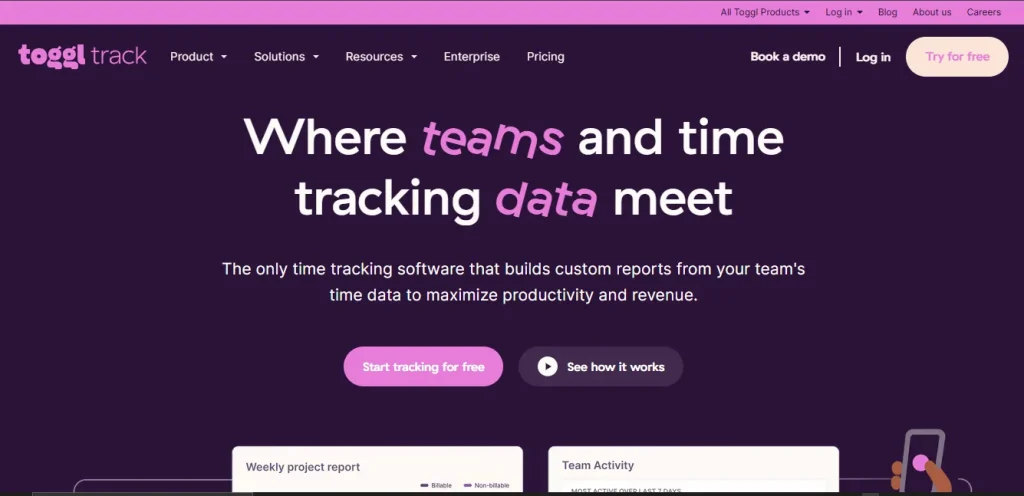
Toggl Track does one thing and does it extremely well: time tracking. It is the tool agencies reach for when they want accurate, low-friction time logging without an entire PSA system attached. The interface is so simple that team-wide adoption tends to happen in days rather than weeks.
Key Features
- One-click timer that starts and stops from a browser extension, desktop app, or mobile app, with manual entry available for past work
- Detailed reports breaking down time by project, client, team member, or time period with billable vs. non-billable tracking separated
- Project budget tracking in hours or money with automatic alerts when a project approaches its limit so overservicing is caught before invoicing
- 100+ integrations including Asana, Jira, Trello, Google Calendar, QuickBooks, Xero, Slack, Notion, ClickUp, and Monday.com, so it sits on top of your existing stack
- Offline mode with automatic sync when the connection is restored
- Free plan for up to 5 users with no time limit
- Team management features on paid plans include scheduled reports and team dashboards
- Starter plan ($9/user/month) includes billable rates, time rounding, and saved reports
Pros And Cons
| Pros | Cons |
| Fastest adoption curve of any tool on this list | No native invoicing or billing built in |
| Free plan for up to 5 users | Not a full PSA; needs to be paired with other tools |
| Offline tracking with auto-sync | Deeper integrations require the Premium plan |
Pricing
| Plan | Price |
| Free | $0 (up to 5 users) |
| Starter | $9/user/month (annual) · $10/user/month (monthly) |
| Premium | $18/user/month (annual) · $20/user/month (monthly) |
| Enterprise | Custom |
Rating And Review
G2: 4.7/5
“
I love Toggl Track because it is quite simple and easy to use. The user experience is pretty flawless. I absolutely love the data it gives in the reporting feature. The setup is very easy, which I really appreciate. Toggl Track gives me an overview of all the hours I’ve worked in different areas. It has been very helpful in seeing how much time I am spending, especially in meetings. I am able to see and share this information with my manager to reevaluate how I am working. It helps me to be more efficient.
9. Monday.com — Best For Visual Workflows And Automation
G2: 4.7/5 · Free Plan: Yes · Starting From: $9/seat/month
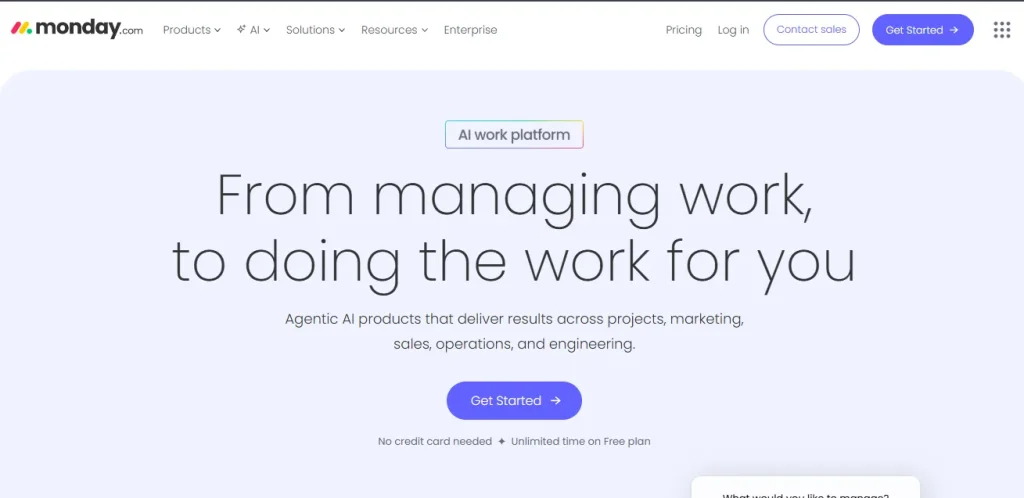
Monday.com is a visual work management platform that agencies use to run projects, automate workflows, and track everything from campaigns to client deliverables. Its strength is the combination of a clean drag-and-drop interface with genuinely powerful automation that does not require a developer to configure. Note: paid plans require a minimum of 3 seats.
Key Features
- Visual boards where rows are tasks, columns are fields, and color coding shows status at a glance, accessible to teams that prefer spreadsheets or Kanban
- 200+ code-free automation templates to trigger actions when statuses change, deadlines arrive, or forms are submitted
- 50+ dashboard widgets that pull data from multiple boards into one view for client, team, and executive reporting
- Monday AI, including meeting summaries, automated status updates, and an Agent Factory for building custom AI workflows
- 200+ integrations, including Salesforce, HubSpot, Slack, Google Drive, Zoom, Jira, and GitHub
- Workload view showing team capacity across all active projects
- Time tracking on Standard plan and above
- Free plan for up to 2 seats with basic boards and unlimited docs
Pros And Cons
| Pros | Cons |
| Most intuitive interface on this list | Paid plans require a minimum of 3 seats ($27/month minimum) |
| Strong automation without coding | Client portal requires workaround configuration |
| Free plan available | Time tracking only on Standard plan and above |
Pricing
| Plan | Price |
| Free | $0 (up to 2 seats) |
| Basic | $9/seat/month (annual) — min 3 seats |
| Standard | $12/seat/month (annual) — min 3 seats |
| Pro | $19/seat/month (annual) — min 3 seats |
| Enterprise | Custom |
Rating And Review
G2: 4.7/5
“
“I love it’s ease of use. Once I was able to get everything set up and customized to my specific needs, being able to use it moving forward was extremely simple. Monday has become a major part of my business operations. Whenever I have needed support, Monday’s team has been quick to respond.”
10. HoneyBook — Best For Freelancers And Solo Professionals
G2: 4.4/5 · Free Plan: No · Starting From: $29/month

HoneyBook is designed for independent professionals (photographers, designers, consultants, coaches) who need a single tool for proposals, contracts, invoicing, and client communication. It is not built for teams of 20, but for a solo operator or a small duo; it handles the entire client lifecycle cleanly.
Key Features
- Proposal builder that combines the proposal, contract, and payment request in one document so clients can read, sign, and pay without switching tools
- Electronic signatures for all contracts, stored automatically in the client’s file on completion
- Automated workflow sequences triggered by client actions: when a client books, send a welcome email; when a project starts, create a task checklist
- HoneyBook AI that assists with writing client emails, drafting proposals, and summarizing project notes
- Direct payment processing via credit card and bank transfer with automatic payment schedules and deposit requests
- Client portal where clients can view project status, pay invoices, and communicate with you
- Smart Files that combine forms, contracts, and invoices into a single client-facing document
- Scheduling tool for client bookings synced to your calendar
Pros And Cons
| Pros | Cons |
| All-in-one for freelancers: proposals, contracts, payments | Requires a US or Canada-based bank account for payments |
| Simple interface with a low learning curve | Not suitable for teams larger than 2–3 people |
| Strong AI assistance for solo operators | No free plan (7-day trial only) |
Pricing
| Plan | Price |
| Starter | $29/month (monthly) |
| Essentials | $49/month (monthly) · $37/month (annual) |
| Premium | $109/month (monthly) · $82/month (annual) |
Rating And Review
G2: 4.4/5
“
“I like the ease of booking and integrating and implementing the forms into my website. I use HoneyBook daily to run my business and the features have made managing clients so much simpler.”
11. Scoro — Best For End-To-End Professional Services Automation
G2: 4.5/5 · Free Plan: No · Starting From: $23.90/user/month
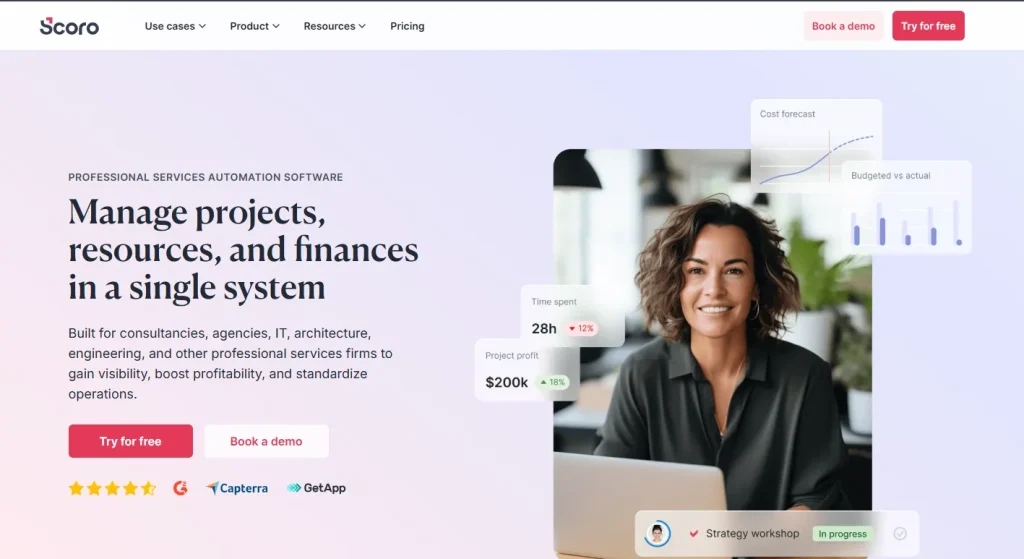
Scoro is the most feature-complete PSA on this list. It handles the full lifecycle from quote to invoice, with quoting and budgeting, project management, resource planning, time tracking, expense management, and reporting all built in and connected. G2 ranks Scoro as the top overall Accelo alternative across all categories. Minimum 5 users on all plans.
Key Features
- Quote-to-cash pipeline connecting every step from initial proposal through project delivery to final invoice with no data loss between stages
- Real-time profitability tracking at the project, client, and service level, showing estimated vs. actual cost and revenue without waiting for month-end
- 50+ customizable reports and dashboards that update in real time, covering KPIs from utilization rate to project margin
- Resource planning with scheduling, workload distribution, and capacity forecasting, so managers can optimize how team hours are spent
- 45+ integrations including Slack, Jira, Gmail, Google Calendar, Stripe, PayPal, Salesforce, QuickBooks, Xero, and HubSpot, plus Zapier and a public API
- Retainer management for tracking recurring client work with automatic invoicing
- AI features, including smart summaries, report generation, and forecasting assistance
- Multi-currency, multi-language support with role-based access controls
Pros And Cons
| Pros | Cons |
| Most complete PSA feature set on this list | Minimum 5 users; no free plan |
| Real-time profitability tracking per project and client | Higher starting price than most alternatives |
| G2’s top-ranked Accelo alternative | Significant learning curve on initial setup |
Pricing
| Plan | Price |
| Core | $23.90/user/month |
| Growth | $38.90/user/month |
| Performance | $59.90/user/month |
| Enterprise | Custom |
Rating And Review
G2: 4.5/5
“
“Scoro helped us evolve into a scalable, data-driven company with full project control. We now have full control over our projects, a clearer financial picture, and the ability to grow without losing efficiency or creative excellence.”
12. BigTime — Best For Billing-Heavy Engineering And Accounting Firms
G2: 4.5/5 · Free Plan: No · Starting From: $20/user/month
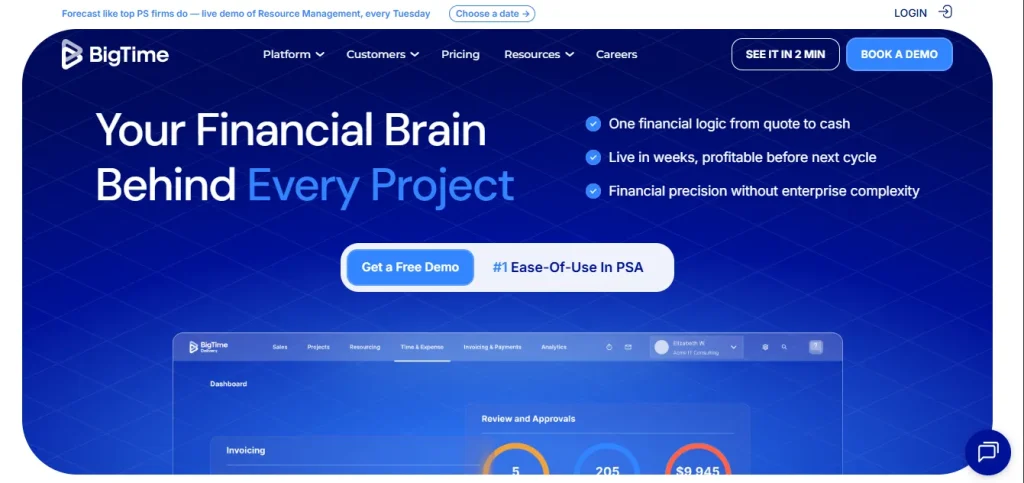
BigTime serves architecture, engineering, and accounting firms that live and die by accurate billing. It is built around the premise that financial discipline and project management should not be separate systems. Over 3,000 professional services firms use it, and 90% of projects in the platform stay on or within budget.
Key Features
- Project financial dashboards tracking budget, actual spend, and variance in real time so billing decisions are based on current data, not last week’s export
- Availability heat maps showing which team members are over- or under-allocated with planned vs. actual capacity comparison
- Auto-fill timesheets that suggest entries based on calendar events and past patterns, increasing accuracy and reducing the time spent logging hours
- Invoicing generated automatically from time and expense data with multi-level approval workflows and automated payment reminders
- Client billing portal where clients view outstanding invoices and pay immediately or schedule payments, without phone calls
- Resource management with skills-based assignment and capacity forecasting through the Foresight add-on
- BigTime AI assistant for in-app guidance and AI-powered report building (beta)
- Integrations with Salesforce, HubSpot, QuickBooks, Sage, Jira, BambooHR, and Zapier
Pros And Cons
| Pros | Cons |
| Industry-leading billing workflow for technical firms | No free plan; all plans billed annually |
| Resource heat maps for capacity management | Less suitable for non-engineering/accounting firms |
| 90% of projects stay on or within budget per company data | Onboarding takes time to configure properly |
Pricing
| Plan | Price |
| Essentials | $20/user/month |
| Advanced | $35/user/month |
| Premier | $45/user/month |
| Foresight (forecasting add-on) | Custom |
Rating And Review
G2: 4.5/5
“
“BigTime is the perfect blend of financial reporting and project management capabilities. Too often, I have discovered tools that do one or the other well, but seldom both. BigTime allows us to schedule projects, allocate resources, track time, track expenses, and bill clients.”
How To Choose The Best Accelo Alternative?
What Size Team Is It For?
Smaller teams (1–10 people) will get the most value from Taskip, HoneyBook, Avaza, or Flowlu. These are fast to set up and do not require a dedicated operations manager to configure. Larger agencies with 20+ people and multiple client accounts will benefit more from Scoro, BigTime, or Teamwork, which are built for higher operational complexity.
Do You Need A Client Portal?
If clients need direct access to their projects, files, and progress updates, prioritize SuiteDash, Taskip, Teamwork, or BigTime. SuiteDash offers the most complete white-label experience. Taskip is the better choice if you also want a built-in service catalog alongside the portal.
How Important Is Time Tracking And Billing?
If accurate billable hours and fast invoicing are the core requirement, Toggl Track (pure time tracking), Avaza (time and invoicing tightly integrated), or BigTime (billing-first for technical firms) are the strongest options. All three handle this significantly better than Accelo.
Do You Need A Service Catalog?
Only Taskip offers a native service catalog where clients can browse, select, and purchase services directly. Every other tool on this list requires workarounds (custom forms, external landing pages, or manual quoting) to replicate this functionality.
What Is Your Budget?
Free plans are available on Taskip, ClickUp, Flowlu, Teamwork, Avaza, Toggl Track, and Monday.com. For teams with a budget under $15/user/month, ClickUp ($7), Toggl Track ($9), Monday.com ($9), and Flowlu ($9) are the strongest options. Scoro starts at $23.90/user/month with a 5-user minimum, making it suited to larger firms with higher revenue per client.
Do You Need AI Features?
ClickUp has the deepest AI integration on this list: meeting notes, task summaries, project updates, and custom AI agents. Monday.com is second with its Agent Factory and AI assistant. Taskip includes built-in AI credits (200–10,000 per month depending on plan) for task recommendations, email assistance, and document summarization. HoneyBook’s AI is useful for freelancers writing client emails.
How Complex Are Your Reporting Needs?
Scoro has the most customizable reporting engine on this list with 50+ report types and real-time dashboards. BigTime has strong financial reporting built for technical firms. Productive.io shows profitability by project and client in real time. For basic reporting needs, Teamwork, ClickUp, or Monday.com are more than sufficient.
Taskip Vs Accelo — Which One Is Right For Your Agency?
| Feature | Taskip | Accelo |
| Pricing model | Public, transparent, free plan available | Custom pricing (contact sales) |
| Service catalog | ✅ Native, built-in on all plans | ❌ Not available |
| Client portal | ✅ White-labeled, fully branded | ⚠️ Available but limited branding |
| Mobile app | ✅ Android and iOS available | ✅ Available (limited feature set) |
| Learning curve | Moderate (most teams up in days) | High (weeks of onboarding common) |
| Free plan | ✅ Yes | ❌ No |
| Integrations | 100+ | 18 native |
| AI features | ✅ Built-in AI credits on all plans | Limited |
| Best for | Freelancers to large agencies | Larger established service firms |
When to pick Taskip: Your agency sells services that clients should be able to browse and buy directly. You want transparent pricing, a free starting point, built-in AI tools, and a white-labeled portal that makes your agency look professional from day one, without a month-long implementation.
When Accelo still makes sense: Your firm is already deeply invested in the Accelo ecosystem, uses retainer management heavily, and has the team capacity to maintain the platform. For firms that have customized Accelo over multiple years, the switching cost may outweigh the gains.
The Bottom Line: Which Accelo Alternative Should You Choose?
For most agencies, Taskip is the clearest winner as the best Accelo alternative. It is the only tool on this list that solves Accelo’s two biggest gaps (no service catalog, no transparent pricing) while offering a free plan, built-in AI, a white-labeled client portal, and Android and iOS apps out of the box. If resource planning and profitability tracking matter more than service catalog features, Productive.io is the best runner-up. For engineering or accounting firms that need billing-first project management, BigTime is the specialist choice.
Looking for the best Accelo Alternative? Sign up to Taskip for free.
FAQs On Accelo Alternatives
What Is The Best Free Alternative To Accelo?
ClickUp is the strongest free Accelo alternative. Its free plan includes unlimited tasks, basic project management, time tracking, and 100MB of storage. Small teams can run real projects on it without paying. Taskip also has a free plan, and it is the only free tool on this list that includes a service catalog. Toggl Track, Teamwork, Flowlu, Avaza, and Monday.com all have free tiers as well, though with more limited feature sets.
Is There A Cheaper Alternative To Accelo?
Yes. Because Accelo does not publish pricing, almost every tool on this list is effectively cheaper by comparison. You at least know what you are paying. ClickUp starts at $7/user/month, Toggl Track and Flowlu at $9/user/month, and Monday.com at $9/seat/month. Taskip starts at $12/month for a full solo operator plan, not per user, which makes it very affordable for freelancers and small agencies.
Which Accelo Alternative Is Best For Small Agencies?
Taskip and Flowlu are the two best options for small agencies (under 10 people). Taskip is the better choice if you sell defined services and want clients to be able to buy directly. Flowlu is better if you need robust financial tracking and CRM at a seat-based rate. Both have free plans and are significantly faster to set up than Accelo.
Does Accelo Have A Free Plan?
No. Accelo does not offer a free plan and does not publish pricing publicly. You have to submit a form and speak with a sales representative to get a quote. This is one of the most frequently cited friction points by users who are evaluating alternatives.
What Is Accelo Used For?
Accelo is a Professional Services Automation (PSA) platform used primarily by agencies, consulting firms, and client-service businesses. Its main use cases are project tracking, client management, time tracking, invoicing, and retainer management, all in one connected system. It is designed to give service firm owners visibility into every active project and client relationship from a single dashboard.
Which Tools Work Like Accelo But Are Easier To Use?
Taskip, Teamwork, and Productive.io are the closest functional equivalents to Accelo that are noticeably easier to use. All three cover project management, client management, time tracking, and invoicing. Taskip adds a service catalog and built-in AI that Accelo lacks. Teamwork’s client portal and resource scheduling are more intuitive than Accelo’s equivalents. Productive.io offers better real-time profitability data with a cleaner interface.


Get Summary On: