Best Client Portal for Agencies in 2026: 24 Tools Compared
The best client portal for agencies in 2026 includes Taskip, Suitedash, ClickUp, Clinkled, Moxo, and a few more. In this blog, we considered a fully white-labeled client portal, built-in CRM, invoicing, project management, workflow automation, and other essential features for agency management to find you the best client portal software.
Below, we tested and compared 24 real options so you can pick the right one without the trial-and-error.
Top 5 Client Portals for Agencies at a Glance
Short on time? Here are the five picks worth shortlisting first.
| Tool | Best For | Starting Price | G2 Rating |
| Taskip | All-in-one agency management with a free client portal | $12/mo (free plan available) | 4.8/5 |
| SuiteDash | Flat-rate white-label portal with no per-user fees | $19/mo | 4.8/5 |
| Clinked | Deep white-labeling for document-heavy client work | $11/user/mo | 4.8/5 |
| ClickUp | Feature-rich guest access with granular permissions | Free (paid from $7/user/mo) | 4.6/5 |
| Softr | No-code portal builder on top of your own data | Free (paid from $139/mo) | 4.7/5 |
Taskip leads this list because it is the only tool here that bundles a smart client portal, CRM, quotations, invoicing, workflow automation, and a service catalog under one flat monthly fee starting at $12, with no per-client charges. Everything below is organized by category so you can jump straight to the type of tool that fits how your agency actually works.
Table of Contents
What Is a Client Portal for Agencies?
A client portal for agencies is a secure, branded workspace where clients log in to see project status, download files, approve deliverables, message the team, and pay invoices, instead of relying on scattered email threads. Most modern platforms let you put your own logo, colors, and domain on the portal so clients feel like they are using something you built in-house.
The core idea is simple: give clients one link, one login, and one place to go for everything related to your work together. That single change removes most of the “can you send me an update” messages that eat into an account manager’s week.
Why Every Agency Needs a Client Portal
Agencies that switch to a dedicated client portal for agencies consistently report fewer status-update emails, faster approvals, and higher perceived professionalism, three things that directly affect retention and referrals. A few concrete reasons this matters in 2026:
- Clients judge you on presentation as much as on output. A branded portal signals that you run a real operation, not a one-person show working out of a Gmail inbox.
- Status update requests are one of the biggest time sinks for account managers. A live portal removes most of them by letting clients self-serve.
- Payment delays shrink when clients can view and pay invoices in one click instead of hunting through email for a PDF attachment.
- Approvals move faster when feedback and sign-off happen in a structured flow instead of a scattered email chain with three people cc’d.
- A portal creates a paper trail of decisions, approvals, and file versions, which protects both sides when a client later asks, “Did we approve that?”
The stakes are higher than they look. Acquiring a new client costs 5 to 25 times more than keeping an existing one, according to Harvard Business Review, and lack of communication is one of the top reasons cited by clients who leave a service provider. A client portal for agencies directly targets that communication gap, which is exactly why retention, not just efficiency, is the real business case for adopting one.
Key Features to Look for in a Client Portal for Agencies
Not every tool on this list does the same job. Before you commit, check that a client portal for agencies covers these fundamentals:
- White-label branding: your logo, colors, and ideally a custom domain, with no vendor branding visible to clients.
- File and deliverable sharing: organized by project, with version history so nobody works off an outdated file.
- Approvals and feedback: a structured way for clients to approve, request changes, or leave comments without another email thread.
- Invoicing and payments: clients should be able to view balances and pay directly inside the portal.
- Messaging: a built-in channel that keeps client conversations tied to the right project instead of buried in inboxes.
- Permissions: control over exactly what each client can see, especially if you manage multiple stakeholders per account.
- Pricing that scales sanely: watch for per-client fees, since some tools get expensive fast as your client list grows.
How We Evaluated These Tools
We reviewed pricing pages, G2 and Capterra ratings, and product documentation for every tool below, and cross-checked claims against verified user reviews rather than marketing copy alone. Ratings and prices reflect what each vendor listed as of mid-2026; SaaS pricing changes often, so double-check the vendor’s current page before you buy.
Best Client Portal for Agencies: Full Comparison Table
| # | Tool | Category | Best For | Starting Price | G2 Rating |
| 1 | Taskip | All-in-One | Agencies wanting one flat-fee platform | $12/mo | 4.8/5 |
| 2 | SuiteDash | Flat-rate white-label at scale | $19/mo | 4.8/5 | |
| 3 | OneSuite | Replacing a stack of disconnected tools | $29/mo | 4.8/5 | |
| 4 | Zendo | Freelancers wanting a generous free plan | Free | 4.9/5 | |
| 5 | Agency Handy | Productized service agencies | $29/mo | Not publicly listed | |
| 6 | Service Provider Pro | Productized services with a helpdesk | $99/mo | 4.7/5 | |
| 7 | Moxie | Solo freelancers and micro-teams | $12/mo | 4.5/5 | |
| 8 | FuseBase | AI-native portals with a knowledge base | Free | 4.7/5 | |
| 9 | monday.com | Teams already on monday.com | Free | 4.7/5 | |
| 10 | CampaignSwift | Social and content approval workflows | $29/mo | Not publicly listed | |
| 11 | Clinked | Enterprise | Deep white-label, document-heavy work | $11/user/mo | 4.8/5 |
| 12 | Moxo | Structured client workflow automation | ~$200/mo | 4.5/5 | |
| 13 | Softr | No-Code | Custom portals on your own data | Free | 4.7/5 |
| 14 | Zite | AI-built, unlimited-user flat-fee portals | Free | Not publicly listed | |
| 15 | Airtable | Database-driven client dashboards | Free | 4.6/5 | |
| 16 | Basecamp | Project Mgmt | Flat-fee, unlimited free client access | Free | 4.1/5 |
| 17 | ClickUp | Granular guest permissions | Free | 4.6/5 | |
| 18 | Notion | Lightweight, doc-centric client wikis | Free | 4.6/5 | |
| 19 | Dubsado | Freelancer | Built-in invoicing and contracts | $35/mo | 4.3/5 |
| 20 | Hello Bonsai | Bundled proposals, invoicing, time tracking | $9/user/mo | 4.3/5 | |
| 21 | SuperOkay | Cheap, highly-branded portals | Free | 4.6/5 | |
| 22 | Plutio | All-in-one client portal and invoicing | $19/mo | 4.3/5 | |
| 23 | Zendesk | Support | Enterprise help center and self-service | $55/agent/mo | 4.3/5 |
| 24 | Assembly (Copilot) | White-labeled hub for professional services | $39/mo | 4.8/5 |
Now let’s get into the details. Every tool below is grouped by the type of agency it fits best, with real pricing, real features, and real G2 ratings, not marketing copy.
The 24 Best Client Portal Options for Agencies
All-in-One Agency & Portal Platforms
These tools combine a client portal with CRM, invoicing, and project management, so you’re not stitching together five separate apps.
1. Taskip – Best for agencies wanting one flat-fee platform instead of a stack of tools
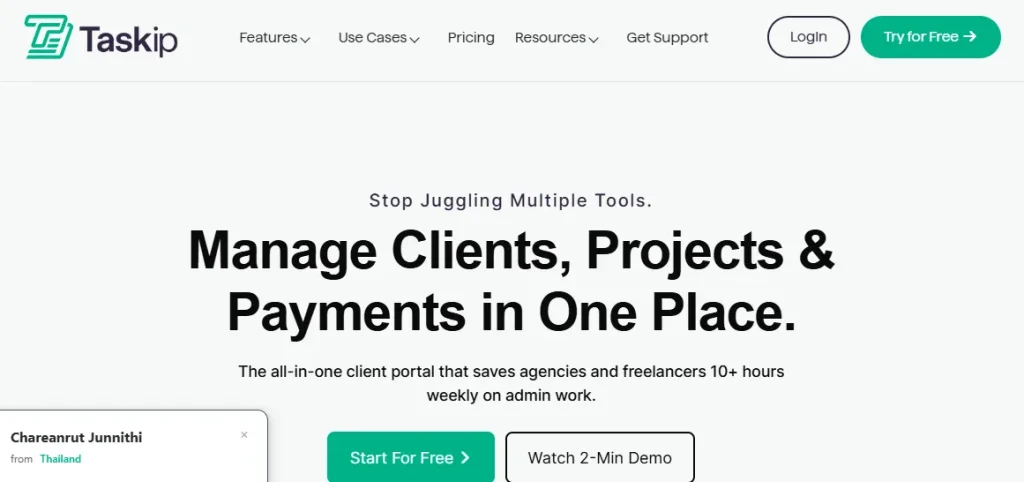
Taskip is our top pick for the best client portal for agencies because it’s built specifically for agencies and freelancers, not retrofitted from a generic project management tool. Every client gets their own branded portal to view projects, files, and invoices, message your team, and pay online, all under your domain with zero Taskip branding visible. It’s also backed by Xgenious, a company with 6+ years and 11,000+ users across its product portfolio, which matters if you’re worried about a small vendor disappearing in a year.
Key Features for Agencies
- Smart client portal with branded domain, custom colors, logo, and client-side teams
- Built-in CRM with unlimited leads, sales pipeline, and lead-to-client conversion
- Quotations, recurring and one-time invoicing, and payment integrations (Stripe, PayPal, bank transfer) with no transaction fees
- Project and task management with Kanban, list, Gantt, and calendar views
- Workflow automation, service catalog, forms, e-signatures, and a built-in support ticketing system
Pros & Cons
| Pros | Cons |
| Replaces 8+ point tools (CRM, invoicing, portal, support) under one flat fee | AI credit allowances are capped by plan tier |
| Unlimited clients and team members on every paid plan | Newer G2 listing means fewer public reviews so far |
| White-label branding and custom domain available from the entry paid tier | Some advanced features (webhooks, public API) are most useful once you’re past the free plan |
Pricing
Taskip has a free Starter plan for solo users, then four paid tiers: Freelancer at $12/month, Startup Team at $29/month, Growing Agency at $59/month, and Agency Pro at $89/month, all billed flat per workspace rather than per user. Annual billing saves roughly 35 to 40 percent. Every paid plan includes the smart client portal, workflow automation, and unlimited integrations; white-label branding unlocks starting at the Growing Agency tier.
G2 Review & Rating
Taskip holds a 4.3 out of 5 rating on G2 based on early reviews, and is trusted by over 1,100 agency owners and professionals worldwide according to its own customer data.
2. SuiteDash – Best for a flat-rate white-label portal that scales without per-user fees
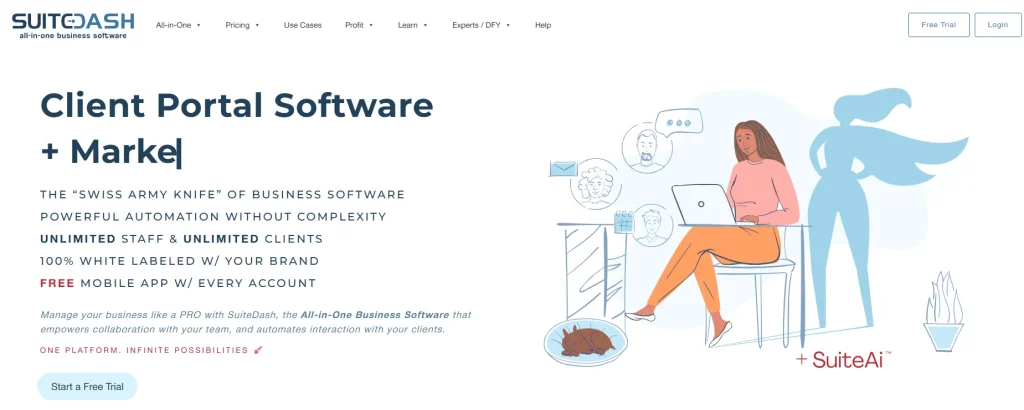
SuiteDash pairs a white-labeled client portal with a custom mobile app, CRM, and 12-plus integrated toolkits, all under one workspace-based price instead of a per-seat model. This makes SuiteDash a solid client portal for agencies that hate per-user pricing.
Key Features for Agencies
- White-labeled client portal plus a custom-branded mobile app
- Built-in CRM with drip campaigns and lead tracking
- Project and task automation tied to invoicing and proposals
- LMS, helpdesk, and file-sharing toolkits bundled in
Pros & Cons
| Pros | Cons |
| Deep customization and a genuinely all-in-one toolset | Steep learning curve during setup |
| Priced per workspace, not per user | Interface feels dated compared to newer tools |
| Strong support reputation (9.5 G2 support score) | Heavy setup and ongoing maintenance effort |
Pricing
SuiteDash starts at $19/month for the Start plan, $49/month for Thrive, and $99/month for Pinnacle, with annual and lifetime options available (Pinnacle lifetime runs $4,840). A 14-day free trial is offered on all plans.
G2 Review & Rating
SuiteDash rates 4.8 out of 5 on G2 across 618 reviews, one of the highest review volumes in this category.
3. OneSuite – Best for agencies replacing a stack of disconnected SaaS tools
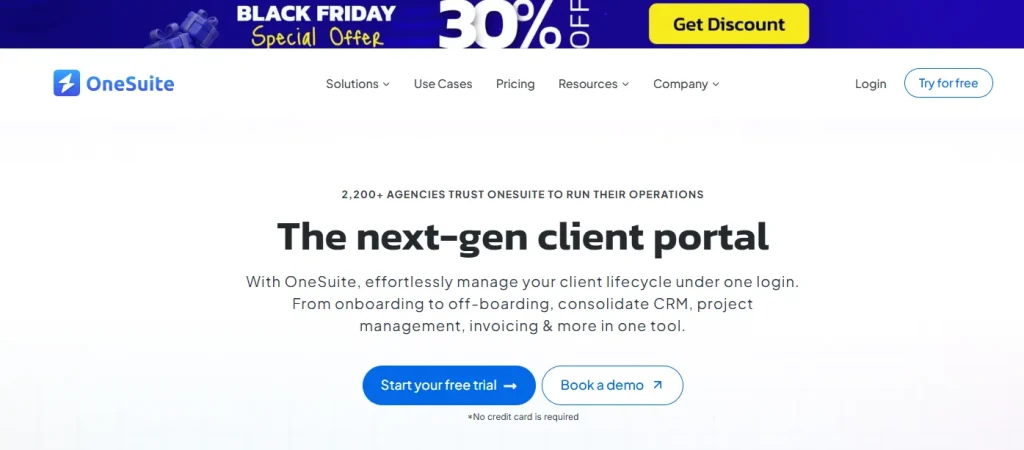
OneSuite bundles a branded client portal with CRM, project management, and invoicing, aimed squarely at agencies trying to cut their software bill. It’s a practical client portal for agencies that want fewer subscriptions, not more.
Key Features for Agencies
- Branded client portal where clients approve deliverables, sign documents, and pay invoices
- CRM and lead pipeline management
- Recurring and one-time invoicing via Stripe, PayPal, or Razorpay
- Free white-glove migration from your existing tools
Pros & Cons
| Pros | Cons |
| Consolidates several tools into one lower monthly cost | No native time tracking, per reviewer feedback |
| Branded portal improves how clients perceive your agency | Costs can add up at higher tiers with add-ons |
| Responsive support team | White-label domain and extra seats are paid add-ons |
Pricing
OneSuite starts at $29/month for the Freelancer plan, $59/month for Growing Team, and $149/month for Agency, with a 20 percent discount on annual billing and a 14-day free trial requiring no credit card.
G2 Review & Rating
OneSuite holds a 4.8 out of 5 rating on G2 from 14 reviews.
4. Zendo – Best for freelancers who want a generous free plan with a chat-first client portal
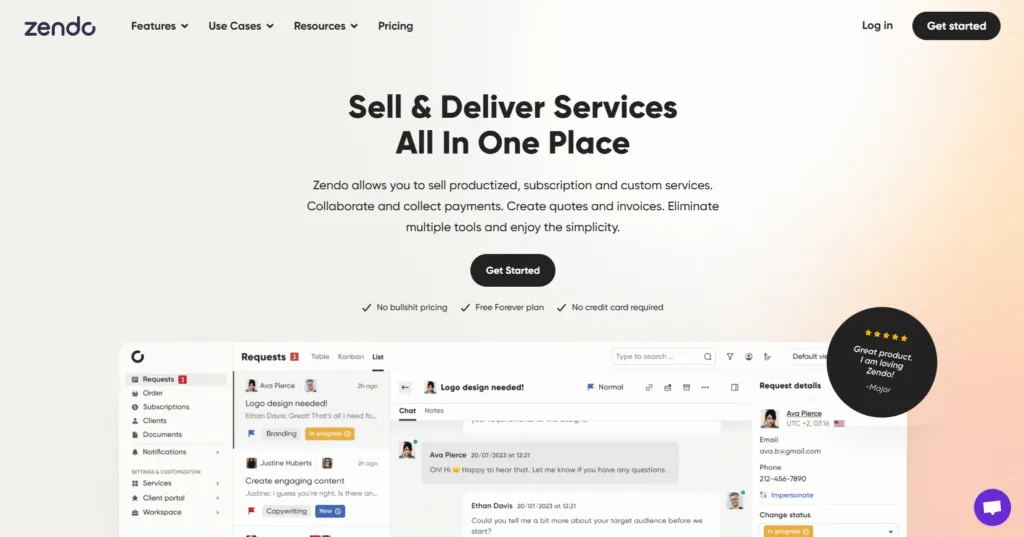
Zendo leans on chat instead of tickets, giving clients a branded, conversational way to communicate instead of a formal support queue. For freelancers priced out of bigger platforms, it’s a genuinely free client portal for agencies to start with.
Key Features for Agencies
- Fully branded, white-label client portal with a custom domain
- Chat-centric client communication built into the portal
- Productized, subscription, and custom service types
- Automated quotes, invoices, and payment requests via Stripe and bank transfer
Pros & Cons
| Pros | Cons |
| Best-in-class free tier for solo operators | Noticeable price jump from free to paid plans |
| Intuitive and easy to customize | Limited design customization on lower tiers |
| Responsive support team | Some users report a complex initial setup |
Pricing
Zendo’s Essential plan is free forever for one internal user and unlimited clients. Paid plans start around $24.50/month billed annually, scaling up to roughly $99.50/month for larger teams; confirm exact current tiers on Zendo’s pricing page since they were recently updated.
G2 Review & Rating
Zendo rates 4.9 out of 5 on G2 based on 11 reviews.
5. Agency Handy – Best for productized service agencies selling fixed-scope packages
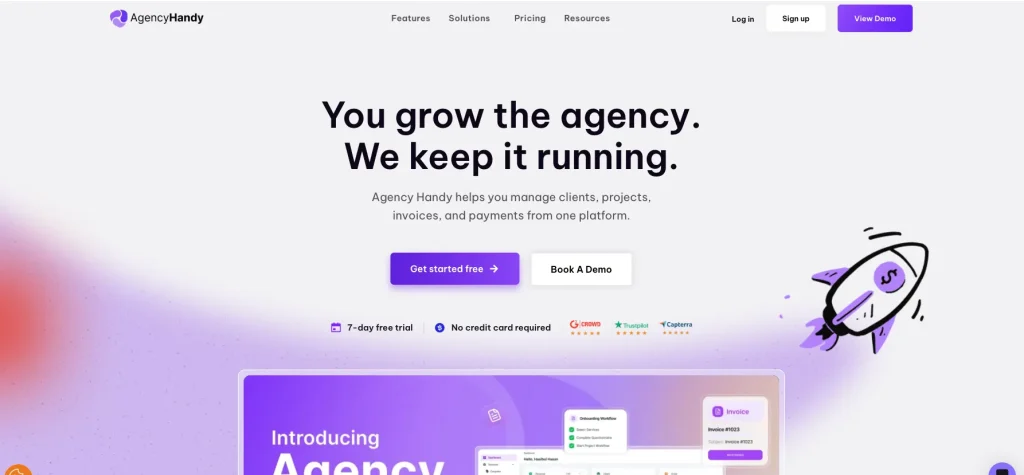
Agency Handy is built around a service catalog model, letting clients browse and purchase packaged services, then track delivery through a dedicated portal, one of the more sales-driven takes on a client portal for agencies on this list.
Key Features for Agencies
- Branded client portal with project, file, and order tracking
- Productized service catalog with tiered packages
- Built-in invoicing and payment collection
- Client onboarding forms and request intake
Pros & Cons
| Pros | Cons |
| Purpose-built for productized service delivery | Newer platform with a smaller review base |
| 7-day free trial with no credit card required | Fewer integrations than more established competitors |
| Straightforward, predictable monthly pricing | Some features are locked behind higher tiers |
Pricing
Agency Handy offers three monthly tiers: Freelancer at $29, Team Starter at $99, and Business Pro at $199, each with a 7-day free trial. The vendor positions its Business Pro plan as replacing roughly $221 worth of separate tools.
G2 Review & Rating
A verified G2 star rating was not publicly listed for Agency Handy at the time of research; check its G2 or Capterra listing directly before citing a number.
6. Service Provider Pro – Best for productized-service agencies needing a built-in helpdesk
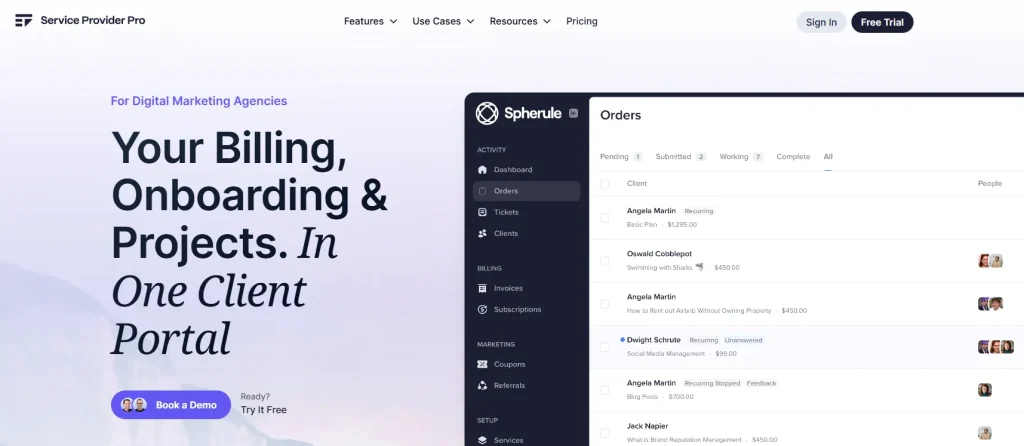
Service Provider Pro, now rebranded as Wayfront, pairs a white-labeled client dashboard with drag-and-drop order forms and a built-in helpdesk, giving productized agencies a client portal built around orders rather than open-ended projects.
Key Features for Agencies
- White-labeled client dashboard and portal builder
- Drag-and-drop order and intake forms
- Built-in helpdesk alongside project management
- E-signature and document collaboration tools
Pros & Cons
| Pros | Cons |
| Everything client-facing lives in one dashboard | Higher entry price than most competitors here |
| Fast, well-reviewed customer support | API access is reserved for higher tiers |
| Long-tenured, loyal customer base | Fewer native integrations than larger platforms |
Pricing
Plans run $99/month for Basic (5 seats), $249/month for Pro (10 seats), and custom pricing for Plus (50-plus seats), all billed annually with a 14-day free trial and no credit card required.
G2 Review & Rating
Service Provider Pro (listed as SPP.co on G2) rates 4.7 out of 5 from 18 reviews.
7. Moxie – Best for solo freelancers and micro-teams of up to five people
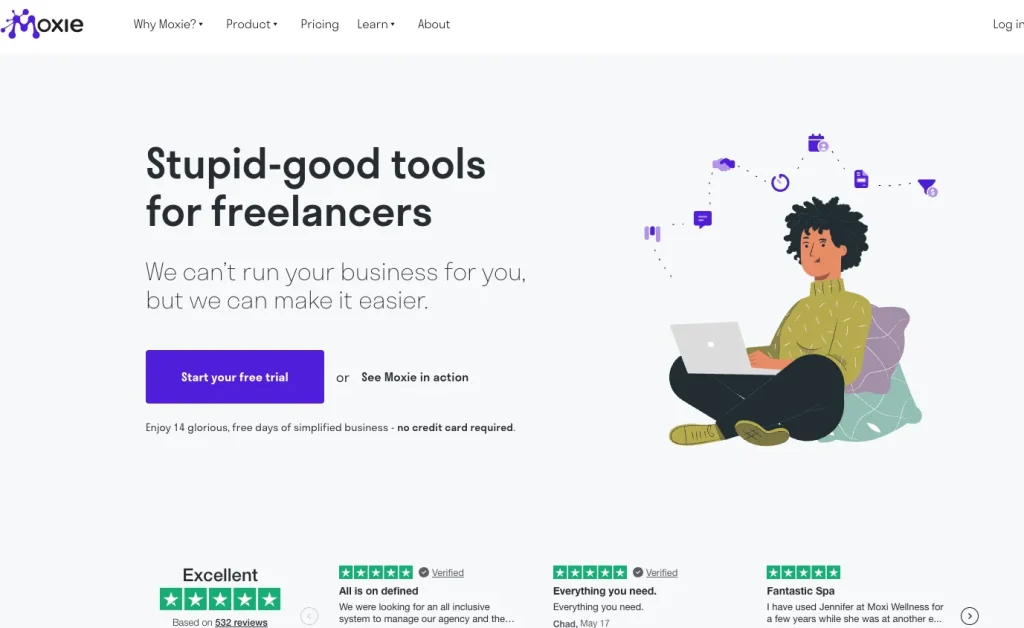
Moxie is a budget-friendly all-in-one toolkit that adds a white-labeled client portal once you move past its entry-level plan, a reasonably low-cost client portal for agencies of one or two people.
Key Features for Agencies
- White-labeled client portal and custom domain on the Pro plan and above
- Client and project management in one workspace
- Invoicing, payments, proposals, and contracts
- Support ticketing and workflow automation
Pros & Cons
| Pros | Cons |
| Very affordable entry point | Interface described as dated by some users |
| Replaces several standalone tools | Mobile app is fairly basic |
| Responsive, communicative team | Project management module frustrates some reviewers |
Pricing
Moxie starts at $12/month for Starter, $25/month for Pro (where the client portal unlocks), and $40/month for Teams, capped at five members, with a 14-day free trial.
G2 Review & Rating
Moxie holds a 4.5 out of 5 rating on G2, though that’s based on only 4 reviews, so treat it as directional rather than statistically solid.
8. FuseBase – Best for AI-native branded portals with a client-facing knowledge base
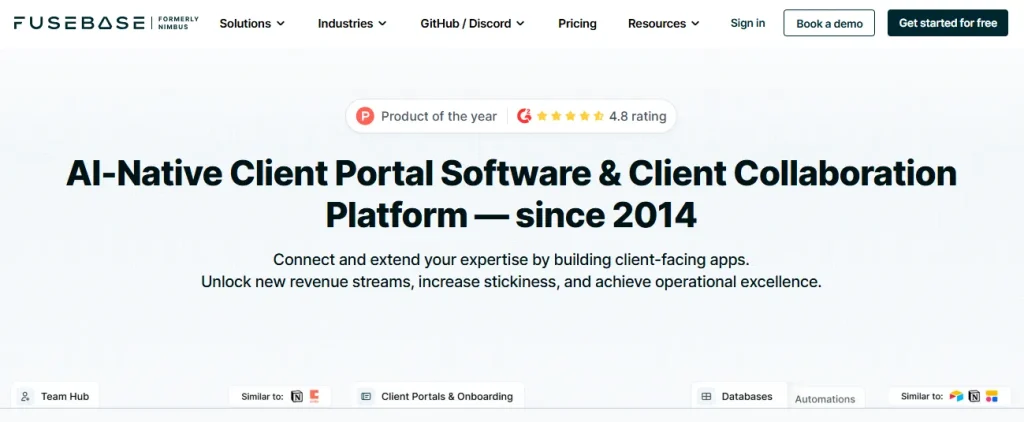
FuseBase, formerly Nimbus, combines a branded client portal with a knowledge base and AI agents for repeatable client workflows, part of a broader shift toward AI agent development inside everyday business software.
Key Features for Agencies
- Branded client portals, onboarding hubs, and deal rooms
- AI agents built for repeatable client workflows
- Built-in knowledge base, CRM, and communication hub
- E-signatures and organized file sharing
Pros & Cons
| Pros | Cons |
| Versatile enough to replace a portal, KB, and CRM at once | Learning curve; users report finding new features a year in |
| Strong, responsive customer support | Occasional reliability and speed issues reported |
| Free plan available to start | Higher tiers get expensive quickly |
Pricing
FuseBase offers a free plan, then Solo at $32/month, Essentials at $82/month, and Advanced at $332/month, with custom pricing for the Unlimited tier and a free trial available.
G2 Review & Rating
FuseBase rates 4.7 out of 5 on G2 from 106 reviews.
9. monday.com – Best for teams already on monday.com who want lightweight client access
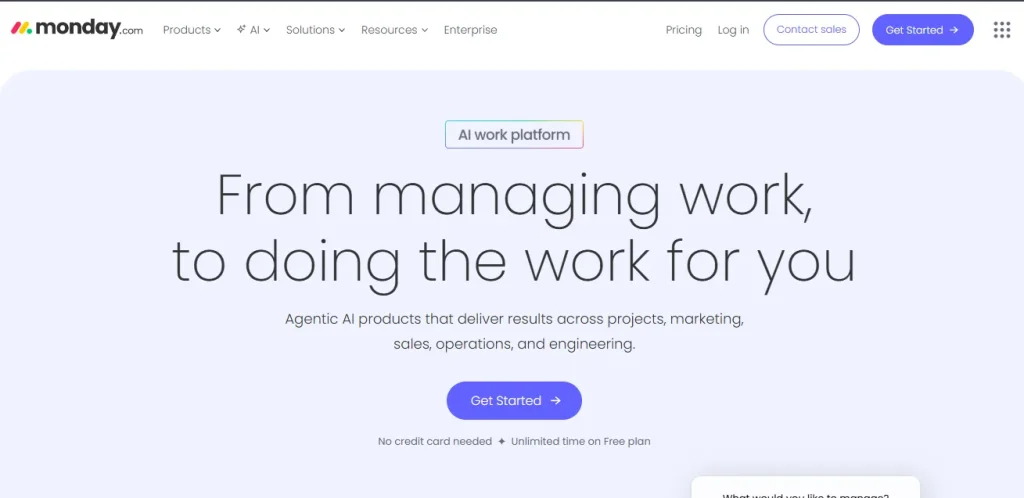
monday.com isn’t a dedicated client portal for agencies out of the box, but its free guest seats let clients view or edit specific boards without buying extra licenses.
Key Features for Agencies
- Unlimited free guest seats with view or edit restrictions per board
- Enterprise-tier “monday service” adds multiple branded customer portals
- 200-plus templates for onboarding and project tracking
- Deep integration ecosystem for connecting other agency tools
Pros & Cons
| Pros | Cons |
| Guests cost nothing extra on any plan | No native white-label client portal |
| Powerful core project management engine | Guest permission granularity is limited |
| Huge automation and integration library | Most agencies need a paid add-on for a real branded portal |
Pricing
monday.com has a free plan for up to two seats, then Basic at $9/seat/month, Standard at $12/seat/month, and Pro at $19/seat/month, all billed annually with a 3-seat minimum; Enterprise is custom-priced.
G2 Review & Rating
monday.com rates 4.7 out of 5 on G2 from an enormous 16,892 reviews, by far the largest review base on this list.
10. CampaignSwift – Best for social and content agencies needing built-in approval workflows
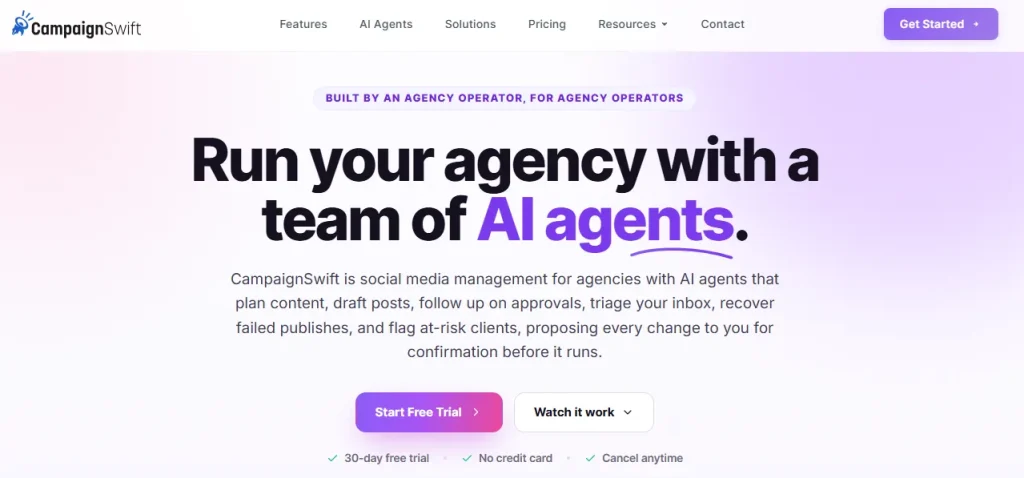
CampaignSwift is built around content approval, letting clients approve social posts and campaigns through token-based links without needing to create an account, a narrow but useful client portal for agencies focused on social and content work.
Key Features for Agencies
- Multi-stage content approval with visual annotations
- No-login client approvals via secure token links
- White-label branding, including custom domain and branded emails, on Pro and Agency plans
- Multi-client workspaces with separate calendars and asset libraries
Pros & Cons
| Pros | Cons |
| No per-seat fees; priced per social profile instead | Cost scales with the number of connected profiles |
| No-login approvals reduce client friction | Very new platform with limited independent review history |
| Agency-specific workflow built in from day one | Fewer integrations than more established platforms |
Pricing
Pricing starts around $29/month and scales based on connected social profiles rather than team size, with a 30-day money-back guarantee and a free trial available.
G2 Review & Rating
CampaignSwift does not yet have a G2 listing, and its Capterra profile shows no reviews as of this research, so treat it as an emerging option rather than a proven one.
Enterprise White-Label & Compliance
If your agency handles sensitive documents or needs SSO, audit trails, and deeper compliance controls, these two tools go further than the general-purpose options above.
Show Image
11. Clinked – Best for agencies and consultancies wanting deep white-labeling for document-heavy work
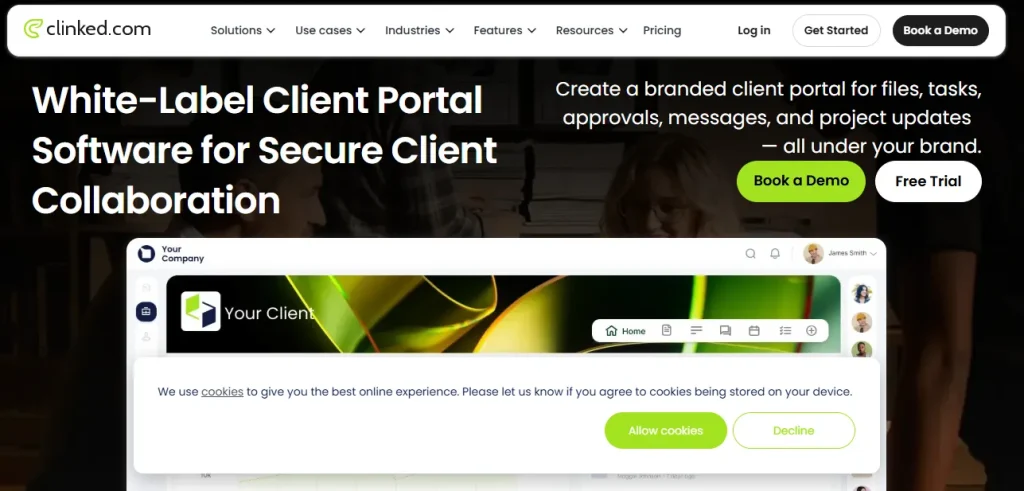
Clinked focuses on security and branding depth, offering a white-label mobile app on top of its portal for agencies that want a fully in-house feel, arguably the most locked-down client portal for agencies handling sensitive files.
Key Features for Agencies
- Full white-label branding, including a custom domain and a white-label mobile app on higher tiers
- Role-based permissions with an audit trail and full-text search
- Tasks, shared calendars, discussions, and real-time one-to-one chat
- Enforced two-factor authentication for security-conscious clients
Pros & Cons
| Pros | Cons |
| Deepest white-labeling and branding control on this list | Pricing is steep for small agencies |
| Strong customer support reputation | Notification customization is limited |
| Solid security and compliance posture | Learning curve during initial setup |
Pricing
Clinked starts at $11/user/month for Start Up, $239/month for Standard (100 members, 1TB storage), and $599/month list for Premium (250 members, 3TB), with Enterprise custom-priced for 1,000-plus members. Annual billing saves 20 percent, and two-year billing saves 35 percent.
G2 Review & Rating
Clinked rates 4.8 out of 5 on G2 from 140 reviews.
12. Moxo – Best for larger agencies and enterprises needing structured client workflow automation
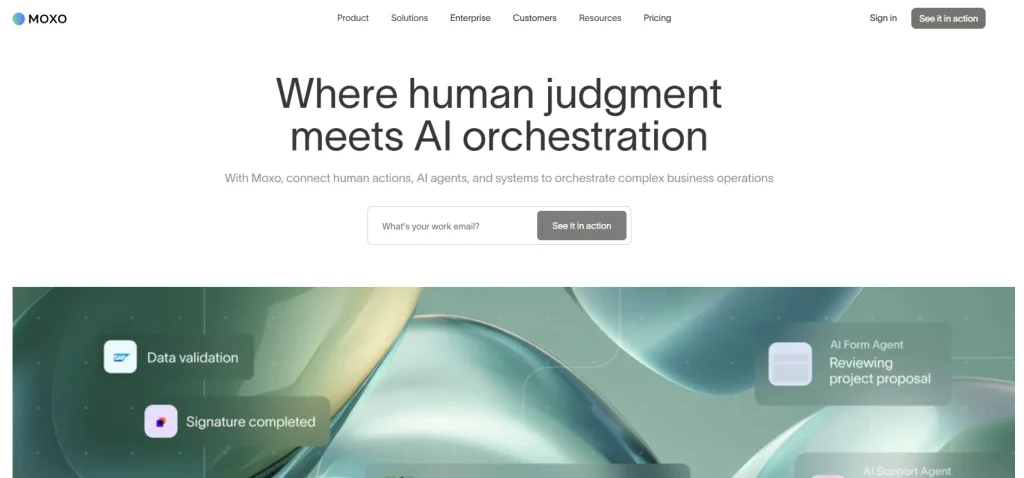
Moxo is built for structured, multi-step client workflows, with approvals and e-signatures baked into the process rather than bolted on, positioning it as an enterprise-grade client portal for agencies with complex sign-off chains.
Key Features for Agencies
- Branded client portal via a paid Branding Kit add-on
- Workflow automation with action steps, approvals, and e-signature
- Secure client messaging and file sharing
- Structured onboarding templates for repeatable client setup
Pros & Cons
| Pros | Cons |
| Strong workflow and automation engine | Expensive relative to smaller portal tools |
| Robust client onboarding tools | Moxo base plan lacks some native integrations |
| G2 2024 Best Software Award winner | White-labeling costs extra on top of the base plan |
Pricing
Moxo’s Business plan runs roughly $200 to $450/month, Business Pro around $1,000/month, and Enterprise is custom-priced; white-label branding is often billed separately, from $1,500 to $5,000. There is no self-serve free plan, only a demo-based trial.
G2 Review & Rating
Moxo rates 4.5 out of 5 on G2 from 194 reviews, with 78 percent of reviewers giving it 5 stars.
No-Code / AI-Native Portal Builders
These tools let you build a custom-branded client portal on top of your own data, without writing code.
13. Softr – Best no-code builder for a fully custom-branded portal on your own data
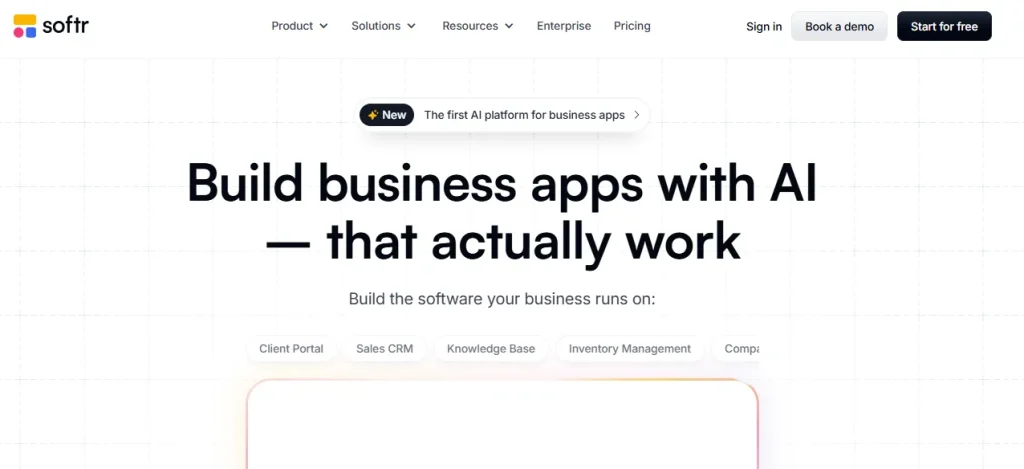
Softr connects to Airtable, Google Sheets, or SQL databases and turns that data into a branded, permissioned client portal in a few hours rather than weeks, similar in spirit to how a multipurpose platform like Nexelit lets non-technical teams manage a full business site without a developer.
Key Features for Agencies
- No-code, drag-and-drop portal builder with a custom domain on every tier, including free
- Branding removal available from the Professional plan up
- User groups and permissions to restrict client-only access
- Connects to Airtable, Google Sheets, SQL databases, and APIs
Pros & Cons
| Pros | Cons |
| Fast to launch a branded client portal | Costs rise quickly once you exceed plan user limits |
| Flexible backend, works with data you already have | Design customization is more limited than a full custom build |
| Large template and community library | Best results require some comfort with structuring data |
Pricing
Softr’s free plan supports 10 users and unlimited apps. Professional runs $139/month billed annually (100 app users, branding removed), Business is $269/month (500 users, full SQL and API access), and Enterprise is custom.
G2 Review & Rating
Softr rates 4.7 out of 5 on G2 from 711 reviews, with 84 percent of reviewers giving it 5 stars.
14. Zite – Best for lean agencies wanting an AI-built, flat-fee, unlimited-user portal
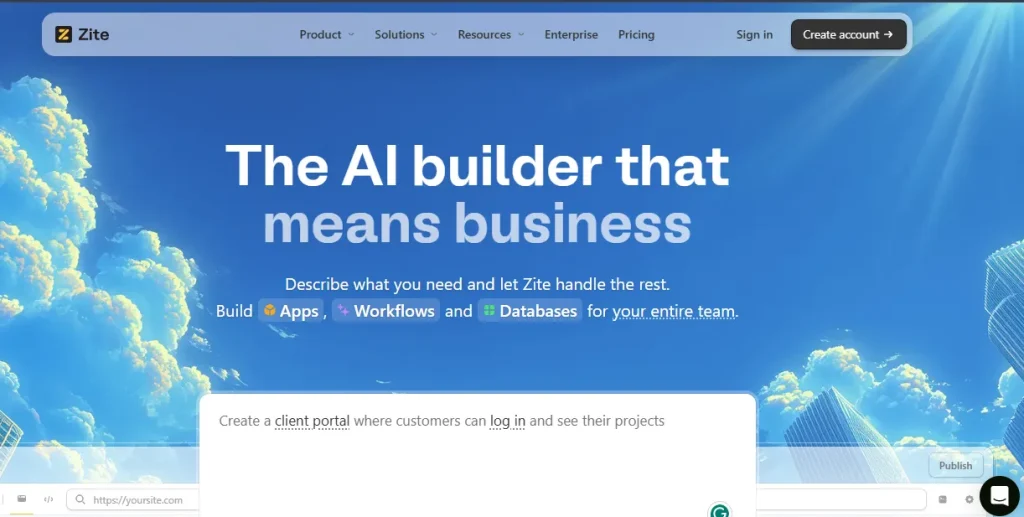
Zite uses AI to generate a working portal from a chat-based planning flow, and charges a flat fee no matter how many clients you add, making it one of the newer AI-native takes on a client portal for agencies.
Key Features for Agencies
- AI-assisted portal generation through chat and planning modes
- Unlimited users on every plan, including free
- Built-in authentication, roles, permissions, and SOC 2 Type II compliant hosting
- Custom domains, with white-label emails and full branding removal on the Business tier
Pros & Cons
| Pros | Cons |
| Unlimited users at a flat price, no per-client cost creep | Newer product with limited independent review volume |
| Fast AI-driven build process | Some branding features are gated to paid tiers |
| Strong built-in security posture | Smaller ecosystem than more established no-code tools |
Pricing
Zite has a free plan at $0/month, Pro at $15/month billed annually, and Business at $55/month billed annually, with Team and Enterprise tiers custom-priced. Pricing stays flat regardless of client or user count.
G2 Review & Rating
No verified G2 or Capterra listing could be found for Zite at the time of research, so treat it as an unproven, early-stage option.
15. Airtable – Best for flexible, database-driven client dashboards
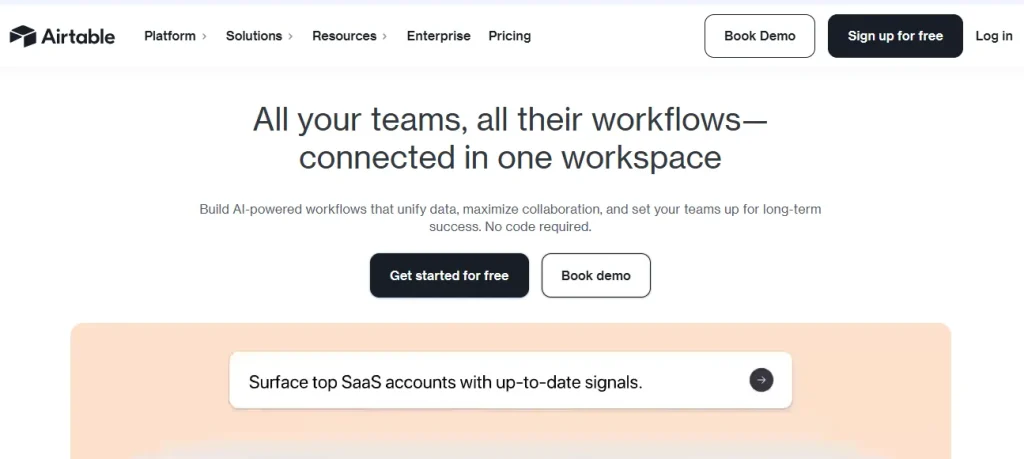
Airtable isn’t a dedicated portal tool, but its Interfaces feature lets you turn a project database into a clean, read-only client-facing dashboard, a workable DIY client portal for agencies that already track everything in Airtable.
Key Features for Agencies
- Custom-branded client-facing views and forms on the Team plan and above
- Record-linked project and task databases
- Automations that push status updates without manual work
- Unlimited free read-only collaborator seats for clients
Pros & Cons
| Pros | Cons |
| Highly customizable data structure | Ease-of-use rated lower than dedicated portal tools |
| Free viewer seats keep client access cost down | Advanced portal features are gated behind paid tiers |
| Scales well for data-heavy agencies | Requires more setup effort than purpose-built portals |
Pricing
Airtable’s free plan covers 5 editors and 1,000 records per base. Team is $20/editor/month annually, Business is $45/editor/month annually, and Enterprise Scale is custom.
G2 Review & Rating
Airtable rates 4.6 out of 5 on G2 from 3,220 reviews.
Project Management as Client Portal
If you already run projects in one of these tools, you may not need a separate portal at all. Here’s how each handles client access.
Show Image
16. Basecamp – Best for flat-fee, unlimited free client access
Basecamp has offered free client and contractor accounts since long before “client portal for agencies” was a category, and that hasn’t changed.
Key Features for Agencies
- Free, unlimited client and contractor accounts
- Dedicated client-only message boards and to-do lists
- Shared “Hill Charts” for high-level project progress
- Simple file, document, and threaded discussion sharing
Pros & Cons
| Pros | Cons |
| Clients never count as billable seats | Limited advanced project management features |
| Predictable flat pricing, even at scale | No custom statuses or task dependencies |
| Simple enough for non-technical clients | Steep learning curve for teams used to richer tools |
Pricing
Basecamp’s free plan covers 1 project and 3 users with 1GB storage. Plus is $15/user/month for employees, with clients always free. Pro Unlimited is $299/month billed annually for unlimited users and clients.
G2 Review & Rating
Basecamp rates 4.1 out of 5 on G2 from roughly 5,357 reviews.
17. ClickUp – Best for feature-rich guest access with granular permissions
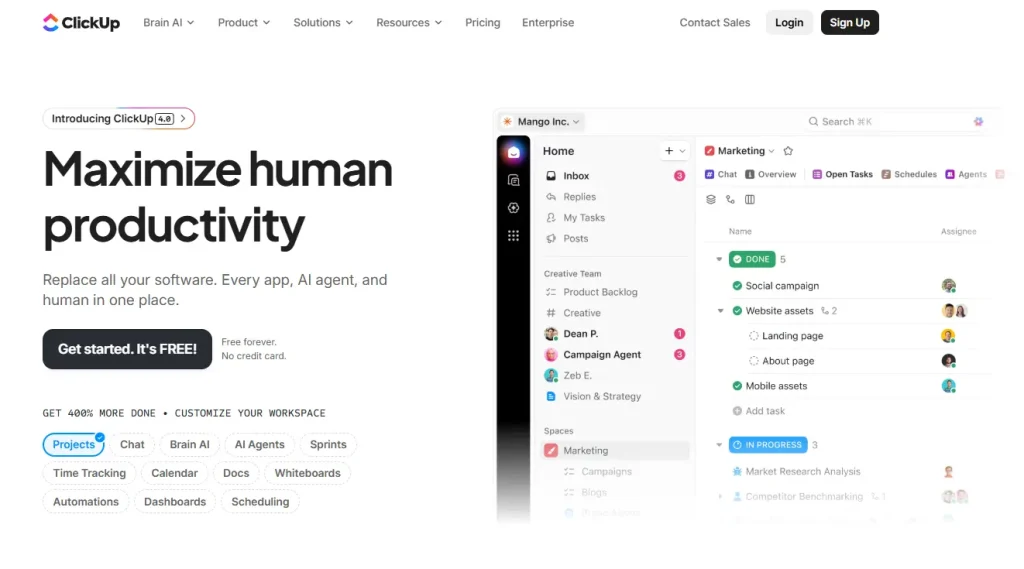
ClickUp‘s guest access system lets you fine-tune exactly what a client can view, comment on, or edit, which makes it one of the more flexible non-dedicated client portal for agencies options.
Key Features for Agencies
- Guest access with view, comment, or edit permission levels
- Custom branded Dashboards for client-facing reporting
- Client-facing task boards, Gantt charts, and timeline views
- Comment and proofing tools, with white-label options on higher tiers
Pros & Cons
| Pros | Cons |
| Deep customization and permission controls | Feature overload can overwhelm new users |
| Strong free tier to start with | Some reviewers report slow load times |
| Scales from solo freelancer to large team | White-labeling requires a higher-tier plan |
Pricing
ClickUp’s Free Forever plan includes 60MB of storage. Unlimited is $7/user/month annually, Business is $12/user/month, and Business Plus is $19/user/month, with Enterprise custom-priced. AI add-ons run $9 to $28/user/month separately.
G2 Review & Rating
ClickUp rates between 4.6 and 4.7 out of 5 on G2 across 12,815 reviews.
18. Notion – Best for lightweight, doc-centric client wikis and portals
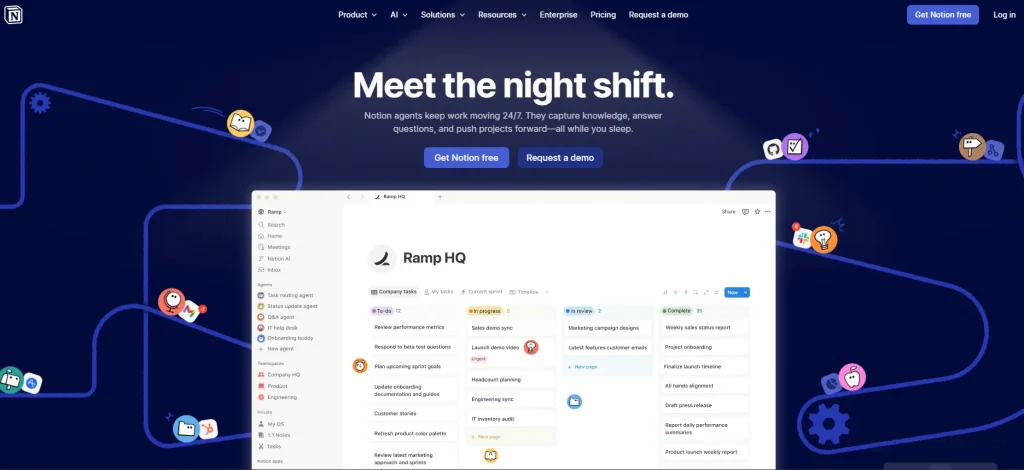
Notion works well as a lightweight client portal for agencies when your clients mostly need documentation, status pages, and shared notes rather than invoicing or approvals.
Key Features for Agencies
- Unlimited external guests on paid plans, with a 10-guest cap on the free plan
- Custom database views for tracking project and task status
- Shareable, brandable pages for client-facing updates
- Granular page-level permissions
Pros & Cons
| Pros | Cons |
| Extremely flexible page and database structure | No native invoicing or billing |
| Unlimited guests on Plus and above | Block-based system has a real setup learning curve |
| Doubles as internal documentation and a client-facing wiki | Not built for approvals or payment collection |
Pricing
Notion’s free plan allows 10 guests with 7-day page history. Plus is $10/member/month annually, Business is $20/member/month annually (includes full Notion AI), and Enterprise is custom.
G2 Review & Rating
Notion rates 4.6 out of 5 on G2 from 11,962 reviews.
Freelancer & Solo-Focused
These tools are sized for solo operators and very small teams, where a bloated enterprise platform would be overkill.
Show Image
19. Dubsado – Best for freelancers and small agencies needing invoicing and contracts built in
Dubsado bundles contracts, e-signatures, and invoicing directly into its client portal, which makes it a popular client portal for agencies run by solo consultants and small creative studios.
Key Features for Agencies
- Dedicated client portals for each account
- Contracts and e-signatures built into the workflow
- Invoicing and payment plans
- Lead-capture forms and automated workflows on the Premier plan
Pros & Cons
| Pros | Cons |
| All-in-one invoicing, contracts, and portal for service businesses | Some reviewers cite bugs and a dated interface |
| Automation scales the business once set up on Premier | Steep learning curve to configure workflows |
| 21-day free trial with no credit card required | Extra brands and users add to the monthly cost |
Pricing
Dubsado starts at $35/month for Starter and $55/month for Premier, plus $10/month per additional brand and $25 to $60/month for extra users depending on team size.
G2 Review & Rating
Dubsado rates 4.3 out of 5 on G2 from 74 reviews.
20. Hello Bonsai – Best for freelancers bundling proposals, invoicing, and time tracking
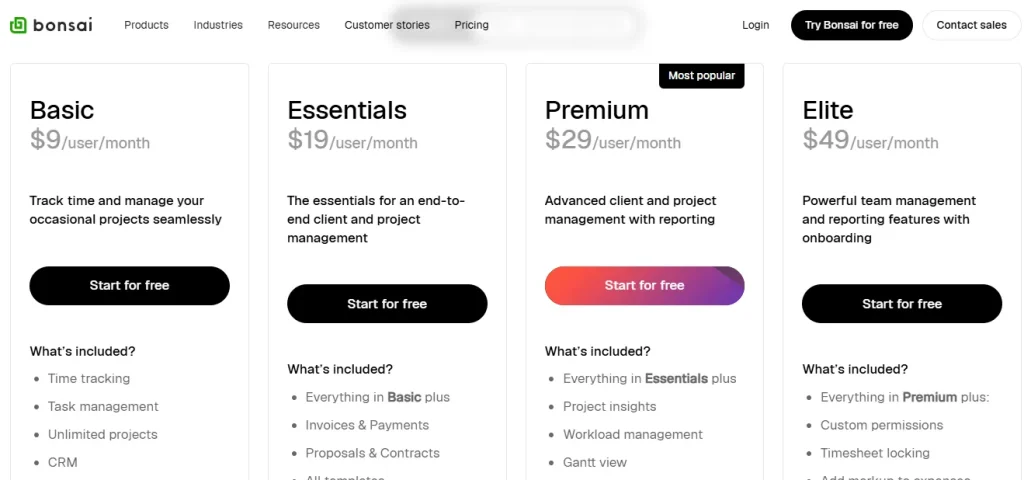
Hello Bonsai ties time tracking directly to invoicing, which is useful if you bill hourly and want your client portal for agencies to handle both without manual entry.
Key Features for Agencies
- Client portal with proposals and contracts
- Invoicing and payments tied to logged time
- Task management alongside a lightweight CRM and pipeline
- Time tracking that flows straight into client invoices
Pros & Cons
| Pros | Cons |
| Strong invoicing workflow, well-rated by users | Per-user pricing scales fast as your team grows |
| Clean, modern visual interface | Support response times have slipped in recent reviews |
| Covers proposals through payment in one flow | 7-day trial requires a credit card upfront |
Pricing
Billed annually, Hello Bonsai starts at $9/user/month for Basic, $19 for Essentials, $29 for Premium, and $49 for Elite; monthly billing runs higher across all tiers.
G2 Review & Rating
Hello Bonsai rates 4.3 out of 5 on G2 from 102 reviews.
21. SuperOkay – Best for cheap, highly-branded portals for freelancers and small creative agencies
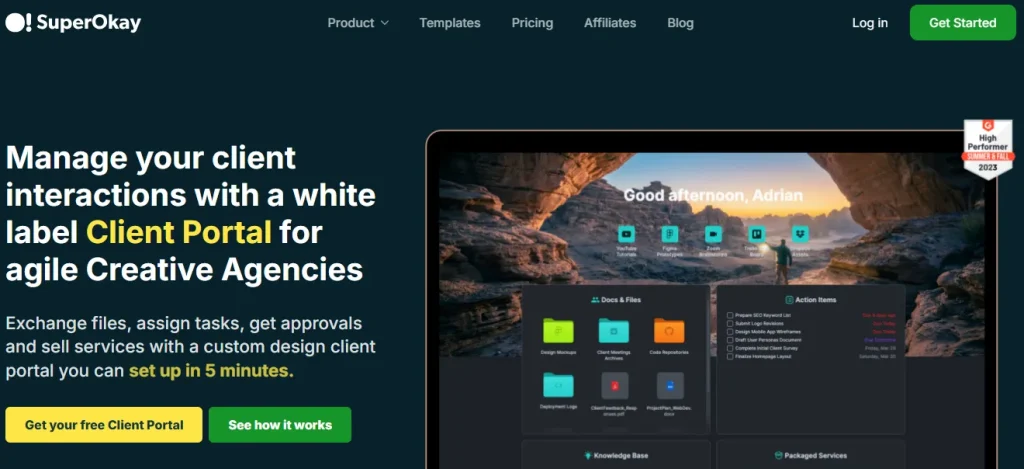
SuperOkay is built around presentation, letting you package services, docs, and quick links into a client portal for agencies that looks custom-built even on its cheapest paid plan.
Key Features for Agencies
- Full white-label branding and custom domain from the Solo+ tier up
- Client collaboration portal combining docs, tasks, and quick links
- Packaged service cards for productized offers
- Embedded third-party apps directly inside the portal
Pros & Cons
| Pros | Cons |
| Very cheap entry point with a real free plan | No mobile app |
| Fast setup and strong support scores | No two-factor authentication |
| Deep customization for client-facing pages | Time-tracking feature rated weak by users |
Pricing
SuperOkay’s free plan supports 1 client and 1 project. Solo is $9/month, Solo+ is $29/month (adds white-labeling), and Business is $112/month for unlimited everything, all billed annually with no credit card required for the free plan.
G2 Review & Rating
SuperOkay rates 4.6 out of 5 on G2 from 44 reviews, with 84 percent of reviewers giving it 5 stars.
22. Plutio – Best for freelancers wanting an all-in-one portal, invoicing, and project suite
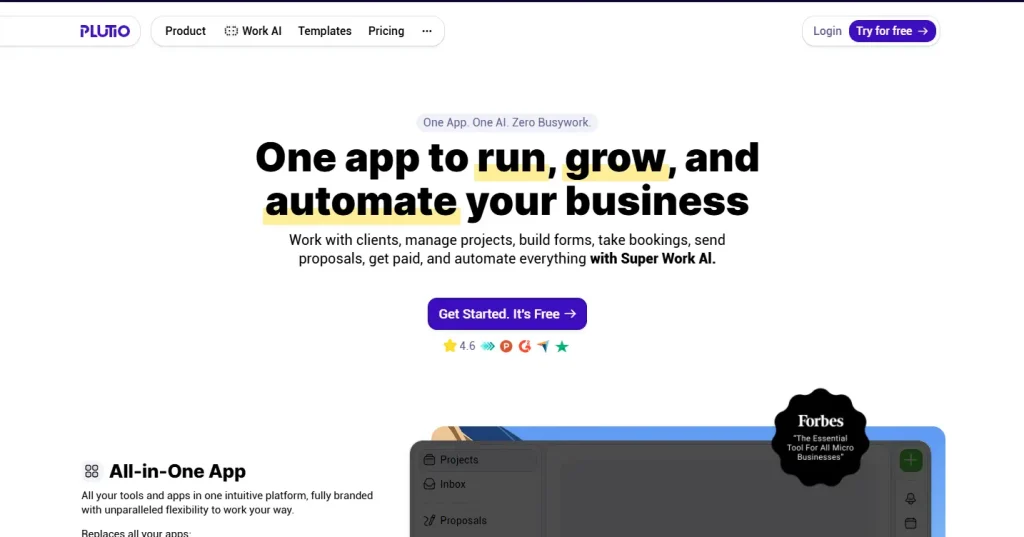
Plutio includes a client portal on every plan, then layers in unlimited invoicing, proposals, and contracts as you move up tiers, making it a flexible client portal for agencies that outgrow a single freelancer plan.
Key Features for Agencies
- Client portal included on every plan, even the entry tier
- Unlimited invoices, proposals, and contracts with e-signatures
- Task management with Kanban, Gantt, and calendar views
- Time tracking, scheduling, and a built-in AI assistant
Pros & Cons
| Pros | Cons |
| Single subscription replaces five-plus point tools | White-labeling costs extra on the lower tiers |
| Transparent, no-hidden-fee pricing | Some users report slow support and occasional bugs |
| AI assistant included on every tier | Core plan limits you to 9 active clients |
Pricing
Plutio’s Core plan is $19/month (9 active clients, solo use), Pro is $49/month (unlimited clients, 30 contributors), and Max is $199/month (unlimited contributors, white-label and SSO included), with a 7-day free trial and no credit card required.
G2 Review & Rating
Plutio rates between 4.3 and 4.4 out of 5 on G2 from around 57 reviews.
Support / Ticketing-Style Portals
If client communication mostly means support requests rather than project updates, a helpdesk-style portal may fit better than a project-based one.
Show Image
23. Zendesk – Best for larger support teams needing an enterprise-grade self-service portal
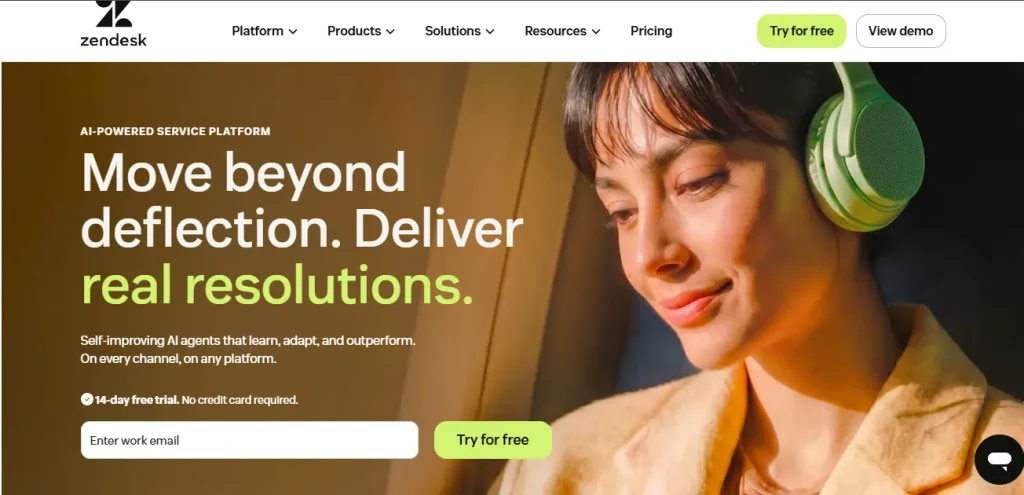
Zendesk is the heavyweight option here, built for support teams first and agencies second, but its self-service help center works well as a client portal for agencies running larger support operations.
Key Features for Agencies
- Branded self-service help center and knowledge base
- Ticketing with SLAs and multi-channel client communication
- Messaging and bots for first-line client responses
- AI Copilot add-on for faster ticket resolution
Pros & Cons
| Pros | Cons |
| Mature, robust help center and automation | Cost climbs fast with per-agent seats and add-ons |
| Scales well to large support organizations | Overkill for small agencies without a dedicated support team |
| Extensive third-party integrations | Pricing is the most common complaint in reviews |
Pricing
Zendesk’s Suite plans are billed per agent per month annually: Team at $55, Growth at $89 (adds the self-service portal), and Professional at $115, with Enterprise custom-priced. AI Copilot and other add-ons are billed separately, from roughly $25 to $50 per agent.
G2 Review & Rating
Zendesk rates 4.3 out of 5 on G2 from 7,142 reviews, the largest review base in the support category.
24. Assembly (Copilot) – Best for professional-services firms wanting a fully white-labeled client hub
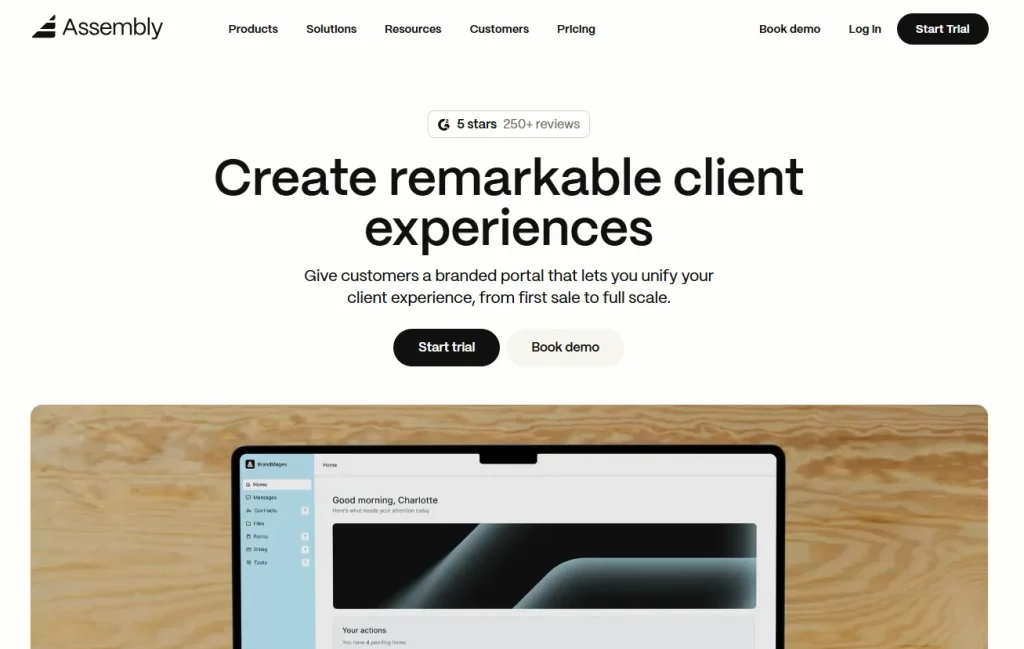
Assembly, formerly known as Copilot, targets accounting, legal, and consulting firms that need a polished, fully white-labeled client portal for agencies and professional-services firms alike, rather than a generic support tool.
Key Features for Agencies
- Fully white-labeled client portal, with vendor branding removable on the Advanced tier
- Built-in CRM and client management
- Invoicing, subscriptions, and pay links
- Contracts, e-signature, and a team inbox for client messaging
Pros & Cons
| Pros | Cons |
| Genuinely full white-label option once you reach Advanced | Pricing jumps steeply between tiers |
| Strong ease-of-use and integration reviews | Some users report limited project management depth |
| Broad feature set covering CRM, billing, and portal together | Gaps in accounting integrations like QuickBooks |
Pricing
Assembly starts at $39/month for Starter (1 internal user, 50 clients), $149/month for Professional (3 users, 500 clients), and $399/month for Advanced (5 users, unlimited clients, full white-label), with Enterprise starting around $2,000/month. A 14-day free trial requires no credit card.
G2 Review & Rating
Assembly rates 4.8 out of 5 on G2, with review counts ranging from roughly 265 to 300 depending on which listing you check, following its rebrand from Copilot.
How to Choose the Right Client Portal for Your Agency
With 24 options on the table, use these questions to narrow it down fast:
- If you want one flat-fee tool that replaces your whole stack, choose Taskip, SuiteDash, or OneSuite.
- If you’re a solo freelancer on a tight budget, start with Zendo, SuperOkay, or Moxie’s free or entry tier.
- If your clients are enterprise accounts that require compliance and audit trails, choose Clinked or Moxo.
- If you already have a project database and just need a client-facing view, choose Softr, Airtable, or Zite.
- If you’re already living inside a project management tool, use ClickUp’s or Basecamp’s guest access before buying something new.
- If support tickets matter more than project updates, choose Zendesk or Assembly.
For most agencies under 25 people, the calculation comes down to cost per client. A tool that charges per seat can get expensive as your client list grows, which is exactly why flat-fee platforms like Taskip tend to win on total cost once you pass a handful of active clients. If you’d rather build a fully custom client-facing experience from scratch instead of adopting an off-the-shelf tool, a web app development company can design one around your exact workflow, and a mobile app development partner can extend it into a branded companion app for clients who prefer working from their phone.
Final Verdict: Our Pick for Best Client Portal for Agencies
After comparing all 24 tools on pricing, features, and real user ratings, Taskip is our top recommendation for most agencies. It’s the only platform on this list that bundles a branded client portal, CRM, invoicing, quotations, and workflow automation into one flat monthly fee starting at $12, with a free plan to test it before you commit. If your agency is still juggling five or six separate tools to manage clients, that’s the exact problem Taskip was built to solve.
Frequently Asked Questions
What is the best client portal for agencies in 2026?
Taskip is the best overall client portal for agencies in 2026 because it combines a branded portal, CRM, invoicing, and project management in one flat-fee plan starting at $12/month. For enterprise compliance needs, Clinked or Moxo are stronger fits; for no-code flexibility, Softr is worth a look.
What is the best client portal for agencies in 2026?
Taskip is the best overall client portal for agencies in 2026 because it combines a branded portal, CRM, invoicing, and project management in one flat-fee plan starting at $12/month. For enterprise compliance needs, Clinked or Moxo are stronger fits; for no-code flexibility, Softr is worth a look.
How much does a client portal for agencies typically cost?
Pricing ranges from free (Basecamp, Notion, ClickUp, Zite, and Taskip’s Starter plan) up to $200 or more per month for enterprise tools like Moxo. Most small and mid-sized agencies land in the $12 to $99/month range for a fully branded portal.
Can I build a client portal for agencies without code?
Yes. Tools like Softr, Zite, and Airtable let you build a branded, permissioned client portal on top of your existing data without writing code. If you outgrow the no-code approach, a custom SaaS development partner can build something more tailored.
Is a free client portal for agencies good enough, or do I need a paid plan?
Free plans (Taskip’s Starter tier, Basecamp, Notion, ClickUp, and Zite) work well for solo freelancers with a handful of clients. Once you need white-label branding, more than a few clients, or automation, a paid plan pays for itself in saved time.
What’s the difference between a client portal and a project management tool with guest access?
A dedicated client portal is purpose-built for the client experience, with white-label branding, invoicing, and approvals as core features. A project management tool with guest access, like ClickUp or Basecamp, was built for internal teams first, so client-specific features are often more limited.
Do client portals help with client retention?
Indirectly, yes. Agencies that give clients a clear, branded view of progress report fewer status-update requests and faster approvals, both of which reduce the friction that causes clients to leave. It won’t fix a service problem, but it removes a common source of client frustration.


Get Summary On: