12 Client Portal Software That Actually Stop the Email Chaos in 2026
The best 12 client portal software tools in 2026 are Taskip, SuiteDash, HoneyBook, Hello Bonsai, Plutio, ManyRequests, Service Provider Pro, Moxie, Kitchen.co, Zendo, Clinked, and Notion. Taskip ranks first overall for pairing a branded client portal with a built-in CRM, invoicing, and project management at a flat $12/month, while the rest cover specific needs like proposals, productized services, and enterprise-grade white-labeling.
If you have ever fielded a “hey, where’s my invoice?” email at 9 pm, you already know why this list exists. Below, we tested and ranked all 12, with real pricing, features, and honest pros and cons for each.
Top 12 Client Portal Software for 2026: Quick Summary
If you have ever fielded a “hey, where’s my invoice?” email at 9 pm, you already know why this list exists. Below, we tested and ranked all 12, with real pricing, features, and honest pros and cons for each.
| # | Tool | Best For | Client Portal | Built-In CRM | White Label | Starting Price |
| 1 | Taskip | Overall best for agencies & freelancers | Yes, native | Yes | Yes | $12/mo |
| 2 | SuiteDash | Unlimited users, one flat plan | Yes, native | Yes (light) | Yes | $19/mo |
| 3 | HoneyBook | Creative freelancers & proposals | Client hub | Yes (light) | No | $29/mo |
| 4 | Bonsai | Contracts + invoicing combo | Yes, basic | Yes (light) | Limited | $9/mo |
| 5 | Plutio | Fully customizable dashboards | Yes, on Pro | Yes (light) | Yes, on Pro | $19/mo |
| 6 | ManyRequests | Productized service agencies | Yes, native | No | Yes | $79/mo |
| 7 | Service Provider Pro | Subscription-based services | Yes, native | No | Yes, top tier | $99/mo |
| 8 | Moxie | Solo consultants & freelancers | Yes, basic | No | Limited | $12/mo |
| 9 | Kitchen.co | Web design & dev agencies | Yes, native | No | Yes, top tier | Free |
| 10 | Zendo | Simple client request management | Yes, native | No | Yes, top tier | Free |
| 11 | Clinked | White-label enterprise collaboration | Yes, native | No | Yes | $119/mo |
| 12 | Notion | Free, DIY lightweight portal | DIY workaround | No | No | Free |
NB: Pricing shown is the lowest published monthly starting point as of publication and changes often, so check each vendor’s page before you commit.
Table of Contents
What Is Client Portal Software?
Client portal software is a secure, often branded, online space where your clients can log in to see project status, download files, pay invoices, and message your team, without you having to email everything back and forth. It is different from a plain shared drive or a generic website because it is built around ongoing relationships: each client gets their own private view into the work you are doing for them.
It is also worth separating client portal software from a customer support portal. A support portal is mostly about tickets and self-service help articles for a large, often anonymous, customer base. Client portal software is built for a smaller number of known, ongoing clients who need visibility into active projects, invoices, and deliverables, not just a help desk.
Why Your Business Needs a Client Portal in 2026
As client expectations continue to evolve, a client portal is no longer just a nice feature. It’s a practical way to improve the client experience while reducing your team’s administrative workload.
- Meet modern client expectations: Today’s clients want 24/7 access to project updates, invoices, contracts, and files without waiting for an email reply.
- Reduce repetitive support requests: Give clients a single place to check project status, download documents, and make payments, so your team spends less time answering routine questions.
- Save time and boost productivity: By automating everyday client interactions, you can focus more on billable work and delivering projects.
- Present a more professional image: A branded client portal creates a polished, organized experience that’s far more impressive than scattered email threads or cloud storage links.
- Stay competitive: Nearly 9 in 10 customers prefer businesses that offer self-service, and 73% of service teams had adopted self-service by the end of 2025 (Tidio; Document360). Businesses that embrace client portals are better positioned to meet these growing expectations.
Want to see the impact on your business? Try our Client Portal ROI Calculator for Freelancers to estimate how many billable hours you could save each month based on your current client workload.
Key Features to Look For In Client Portal Software
- Secure file sharing: Let clients upload, download, and access files securely from one place.
- White-label branding: Customize the portal with your logo, brand colors, and custom domain.
- CRM with invoicing software: Manage client records, send invoices, accept payments, and track billing from a single platform.
- CRM with a client portal: Combine client management, project updates, files, and communication in one centralized workspace.
- Project visibility: Let clients track project progress, milestones, and task updates in real time.
- Client communication: Keep messages, comments, and support requests organized within the portal.
- Client onboarding: Streamline onboarding with intake forms, contracts, and e-signatures.
- Integrations and automation: Connect your favorite apps and automate repetitive workflows.
- Mobile-friendly access: Give clients secure access to the portal from any device.
Top 12 Client Portal Software: Individual Tool Reviews
1. Taskip: Best Overall Client Portal Software for Agencies & Freelancers
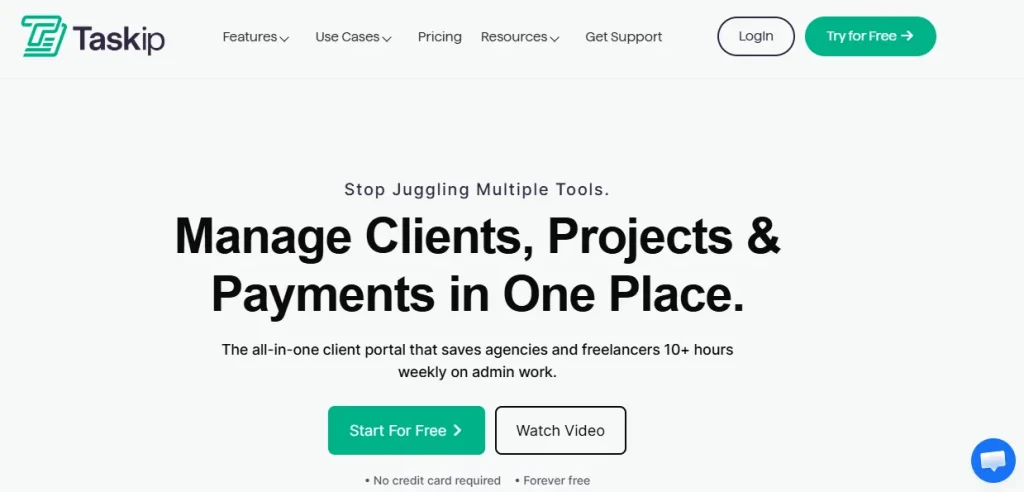
Taskip is the client portal software built for people who are tired of running their agency across eight different tools. It replaces a CRM, invoicing app, proposal tool, project manager, and support ticket system with one workspace, and the client portal sits at the center of it: every client gets a branded hub for files, invoices, project status, and messages. It is the option we recommend first because it is the only tool on this list that pairs a genuinely native CRM and sales pipeline with a real client portal at a starting price under $15 a month.
Features
- Branded, white-label client portal with a custom domain option
- Built-in CRM, leads, and sales pipeline
- Invoicing, quotations, and digital-signature proposals
- Kanban-based project and task management
- Support tickets, forms, documents, and workflow automation
Pros
- Combines CRM, invoicing, and client portal in one flat-rate plan
- Free forever plan with no credit card required to start
- Native mobile apps for iOS and Android
- White-label branding included on the professional plans
Cons
- Some advanced automations are gated to higher-tier plans
- Newer to the market than legacy players like SuiteDash, so its integration library is still growing
Pricing
Plans start from $12/month for one user, with a free forever tier available. See the Taskip client portal feature page for what’s included at each level.
G2 Review & Rating
Taskip holds a 4.6 out of 5 rating on G2, with reviewers frequently pointing to the combined CRM and client portal as the reason they switched from running separate tools.
2. SuiteDash: Best for Unlimited Users on One Flat Plan
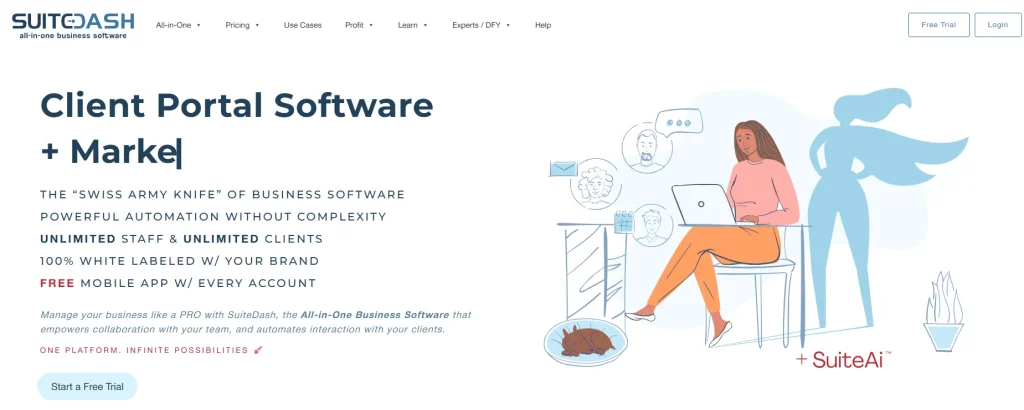
SuiteDash is one of the most established names in the client portal software space, and its client portal is genuinely comprehensive: files, invoices, a client-facing CRM, and white-label branding all live under one roof. What sets it apart from most competitors is that it prices per workspace instead of per user, so every plan includes unlimited staff and client accounts, which is a real advantage once your team grows past two or three people.
Features
- White-label client portal with custom domain support
- Unlimited staff and client accounts on every plan
- Built-in invoicing, proposals, and light CRM
- LMS and client onboarding workflows
Pros
- Unlimited users at every price tier
- Deep feature set covers most agency workflows
- 4.8/5 rating on G2 across nearly 600 reviews
Cons
- The interface has a steep learning curve for new users
- Setup takes longer than lighter tools on this list
Pricing
Plans run $19/month (Start), $49/month (Thrive), and $99/month (Pinnacle), with a 14-day free trial. For a full breakdown, see Taskip’s SuiteDash pricing guide.
G2 Review & Rating
SuiteDash carries a 4.8 out of 5 rating on G2 from close to 600 reviews, one of the highest scores on this list, largely credited to its flat-rate, unlimited-user pricing.
See the full Taskip vs. SuiteDash breakdown.
3. HoneyBook: Best for Creative Freelancers & Proposals
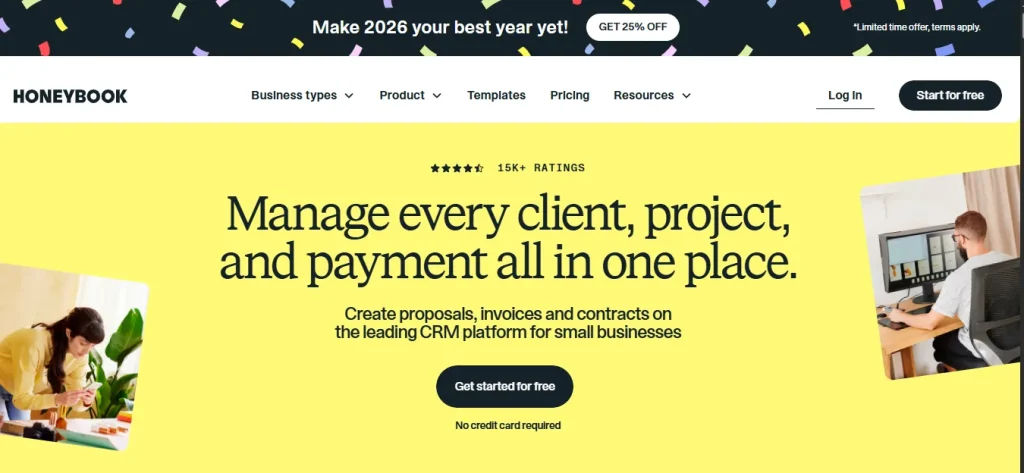
HoneyBook is a favorite pick of client portal software among photographers, designers, and other creative freelancers because its proposal and contract flow is genuinely slick. Clients get a hub to review and sign proposals, pay invoices, and communicate, though it functions more as a client experience layer than a fully brandable portal, since white-labeling and custom domains are not part of the package.
Features
- Proposal, contract, and e-signature bundles
- Online payments with automated invoicing
- Client-facing scheduling and questionnaires
- Automated workflows and email sequences
Pros
- Polished, client-facing proposal experience
- Strong scheduling and questionnaire tools
- 4.4/5 rating on G2 from over 190 reviews
Cons
- No white-label branding or custom domain option, which limits it as client portal software for agencies that need a fully branded experience
- Transaction fees of roughly 2.9% plus $0.25 per card payment apply on every plan
- Pricing rose sharply in the last year, and only a 7-day free trial is offered
Pricing
Plans run from $29/month to $109/month billed annually. For the details on the recent price changes, see Taskip’s HoneyBook pricing breakdown.
G2 Review & Rating
HoneyBook sits at 4.4 out of 5 on G2 from 194 reviews. Users consistently praise the ease of use and centralized workflow, while the most common complaint is the added transaction fees on top of a subscription that already climbed significantly in price.
See the full Taskip vs. HoneyBook breakdown.
4. Bonsai: Best for Contracts + Invoicing in One
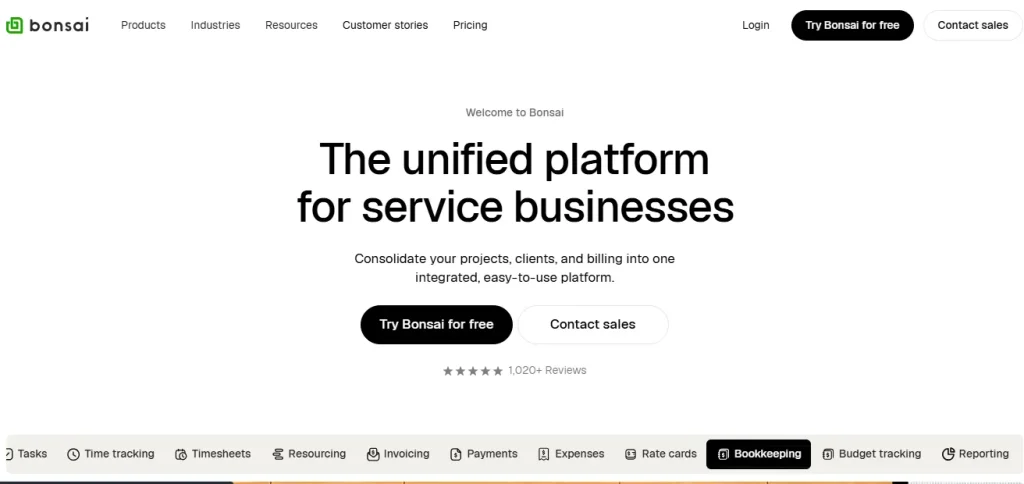
Hello Bonsai leans into the legal and financial side of freelancing: contracts, proposals, and invoicing are its strongest features, and its client portal gives customers a place to review and sign documents and pay bills. As client portal software goes, it is a solid pick if contracts and getting paid on time matter more to you than deep project management.
Features
- Legal contract templates reviewed by lawyers
- Time tracking tied directly to invoices
- Client-facing proposal and payment flow
- Basic project and task tracking
Pros
- Strong contract template library
- Simple, freelancer-friendly invoicing flow
- Entry plan starts as low as $9/month billed annually
Cons
- Pricing is charged per user, so costs scale quickly for small teams
- Client portal features are lighter than dedicated portal tools
- Mixed reviews, with a 4.3/5 on G2 against a stronger 4.6/5 on Capterra
Pricing
Plans start at $9/month billed annually (or $15/month billed monthly) and scale up to $59/month per user for the Elite tier. Full pricing details are in Taskip’s Bonsai pricing guide.
G2 Review & Rating
As client portal software goes, Hello Bonsai rates 4.3 out of 5 on G2. Feedback is genuinely mixed: some freelancers love the all-in-one contract-to-invoice flow, while others cite reliability issues as reasons they moved on.
See the full Taskip vs. Hello Bonsai breakdown.
5. Plutio: Best for Fully Customizable Dashboards
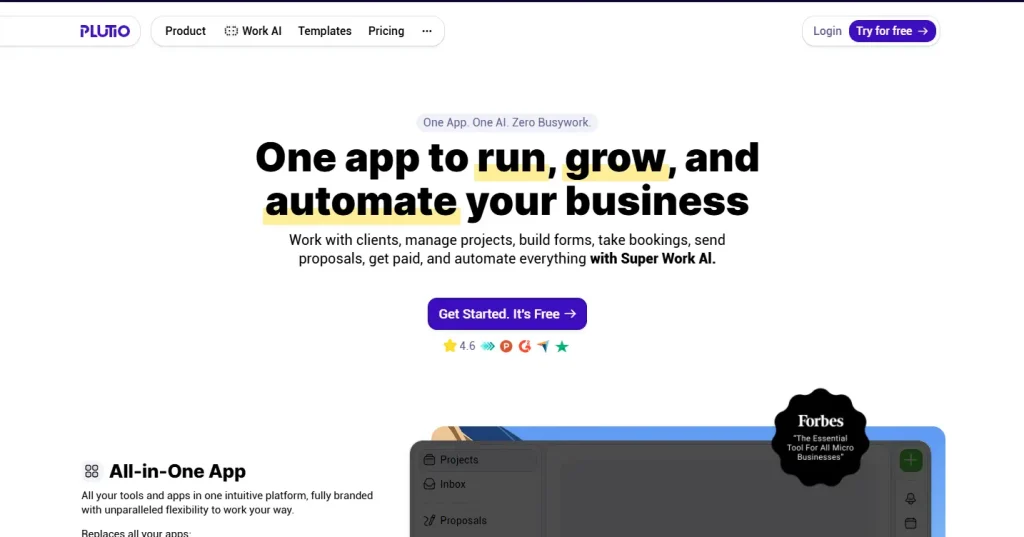
Plutio’s biggest selling point is flexibility. You can rebuild almost every screen, from the client portal to your own dashboard, and its Pro plan adds a real client portal alongside full project management. As client portal software options go, it suits people who want to shape the software around their exact workflow rather than adapt to a fixed layout.
Features
- Fully customizable dashboards and client-facing pages
- Proposals, contracts, invoicing, and time tracking
- Kanban and list-based project management
- Client portal and team collaboration on the Pro plan
Pros
- Highly flexible interface you can rebuild to match your brand
- No setup fees, transaction fees, or per-client charges
- 4.6/5 rating on G2 from over 200 reviews
Cons
- The client portal is only available on the higher Pro tier
- The sheer number of customization options can slow down onboarding
Pricing
As client portal software, Plutio Core starts at $19/month, and Plutio Pro, which includes the client portal, is $49/month.
G2 Review & Rating
Plutio holds a solid 4.6 out of 5 on G2 across more than 200 reviews, with its flexibility cited as the main draw for freelancers who outgrew simpler tools.
6. ManyRequests: Best for Productized Service Agencies
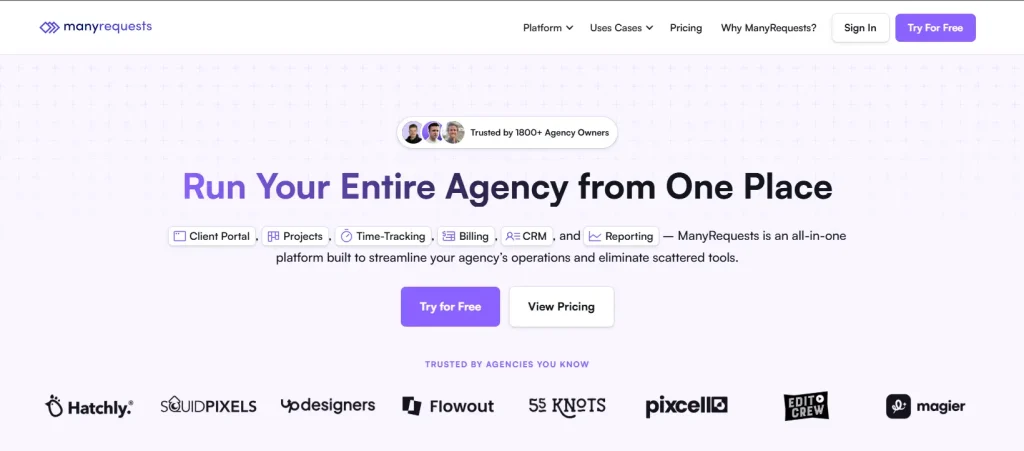
ManyRequests is built specifically for productized service businesses, the kind that sell fixed-scope packages like “one logo design” or “one landing page” rather than open-ended hourly work. As client portal software, it centers on a request queue, so clients submit a request, watch it move through your pipeline, and get notified the moment it’s done.
Features
- Request queue built for productized service delivery
- White-label client portal and custom domain
- Client billing tied directly to request status
- Team task assignment and workload views
Pros
- Purpose-built for productized service workflows
- Strong white-labeling on all paid plans
- Positive early reviews on G2 for its request-tracking model
Cons
- One of the pricier options on this list, starting near $79 to $99/month
- Less useful if your business does not sell fixed-scope packages
- No native CRM, so you may still need a separate sales tool
Pricing
Plans start at $79/month billed annually (or $99/month billed monthly) for the Starter tier, up to $319/month for the Pro tier.
G2 Review & Rating
ManyRequests reviews on G2 describe it as one of the stronger dedicated client-request systems available, though several reviewers note the cost adds up fast once you need full white-labeling.
See the full Taskip vs. ManyRequests breakdown.
7. Service Provider Pro: Best for Subscription-Based Service Businesses
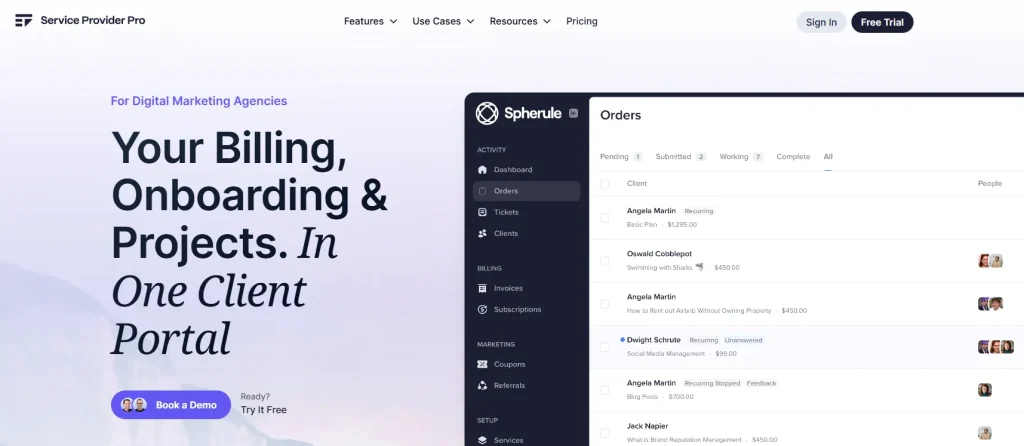
Service Provider Pro, which rebranded to Wayfront in early 2026, is built for agencies running subscription or retainer-based service businesses. This client portal software supports client-side teams (so more than one person from a client company can log in), a built-in helpdesk, and a portal template editor for deeper customization.
Features
- Client-side teams for multi-user client accounts
- Built-in helpdesk and support ticketing
- Portal template editor for custom layouts
- Affiliate tracking and automation via Make
Pros
- Handles multi-person client accounts better than most tools here
- Deep customization through the portal template editor
- Generally positive, if still limited, user reviews
Cons
- Among the most expensive tools on this list, starting near $99 to $129/month
- Recent rebrand to Wayfront may cause short-term confusion for existing users
- Smaller review base than more established competitors
Pricing
The Basic plan runs $99/month billed annually (or $129/month monthly), the Pro plan runs $249 to $299/month, and the Plus plan is a flat $1,500/month for larger teams.
G2 Review & Rating
Reviews on G2 for Service Provider Pro (now listed as Wayfront) are largely positive, with users highlighting responsive support and frequent new features, though the review volume is still small compared to category leaders.
See the full Taskip vs. Service Provider Pro breakdown.
8. Moxie: Best for Solo Consultants & Freelancers
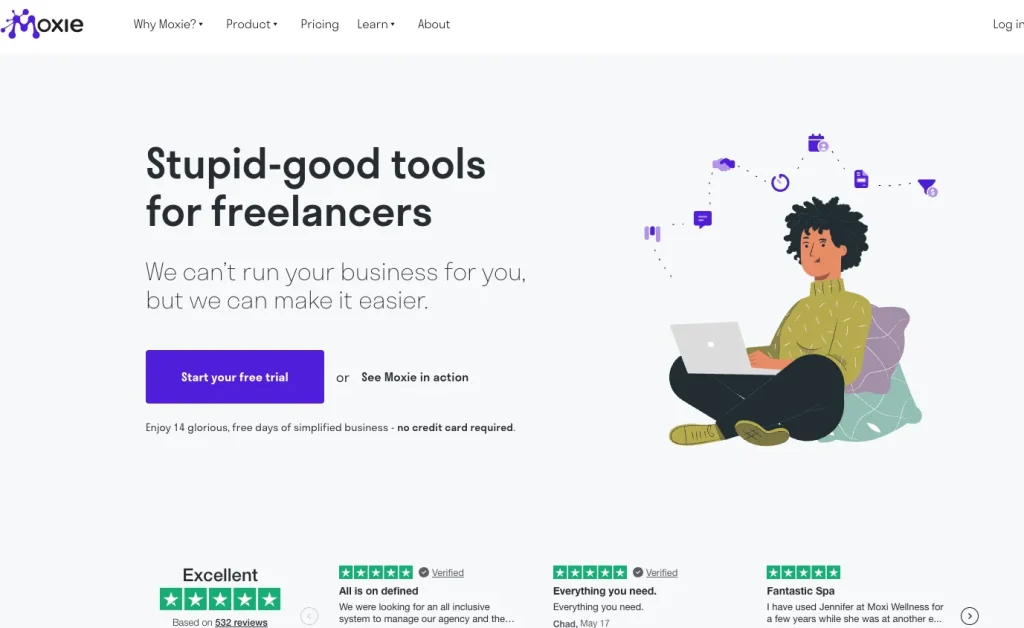
Moxie is aimed squarely at solo consultants and freelancers who want their revenue tracking, expense tracking, and client work in the same place. Its client portal is simpler than most client portal software on this list, but the combination of financial tools and light project management makes it a reasonable pick if you are a one-person operation.
Features
- Combined revenue and expense tracking
- Time tracking tied to client projects
- Basic client-facing portal and invoicing
- CRM-lite contact management
Pros
- Transparent, low-cost entry plan at $12/month
- Financial tracking is genuinely useful for solo operators
- 14-day free trial with no hidden fees
Cons
- Client portal features are noticeably lighter than dedicated portal tools
- Reviews are mixed, with some users saying it doesn’t do any one thing exceptionally well
- Limited white-label options
Pricing
Plans run $12/month (Starter), $25/month (Pro), and $40/month (Teams, capped at 5 members).
G2 Review & Rating
Moxie’s reviews are mixed. Users like having revenue and expense tracking next to their project work, but some feel the platform spreads itself thin rather than excelling at one thing. Third-party aggregator ITQlick scores it 3.9 out of 5.
See the full Taskip vs. Moxie breakdown.
9. Kitchen.co: Best for Web Design & Dev Agencies
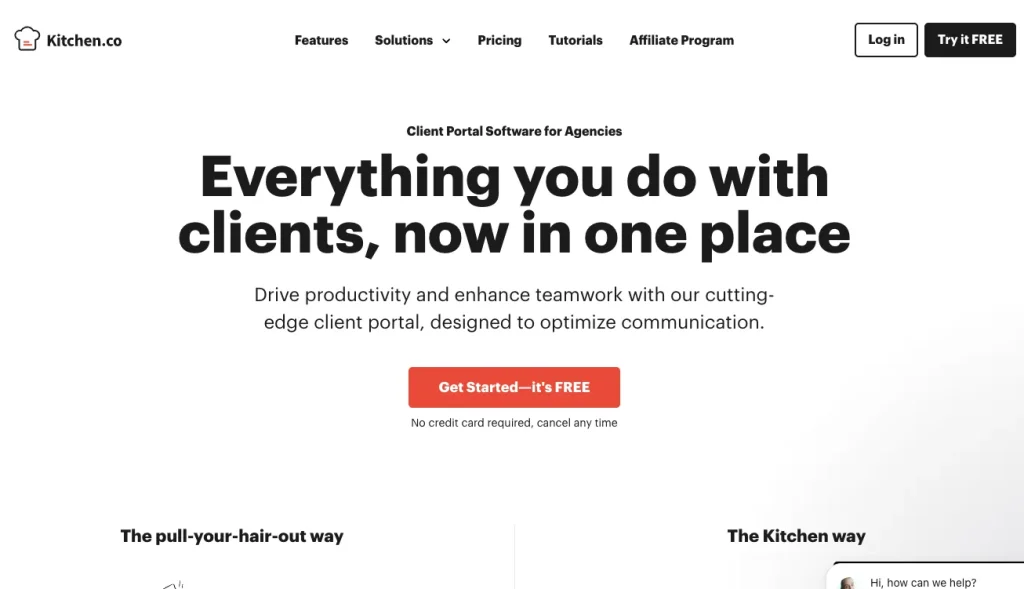
Kitchen.co is popular client portal software with web design and development shops because it bundles project management, price quotes, and a client portal, and it offers something almost nobody else on this list does: a pay-once, lifetime pricing option instead of a forced subscription.
Features
- Native client portal for files, tasks, and approvals
- Price quote and proposal builder
- Lifetime, pay-once pricing option
- White-label branding on the Agency tier
Pros
- Free plan available for small teams
- Rare lifetime pricing option instead of a recurring subscription
- 14-day free trial with no credit card required
Cons
- Lifetime plans require a larger upfront payment ($299 to $599)
- Smaller integration ecosystem than more established tools
- Review base on G2 is still relatively limited
Pricing
As client portal software with a rare lifetime option, the Agency White-label plan runs $20.99/month billed annually (or $29/month monthly), or you can buy a lifetime license for $299 to $599 depending on team size.
G2 Review & Rating
Kitchen.co is still building out its G2 review base, but the flexible one-time-payment option is consistently the feature reviewers call out as a differentiator.
See the full Taskip vs. Kitchen.co breakdown.
10. Zendo: Best for Simple Client Request Management
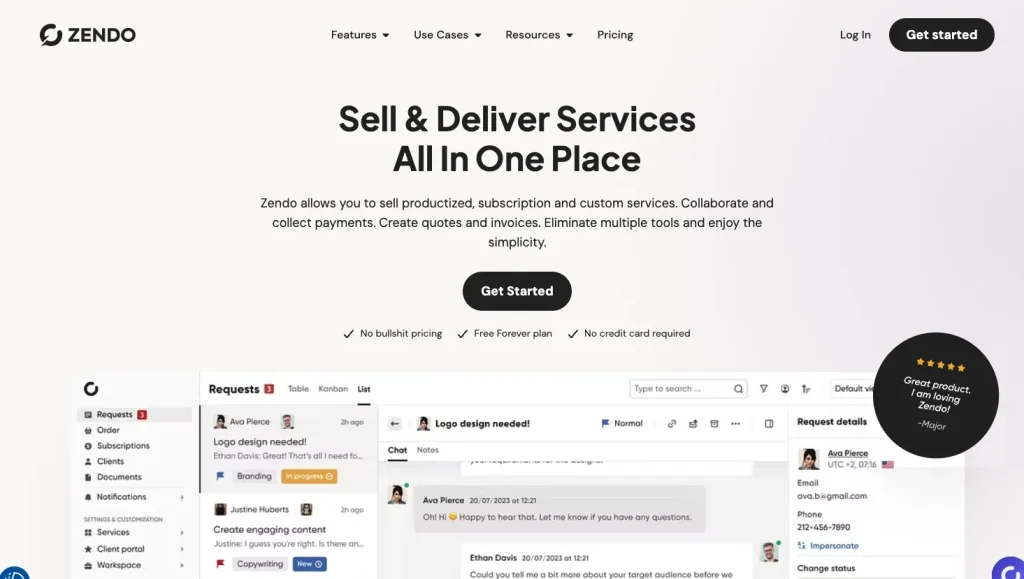
Zendo keeps things simple: clients submit requests, your team works through them, and everyone can see status in one shared portal. Among free client portal software options, its Essential plan is genuinely usable, not just a stripped-down demo, which makes it a strong starting point for very small teams.
Features
- Client request submission and status tracking
- Native client portal with file sharing
- White-label branding on the top-tier Max plan
- Simple team seat management
Pros
- Generous forever-free plan for solo users
- 4.9/5 rating on G2, one of the highest on this list
- Straightforward, low-friction interface
Cons
- Noticeable price jump between the Pro and Max tiers
- Limited design customization compared to competitors
- Some users report the initial setup takes longer than expected
Pricing
The Essential plan is free forever. Pro runs $24.50/month billed annually (or $49/month monthly), and Max runs $99.50/month billed annually (or $199/month monthly).
G2 Review & Rating
Zendo earns a strong 4.9 out of 5 on G2, with reviewers praising the intuitive interface and how much functionality is packed into the free tier, though some note the jump in price once you need full white-labeling.
See the full Taskip vs. Zendo breakdown.
11. Clinked: Best for White-Label Enterprise Collaboration
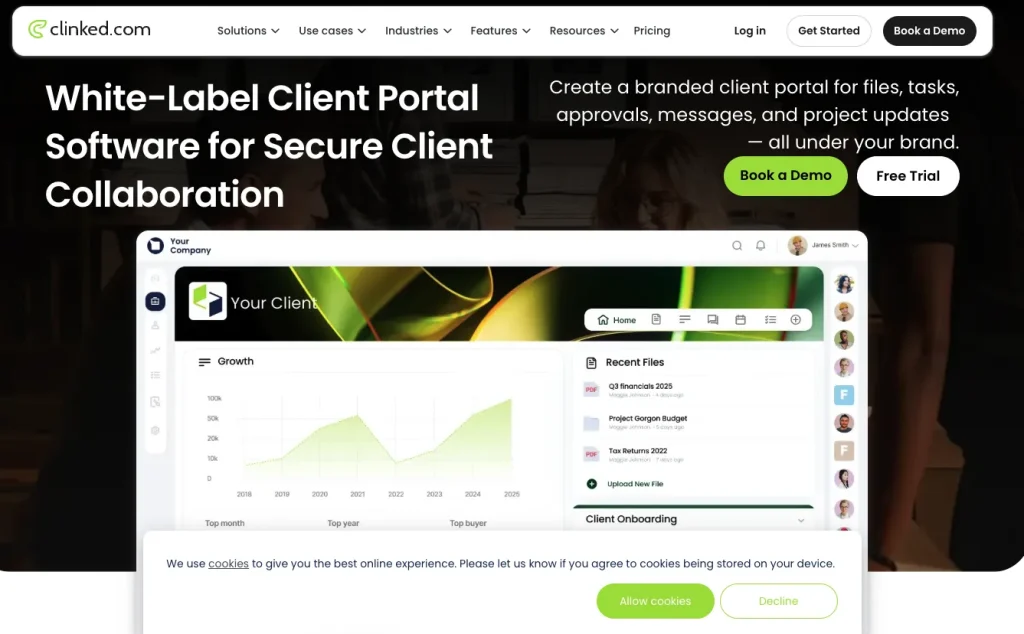
Clinked is built for larger teams and client bases that need serious document control: secure data rooms, watermarking, an audit trail, and a fully white-labeled mobile app. It is overkill for a solo freelancer, but for agencies working with enterprise clients who have their own compliance requirements, it is one of the most capable client portal software choices here.
Features
As client portal software built for enterprise use cases, Clinked includes:
- Secure data rooms with document watermarking
- Full white-label web and mobile app
- Audit trail and permission-based access
- Group chat, tasks, and calendar built in
Pros
- Strong security and compliance features, including audit trails
- Fully white-labeled mobile app, not just the web portal
- 4.8/5 rating on G2 from over 150 reviews
Cons
- Meaningfully more expensive than most tools on this list
- More features than a small team or solo freelancer typically needs
- No native invoicing or CRM functionality
Pricing
Plans start at $119/month (Lite) and scale to $599/month (Premium), with custom Enterprise pricing above that.
G2 Review & Rating
Clinked holds a 4.8 out of 5 rating on G2 from more than 150 reviews, consistently praised for its security features and white-label depth.
12. Notion: Best Free, DIY Client Portal Option
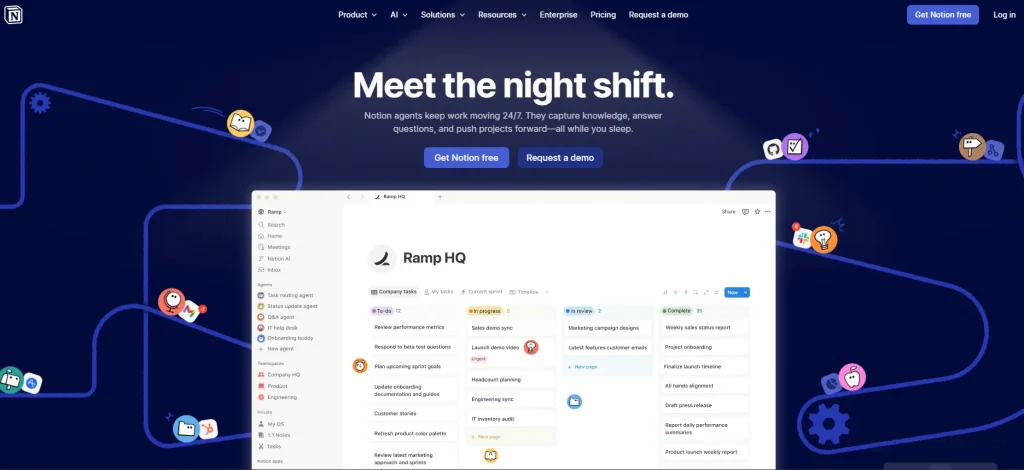
Notion is not purpose-built client portal software, but enough agencies and freelancers use it as one that it earns a spot here. With some setup work, you can build a client-facing workspace with shared pages, databases, and file uploads, all for free.
Features
- Fully flexible, drag-and-drop page builder
- Shareable pages and databases for client-facing views
- Free plan with unlimited blocks for individual use
- AI features available on paid tiers
Pros
- Free forever for individual use, with no credit card required
- Extremely flexible if you’re willing to build your own system
- Familiar tool that many clients already know how to use
Cons
- Not a real client portal software product, so there’s no dedicated invoicing, CRM, or client billing
- No white-labeling or custom domain for a branded experience
- Requires ongoing manual setup and maintenance
Pricing
As DIY client portal software goes, the core plan is free. Plus runs $10/user/month billed annually, and Business runs $20/user/month billed annually.
G2 Review & Rating
Notion is not typically rated in G2’s client portal software category since it’s a general workspace tool, but it consistently scores well in G2’s broader productivity and collaboration categories.
Best Client Portal Software by Use Case
Here’s the quick-pick version if you don’t want to read all 12 reviews:
Best Client Portal Software for Freelancers
Taskip and Hello Bonsai are great choices for freelancers who need client management, invoicing, proposals, and project tracking without paying for enterprise-level features. For a more detailed comparison, check out our guide to client portal software for freelancers.
Best Client Portal Software for Growing Agencies
Taskip and SuiteDash are ideal for agencies that need to manage multiple clients, team members, and projects. Both offer the features needed to scale without migrating to another platform.
Best Client Portal Software for Consulting Firms
Taskip is a strong option for consultants thanks to its built-in CRM, client portal, invoicing, and project management. You can also explore our guide to the best CRM software for consulting firms for more specialized options.
Best Client Portal Software for Productized Service Businesses
ManyRequests and Zendo are designed for businesses selling standardized service packages, making it easy to manage orders, client communication, and recurring workflows.
Best Free or Budget-Friendly Client Portal Software
If you’re just getting started or have a limited budget, Zendo, Kitchen.co, and Notion offer affordable ways to share files, collaborate with clients, and organize projects.
Best Enterprise and White-Label Client Portal Software
For larger organizations or agencies that need advanced branding, permissions, and client management, Clinked and Service Provider Pro provide robust white-label client portal capabilities.
Client Portal Software vs. CRM vs. Customer Support Portal
These three categories overlap, but they solve different problems, and mixing them up is how businesses end up paying for tools they don’t need.
| Criteria | Client Portal Software | CRM | Customer Support Portal |
| Who it’s for | Existing, known clients | Leads and prospects | Any customer, often anonymous |
| Core job | Project visibility, files, invoices | Pipeline and relationship tracking | Ticketing and self-service help |
| Branding | Usually white-labeled per client | Internal-facing | Sometimes public-facing |
| Best fit | Agencies, freelancers, consultants | Sales teams | Large customer bases, SaaS support teams |
Some tools, like Taskip and SuiteDash, blend a CRM and a client portal into one workspace, which is genuinely useful if you don’t want to pay for and maintain two separate systems. For the full breakdown of where these categories diverge, read CRM vs. client portal.
Final Verdict
If you only take one recommendation from this list, it’s Taskip. It’s the only client portal software here that pairs a real CRM, invoicing, proposals, and project management with a branded client portal, and it does it at a starting price most freelancers and small agencies can justify on day one. If you need something more specific, go with SuiteDash for unlimited users on a flat plan, Hello Bonsai if contracts and invoicing matter more than project management, or Clinked if you’re working with enterprise clients who need serious document security.
Ready to give your clients the kind of client portal software experience they’ll actually use? Try Taskip free, no credit card required.
FAQs
What is client portal software?
Client portal software is a secure, often branded online space where your clients can log in to check project status, download files, view and pay invoices, and message your team without relying on email.
Is client portal software secure?
Reputable client portal software uses encrypted connections, permission-based access, and, in tools like Clinked, audit trails and document watermarking. Always check a vendor’s security page before uploading sensitive client files.
What’s the difference between a client portal and a CRM?
A CRM tracks leads, deals, and your sales pipeline, while a client portal gives already-signed clients a place to see ongoing project work, files, and invoices. Some tools, including Taskip, combine both in one workspace.
How much does client portal software cost?
Pricing on this list ranges from free (Zendo, Kitchen.co, Notion) to over $500/month for enterprise tools like Clinked. Most small agencies and freelancers land somewhere between $12 and $50/month for a solid client portal software plan.
What’s the best free client portal software?
Zendo’s Essential plan and Kitchen.co’s free tier are the most usable free options, while Taskip also offers a forever-free plan that includes a basic branded client portal.
Can I white-label a client portal?
Yes. Taskip, SuiteDash, ManyRequests, Zendo, Clinked, and Kitchen.co are all client portal software options that offer white-label branding, typically including a custom domain and the ability to replace their logo with yours, usually on a paid tier.
Does a client portal replace my CRM?
It can, if you pick client portal software with a built-in CRM like Taskip or SuiteDash. If your portal doesn’t include CRM features, you’ll likely still want a separate tool such as the ones covered in our best CRM with client portal guide.

Get Summary On: