
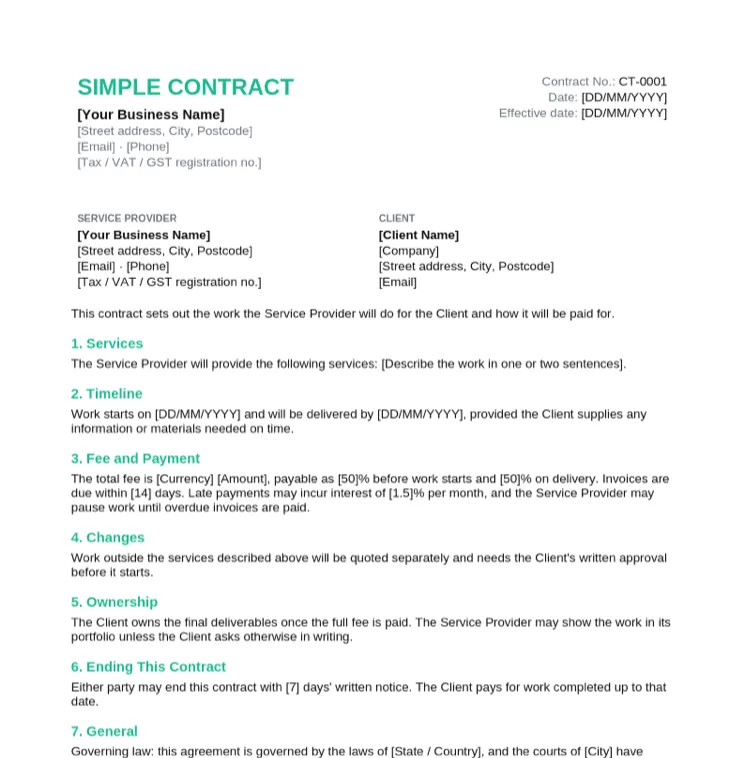
Simple Contract Template
Small one-off jobs where a one-page agreement between two parties is enough.
- Parties, services and timeline
- Fixed fee with a 50% deposit
- Change and ownership terms
- Signature block for both parties
Fall Sale: pay once, use Taskip forever, save up to 70%.Fall Sale: 70% off LTD.
Claim OfferSix editable contracts with numbered clauses, a payment table and a signature block. They open in Microsoft Word, Google Docs, Pages and LibreOffice.
4.8/5 on G2 · Trusted by 1,850+ agencies & freelancers in 40+ countries · Updated October 2026What is a contract template in Word?
A contract template in Word is an editable .docx contract with the standard clauses already written, so you fill in the parties, scope, fees and dates instead of drafting from a blank page.
Each template below uses Word heading styles for its numbered clauses, so the Navigation Pane lists every clause and you can jump straight to the one you need. Placeholders sit in [square brackets]. Delete the clauses that do not apply, then save a PDF for signing. These are general templates, not legal advice: for a high-value or unusual agreement, have a local lawyer review it.
Every contract below is an editable .docx file, with a print-ready PDF copy. The contract template hub explains the format section by section.
Small one-off jobs where a one-page agreement between two parties is enough.
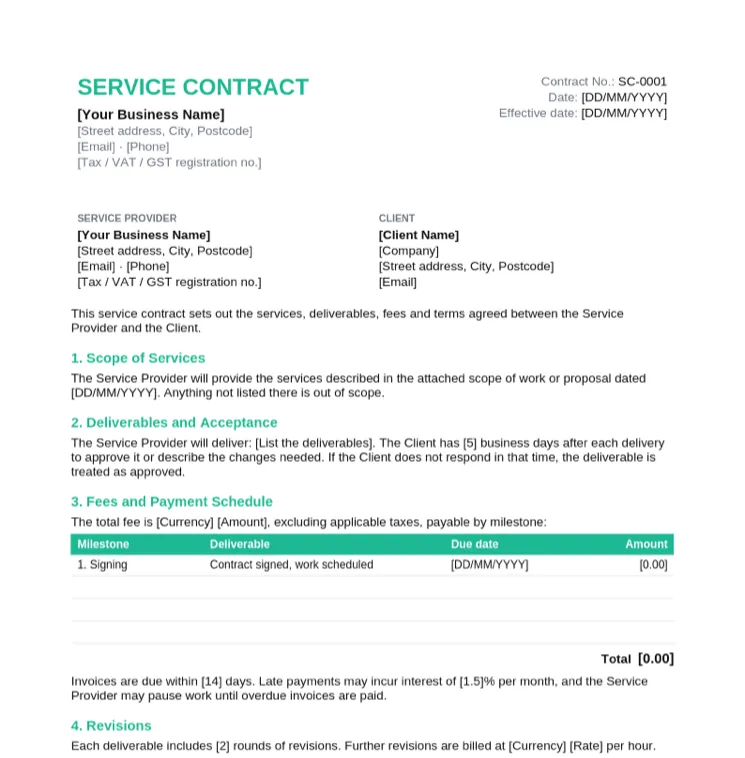
Agencies and service businesses delivering a defined scope for a client.
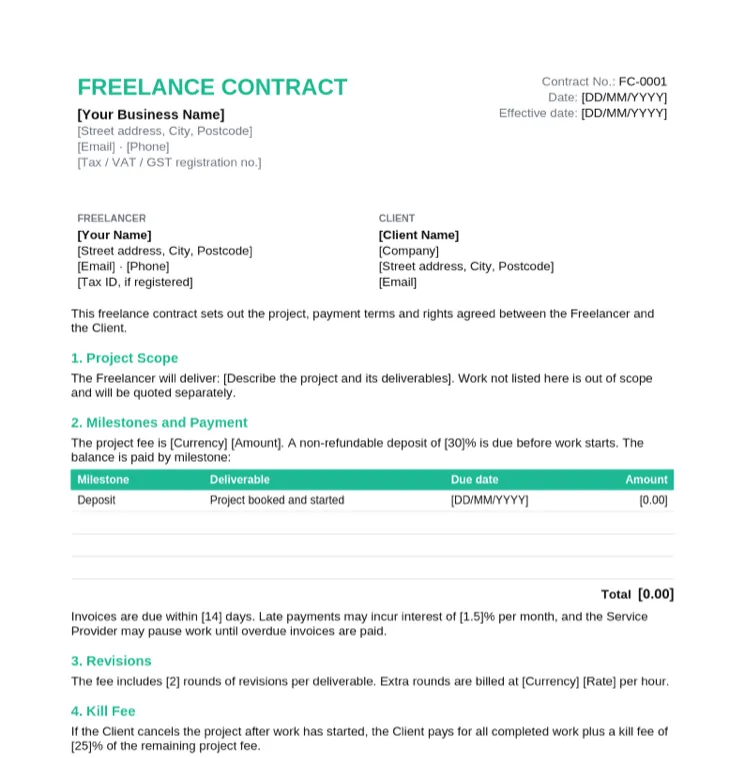
Freelancers who want a deposit, a revision limit and a kill fee in writing.
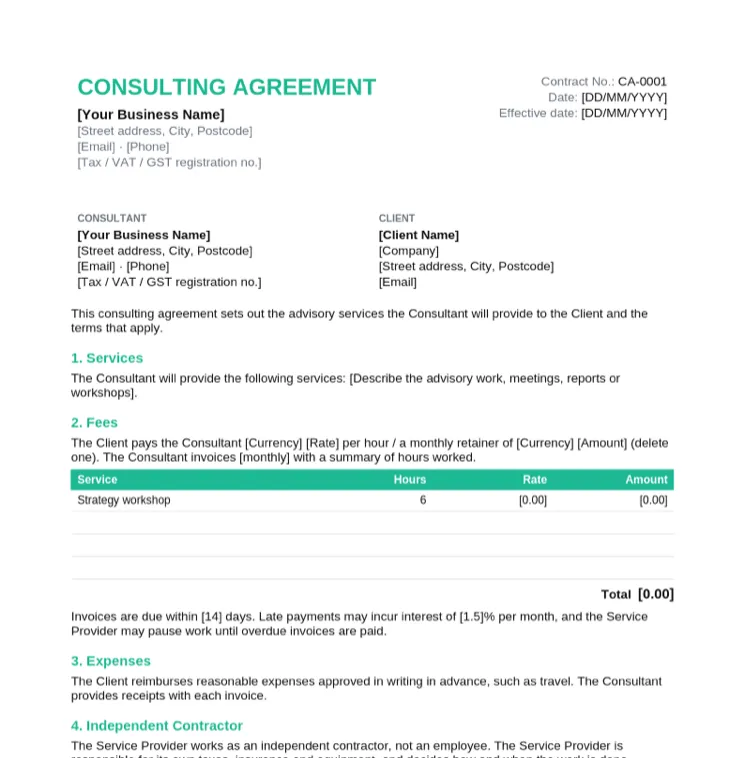
Consultants billing by the hour or on a monthly retainer.
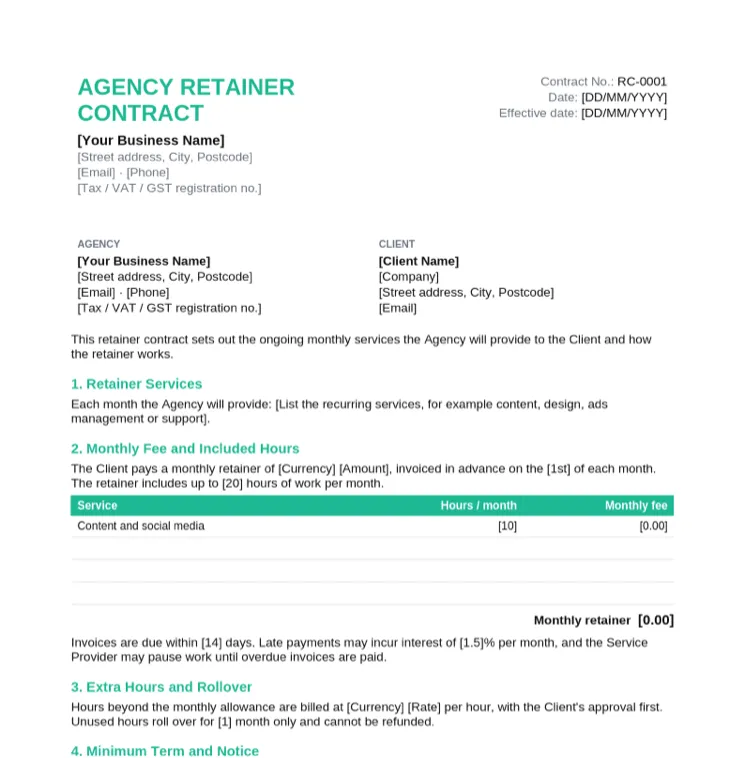
Agencies selling ongoing monthly work such as content, ads or support.
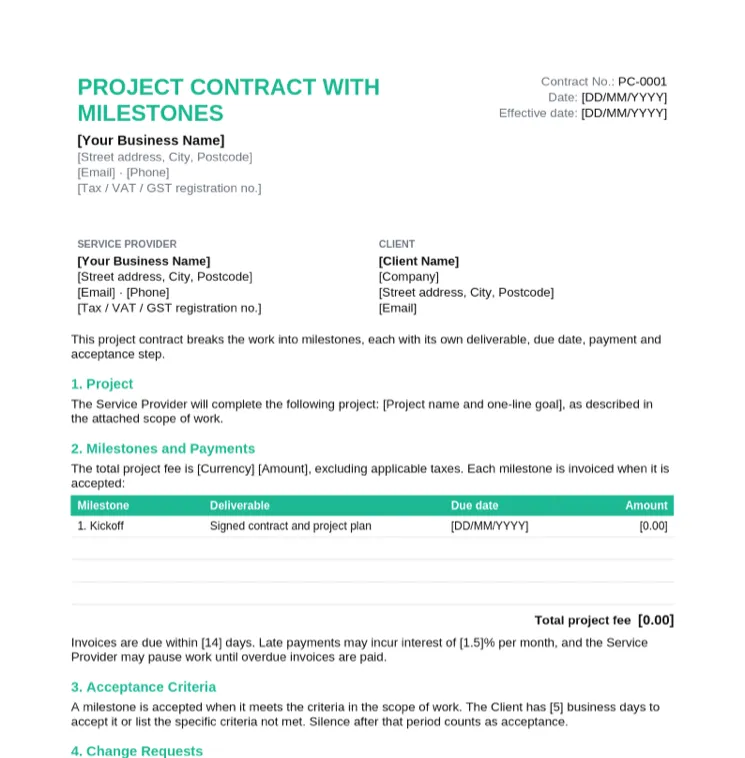
Website, design and software projects paid in stages.
Not sure what a finished contract looks like? This sample is the service contract filled in for a website redesign between two fictional companies, with three milestone payments that add up to USD 6,000.
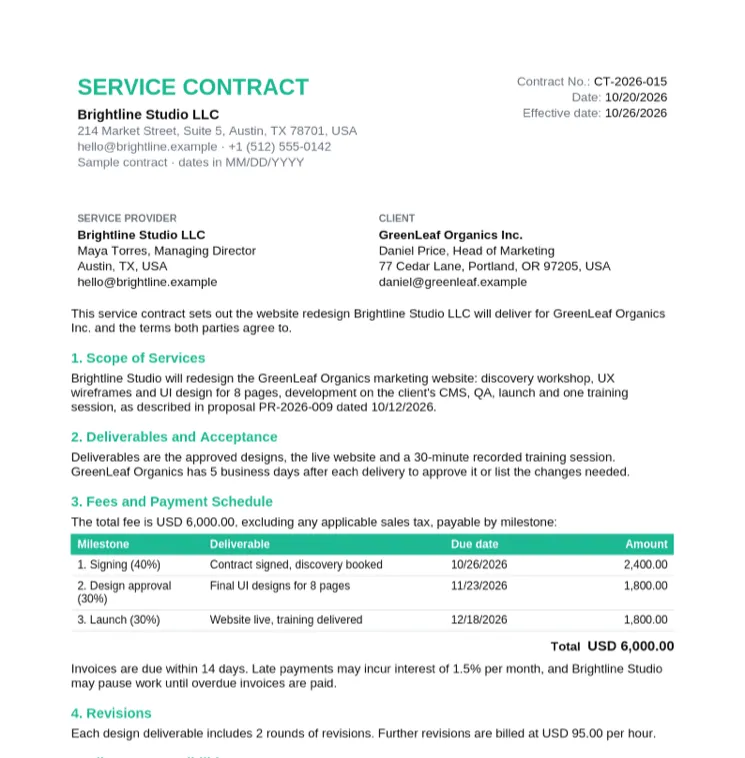
A finished, realistic contract to copy the wording and layout from.
Whichever template you start from, check that these clauses are filled in before you send it.
| Clause | What to write | Example wording |
|---|---|---|
| Parties | Full legal names, addresses and contact details of both sides | "Brightline Studio LLC (Service Provider) and GreenLeaf Organics Inc. (Client)" |
| Effective date | The date the agreement starts, which can differ from the signing date | "This agreement starts on 10/26/2026." |
| Scope | What you will do, and what is out of scope | "Redesign of 8 marketing pages. Copywriting is out of scope." |
| Deliverables | The concrete outputs the client receives | "Approved designs, the live website and one training session." |
| Timeline | Start date, milestones and the final delivery date | "Launch by 12/18/2026, if content arrives by 11/02/2026." |
| Fees | Total fee or rate, and whether tax is included | "USD 6,000, excluding sales tax." |
| Payment terms | When each payment is due and how to pay | "40% on signing, 30% on design approval, 30% at launch." |
| Late payment | Interest or a pause in work when invoices are overdue | "Late invoices may incur 1.5% interest per month." |
| Revisions | How many rounds are included and the rate for more | "2 rounds per deliverable, then USD 95 per hour." |
| Intellectual property | Who owns the work and when ownership passes | "Ownership passes to the Client on full payment." |
| Confidentiality | What stays private and for how long | "Both parties keep confidential information private for 2 years." |
| Termination | Notice period and payment for work already done | "Either party may end this with 14 days' written notice." |
| Liability | A cap on damages, usually the fees paid | "Total liability is limited to the fees paid under this agreement." |
| Governing law and signatures | Which laws apply, then names, titles, signatures and dates | "Governed by the laws of the State of Texas." |
Download the .docx and open it in Word. Use File > Save As to save a copy named after the client, for example Contract-GreenLeaf-2026.docx.
Replace the placeholders in the header and party blocks. Press Ctrl+H (Cmd+H on Mac) and search for "[" to find every placeholder left to fill.
Copy the scope from your proposal or scope of work so the contract and the project plan say the same thing.
Fill in the payment rows. Need another milestone? Click in the last row and use Table Layout > Insert Below.
Open View > Navigation Pane to see every clause, delete the ones you do not need, and turn on Review > Track Changes before sending a draft for the client to edit.
Use File > Save As > PDF so the terms cannot change, then send it for signature. With Taskip e-signatures the client signs online and you see when they have signed.
Four documents that often travel together. Here is what each one does.
| Document | What it does | Binding? |
|---|---|---|
| Proposal | Pitches the work and the price before the client decides. Start from a proposal template. | Usually not, until accepted |
| Scope of work | Describes the deliverables, timeline and responsibilities in detail. Often attached to the contract. | Yes, when attached to a signed contract |
| Agreement | Any understanding between two parties. Many agreements are contracts, but not every agreement is enforceable. | Depends on the terms and the law that applies |
| Contract | A written agreement that sets out the obligations of both parties and what happens if they are not met. | Generally yes, once both parties sign |
The same templates work for Indian clients with a few additions. Add both parties' GSTINs to the party blocks if you are GST-registered, and say whether fees are inclusive or exclusive of GST. Most professional services are taxed at 18%. Write amounts in INR and set the governing law to Indian law with a named city for jurisdiction.
Stamp duty depends on the state and the type of agreement, so check the current rules for your state or use e-stamping. Electronic signatures are generally recognised under the Information Technology Act, 2000, although some document types are excluded. This is general information, not legal advice.
Contract Format & Templates
Every contract template in Word and PDF, plus a filled sample contract.
Free Contract Maker
Describe the job and get a full contract draft online. Download as Word.
Service Contract Format
Numbered format, a filled sample and clause-by-clause wording.
Freelance Contract Template
Protect your work, your rate and your payment terms.
Consulting Agreement Template
Hourly or retainer consulting with confidentiality terms.
NDA Template in Word
Six editable non-disclosure agreements, mutual and one-way.
Taskip E-Signatures
Send contracts for signature and see when the client signs.
Word has a few contract designs under File > New if you search for "contract". The templates on this page are free .docx files with the full set of clauses, a payment table and a signature block, with no Microsoft account needed.
Open a contract template, replace the bracketed placeholders, fill in the scope and payment table, delete clauses that do not apply, then save it as a PDF and send it for signature.
The file format does not decide that. A contract is generally binding when both parties agree to clear terms and sign it, whether it was typed in Word or anywhere else. Rules differ by country, so get legal advice for high-value agreements.
Yes. Save it as a PDF and send it through an e-signature tool such as Taskip e-signatures. In Word itself you can insert a signature image, but that does not record when or by whom it was signed.
Yes. Upload the .docx to Google Drive, then right-click and choose Open with > Google Docs. The numbered clauses and tables keep their layout.
Yes. Download and use them for your own clients with no signup, no watermark and no attribution required.
An agreement is any understanding between two parties. A contract is an agreement with the elements needed to be legally enforceable, such as an offer, acceptance and something of value exchanged. In everyday business the words are often used interchangeably.
Taskip, client management software for agencies and freelancers. Taskip handles quotes, invoices, contracts, proposals, a client portal and projects in one place.