Best Client Portal Software for Freelancers in 2026: 12 Tools Tested and Ranked
The best client portal software for freelancers in 2026 includes Taskip, SuiteDash, Dubsado, HoneyBook, and Bonsai. In this guide, we’ve tested and ranked the 12 best client portals for freelancers based on verified July 2026 pricing, real G2 and Capterra reviews, Stripe/PayPal payment support, white-labeling, and mobile app quality, so you can pick the right one for your budget and niche instead of just the one with the loudest marketing.
This is published on Taskip’s own blog, and Taskip is one of the tools ranked here, so we’re not pretending to be a neutral outsider. What we can offer instead is transparency: every price below comes from a live vendor pricing page, every rating links to the real G2 or Capterra profile, and we’ve included a genuine downsides section for Taskip alongside everyone else.
Quick Comparison: Client Portal Software for Freelancers in 2026
| Tool | Starting price | Free plan/trial | Stripe/PayPal | Mobile app | G2 rating |
| Taskip | Free forever, then $39/mo | Free plan (1,000 contacts) | Stripe, PayPal, Xendit, Mollie | iOS/Android (too new to be rated) | 4.8/5 |
| SuiteDash | $19/mo | 14-day trial | Card + ACH | Branded mobile app included | 4.8/5 |
| Dubsado | ~$28/mo (billed annually) | 21-day trial | Stripe, PayPal, Square | iOS/Android (new, small sample) | 4.3/5 |
| HoneyBook | $29/mo | 30-day trial | No, in-house processor only | iOS/Android (4.8/5, ~16K ratings) | 4.5/5 |
| Bonsai | $15/user/mo | 7-day trial, no free plan | Stripe, PayPal, Bonsai Payments | iOS/Android (4.3/5) | 4.3/5 |
| Agency Handy | $29/mo | 7-day trial | Stripe, PayPal, Wise, crypto | None confirmed | 4.9/5 |
| Moxie | $12/mo | 14-day trial, no free plan | Stripe, PayPal, ACH | iOS 4.6/5, Android 4.1/5 | 4.5/5 |
| Plutio | $19/mo | 7-day trial, no free plan | Stripe, PayPal, Square | Not confirmed | 4.3/5 |
| Assembly | ~$39/mo | Check current terms | Stripe | None confirmed | 4.7/5 |
| SuperOkay | Free, then $9/mo | Free plan (1 client) | None, no billing at all | None confirmed | 4.6/5 |
| Clinked | $11/user/mo, $239+/mo for teams | Trial (length unconfirmed) | None, no billing at all | iOS/Android (mixed reviews) | 4.8/5 |
| Notion (DIY) | Free, then $10/mo | Free plan | None, needs a connector | iOS/Android (weak reputation) | 4.6/5 |
How We Evaluated These Tools
- Live pricing only: Every price was pulled from the vendor’s current pricing page, not an old screenshot.
- Portal depth, not just CRM features: We checked whether the client portal is a core feature or an afterthought.
- Payment support: Whether Stripe and/or PayPal work, or you’re locked into an in-house processor.
- Mobile experience: Native app availability, plus its App Store or Play Store rating where one exists.
- Independent ratings: G2 and Capterra scores, linked so you can read the underlying reviews yourself.
- Solo-freelancer fit: Whether pricing and feature gating make sense for one person, not a 10-person team.
Sample sizes vary a lot here. SuiteDash and Notion have thousands of reviews behind their scores. Taskip, Agency Handy, and Moxie have a handful. Treat small-sample scores as an early signal, not proof.
Table of Contents
What Is Client Portal Software for Freelancers?
A client portal is a private, branded space where clients log in to see project status, download files, sign contracts, and pay invoices, instead of digging through email threads and shared drives.
Most portals worth using are built around five components: a secure branded login, a communication hub, file management with version control, project visibility, and integrated billing. Several tools reviewed below (SuperOkay and Clinked especially) skip that last piece entirely, which matters more than it might seem.
Why Freelancers Need Client Portal Software?
The pattern we hear most often isn’t “I need more software.” It’s “I’m losing hours to logistics that have nothing to do with the actual work”: chasing down which file is current, re-explaining an invoice line, or answering a “just checking in” message a live status page would have handled on its own.
A simple way to think about the payoff: if a portal saves you 3 hours a week (a conservative estimate) and you bill at $75/hour, that’s roughly $11,700 a year in reclaimed billable time, against a tool cost that typically runs $0 to $700 a year. That math favors using one once you’re managing more than a couple of active clients.
It also cuts the other way. If you have one or two long-term clients and a workflow that already works, adding a $19 to $99 a month tool is probably not worth it yet. A portal earns its cost once client volume itself becomes the coordination problem, not before.
Top 12 Client Portal Software for Freelancers (Detailed Reviews)
1. Taskip: Best Overall Value for Solo Freelancers
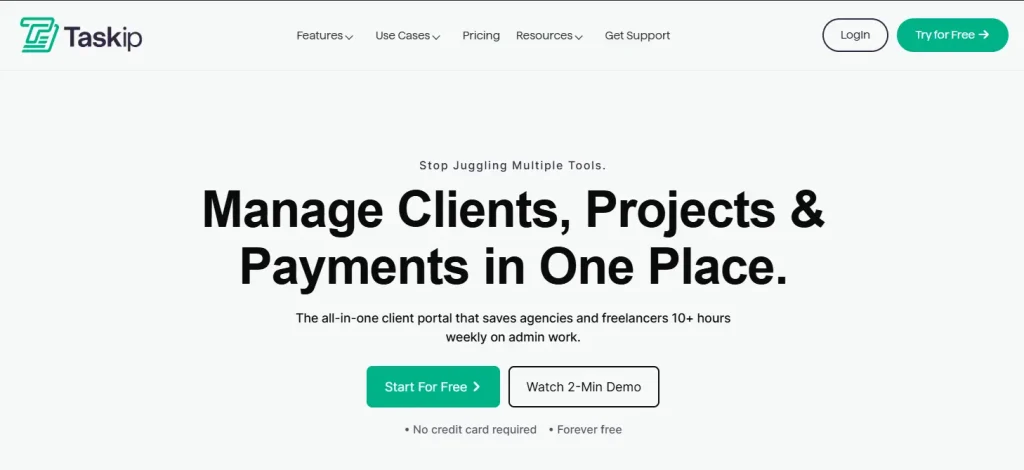
Taskip is a client portal, CRM, and invoicing platform built specifically for freelancers and small agencies, with the widest payment processor support of any tool on this list and a genuinely usable free plan. For a closer look at how it stacks up against alternatives, see our CRM vs. client portal comparison.
Key Features
- Branded client dashboards with project updates, files, invoices, and support tickets in one view
- Quotations that auto-convert to invoices
- Proposals with e-signature
- Workflow automation, automated follow-ups, Zapier integration, and a public API
Pros & Cons
| Pros | Cons |
|---|---|
| Genuinely usable free plan, not a crippled trial Widest range of supported payment processors here Fast setup, most reviewers report a live portal in hours | Some features take more clicks to reach than they should Gmail integration described as cumbersome and dated Custom domain listed as “coming soon” on the Professional tier |
Pricing
Starter is free forever: 1 team, 1 team member, 1,000 contacts, unlimited forms/documents, client portal, invoicing, and payments included. Professional is $39/mo ($328/yr billed annually), Team is $59/mo ($495/yr), and Powerhouse is $99/mo ($832/yr).
Rating & Review
4.8/5 on G2 (6 reviews), 5.0/5 on Capterra (5 reviews).
One Capterra reviewer, Kurban A., Founder and CEO, wrote:
“Taskip offers great features at a low cost, streamlining workflows, boosting team collaboration.”
On the critical side, a G2 reviewer, Karlo R., noted that “sometimes it takes too many clicks to access certain features.”
Payments
Stripe, PayPal, Xendit, and Mollie, the broadest processor list reviewed here.
Mobile App
iOS and Android apps exist but are too new to have a public rating on either store yet.
2. Bonsai: Best for Contracts and Tax Tools
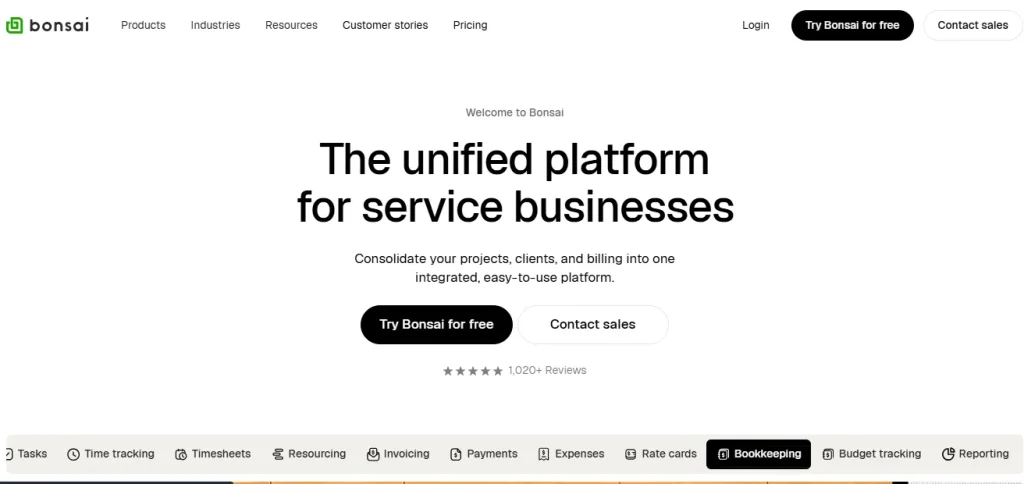
Bonsai bundles proposals, contracts, invoicing, and basic tax tracking for North America-based freelancers. If it’s not the right fit, see our full list of Hello Bonsai alternatives.
Key Features
- Unified proposals, contracts, and invoices
- Automatic time-tracking-to-invoice conversion
- Forms and scheduling
- Tax and expense tracking aimed at US/Canada freelancers
Pros & Cons
| Pros | Cons |
|---|---|
| Proposals and invoices look professional out of the box Automatic time-to-invoice conversion is a real time-saver Reasonable entry price for the feature set | Payment and tax tools are largely US/Canada-centric Interface is English-only Portal and contracts aren’t available on the cheapest tier |
Pricing
Basic $15/user/mo ($9 annually), Essentials $25/user/mo ($19 annually, portal and contracts unlock here), Premium $39/user/mo ($29 annually, most popular, removes Bonsai branding), Elite $59/user/mo ($49 annually, minimum 3 users).
Rating & Review
4.3/5 on G2 (101 reviews), 4.6/5 on Capterra (95 reviews). A
G2 reviewer, Jenn M., said: “I love the user friendly on both sides, the backend and the client.”
A more critical reviewer wrote:
“Support sucks and is basically non existent. I’ve been waiting for support to get back to me for 9 days now and still nothing.”
Payments
Stripe, PayPal, and Bonsai’s own processor (2.9% + $0.30 per card transaction, 1% for ACH).
Mobile App
iOS/Android, 4.3/5 across 306 App Store ratings.
3. HoneyBook: Best for Creative Solopreneurs

HoneyBook centralizes proposals, contracts, invoices, and payments in a polished, visual interface built for creative freelancers.
Key Features
- Custom-domain, branded client portal
- Built-in automations and workflows
- A unified proposal-to-contract-to-invoice-to-payment pipeline
- An AI assistant for drafting client communication
Pros & Cons
| Pros | Cons |
|---|---|
| Genuinely centralizes proposals, contracts, and invoices Templates and automated follow-ups speed up onboarding Best-reviewed mobile app on this list | No Stripe or PayPal option, in-house processor only Templates can feel rigid if your process differs Reporting described by reviewers as surface-level |
Pricing
Starter $29/mo, Essentials $49/mo (list price $59), Premium $109/mo (list price $129), current promotional pricing as of July 2026. HoneyBook raised its Starter plan from $19 to $36/mo in 2025, an 89% increase, before the current promotion. See our breakdown of HoneyBook’s 2025 price hike before you commit.
Rating & Review
4.5/5 on G2 (242 reviews), 4.7/5 on Capterra (680 reviews).
A G2 reviewer, Nikki M., Owner, said: “It really feels like having a virtual assistant.”
A critical reviewer, Jill H., Owner, wrote: “HoneyBook isn’t set up well for this type of business,” referring to private tutoring.
Payments
None besides HoneyBook’s own in-house processor. Its help center explicitly states you cannot use Stripe, PayPal, or Venmo on the platform. Card fees run roughly 2.7 to 2.9% plus a flat fee.
Mobile App
The strongest mobile reputation reviewed here: 4.8/5 across roughly 16,000 App Store ratings.
4. Agency Handy: Best for Scaling Into an Agency
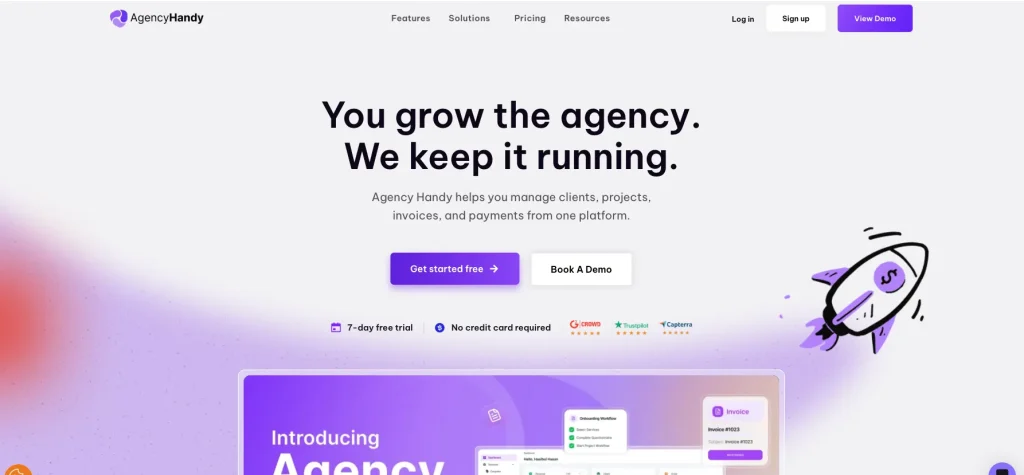
Agency Handy combines a white-labeled client portal with CRM, proposals, and billing, priced for freelancers who plan to grow into a small team. If the pricing tiers don’t fit your stage, browse Agency Handy alternatives.
Key Features
- White-labeled client portal and branding
- CRM and proposals
- Branded invoicing with automated reminders and recurring billing
- File feedback and approval tools, custom intake forms
Pros & Cons
| Pros | Cons |
|---|---|
| Clean interface, fast setup, hours not weeks per reviewer Real all-in-one consolidation cuts tool-switching 24/7 support consistently praised as responsive | Deeper portal customization is limited Best features gated to the $199/mo tier Fewer third-party integrations than competitors |
Pricing
Freelancer $29/mo ($109/yr with an active promo code), Team Starter $99/mo ($359/yr), Business Pro $199/mo ($719/yr). Confirm the actual annual rate at checkout since the discount requires a promo code.
Rating & Review
4.9/5 on G2 (19 reviews), 4.5/5 on Capterra (2 reviews, too thin to weight heavily).
A G2 reviewer, James K., Independent Consultant, said: “Everything is finally in one clean, intuitive platform.”
A more critical reviewer, Caden C., CEO/Admin, wrote: “The customization options are lacking. I wish there was a more custom client portal.”
Payments
Stripe, PayPal, Wise, crypto, and manual bank transfer: the broadest payment method list reviewed here.
Mobile App
No shipped app confirmed as of this research.
5. Dubsado: Best for Automation and White-Labeling
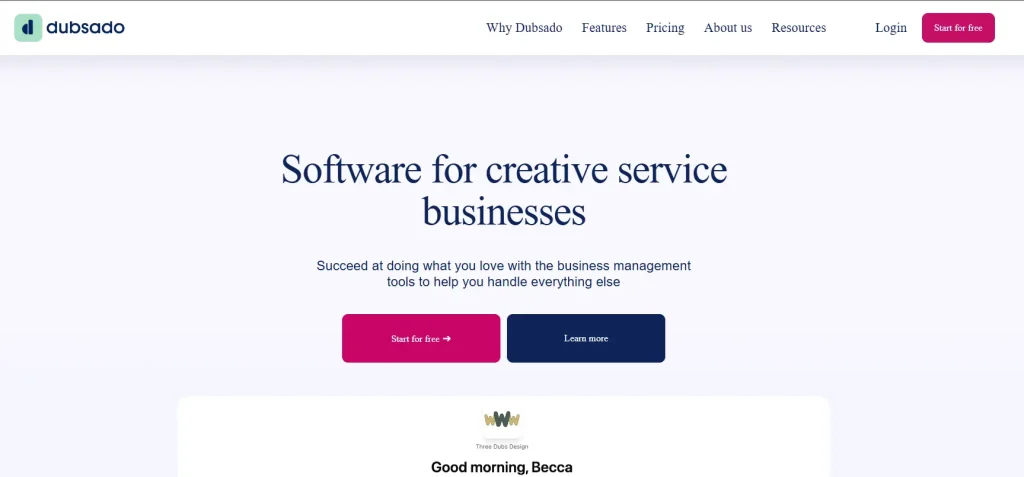
Dubsado offers some of the deepest white-labeling and automation on this list, in exchange for real setup time. Not sold yet? Compare it against other options in our Dubsado alternatives guide.
Key Features
- Deep white-labeling and custom-domain control
- A visual drag-and-drop workflow automation builder (“Flows”)
- Unlimited lead-capture forms and proposals on Premier
- Invoicing with payment plans
Pros & Cons
| Pros | Cons |
|---|---|
| Automation genuinely runs itself once built Branding can look fully custom, agency-grade Flat $5 ACH option beats percentage fees on large invoices | 15 to 20 hours of setup commonly cited before payoff Automation and scheduling locked behind Premier Blank-canvas design with limited built-in templates |
Pricing
Starter $335/yr (about $28/mo), Premier $525/yr (about $44/mo). Automation, advanced scheduling, and public proposals are Premier-only.
Rating & Review
4.3/5 on G2 (76 reviews), 4.2/5 on Capterra (61 reviews).
A G2 reviewer, Precious M., said the deciding factor was “the automations that Dubsado offers, which is a big reason I chose it over HoneyBook.”
A critical reviewer wrote: “Dubsado has caused more problems than it has solved.”
Payments
Dubsado Payments (powered by Stripe), Square, and PayPal, which can be layered together.
Mobile App
A native app launched in mid-2024, rated 4.8/5 but on a small sample (528 ratings), younger and less proven than HoneyBook’s or Moxie’s.
6. SuperOkay: Best-Looking Portal UI
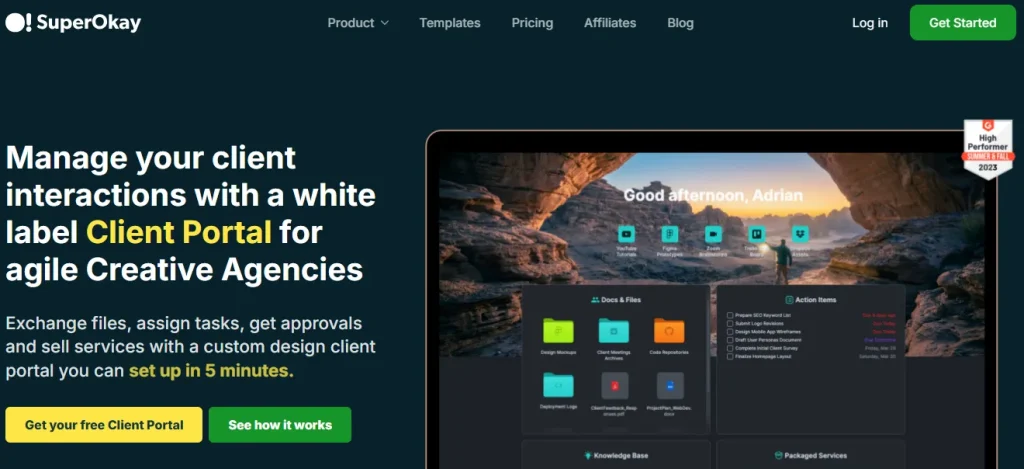
SuperOkay is a portal-only tool with no billing features at all, built for freelancers who want the most polished client-facing experience and already have a separate invoicing tool.
Key Features
- Deep white-labeling: logo, colors, fonts, custom domain, custom login page (Solo+ and above)
- Centralized document and file hub
- Shared Kanban/list task boards
- Embeddable third-party apps (Figma, Airtable, Miro, Google Data Studio) inside the portal
Pros & Cons
| Pros | Cons |
|---|---|
| Consistently described as one of the best-looking portal UIs available Very fast client onboarding, one reviewer set up 24 portals in 2 hours Responsive support team that ships requested features | No invoicing or payment processing of any kind No two-factor authentication Slow load times and a thin template library reported by reviewers |
Pricing
Free (1 client, 0.5GB storage, no white-labeling), Solo $9/mo, Solo+ $29/mo ($38 monthly, cheaper annually, full white-labeling and custom domain unlock here), Business $112/mo.
Rating & Review
4.6/5 on G2 (44 reviews), 4.8/5 on Capterra (9 reviews).
A G2 reviewer, Natashja T., Founder, praised “the amazing support. Not just talking helping out but suggestions and check-ins… SuperOK are beyond OK!”
A more critical reviewer wrote: “Support has become non existent. Seen a few other people facing the same issue, so I suspect it’s pretty common.”
Payments
None. Confirmed on SuperOkay’s own features page; you’ll need a separate invoicing tool.
Mobile App
No native app; reviewers explicitly note this as a limitation, though the mobile browser experience is described as adequate.
7. Moxie: Best All-in-One With a Real Mobile App
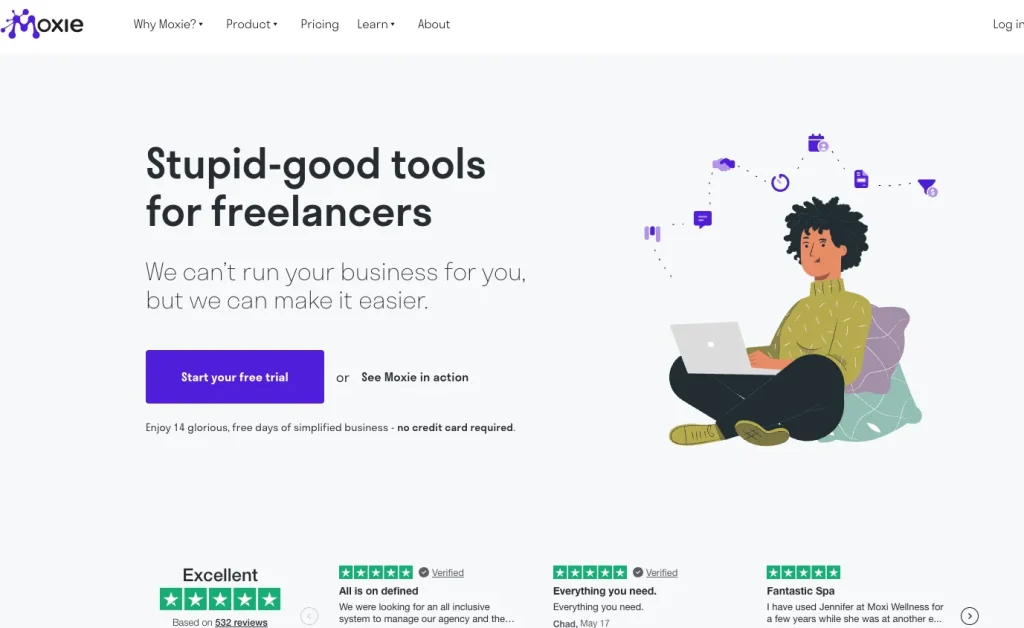
Moxie (formerly Hectic) bundles CRM, invoicing, time tracking, and a white-labeled portal, and is one of the only tools here with a genuinely functional native mobile app. See how it compares directly in our Taskip vs. Moxie breakdown.
Key Features
- Branded, white-labeled client portal with one-click invoice approval
- Attorney-vetted contract and proposal templates with e-signature
- Workflow automation for onboarding, scheduling, and reviews (Pro and above)
- Integrated time tracking that flows directly into invoices
Pros & Cons
| Pros | Cons |
|---|---|
| Comprehensive without HubSpot-level complexity Fast-moving support team that ships requested features One of the only tools here with a real, functioning mobile app | Meeting scheduler is inflexible, no client-selectable duration Real learning curve before customization is discoverable Brand fragmentation from the Hectic rename splits review profiles |
Pricing
Starter $12/mo ($10/mo annually), Pro $25/mo ($20/mo annually, adds custom domain, white-labeled portal, and automation), Teams $40/mo ($32/mo annually, up to 5 members).
Rating & Review
G2 listings are fragmented after the Hectic-to-Moxie rebrand; the current listing shows 4.5/5 (4 reviews). A more useful signal is 4.81/5 across 83 verified AppSumo reviews.
A G2 reviewer, Jackie B., cited “100% the support, the ongoing roadmap, and the communication from the Moxie team” as the reason to stay.
A critical reviewer, Juan R. A., noted: “Their mobile app is very basic, and some tasks aren’t intuitive.”
Payments
Stripe and PayPal, plus ACH, across 81+ currencies.
Mobile App
Native iOS (4.6/5, 20 ratings) and Android (4.1/5, 27 reviews) apps, still branded “Hectic” in the app stores as of this research.
8. Plutio: Best Flat-Price All-in-One
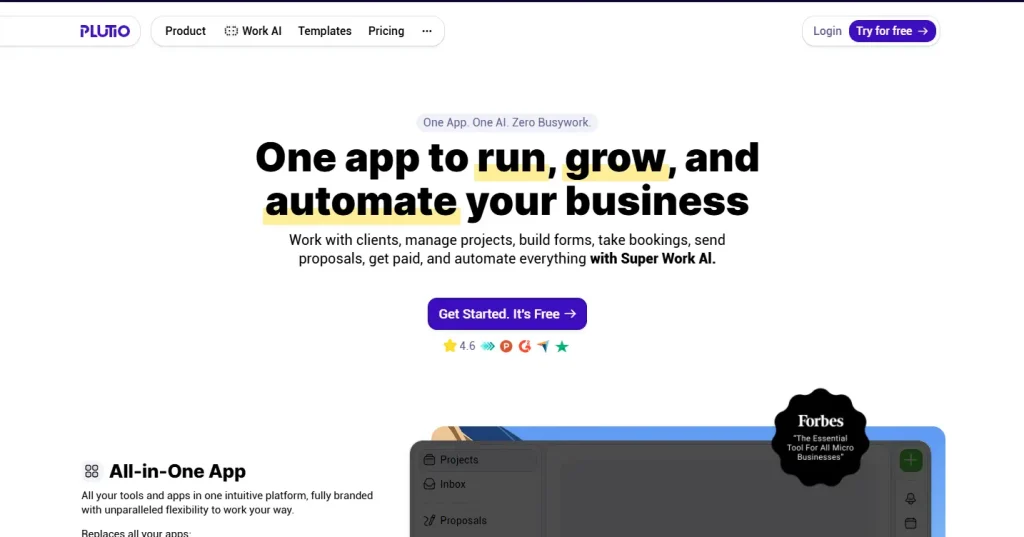
Plutio keeps its full feature set, including the client portal, on every tier; only client limits and white-labeling are gated. Curious how it stacks up against Taskip specifically? Read our Taskip vs. Plutio comparison.
Key Features
- Client portals with unlimited invoicing on every tier
- Stripe, PayPal, and Square payment processing built in
- Proposals with e-signature, contracts, time tracking, and forms
- White-label and SSO available as add-ons
Pros & Cons
| Pros | Cons |
|---|---|
| Full feature parity across tiers is unusual in this category Straightforward flat pricing, no per-client fees Solid Capterra review volume for a tool this size | 9-client cap on the entry Core plan fills up fast White-labeling isn’t included even on the Pro tier Smaller G2 review base than SuiteDash or HoneyBook |
Pricing
Core $19/mo (9 active clients, white-label as an add-on), Pro $49/mo (unlimited clients, 30 contributors), Max $199/mo (unlimited everything, white-label and SSO included). Roughly two months free on annual billing. See more options in our Plutio alternatives roundup.
Rating & Review
4.3/5 on G2 (57 reviews), 4.6/5 on Capterra (162 reviews).
A G2 reviewer, Steve R., Owner, said: “It’s actually quite rare these days to find fast, snappy software that solves your problems.”
A critical reviewer, Bostjan K., Owner, wrote that support “is so slow it’s virtually inexistent.”
Payments
Stripe, PayPal, and Square are natively supported on every tier.
Mobile App
Not confirmed during this research; check Plutio’s site directly if this matters to you.
9. SuiteDash: Best Independently Validated Option
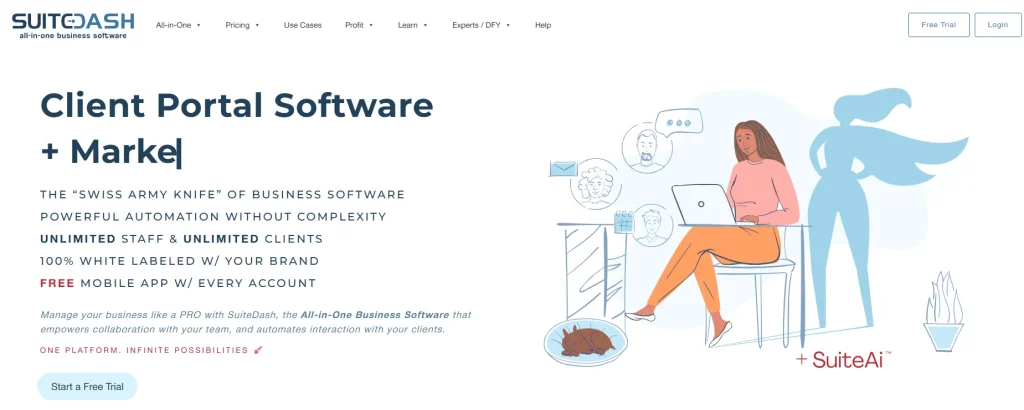
SuiteDash has the strongest combination of rating and review volume of any tool on this list, with over 600 reviews each on G2 and Capterra. We’ve also reviewed it in more depth separately: SuiteDash Reviews 2026, or browse SuiteDash alternatives if it’s not quite right.
Key Features
- “Extreme White Labeling” and a custom-branded mobile app included from the entry tier
- Invoicing and billing with card and ACH payments
- Email marketing and drip campaigns on THRIVE and above
- Full automation toolkit, onboarding flows, and a built-in LMS on PINNACLE
Pros & Cons
| Pros | Cons |
|---|---|
| Best-in-class rating volume, 600+ reviews on two platforms Unlimited clients and staff on every tier, including the cheapest Branded mobile app included from the start, not an upsell | Real learning curve to configure properly, per new users Advanced marketing/automation tools gated to higher tiers Interface density can feel like more than a solo freelancer needs day one |
Pricing
START $19/mo ($180/yr), THRIVE $49/mo ($480/yr), PINNACLE $99/mo ($960/yr). Unlimited clients and staff on every plan.
Rating & Review
4.8/5 on G2 (618 reviews), 4.8/5 on Capterra (631 reviews), a genuinely trustworthy sample size compared to most tools here.
A G2 reviewer, Roberto P., Founder, said: “The white-label feature alone makes it worth the money.”
A critical reviewer described a rough experience moving “over 100 client files to be moved in a different area that disappeared.”
Payments
Card and ACH processing built in at every tier.
Mobile App
A custom-branded mobile app included starting at the entry-level START plan.
10. Assembly (formerly Copilot): Best Premium Portal
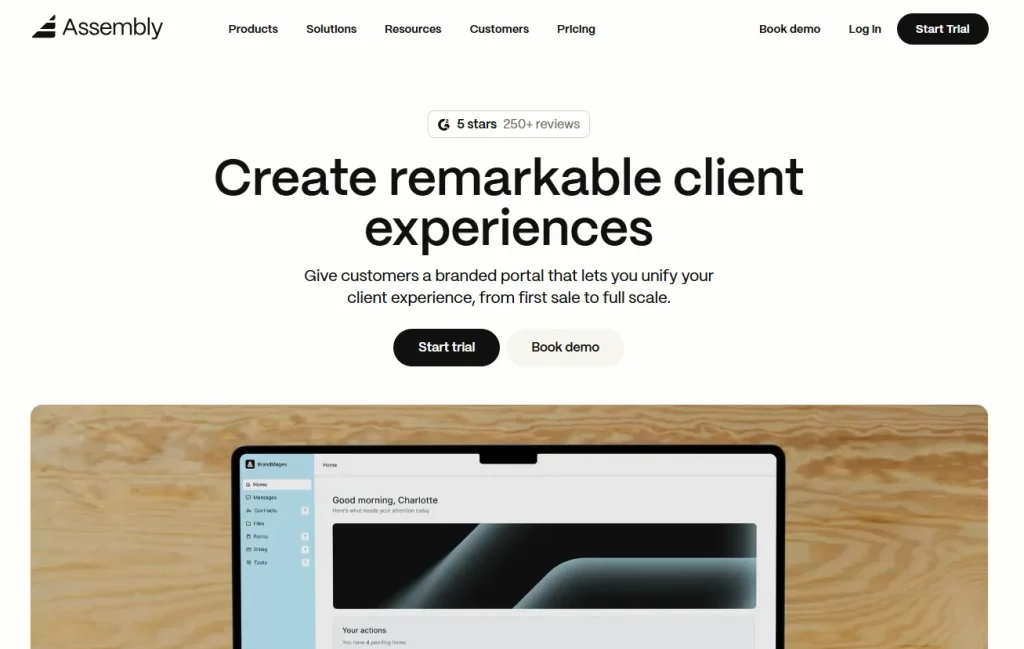
Assembly, the rebrand of Copilot as of September 2025, is positioned as an AI-assisted client management platform for higher-ticket professional service relationships.
Key Features
- Centralized client communication and file sharing
- Contract management
- AI-assisted workflows for professional service firms
- Stripe-based payment processing
Pros & Cons
| Pros | Cons |
|---|---|
| Strong G2 review volume (325) relative to most tools here Polished experience built for higher-ticket client relationships Onboarding described by reviewers as quick and seamless | Pricing sits well above most tools on this list No confirmed native mobile app The 2025 rebrand has fragmented older reviews under the “Copilot” name |
Pricing
Published tiers run roughly $39 to $399+/mo depending on team size and features. Pricing in this category shifts often; confirm the live figure on assembly.com before budgeting.
Rating & Review
4.7/5 on G2 (325 reviews), 4.8/5 on Capterra (35 reviews).
A G2 reviewer, Aminder M., Founder and CEO, said: “The onboarding experience for my clients is quick and seamless.”
A critical reviewer, Jonathan W., CEO, wrote: “There is very limited customization that is available in the platform.”
Payments
Stripe.
Mobile App
No native app confirmed during this research.
11. Clinked: Best for Regulated or Enterprise Clients
Clinked is a secure, white-labeled file-collaboration portal built for consultants and agencies working with compliance-heavy clients, not a low-volume solo freelancer’s first portal.
Key Features
- White-label branding with custom domain and email domain, available in 14 languages
- Client dashboards with Kanban tasks and a shared calendar
- Document approval, version control, and file locking
- E-signing via DocuSign or Adobe Acrobat Sign integration
Pros & Cons
| Pros | Cons |
|---|---|
| Fast setup with a near-zero learning curve for many reviewers Strong, responsive support team Genuinely secure and compliance-oriented (AES encryption, ISO 27001) | Cost scales quickly as you add client contacts Mobile app is a recurring weak point in reviews No native billing, needs a separate invoicing tool |
Pricing
Start Up $11/user/mo, Standard $239/mo (100 members, 1TB storage), Premium $599/mo (250 members, 3TB), Enterprise custom, plus a separate Virtual Data Room tier.
Rating & Review
Roughly 4.8/5 on G2 (~140 reviews), 4.9/5 on Capterra (~110 reviews).
One reviewer called it “a portal easy to use with excellent branding.”
Another noted, “the learning curve was a bit steep for some of our team members.”
Payments
None built in. Clinked is a collaboration and file-sharing portal, not a billing tool.
Mobile App
iOS and Android apps exist, including white-label branded versions, but multiple Capterra reviewers specifically flag the mobile app as needing improvement.
12. Notion: Best Free DIY Option
Notion isn’t a purpose-built client portal, but its free tier and flexibility make it the strongest DIY option for budget-conscious freelancers willing to build their own setup.
Key Features
- Shareable pages and databases with granular permissions
- Guest access for external clients
- Fully custom “dashboards” you build yourself
- A large ecosystem of freelancer-made client-portal templates on marketplaces like Gumroad
Pros & Cons
| Pros | Cons |
|---|---|
| Free tier is genuinely usable to start Extremely flexible, shape it into your exact workflow Large ecosystem of pre-built client-portal templates | No native invoicing, contracts, e-signing, or payments Real learning curve around databases and rollups Mobile experience meaningfully lags the desktop version |
Pricing
Free (permanent, not a trial), Plus $10/member/mo, Business $20/member/mo (recommended for a real client-facing setup), Enterprise custom.
Rating & Review
4.6/5 on G2 (~12,027 reviews), 4.7/5 on Capterra (~2,775 reviews), by far the largest review base on this list, though Notion is a general-purpose tool, not a dedicated portal product.
A G2 reviewer, Tara B., Office Manager, said: “I love the customizable aspects of Notion, which let us use it in a variety of ways.”
A critical reviewer, Morgan B., Director of Clinical Impact, wrote that “it takes a while, and a lot of fumbling, to figure out how to use Notion in a truly organized way.”
Payments
None natively. You’d need a Zapier or Make automation to pull Stripe data into a Notion database.
Mobile App
Exists on iOS and Android, but has a consistently weak reputation: reviewers describe lag on heavier pages and clunky editing on mobile.
Key Features to Consider While Choosing Client Portal Software for Freelancers
a. Branded Client Login
Ideally on your own domain, not the vendor’s. Several tools here (Dubsado, SuperOkay, Clinked, SuiteDash) offer particularly deep white-labeling; Taskip currently lists custom domain support as “coming soon” on its paid tier, worth confirming if that’s a must-have.
b. Payment Processor Support
If you already use Stripe or PayPal, forcing a switch to a vendor’s in-house processor is a real cost. HoneyBook is the clearest example: its own help documentation confirms you cannot use Stripe, PayPal, or Venmo on the platform at all. SuperOkay and Clinked don’t process payments in any form. Taskip, Dubsado, Bonsai, Agency Handy, Moxie, Plutio, and Assembly all support Stripe and/or PayPal directly.
c. File Management with Version Control
So clients aren’t downloading “final_v3_ACTUALLYfinal.pdf.”
d. Project Visibility
A live status view so clients can check progress without pinging you.
e. Mobile Experience
HoneyBook’s app is the standout, at 4.8/5 across roughly 16,000 App Store ratings. Moxie and Dubsado both have real native apps with solid early ratings. Taskip’s apps exist but are too new to be rated. Several tools here (Agency Handy, Plutio, SuperOkay, Assembly) have no confirmed native app at all.
f. Workflow Automation
Auto-reminders and auto-generated invoices from tracked time save real hours, but tools like Dubsado gate this behind their pricier tier.
g. E-Signature on Contracts and Proposals
Standard on most tools reviewed, notably absent as a native feature on portal-only tools like SuperOkay and Clinked.
How to Choose a Client Portal For Freelancer: A Quick Decision Guide
| Your situation | Start with |
|---|---|
| Want a genuinely free tier with real invoicing included | Taskip |
| Want the most independently validated option (600+ reviews on two platforms) | SuiteDash |
| Need deep white-labeling and don’t mind a setup investment | Dubsado |
| Creative freelancer who wants the best mobile experience | HoneyBook (accept the processor lock-in) |
| Need contracts and tax tools, based in US/Canada | Bonsai |
| Actively growing into a small agency | Agency Handy |
| Want an all-in-one with a real, working mobile app | Moxie |
| Want full features even on the cheapest plan | Plutio |
| Want the most polished-looking portal and already have an invoicing tool | SuperOkay |
| Higher-ticket clients, want a premium AI-assisted experience | Assembly |
| Work with regulated or enterprise clients, budget allows | Clinked |
| Want $0 and don’t mind building it yourself | Notion |
Whatever you pick, the biggest factor isn’t which tool you choose; it’s whether you actually migrate your clients onto it and use the automation rather than falling back into old habits after week one. Our 7-step client portal onboarding guide and 6-step client onboarding automation guide both walk through that process in detail.
Industry-Specific Recommendations for Freelancer Client Portal
- Photographers: Dubsado or HoneyBook, both built around the proposal-to-contract-to-gallery-delivery workflow.
- Designers and creative freelancers: SuperOkay for the portal experience itself, or Moxie if you want invoicing and payments in the same tool.
- Consultants and higher-ticket service providers: Assembly or Taskip’s Professional tier.
- Developers and technical freelancers: Taskip or Plutio, for straightforward project visibility without creative-industry-specific bloat.
- Freelancers scaling toward an agency model: Agency Handy or SuiteDash.
Free & DIY Options for Budget-Conscious Freelancers
| Option | Best For | Key Benefits | Limitations |
|---|---|---|---|
| Taskip Free Plan | Freelancers wanting an all-in-one solution | • Free CRM • Built-in invoicing • Online payment collection • Client management | Feature limits compared to paid plans |
| Notion | Freelancers who prefer a customizable workspace | • Free to use • Highly customizable • Great for project and client tracking | No built-in invoicing or payment processing |
| WordPress Client Portal Plugins | Existing WordPress users | • Self-hosted • White-label client portal • Unlimited clients | Requires additional plugins for invoicing, payments, and e-signatures |
When a Client Portal Might Not Be Worth It
When a Client Portal Might Not Be Worth It
Skip a Client Portal If
- You only work with one or two long-term clients.
- You manage fewer than 4–5 active client engagements per year.
- Your clients prefer email and are unlikely to use a portal.
- Switching tools would disrupt active projects more than it would help.
A Client Portal Is Worth It If
- You manage four or more clients at the same time.
- Files, invoices, and approvals are scattered across emails and apps.
- Missed deadlines or payments happen because information is hard to find.
- You want a more professional client experience to win larger contracts.
The best time to adopt a client portal is when managing clients becomes inefficient, not before.
Final Recommendations on Client Portal Software for Freelancers
After testing all 12 tools, three stand out for different reasons: SuiteDash for proven, at-scale reliability, Dubsado for freelancers who want deep automation and don’t mind the setup curve, and Taskip for everyone else, especially if you’re just starting out and don’t want to pay before you’ve landed your next client. Taskip is the only tool here with a genuinely free plan that includes real invoicing and payment processing, not a stripped-down trial.
Start free with Taskip and add a paid tier only once your client list actually needs it.
Frequently Asked Questions
What’s the best free client portal for freelancers?
Taskip’s Starter plan is the only option here that includes real invoicing and payment processing at $0. Notion is a strong free alternative if you’re willing to build it yourself.
Do solo freelancers actually need a client portal?
Not always. If you have one or two established clients and things already run smoothly, you probably don’t need one yet. It tends to pay off once you’re juggling 4 or more active clients.
What’s the cheapest client portal with real payment processing built in?
Taskip’s free plan, or Moxie at $12/mo, both include Stripe and PayPal support without an upgrade required.
Which tools support both Stripe and PayPal?
Taskip, Dubsado, Bonsai, Agency Handy, Moxie, and Plutio all support Stripe and/or PayPal directly. HoneyBook, SuperOkay, and Clinked do not.
Can I white-label a client portal on my own domain as a freelancer?
Yes, on most tools reviewed, though it’s often gated to a mid-tier plan. Dubsado, SuperOkay, Clinked, and SuiteDash all offer particularly deep white-labeling.
What’s the difference between a CRM and a client portal?
A CRM manages your sales pipeline and prospects. A client portal is built around the post-sale experience, giving an already-signed client a place to see files, project status, and invoices.
What’s the difference between a CRM and a client portal?
A CRM manages your sales pipeline and prospects. A client portal is built around the post-sale experience, giving an already-signed client a place to see files, project status, and invoices.
How do I switch client portal software once I’ve already onboarded clients?
Start by exporting your data (contacts, invoices, and files) from your current tool; most of the platforms reviewed here support standard exports, though HoneyBook is the hardest to leave cleanly because of its closed payment processor, since you’re also re-onboarding your billing history, not just files. Set up and test the new portal privately before moving anyone over. Migrate clients in small batches rather than all at once, starting with your most tech-comfortable ones, and send a short walkthrough for each so they’re not learning a new login cold. Expect a rough first week or two while everyone adjusts.
Does HoneyBook have a free trial?
Yes, 30 days with no credit card required, plus a 60-day money-back guarantee if you subscribe.
Is Notion good enough as a freelance client portal?
For a budget-conscious freelancer willing to build it themselves, yes, with the caveat that you’ll need a separate tool for payments and the mobile experience is noticeably weaker than on desktop.
HoneyBook vs. Moxie, which is better for freelancers?
They suit different situations. HoneyBook has the stronger track record for creative solopreneurs (photographers, designers, event planners) who want a polished, templated experience and the best-reviewed mobile app on this list, but you give up Stripe and PayPal entirely since HoneyBook only allows its own in-house processor. Moxie is the better fit if you want to keep Stripe or PayPal, need genuine CRM and time-tracking depth alongside the portal, and still want a working native mobile app, just a less polished one than HoneyBook’s. If processor choice matters more to you than interface polish, go with Moxie. If the client-facing experience matters more than payment flexibility, go with HoneyBook. See the full Taskip vs. Moxie comparison and HoneyBook’s pricing breakdown for more detail.


Get Summary On: