Anniversary Sale: 70% off LTD.

Claim Offer
Taskip
Microsoft Word · .docx

Free Invoice Templates for Microsoft Word

Editable Word invoice templates you can open, fill in and save as PDF in minutes. Every template opens in Microsoft Word, Google Docs, Pages and LibreOffice.

4.8/5 on G2 · Our invoice generator is used by 50,000+ people · Updated September 2026

What is an invoice template for Word?

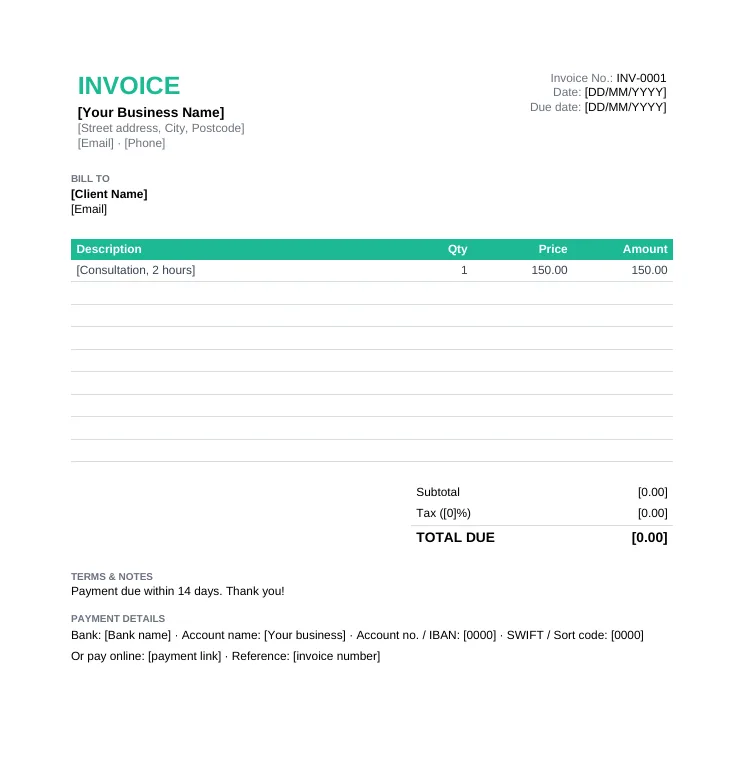
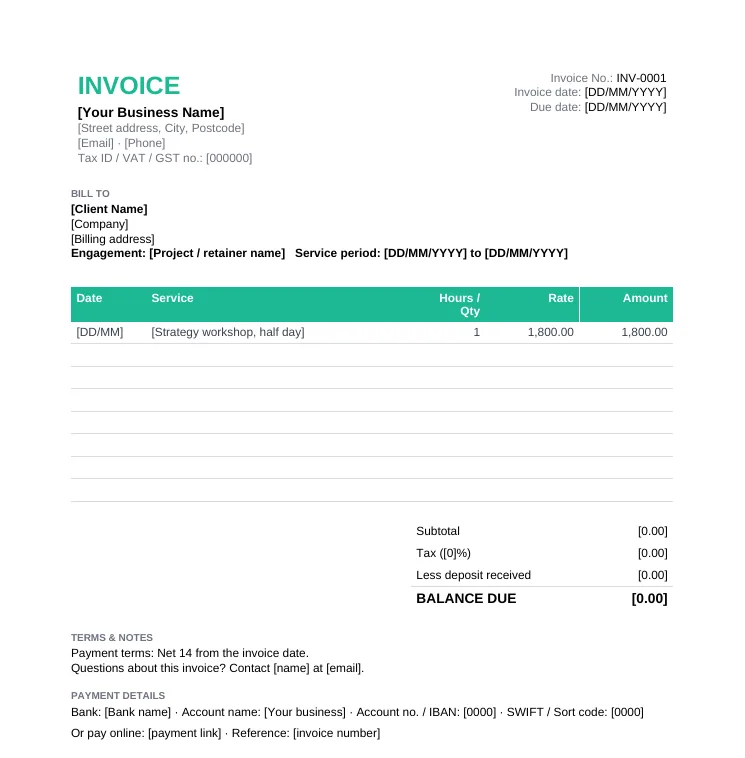
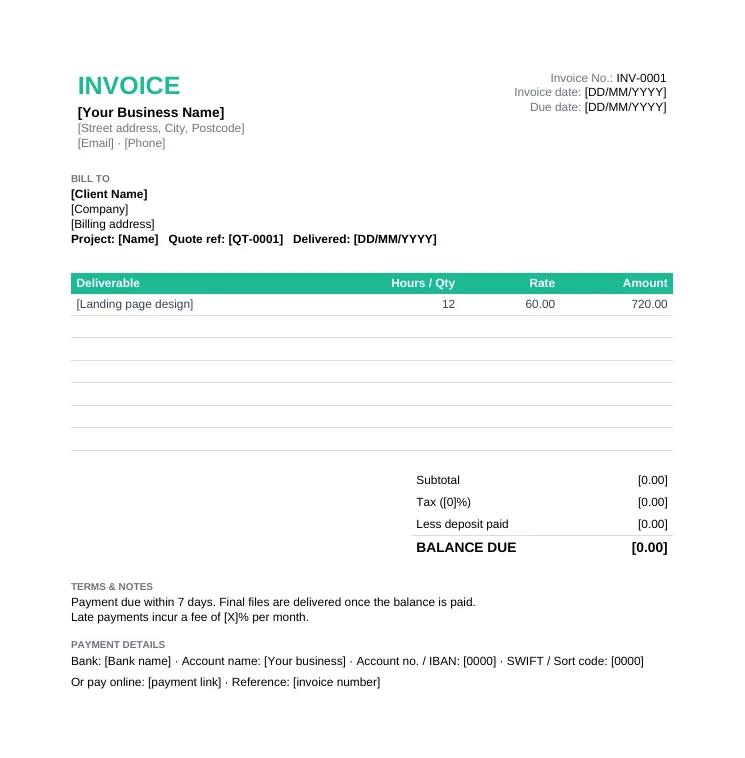
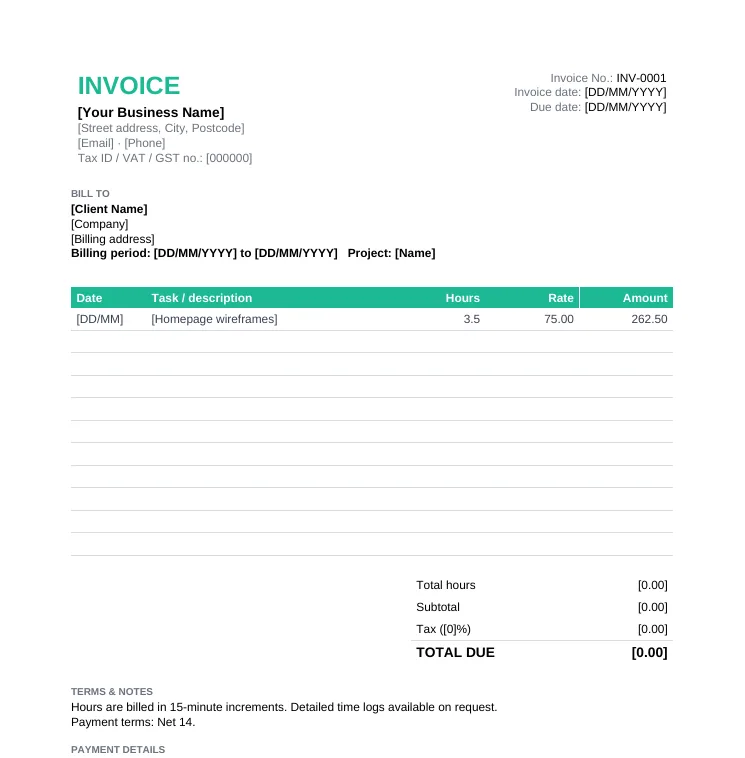
An invoice template for Word is an editable .docx invoice with the standard layout already set up, so you only replace the placeholders, add your line items and save it as a PDF.

Word is the easiest format to customise: you can change fonts, add your logo, write longer descriptions and add notes anywhere on the page. The trade-off is that Word does not calculate totals automatically the way Excel does, so it suits invoices with a handful of lines. If you bill many lines or hours, the Excel invoice templates will save you the math.

  • Opens in Word, Google Docs, Apple Pages and LibreOffice
  • Placeholders in [square brackets] show what to replace
  • Best for invoices with a few line items and longer notes
  • Save as PDF before sending so the numbers cannot be changed
  • Free for commercial use, no email required

Download an Invoice Template for Word

Every template below is an editable .docx file. Need automatic totals? Get the same designs as Excel invoice templates.

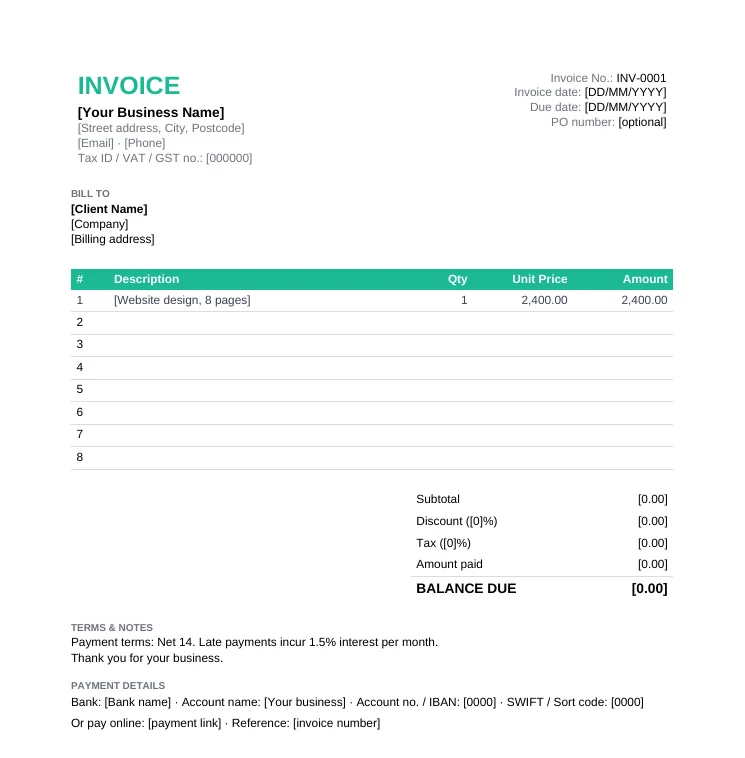
Blank standard invoice template with invoice number, due date, bill-to details, itemized table, discount, tax, amount paid and balance due

Standard Invoice Template

Any business billing for products or services. The invoice format most clients expect.

  • Invoice number, date, due date and PO number
  • Itemized table with qty and unit price
  • Discount, tax, amount paid and balance due
  • Bank and online payment details
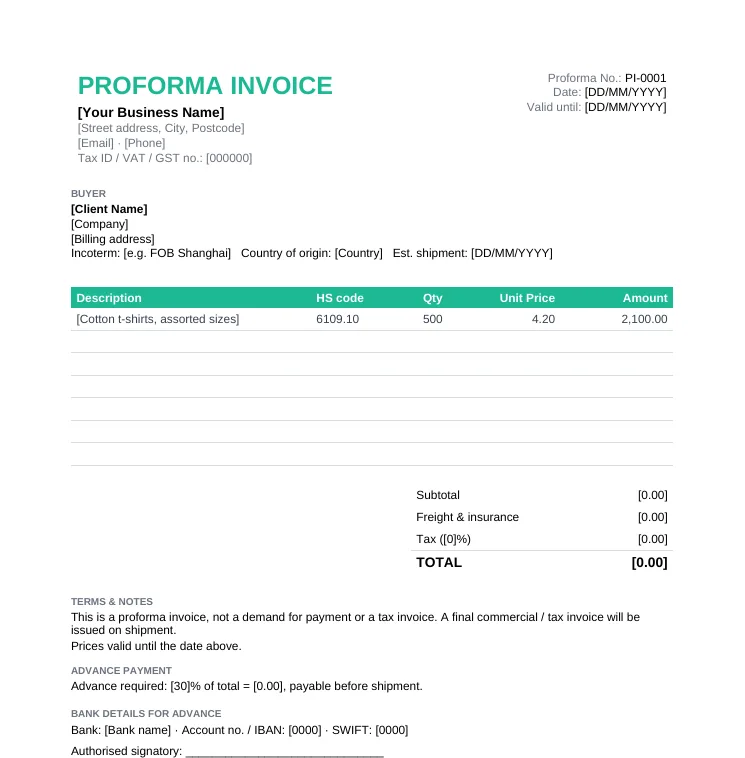
Proforma invoice template with HS codes, Incoterm, country of origin, freight and insurance, total and advance payment required

Proforma Invoice Template

Requesting an advance payment, or sending buyers and customs a preview before shipping.

  • Proforma number and validity date
  • HS code, Incoterm and country of origin
  • Freight and insurance line
  • Advance payment required
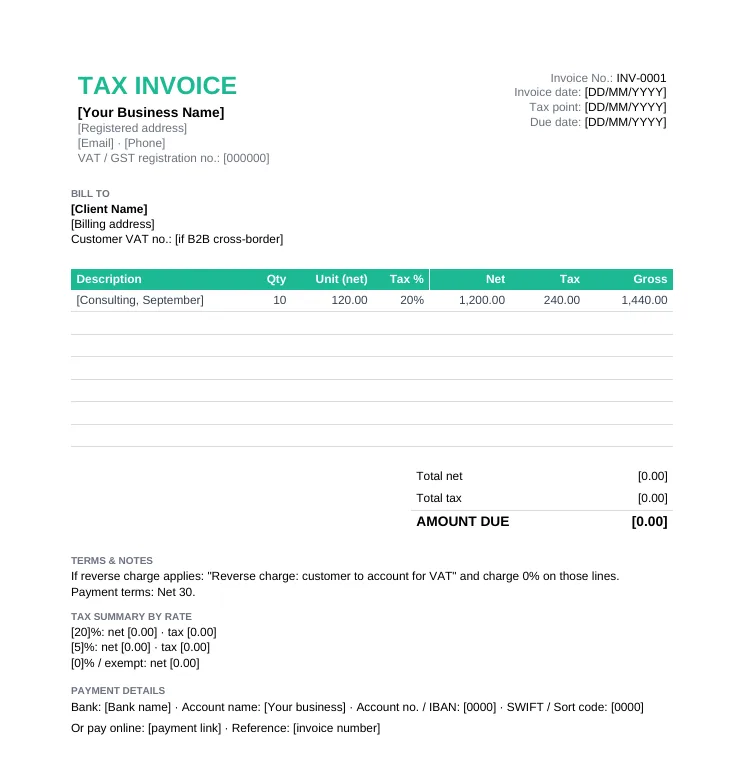
VAT and GST tax invoice template with VAT registration number, tax point, net, tax rate, tax and gross per line and a tax summary by rate

VAT / GST Tax Invoice Template

VAT or GST registered businesses that need a compliant tax invoice (UK, EU, Australia, Singapore and more).

  • "Tax invoice" title and your VAT/GST number
  • Tax point (supply date)
  • Net, tax and gross per line at different rates
  • Tax summary by rate and reverse charge note
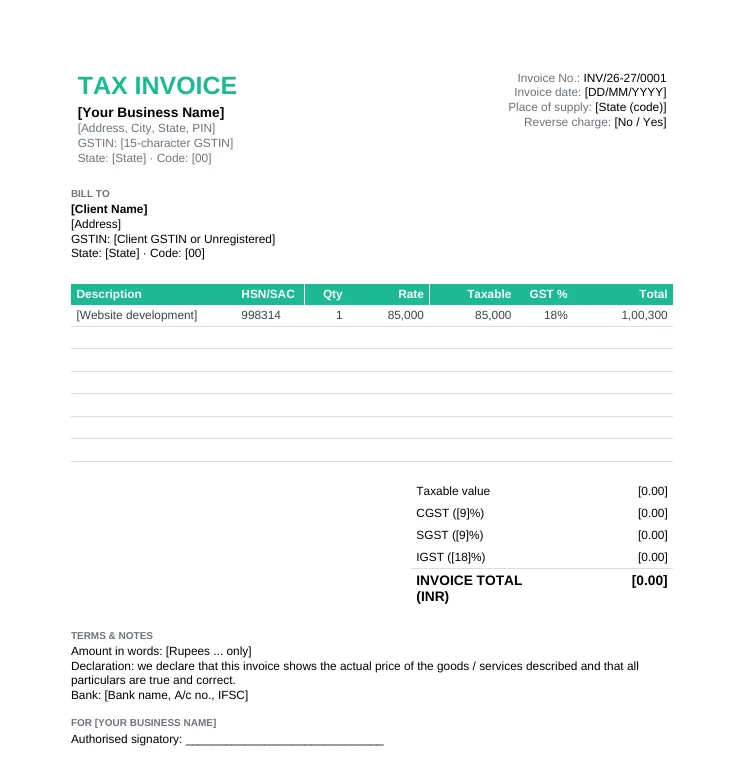
GST tax invoice format for India with GSTIN, place of supply, HSN/SAC, taxable value, CGST, SGST, IGST and invoice total in INR

GST Invoice Format (India)

GST-registered businesses in India issuing a tax invoice under the GST rules.

  • GSTIN, state code and place of supply
  • HSN/SAC per line
  • CGST + SGST or IGST switch (Excel)
  • Reverse charge, amount in words and declaration

How to Make an Invoice in Word

1

Open the template

Download the .docx and open it in Word. Use File > Save As to save a copy named after the invoice, for example INV-0042-Acme.docx.

2

Add your logo and details

Replace the business placeholders, then use Insert > Pictures to add your logo at the top.

3

Fill in the client and invoice details

Client name and address, invoice number, date, due date and PO number.

4

Add line items

Type each item in the table. Need more rows? Click in the last row and use Table Layout > Insert Below.

5

Add up the totals

Type the subtotal, tax and total, or click in the total cell and use Table Layout > Formula with =SUM(ABOVE). Press F9 to update it after changes.

6

Save as PDF and send

Use File > Save As > PDF (or Export > PDF), then email it. Copy an invoice email template for the message.

Tips for Invoicing in Word

  • Keep one blank master template and save a new copy for every invoice, so you never overwrite an old one.
  • Keep a simple list of invoice numbers you have used, because Word will not number invoices for you.
  • Double-check the math. Word table formulas only update when you press F9 or reopen the file.
  • Always send a PDF, not the .docx, so the client cannot edit the amounts.
  • Working in Google Docs? Upload the .docx to Google Drive and choose Open with > Google Docs.
  • Tired of typing totals? The free invoice generator numbers invoices and calculates everything for you.

Word vs Excel Invoice Templates

Word (.docx)Excel (.xlsx)
Totals and taxTyped by hand or a table formulaCalculated automatically
Design changesVery easyPossible, less flexible
Long descriptions and notesIdealCramped in cells
Many line items or hoursSlowIdeal
Opens in GoogleGoogle DocsGoogle Sheets

Invoice Template for Word FAQs

Does Microsoft Word have an invoice template?

Word has some built-in invoice designs under File > New. The templates on this page are free .docx files with the full invoice format, payment details and tax fields already set up, with no Microsoft account needed.

How do I create an invoice in Word?

Open a Word invoice template, replace the placeholders with your details and the client's, add a row per item, fill in the totals, then save it as a PDF and email it.

Can Word calculate totals on an invoice?

Yes, for simple sums. Click in the total cell, choose Table Layout > Formula and use =SUM(ABOVE). Press F9 to update it after you change a number. For automatic tax and balance due, use the Excel version.

How do I convert a Word invoice to PDF?

In Word, choose File > Save As and pick PDF, or File > Export > Create PDF. In Google Docs use File > Download > PDF.

Can I use these Word invoice templates in Google Docs?

Yes. Upload the .docx to Google Drive, then right-click and choose Open with > Google Docs.

Are these Word invoice templates free for business use?

Yes. Download and use them for your own invoices with no signup, no watermark and no attribution required.