
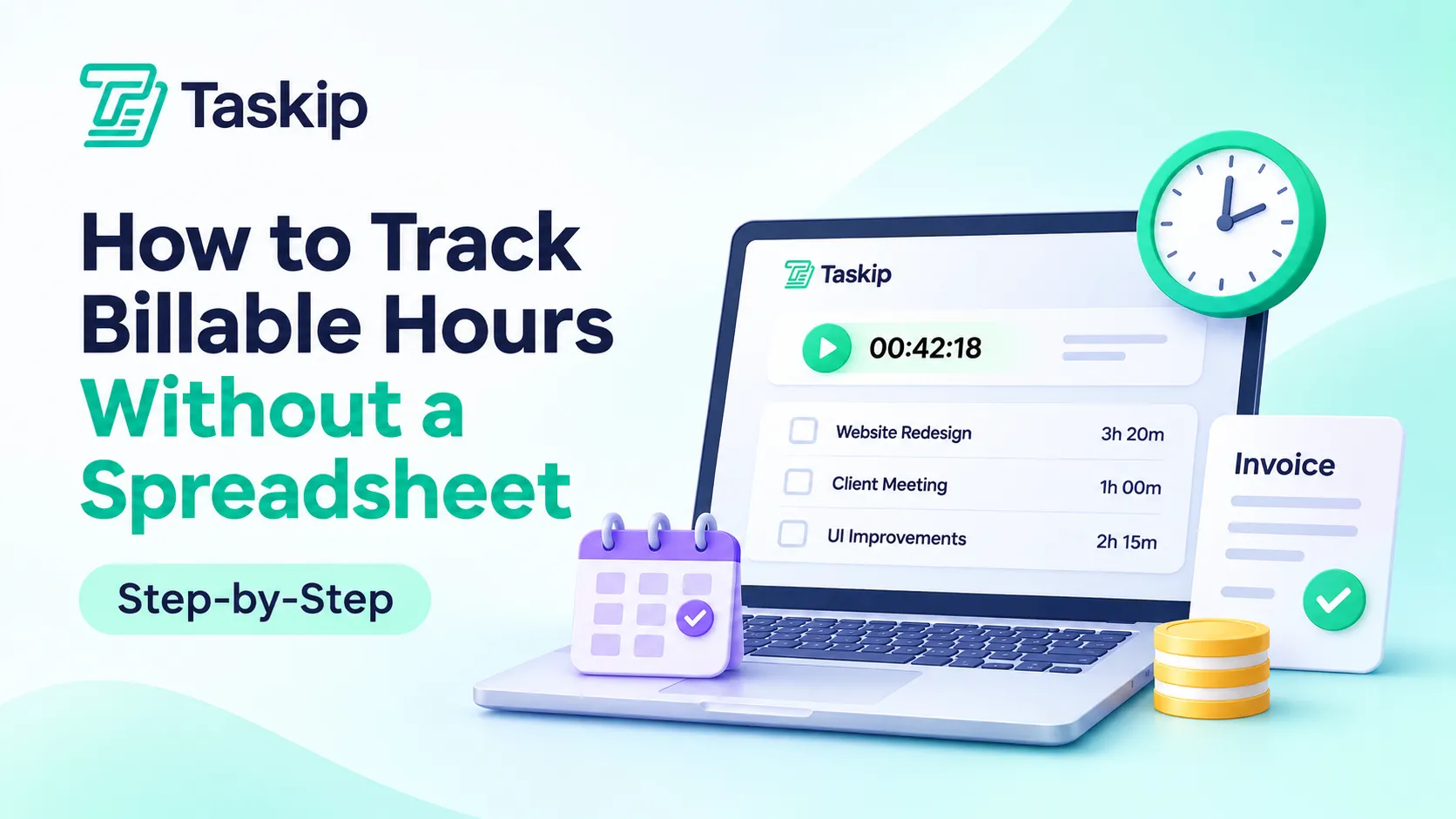
Quick answer: To track billable hours without a spreadsheet, use a time tracking tool that links every entry to a client, project and task. Set your rates and rounding rules first, start a timer as you work, review entries every week, then turn approved hours straight into an invoice. The daily habit takes about five minutes.
Spreadsheets are where most freelancers and agencies start, and that is a smart, low-cost first step. But as clients, projects and team members grow, a sheet asks you to remember, type and total everything by hand. This guide shows you how to track billable hours without a spreadsheet using a simple system you can set up in a week, whether you work solo or run a team.
You will learn what counts as billable, which tracking method fits how you work, a 6-step process from first timer to paid invoice, and the three numbers that tell you your billable hours tracking is working.
Table of Contents
Key takeaways
- Decide what counts as billable, your rates and your rounding rule before you log a single minute.
- Capture time while you work, then do a 5-minute daily close to fill any gaps.
- Review hours weekly and send clients clear, itemized invoices built from approved time.
- Watch three numbers: utilization rate, realization rate and collection rate.
What Are Billable Hours?
Billable hours are the hours you spend on client work that you can charge for at an agreed hourly rate. Non-billable hours are the work that keeps your business running, such as sales, admin and internal meetings, which you don’t charge to any single client.
Both matter. Billable hours bring in revenue. Non-billable hours show you where your week really goes, so tracking both gives you the full picture.
Billable vs Non-Billable Hours
Here is a quick guide to billable vs non-billable hours for most agencies and freelancers. Your contract always has the final say.
| Task | Usually billable? | Notes |
|---|---|---|
| Design, writing or development for a client | Yes | Core client work |
| Client calls and project meetings | Yes | If your agreement says so |
| Research for a specific client task | Yes | Log it against that task |
| Revisions within scope | Depends | Billable or included, per contract |
| Travel to a client site | Depends | Often billed at a reduced rate |
| Internal team meetings | No | Track as non-billable |
| Sales calls and proposals | No | Track to measure sales effort |
| Invoicing, bookkeeping and admin | No | Track to spot time drains |
Decide What Counts as Billable Before You Start
Write your billing rules down once and share them with your team. Cover quick emails, short calls, revisions and out-of-scope requests. If you are still choosing a pricing model, our guide to retainer vs project-based pricing explains how each one changes what you bill. Turning these rules into a short billing SOP keeps everyone consistent, and you can follow our steps on how to create agency SOPs.
Signs You’ve Outgrown Your Spreadsheet
A spreadsheet is a great place to start. It is free, flexible and familiar. But manual sheets depend on careful typing and formulas, and research backs up how easy small slips are. Professor Raymond Panko’s review of spreadsheet studies found that fifteen years of research concluded spreadsheet errors are both common and non-trivial.
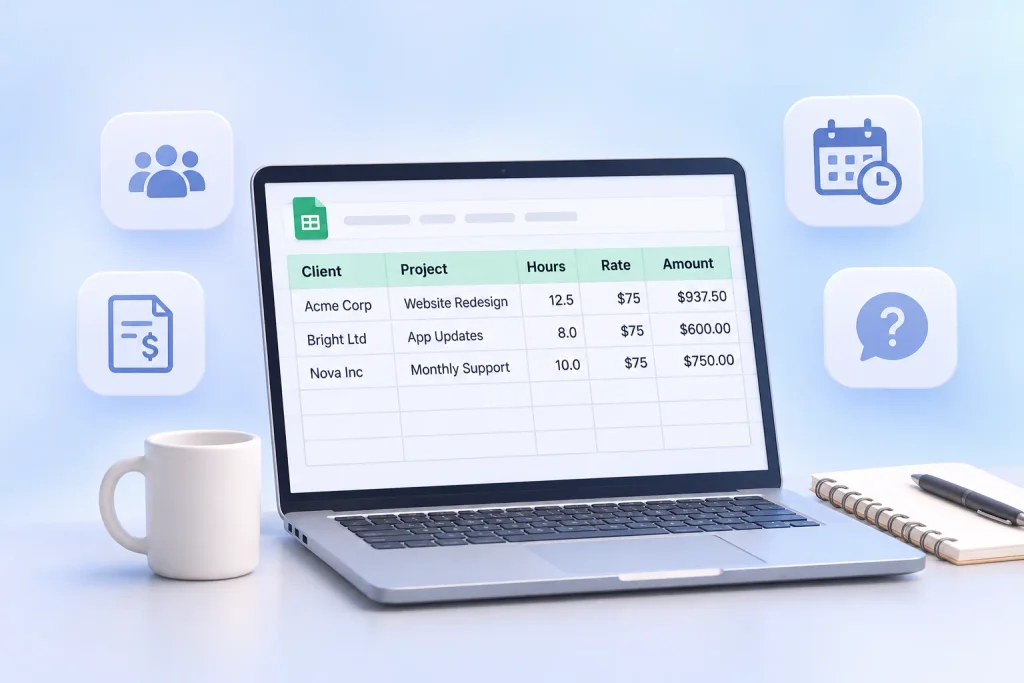
It may be time to level up if:
- You work with more than three clients at once.
- More than one person logs time.
- You manage retainers with a monthly hours cap.
- You copy hours from a sheet into invoices by hand.
- You fill in your timesheet at the end of the week from memory.
- Clients ask what they are paying for, and the answer takes digging.
If two or more of these sound familiar, a dedicated billable hours tracker will save you time and protect your revenue.
What Can You Use Instead of a Spreadsheet?
There are five common ways to track billable time without a spreadsheet. Each one suits a different way of working.
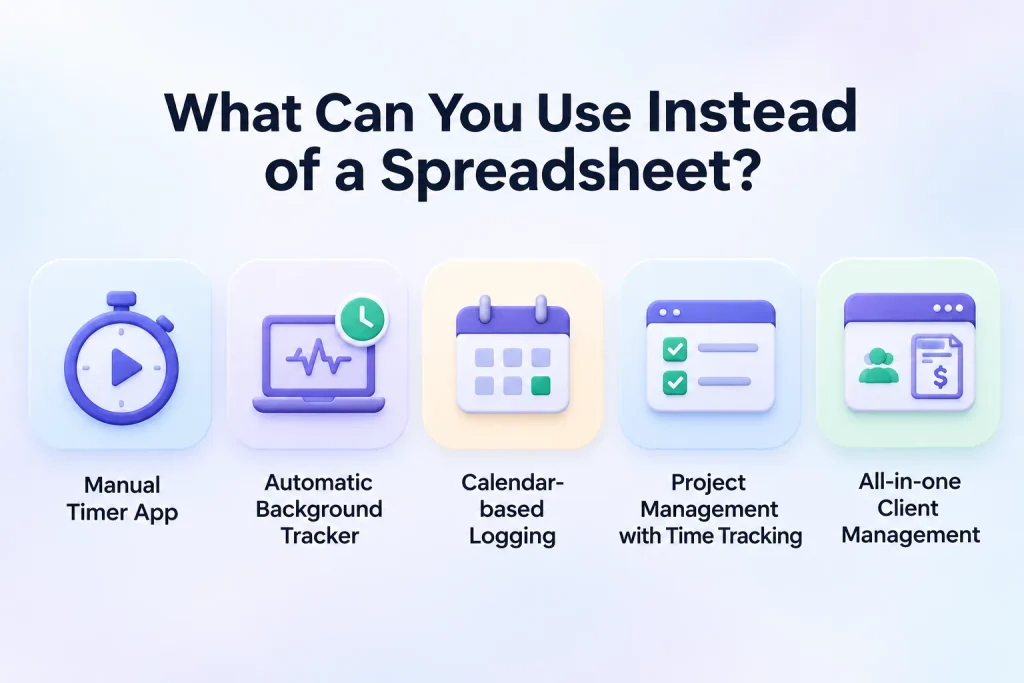
| Method | Best for | Accuracy | Daily effort | Connects to invoicing |
|---|---|---|---|---|
| Manual timer app | Solo freelancers | High, if you start the timer | Low | Sometimes |
| Automatic background tracker | People who forget timers | High, needs review | Very low | Sometimes |
| Calendar-based logging | Meeting-heavy consultants | Medium | Low | Rarely |
| Project management tool with time tracking | Teams working on tasks | High | Low | Often |
| All-in-one client management (time, tasks, invoices, portal) | Agencies and growing freelancers | High | Low | Yes, built in |
For time tracking for freelancers, a simple timer app is often enough at first. You can compare options in our roundup of the best productivity tools for freelancers and our freelancer tech stack guide.
Once you add clients, a team or retainers, an all-in-one tool usually wins because time, tasks and invoices live in one place. Our guides to project management software with a client portal and the client management system for freelancers walk through what to look for.
How to Track Billable Hours Without a Spreadsheet in 6 Steps
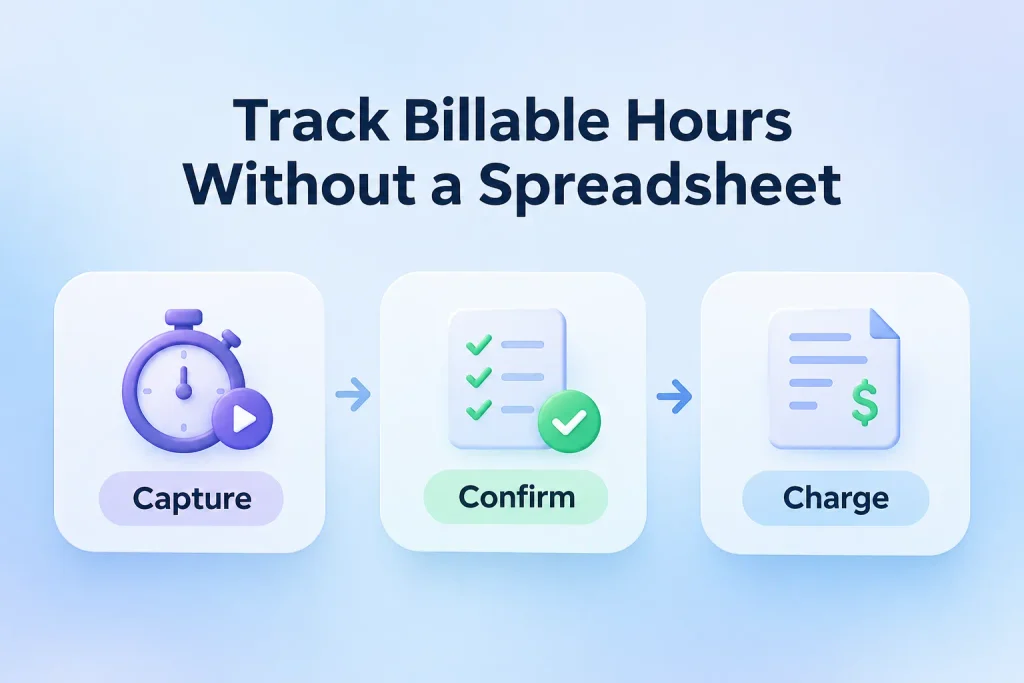
The easiest way to learn how to track billable hours is to follow one repeatable loop. We call it Capture → Confirm → Charge: capture time as you work, confirm it before it leaves your hands, and charge from approved hours only.
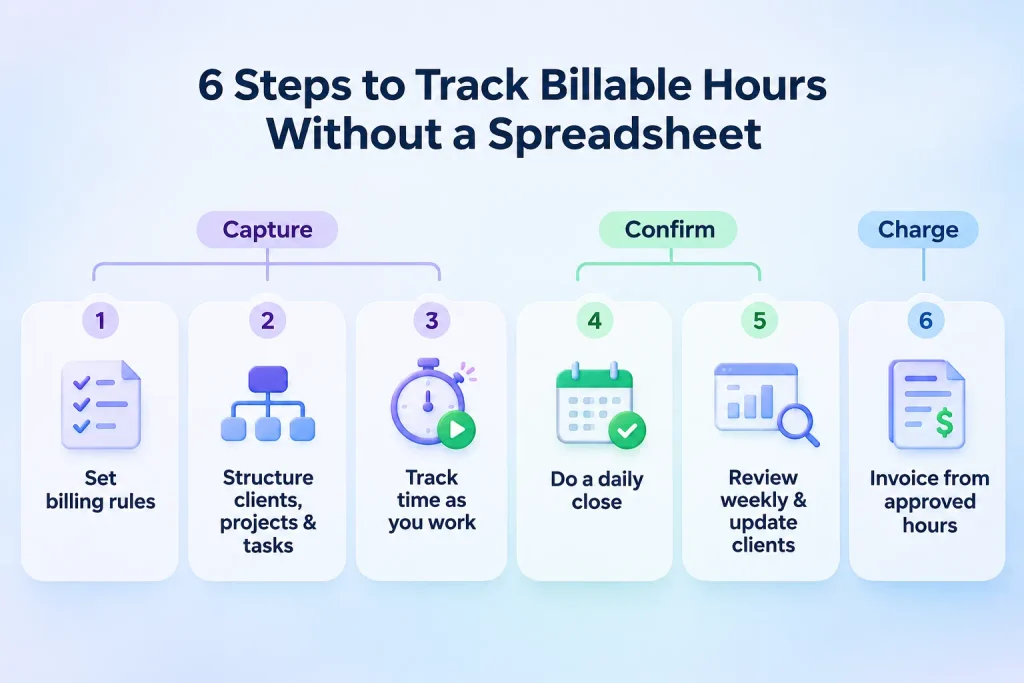
Phase 1: Capture
Step 1: Set your billing rules
Before anyone logs time, decide four things:
- Rates. One rate per client, per project or per team member. If you are unsure what to charge, try our freelance rate calculator.
- Rounding. Many professionals use 6-minute billing increments, where each 0.1 of an hour equals six minutes. This is the most common unit in legal billing, as Clio’s billable hours chart explains. Others prefer 15-minute blocks for simplicity.
- Minimum entry. For example, any client email counts as at least 0.1 hours.
- Notes. Every entry needs a short note a client would understand, like “Homepage hero revisions, round 2.”
Tell clients your rounding rule up front. In US legal billing, for example, ABA Formal Opinion 93-379 allows rounding only to disclosed minimum periods, as this guide to billing increments summarizes. Being open about it builds trust in every industry.
Step 2: Structure clients, projects and tasks
Set up a simple hierarchy: Client → Project → Task. Every time entry should belong to a task, and every task to a project. Mark tasks as billable or non-billable by default so your team doesn’t have to decide each time.
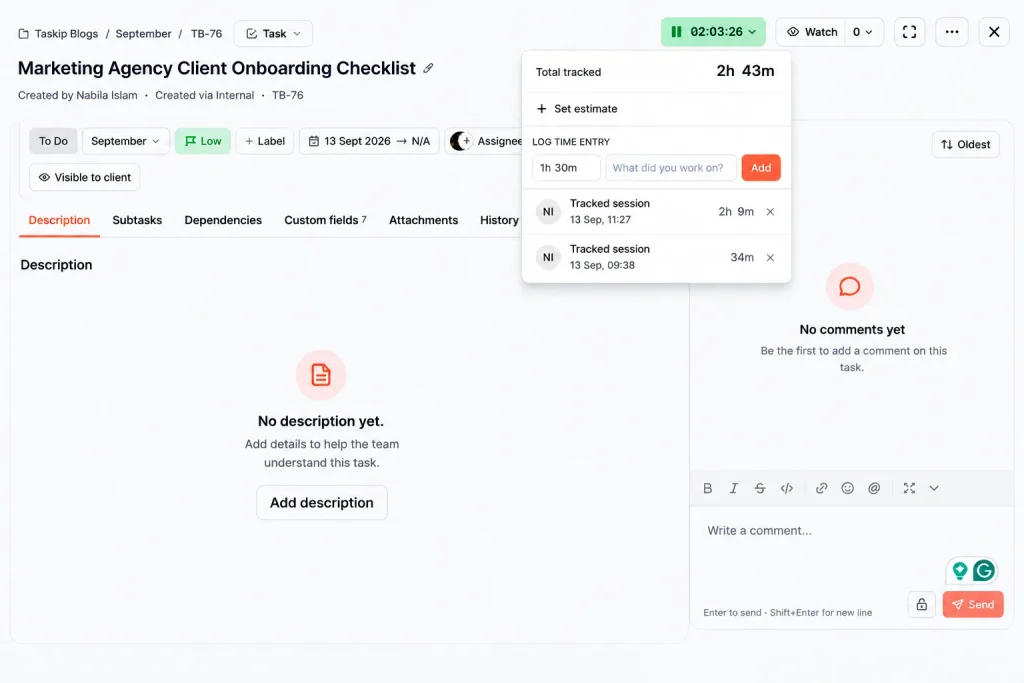
Step 3: Track billable time as you work
Start a timer when you begin a task and stop it when you switch. Live tracking is far more accurate than rebuilding your day from memory.
- Use a timer for focused work like design, writing or development.
- Use manual entry for quick calls, meetings you forgot to time or work done offline.
- Switch timers when you switch clients. Context switches are where minutes slip away.
Phase 2: Confirm
Step 4: Do a 5-minute daily close
At the end of each day, spend five minutes checking your entries. Fill gaps, fix notes and confirm the billable flags. Same-day fixes are quick because the work is still fresh.
Step 5: Review weekly and keep clients in the loop
Once a week, review every entry by client. Teams should submit weekly timesheets for manager approval, so mistakes are caught before they reach an invoice.
Then share a short summary with each client: hours used, work completed and what is next. Our free weekly status report generator makes this easy. A white label client portal gives clients one branded place to see project updates, files and invoices, and our guide to the client portal for agencies shows how agencies use one.
Phase 3: Charge
Step 6: Invoice from approved hours and lock them
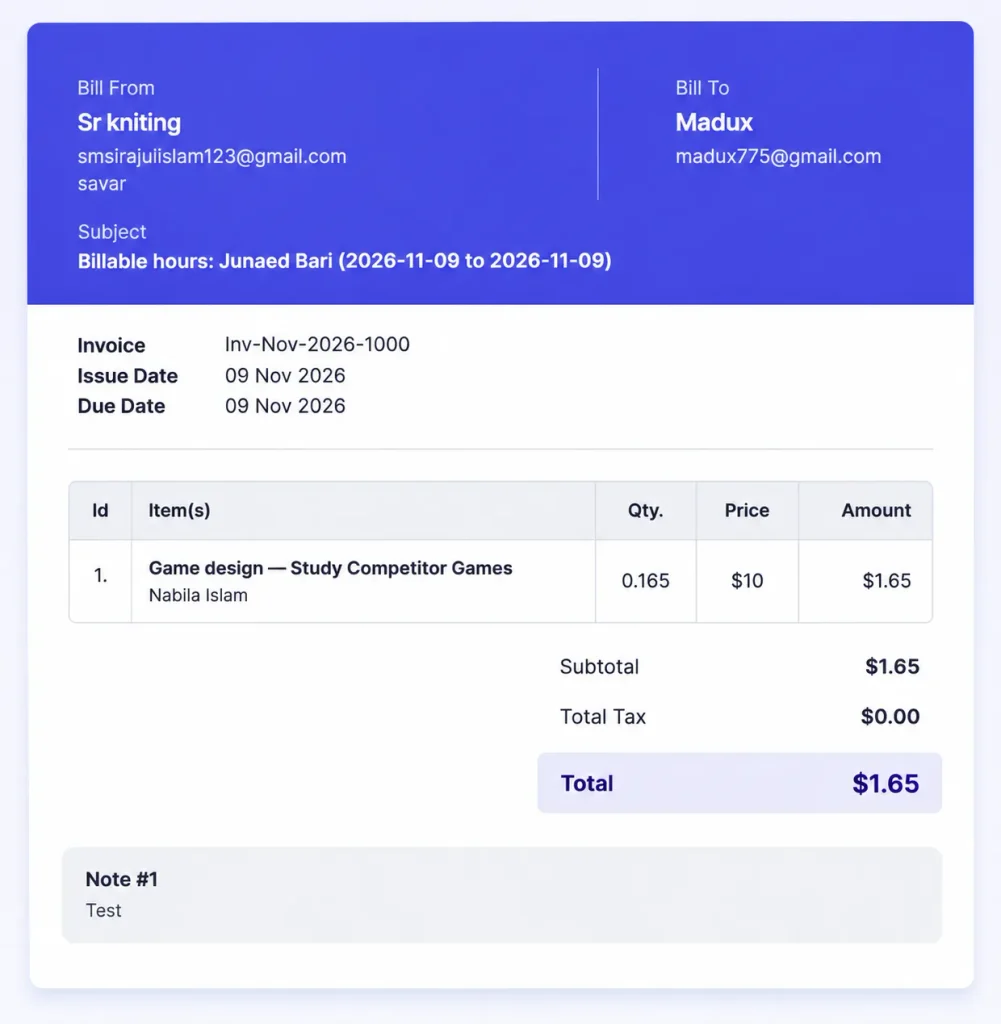
Create invoices straight from approved time entries instead of retyping numbers. Once an entry is invoiced, lock it so the totals can’t change. Then sync the invoice to your accounting software.
If you are new to this, read our guide on how to send an invoice, or start from our hourly invoice template. When you are ready for automation, compare tools in our guides to invoicing software for freelancers and CRM with invoicing software.
How to Invoice Billable Hours So Clients Approve Them
Tracking time is only half the job. Here is how to invoice billable hours so clients approve and pay without back-and-forth.
Summary lines or detailed lines?
- Summary lines (for example, “Website design: 12.5 hours”) suit long-term clients who trust you.
- Detailed lines with dates, tasks and notes suit new clients, larger invoices and any client who asks questions.
When in doubt, attach a detailed time report to a summary invoice. Clients get a clean total and the proof behind it.
Retainers with an hours cap
For retainers, track hours against the monthly cap and alert clients at around 80% usage. That gives them time to approve extra hours or adjust priorities. Our guide on how to price retainer services covers caps, rollover and overage rates.
Fixed-price projects
Track time on fixed-price work too, even though you don’t bill by the hour. It shows whether the project was profitable and helps you price the next one. Our breakdown of digital marketing agency pricing models explains when each model works best.
Why visibility cuts invoice disputes
Clients rarely question an invoice they saw coming. Weekly summaries, clear task notes and invoices tied to real time entries mean the final bill holds no surprises. Visibility turns the invoice into a confirmation, not a negotiation.
How to Track Billable Hours for a Team
Team tracking adds three needs on top of the basics:
- Approvals. Managers review submitted timesheets, approve in bulk and send entries back with a reason when something needs fixing.
- Budgets. Set an hours budget per project so you see overruns before they happen.
- Consistency. Shared billing rules and billable defaults on tasks keep everyone logging the same way.
Build a weekly rhythm: team members submit by Friday, managers approve by Monday, invoices go out on the same day each week or month. AI can help with the routine parts of this, and our list of AI tools for agency workflows shows where it saves the most time.
3 Numbers That Show Your Billable Hours Tracking Works
These three metrics come from law firm management, but they work for any service business.
| Metric | Formula | What it tells you |
|---|---|---|
| Utilization rate | Billable hours ÷ available hours | How much of your time goes to client work |
| Realization rate | Hours billed ÷ billable hours worked | How much tracked work makes it onto invoices |
| Collection rate | Hours paid ÷ hours billed | How much billed work actually gets paid |
For context, Clio’s Legal Trends benchmarks put the average law firm utilization rate at 38% in 2025, about 3.0 billable hours in an 8-hour day. Agencies and freelancers often run higher, but the lesson is the same: small leaks at each stage add up.
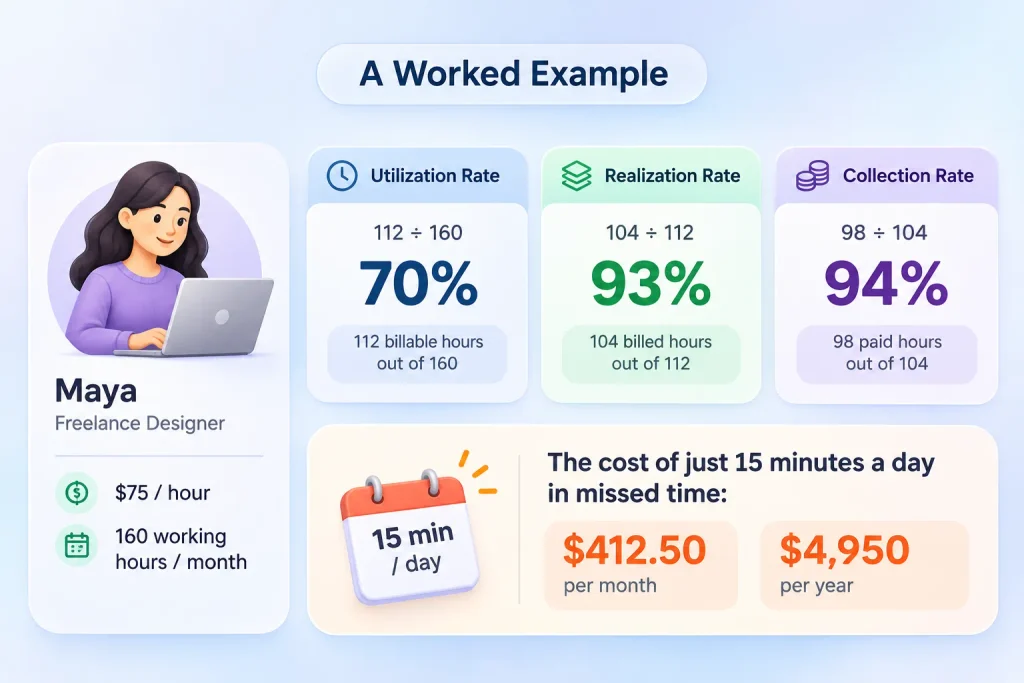
A worked example
Maya is a freelance designer who charges $75 an hour and has 160 working hours a month.
- She logs 112 billable hours. Utilization: 112 ÷ 160 = 70%.
- She bills 104 of them. Realization: 104 ÷ 112 = 93%.
- Clients pay for 98 hours. Collection: 98 ÷ 104 = 94%.
Now say she forgets just 15 minutes of client work a day across 22 workdays. That is 5.5 hours a month, or $412.50, and about $4,950 a year in work she did but never billed. Capturing time live and doing a daily close recovers most of it.
Want to run your own numbers? Try our free billable hours calculator.
How to Switch From a Spreadsheet in 7 Days
You don’t need to switch overnight. Here is a calm one-week plan.
- Day 1: Export your spreadsheet to CSV and list every active client, project and rate.
- Day 2: Set up clients, projects, rates and your rounding rule in your new tool.
- Day 3: Invite your team and set billable defaults on tasks.
- Days 4 to 6: Track in the new tool while keeping your spreadsheet as a backup.
- Day 7: Compare the totals. Most people capture more hours in the app. Archive the sheet and keep it for your records.
Common Billable Hours Tracking Mistakes (and Fixes)
| Mistake | Fix |
|---|---|
| Logging time at the end of the week | Track live and do a 5-minute daily close |
| No rounding rule | Pick 6- or 15-minute increments and tell clients |
| Skipping small tasks | Set a minimum entry, such as 0.1 hours |
| Vague notes like “work” | Write notes a client would understand |
| Not tracking non-billable time | Track it to see where your week really goes |
| Editing hours after invoicing | Lock entries once they are invoiced |
| Invoicing on no fixed schedule | Invoice on the same day every week or month |
How Taskip Helps You Track Billable Hours
Taskip’s time tracking brings the whole Capture → Confirm → Charge loop into one place, alongside your tasks, clients and invoices.
- Capture: Start or stop a timer on any task, use the global “Track time” button from anywhere, or add time manually. Mark entries billable or non-billable.
- Confirm: Team members fill a weekly timesheet that flags days short of expected hours, then submit the whole week in one click. Managers approve in bulk or send entries back with a reason.
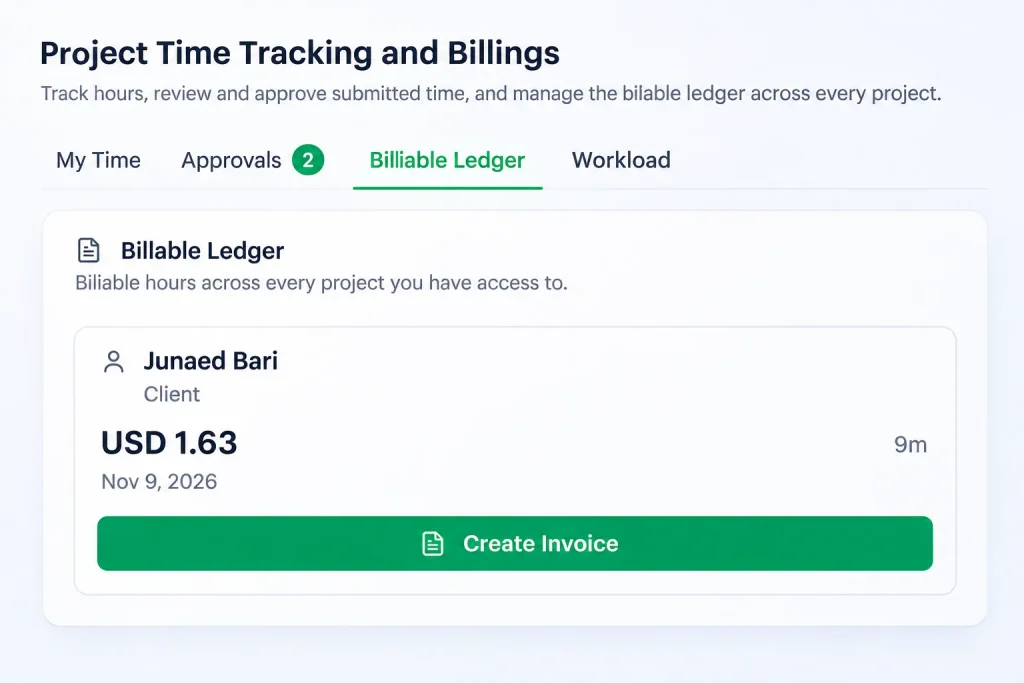
- Charge: Approved hours flow into the Billable Ledger, where you can generate an invoice straight from the selected rows. Export timesheets or the ledger for your records.
- Budgets: Set project time budgets with a hard limit, a limited overrun or warn-only mode.
- Accounting: Connect Taskip with Xero so invoices land in your books.
Timesheets and the ledger stay visible only to managers and admins, so your clients see a polished invoice rather than your internal notes.
Start Tracking Your Billable Hours Today
You don’t need a complicated setup to track billable hours without a spreadsheet. Set your rules once, capture time as you work, confirm it daily and weekly, and charge from approved hours. Do that, and your invoices go out faster, clients approve them sooner, and fewer billable minutes slip through the cracks.
Start with one client this week. Once the loop feels natural, roll it out to every project.
Ready to try it? Start tracking time in Taskip and send your first invoice from tracked hours today.
Frequently Asked Questions
Can you track billable hours in Excel or Google Sheets?
Yes. Excel and Google Sheets work well when you have a few clients and log time yourself. As you add clients, team members or retainers, manual entry and formulas take more effort. A billable hours tracker captures time live and creates invoices from it automatically.
What is the easiest way to track billable hours as a freelancer?
The easiest way is to start a timer on each client task as you work, then spend five minutes at the end of the day fixing gaps and notes. Pick a tool that turns tracked time into invoices, so billing takes minutes instead of an afternoon.
Should you bill in 6-minute or 15-minute increments?
Six-minute billing increments (0.1 of an hour) are more precise and common in legal and consulting work. Fifteen-minute increments are simpler and popular with creative agencies. Choose one, put it in your contract and apply it consistently so clients know exactly how time is rounded.
Can billable hours be tracked automatically?
Yes. Automatic trackers record activity in the background and suggest time entries for you to review. They help if you often forget timers. Always review suggested entries before invoicing, because only you know which work is billable to which client.
Can AI help track billable hours?
AI can draft time entries from your calendar and activity, flag missing hours and summarize work for invoice notes. It works best as an assistant: AI suggests, and you confirm. Human review keeps invoices accurate and client-ready.
How do you track billable hours on fixed-price projects?
Log time against fixed-price projects exactly as you would hourly work, but mark the project as fixed fee. Comparing tracked hours against the price shows your real hourly rate and helps you quote future projects more accurately.
Should you track non-billable hours too?
Yes. Tracking non-billable time, such as admin, sales and internal meetings, shows where your week actually goes. It helps you raise your utilization rate, price your services properly and spot tasks worth automating or delegating.
Can you track billable hours without a spreadsheet for free?
Yes. Many time tracking tools offer free plans for solo users, and some include basic invoicing. Free plans usually limit users, projects or reports, so check that the plan can turn tracked time into invoices before you commit.