
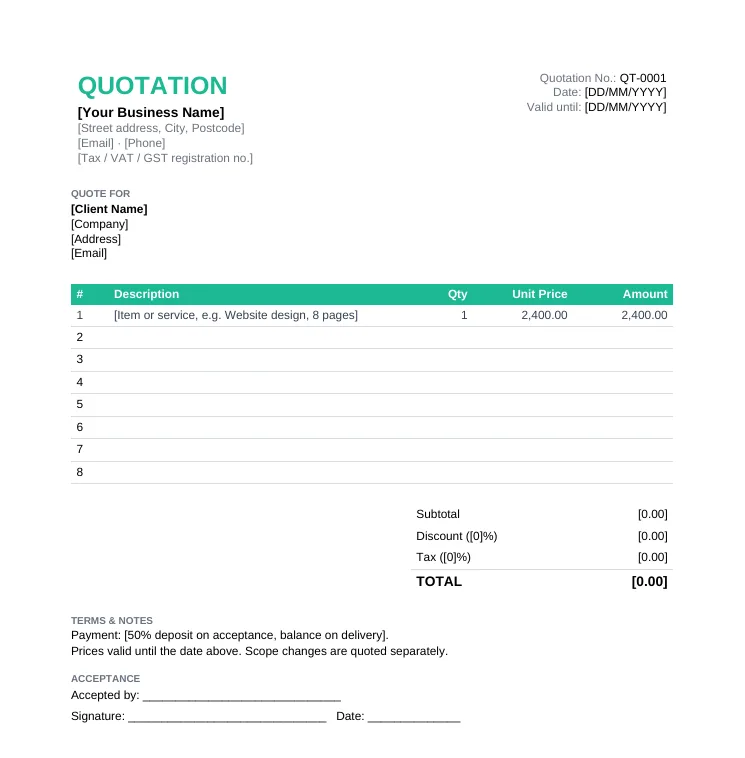
Standard Quotation Template
Any business quoting products or services. The simple quotation format most clients expect.
- Quotation number, date and validity
- Itemized table with qty and unit price
- Discount, tax and total
- Acceptance and signature line
Anniversary Sale: pay once, use Taskip forever, save up to 70%.Anniversary Sale: 70% off LTD.
Claim OfferEditable Word quotation templates you can open, fill in and save as PDF in minutes. They open in Microsoft Word, Google Docs, Pages and LibreOffice.
4.8/5 on G2 · Our quotation generator is used by 50,000+ people · Updated September 2026What is a quotation format in Word?
A quotation format in Word is an editable .docx quote with the standard layout already set up, so you only replace the placeholders, add your prices and terms, and save it as a PDF.
Word suits quotes where the wording matters as much as the numbers: scope notes, assumptions, terms and a formal letter-style layout. It does not calculate totals automatically, so for long price lists the Excel quotation formats will save you time.
Every template below is an editable .docx file. Need automatic totals? Get the same designs as Excel quotation formats.
Any business quoting products or services. The simple quotation format most clients expect.
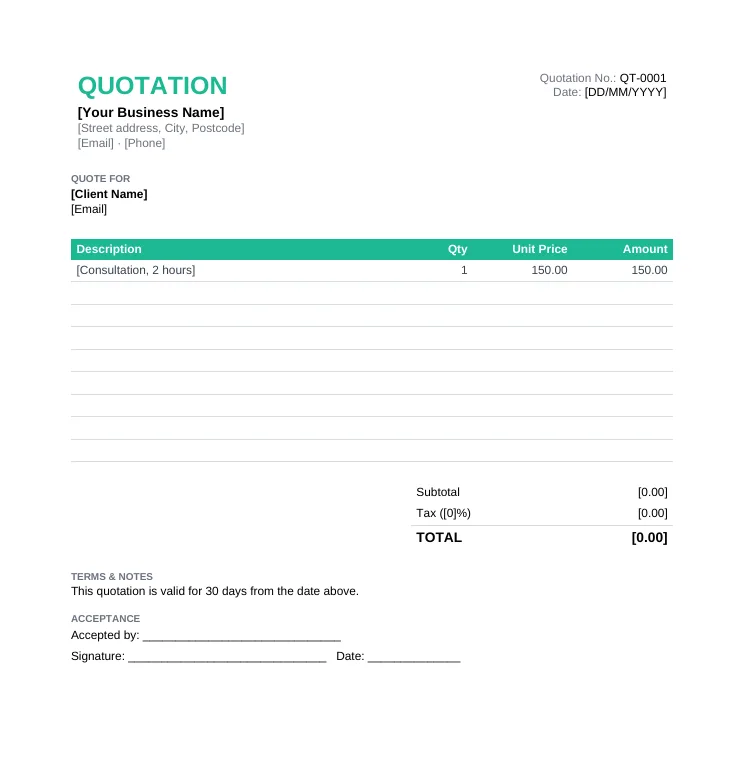
A clean, one-page blank quote when you just need the essentials. Good for quick jobs and small orders.
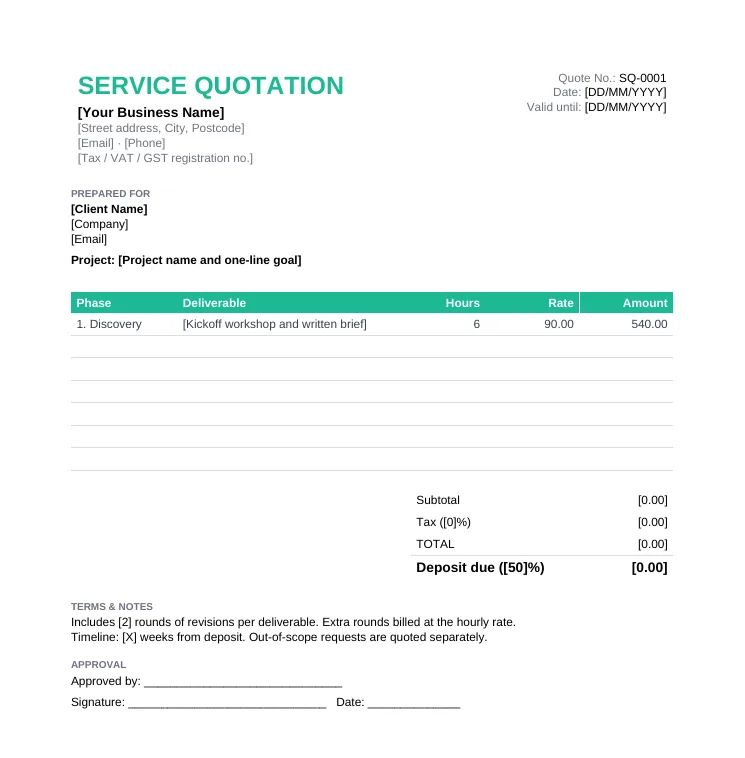
Freelancers, agencies and consultants who price by phase, by the hour or at a fixed fee.
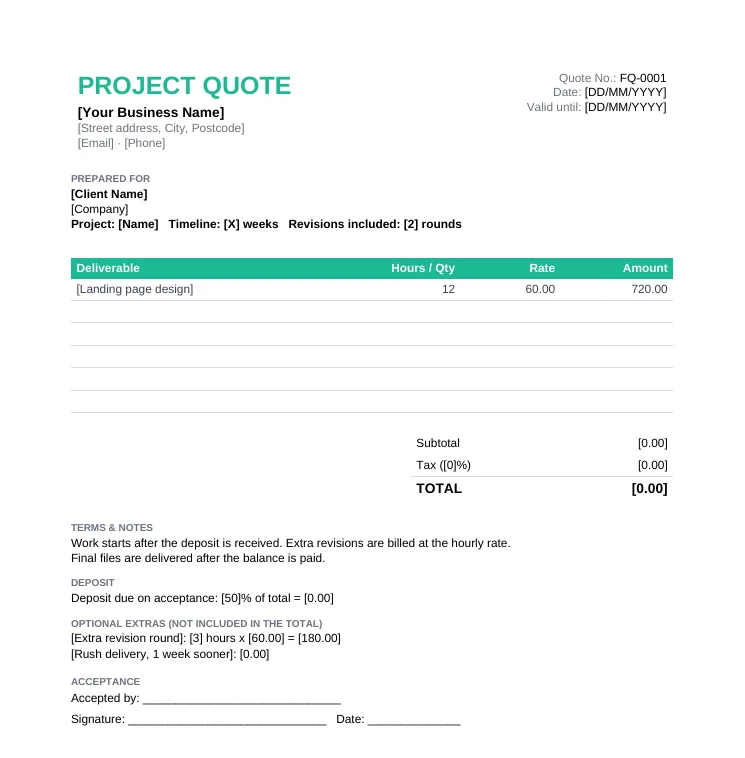
Freelancers and solo creatives quoting a project with a deposit and optional extras.
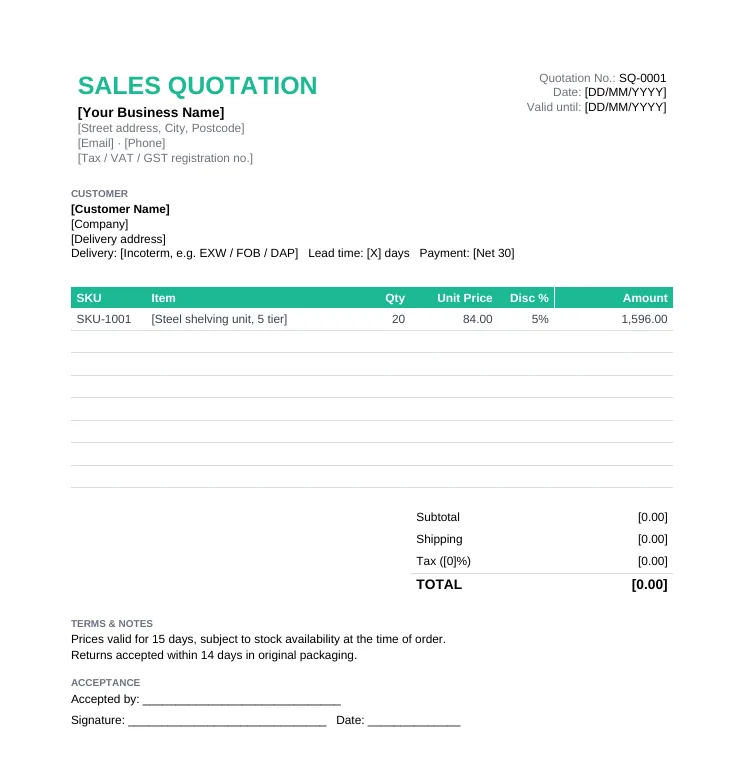
Product sellers, wholesalers and distributors quoting by SKU with discounts and shipping.
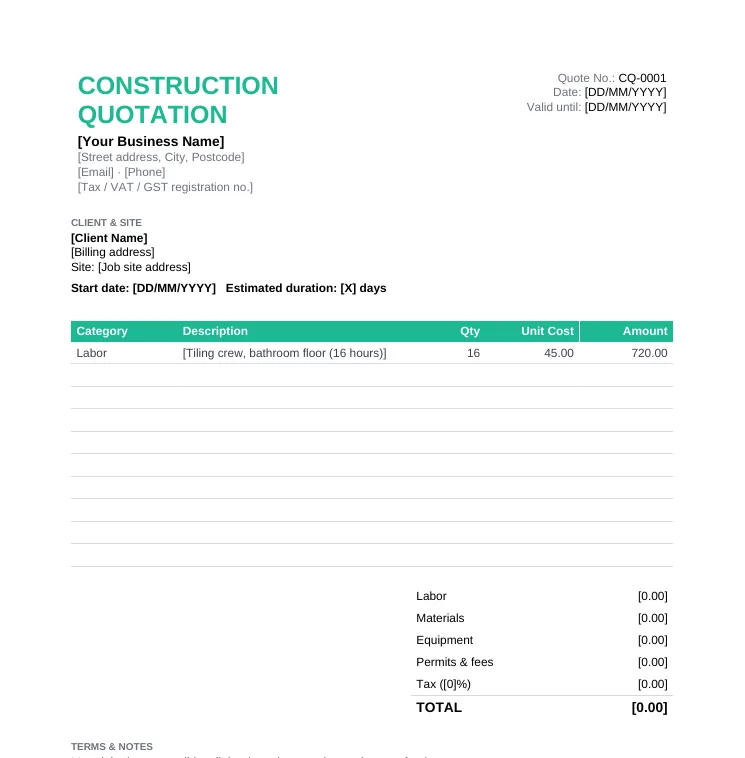
Contractors and trades quoting a job: renovation, plumbing, electrical, landscaping.
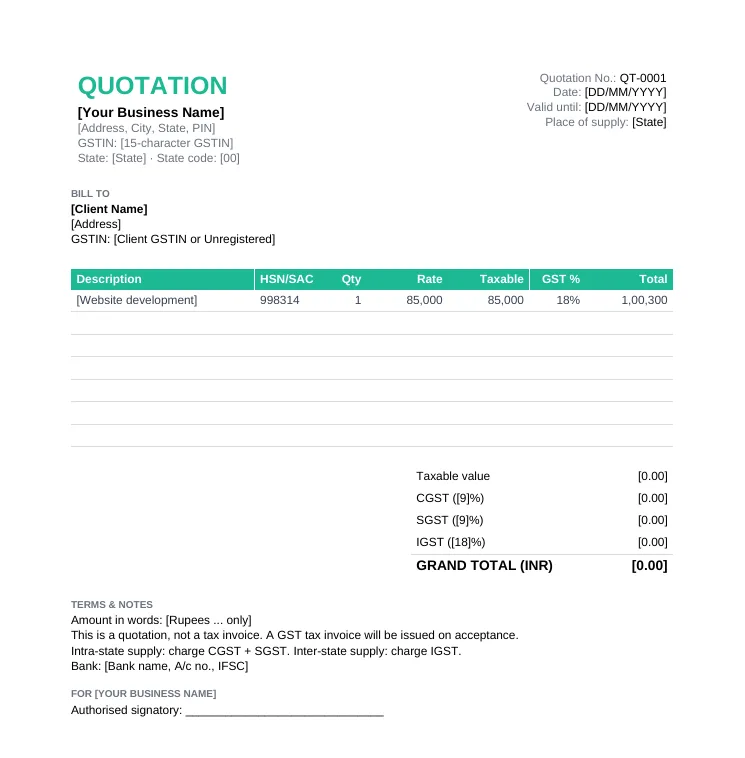
GST-registered businesses in India quoting to other businesses or consumers.
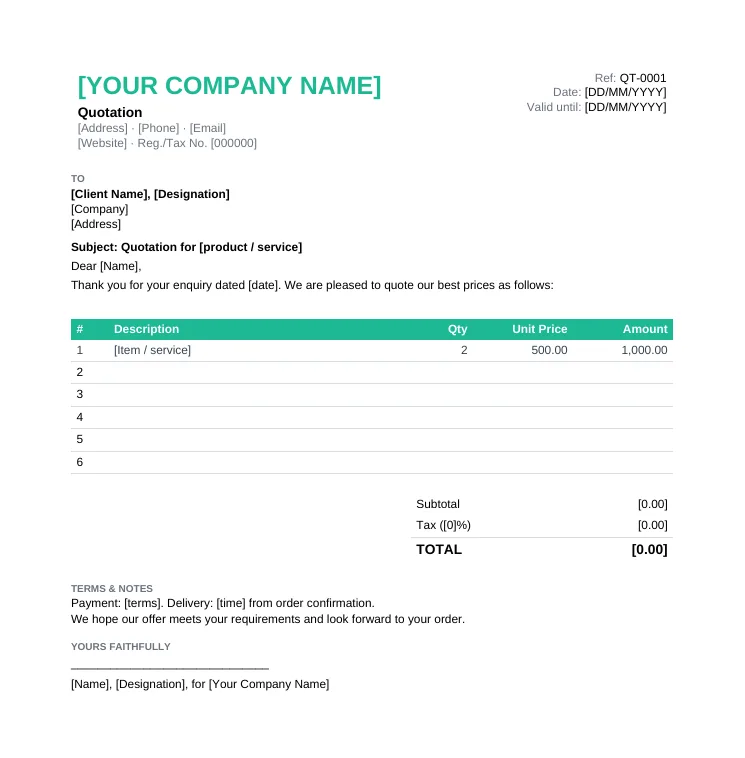
Formal quotations to companies and procurement teams, written as a business letter.
Open the .docx and save a copy named after the quote, for example QT-0042-Acme.docx.
Replace the business placeholders and add your logo with Insert > Pictures.
Client name and company, quotation number, issue date and a "valid until" date.
One row per product, service or phase. Add rows with Table Layout > Insert Below.
Type the totals or use Table Layout > Formula with =SUM(ABOVE), then add your terms and conditions.
All Quotation Templates
Every quotation template in Word, Excel and PDF, plus a filled sample.
Free Quotation Generator
Skip the file: build a quote online, used by 50,000+ people.
Quotation Terms & Conditions
40+ copy-ready clauses.
GST Quotation Format
CGST, SGST and IGST formats for India.
Quotation Email Templates
Emails to send and follow up on quotes.
Taskip Quotations
Send, track and get quotes accepted online.
Open a Word quotation template, replace the placeholders, add a row per item, fill in the totals and terms, then save it as a PDF and email it.
Yes. The Company Letterhead Quotation template is a formal letter with reference, subject, salutation, price table and sign-off. See 6 sample letters on the quotation letter format page.
Yes, for simple sums: use Table Layout > Formula with =SUM(ABOVE) and press F9 to update. For tax and discounts calculated automatically, use the Excel version.
Yes. Upload the .docx to Google Drive and choose Open with > Google Docs.
Yes. Free for business use, no signup and no watermark.