Project Settings in Taskip allow you to manage workspace-wide configurations for how projects are organized and tracked.
These settings ensure consistency across all projects and help your team work more efficiently.
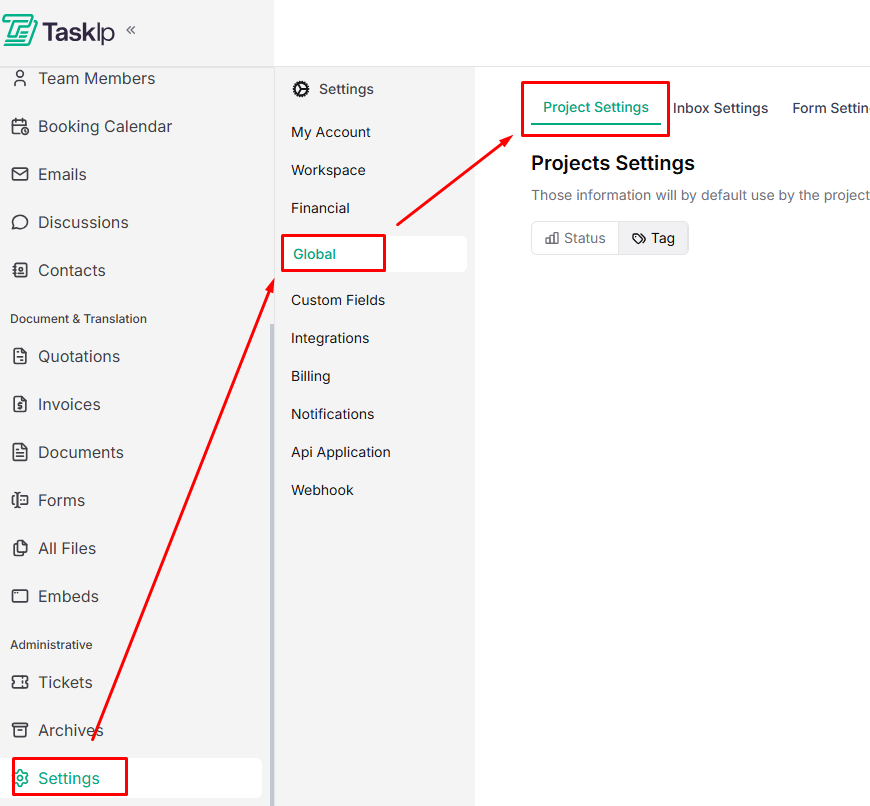
Navigation Path #
Settings → Global → Project Settings
Project Settings Configuration #
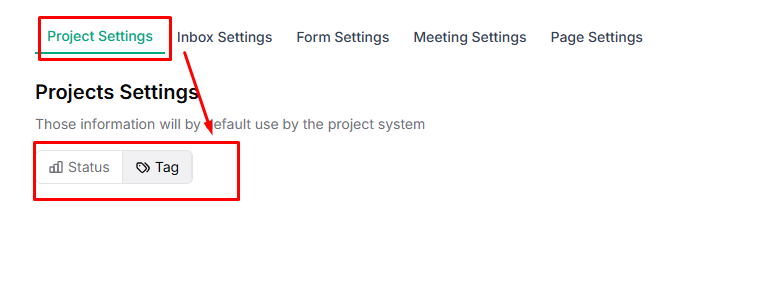
This defines default statuses and tags used by the project system across all projects.
Status #
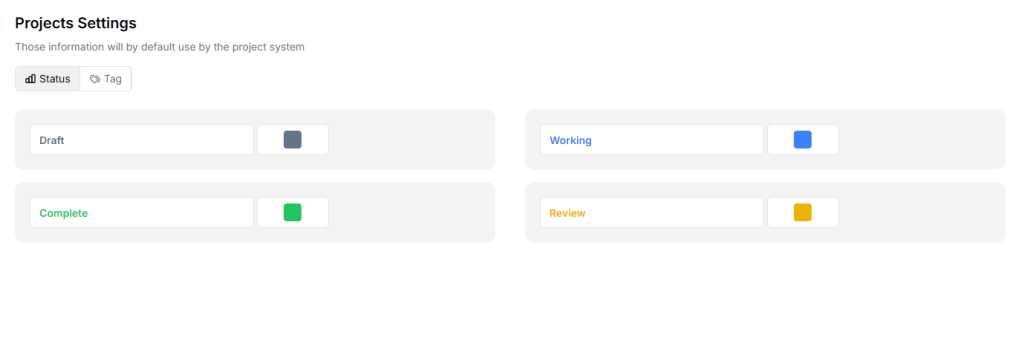
Manage project stages with the following default options:
- Draft
- Working
- Complete
- Review
| 💡 Tip: Use clear and meaningful status names so team members can quickly understand project progress. |
Tag #
The Tag tab helps you organize and filter projects efficiently.
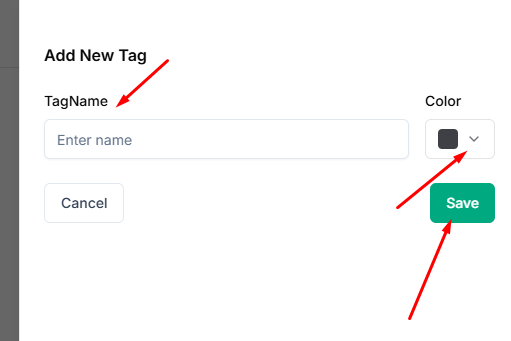
- Go to Tag and click Add Tag.
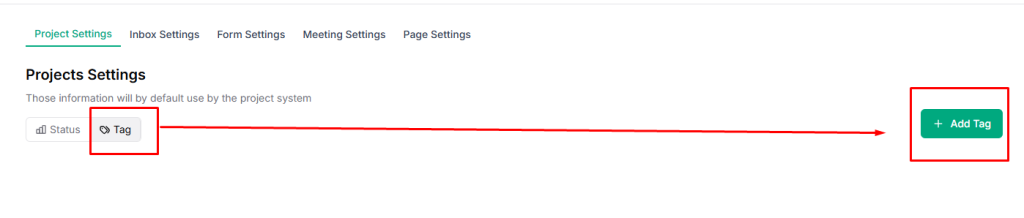
- Add a Tag Name, select the desired color from the dropdown Color menu, and click Save.
| 💡 Tip: Keep tags short and consistent to avoid duplication and confusion. |


