The Projects module is your central hub for organizing, tracking, and managing all client work.
From this dashboard, you can view all projects at a glance, filter by various criteria, and quickly access project details.
Accessing Projects #
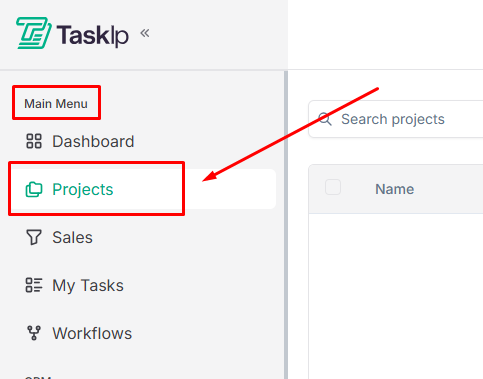
- Click Projects from the main navigation menu.
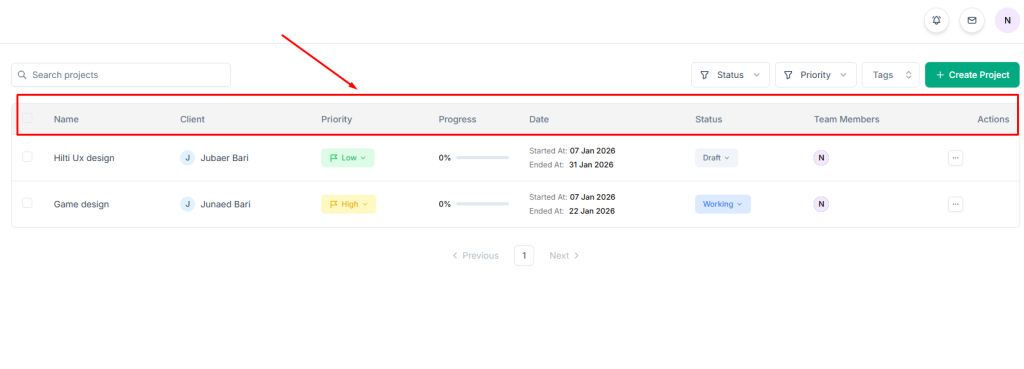
2. View your project list, displaying key information for each project:
- Name: Project title
- Client: Associated client
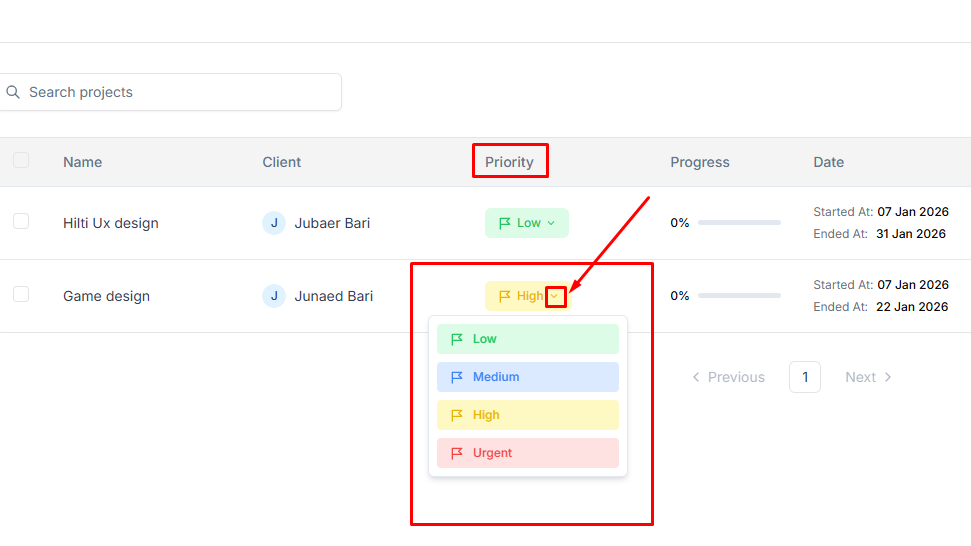
- Priority: Urgency level (Urgent, High, Medium, Low)
- Progress: Completion percentage
- Date: Project timeline
- Status: Current stage (Draft, Working, Review, Completed)
- Team Members: Assigned team
- Actions: Quick action menu
Searching and Filtering Projects #
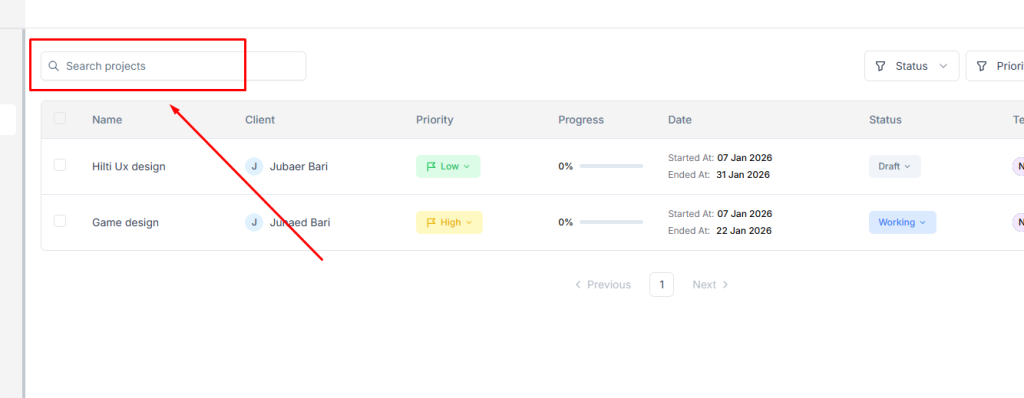
- Use the Search bar to find projects by name.
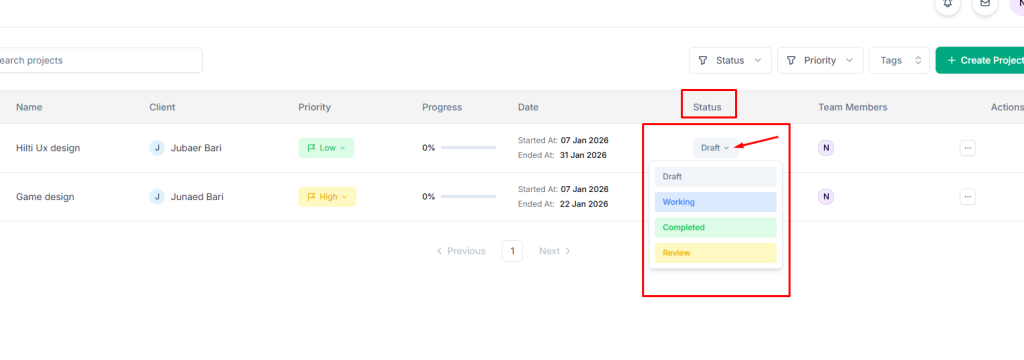
2. Filter projects by Status:
- Draft: Projects in planning phase
- Working: Active projects in progress
- Completed: Finished projects
- Review: Projects awaiting approval
3. Filter by Priority level (Urgent, High, Medium, Low)
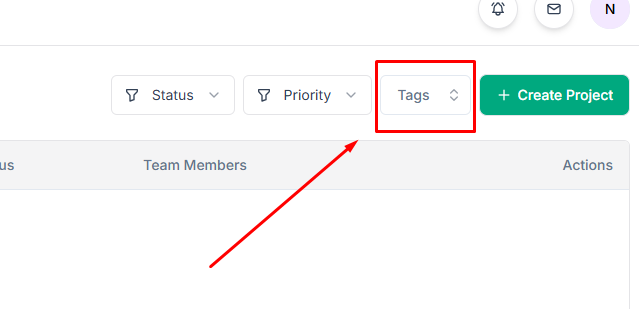
4. Filter by Tags for custom categorization
Project Actions #
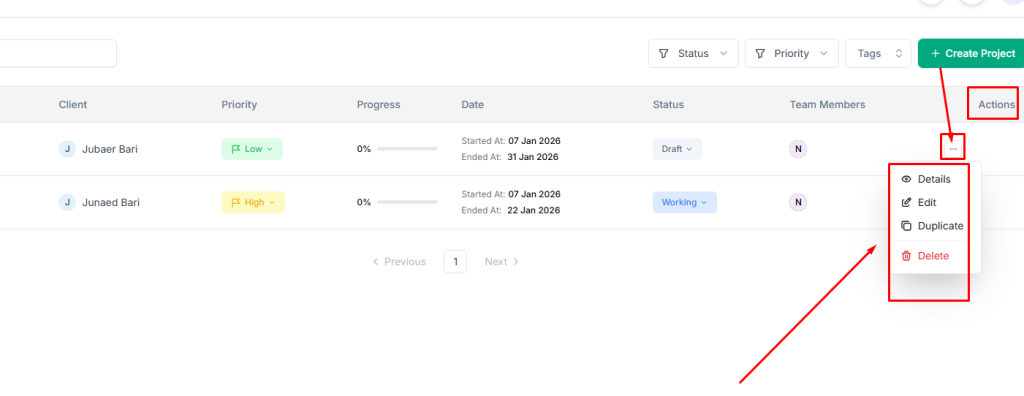
Click the actions menu (three dots) on any project to:
- Details: View full project information
- Edit: Modify project settings
- Duplicate: Create a copy of the project
- Delete: Permanently remove the project
| 💡Tips Set accurate start and end dates to enable proper timeline tracking and ensure Gantt chart views display correctly. |


