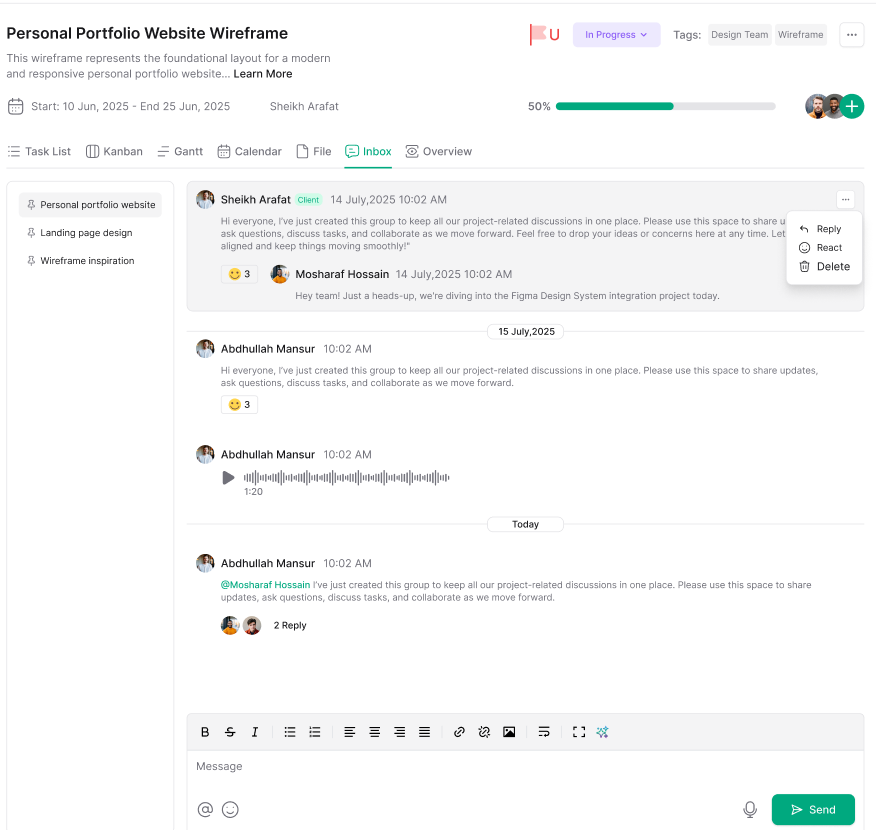
Each project has a dedicated Inbox for managing project-related email communications. This keeps all correspondence organized within the context of the specific project.
Accessing Project Inbox #
- Open your project
- Click the Inbox tab
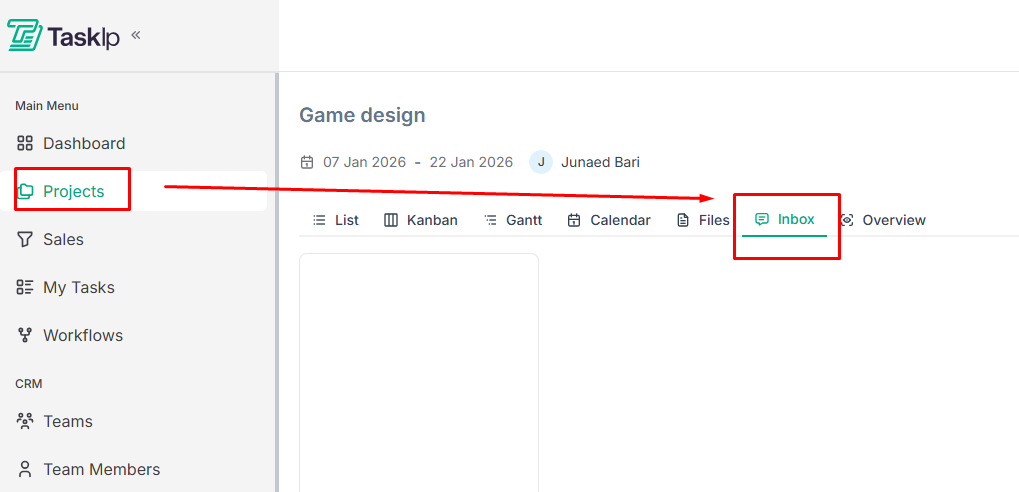
3. View all email threads associated with this project
Using Project Inbox #
- View incoming messages related to the project
- Reply to emails directly from within Taskip
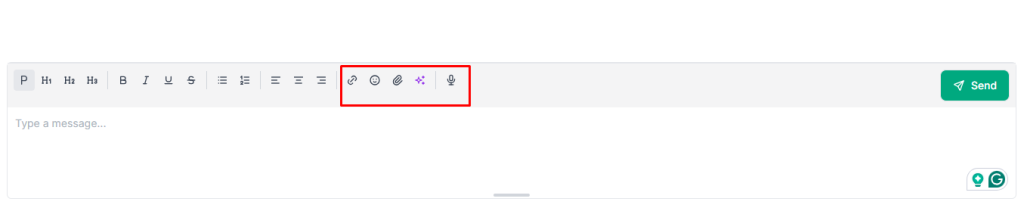
- Beside text, you can use a link, an emoji, send a voice message, or upload a file.
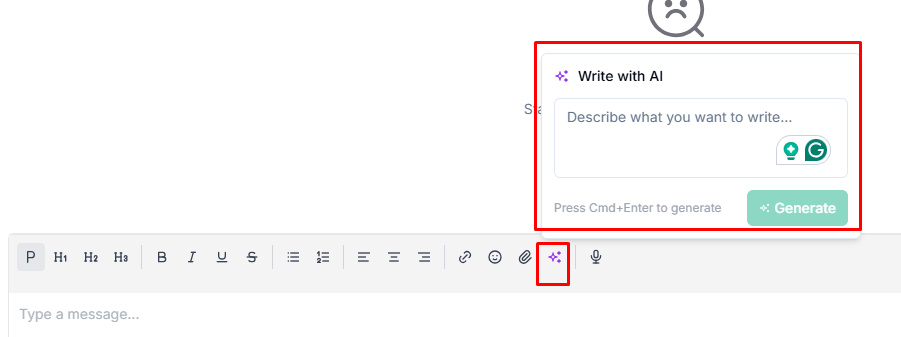
- Generate text with AI
- Keep project communication separate from your main workspace inbox
- Reference past conversations without searching through general email
| Note: Project inbox functionality integrates with your connected business email. Ensure your workspace inbox is configured in Global Settings to utilize this feature. |


