You can manage your personal information and account security from the Personal Account Settings in Taskip.
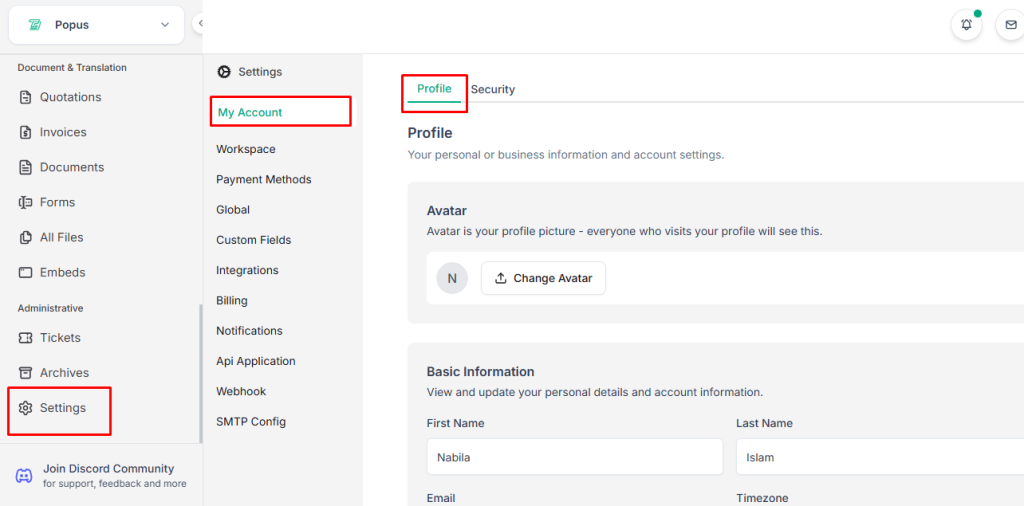
Profile #
You can manage your personal profile and account information from the Profile Settings section in Taskip.
- Log in to your Taskip account.
- Go to Settings.
- Click My Account > Profile.
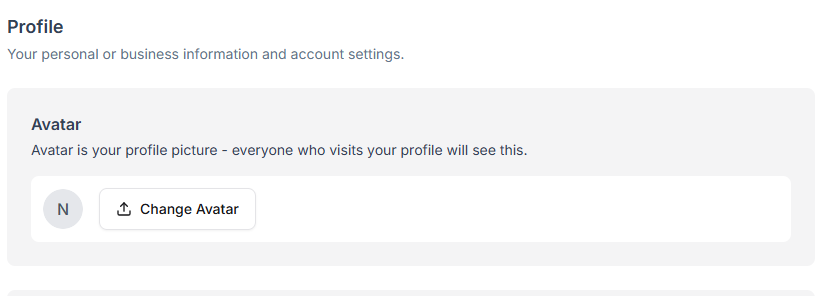
Avatar
- Add or update your avatar (profile picture).
- Your avatar will be visible to anyone who visits your profile.
Basic Information
View and update your personal details and account information.
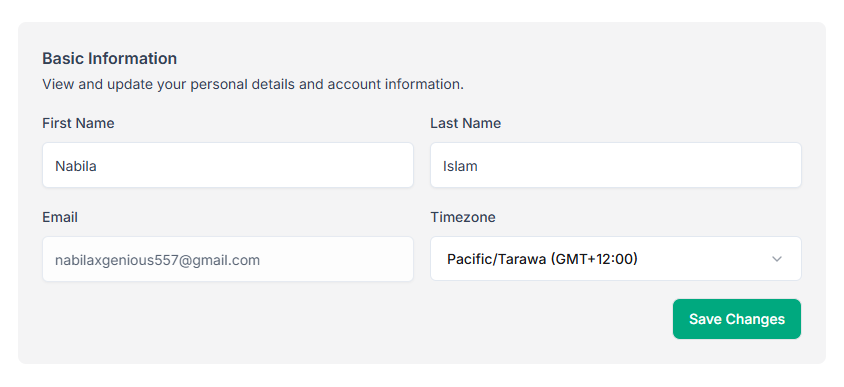
- First Name – Enter or update your first name.
- Last Name – Enter or update your last name.
- Email – Your registered email address for the account.
- Timezone – Select your correct timezone for accurate scheduling and notifications.
After making any changes, click Save Changes to update your profile.
Security #
Manage your account security settings to keep your Taskip account safe.
Access Security Settings:
- Log in to your Taskip account.
- Go to Settings.
- Click Security.
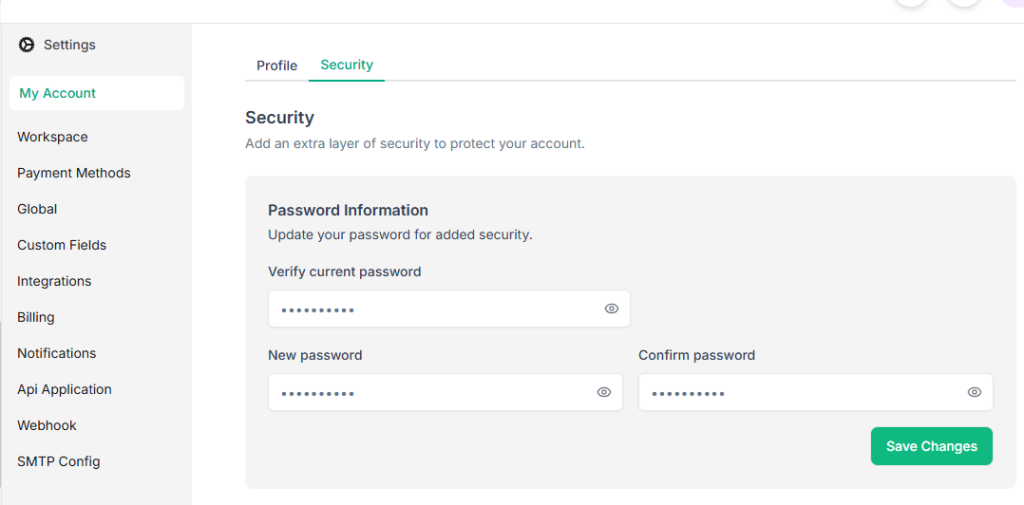
From here, you can update your password to help keep your account protected.


