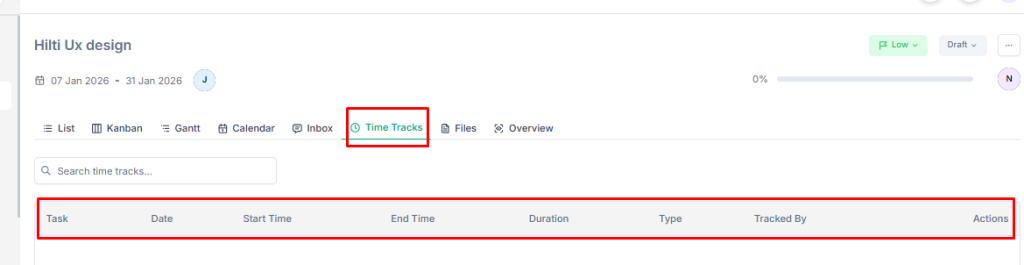
Time tracking in Taskip helps you monitor how much time is spent on each project. It ensures better productivity, accurate reporting, and improved project management.
Why Is This Feature Included? #
This feature allows teams to keep track of work hours, measure performance, and maintain transparency with clients. It also helps in billing, analyzing efficiency, and meeting deadlines effectively.
How to Track Time in a Project? #
- Log in to your Taskip account.
- From the Main Menu, select Projects.
- Open the project you want to track time for.
- From the top bar, click on Time Tracks.
- You will be able to view time tracking details, including:
- Start Time
- End Time
- Duration
- Type
- Tracked By