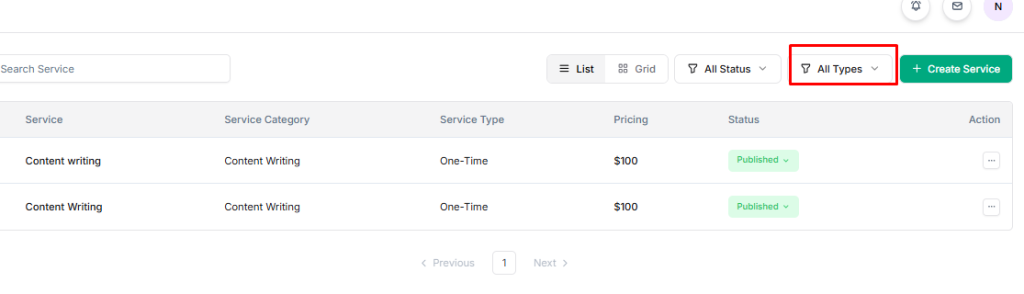
Easily find the services you need by using Taskip’s filtering options. You can filter services by status or type:
Filter By Status #
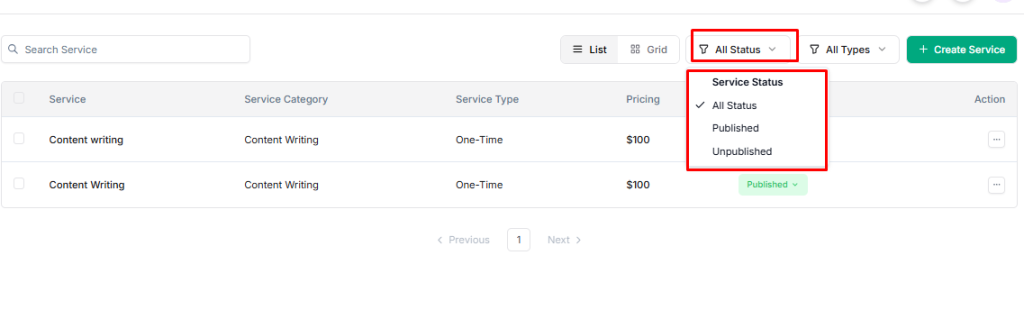
- Go to the Taskip main menu and select Services.
- On the right, click the Filter dropdown.
- Choose the desired status: All Status, Published, or Unpublished.
- Services matching that status will appear.
Filter By Type #
- Go to the Taskip main menu and select Services.
- On the right, click the Filter dropdown.
- Choose the desired type: All Types, One-time, or Subscription.
- Services of that type will be displayed.