Payment method settings in Taskip let you control which payment gateways your clients can use when paying invoices and quotations.
Proper setup helps ensure faster payments and a smooth checkout experience.
Navigation Path #
Settings → Financial → Payment Method
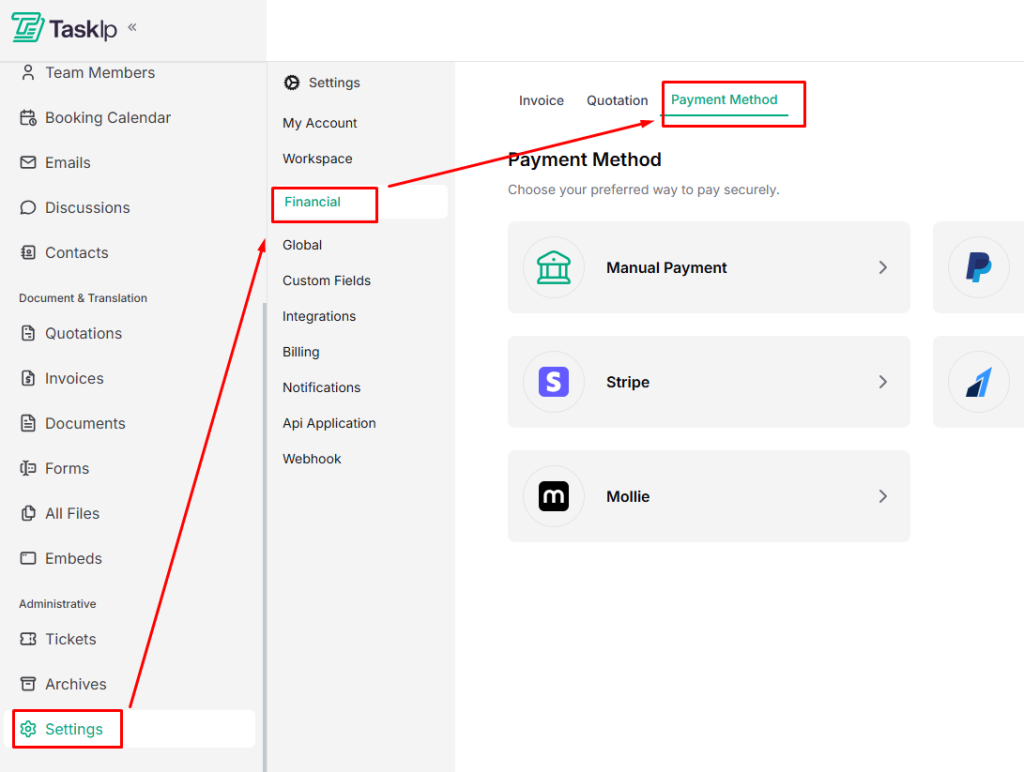
Payment Method Configuration #
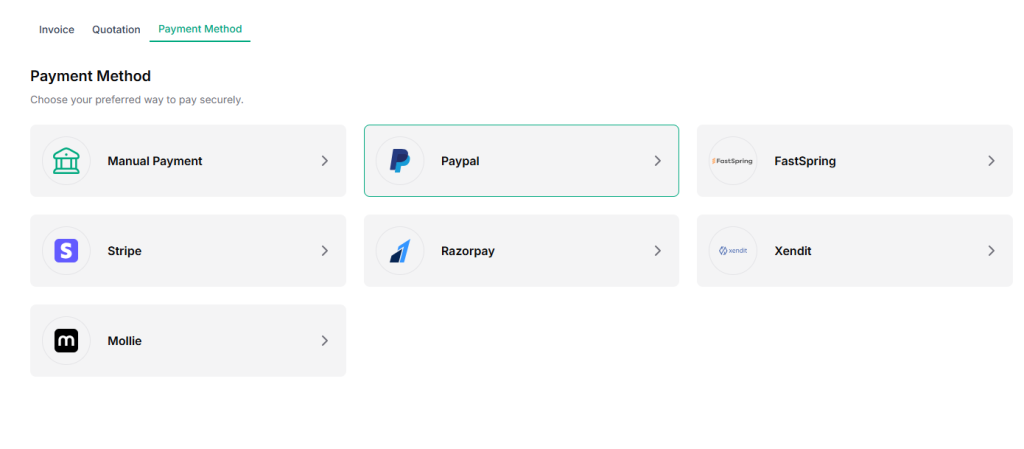
- Choose a payment gateway from the available options:
- Click on your preferred payment gateway.
| 💡 Tip: You can enable multiple payment gateways to give clients flexible payment options. |
- Enter the required account information.
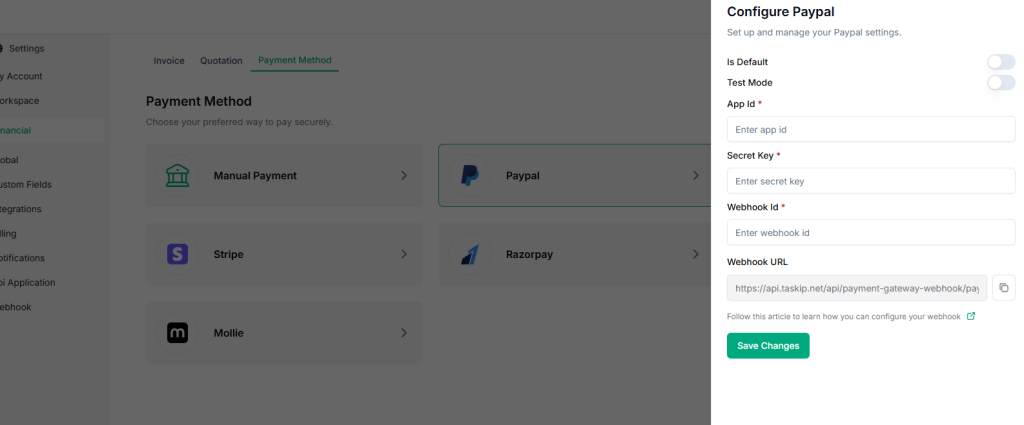
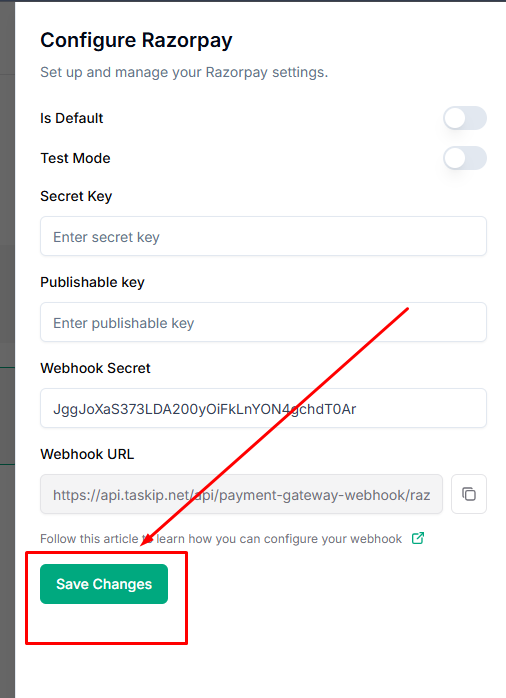
- Click Save Changes to make the payment gateway available to clients.
| ⚠️ Note: Only activated payment methods will appear on invoices and checkout pages. |


